 ChecklistGuro
 Budget Variance Analysis Process
Master your financial accuracy with our streamlined Budget Variance Analysis Process. This automated accounting management workflow identifies discrepancies between actual spend and projected budgets, pinpointing cost overruns and revenue leaks in real-time. Optimize fiscal control, enhance forecasting precision, and drive data-driven decision-making with an automated audit trail designed for modern finance teams.
Diese Vorlage wurde 1 Mal installiert.
Start
Start des Workflows/Prozesses.
1. Fetch Actual Expenses
Retrieve all expense entries from the Budget vs Actual data model for the current period.
2. Fetch Budgeted Amounts
Retrieve all planned budget entries from the Budget data model for the current period.
3. Total Actual Expenses
Sum the 'amount' property of all retrieved Actual Expense entries.
4. Total Budgeted Amount
Sum the 'amount' property of all retrieved Budget entries.
5. Calculate Variance
Subtract Total Actual Expenses from Total Budgeted Amount to find the variance value.
6. Calculate Variance Percentage
Divide the Variance by the Total Budgeted Amount and multiply by 100 to get the percentage deviation.
7. Assign Variance Investigation Task
Create a task for the Finance Manager if the variance percentage exceeds a predefined threshold (e.g., 10%).
8. Create Variance Report Entry
Create a new entry in the 'Monthly Variance Reports' data model containing the calculated totals and variance.
9. Update Budget Status
Update the 'Last Analyzed' date and 'Status' field in the Budget data model.
10. Notify Department Heads
Send an email to all Department Heads with the summary of the variance analysis results.
11. Generate Visual Variance Report
Generate a visual PDF report based on the data in the Variance Report entry.
Ende
Ende des Arbeitsablaufs/Prozesses.
Start des Workflows/Prozesses.
Retrieve all expense entries from the Budget vs Actual data model for the current period.
Retrieve all planned budget entries from the Budget data model for the current period.
Sum the 'amount' property of all retrieved Actual Expense entries.
Sum the 'amount' property of all retrieved Budget entries.
Subtract Total Actual Expenses from Total Budgeted Amount to find the variance value.
Divide the Variance by the Total Budgeted Amount and multiply by 100 to get the percentage deviation.
Create a task for the Finance Manager if the variance percentage exceeds a predefined threshold (e.g., 10%).
Create a new entry in the 'Monthly Variance Reports' data model containing the calculated totals and variance.
Update the 'Last Analyzed' date and 'Status' field in the Budget data model.
Send an email to all Department Heads with the summary of the variance analysis results.
Generate a visual PDF report based on the data in the Variance Report entry.
Ende des Arbeitsablaufs/Prozesses.
Kommentare
Bisher gibt es keine Kommentare. Seien Sie der Erste, der einen hinzufügt!
Demoversion der Lösung für das Management der Buchhaltung
Verabschieden Sie sich von starren, universell einsetzbaren Softwarelösungen. Nutzen Sie stattdessen eine vollständig programmierbare Buchhaltungsumgebung, die sich an Ihre individuellen Arbeitsabläufe, komplexen Hierarchien und sich ändernden Geschäftsprozesse anpasst.
Verwandte Workflow-Vorlagen
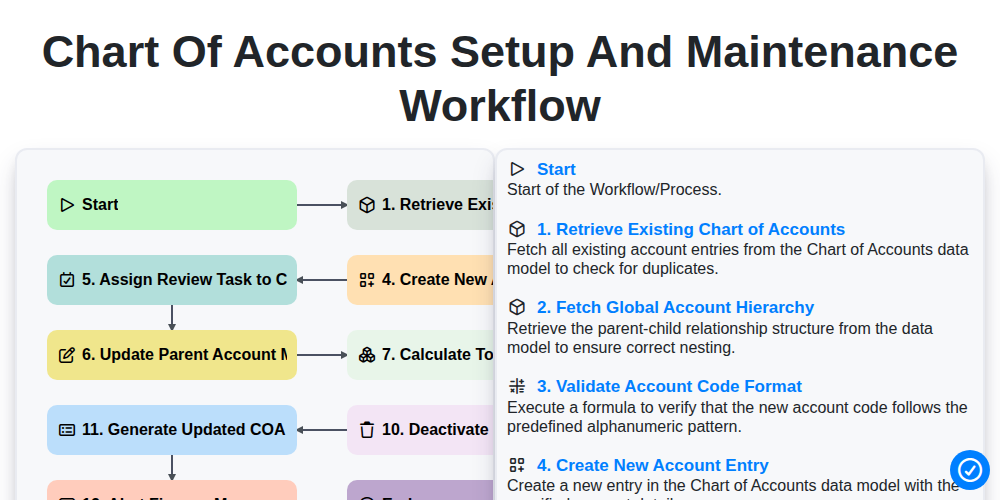
Chart of Accounts Setup and Maintenance Workflow
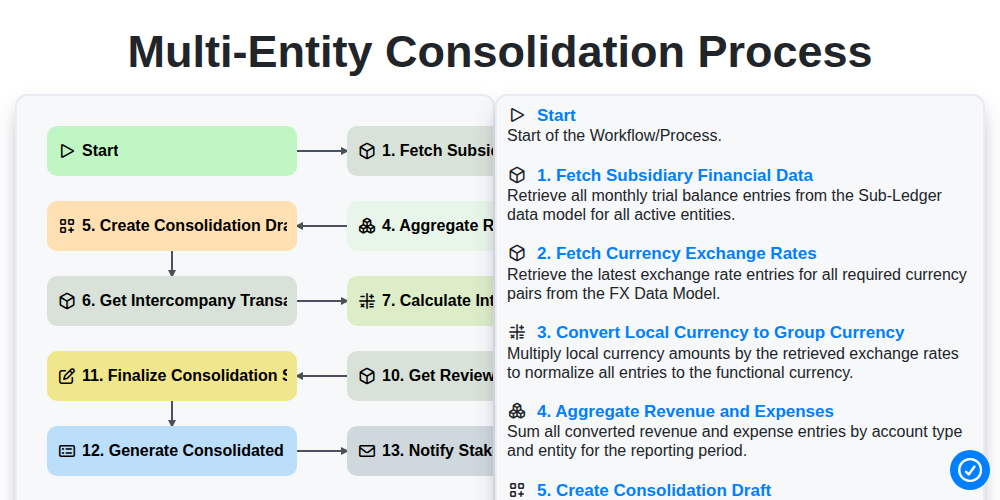
Multi-Entity Consolidation Process
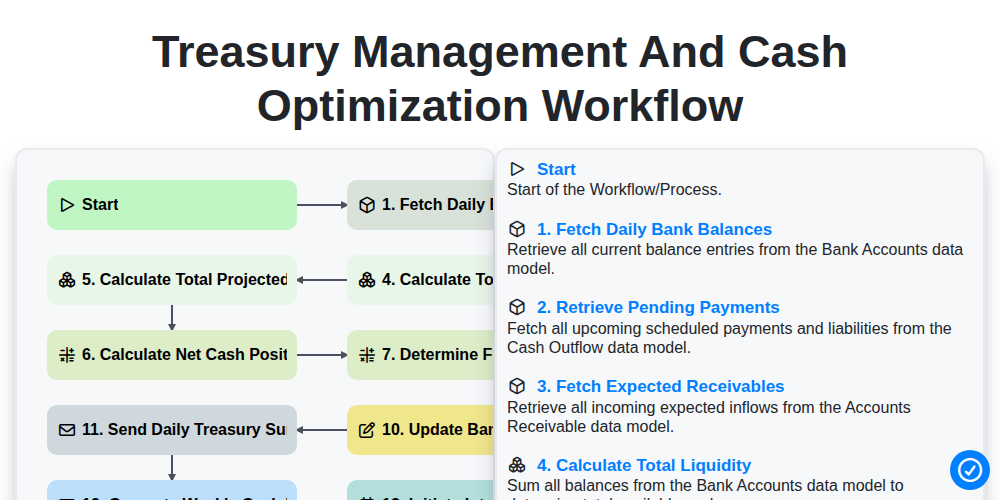
Treasury Management and Cash Optimization Workflow
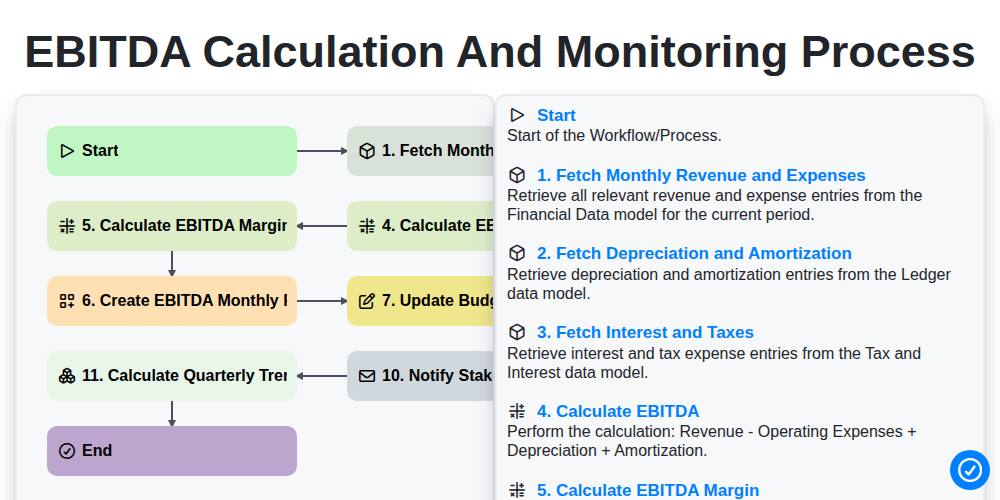
EBITDA Calculation and Monitoring Process
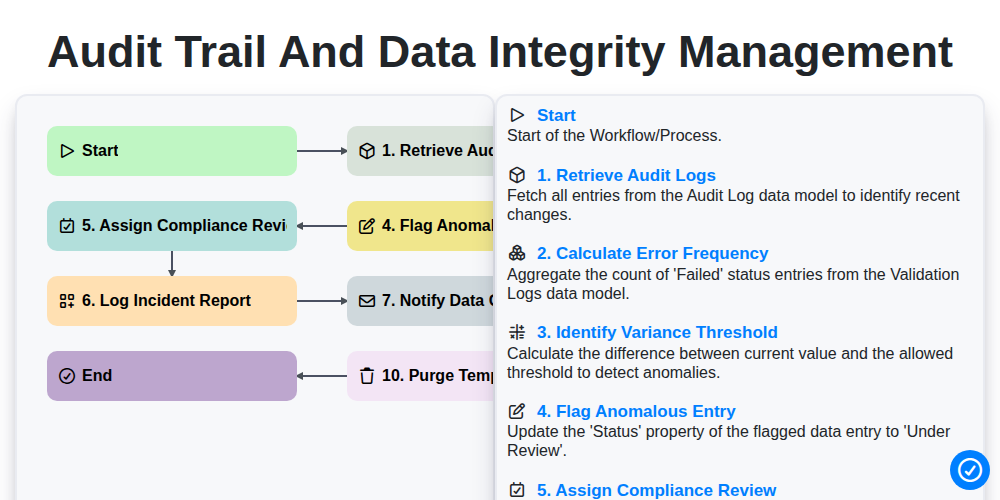
Audit Trail and Data Integrity Management
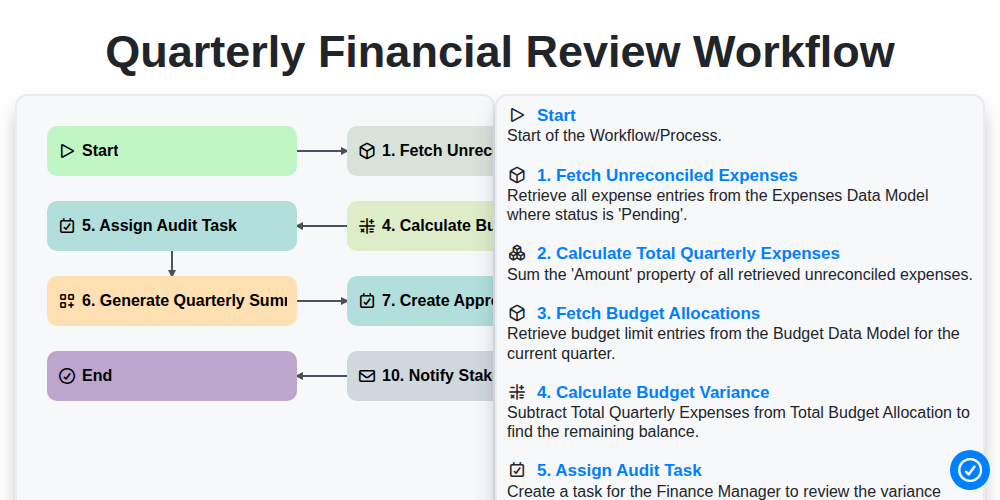
Quarterly Financial Review Workflow
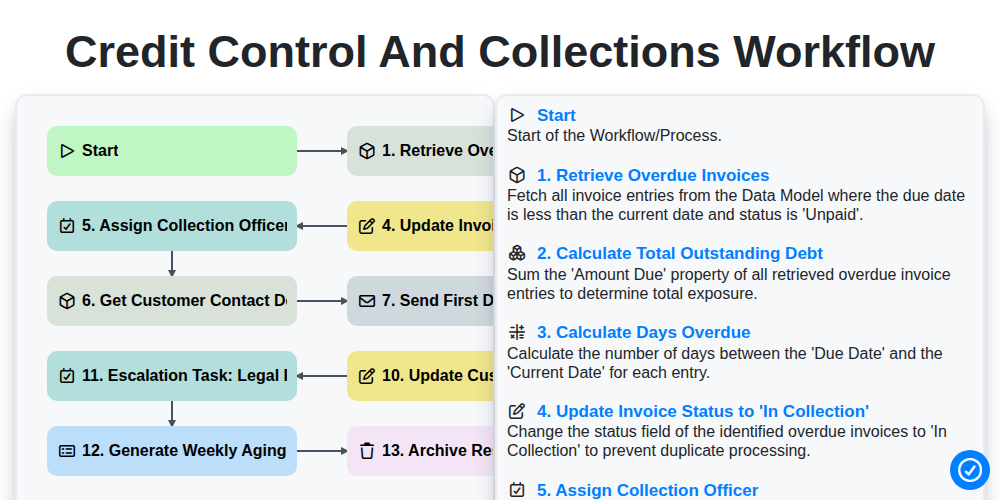
Credit Control and Collections Workflow
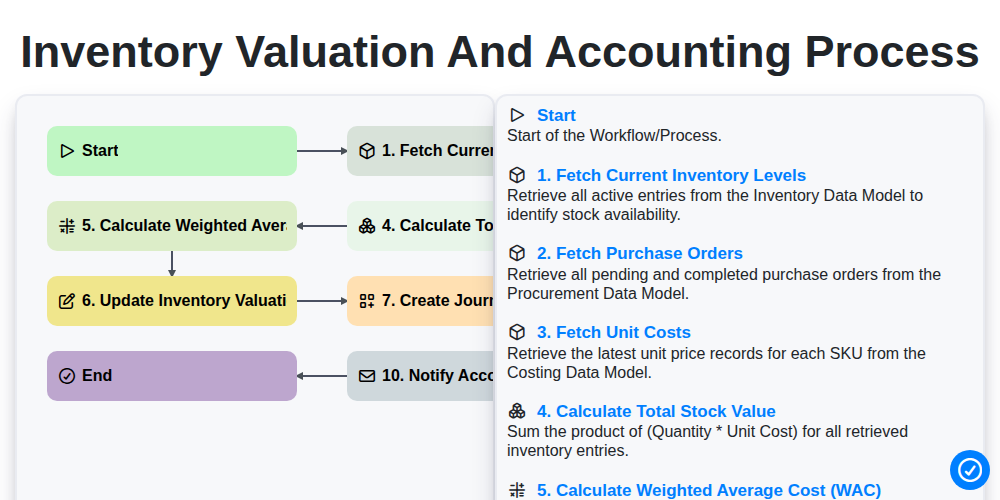
Inventory Valuation and Accounting Process
Gemeinsam schaffen wir das
Benötigen Sie Hilfe bei Checklisten?
Haben Sie eine Frage? Wir helfen Ihnen gerne. Bitte senden Sie uns Ihre Anfrage, und wir werden Ihnen umgehend antworten.