 ChecklistGuro
 Farm Revenue and Sales Order Management Workflow
Streamline your agricultural profitability with our Farm Revenue and Sales Order Management Workflow. Automate everything from order entry and crop sales to invoicing and revenue tracking. Optimize your farm's cash flow, eliminate manual errors, and gain real-time insights into your sales performance and seasonal income with this integrated, end-to-end farm management solution.
Diese Vorlage wurde 4 Mal installiert.
Start
Start des Workflows/Prozesses.
1. Fetch Pending Sales Orders
Retrieve all Sales Order entries with a status of 'Draft' or 'Pending'.
2. Retrieve Farm Inventory Levels
Get current stock levels from the Product/Crop Data Model to verify availability.
3. Calculate Order Total
Calculate the total price of the order by multiplying quantity by unit price and adding taxes.
4. Calculate Revenue Margin
Subtract the cost of goods sold (COGS) from the total sales price to determine profit.
5. Update Sales Order Status
Update the status of the Sales Order to 'Confirmed' once payment is verified.
6. Create Invoice Entry
Generate a new entry in the Invoices Data Model linked to the Sales Order.
7. Create Shipping Manifest
Create a new entry in the Logistics/Shipping Data Model for fulfillment.
8. Assign Order Picking Task
Create a task for the Warehouse Manager to prepare the items for dispatch.
9. Notify Farm Supervisor
Create a task for the supervisor to approve high-value sales orders.
10. Sum Daily Revenue
Aggregate all completed Sales Order entries to calculate total revenue for the current day.
11. Calculate Average Order Value
Calculate the average monetary value of all orders processed this month.
12. Send Order Confirmation to Customer
Send an automated email to the customer containing order details and estimated delivery date.
13. Send Delivery Alert to Driver
Send an SMS to the delivery driver with the pickup location and destination.
14. Decrement Inventory Stock
Update the Product Data Model to reduce the available quantity after a sale is finalized.
15. Generate Weekly Sales Report
Create a summary report aggregating all sales, revenue, and lost opportunities for the week.
16. Remove Cancelled Drafts
Delete Sales Order entries that have been flagged as 'Cancelled' to keep the active pipeline clean.
Ende
Ende des Arbeitsablaufs/Prozesses.
Start des Workflows/Prozesses.
Retrieve all Sales Order entries with a status of 'Draft' or 'Pending'.
Get current stock levels from the Product/Crop Data Model to verify availability.
Calculate the total price of the order by multiplying quantity by unit price and adding taxes.
Subtract the cost of goods sold (COGS) from the total sales price to determine profit.
Update the status of the Sales Order to 'Confirmed' once payment is verified.
Generate a new entry in the Invoices Data Model linked to the Sales Order.
Create a new entry in the Logistics/Shipping Data Model for fulfillment.
Create a task for the Warehouse Manager to prepare the items for dispatch.
Create a task for the supervisor to approve high-value sales orders.
Aggregate all completed Sales Order entries to calculate total revenue for the current day.
Calculate the average monetary value of all orders processed this month.
Send an automated email to the customer containing order details and estimated delivery date.
Send an SMS to the delivery driver with the pickup location and destination.
Update the Product Data Model to reduce the available quantity after a sale is finalized.
Create a summary report aggregating all sales, revenue, and lost opportunities for the week.
Delete Sales Order entries that have been flagged as 'Cancelled' to keep the active pipeline clean.
Ende des Arbeitsablaufs/Prozesses.
Kommentare
Bisher gibt es keine Kommentare. Seien Sie der Erste, der einen hinzufügt!
Demonstration der Lösung für das Bauernhof-Management
Betreiben Sie Ihren Bauernhof intelligenter und effizienter! ChecklistGuro optimiert die Anbauplanung, die Aufgabenverwaltung und die Ressourcenverfolgung. Maximieren Sie die Erträge, reduzieren Sie Abfall und verbessern Sie die Rentabilität. Verwalten Sie alles mit unserer Work OS.
Verwandte Workflow-Vorlagen
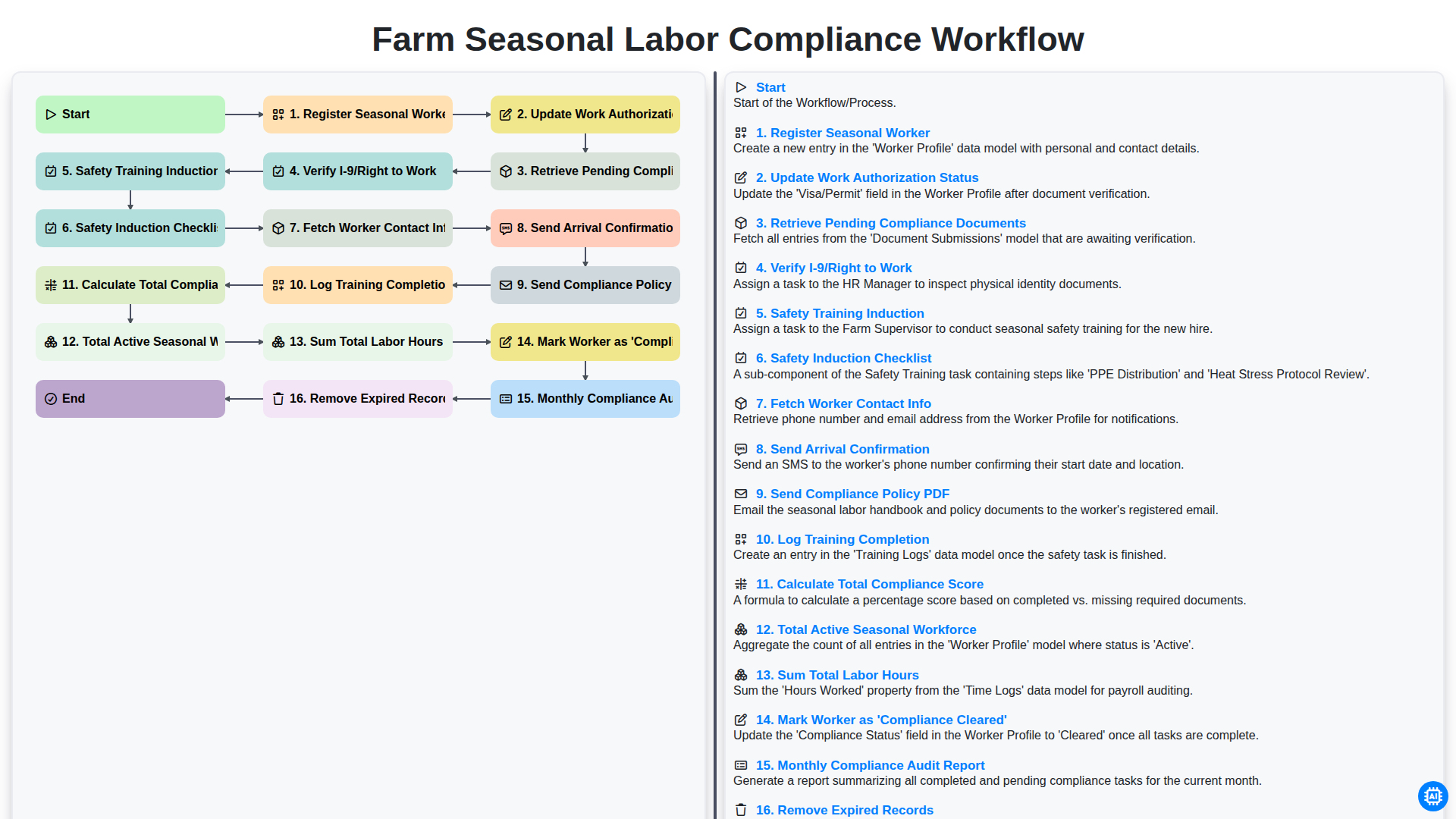
Farm Seasonal Labor Compliance Workflow
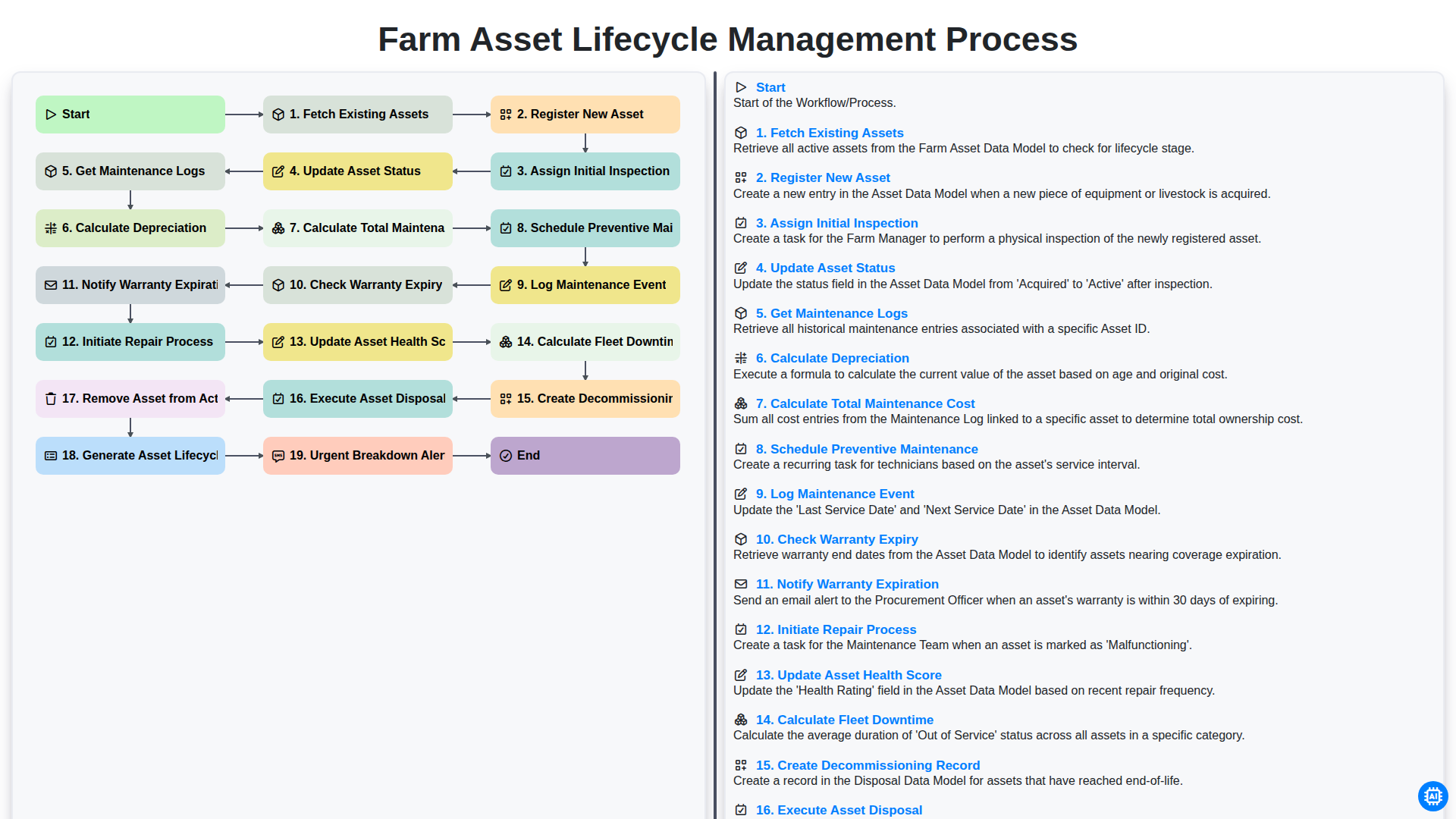
Farm Asset Lifecycle Management Process
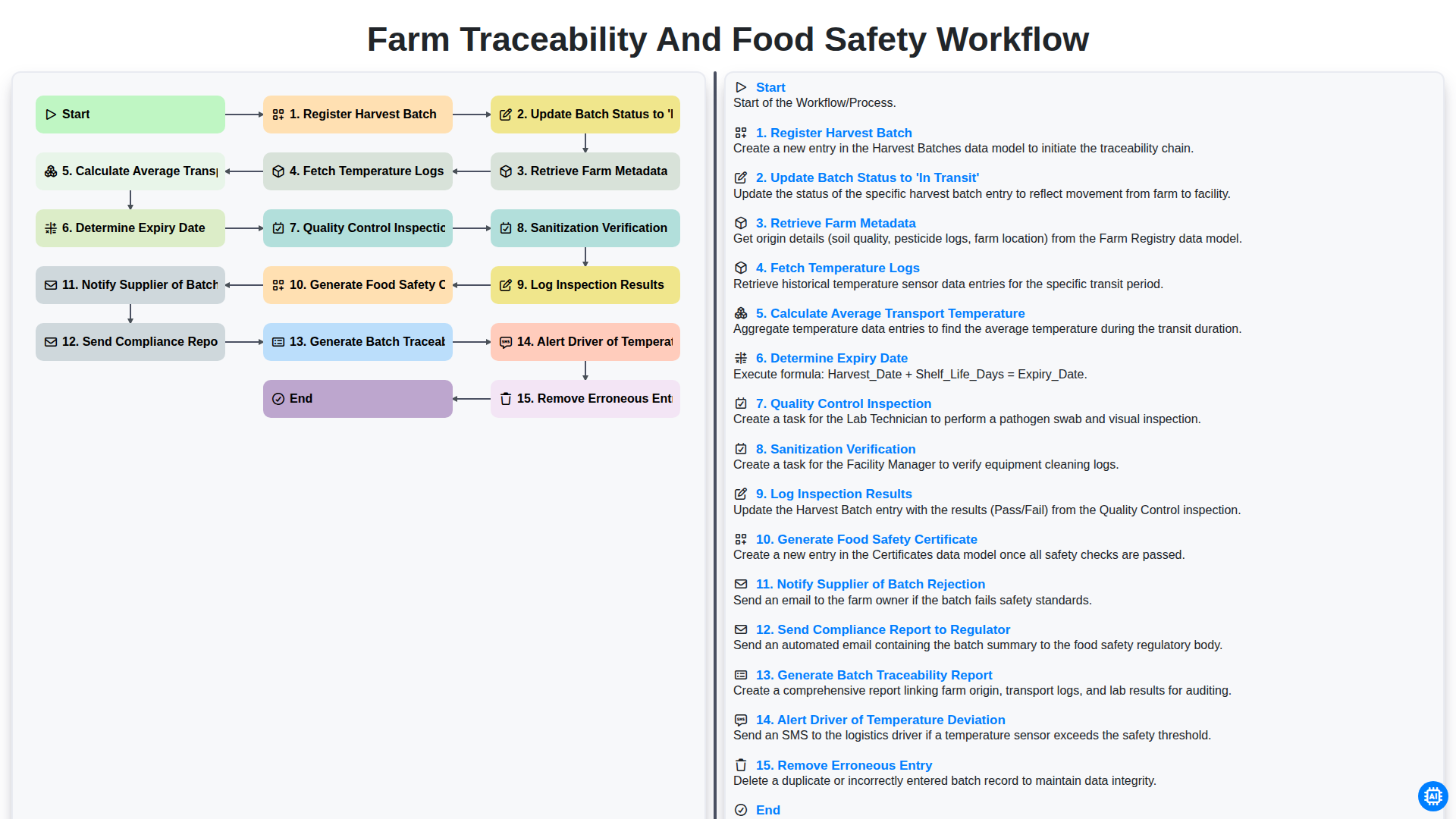
Farm Traceability and Food Safety Workflow
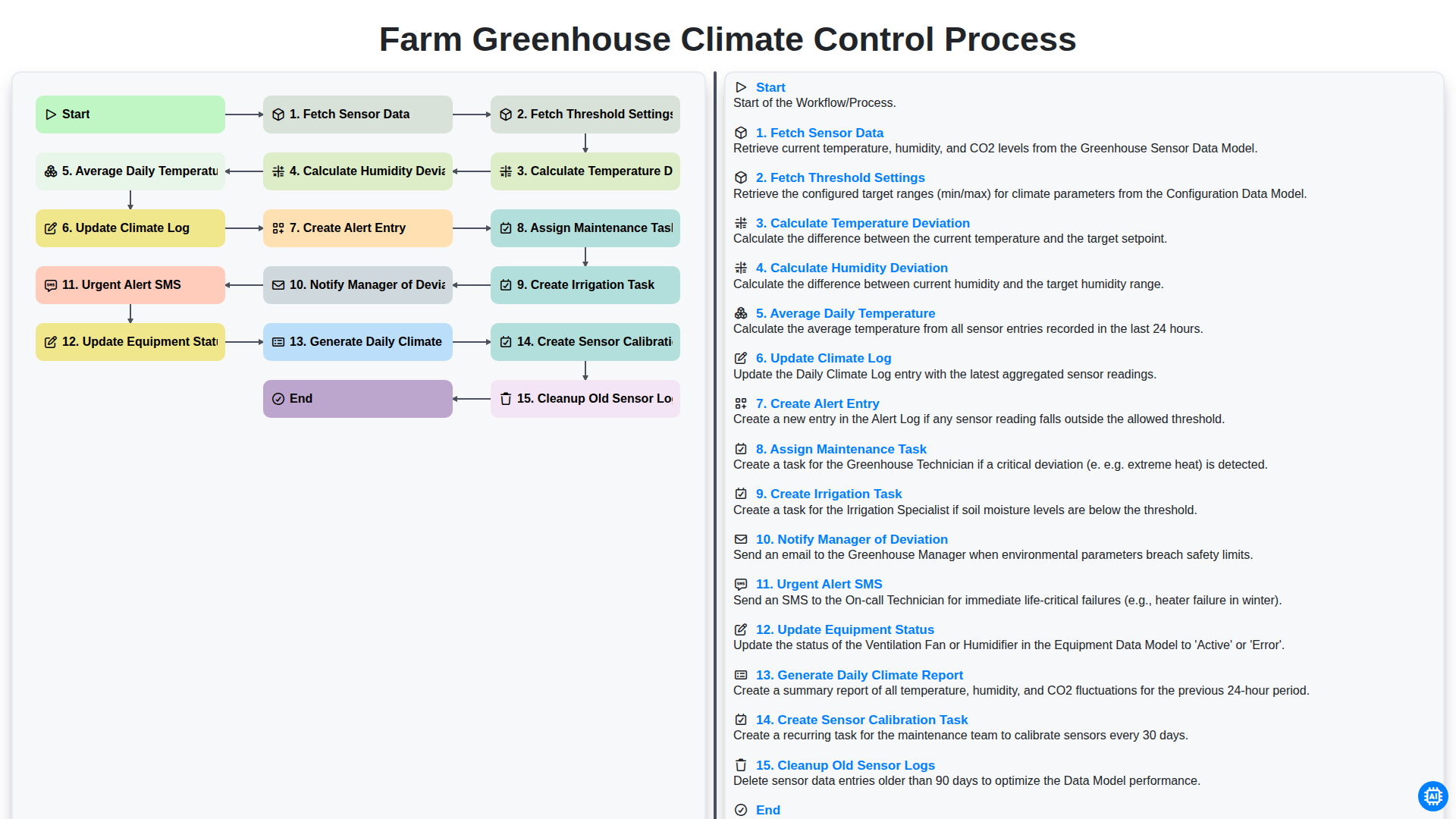
Farm Greenhouse Climate Control Process
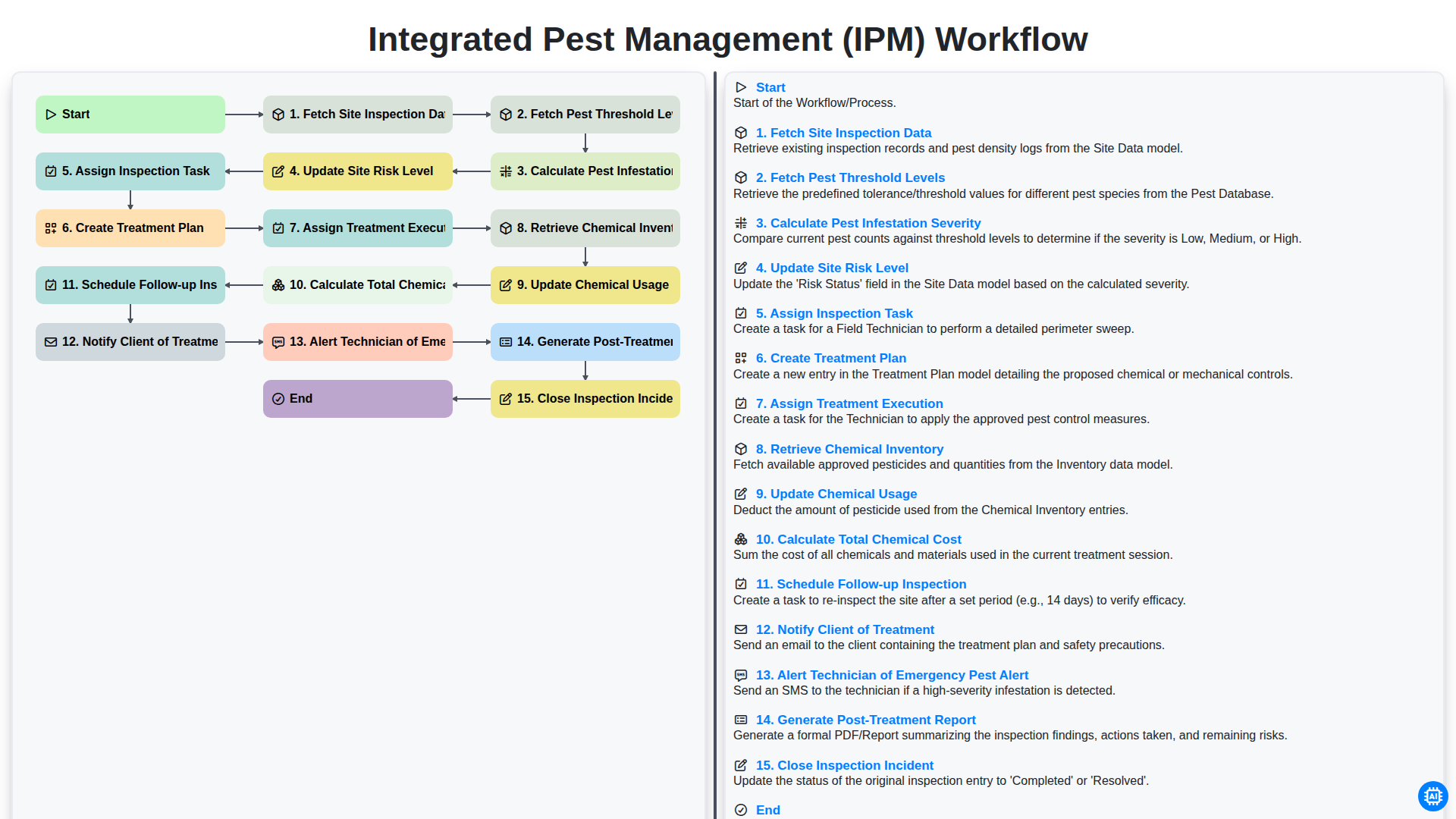
Integrated Pest Management (IPM) Workflow
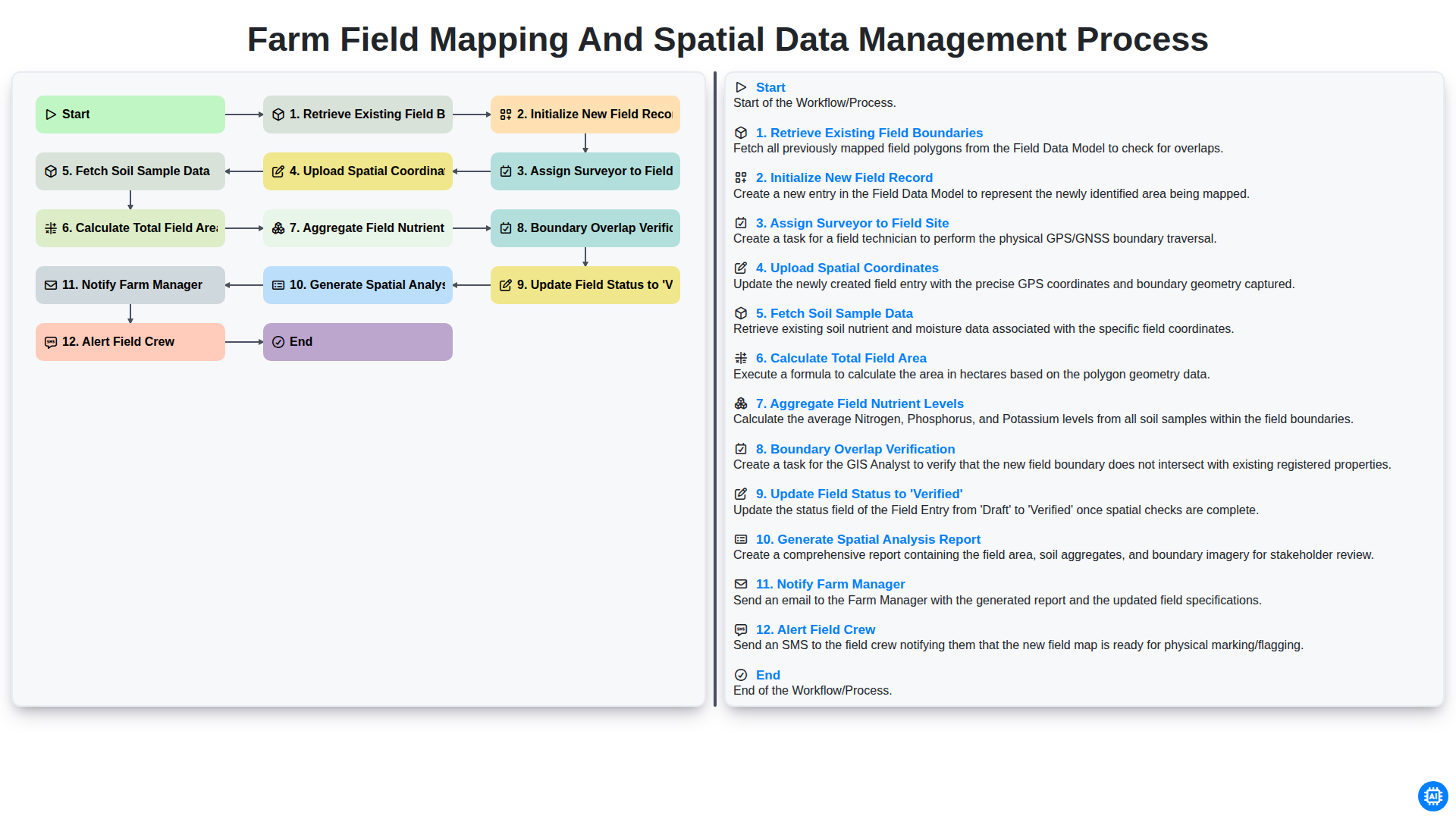
Farm Field Mapping and Spatial Data Management Process
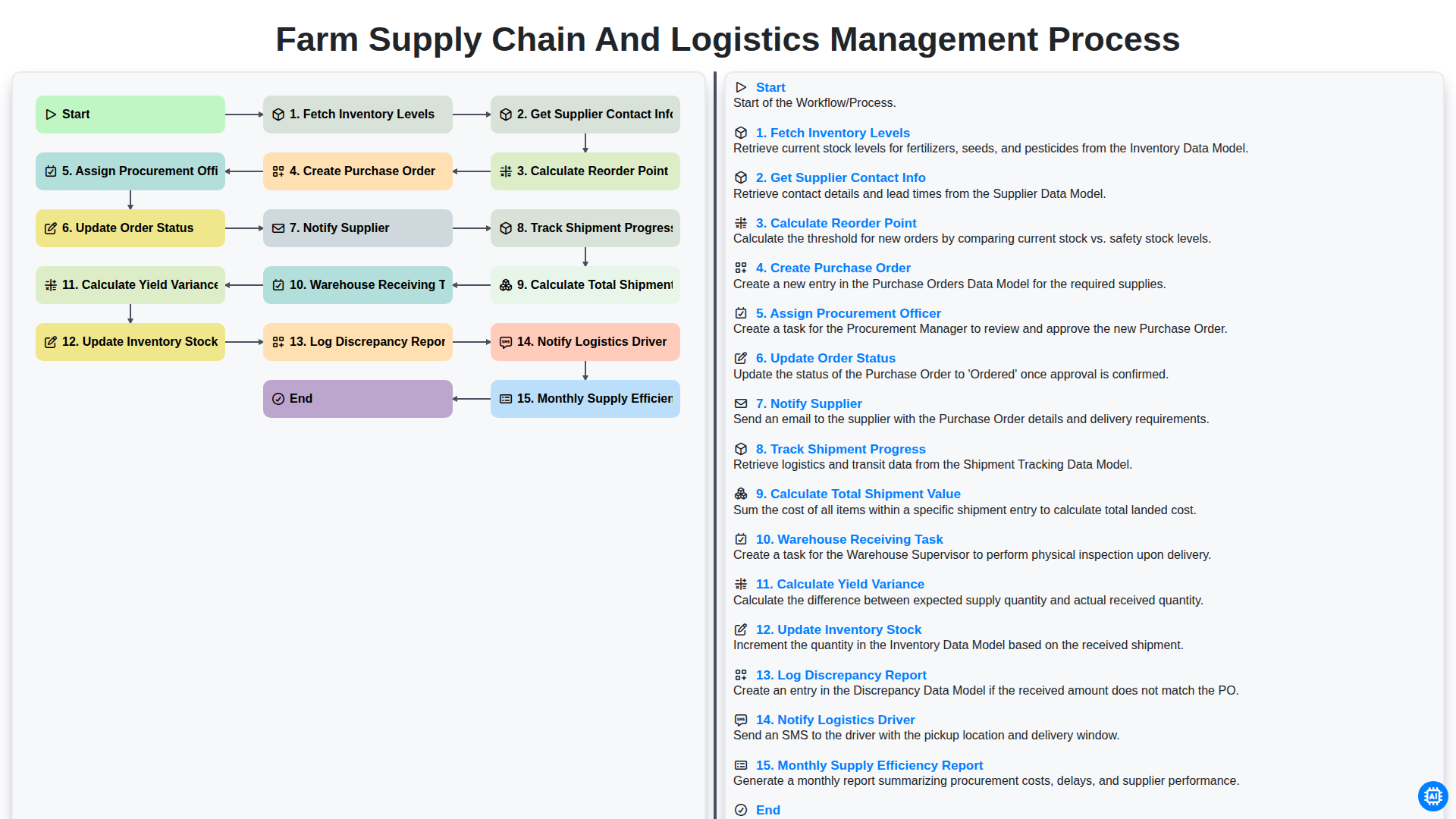
Farm Supply Chain and Logistics Management Process
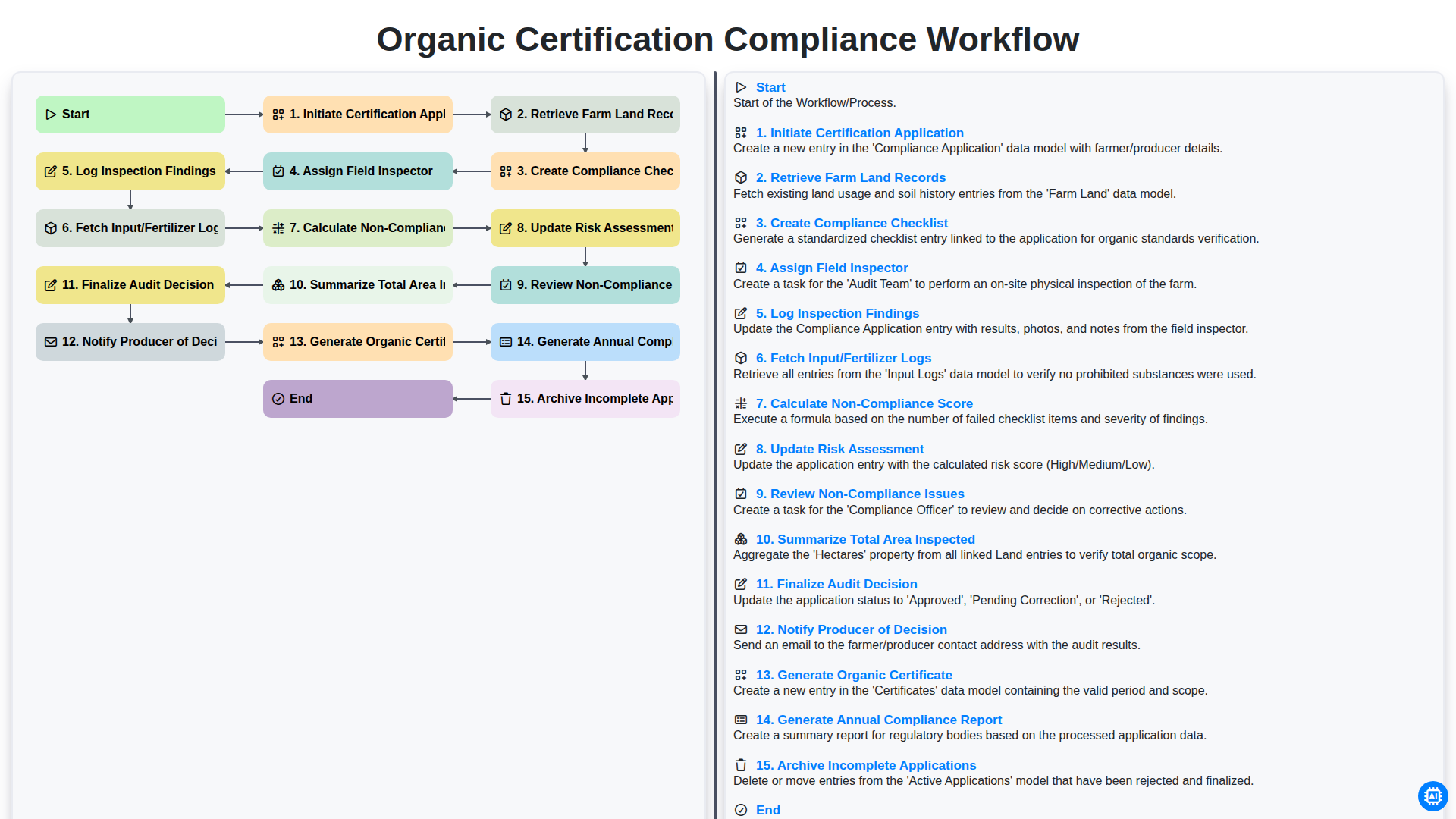
Organic Certification Compliance Workflow
Gemeinsam schaffen wir das
Benötigen Sie Hilfe bei Checklisten?
Haben Sie eine Frage? Wir helfen Ihnen gerne. Bitte senden Sie uns Ihre Anfrage, und wir werden Ihnen umgehend antworten.