 ChecklistGuro
 Insurance Renewal Quote Automation
Streamline your policy retention with our Insurance Renewal Quote Automation workflow. Eliminate manual data entry and reduce churn by instantly generating personalized renewal offers, automating client notifications, and accelerating the quoting process to ensure no policy lapses. Boost operational efficiency and drive higher renewal rates with intelligent, end-to-end automation.
Diese Vorlage wurde 5 Mal installiert.
Start
Start des Workflows/Prozesses.
1. Fetch Policyholder Data
Retrieve existing client information and current policy details from the Client Data Model.
2. Get Current Premium Data
Retrieve the expiring policy's premium amount and coverage limits to use as a baseline.
3. Calculate Inflation Adjustment
Apply an annual inflation percentage to the previous year's premium to estimate the new base rate.
4. Update Policy Status to 'Renewal Pending'
Update the existing policy entry status to indicate that the renewal process has been triggered.
5. Assign Underwriting Review
Create a task for the Underwriting Team to review any changes in risk profile or claims history.
6. Fetch Claims History
Retrieve all claims entries associated with the client's ID for the last 3 years.
7. Calculate Risk Score
Execute a formula weighing claims frequency and severity against the client's profile.
8. Create Renewal Quote Entry
Generate a new entry in the Quotes Data Model containing the newly calculated premium and terms.
9. Aggregate Total Claims Cost
Sum the 'Claim Amount' property from all retrieved claims entries to determine total loss impact.
10. Create Broker Notification Task
Create a task for the assigned Broker to review the generated quote before sending to the client.
11. Update Quote Status to 'Ready for Review'
Update the newly created Quote entry to the 'Ready for Review' status.
12. Send Quote to Broker
Email the summary of the new renewal quote and the risk score to the assigned Broker.
13. Final Approval Task
Create a task for the Senior Manager if the calculated premium exceeds a specific threshold.
14. Send Renewal Offer to Client
Send the finalized renewal quote and payment instructions to the client's email address.
15. Send Renewal Reminder SMS
Send a brief SMS notification to the client informing them that their renewal quote is ready.
16. Update Policy to 'Renewed'
Once the client accepts, update the original Policy entry status to 'Renewed'.
17. Generate Renewal Success Report
Create a monthly report summarizing the conversion rate of renewal quotes to active policies.
Ende
Ende des Arbeitsablaufs/Prozesses.
Start des Workflows/Prozesses.
Retrieve existing client information and current policy details from the Client Data Model.
Retrieve the expiring policy's premium amount and coverage limits to use as a baseline.
Apply an annual inflation percentage to the previous year's premium to estimate the new base rate.
Update the existing policy entry status to indicate that the renewal process has been triggered.
Create a task for the Underwriting Team to review any changes in risk profile or claims history.
Retrieve all claims entries associated with the client's ID for the last 3 years.
Execute a formula weighing claims frequency and severity against the client's profile.
Generate a new entry in the Quotes Data Model containing the newly calculated premium and terms.
Sum the 'Claim Amount' property from all retrieved claims entries to determine total loss impact.
Create a task for the assigned Broker to review the generated quote before sending to the client.
Update the newly created Quote entry to the 'Ready for Review' status.
Email the summary of the new renewal quote and the risk score to the assigned Broker.
Create a task for the Senior Manager if the calculated premium exceeds a specific threshold.
Send the finalized renewal quote and payment instructions to the client's email address.
Send a brief SMS notification to the client informing them that their renewal quote is ready.
Once the client accepts, update the original Policy entry status to 'Renewed'.
Create a monthly report summarizing the conversion rate of renewal quotes to active policies.
Ende des Arbeitsablaufs/Prozesses.
Kommentare
Bisher gibt es keine Kommentare. Seien Sie der Erste, der einen hinzufügt!
Demonstration der Managementlösung für das Versicherungswesen
Das Management von Policen, Schäden und Compliance in der Versicherungsbranche ist komplex. ChecklistGuro's Work OS Plattform optimiert Ihre Abläufe, von der Risikobewertung und Vertragsverlängerung bis zur Schadensbearbeitung und Berichterstattung. Steigern Sie die Effizienz, reduzieren Sie Fehler und verbessern Sie die Kundenzufriedenheit. Entdecken Sie, wie ChecklistGuro Ihr Versicherungsunternehmen verändern kann!
Verwandte Workflow-Vorlagen
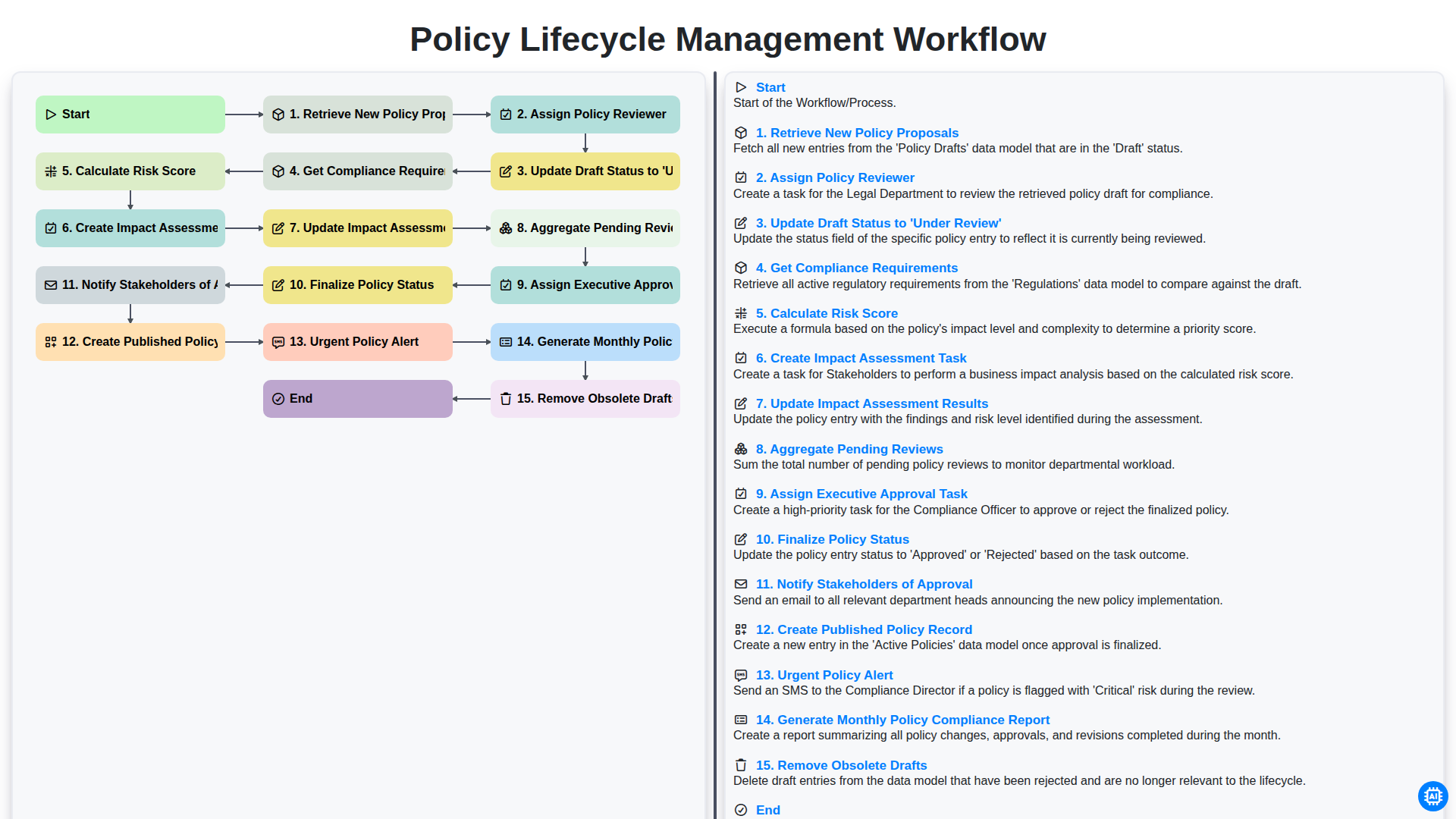
Policy Lifecycle Management Workflow
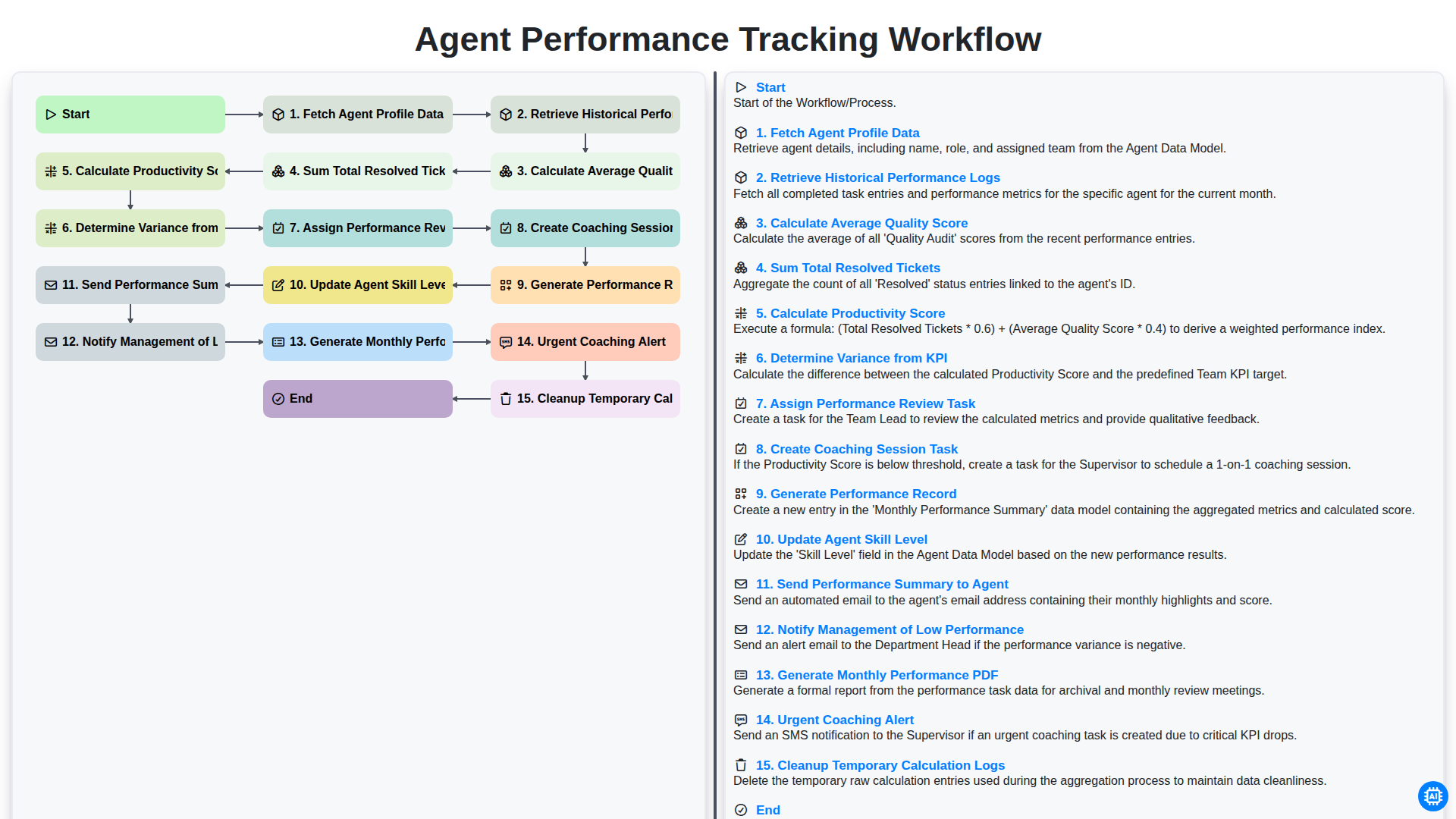
Agent Performance Tracking Workflow
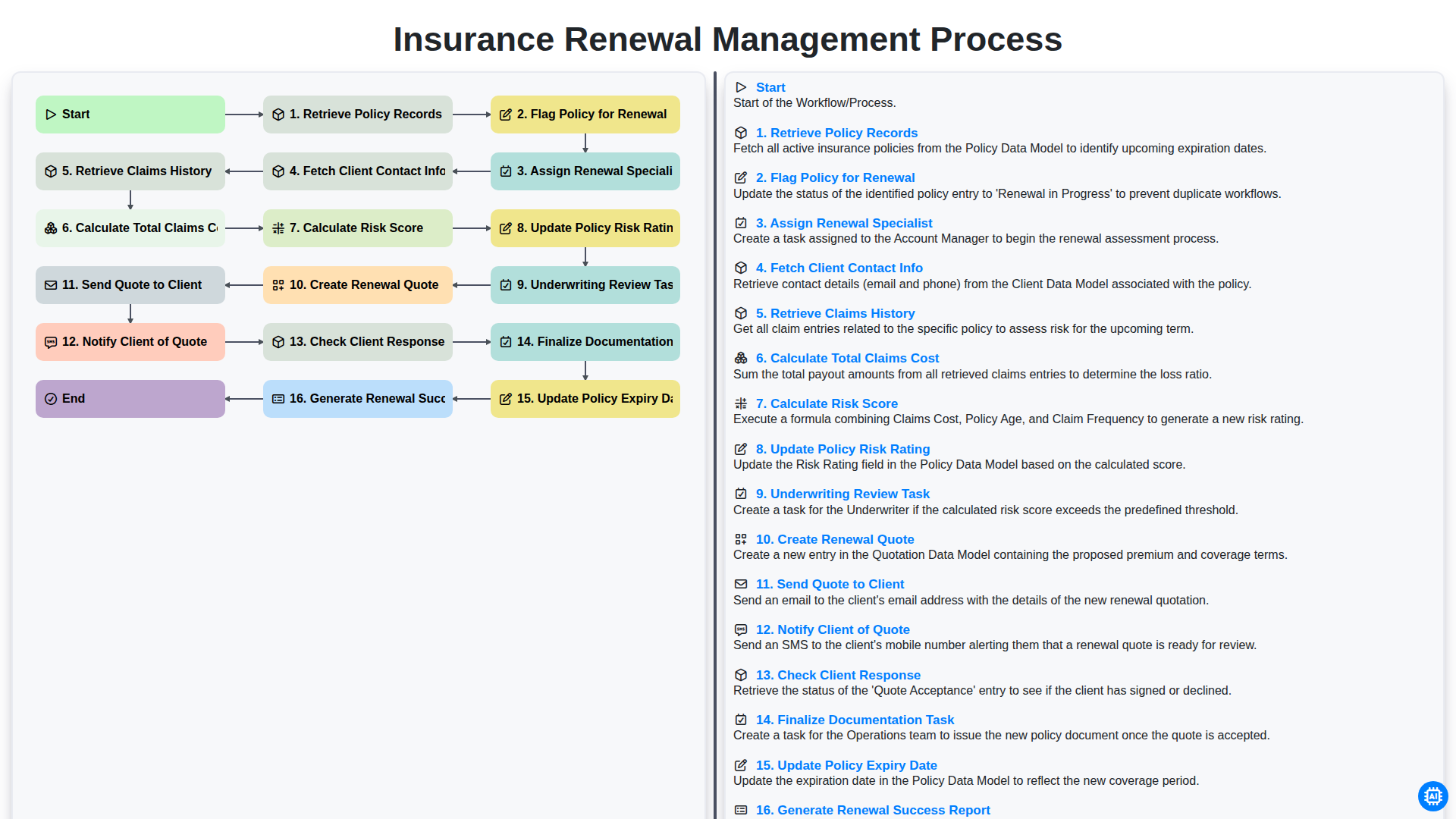
Insurance Renewal Management Process
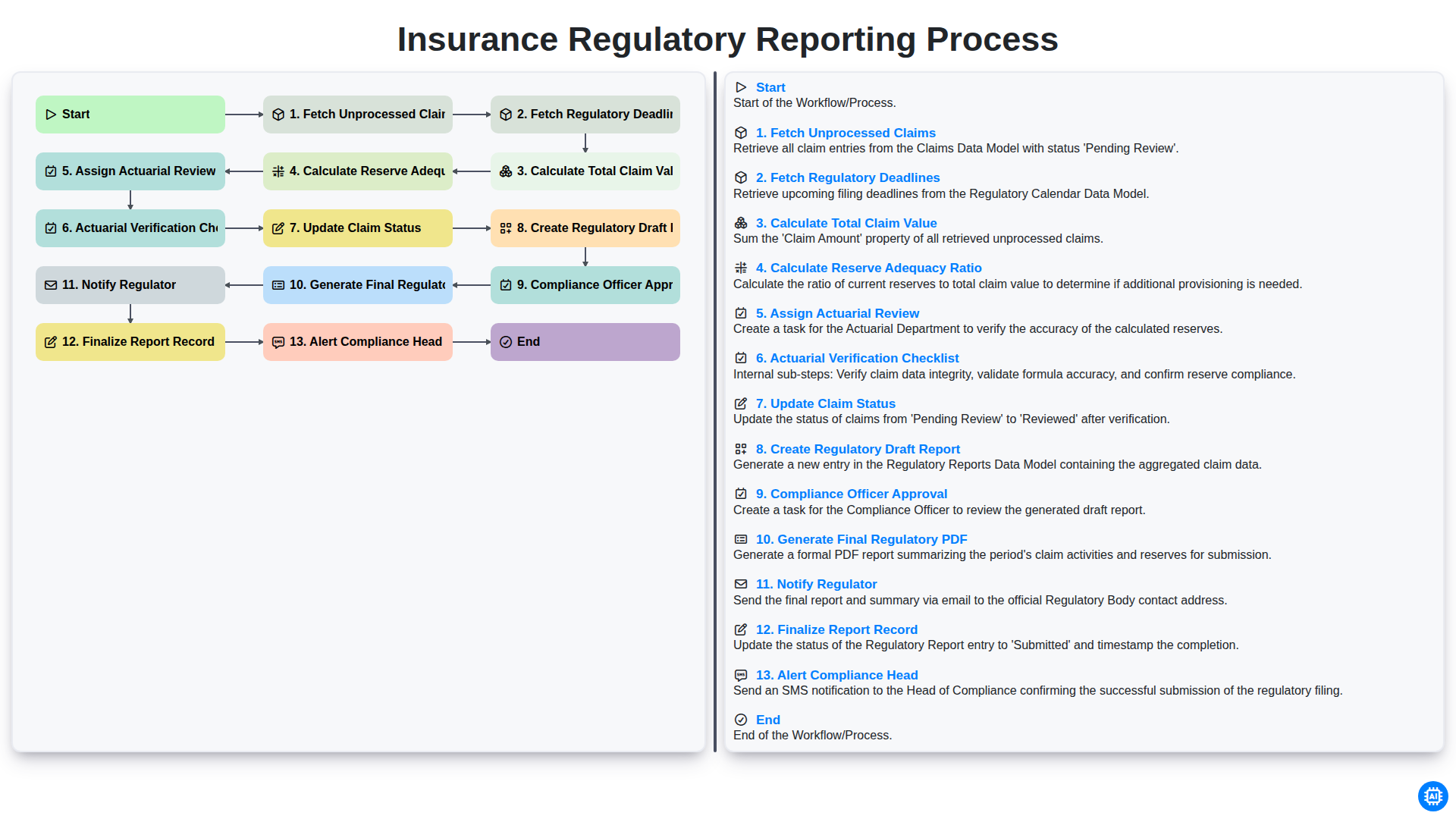
Insurance Regulatory Reporting Process
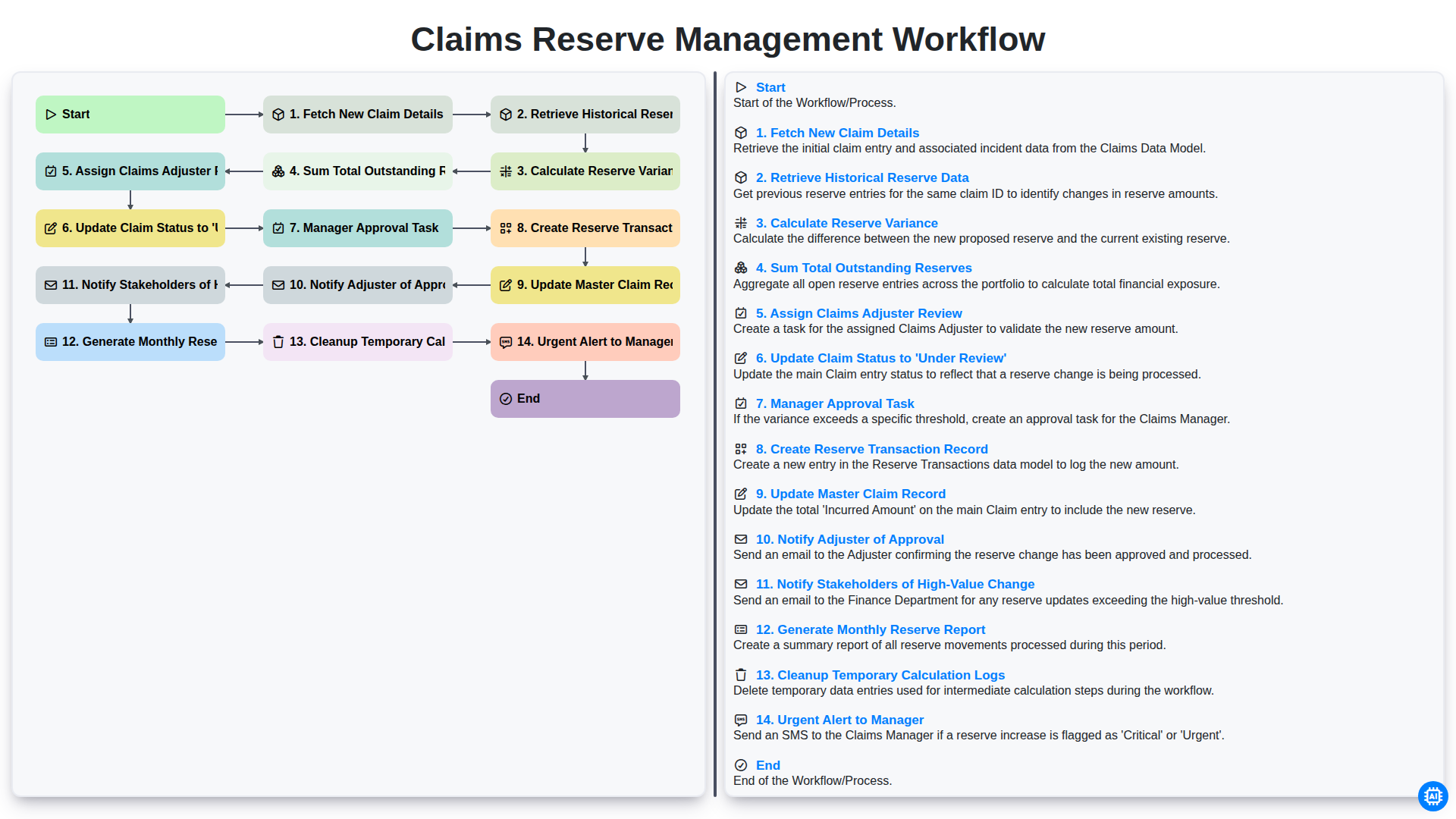
Claims Reserve Management Workflow
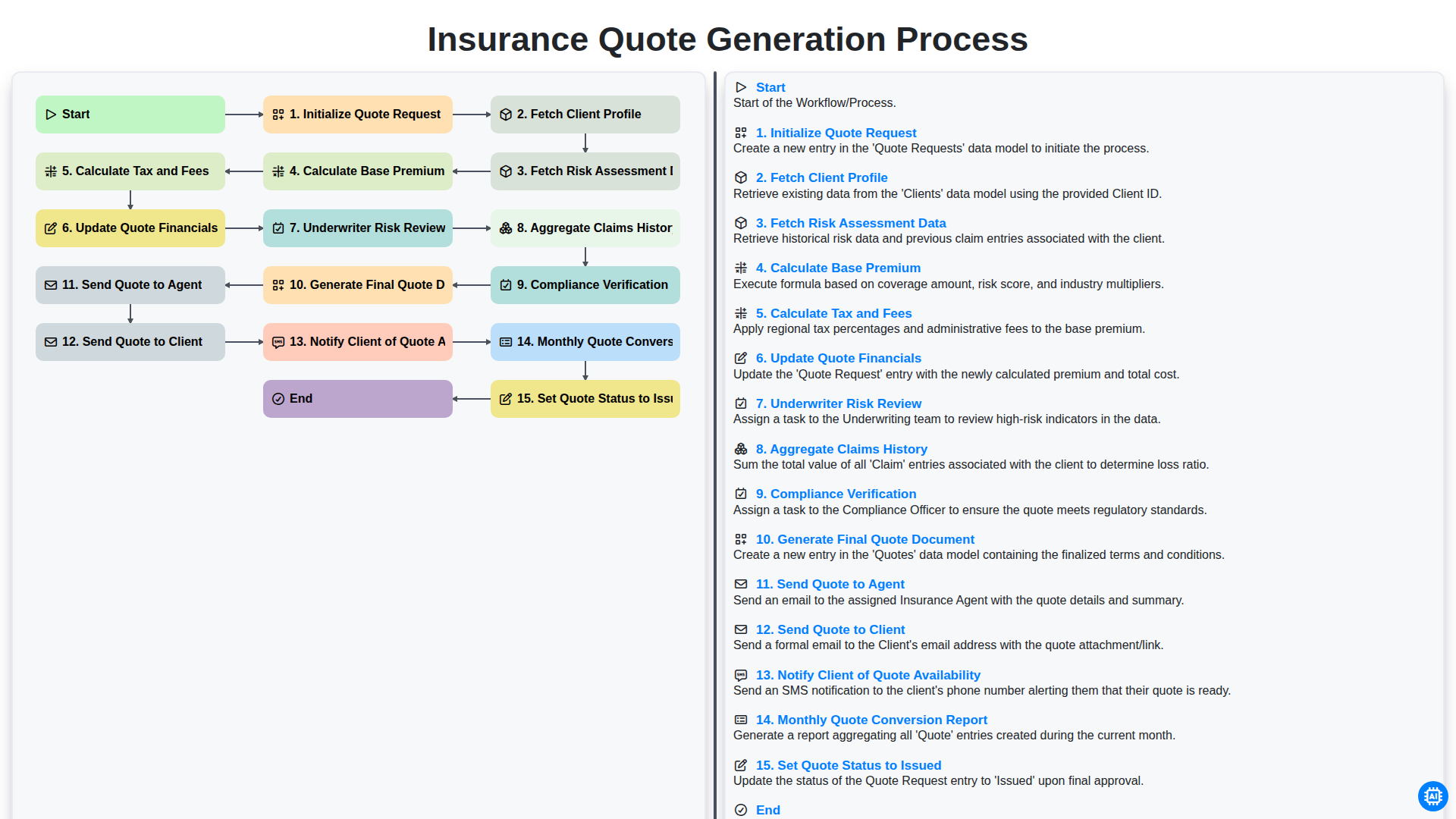
Insurance Quote Generation Process
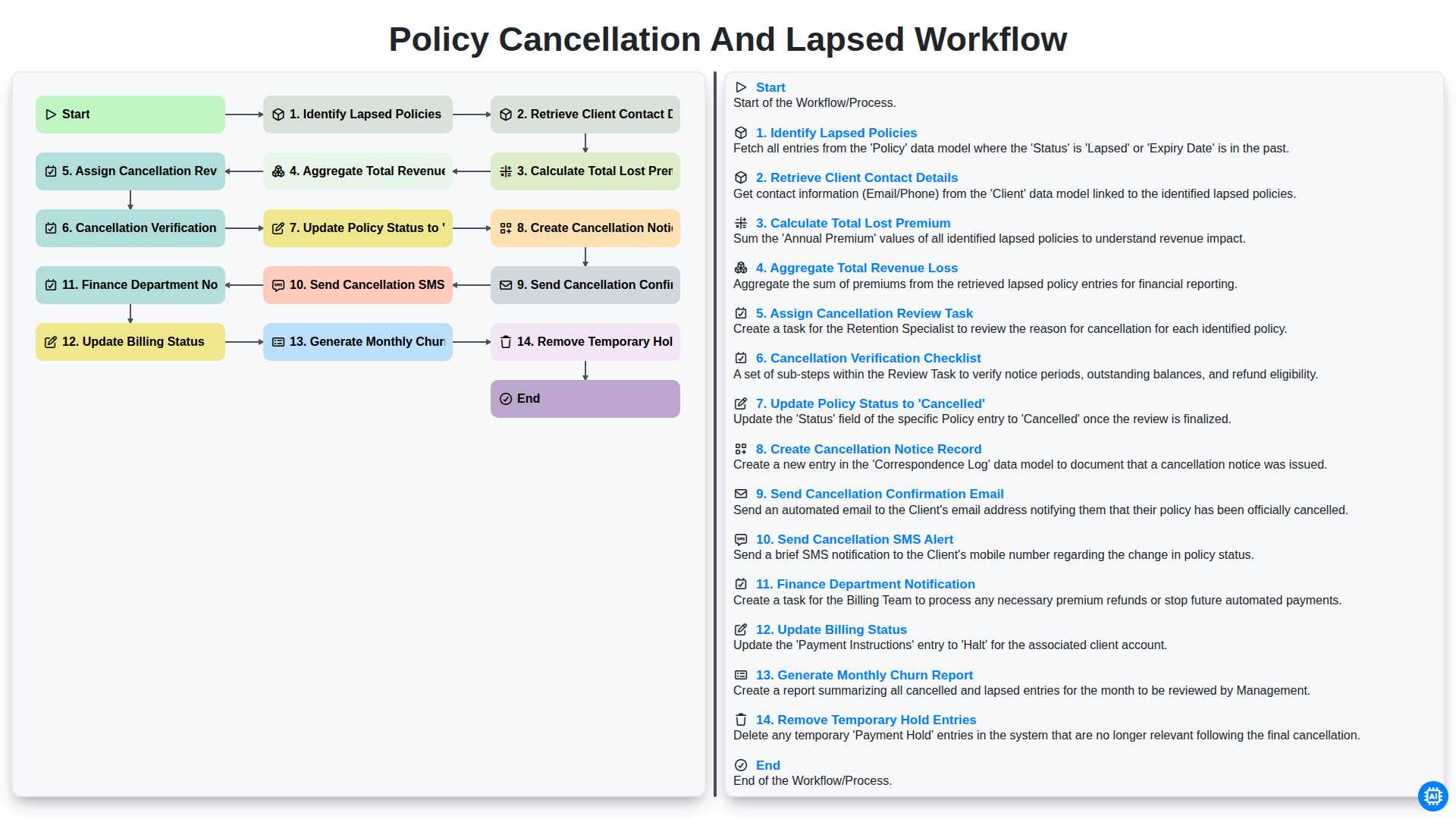
Policy Cancellation and Lapsed Workflow
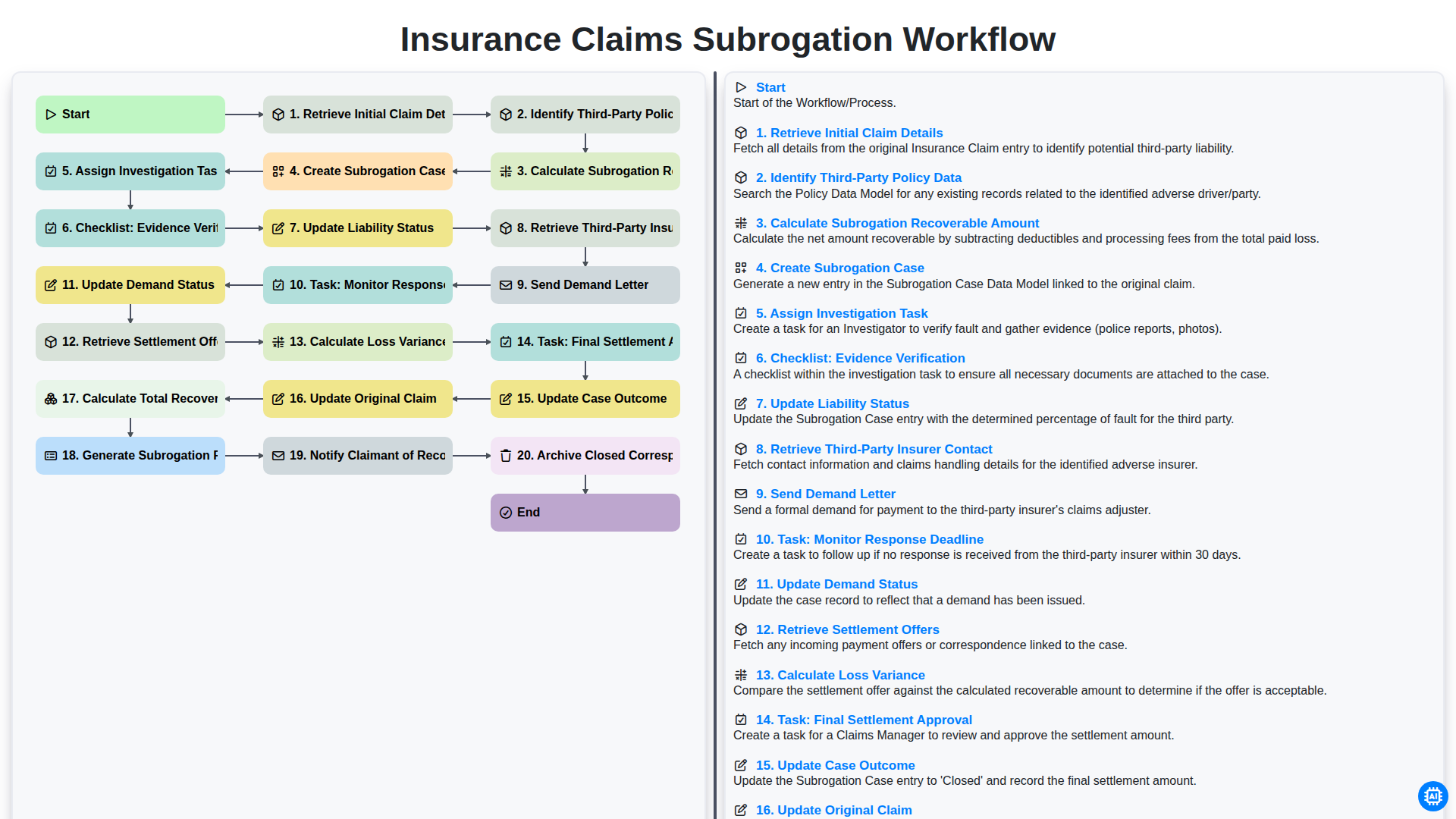
Arbeitsprozess für die Geltendmachung von Ansprüchen im Rahmen der Versicherungsabwicklung
Gemeinsam schaffen wir das
Benötigen Sie Hilfe bei Checklisten?
Haben Sie eine Frage? Wir helfen Ihnen gerne. Bitte senden Sie uns Ihre Anfrage, und wir werden Ihnen umgehend antworten.