 ChecklistGuro
 Leistungsprüfung – Checkliste
Stellen Sie sicher, dass Ihre Bauprojekte termingerecht und im Budget bleiben! Laden Sie unsere kostenlose Checkliste für Performance-Tests von Bau-Software und -Systemen herunter. Identifizieren Sie Engpässe, optimieren Sie die Leistung und vermeiden Sie kostspielige Verzögerungen. Legen Sie jetzt los!
Diese Vorlage wurde 2 Mal installiert.
Umgebung und Einrichtung
Die Sicherstellung, dass die Testumgebung die Produktionsumgebung genau widerspiegelt und für Performance-Tests korrekt konfiguriert ist.
Umgebungstyp
Anzahl der Anwendungsserver
Anzahl der Datenbankserver
Ausführliche Umgebungskonfiguration (Betriebssystem, Versionen, etc.)
Lastenausgleich-Konfiguration
Spezifische Umgebungsabhängigkeiten (z. B. externe APIs, Dienste)
Einrichtungsdatum
Umgebungskonfigurationsdokument (falls zutreffend)
Testdaten
Die Überprüfung des Testdatumenumfangs, der Verteilung und der Relevanz für Produktionsdaten.
Anzahl der zu simulierenden Projekte
Benutzeranzahl pro Projekt (Durchschnitt)
Gesamtzahl der Mitarbeiter/Benutzer in den Testdaten
Datengenerierungsansatz
Datenverteilungsmuster
Beispiel-Datendatei (falls zutreffend)
Detaillierte Beschreibung der Datengenerierungsregeln
Frühester Projektstarttermin
Fälligkeitsdatum für die Projektfertigstellung
Arbeitslastmodellierung
Die Definition und Konfiguration realistischer Benutzer- und Systemlasten, die Produktionsbedingungen simulieren.
Geschätzte gleichzeitige Benutzer
Gleichzeitig aktive Nutzer (z. B. während eines Schichtwechsels)
Hauptarbeitslastprofil (z. B. Planungsphase, Bauphase, Instandhaltungsphase)
Typische Aufgaben der Nutzer zur Simulation (Mehrfachauswahl möglich)
Anzahl der Projekte/BIM-Modelle zur Simulation
Beschreibung des typischen Benutzer-Workflows für Tests
Transaktionsrate (z. B. Berichte pro Minute)
Steigerzeit für Benutzerlast (Minuten)
Testdurchführung und -überwachung
Die Ausführung von Tests steuern und wichtige Leistungskennzahlen (KPIs) überwachen.
Anzahl der virtuellen Benutzer
Anlaufzeit (Sekunden)
Testdauer (Minuten)
Testszenariotyp
Spezifische Testziele
Ziel-Durchschnittliche Reaktionszeit (Sekunden)
Zu überwachende Metriken
Testbeginndatum
Testbeginn
Ergebnisanalysen und Berichterstattung
Testergebnisse analysieren, um Engpässe zu identifizieren und übersichtliche, umsetzbare Berichte zu erstellen.
Durchschnittliche Antwortzeit (ms)
95. Perzentil-Antwortzeit (ms)
Durchsatz (Transaktionen/Sekunde)
CPU-Auslastung (%)
Speicherauslastung (%)
Gesamtergebnis-Status
Zusammenfassung der wichtigsten Ergebnisse
Verbesserungsvorschläge
Leistungsprüfbericht (PDF)
Skalierbarkeitstests
Die Bewertung der Fähigkeit des Systems, steigende Arbeitslasten und Benutzergleichzeitigkeit zu bewältigen.
Gleichzeitig aktive Benutzer
Anstieg der gleichzeitigen Nutzer (Prozent)
Transaktionsrate (TPS) Ziel
Hardware-Konfigurationsskalierung (z. B. Server hinzufügen, RAM erhöhen)
Datenbankverbindungs-Poolgröße
Cache-Strategie-Überprüfung
Skalierung der Testfallsbeschreibung
Belastungstests
Das System über seine erwarteten Grenzen hinaus ausreizen, um Schwachstellen und Stabilitätsprobleme zu identifizieren.
Maximale gleichzeitige Benutzer
Transaktionsrate (Transaktionen/Sekunde)
Datenvolumen (GB)
Fehlerbehandlungsprüfungsmethode
Beobachtetes Systemverhalten unter Last
Maximale akzeptable Reaktionszeit (Sekunden)
Ressourcenausschöpfung ausgelöst
Detaillierte Beschreibung des Ausfallmodus
Anzahl der Stresstests
Haltbarkeitstests
Die Leistungsfähigkeit und Stabilität des Systems über einen längeren Zeitraum bewerten.
Testdauer (Stunden)
Durchschnittliche Anzahl gleichzeitiger Benutzer
Server-Ressourcenüberwachung aktiviert?
Speicherauslastungsschwelle (%)
CPU-Auslastungsschwelle (%)
Festgestellte Systemfehler/Warnungen (falls vorhanden)
Systemstabilität während des Tests?
Unerwartetes Verhalten während des Ausdauerversuchs (falls vorhanden)
Datenbankperformance
Mit dem Fokus auf die Leistung der zugrunde liegenden Datenbank und deren Interaktion mit der Anwendung.
Durchschnittliche Abfragebearbeitungszeit (ms)
Datenbank-CPU-Auslastung (%)
Datenbank-Speicherauslastung (%)
Datenbank-Indexierungsstrategie
Identifiziere die langsamsten Abfragen (Top 5)
Datenbankverbindungs-Poolgröße
Datenbank-Transaktionsisolationsstufe
Netzwerkperformance
Die Bewertung von Netzwerklatenz und Bandbreitenbeschränkungen, die die Systemleistung beeinträchtigen.
Durchschnittliche Netzwerk-Latenz (ms)
Verfügbare Netzwerkbandbreite (Mbps)
Paketverlustprozentsatz (%)
Netzwerktopologie
Verwendtes Netzwerkprotokoll
Beschreiben Sie beobachtete Netzwerküberlastung oder -instabilität.
Fügen Sie Netzwerk-Trace-Dateien (z. B. Wireshark-Aufzeichnungen) bei.
Jitter (ms)
War diese Checklisten-Vorlage hilfreich?
Kommentare
Bisher gibt es keine Kommentare. Seien Sie der Erste, der einen hinzufügt!
Demo der Baumanagementlösung
Planen Sie intelligenter, nicht härter! ChecklistGuro optimiert Bauprojekte von der Planung bis zum Abschluss. Verwalten Sie Aufgaben, Inspektionen, Sicherheitsrichtlinien und mehr - alles an einem Ort. Reduzieren Sie Verzögerungen, verbessern Sie die Kommunikation und liefern Sie Projekte pünktlich und im Budget.
Ähnliche Checklisten-Vorlagen

Bauschutmaterial-Bestandsaufnahme-Vorlage

Bestandsaufnahme-Kontrollliste für Baumaterialien

Titelrecherche- und Versicherungsprüfliste

Renovierungsprojekt-Checkliste
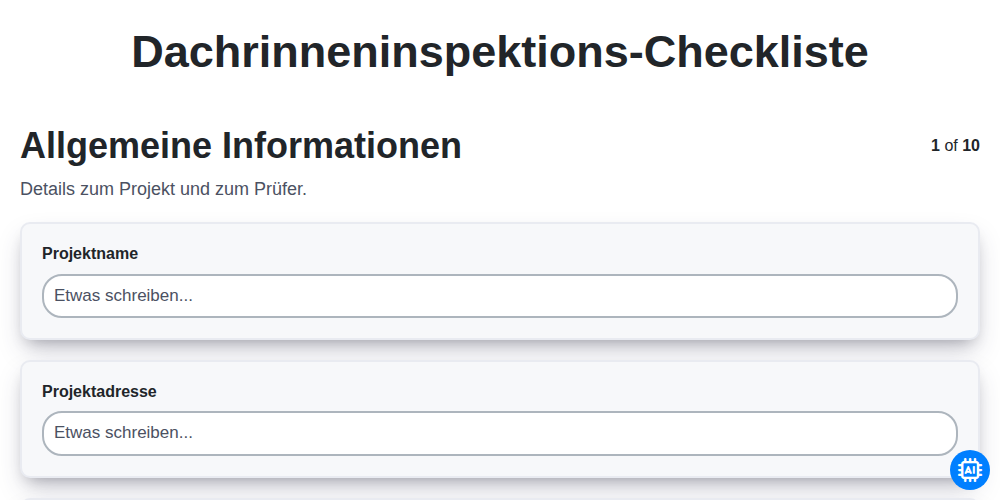
Dachrinneninspektions-Checkliste

Innenraum-Malerarbeiten – Checkliste
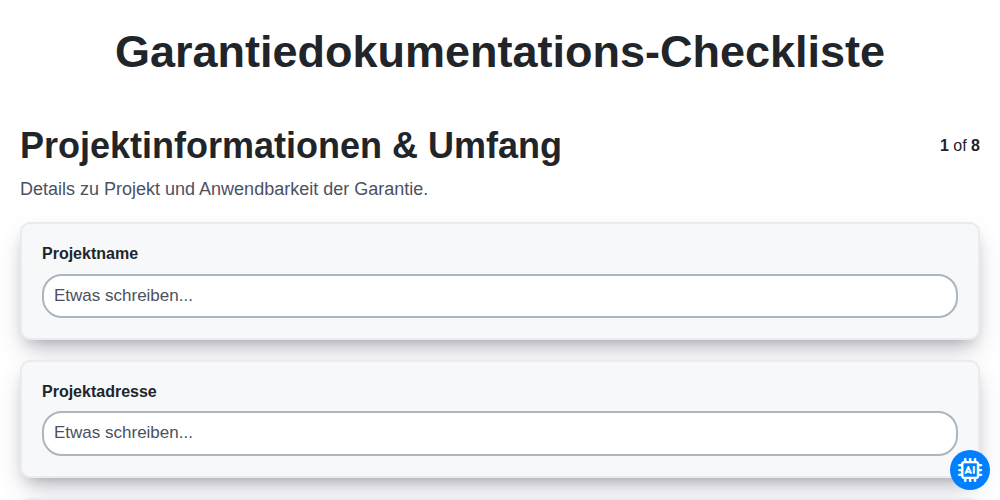
Garantiedokumentations-Checkliste

Betriebs- und Wartungsanleitungen – Checkliste
Gemeinsam schaffen wir das
Benötigen Sie Hilfe bei Checklisten?
Haben Sie eine Frage? Wir helfen Ihnen gerne. Bitte senden Sie uns Ihre Anfrage, und wir werden Ihnen umgehend antworten.