 ChecklistGuro
Performance Testing Checklist
Ensure your construction projects stay on time and budget! Download our free Performance Testing Checklist for construction software & systems. Identify bottlenecks, optimize performance, and avoid costly delays. Get started today!
This Template was installed 5 times.
Environment and Setup
Ensuring the test environment accurately reflects production and is properly configured for performance testing.
Environment Type
Number of Application Servers
Number of Database Servers
Detailed Environment Configuration (OS, versions, etc.)
Load Balancer Configuration
Specific Environment Dependencies (e.g., external APIs, services)
Environment Setup Date
Environment Configuration Document (if applicable)
Test Data
Verifying the test data volume, distribution, and relevance to production data.
Number of Projects to Simulate
Number of Users per Project (Average)
Total Number of Employees/Users in Test Data
Data Generation Approach
Data Distribution Pattern
Sample Data File (if applicable)
Detailed Description of Data Generation Rules
Earliest Date for Project Start
Latest Date for Project Completion
Workload Modeling
Defining and configuring realistic user and system workloads that mimic production conditions.
Estimated Concurrent Users
Peak Concurrent Users (e.g., during a shift change)
Primary Workload Profile (e.g., Design Phase, Construction Phase, Maintenance Phase)
Typical User Tasks to Simulate (Select all that apply)
Number of Projects/BIM Models to Simulate
Description of Typical User Workflow for Testing
Transaction Rate (e.g., Reports Generated per Minute)
Ramp-up Time for User Load (Minutes)
Test Execution & Monitoring
Controlling the execution of tests and monitoring key performance indicators (KPIs).
Number of Virtual Users
Ramp-up Time (seconds)
Test Duration (minutes)
Test Scenario Type
Specific Test Objectives
Target Average Response Time (seconds)
Metrics to Monitor
Test Start Date
Test Start Time
Results Analysis & Reporting
Analyzing test results to identify bottlenecks and generating clear, actionable reports.
Average Response Time (ms)
95th Percentile Response Time (ms)
Throughput (Transactions/Second)
CPU Utilization (%)
Memory Utilization (%)
Overall Test Result Status
Summary of Key Findings
Recommendations for Improvement
Performance Test Report (PDF)
Scalability Testing
Evaluating the system's ability to handle increasing workloads and user concurrency.
Target Concurrent Users
Increase in Concurrent Users (Percentage)
Transactions per Second (TPS) Target
Hardware Configuration Scaling (e.g., Add Servers, Increase RAM)
Database Connection Pool Size
Caching Strategy Verification
Scaling Test Scenario Description
Stress Testing
Pushing the system beyond its expected limits to identify breaking points and stability issues.
Maximum Concurrent Users
Transaction Rate (Transactions/Second)
Data Volume (GB)
Error Handling Verification Method
Observed System Behavior Under Stress
Maximum Acceptable Response Time (Seconds)
Resource Exhaustion Triggered
Detailed Description of Failure Mode
Number of Stress Test Runs
Endurance Testing
Assessing the system's performance and stability over an extended period.
Test Duration (hours)
Average Number of Concurrent Users
Server Resource Monitoring Enabled?
Memory Utilization Threshold (%)
CPU Utilization Threshold (%)
Observed System Errors/Warnings (if any)
System Stability During Test?
Unexpected behavior noticed during endurance test (if any)
Database Performance
Focusing on the performance of the underlying database and its interaction with the application.
Average Query Response Time (ms)
Database CPU Utilization (%)
Database Memory Utilization (%)
Database Indexing Strategy
Identify Slowest Queries (Top 5)
Database Connection Pool Size
Database Transaction Isolation Level
Network Performance
Assessing network latency and bandwidth limitations impacting system performance.
Average Network Latency (ms)
Network Bandwidth Available (Mbps)
Packet Loss Percentage (%)
Network Topology
Network Protocol Used
Describe any observed network congestion or instability
Attach network trace files (e.g., Wireshark captures)
Jitter (ms)
Frequently Asked Questions
Can I customize this template after installing it?
Absolutely. Once installed, you can add, remove, or reorder tasks, add custom fields, and adjust deadlines to fit your specific workflow.
Can I add images or photos to these checklist items?
Yes. Our platform allows you to attach photos, signatures, and notes to any checklist item for better verification and proof of completion.
Can I create a custom checklist from scratch instead of using a template?
Yes. You can use our "Create your own checklist" feature to build a unique workflow tailored exactly to your operational requirements.
Can I add dependencies between tasks?
Yes, you can set up conditional logic and dependencies to ensure your team follows the correct sequence of operations.
Can I assign specific checklist items to different team members?
Yes. You can assign individual tasks to specific employees, ensuring clear accountability across your entire team.
Can I use these checklists on mobile devices in the field?
Yes. Our platform is fully responsive, allowing your team to complete, update, and upload photos to checklists directly from any smartphone or tablet.
How do I notify my manager when a checklist is completed?
You can set up automated notifications (via email, push notification, or in-app alerts) to trigger whenever a checklist is finished or if an item fails inspection.
Can multiple people work on the same checklist simultaneously?
Yes, the platform supports real-time updates, allowing multiple users to contribute to a single live checklist.
Where is the data from completed checklists stored?
All completed checklists are stored securely in your Work OS dashboard, creating a permanent, searchable audit trail of your operations.
Can I generate reports based on my checklist results?
Yes. You can track completion rates, identify recurring issues, and monitor team performance through our integrated reporting and analytics tools.
How can I use these checklists for compliance or auditing purposes?
Because our checklists capture timestamps, photos, and digital signatures, they serve as a robust digital paper trail for regulatory compliance and internal audits.
Can I export my completed checklist data for use in other tools?
Yes. You can export your data in various formats (CSV, Excel, etc.) to integrate your operational insights with your other business software.
Comments
There are no comments yet. Be the first to add one!
Construction Management Solution Demo
Build smarter, not harder! ChecklistGuro streamlines construction projects from planning to closeout. Manage tasks, inspections, safety protocols & more - all in one place. Reduce delays, improve communication, and deliver projects on time & on budget.
Related Checklist Templates
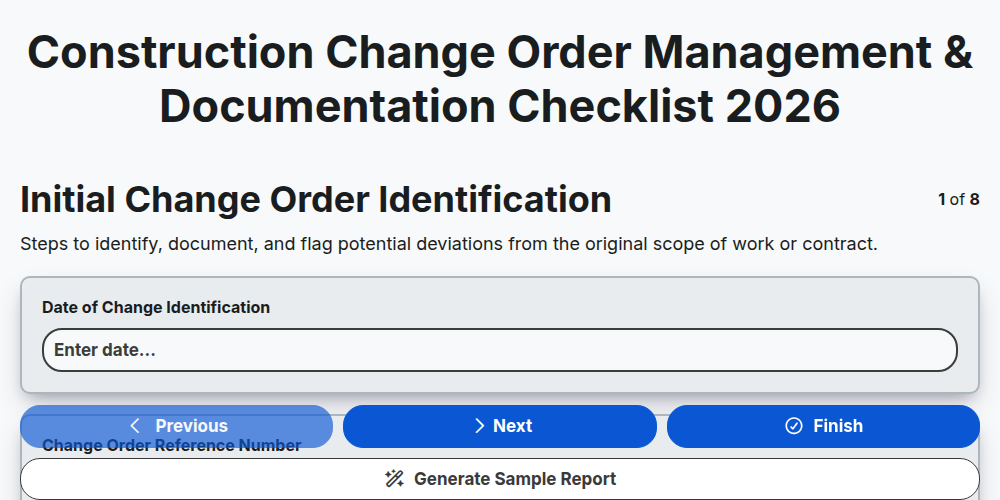
Construction Change Order Management & Documentation Checklist 2026
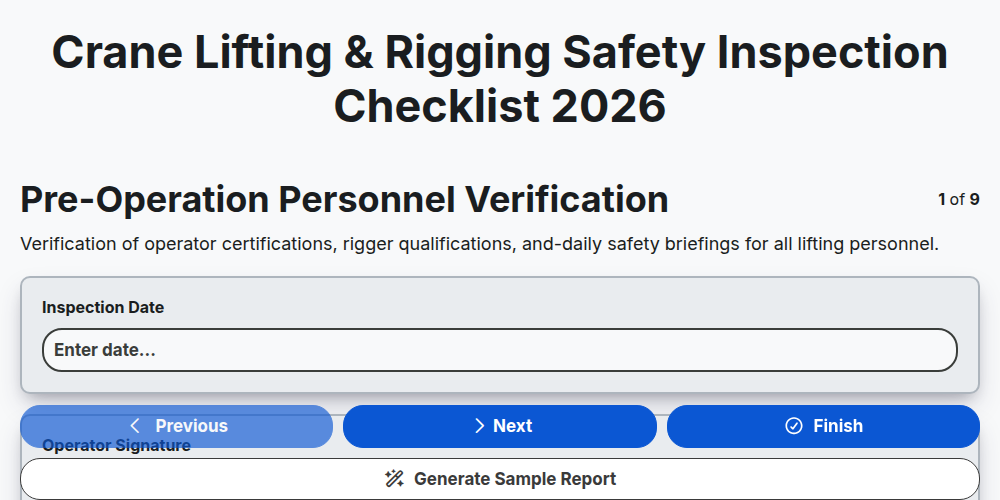
Crane Lifting & Rigging Safety Inspection Checklist 2026
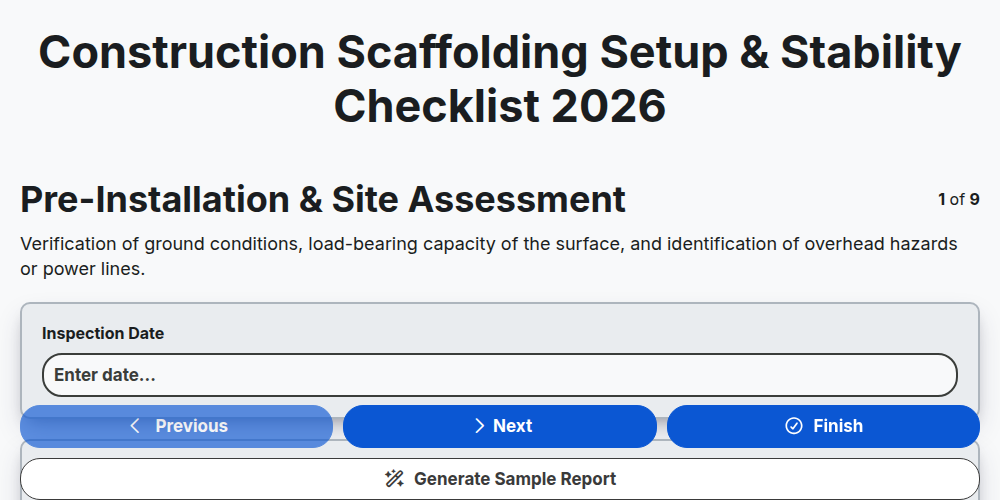
Construction Scaffolding Setup & Stability Checklist 2026
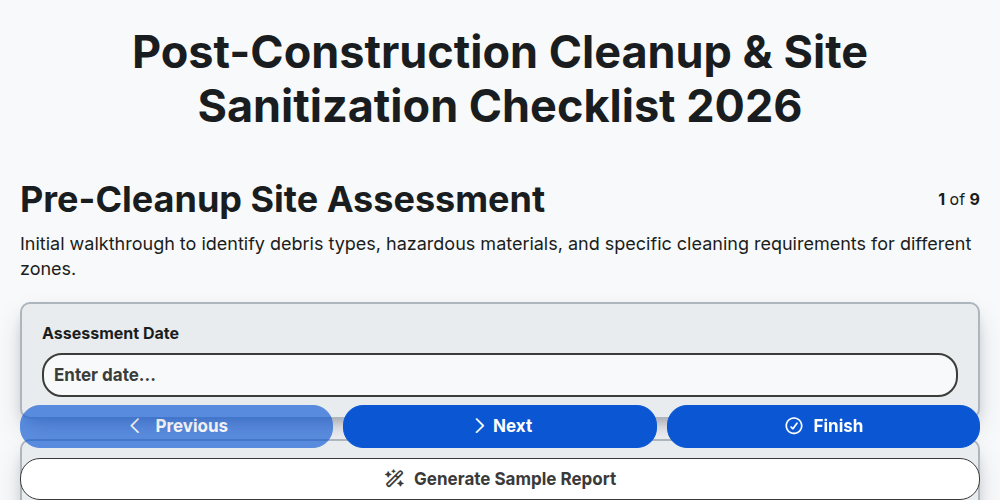
Post-Construction Cleanup & Site Sanitization Checklist 2026
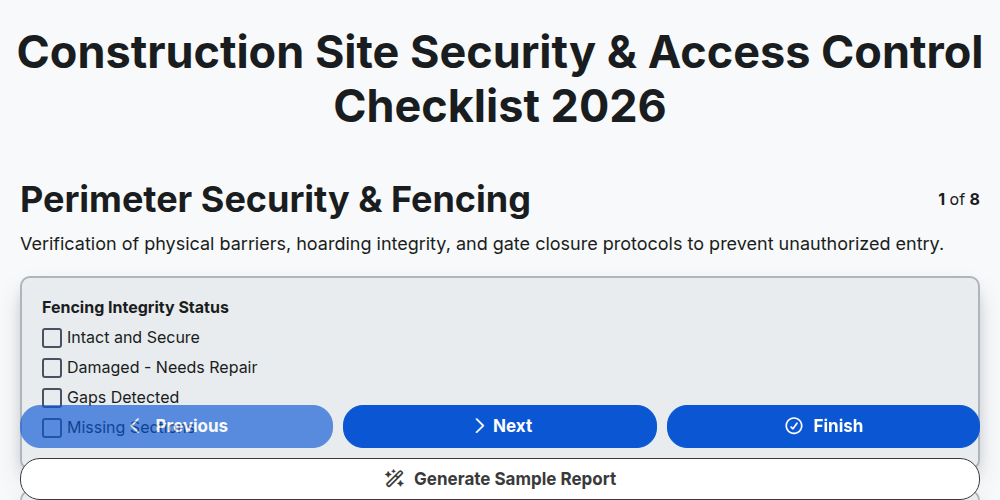
Construction Site Security & Access Control Checklist 2026
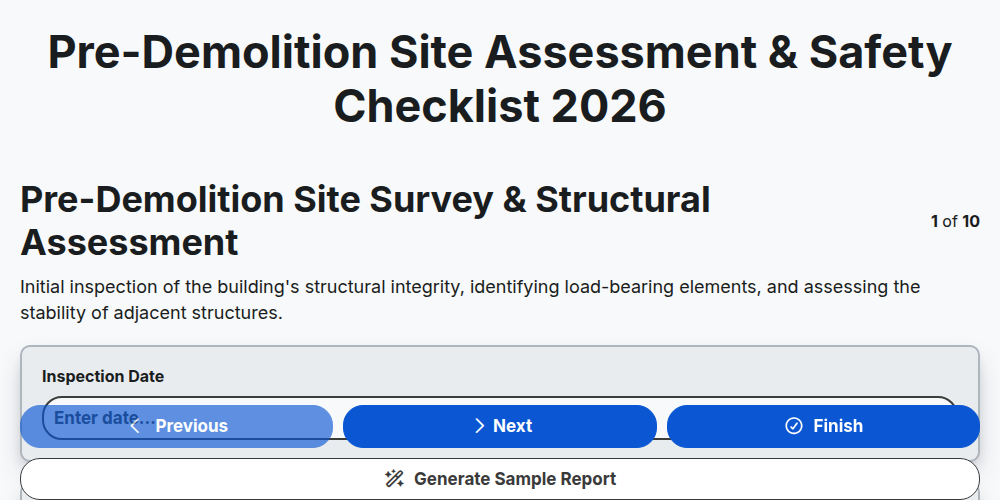
Pre-Demolition Site Assessment & Safety Checklist 2026
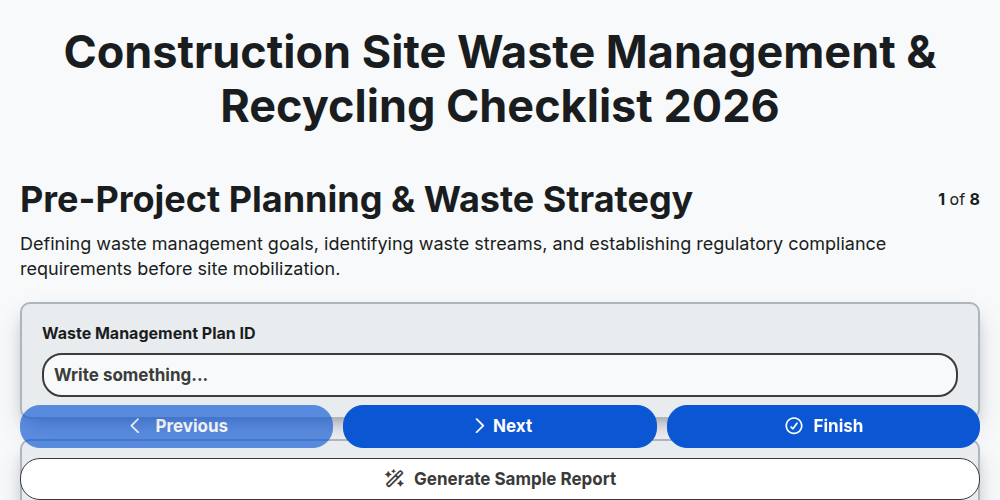
Construction Site Waste Management & Recycling Checklist 2026
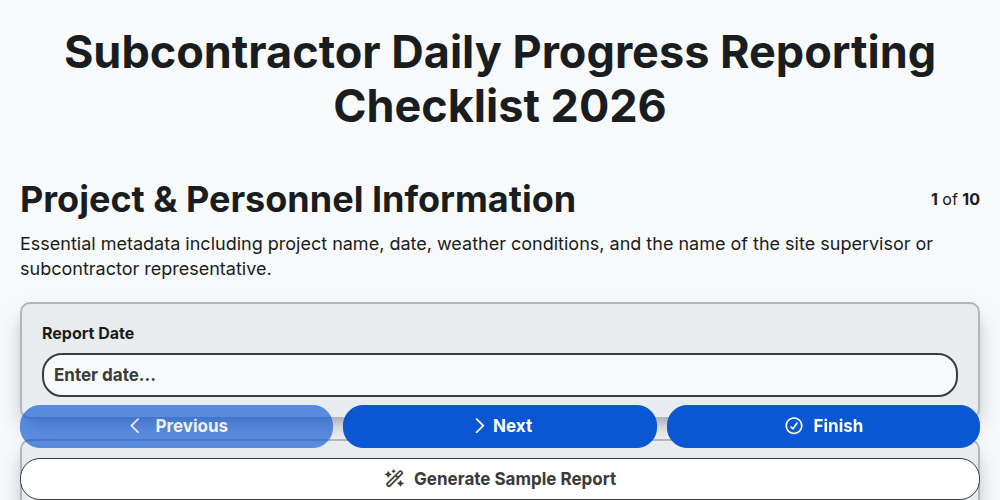
Subcontractor Daily Progress Reporting Checklist 2026
Need help with
Construction?
Have a question? We're here to help. Please submit your inquiry, and we'll respond promptly.