Construction Management
Build smarter, not harder! ChecklistGuro streamlines construction projects from planning to closeout. Manage tasks, inspections, safety protocols & more - all in one place. Reduce delays, improve communication, and deliver projects on time & on budget.
No credit card or cancellation needed.
Conquer Complexity, Control Your Projects
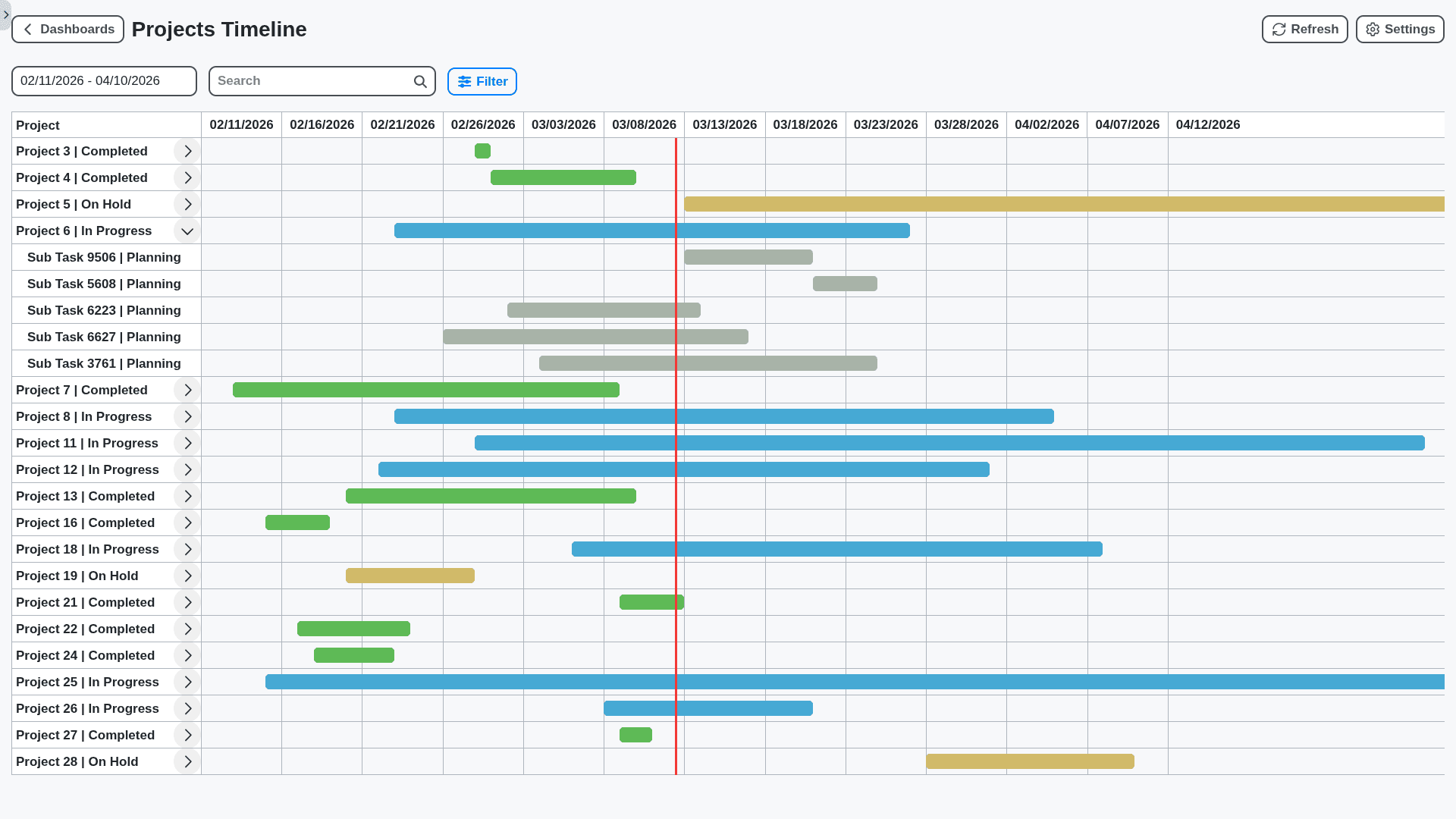
Construction projects are notorious for complexity. Our Work OS provides a centralized hub for all your project data - from blueprints and schedules to budgets and change orders - giving you real-time visibility and control to keep projects on track and within budget. Stop reactive firefighting and start proactively managing your construction success.
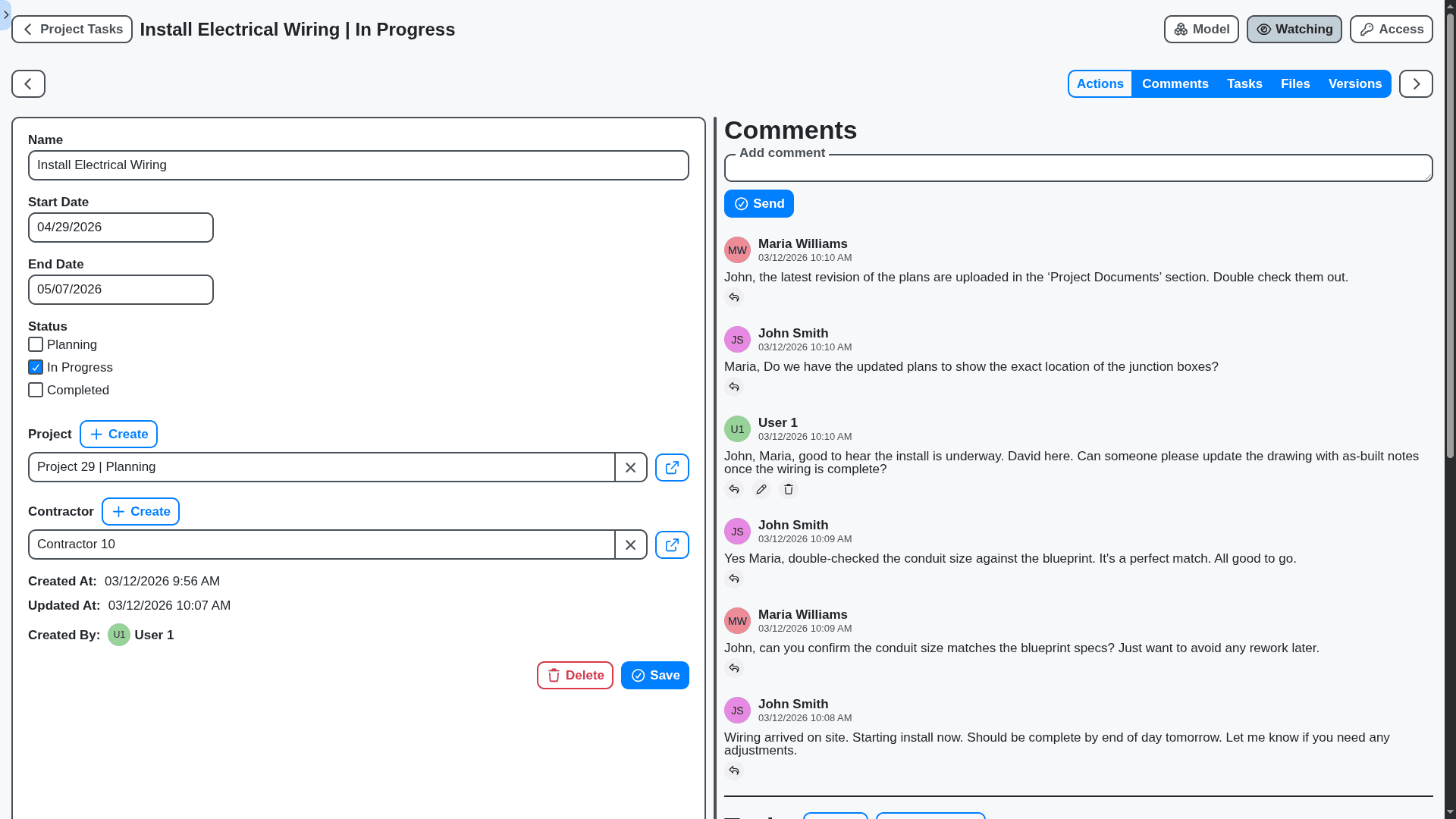
Real-Time Collaboration, Fewer Miscommunications
Break down communication silos and ensure everyone - from site supervisors to subcontractors - is on the same page. Our platform facilitates seamless communication with built-in messaging, document sharing, and instant updates, eliminating confusion and preventing costly errors.
Streamline Subcontractor Management & Onboarding
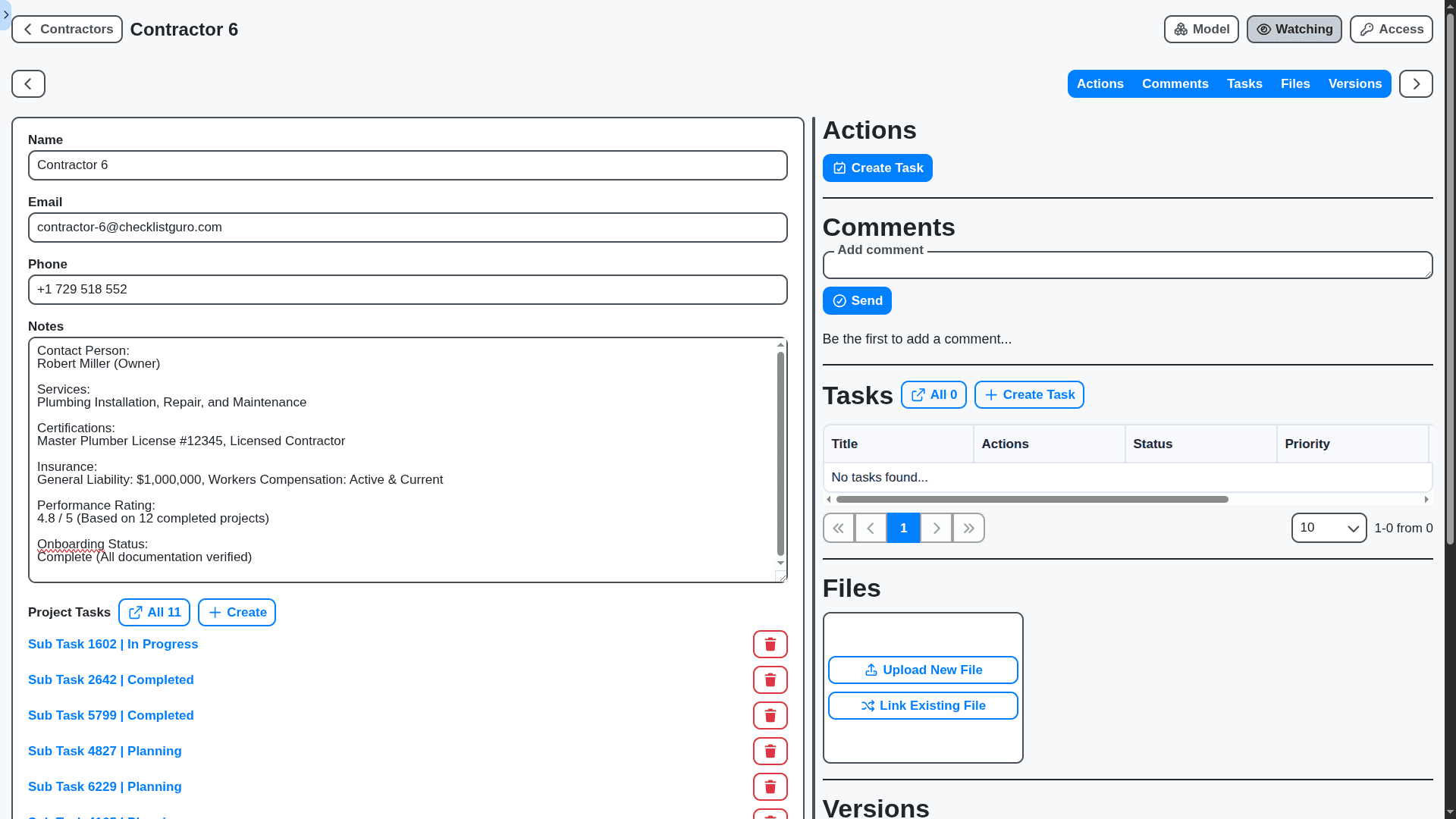
Subcontractor coordination is crucial. Our solution simplifies the entire process, from onboarding and document verification to task assignment and performance tracking. Reduce administrative overhead and ensure subcontractors adhere to your standards.
Mobile-First Access for the Field
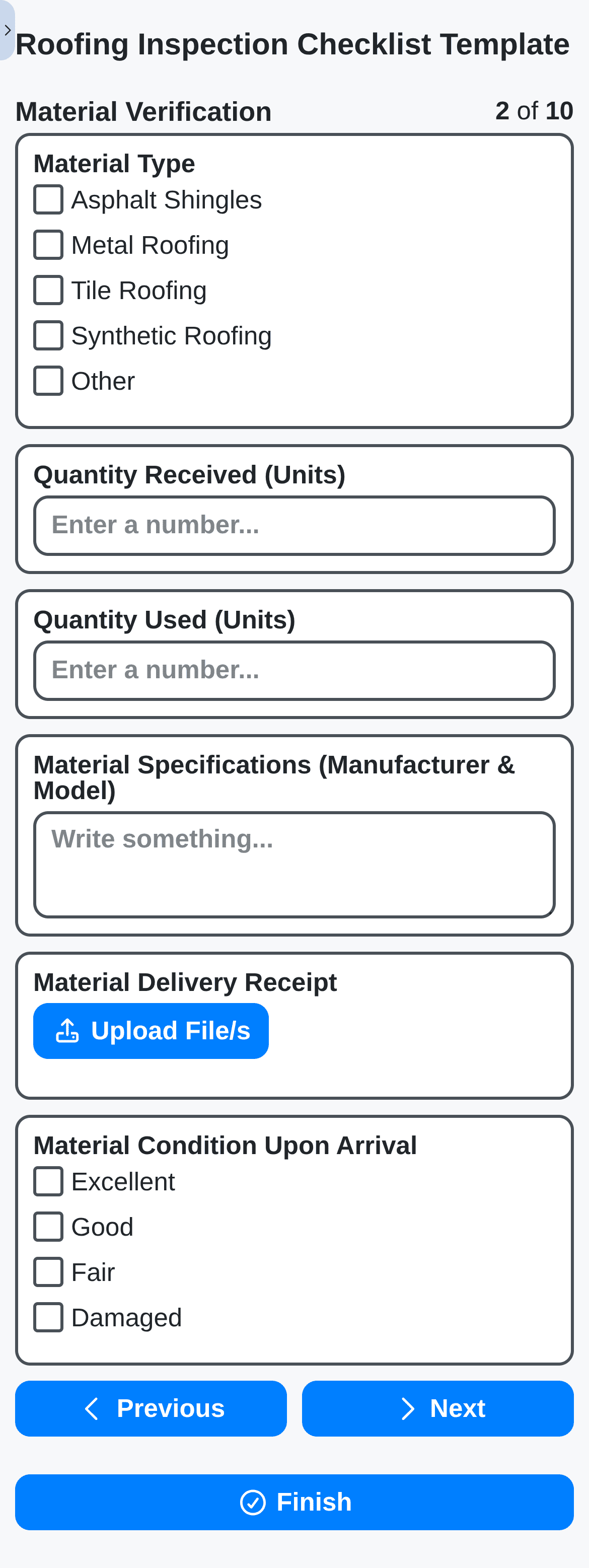
Keep your field teams connected and productive, wherever they are. Our Work OS is designed for mobile, allowing site supervisors and crews to access critical information, update progress, and report issues directly from the job site.
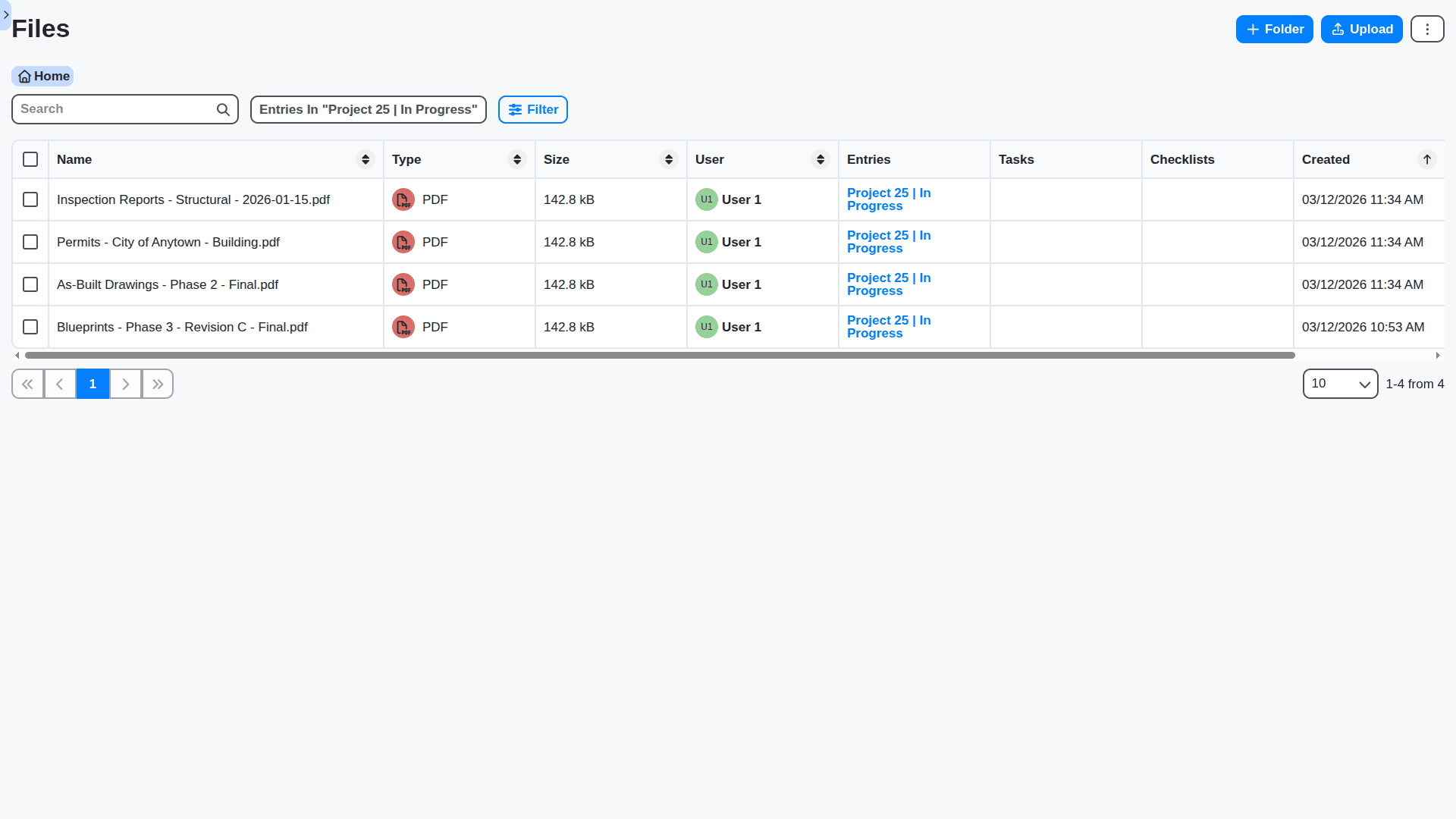
Centralized Document Management & Version Control
Construction projects generate a mountain of documents. Our solution provides a secure, centralized repository for all your project files - blueprints, contracts, permits, and more - with robust version control to ensure everyone is working with the latest information.
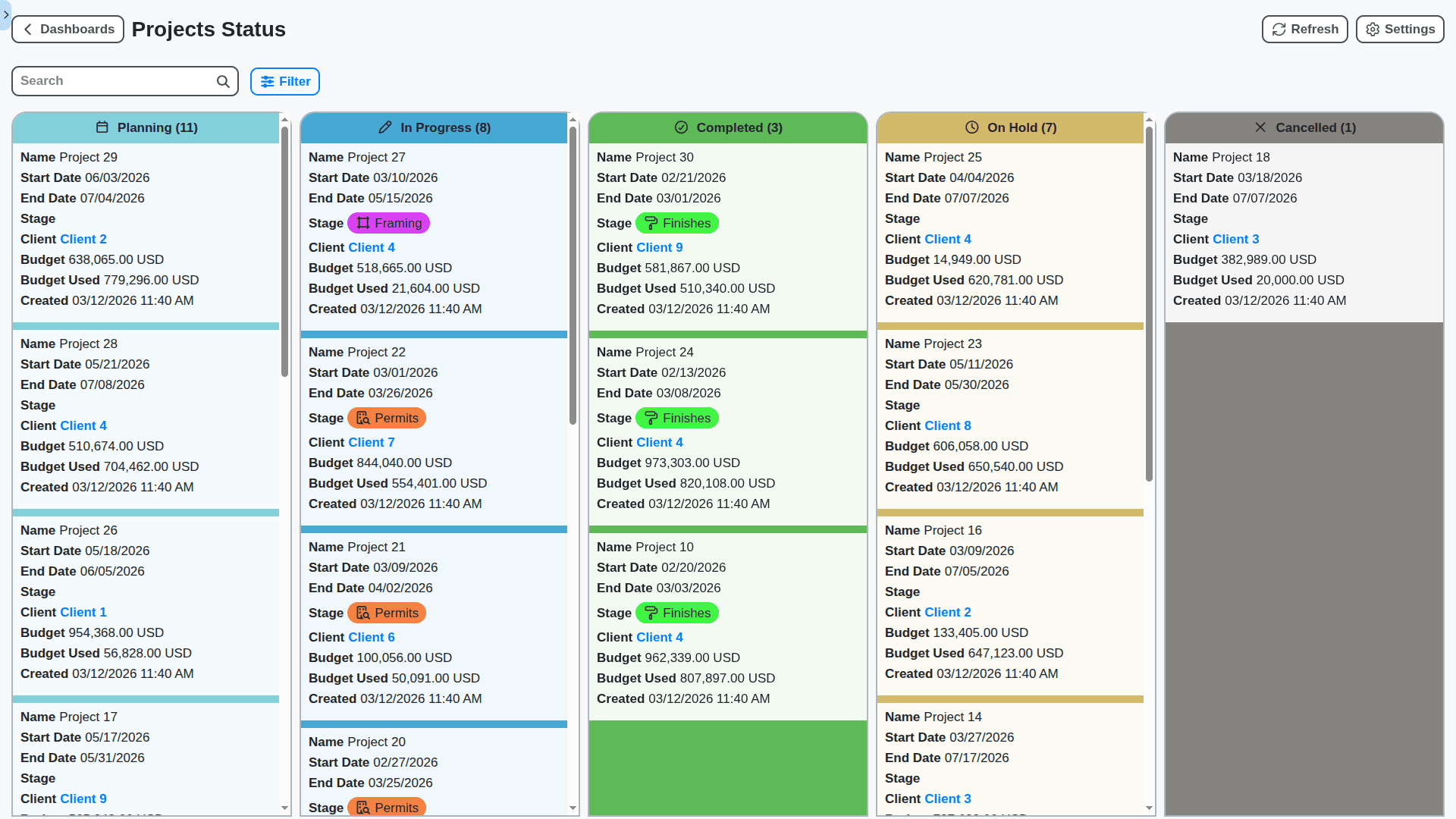
Automated Progress Tracking & Reporting
Say goodbye to manual updates and endless spreadsheets. Our Work OS automates progress tracking, pulling data from the field and providing real-time reports that keep stakeholders informed and streamline decision-making.
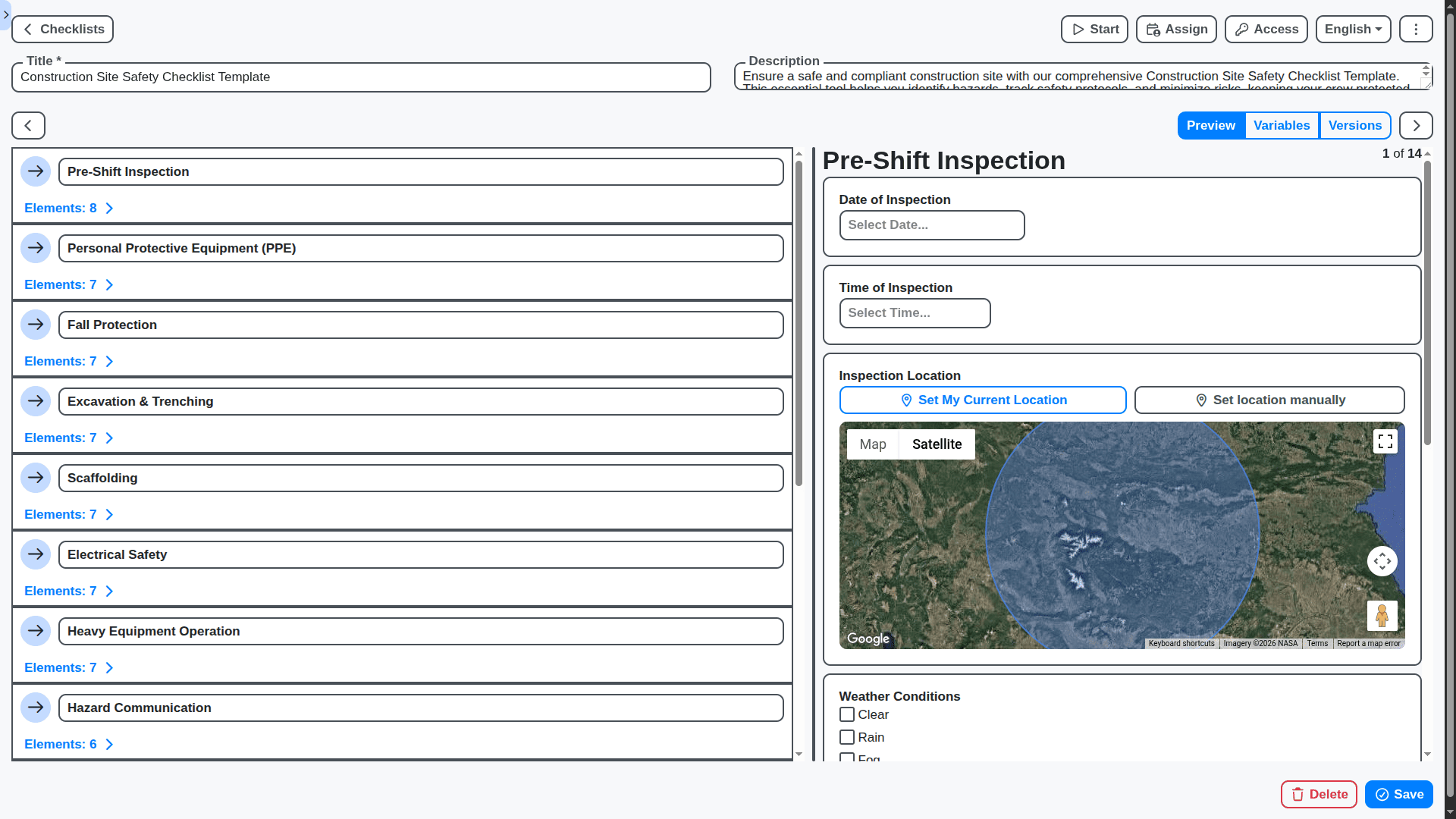
Improve Safety Compliance & Reduce Risk
Maintaining a safe job site is paramount. Our platform facilitates safety compliance by providing tools for incident reporting, safety checklist management, and training tracking, minimizing risks and protecting your workforce.
Features of our Construction Management Solution
Core Construction Management Features
Project Planning & Scheduling: Create and manage project schedules, defining tasks, dependencies, and timelines.
Cost Estimation & Budgeting: Develop accurate cost estimates and manage project budgets, tracking expenses and identifying variances.
Document Management: Store, organize, and manage project documents, including contracts, drawings, and specifications.
Subcontractor Management: Manage subcontractors, including bidding, contract negotiation, and performance tracking.
Resource Management: Allocate and track resources, including labor, equipment, and materials.
Change Order Management: Process and track change orders, ensuring proper approval and documentation.
Risk Management: Identify, assess, and mitigate project risks.
Business Process Management (BPM) Features
Bid Submission Workflow: Automate the bid submission process, including review, approval, and contractor selection.
Submittal Review Workflow: Streamline the review and approval of submittals, ensuring compliance with project specifications.
Request for Information (RFI) Workflow: Manage RFIs, ensuring timely responses and clear communication between project stakeholders.
Payment Application Workflow: Process and approve payment applications from contractors and suppliers.
Inspection Workflow: Schedule and track inspections, ensuring compliance with building codes and quality standards.
Equipment Rental Workflow: Manage equipment rentals, including reservations, delivery schedules, and maintenance logs.
Safety Incident Reporting Workflow: Report and investigate safety incidents, implementing corrective actions to prevent recurrence.
Reporting & Analytics Features
Earned Value Management (EVM) Reporting: Track project performance using EVM metrics.
Cost Variance Reporting: Analyze cost variances and identify areas for cost savings.
Schedule Variance Reporting: Monitor schedule performance and identify potential delays.
Labor Productivity Reporting: Track labor productivity and identify areas for improvement.
Material Usage Reporting: Monitor material usage and minimize waste.
Customizable Dashboards: Provide users with personalized dashboards to monitor key project KPIs.
Technical & Admin Features
Role-Based Access Control (RBAC): Define user roles and permissions to control access to project data.
Security: Secure project data with encryption and access controls.
Scalability: Handle a large number of users, projects, and documents.
API & Integrations: Provide APIs for integration with accounting software, CAD/BIM systems, and other construction tools.
Mobile App for Field Crews: Provide a mobile app for field crews to access project information, submit daily reports, and communicate with the office.
BIM Integration: Integrate with Building Information Modeling (BIM) software for 3D visualization and clash detection.
Audit Trail: Track user activity and changes to project data for compliance and accountability.
No credit card or cancellation needed.
Construction Checklist Templates
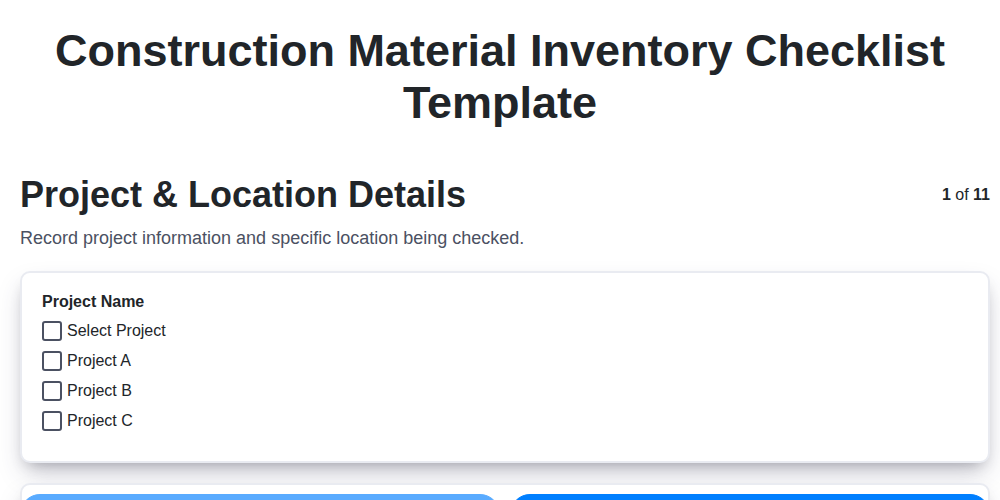
Construction Material Inventory Checklist Template
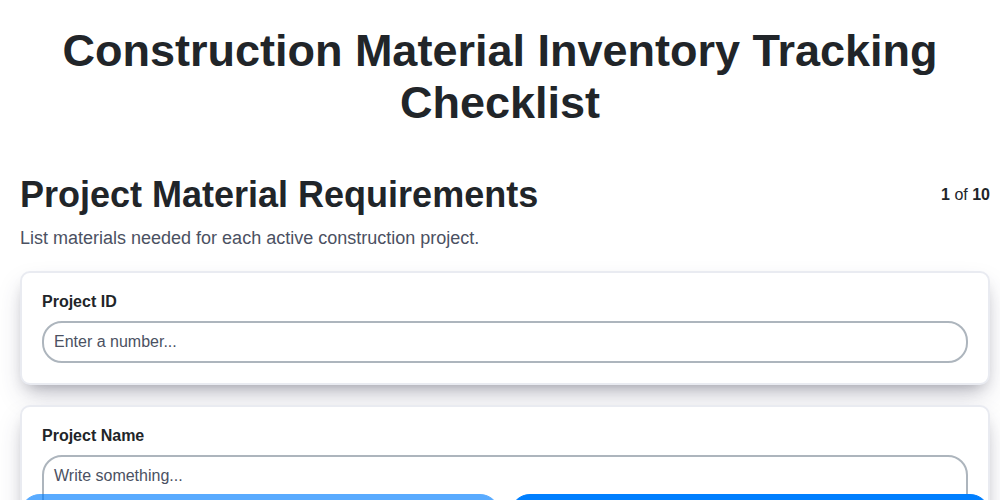
Construction Material Inventory Tracking Checklist
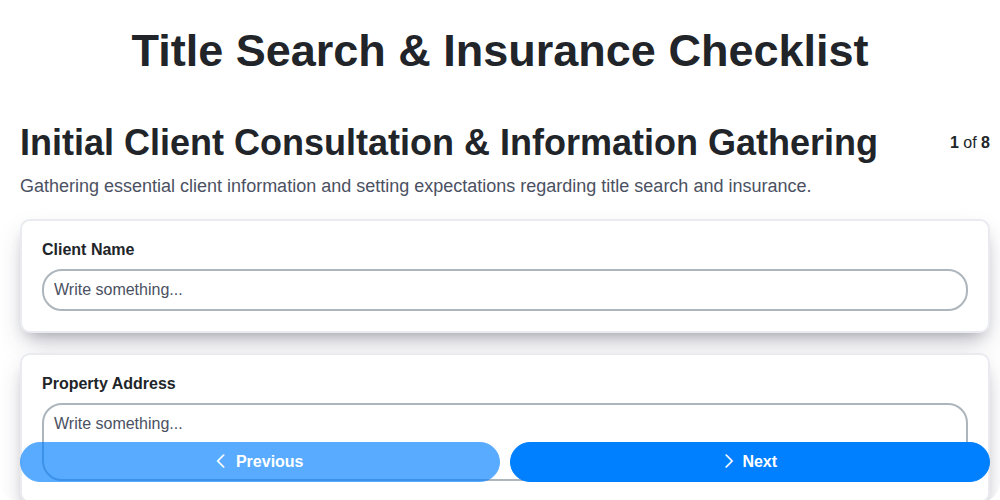
Title Search & Insurance Checklist
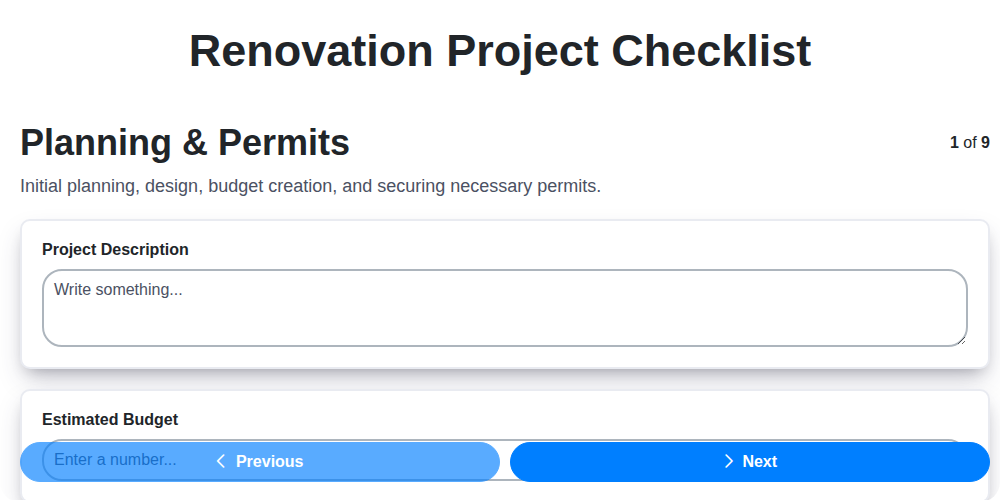
Renovation Project Checklist
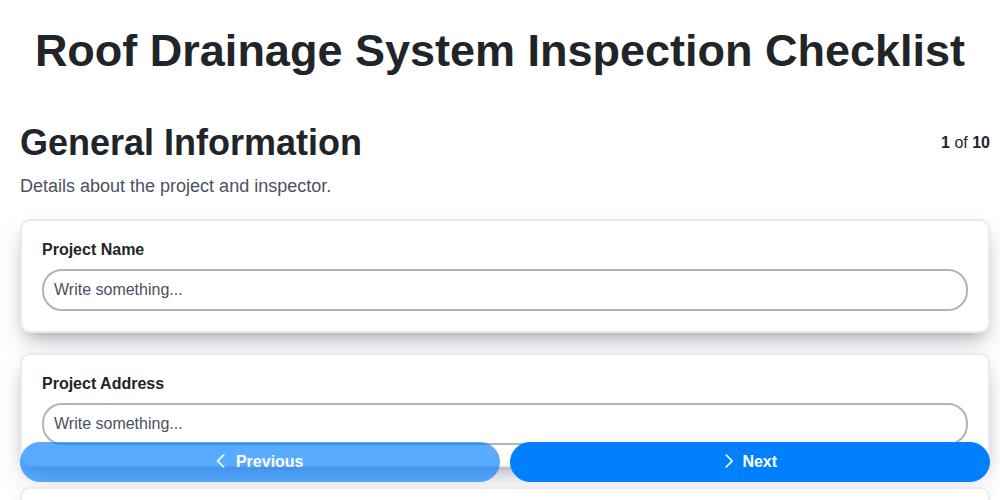
Roof Drainage System Inspection Checklist
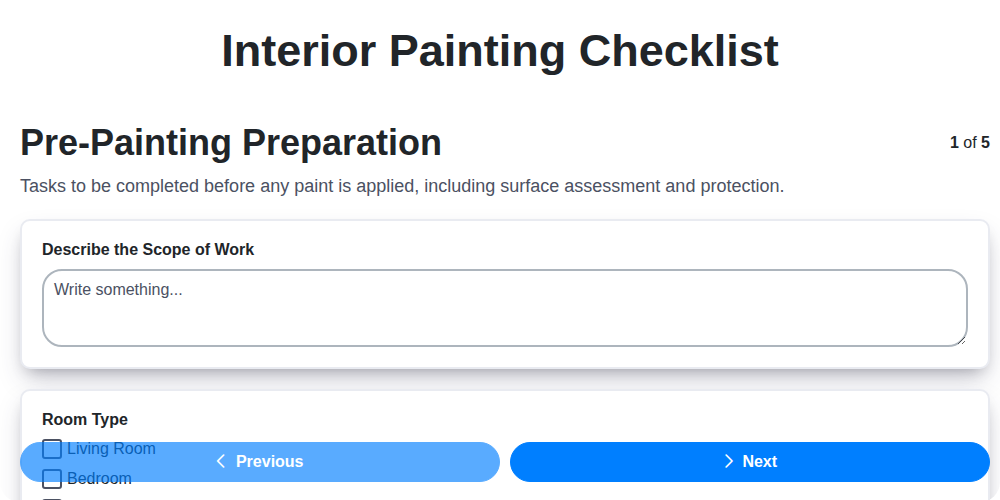
Interior Painting Checklist
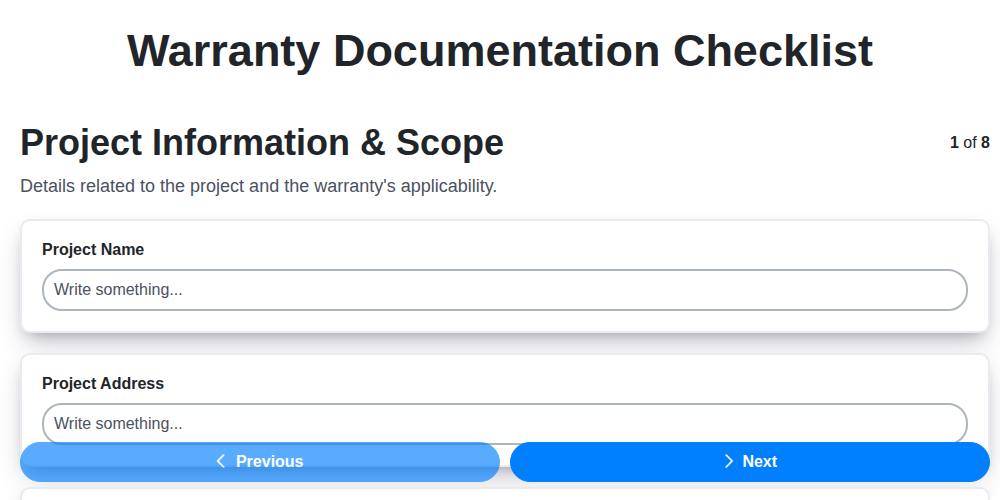
Warranty Documentation Checklist
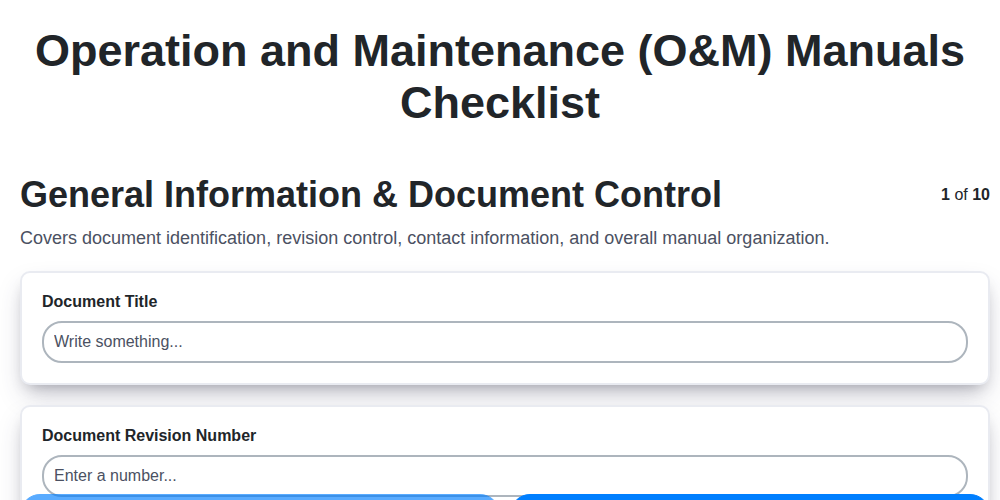
Operation and Maintenance (O&M) Manuals Checklist
Frequently Asked Questions
What types of construction projects is your software suitable for?
Our software is versatile and can be used for a wide range of construction projects, from residential builds to large-scale commercial developments, and everything in between.
Do I need to create an account to use the software?
Yes, a free account is required to access and use our software. This allows us to securely store your data and personalize your experience.
How do I create my first project?
Simply log in, click the "New Project" button, and enter the project details (name, location, description, etc.). You can then start building or assigning checklists.
Can I use existing checklists, or do I have to create everything from scratch?
We offer a library of pre-built construction checklists covering common areas like safety, quality control, and compliance. You can use these as-is or customize them to fit your specific needs.
What kind of information can I include in a checklist item?
Each item can include text descriptions, photo attachments, dropdown selections, rating scales, and free-form text fields for detailed observations.
Can I add custom fields to checklists?
Yes, our software allows you to add custom fields to your checklists to capture project-specific data.
How can I organize my checklists into categories or sections?
You can structure your checklists using sections and subsections to create a logical flow and improve navigation.
What are "conditional checklist items", and how do I use them?
Conditional items only appear if a previous item's response meets a certain criteria. This allows you to tailor checklists based on project conditions.
How do I assign checklists to team members?
You can easily assign checklists to individual users or groups within your organization.
Can team members access the software on their mobile devices?
Yes, they can use all desktop features on both iOS and Android devices, allowing your team to conduct audits on the go.
Can I export the data from my reports?
Absolutely! Reports can be exported in various formats, such as CSV, PDF, and Excel.
How do I set up recurring audits?
You can schedule audits to repeat on a daily, weekly, or monthly basis.
How much does it cost?
Pricing for ChecklistGuro is based on number of users. Please visit our pricing page or contact us for a custom quote.
We can do it Together
Make a Request
Have a question? We're here to help. Please submit your inquiry, and we'll respond promptly.