 ChecklistGuro
 Automotive Customer Feedback and Survey Process
Drive loyalty and optimize dealership performance with our Automotive Customer Feedback and Survey Process. Streamline the collection of vehicle service and sales reviews, automate follow-up workflows, and transform raw driver insights into actionable strategies to boost CSI scores and accelerate business growth.
Diese Vorlage wurde 4 Mal installiert.
Start
Start des Workflows/Prozesses.
1. Fetch Customer Survey Submissions
Retrieve all recent survey responses from the Customer Feedback data model.
2. Calculate Average CSAT Score
Calculate the average Customer Satisfaction (CSAT) score from all recent survey entries.
3. Calculate Total Negative Feedback Count
Count the number of entries where the satisfaction rating is below a specific threshold (e.g., < 3 stars).
4. Update Feedback Status
Update the status of a feedback entry from 'New' to 'Under Review' once the process begins.
5. Create Service Ticket
Create a new entry in the 'Service Requests' data model if the feedback contains a complaint or repair request.
6. Assign Complaint Investigation Task
Create a task for the Customer Success Manager to investigate high-priority negative feedback.
7. Assign Follow-up Task
Create a task for the Sales Representative to call the customer for a follow-up interaction.
8. Send Thank You Email
Send an automated thank you email to the customer for completing the survey.
9. Alert Service Manager of Urgent Issue
Send an urgent email notification to the Service Manager when a critical vehicle safety issue is reported.
10. Notify Customer of Ticket Creation
Send an SMS to the customer's registered phone number informing them that a service ticket has been opened.
11. Calculate Net Promoter Score (NPS) Delta
Calculate the difference between the current NPS and the previous month's NPS.
12. Generate Monthly Feedback Summary Report
Generate a PDF report summarizing all feedback trends, average scores, and pending tasks for the monthly management meeting.
13. Remove Duplicate Submissions
Delete any survey entries that are identified as accidental double-submissions.
Ende
Ende des Arbeitsablaufs/Prozesses.
Start des Workflows/Prozesses.
Retrieve all recent survey responses from the Customer Feedback data model.
Calculate the average Customer Satisfaction (CSAT) score from all recent survey entries.
Count the number of entries where the satisfaction rating is below a specific threshold (e.g., < 3 stars).
Update the status of a feedback entry from 'New' to 'Under Review' once the process begins.
Create a new entry in the 'Service Requests' data model if the feedback contains a complaint or repair request.
Create a task for the Customer Success Manager to investigate high-priority negative feedback.
Create a task for the Sales Representative to call the customer for a follow-up interaction.
Send an automated thank you email to the customer for completing the survey.
Send an urgent email notification to the Service Manager when a critical vehicle safety issue is reported.
Send an SMS to the customer's registered phone number informing them that a service ticket has been opened.
Calculate the difference between the current NPS and the previous month's NPS.
Generate a PDF report summarizing all feedback trends, average scores, and pending tasks for the monthly management meeting.
Delete any survey entries that are identified as accidental double-submissions.
Ende des Arbeitsablaufs/Prozesses.
Kommentare
Bisher gibt es keine Kommentare. Seien Sie der Erste, der einen hinzufügt!
Demonstration der Lösung für das Management der Automobilproduktion
Optimieren Sie Ihre Automobilproduktion! ChecklistGuro digitalisiert Arbeitsabläufe, von der Teileprüfung bis zum Endtest. Reduzieren Sie Fehler, steigern Sie die Effizienz und stellen Sie die Qualitätskonformität sicher. Erzielen Sie Ergebnisse mit unserer Work OS.
Verwandte Workflow-Vorlagen
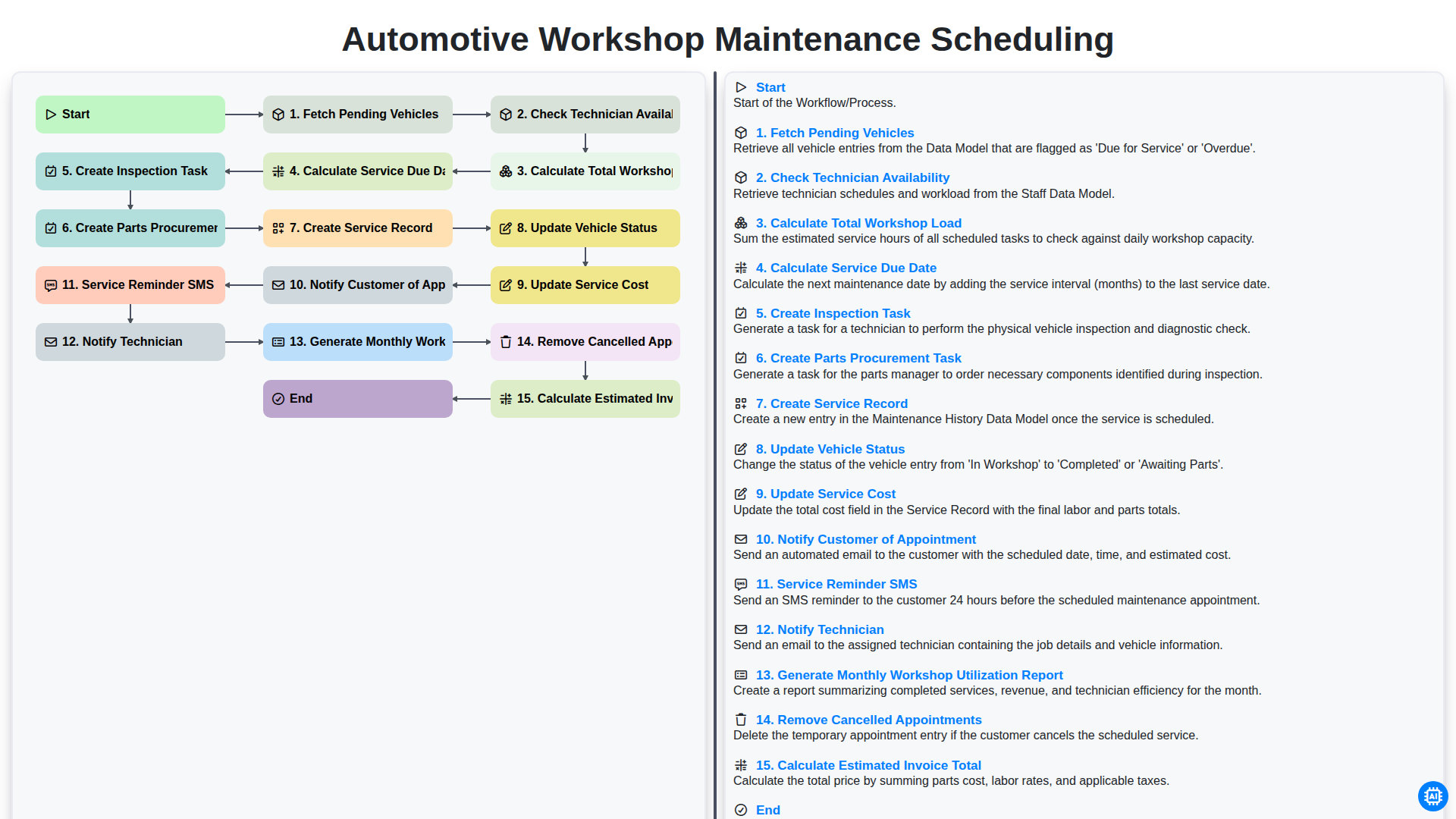
Automotive Workshop Maintenance Scheduling

Automotive Service Appointment Management

Automotive Vehicle Delivery and Handover Process

Automotive Vehicle Trade-In Evaluation Process

Automotive Digital Marketing Lead Workflow
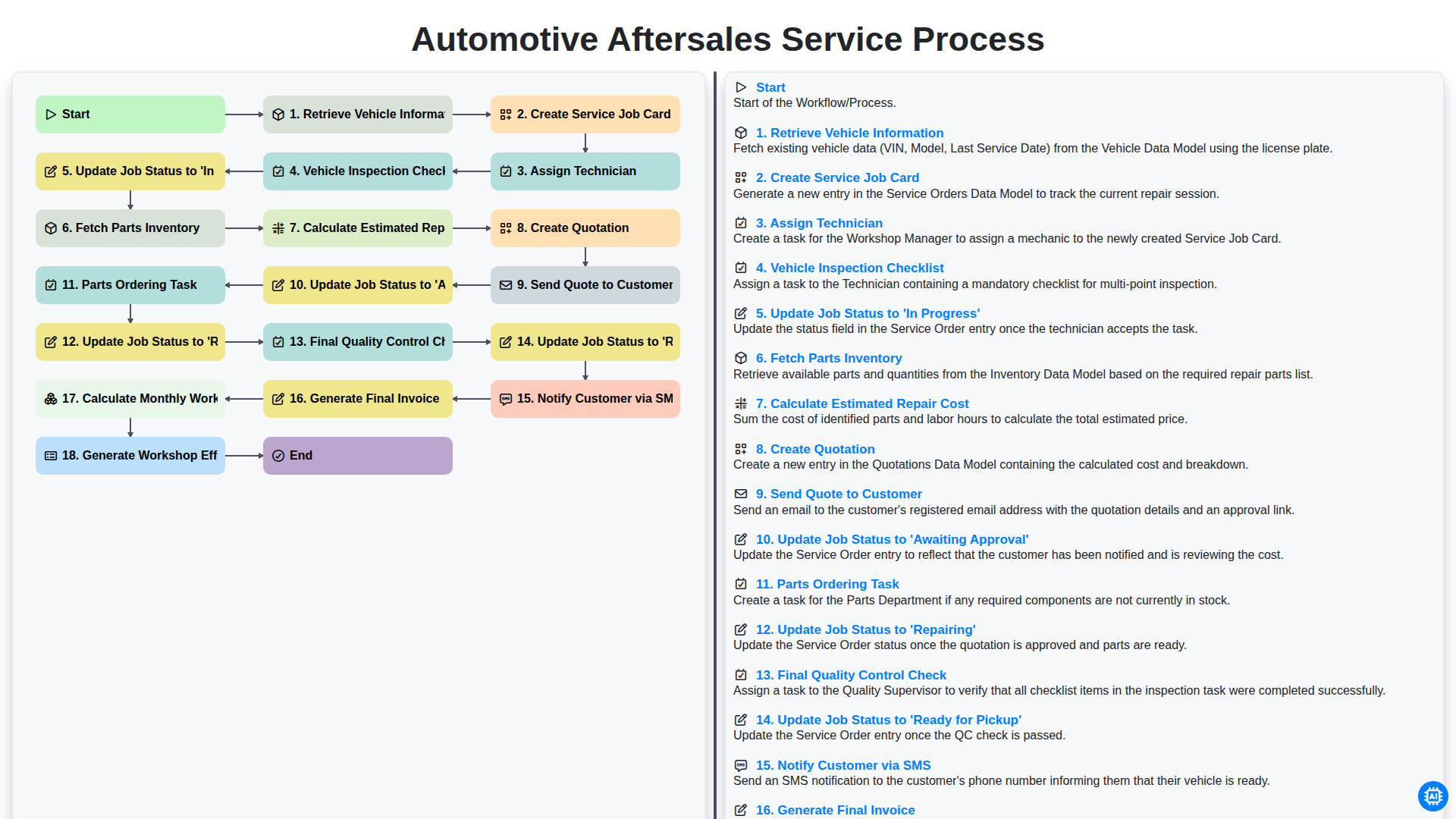
Automotive Aftersales Service Process
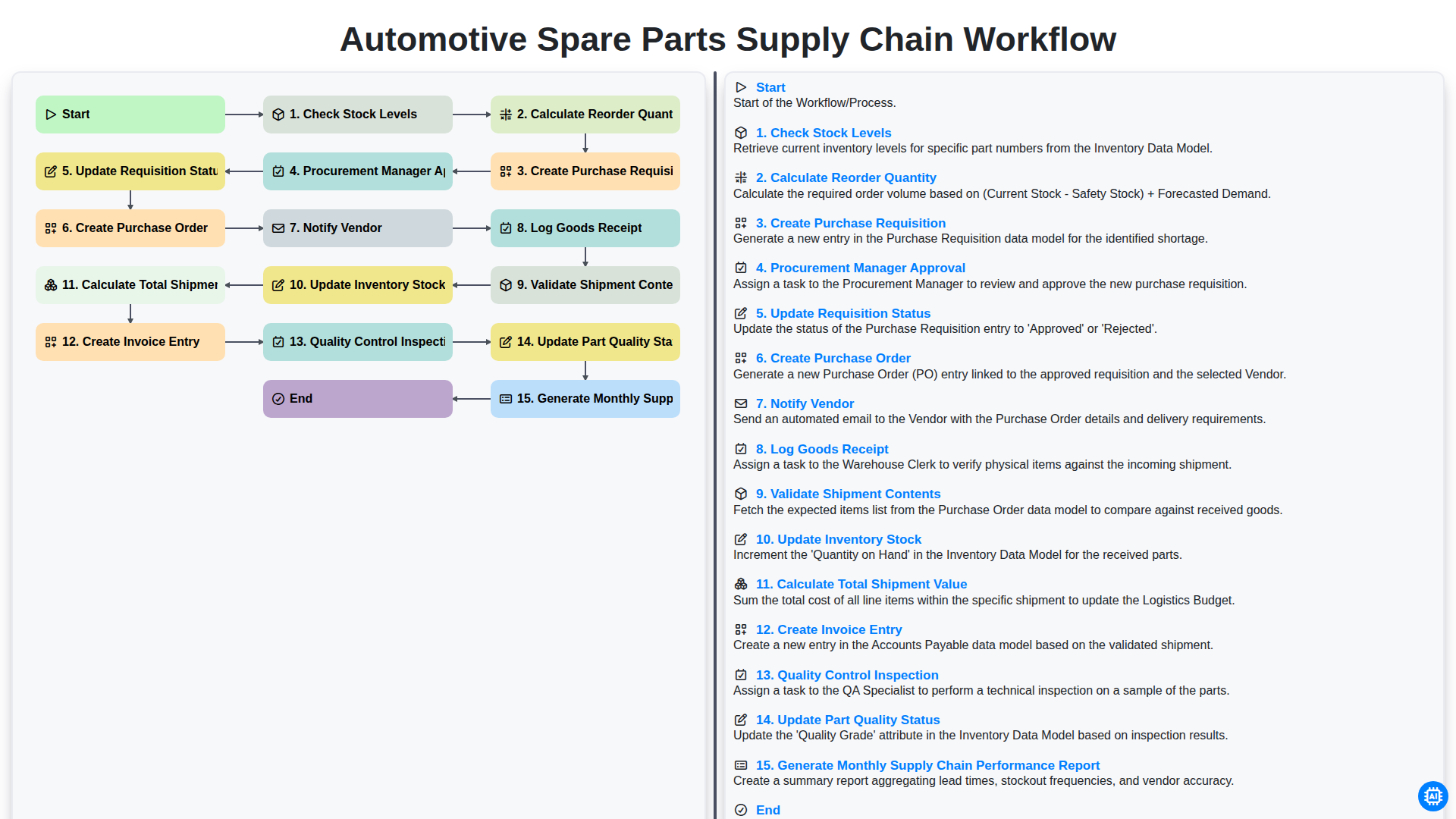
Automotive Spare Parts Supply Chain Workflow
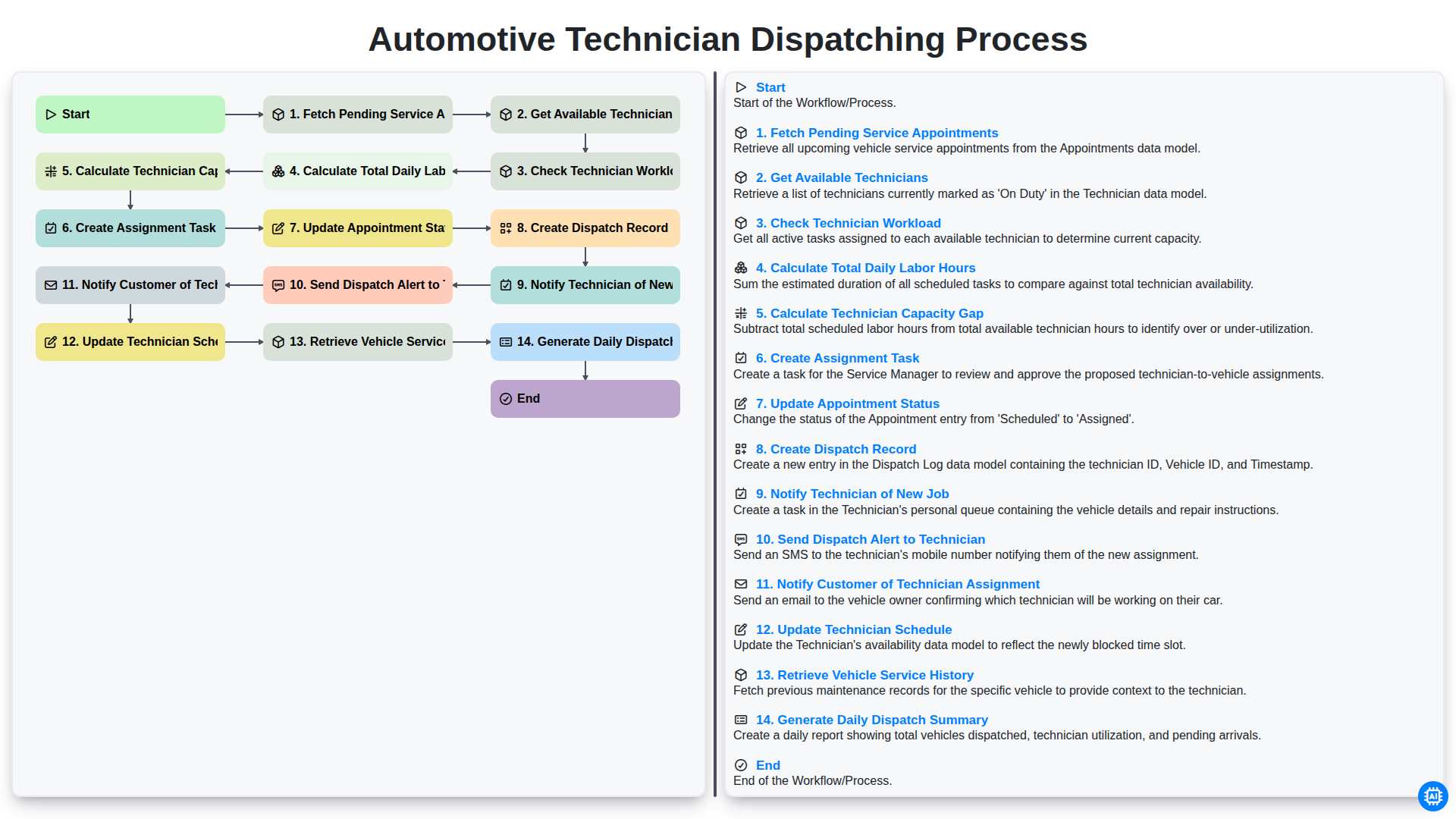
Automotive Technician Dispatching Process
Gemeinsam schaffen wir das
Benötigen Sie Hilfe bei Checklisten?
Haben Sie eine Frage? Wir helfen Ihnen gerne. Bitte senden Sie uns Ihre Anfrage, und wir werden Ihnen umgehend antworten.