Automotive Manufacturing Management
Optimize your automotive production! ChecklistGuro digitizes workflows, from parts inspection to final testing. Reduce errors, boost efficiency & ensure quality compliance. Drive results with our Work OS.
No credit card or cancellation needed.
Standardize Everything: From Checklist to Completion
Eliminate operational guesswork. ChecklistGuro digitizes your most critical procedures - maintenance inspections, service checkouts, and safety audits - ensuring every employee follows the exact, correct sequence every single time, no exceptions.
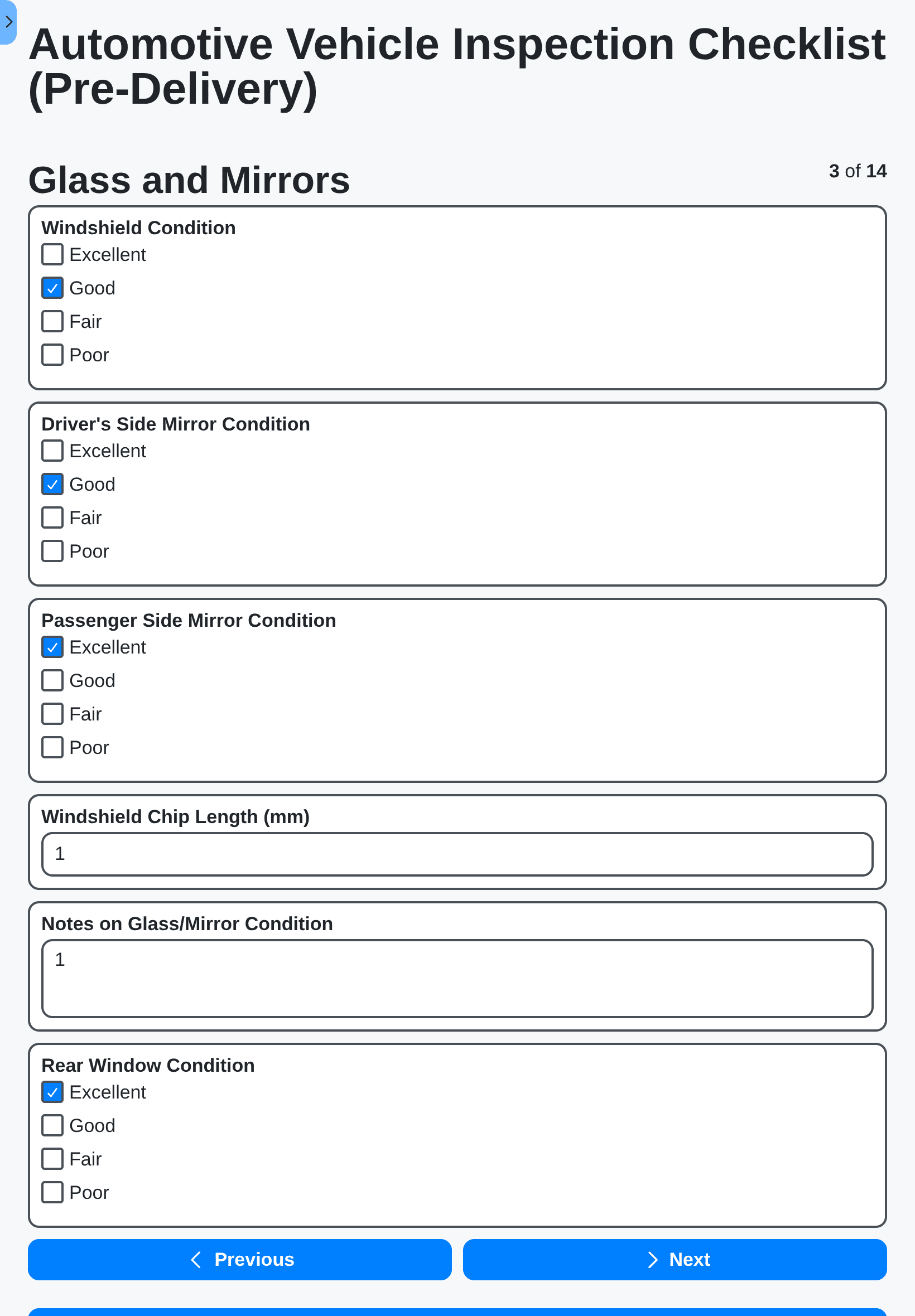
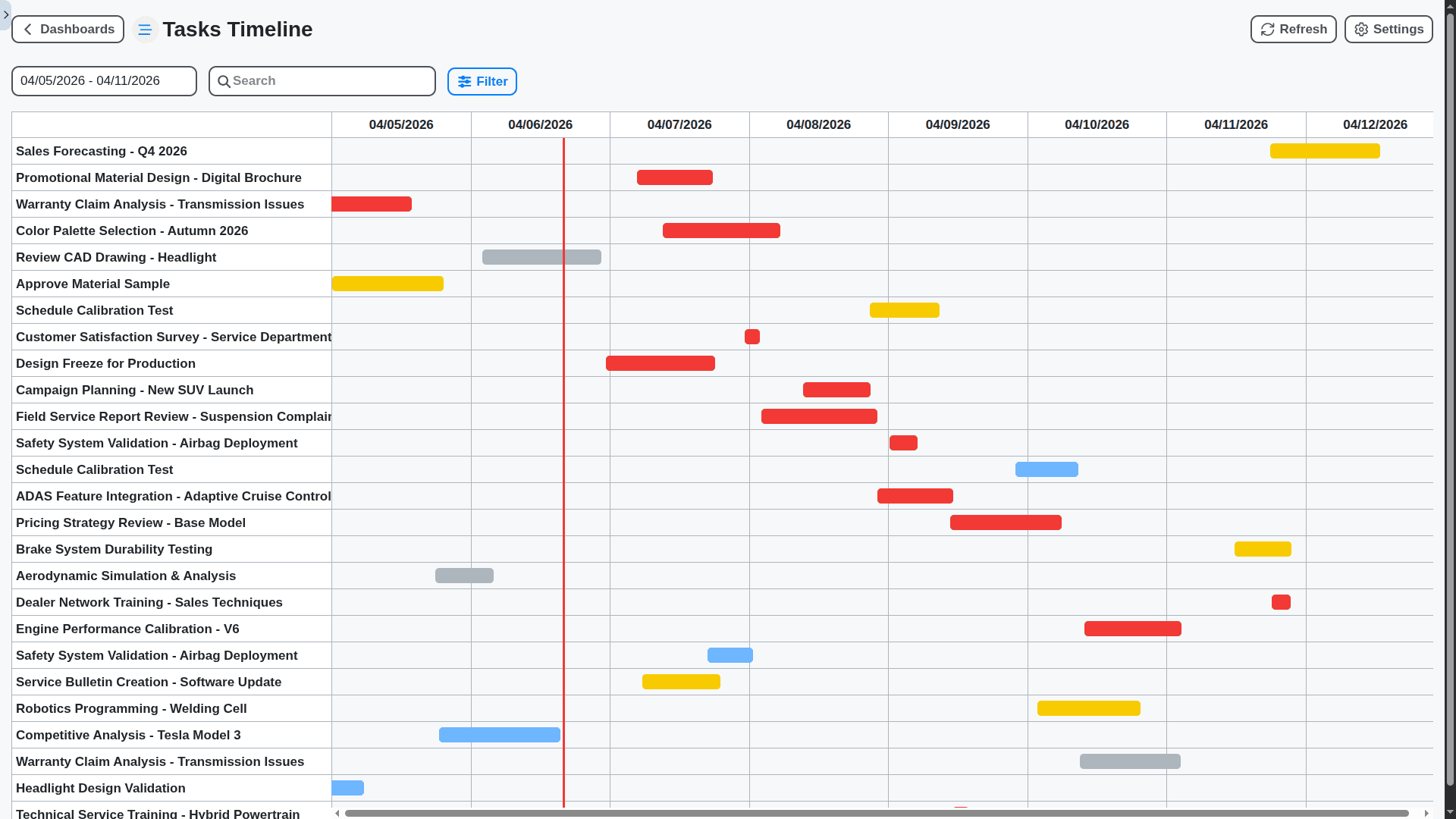
Seamless Integration, Unified Workflow - The Work OS Advantage
Don't use siloed software. Because ChecklistGuro runs on the Work OS, it talks directly to your inventory, scheduling, and CRM. Service history, parts tracking, and required inspections flow together, providing one 360° view of every vehicle and job.
Field-Ready for Any Environment
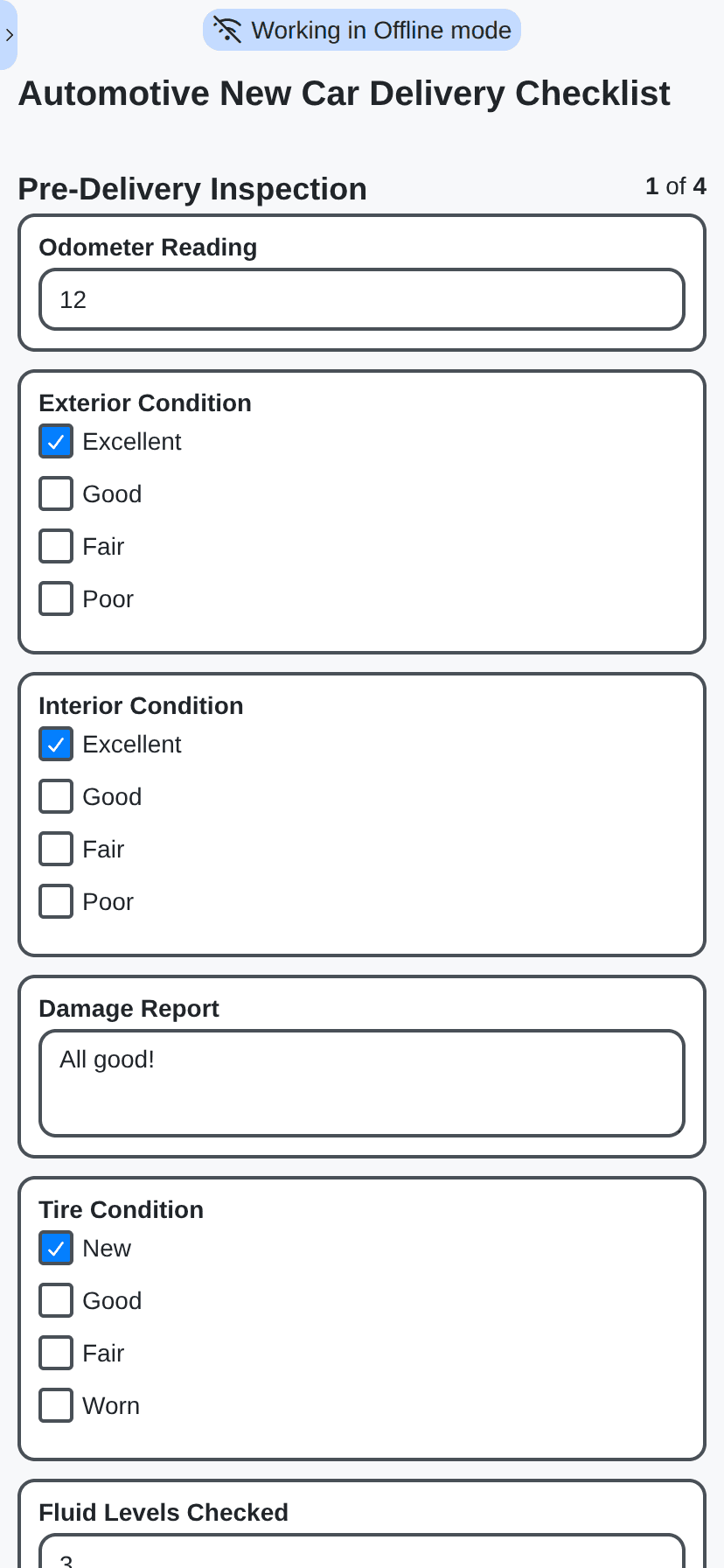
Whether you're on a dusty service bay floor, a busy highway roadside, or a cluttered parts warehouse, our mobile-first design ensures zero downtime. Work offline, sync instantly, and keep working, no Wi-Fi needed.
Bulletproof Compliance & Audit Trails
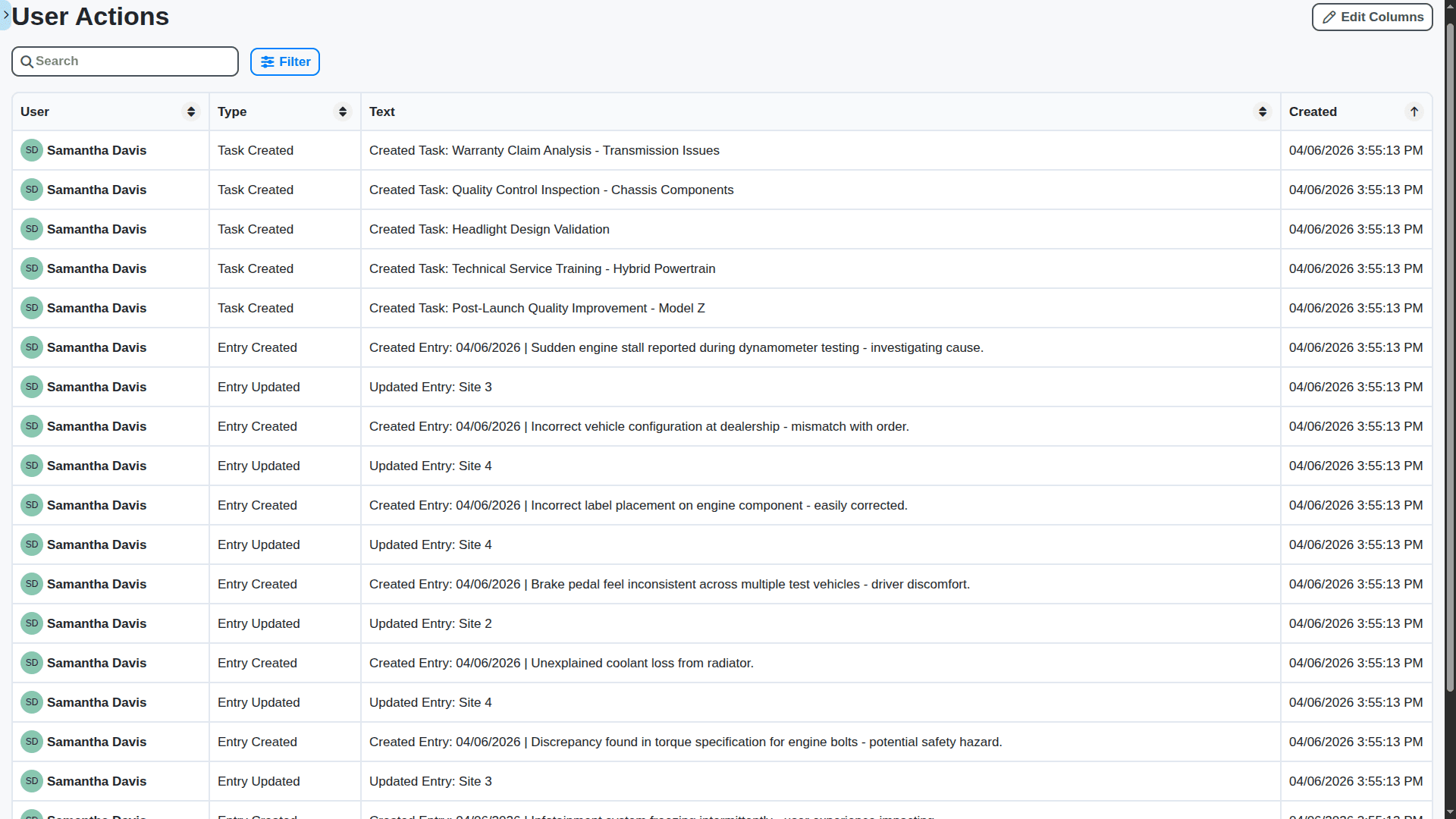
Move beyond "trust us." Generate immutable, time-stamped records of every inspection, sign-off, and procedural step. Stay ahead of regulatory changes and pass audits with undeniable digital proof.
Customizable for Your Unique Shop Flow
We don't offer one-size-fits-all. Our no-code builder lets you map complex, niche processes - from exotic vehicle diagnostics to internal departmental sign-offs - perfectly matching your unique business blueprint.
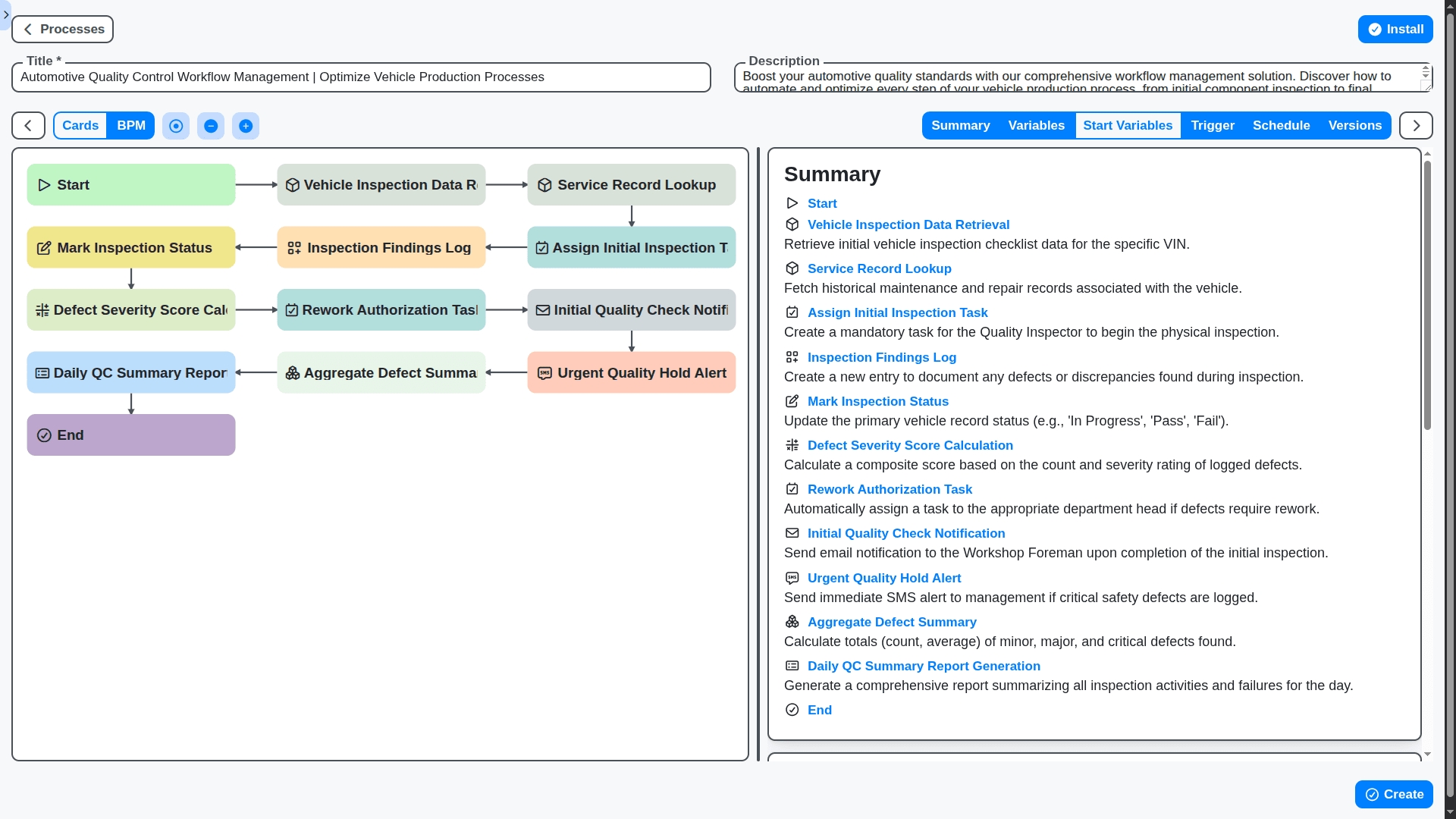
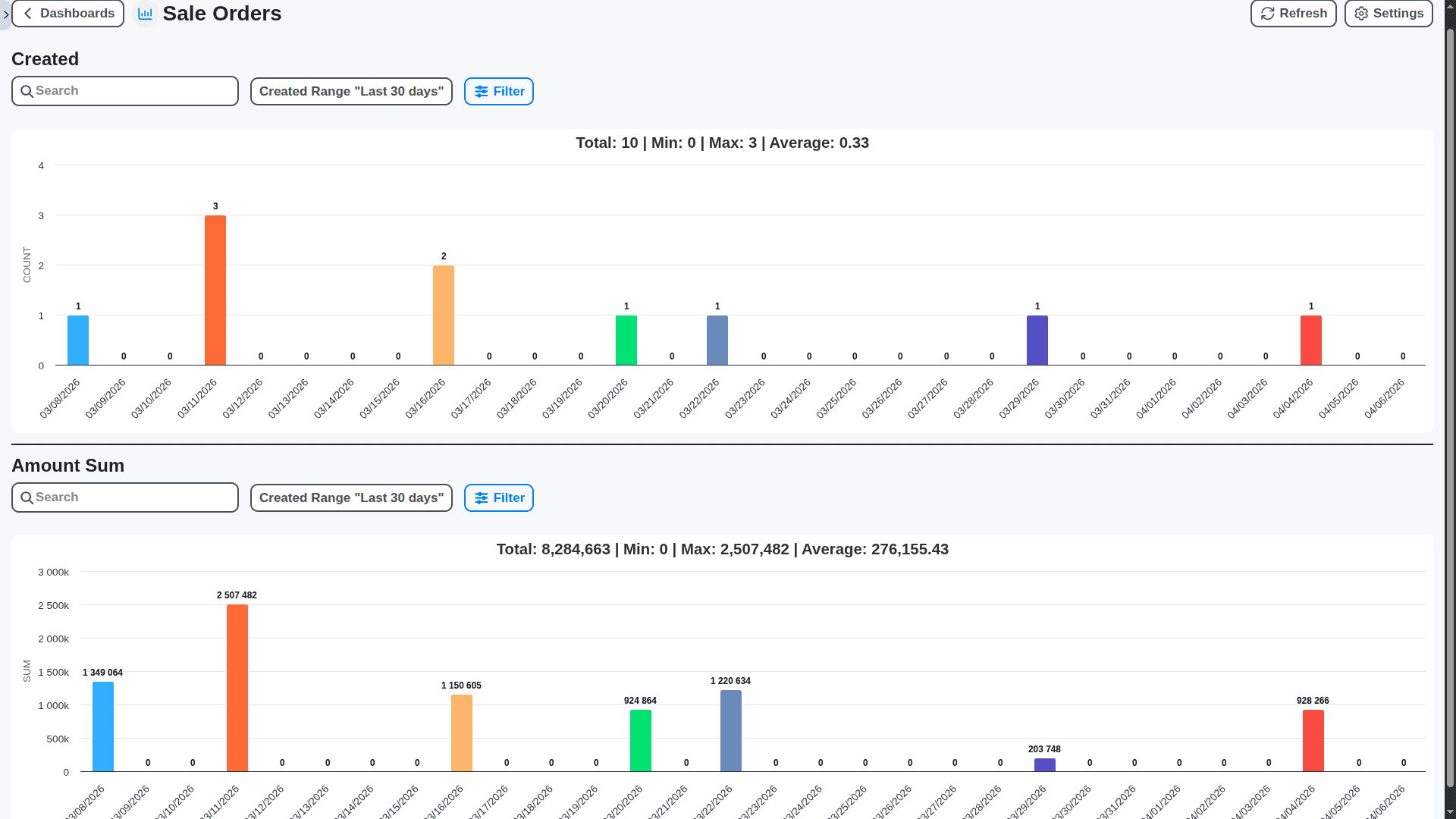
Data-Driven Improvement, Not Just Record Keeping
Turn completed checklists into actionable intelligence. Identify recurring failure points, measure technician efficiency variances, and pinpoint systemic training gaps before they lead to costly failures.
Accelerated Onboarding & Time-to-Value
Don't face months of complicated IT rollouts. Our specialized onboarding team maps your processes quickly, allowing you to digitize mission-critical tasks and realize ROI in weeks, not quarters.
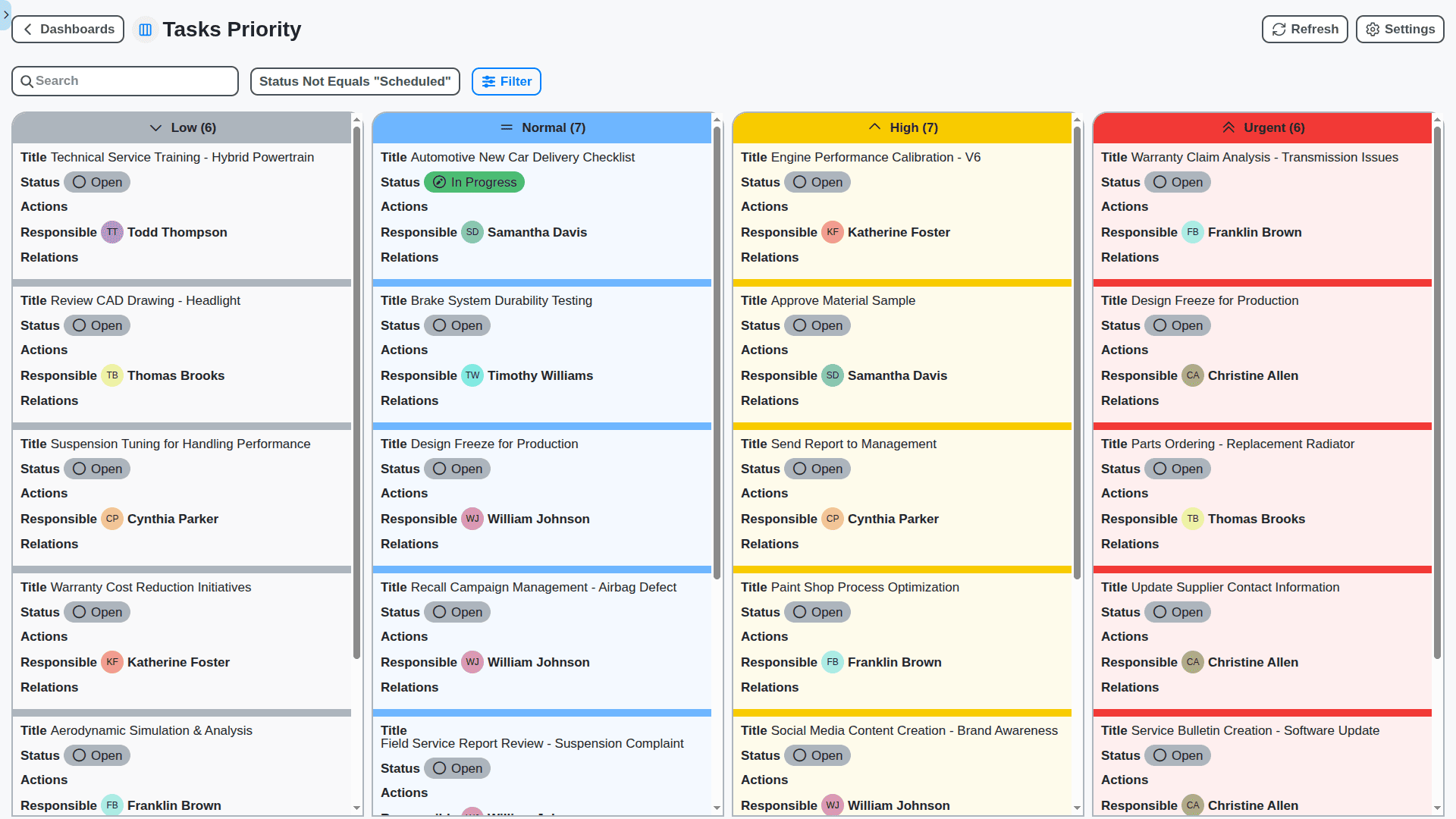
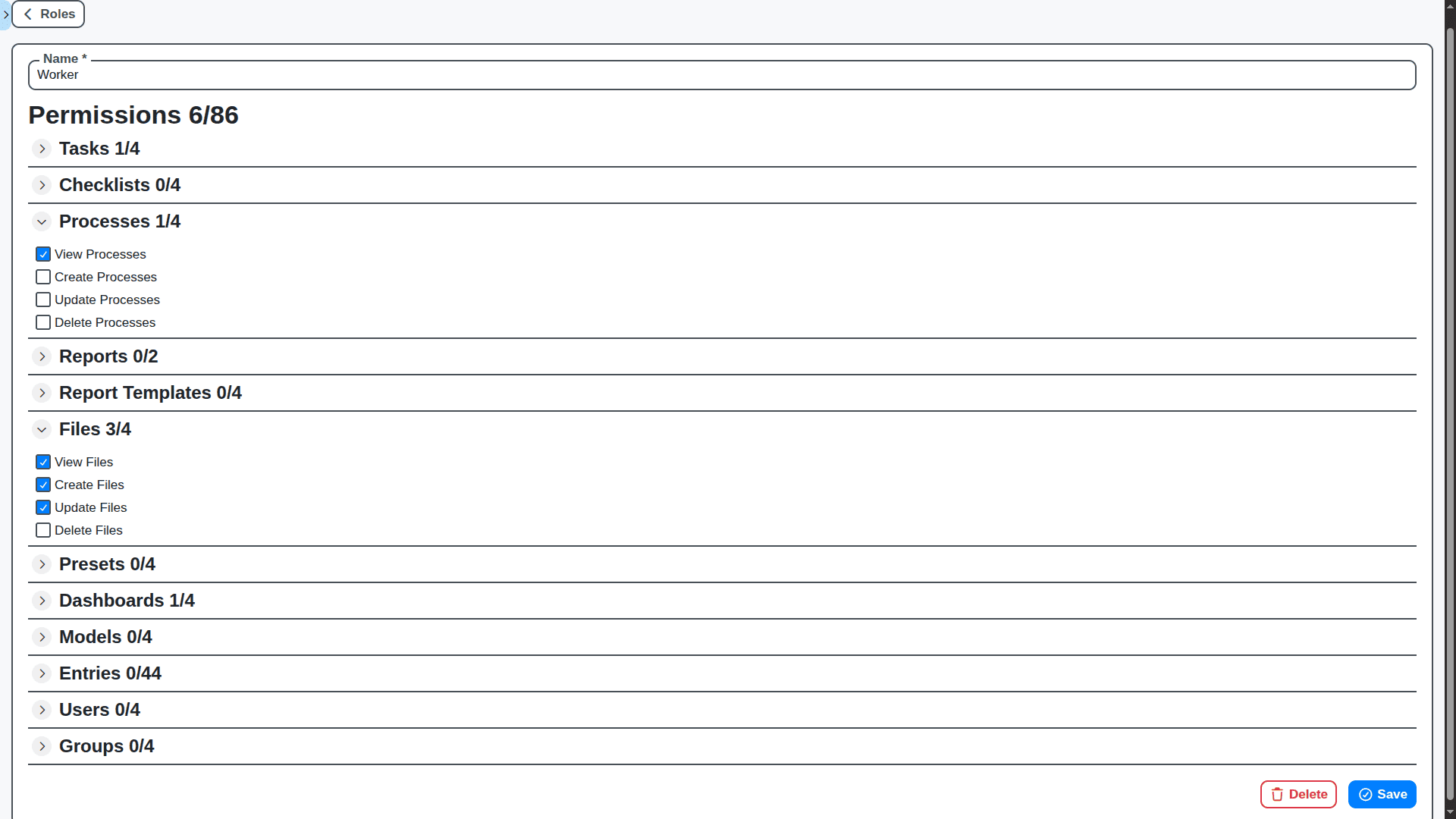
Role-Based Control: Security Built-In
Keep sensitive data secure. Define precise permission levels so that users only see, edit, or approve what their specific job role requires, maximizing security while streamlining collaboration.
No credit card or cancellation needed.
Features of our Automotive Industry Management Solution
Core Checklist & Workflow Management
Customizable Checklists: Design checklists from scratch or use pre-built templates.
Dynamic Checklists: Checklists adapt based on previous answers and conditional logic.
Workflow Automation: Automatically route tasks based on pre-defined rules and triggers.
Task Assignment: Assign tasks to individuals or groups with automated notifications.
Due Dates & Reminders: Set due dates and reminders for tasks with escalation policies.
Version Control: Track changes to checklists and workflows with full audit trails.
Offline Access: Access and complete checklists even without an internet connection.
Data Capture & Reporting
Photo & Video Capture: Attach photos and videos directly to checklist entries.
Signature Capture: Electronically capture signatures for approvals and acknowledgements.
GPS Location Tracking: Automatically record the location of checklist completion.
Real-Time Reporting: Monitor key performance indicators (KPIs) with interactive dashboards.
Customizable Reports: Generate reports based on specific criteria and data fields.
Data Export: Export data in various formats (CSV, Excel, PDF).
Customizable Dashboards: Visualize key business metrics and trends.
Automotive Industry Functionality
Vehicle Inspection Checklists: Customizable checklists for vehicle inspections (pre-delivery, maintenance, safety).
Warranty Claim Processing: Streamline warranty claim submissions and approvals.
Service Appointment Scheduling: Integrated scheduling system for service appointments.
Parts Inventory Management: Track parts inventory and automate ordering.
Dealership Compliance: Ensure compliance with regulatory requirements.
Quality Control: Manage quality control processes throughout the manufacturing and service lifecycle.
Customer Relationship Management (CRM): Manage your customer with the build in CRM system.
Dealer Management System (DMS): Seamless data flow between Dealers and Manufacturers.
Advanced Business Process Management Features
Business Rules Engine: Define and enforce complex business rules for automated decision-making.
Form Designer: Create custom forms for data capture with drag-and-drop functionality.
Process Simulation: Simulate workflows to identify bottlenecks and optimize performance.
Role-Based Access Control (RBAC): Define granular access permissions for different user roles.
Audit Trail: Comprehensive audit trail of all user actions and system changes.
Workflow Versioning: Manage multiple versions of workflows and easily switch between them.
API Integration: Extensive API for integrating with other systems and applications.
Event-Driven Architecture: Trigger workflows based on real-time events.
Human-in-the-Loop (HITL) AI: Integrate machine learning models for intelligent task routing and decision support.
Low-Code/No-Code Platform: Empower business users to create and modify workflows with minimal coding.
Mobile & Collaboration
Native Mobile Apps (iOS & Android): Access and complete checklists on the go.
Real-time Collaboration: Enable multiple users to work on the same checklist simultaneously.
Secure File Sharing: Easily share documents and files with colleagues and customers.
No credit card or cancellation needed.
Automotive Industry Checklist Templates
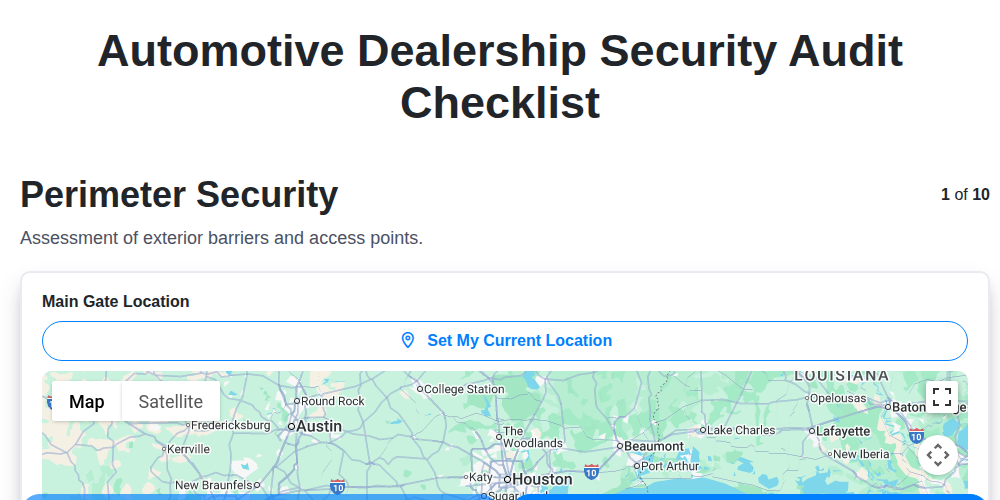
Automotive Dealership Security Audit Checklist
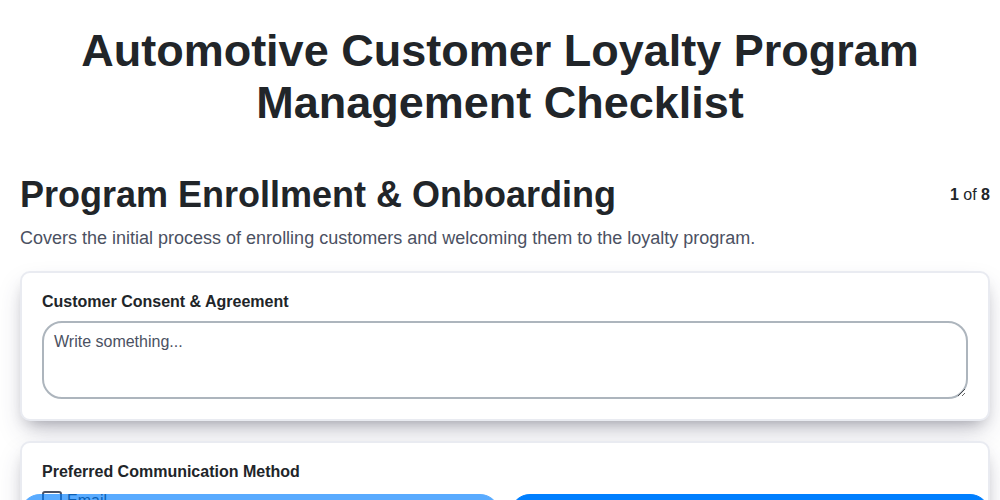
Automotive Customer Loyalty Program Management Checklist
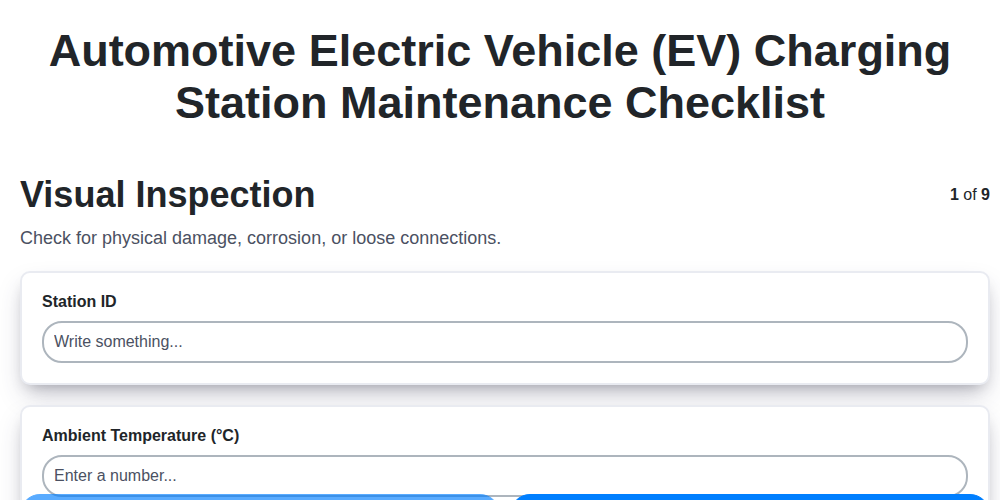
Automotive Electric Vehicle (EV) Charging Station Maintenance Checklist
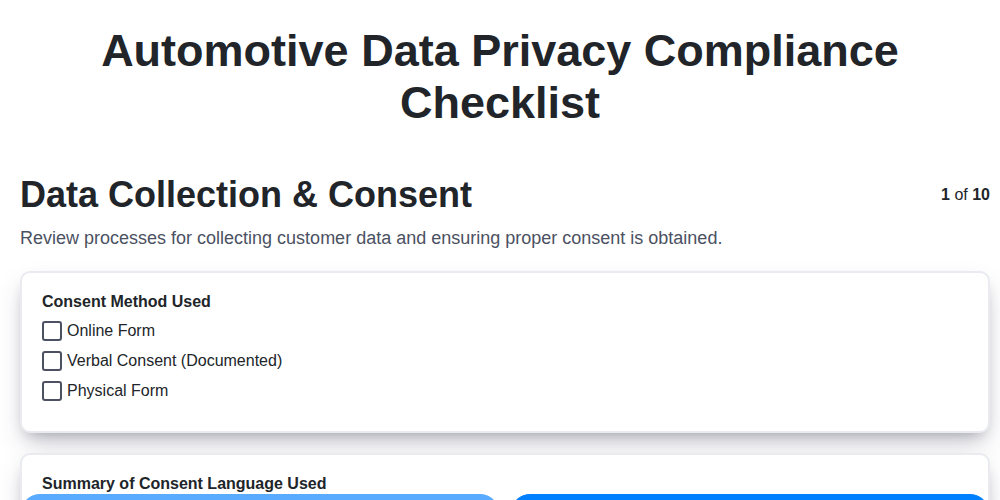
Automotive Data Privacy Compliance Checklist
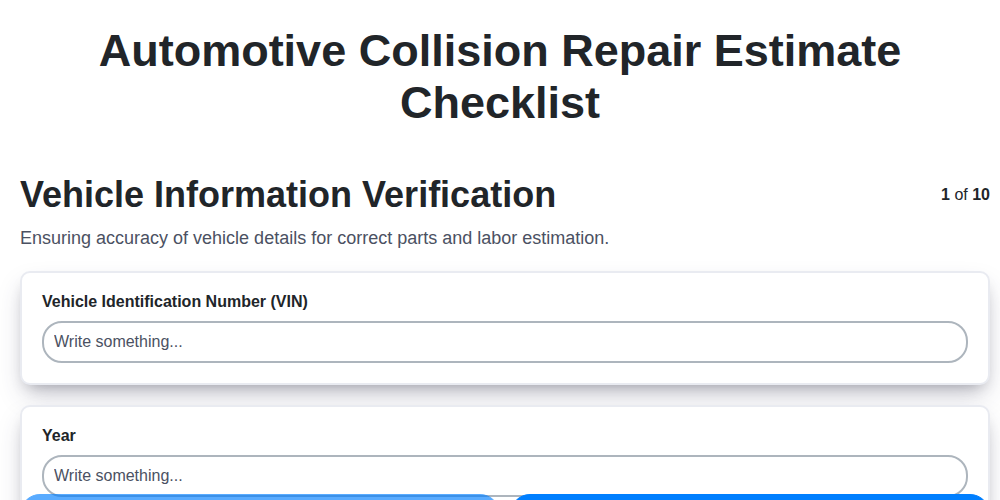
Automotive Collision Repair Estimate Checklist

Automotive Refurbishment Process Checklist

Automotive Workshop Health and Safety Checklist

Automotive Sales Team Performance Tracking Checklist
Frequently Asked Questions
What is Automotive Management?
Automotive Management is a digital checklist and workflow automation platform designed specifically for automotive businesses. It helps manufacturers, dealerships, and service centers streamline operations, improve efficiency, reduce errors, and enhance compliance. Powered by ChecklistGuro, it replaces manual processes with digitized checklists, automated workflows, and real-time data.
What types of automotive businesses can benefit from your solution?
Our solution is versatile and applicable to a wide range of automotive businesses including: Automotive Manufacturers, Dealerships (New and Used Car), Service Centers (Independent & Franchise), Parts Suppliers, Collision Repair Shops.
What are the key features of Automotive Management?
Key features include: Task Management, Customizable Checklists, Automated Workflows, Mobile Accessibility, Real-Time Reporting, Role-Based Access Control.
How does Automotive Management help improve efficiency?
By digitizing checklists, automating workflows, and eliminating manual paperwork, Automotive Management significantly reduces time spent on repetitive tasks. Standardized procedures minimize errors, improve first-time fix rates, and optimize resource allocation.
Can I customize the checklists and workflows to fit my specific needs?
Absolutely! Automotive Management is highly customizable. You can create custom checklists, tailor workflows, and configure notifications to align with your unique business processes.
What kind of support do you offer?
We provide comprehensive support including: Online Knowledge Base, Email Support, Phone Support, Training Resources, Ticketing System.
What is the pricing model for Automotive Management?
Our pricing is based on number of users. Visit our pricing page for detailed information or contact us for a personalized quote.
What kind of devices can we use with ChecklistGuro?
Because it runs on the Work OS, it is highly accessible. You can use tablets (iPad, Android), smartphones, and even ruggedized laptops, ensuring your team can work effectively on the shop floor or in the field, regardless of their hardware.
What about areas with poor connectivity?
ChecklistGuro supports robust offline functionality. Technicians can complete entire checklists offline, and the system will automatically sync all the recorded data to the central cloud server the moment connectivity is restored.
How does ChecklistGuro help us with regulatory compliance?
It provides an irrefutable digital audit trail. Every signature, date, time stamp, and modification is logged. When regulators arrive, you don't show stacks of binders; you show a verifiable, chronological digital record of compliance.
How quickly can we see a Return on Investment (ROI)?
ROI is typically realized through three key areas: Time Savings, Reduced Errors, Increased Uptime & Quality.
We can do it Together
Make a Request
Have a question? We're here to help. Please submit your inquiry, and we'll respond promptly.