 ChecklistGuro
 Grant Management Workflow
Streamline your entire funding lifecycle with our automated Grant Management Workflow. From initial application intake and rigorous compliance vetting to fund disbursement and post-award reporting, optimize every stage of your grant administration. Eliminate manual bottlenecks, ensure audit-ready transparency, and accelerate decision-making with a seamless, end-to-end case management process designed for maximum impact and accountability.
Diese Vorlage wurde 3 Mal installiert.
Start
Start des Workflows/Prozesses.
1. Retrieve Grant Application
Fetch the initial application details submitted by the applicant.
2. Check Eligibility Criteria
Retrieve specific compliance and eligibility rules from the Rules Data Model.
3. Calculate Grant Score
Run a formula based on application data (e.g., budget size, impact score) to determine priority.
4. Assign Initial Review Task
Create a task for the Grant Reviewer to perform the first assessment.
5. Update Application Status to 'Under Review'
Update the status field of the Grant Application entry.
6. Calculate Total Pending Fund Allocation
Sum the 'Requested Amount' of all applications currently in the 'Under Review' stage.
7. Create Compliance Audit Task
Create a task for the Legal/Compliance officer to verify documentation.
8. Retrieve Compliance Documents
Fetch uploaded files and verification data associated with the applicant.
9. Update Compliance Status
Mark the compliance check as 'Passed' or 'Failed' in the data model.
10. Budget Impact Check
Compare the requested grant amount against the remaining annual budget pool.
11. Create Final Approval Task
Assign a high-level task to the Grant Committee Head for final decision.
12. Create Award Letter Record
Generate a new entry in the 'Awarded Grants' data model upon approval.
13. Notify Applicant of Approval
Send an email to the applicant containing the grant approval details.
14. Notify Finance Department
Send an email to the Finance team to trigger the disbursement process.
15. Update Grant Status to 'Awarded'
Update the main application entry to the final 'Awarded' state.
16. Create Disbursement Task
Create a task for the Finance Officer to execute the fund transfer.
17. Update Ledger Entry
Update the internal financial records to reflect the deduction from the budget.
18. Generate Monthly Grant Summary
Create a report summarizing all approved grants, total funds distributed, and pending applications.
19. Alert Compliance Officer
Send an SMS notification if a high-risk application is flagged during review.
20. Remove Rejected Drafts
Delete temporary or duplicate application entries that failed initial validation.
Ende
Ende des Arbeitsablaufs/Prozesses.
Start des Workflows/Prozesses.
Fetch the initial application details submitted by the applicant.
Retrieve specific compliance and eligibility rules from the Rules Data Model.
Run a formula based on application data (e.g., budget size, impact score) to determine priority.
Create a task for the Grant Reviewer to perform the first assessment.
Update the status field of the Grant Application entry.
Sum the 'Requested Amount' of all applications currently in the 'Under Review' stage.
Create a task for the Legal/Compliance officer to verify documentation.
Fetch uploaded files and verification data associated with the applicant.
Mark the compliance check as 'Passed' or 'Failed' in the data model.
Compare the requested grant amount against the remaining annual budget pool.
Assign a high-level task to the Grant Committee Head for final decision.
Generate a new entry in the 'Awarded Grants' data model upon approval.
Send an email to the applicant containing the grant approval details.
Send an email to the Finance team to trigger the disbursement process.
Update the main application entry to the final 'Awarded' state.
Create a task for the Finance Officer to execute the fund transfer.
Update the internal financial records to reflect the deduction from the budget.
Create a report summarizing all approved grants, total funds distributed, and pending applications.
Send an SMS notification if a high-risk application is flagged during review.
Delete temporary or duplicate application entries that failed initial validation.
Ende des Arbeitsablaufs/Prozesses.
Häufig gestellte Fragen
Kommentare
Bisher gibt es keine Kommentare. Seien Sie der Erste, der einen hinzufügt!
Demonstration der Lösung für das Fallmanagement
Optimieren Sie Ihre Fallbearbeitung und verbessern Sie die Ergebnisse! ChecklistGuro zentralisiert Fallinformationen, Aufgaben und Kommunikation. Verbessern Sie die Effizienz, stellen Sie die Einhaltung von Vorschriften sicher und bieten Sie einen außergewöhnlichen Service. Verwalten Sie alles mit unserer Work OS.
Verwandte Workflow-Vorlagen
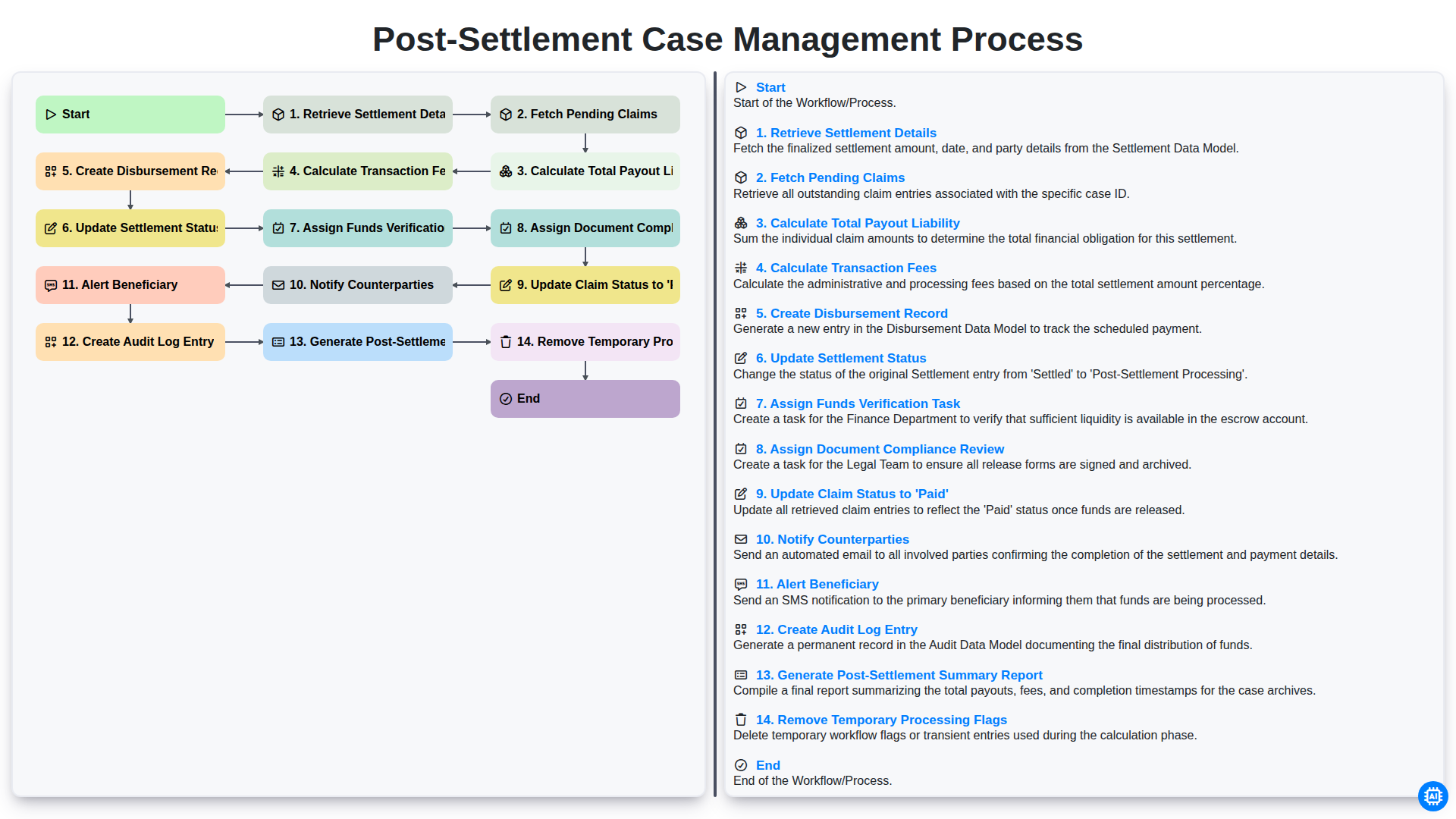
Post-Settlement Case Management Process
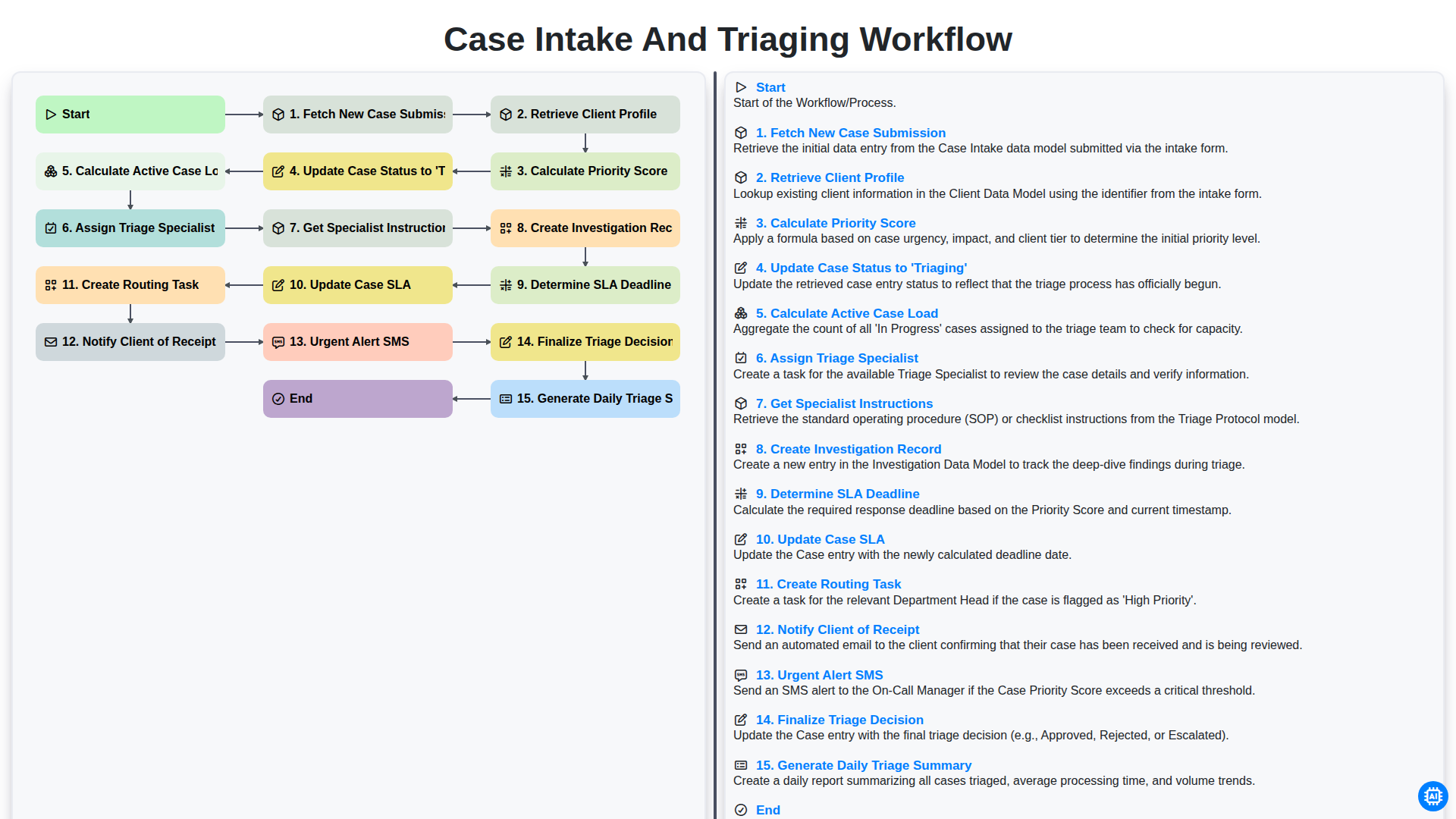
Case Intake and Triaging Workflow
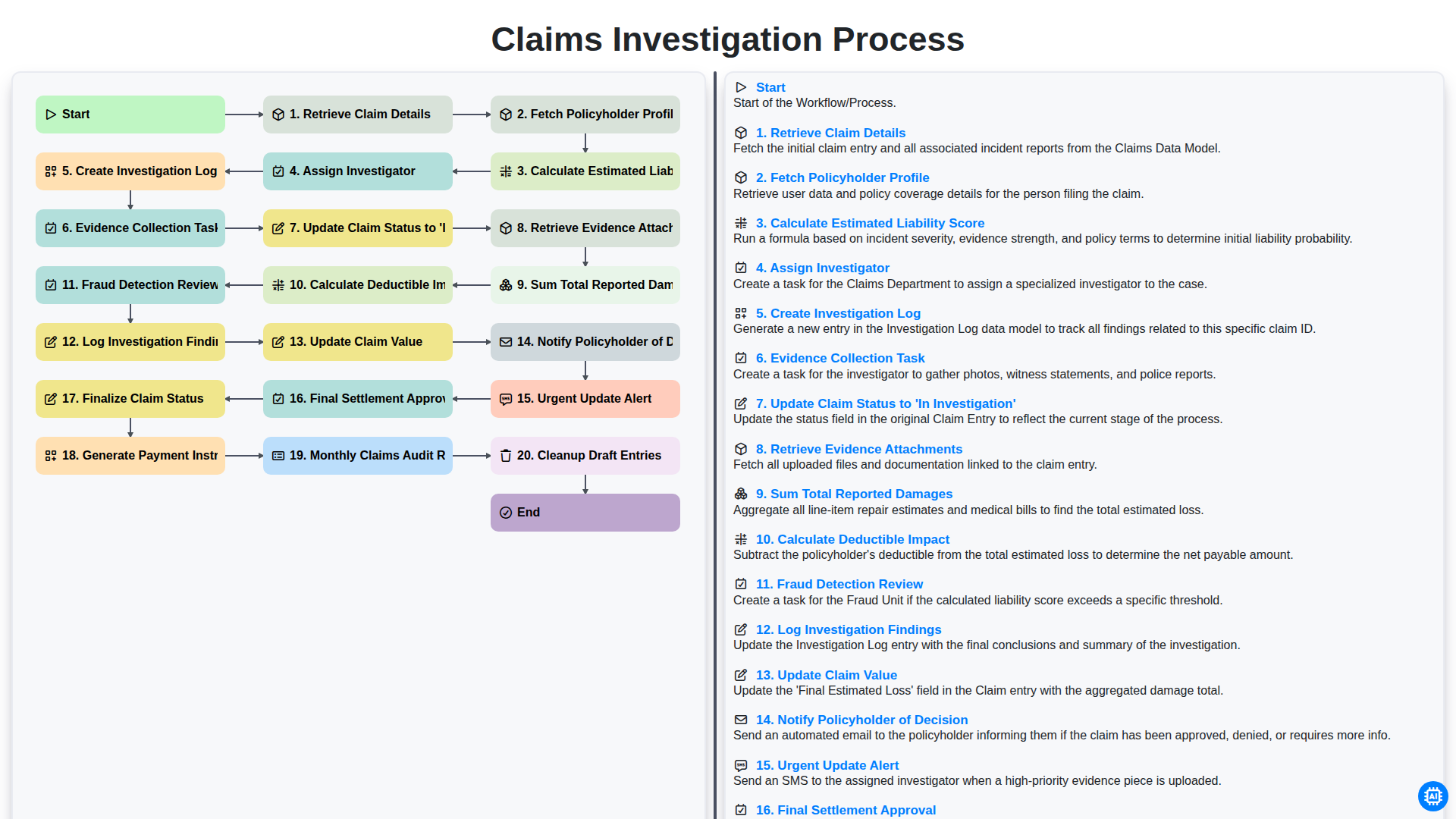
Claims Investigation Process
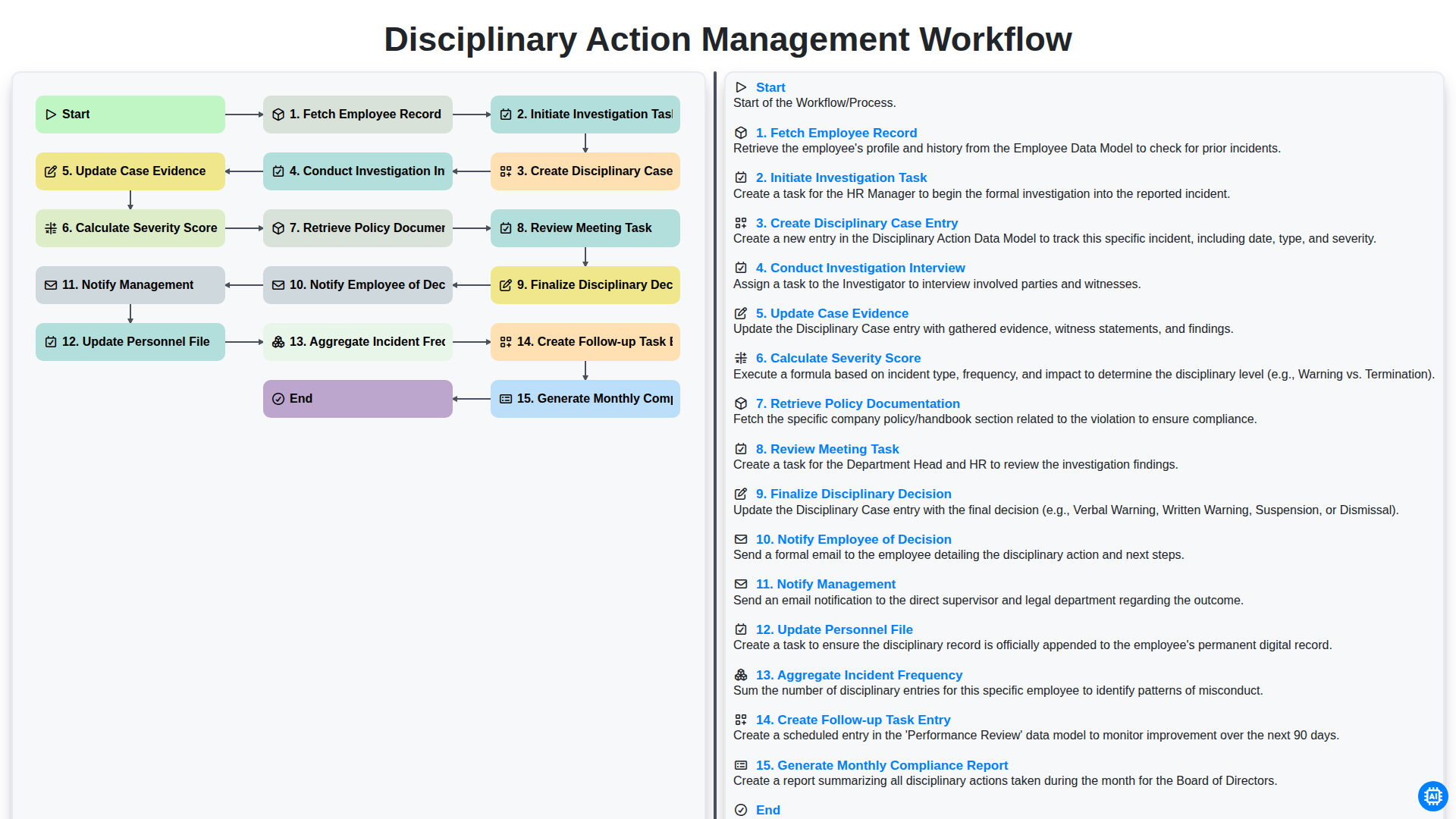
Disciplinary Action Management Workflow
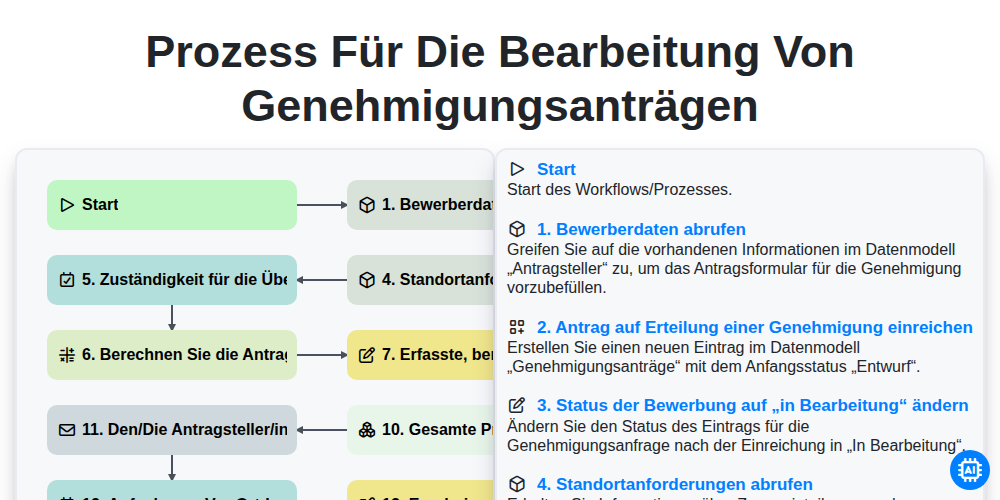
Prozess für die Bearbeitung von Genehmigungsanträgen
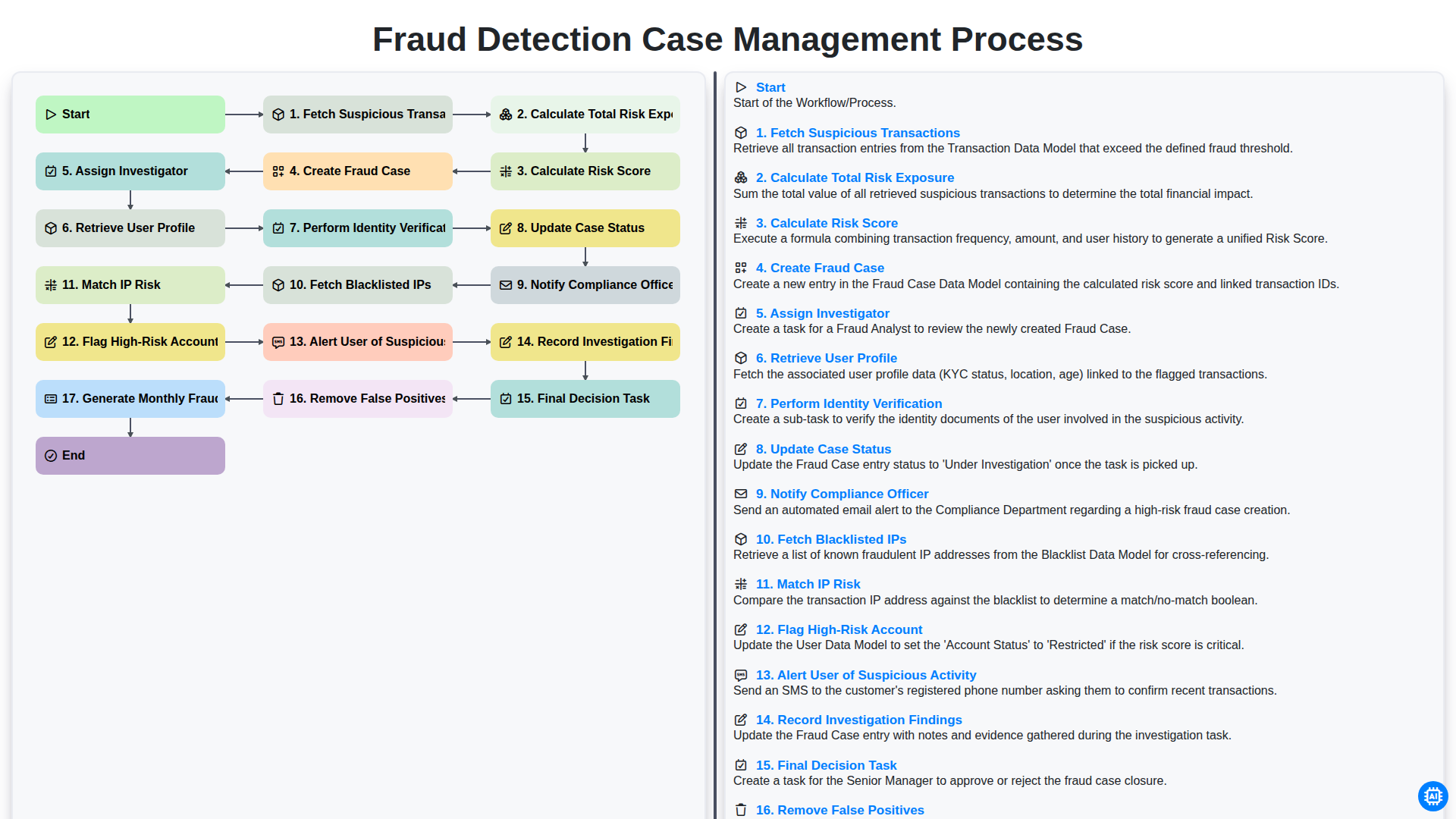
Fraud Detection Case Management Process
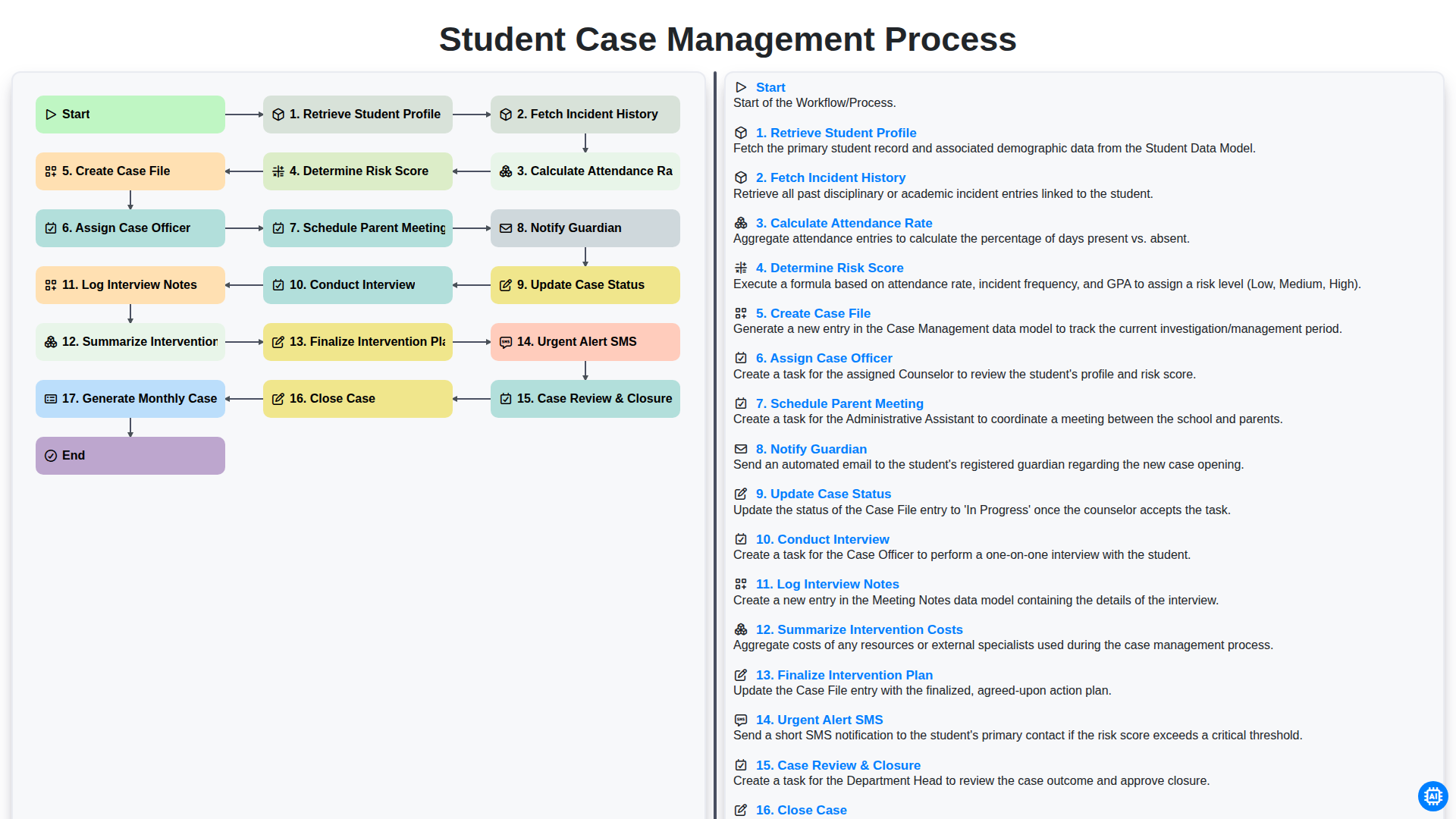
Student Case Management Process
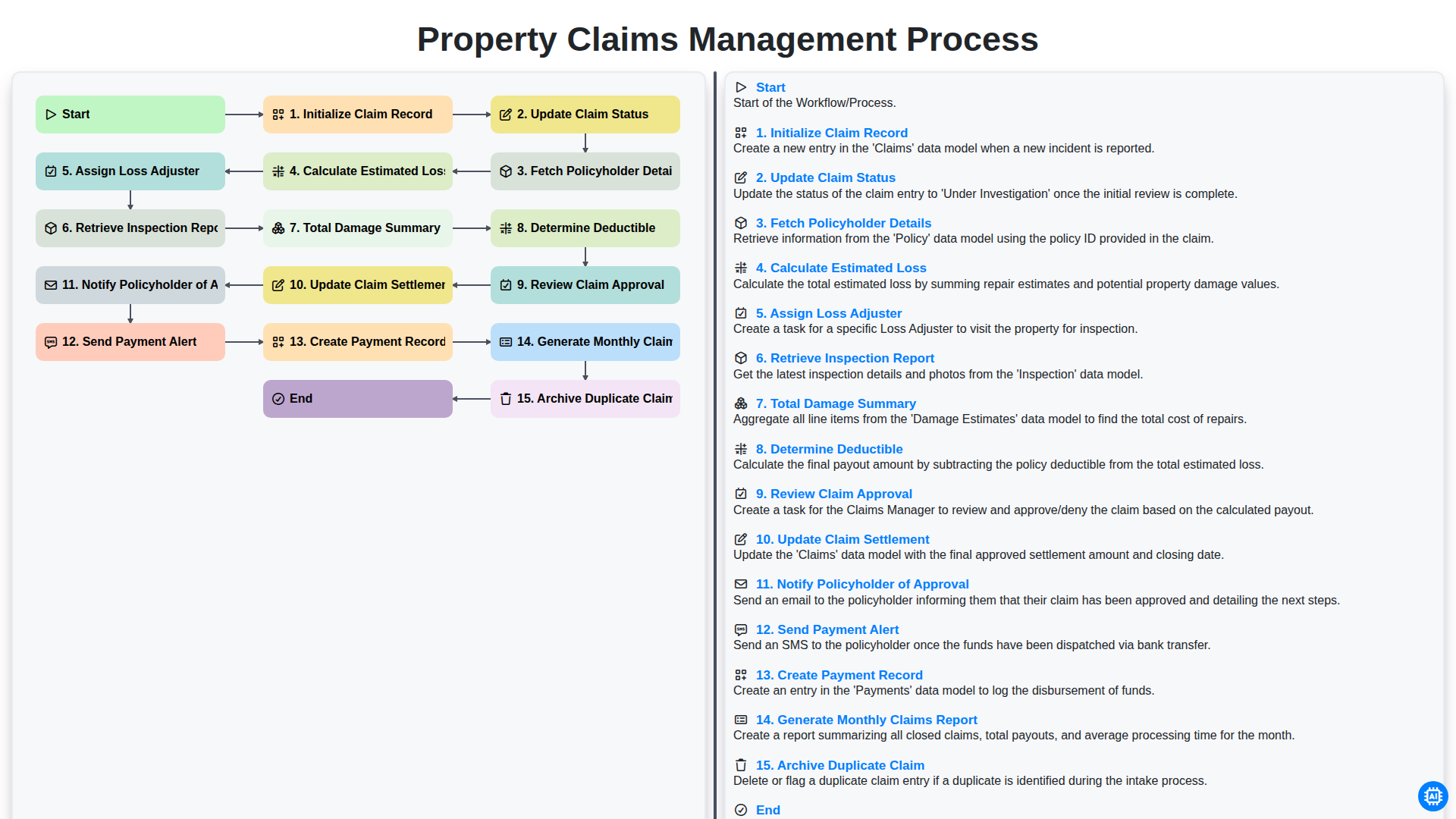
Property Claims Management Process
Gemeinsam schaffen wir das
Benötigen Sie Hilfe bei Checklisten?
Haben Sie eine Frage? Wir helfen Ihnen gerne. Bitte senden Sie uns Ihre Anfrage, und wir werden Ihnen umgehend antworten.