 ChecklistGuro
 Farm Financial Budgeting and Cost Tracking Workflow
Master your farm's profitability with our Farm Financial Budgeting and Cost Tracking Workflow. Streamline agricultural accounting, monitor real-time input expenses, and optimize seasonal cash flow with automated tracking tools designed to reduce waste and maximize crop margins. Take control of your agribusiness bottom line today.
Diese Vorlage wurde 3 Mal installiert.
Start
Start des Workflows/Prozesses.
1. Retrieve Historical Crop Yields
Fetch previous season's yield data from the Crop Production data model to establish baseline expectations.
2. Fetch Current Market Prices
Retrieve current commodity market prices from the Market Data model to project potential revenue.
3. Retrieve Fixed Cost Records
Get all recurring cost entries (land tax, insurance, permanent labor) from the Fixed Costs data model.
4. Calculate Estimated Revenue
Calculate projected revenue by multiplying estimated yield (from historical data) by current market prices.
5. Calculate Total Projected Expenses
Sum all variable costs (seeds, fertilizer, fuel) and fixed costs to determine the total budget requirement.
6. Calculate Projected Net Profit
Subtract Total Projected Expenses from Estimated Revenue to determine the projected margin.
7. Create Annual Budget Entry
Create a new record in the Budget Data Model containing the calculated revenue, expenses, and profit projections.
8. Assign Seed & Fertilizer Procurement Task
Create a task for the Farm Manager to review and approve the variable cost estimates for inputs.
9. Update Budget Status to 'Draft'
Update the newly created Budget Entry status to 'Draft' for review.
10. Aggregate Monthly Fuel Expenses
Sum all fuel receipts/entries from the Expense Data Model to check against the monthly fuel budget allocation.
11. Retrieve Actual Spending Records
Get all actual expense entries from the current month to compare against the budget.
12. Calculate Budget Variance
Calculate the difference between 'Actual Spending' and 'Budgeted Spending' to identify overages.
13. Alert: Budget Overrun Investigation
Create a high-priority task for the Accountant if the Budget Variance exceeds a predefined threshold.
14. Generate Monthly Financial Variance Report
Generate a structured report summarizing Budget vs. Actual performance for the farm owners.
15. Notify Stakeholders of Budget Approval
Send an email to the Farm Owner and Partners once the budget has been officially finalized and locked.
16. Finalize Budget Entry
Update the Budget Entry status to 'Approved' and lock it from further edits.
Ende
Ende des Arbeitsablaufs/Prozesses.
Start des Workflows/Prozesses.
Fetch previous season's yield data from the Crop Production data model to establish baseline expectations.
Retrieve current commodity market prices from the Market Data model to project potential revenue.
Get all recurring cost entries (land tax, insurance, permanent labor) from the Fixed Costs data model.
Calculate projected revenue by multiplying estimated yield (from historical data) by current market prices.
Sum all variable costs (seeds, fertilizer, fuel) and fixed costs to determine the total budget requirement.
Subtract Total Projected Expenses from Estimated Revenue to determine the projected margin.
Create a new record in the Budget Data Model containing the calculated revenue, expenses, and profit projections.
Create a task for the Farm Manager to review and approve the variable cost estimates for inputs.
Update the newly created Budget Entry status to 'Draft' for review.
Sum all fuel receipts/entries from the Expense Data Model to check against the monthly fuel budget allocation.
Get all actual expense entries from the current month to compare against the budget.
Calculate the difference between 'Actual Spending' and 'Budgeted Spending' to identify overages.
Create a high-priority task for the Accountant if the Budget Variance exceeds a predefined threshold.
Generate a structured report summarizing Budget vs. Actual performance for the farm owners.
Send an email to the Farm Owner and Partners once the budget has been officially finalized and locked.
Update the Budget Entry status to 'Approved' and lock it from further edits.
Ende des Arbeitsablaufs/Prozesses.
Kommentare
Bisher gibt es keine Kommentare. Seien Sie der Erste, der einen hinzufügt!
Demonstration der Lösung für das Bauernhof-Management
Betreiben Sie Ihren Bauernhof intelligenter und effizienter! ChecklistGuro optimiert die Anbauplanung, die Aufgabenverwaltung und die Ressourcenverfolgung. Maximieren Sie die Erträge, reduzieren Sie Abfall und verbessern Sie die Rentabilität. Verwalten Sie alles mit unserer Work OS.
Verwandte Workflow-Vorlagen
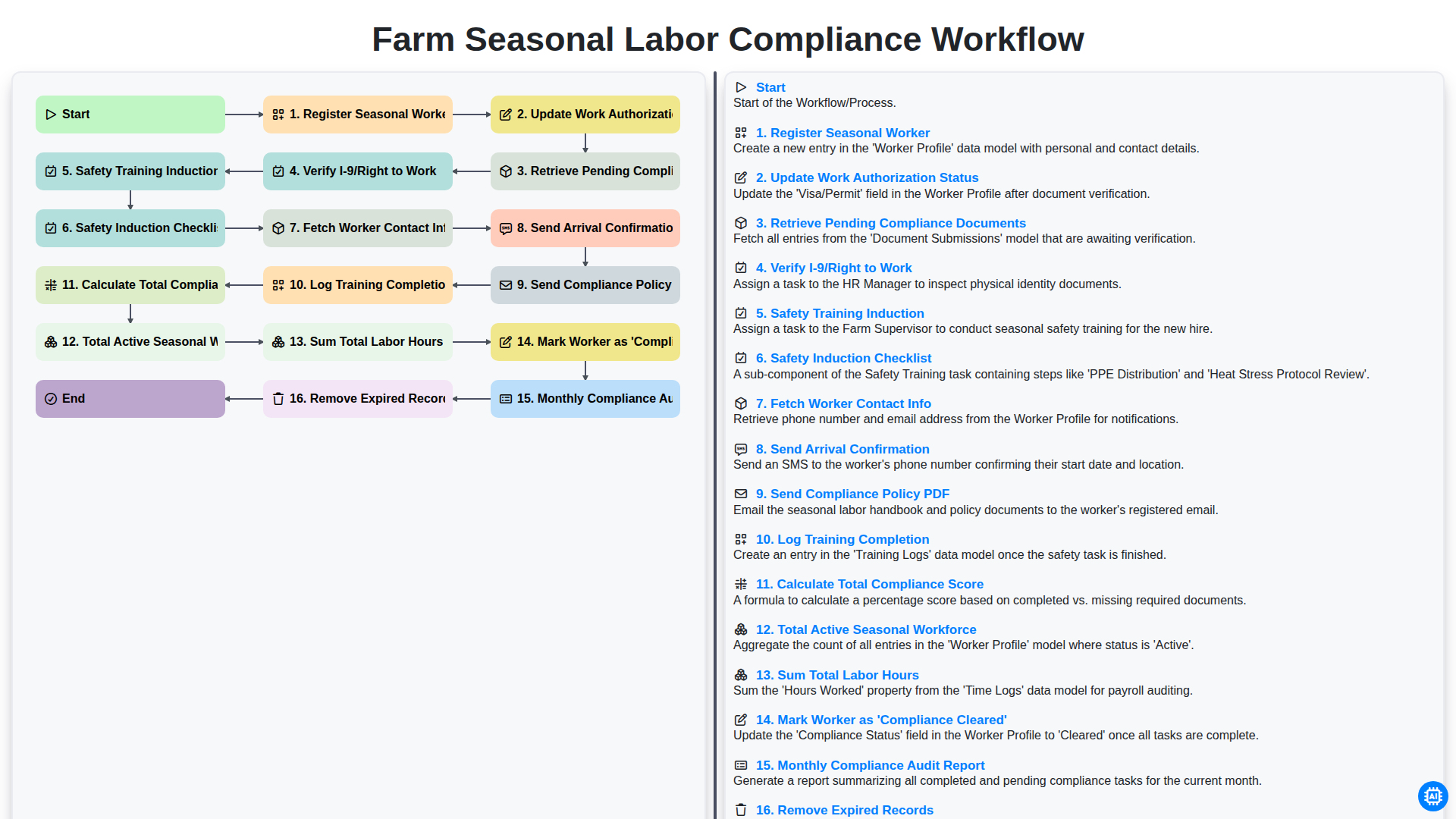
Farm Seasonal Labor Compliance Workflow
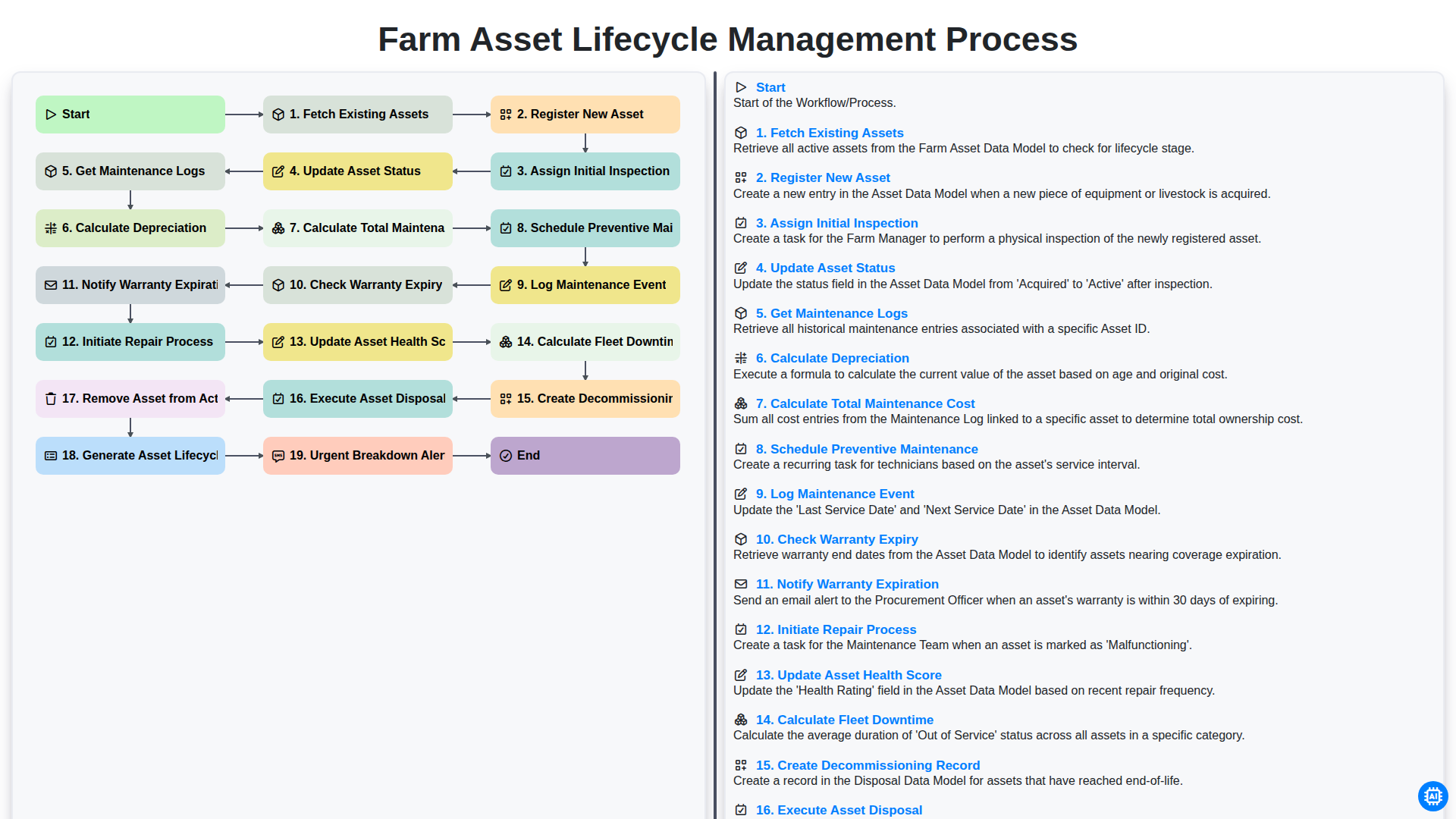
Farm Asset Lifecycle Management Process
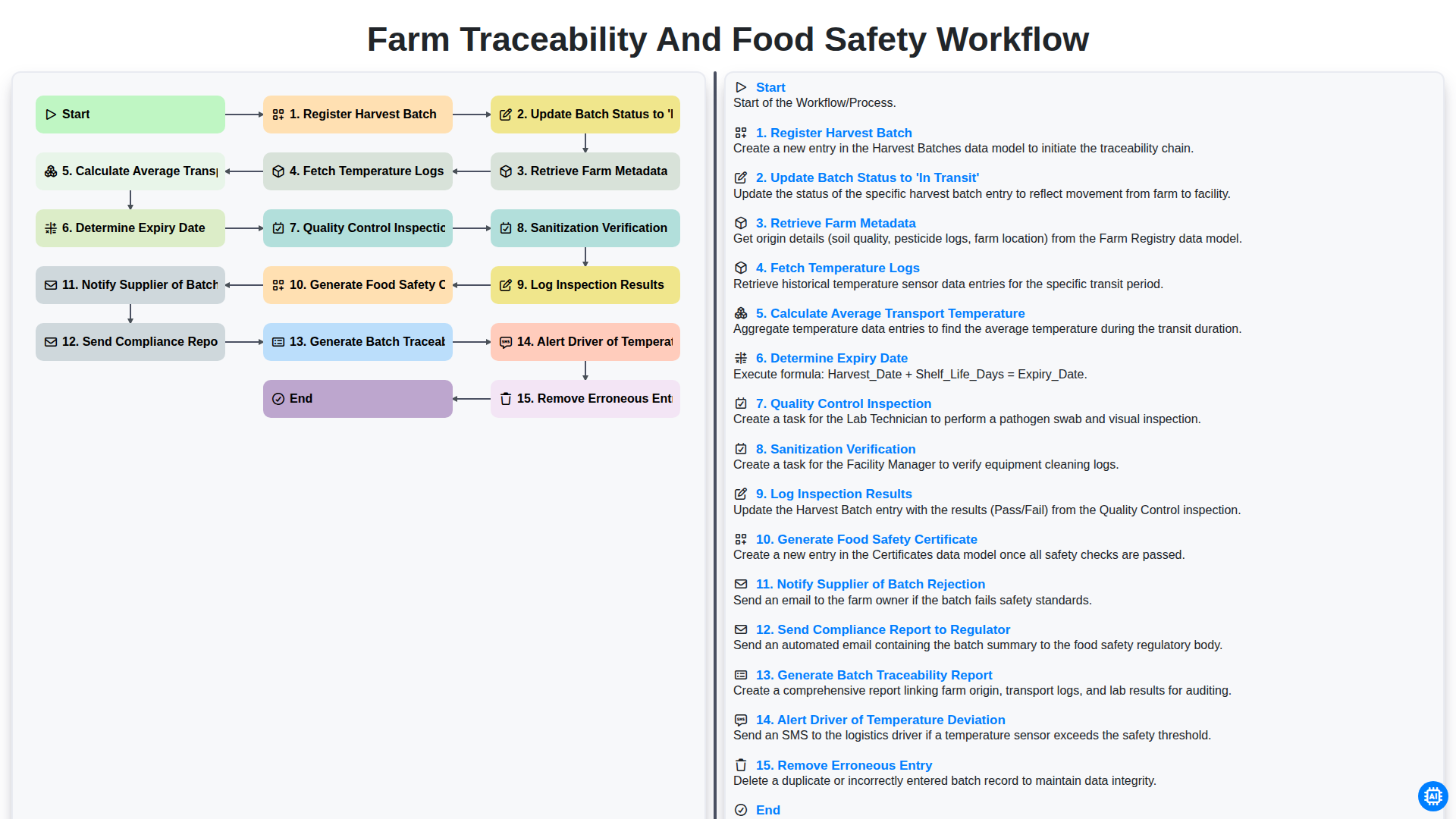
Farm Traceability and Food Safety Workflow
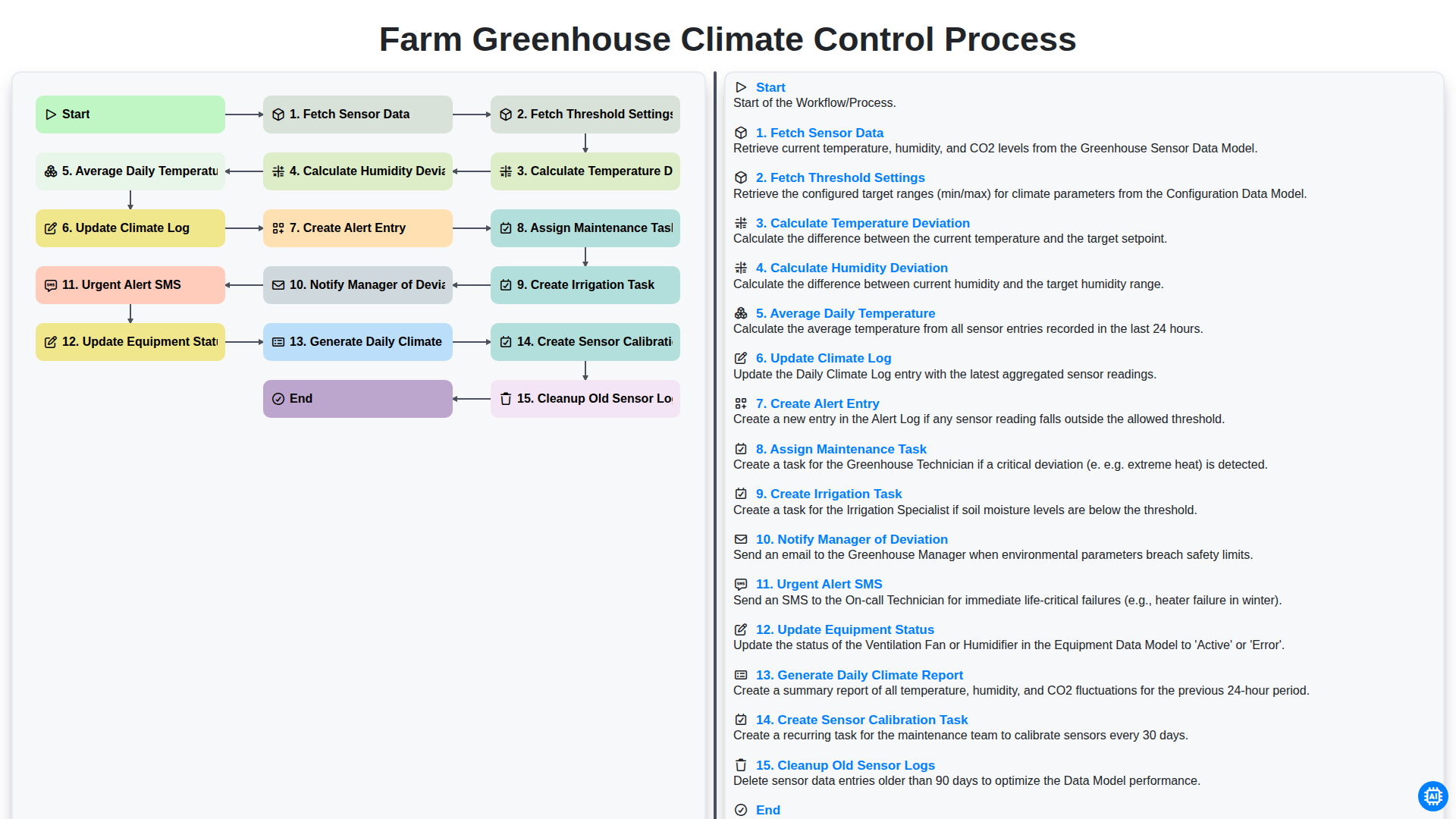
Farm Greenhouse Climate Control Process
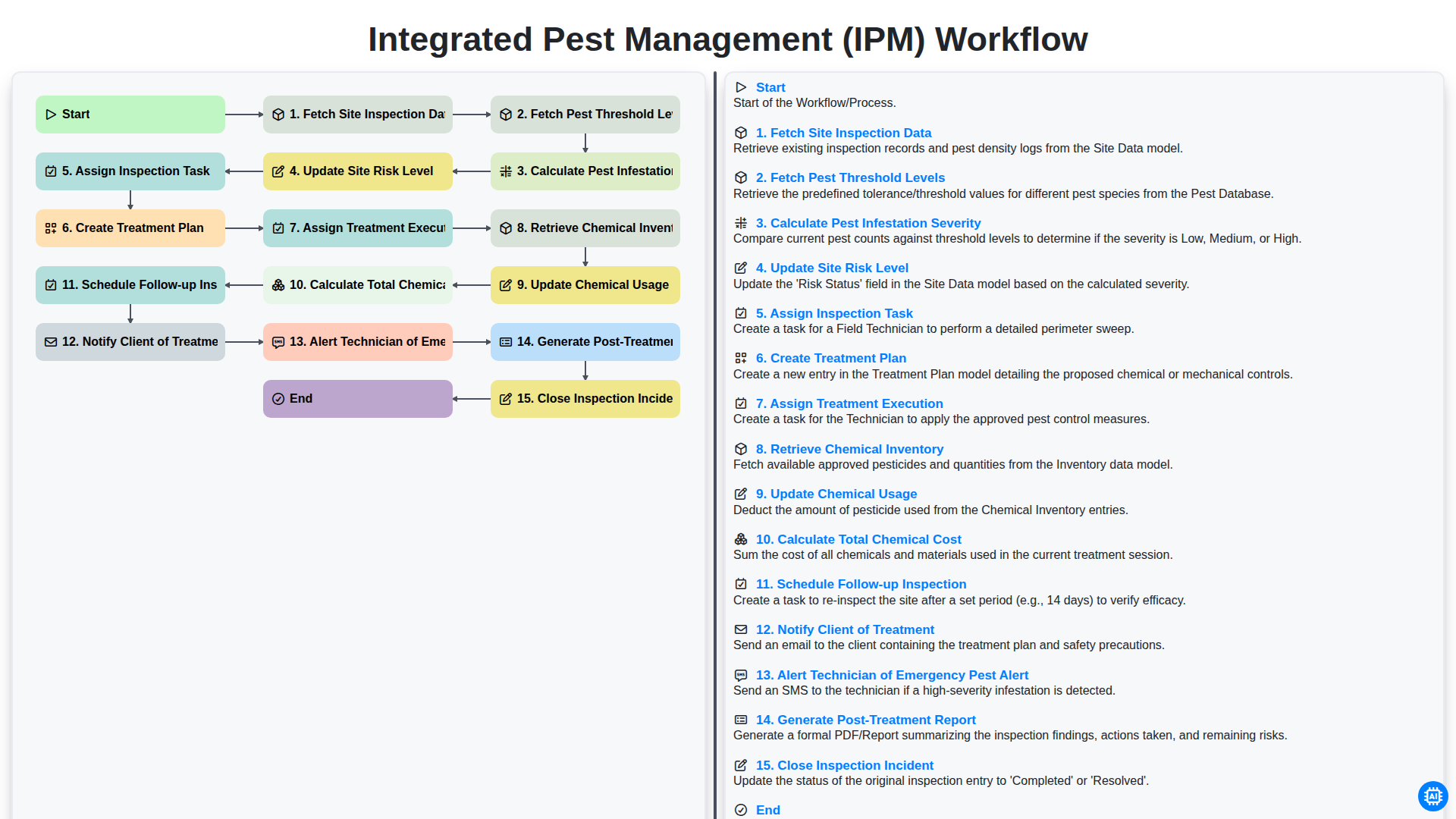
Integrated Pest Management (IPM) Workflow
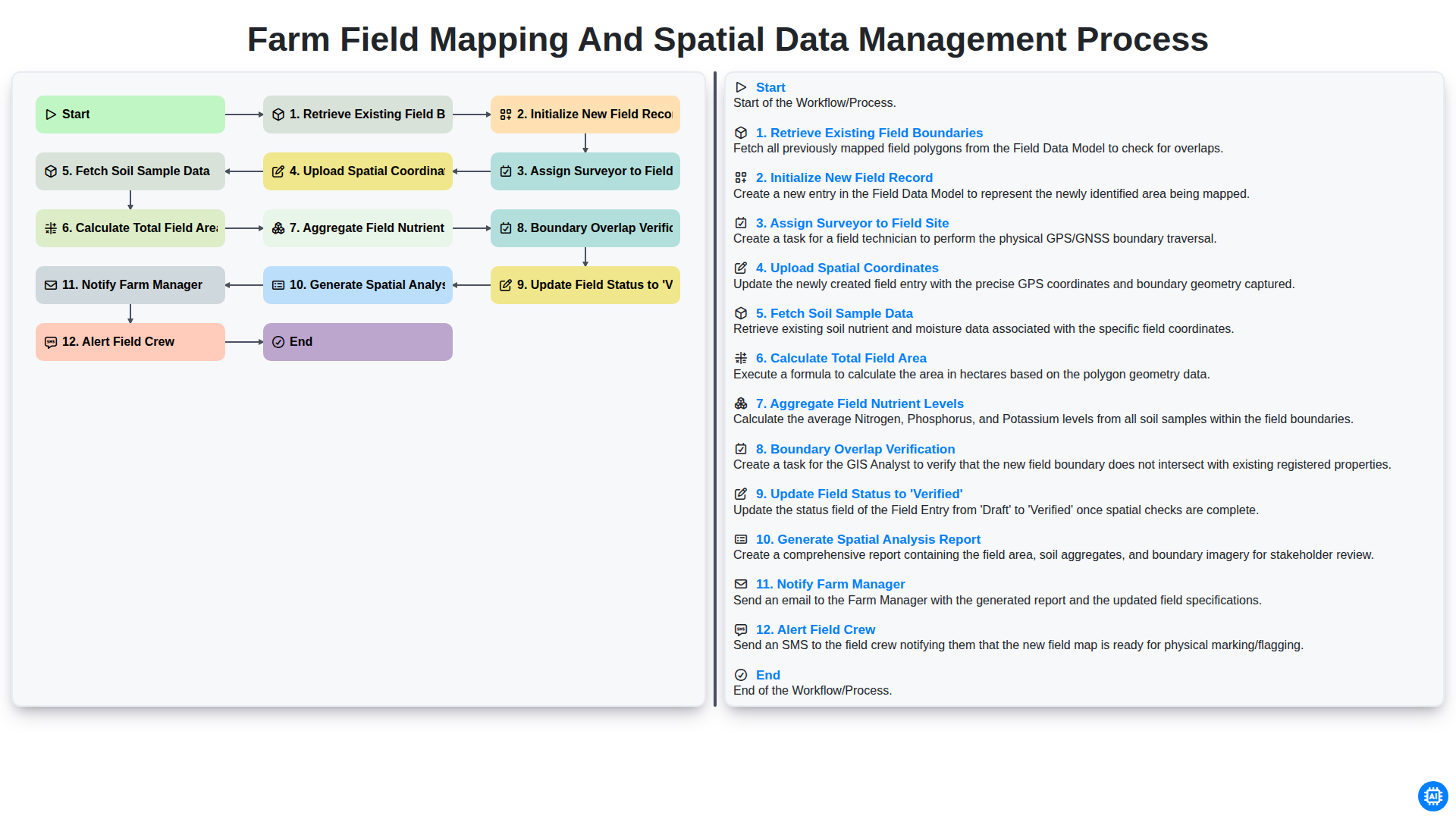
Farm Field Mapping and Spatial Data Management Process
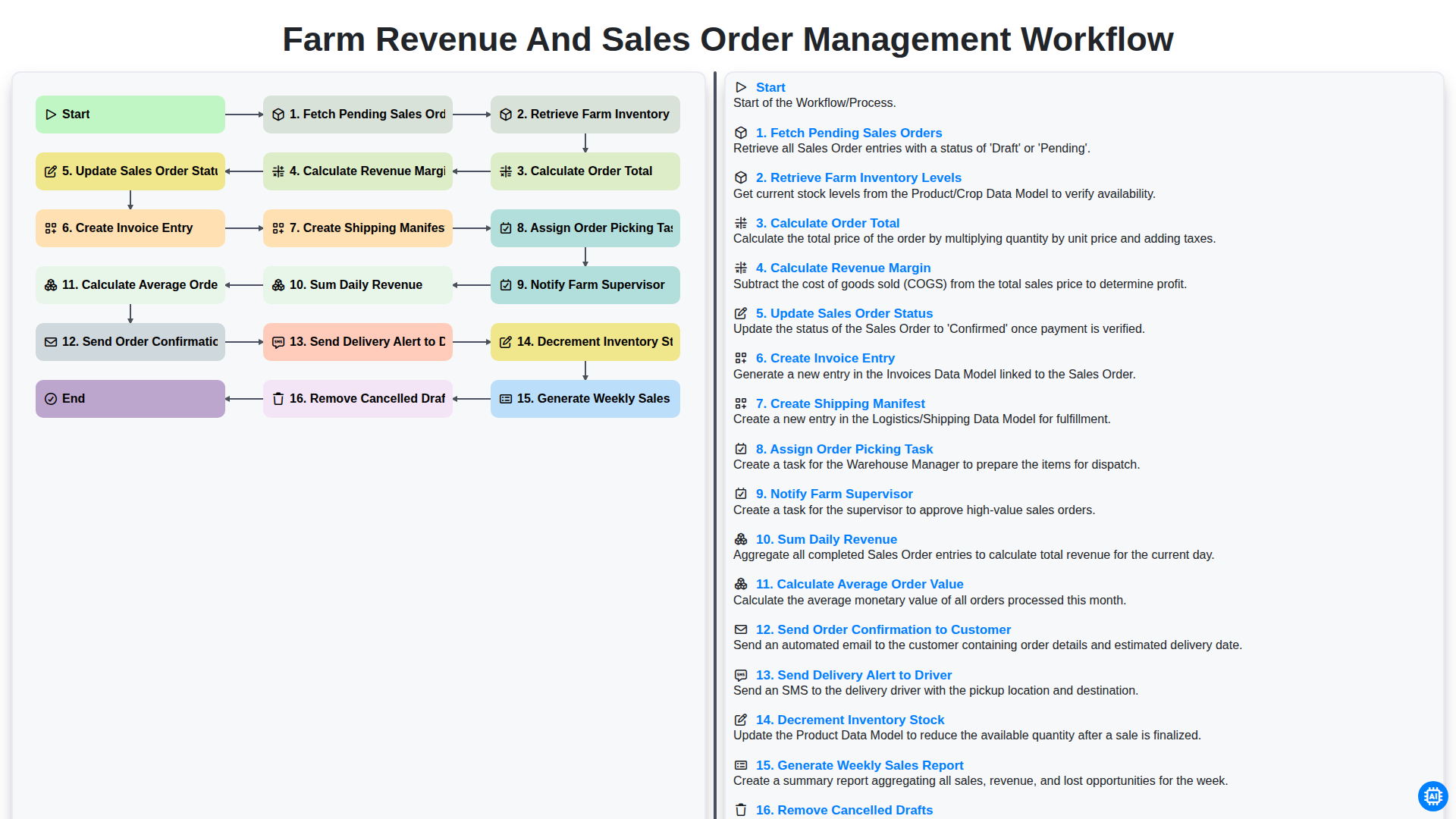
Farm Revenue and Sales Order Management Workflow
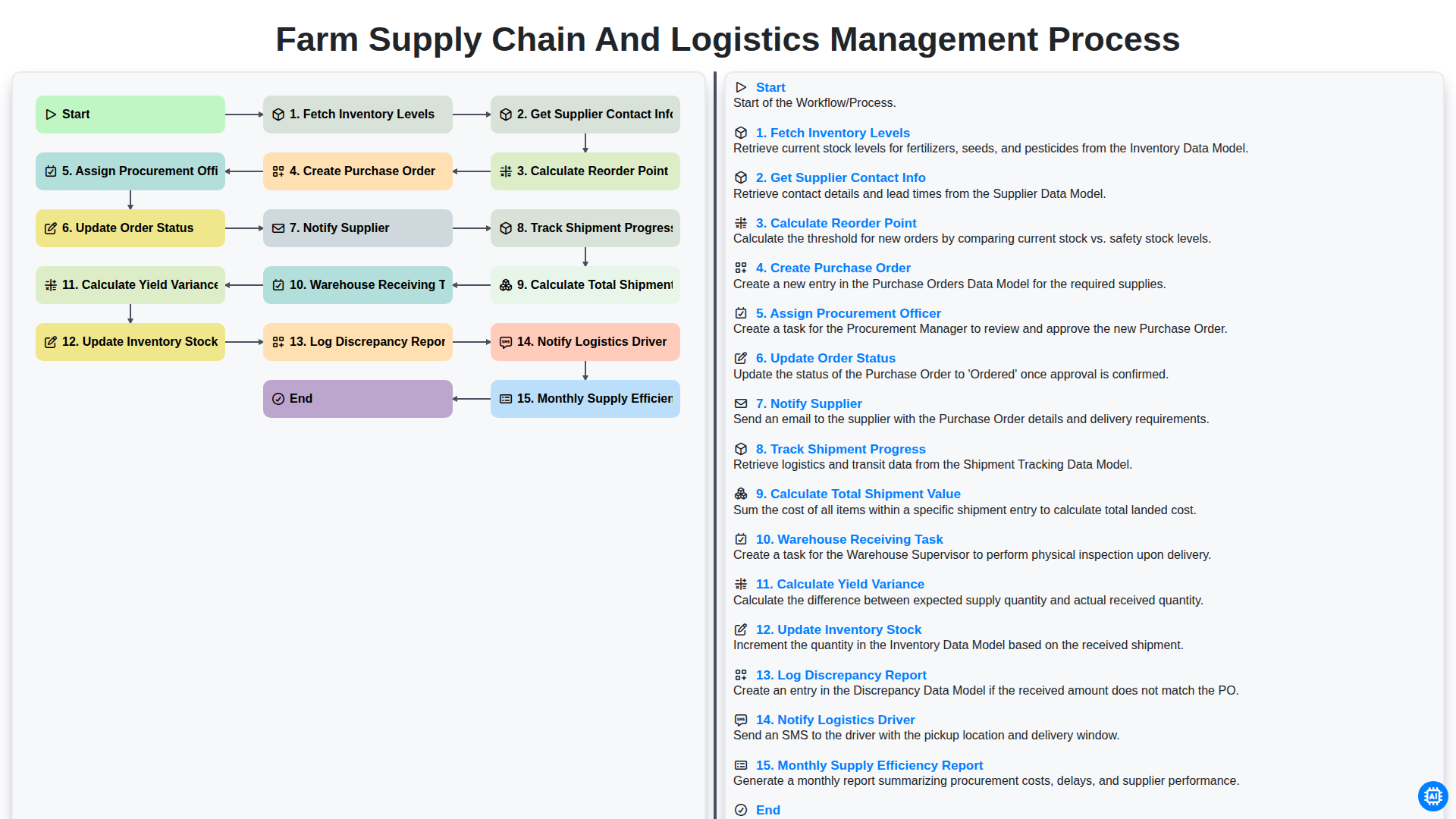
Farm Supply Chain and Logistics Management Process
Gemeinsam schaffen wir das
Benötigen Sie Hilfe bei Checklisten?
Haben Sie eine Frage? Wir helfen Ihnen gerne. Bitte senden Sie uns Ihre Anfrage, und wir werden Ihnen umgehend antworten.