 ChecklistGuro
 Farm Inventory and Stock Level Management Process
Master your farm's resources with our Farm Inventory and Stock Level Management Process. Streamline tracking, prevent shortages, and optimize supply chains with a detailed, step-by-step workflow designed to reduce waste, monitor essential inputs, and boost agricultural profitability through precision stock control.
Diese Vorlage wurde 1 Mal installiert.
Start
Start des Workflows/Prozesses.
1. Fetch Current Stock Levels
Retrieve all active entries from the 'Inventory Items' data model to check current quantities.
2. Calculate Total Stock Value
Sum the 'Unit Price' * 'Quantity' for all items in the inventory to get total inventory valuation.
3. Identify Low Stock Items
Filter the 'Inventory Items' data model to find entries where 'Current Quantity' is less than or equal to 'Reorder Point'.
4. Calculate Reorder Quantity
Calculate the difference between 'Target Stock Level' and 'Current Quantity' to determine how much to order.
5. Create Purchase Order Task
Assign a task to the Procurement Manager to initiate a purchase for identified low-stock items.
6. Create Purchase Order Entry
Generate a new entry in the 'Purchase Orders' data model for the requested supplies.
7. Update Stock Status
Update the 'Status' field of the inventory item to 'Restocking' once a purchase order is created.
8. Notify Supplier
Send an email to the vendor's email address found in the 'Supplier' data model with the order details.
9. Warehouse Receiving Task
Create a task for the Warehouse Clerk to verify physical goods upon delivery.
10. Update Received Quantities
Update the 'Current Quantity' in the 'Inventory Items' data model after physical verification.
11. Calculate Monthly Consumption Rate
Aggregate usage data from 'Stock Movement' entries to find the average usage per month.
12. Generate Inventory Discrepancy Report
Create a report comparing 'System Stock Level' vs 'Physical Count' results from the audit task.
13. Urgent Stock Alert
Send an SMS to the Farm Owner if a critical item (e.g., essential feed or medicine) hits zero stock.
14. Remove Expired/Damaged Items
Delete or archive entries from the 'Inventory Items' data model that are marked as unusable/expired.
15. Log Stock Movement
Create an entry in the 'Stock Movement Log' whenever an item is added or removed from the inventory.
Ende
Ende des Arbeitsablaufs/Prozesses.
Start des Workflows/Prozesses.
Retrieve all active entries from the 'Inventory Items' data model to check current quantities.
Sum the 'Unit Price' * 'Quantity' for all items in the inventory to get total inventory valuation.
Filter the 'Inventory Items' data model to find entries where 'Current Quantity' is less than or equal to 'Reorder Point'.
Calculate the difference between 'Target Stock Level' and 'Current Quantity' to determine how much to order.
Assign a task to the Procurement Manager to initiate a purchase for identified low-stock items.
Generate a new entry in the 'Purchase Orders' data model for the requested supplies.
Update the 'Status' field of the inventory item to 'Restocking' once a purchase order is created.
Send an email to the vendor's email address found in the 'Supplier' data model with the order details.
Create a task for the Warehouse Clerk to verify physical goods upon delivery.
Update the 'Current Quantity' in the 'Inventory Items' data model after physical verification.
Aggregate usage data from 'Stock Movement' entries to find the average usage per month.
Create a report comparing 'System Stock Level' vs 'Physical Count' results from the audit task.
Send an SMS to the Farm Owner if a critical item (e.g., essential feed or medicine) hits zero stock.
Delete or archive entries from the 'Inventory Items' data model that are marked as unusable/expired.
Create an entry in the 'Stock Movement Log' whenever an item is added or removed from the inventory.
Ende des Arbeitsablaufs/Prozesses.
Kommentare
Bisher gibt es keine Kommentare. Seien Sie der Erste, der einen hinzufügt!
Demonstration der Lösung für das Bauernhof-Management
Betreiben Sie Ihren Bauernhof intelligenter und effizienter! ChecklistGuro optimiert die Anbauplanung, die Aufgabenverwaltung und die Ressourcenverfolgung. Maximieren Sie die Erträge, reduzieren Sie Abfall und verbessern Sie die Rentabilität. Verwalten Sie alles mit unserer Work OS.
Verwandte Workflow-Vorlagen
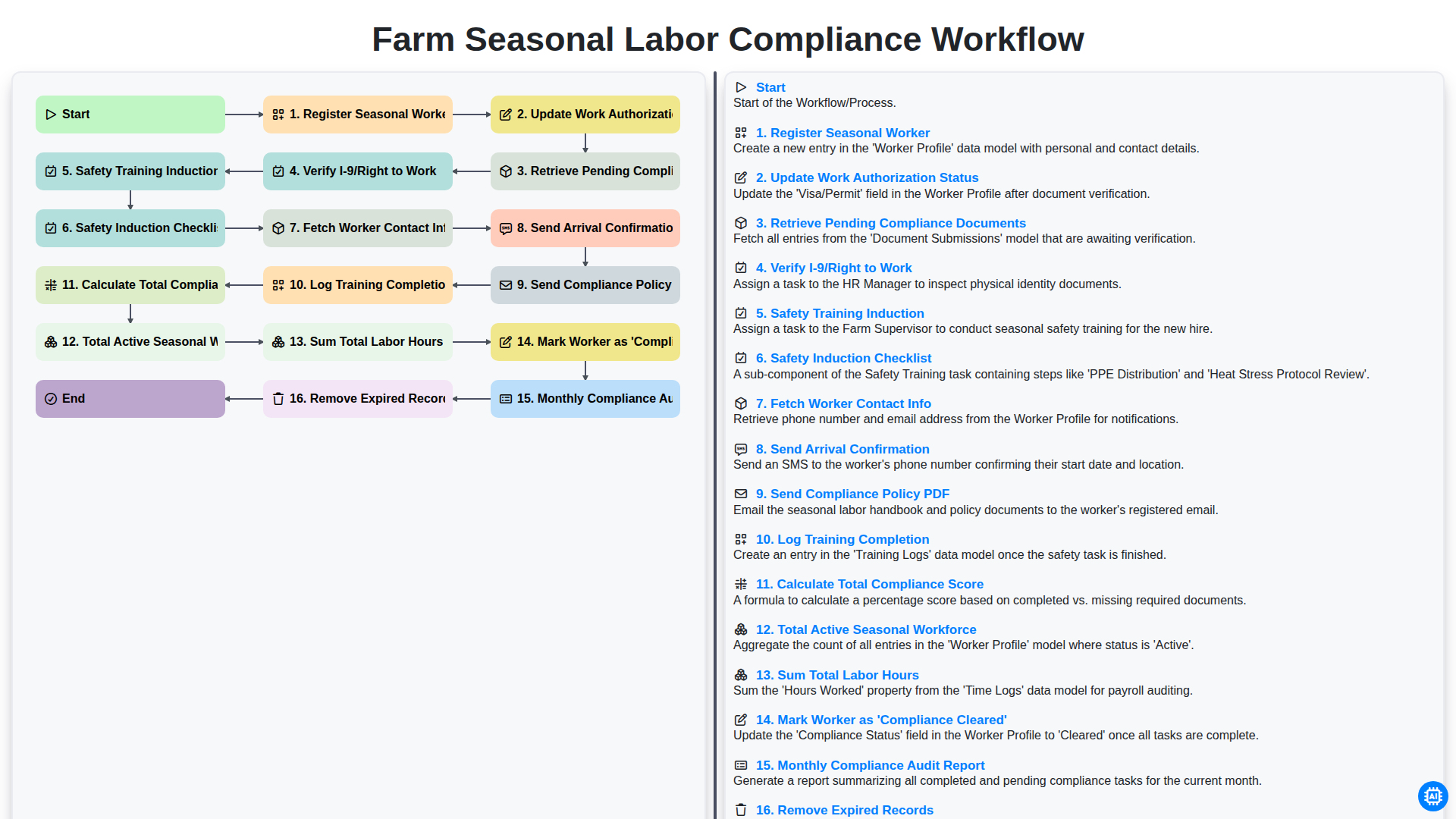
Farm Seasonal Labor Compliance Workflow
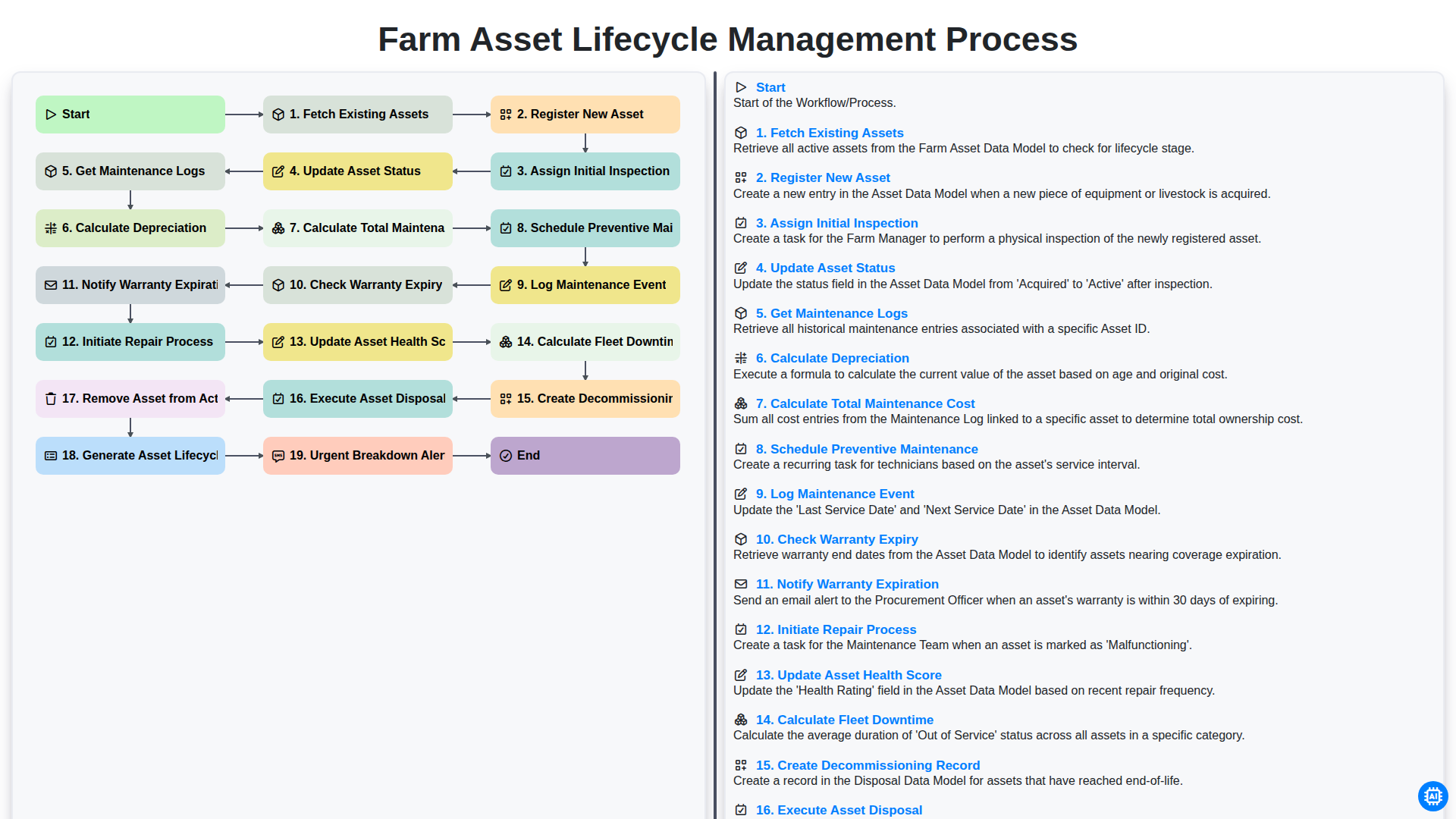
Farm Asset Lifecycle Management Process
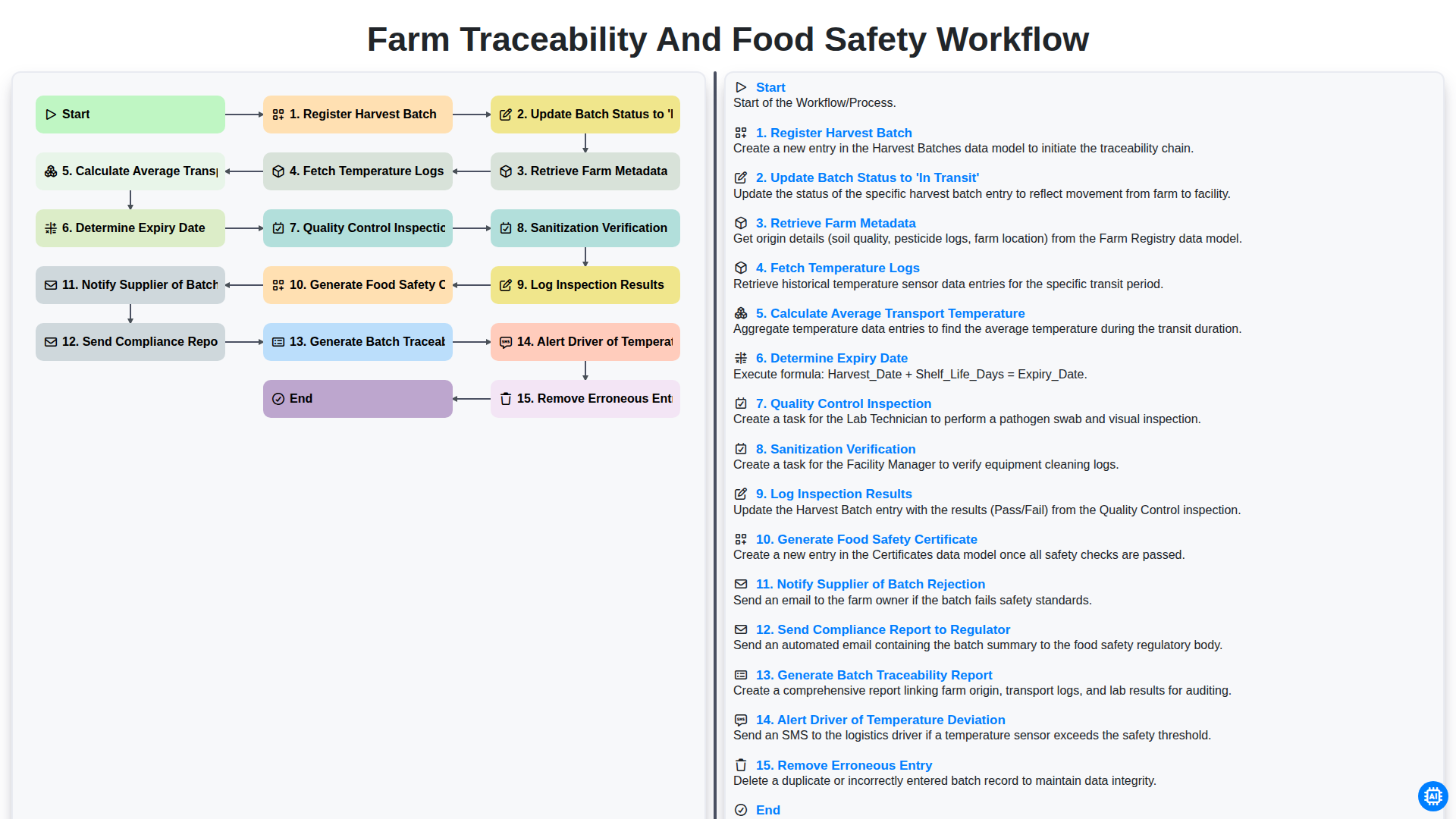
Farm Traceability and Food Safety Workflow
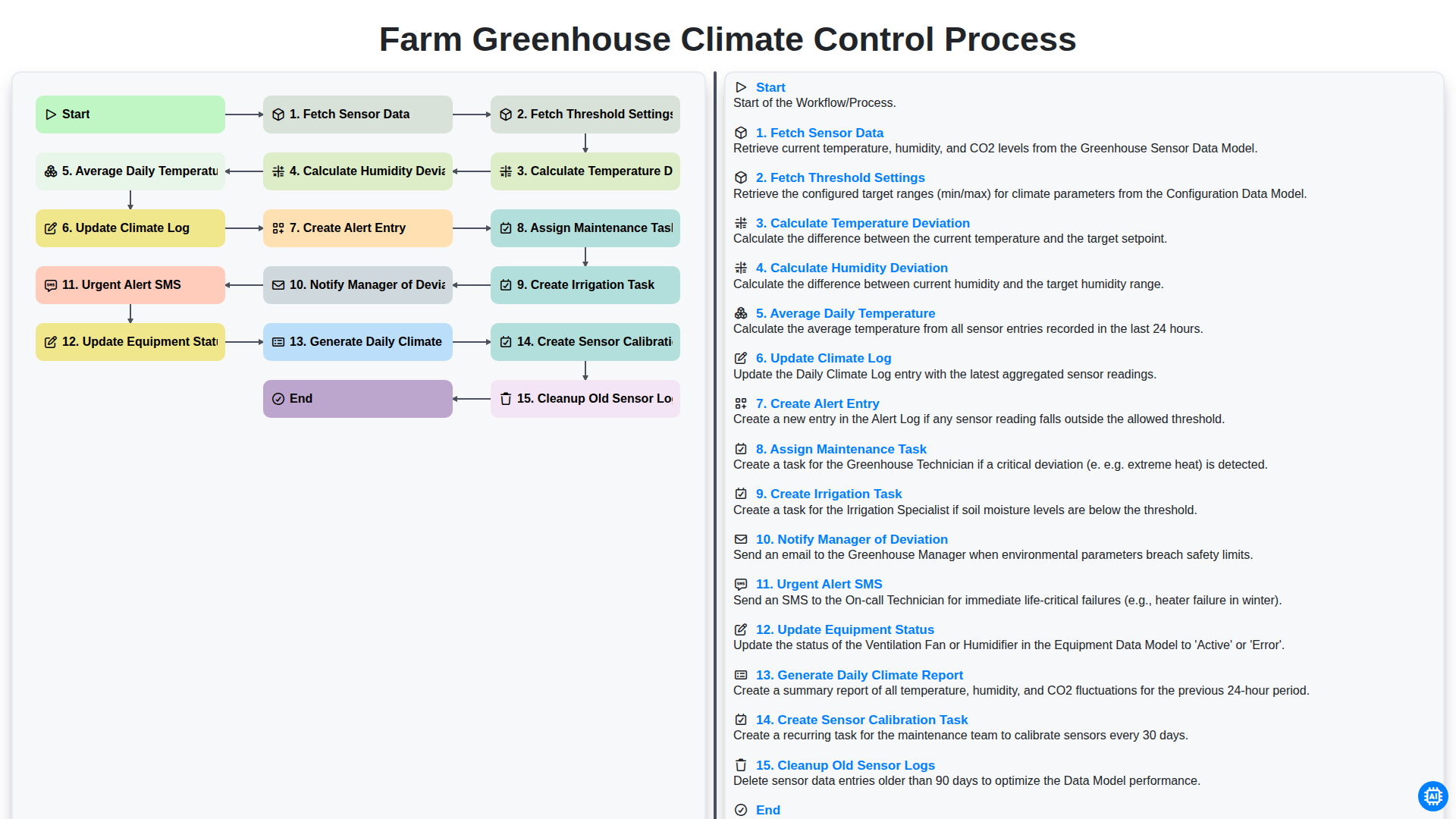
Farm Greenhouse Climate Control Process
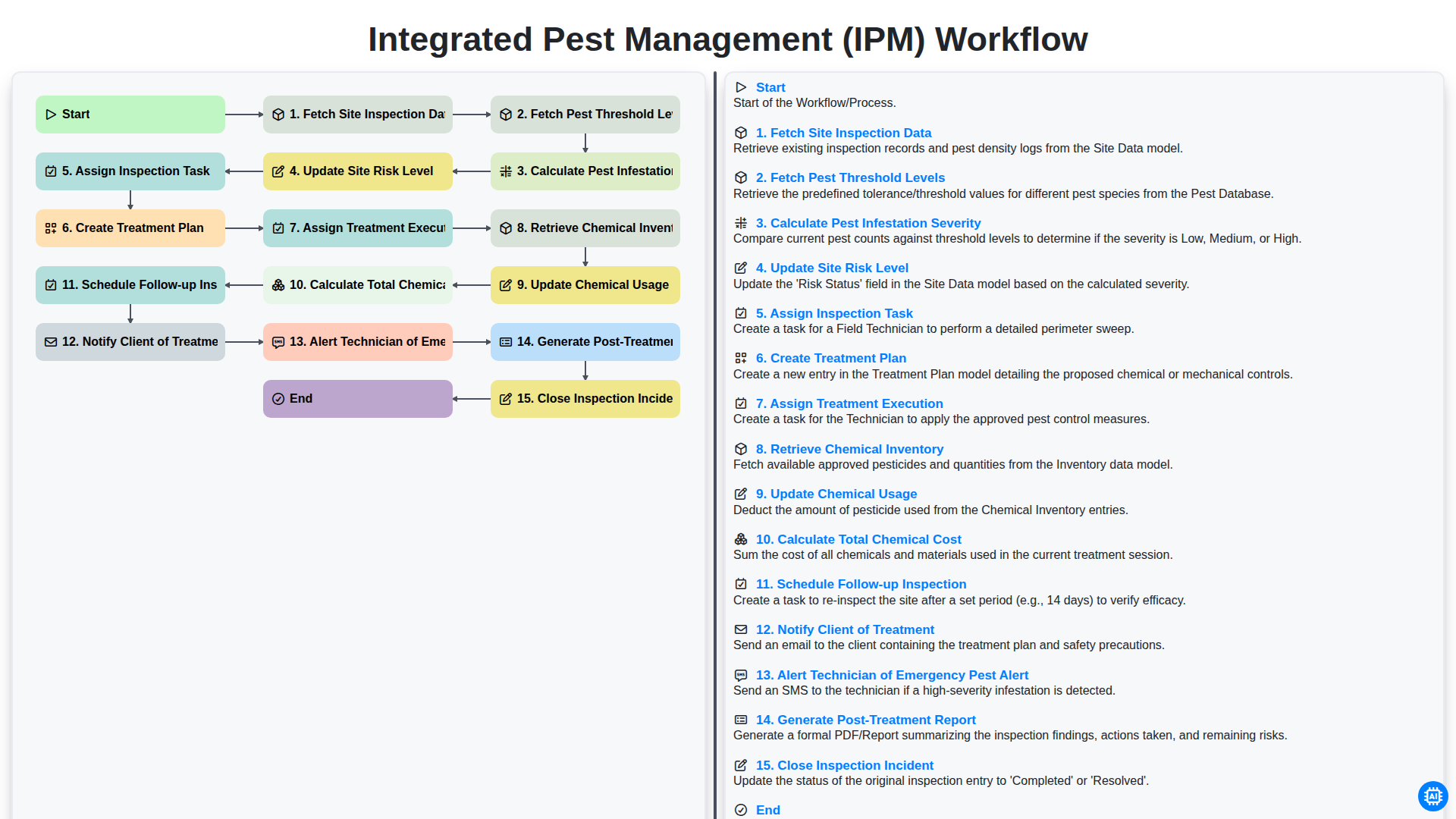
Integrated Pest Management (IPM) Workflow
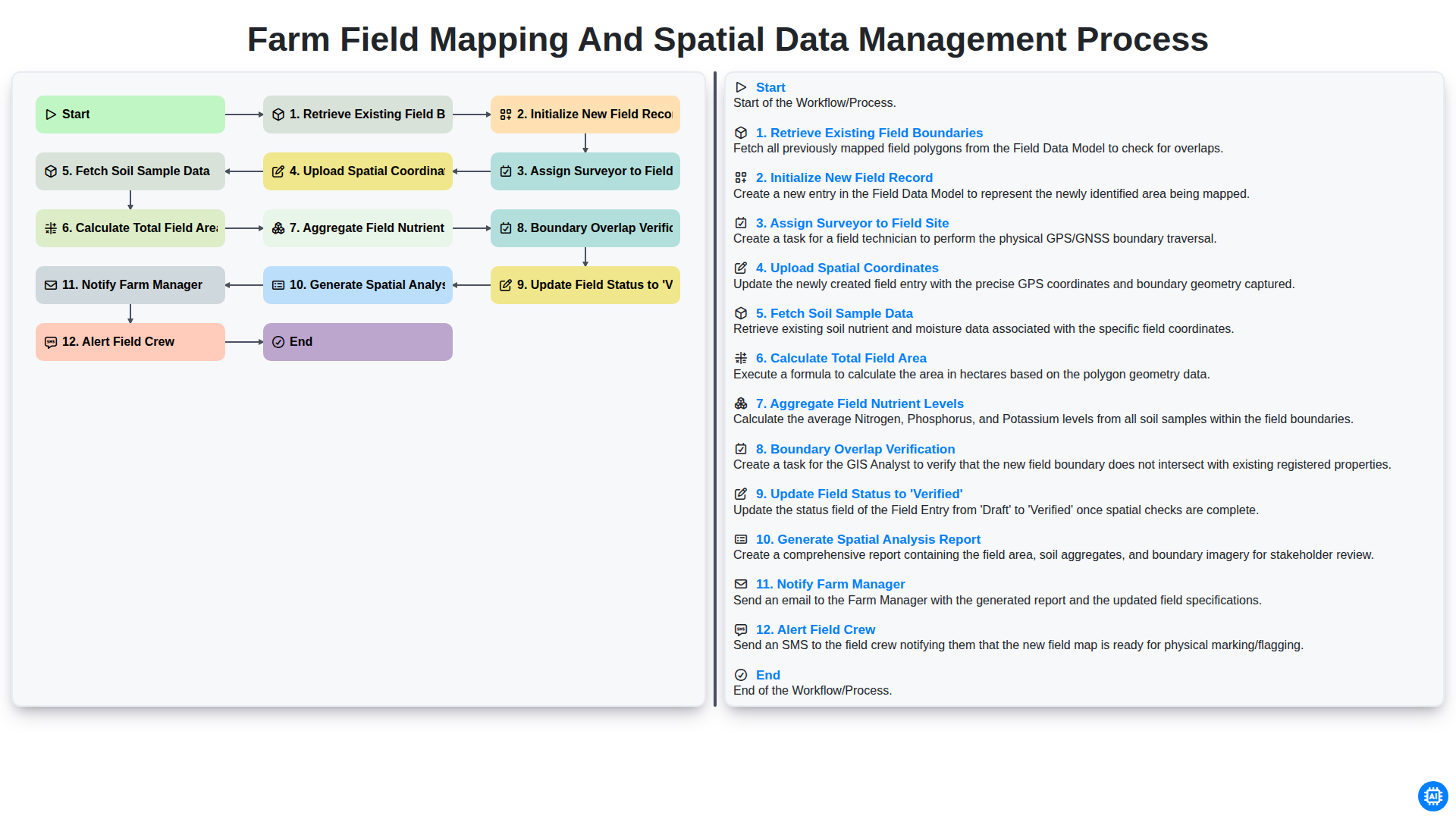
Farm Field Mapping and Spatial Data Management Process
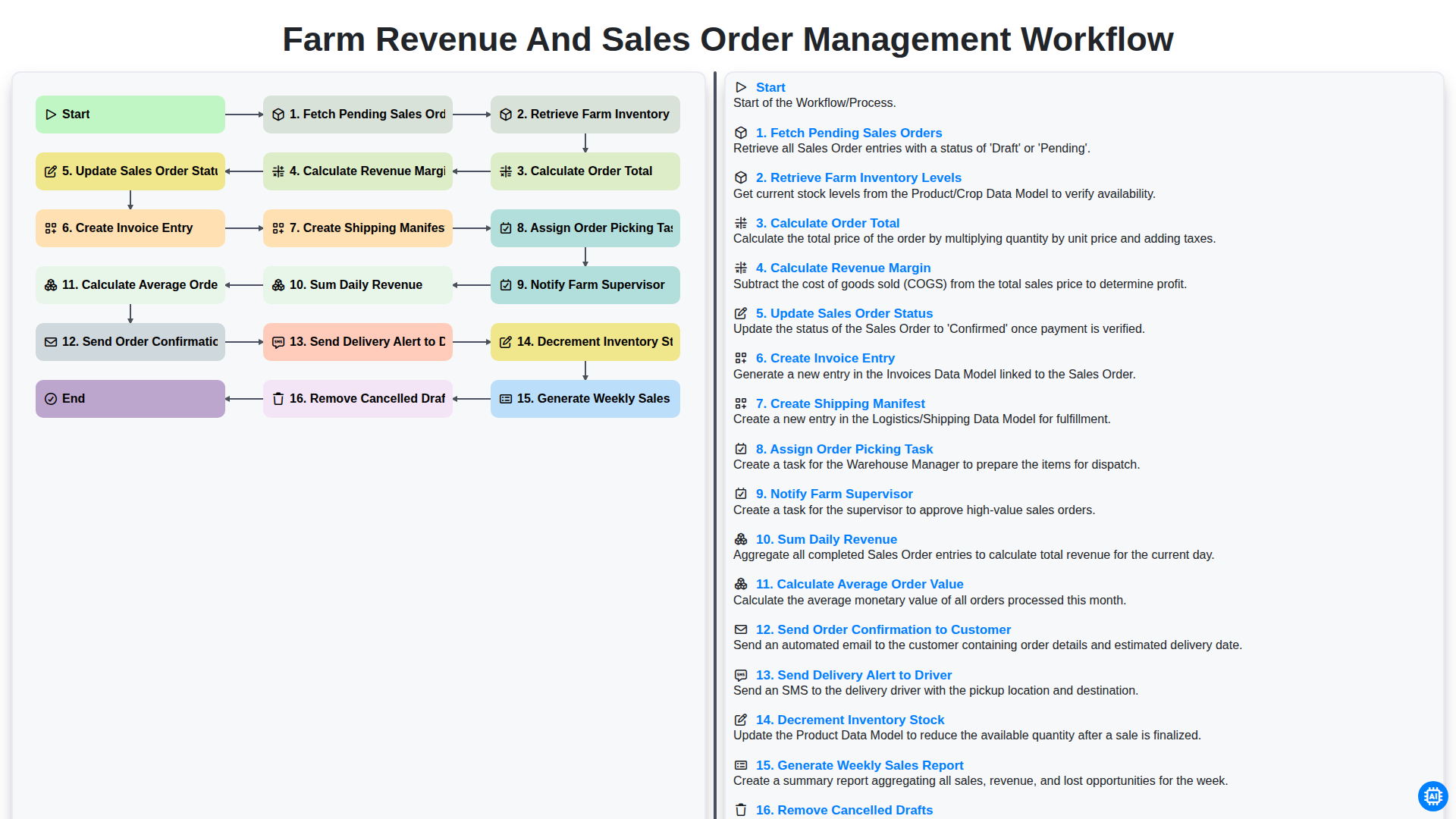
Farm Revenue and Sales Order Management Workflow
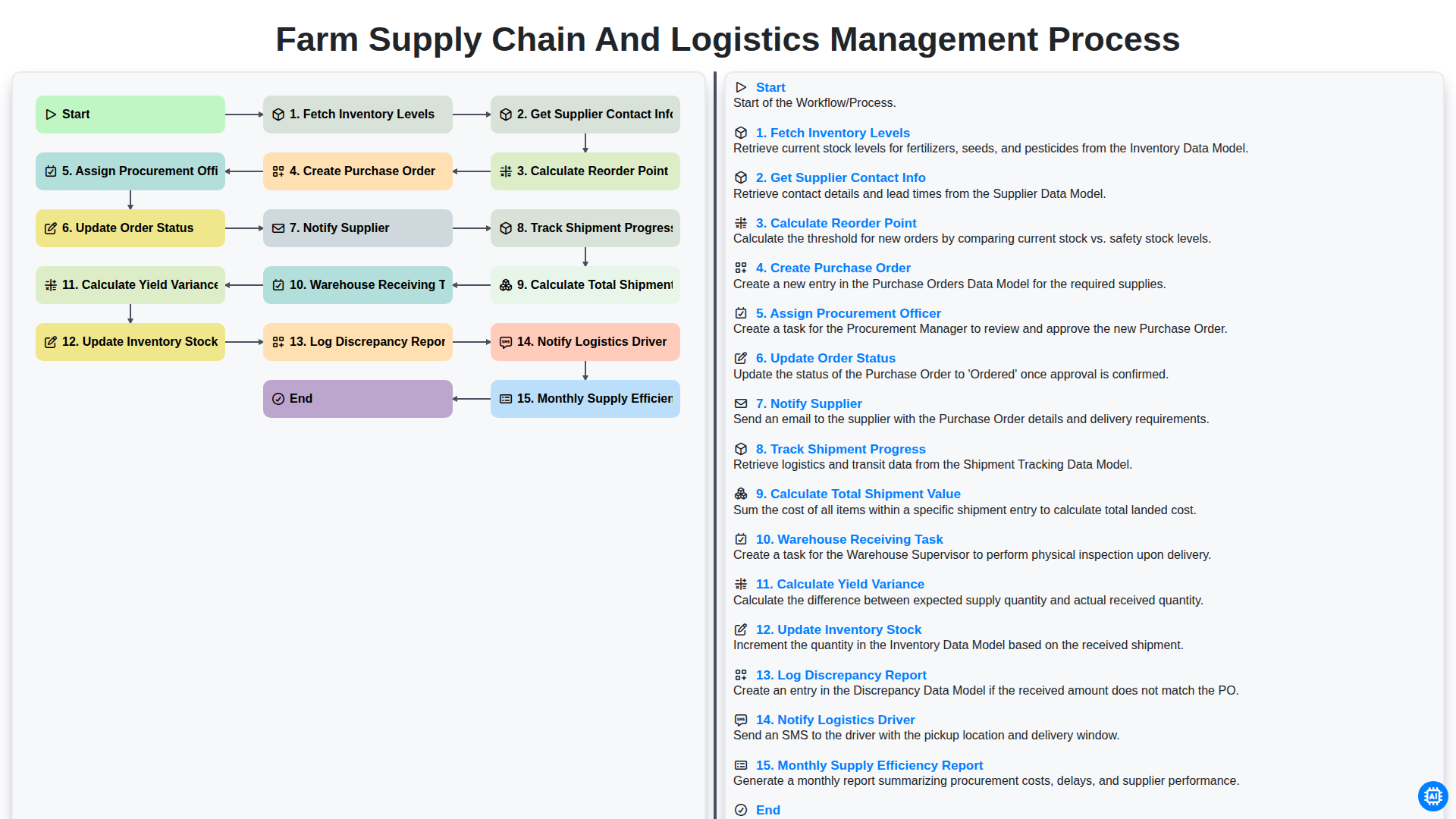
Farm Supply Chain and Logistics Management Process
Gemeinsam schaffen wir das
Benötigen Sie Hilfe bei Checklisten?
Haben Sie eine Frage? Wir helfen Ihnen gerne. Bitte senden Sie uns Ihre Anfrage, und wir werden Ihnen umgehend antworten.