 ChecklistGuro
 Inventory Valuation and Costing Process
Master your bottom line with our comprehensive Inventory Valuation and Costing Process. Streamline your financial accuracy by automating FIFO, LIFO, and Weighted Average Cost calculations. Optimize stock precision, reduce auditing errors, and gain real-time visibility into your asset value to drive smarter, data-driven procurement decisions and maximize profitability.
Diese Vorlage wurde 1 Mal installiert.
Start
Start des Workflows/Prozesses.
1. Fetch Current Inventory Levels
Retrieve all active items from the Inventory Data Model to identify stock quantities.
2. Fetch Purchase Orders
Retrieve recent purchase order entries to identify new incoming stock costs.
3. Fetch Unit Costs
Retrieve the most recent unit price data for each item in the inventory.
4. Calculate Total Inventory Value
Sum the product of (Quantity * Unit Cost) for all retrieved inventory entries.
5. Calculate Weighted Average Cost (WAC)
Execute formula: (Total Cost of Existing Stock + Total Cost of New Stock) / (Total Quantity).
6. Update Item Unit Cost
Update the 'Unit Cost' field in the Inventory Data Model with the newly calculated WAC.
7. Update Total Stock Value
Update the 'Total Asset Value' field in the Finance Summary entry.
8. Inventory Audit Verification
Create a task for the Warehouse Manager to physically verify high-value stock counts.
9. Create Valuation Log Entry
Create a new entry in the Valuation History Data Model to archive the results of this run.
10. Generate Monthly Valuation Report
Generate a PDF/Excel report summarizing the current inventory value and cost fluctuations.
11. Notify Finance Department
Send an email to the Finance Team with the summary of the updated inventory valuation.
12. Alert Low-Margin Items
Send an email to the Procurement Manager if any item cost exceeds a predefined threshold.
Ende
Ende des Arbeitsablaufs/Prozesses.
Start des Workflows/Prozesses.
Retrieve all active items from the Inventory Data Model to identify stock quantities.
Retrieve recent purchase order entries to identify new incoming stock costs.
Retrieve the most recent unit price data for each item in the inventory.
Sum the product of (Quantity * Unit Cost) for all retrieved inventory entries.
Execute formula: (Total Cost of Existing Stock + Total Cost of New Stock) / (Total Quantity).
Update the 'Unit Cost' field in the Inventory Data Model with the newly calculated WAC.
Update the 'Total Asset Value' field in the Finance Summary entry.
Create a task for the Warehouse Manager to physically verify high-value stock counts.
Create a new entry in the Valuation History Data Model to archive the results of this run.
Generate a PDF/Excel report summarizing the current inventory value and cost fluctuations.
Send an email to the Finance Team with the summary of the updated inventory valuation.
Send an email to the Procurement Manager if any item cost exceeds a predefined threshold.
Ende des Arbeitsablaufs/Prozesses.
Kommentare
Bisher gibt es keine Kommentare. Seien Sie der Erste, der einen hinzufügt!
Demonstration der Lösung für das Bestandsmanagement
Optimieren Sie Ihre Bestände und steigern Sie die Rentabilität! ChecklistGuro optimiert die Verfolgung, Bestellung und Auslieferung. Reduzieren Sie Abfall, minimieren Sie Lieferengpässe und verbessern Sie die Effizienz. Verwalten Sie alles mit unserer Work OS.
Verwandte Workflow-Vorlagen
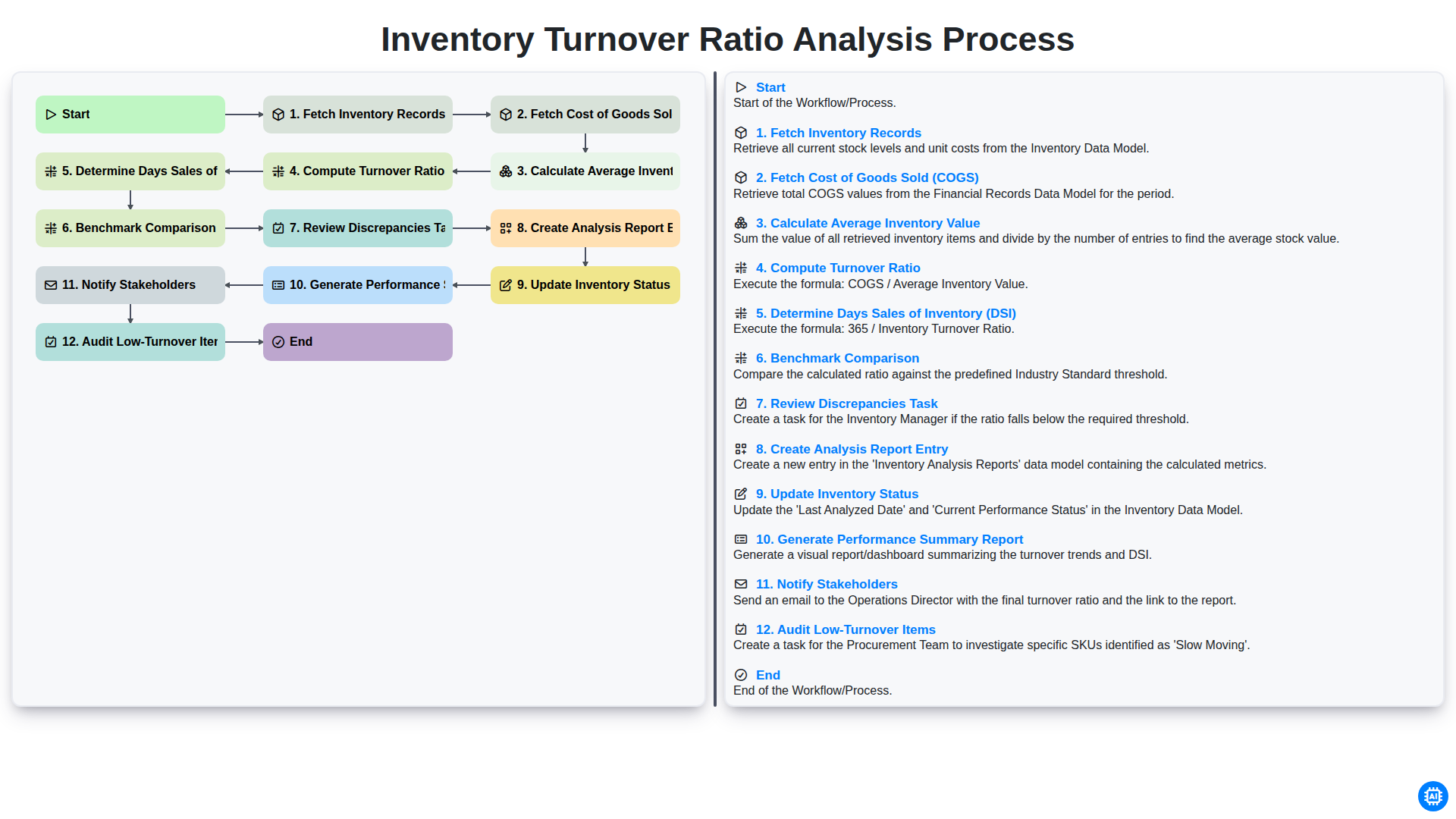
Inventory Turnover Ratio Analysis Process
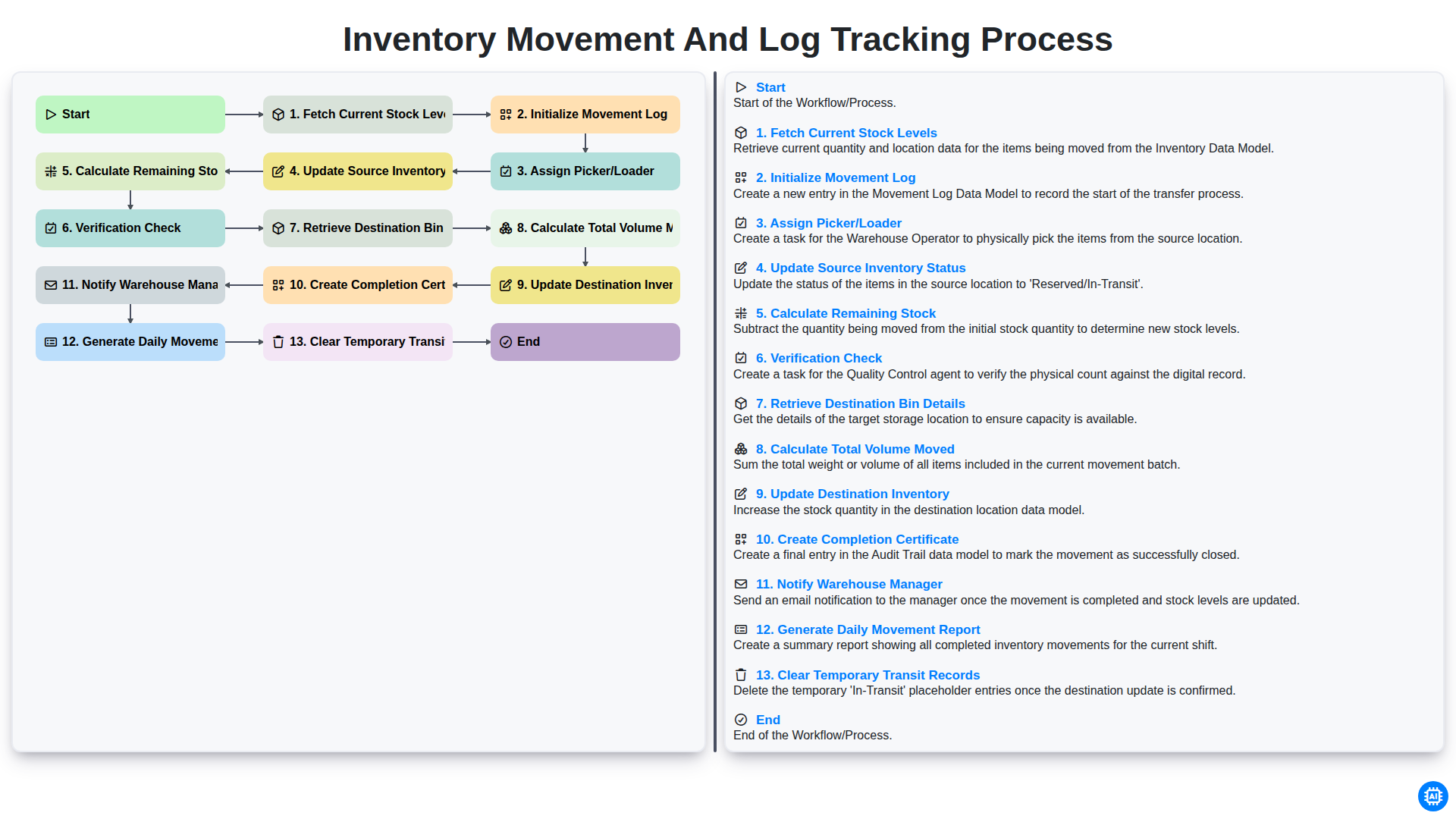
Inventory Movement and Log Tracking Process
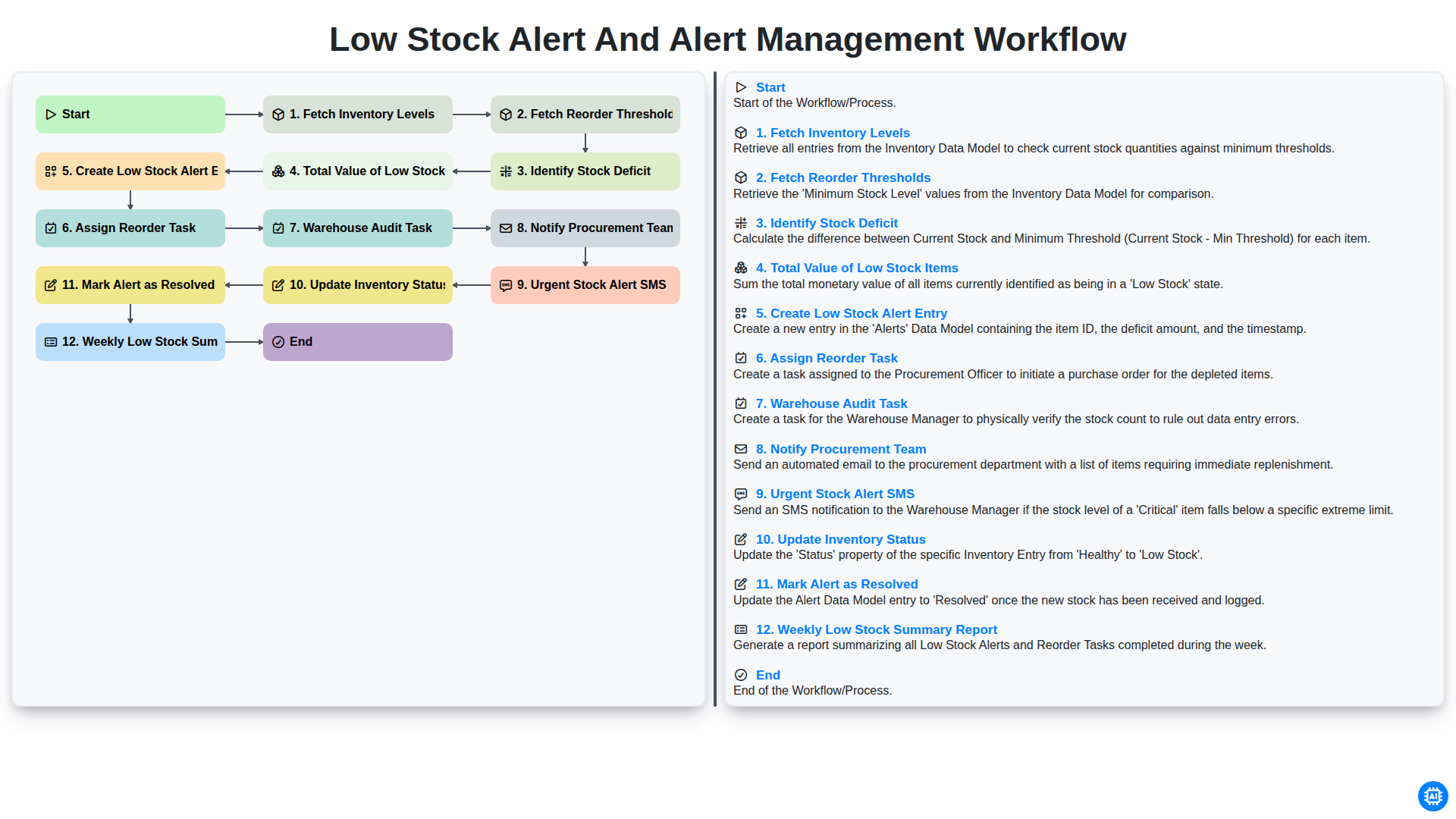
Low Stock Alert and Alert Management Workflow
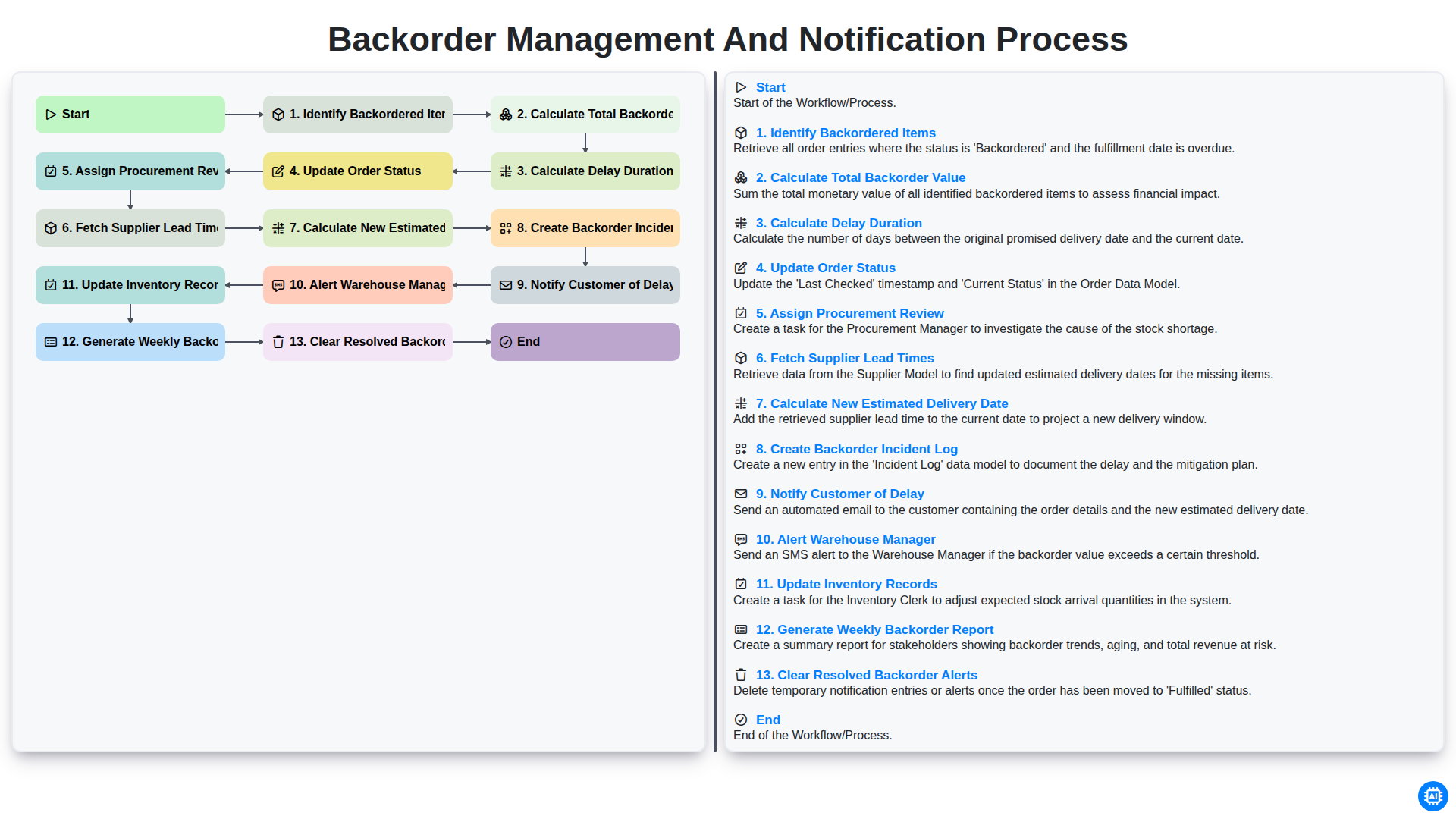
Backorder Management and Notification Process
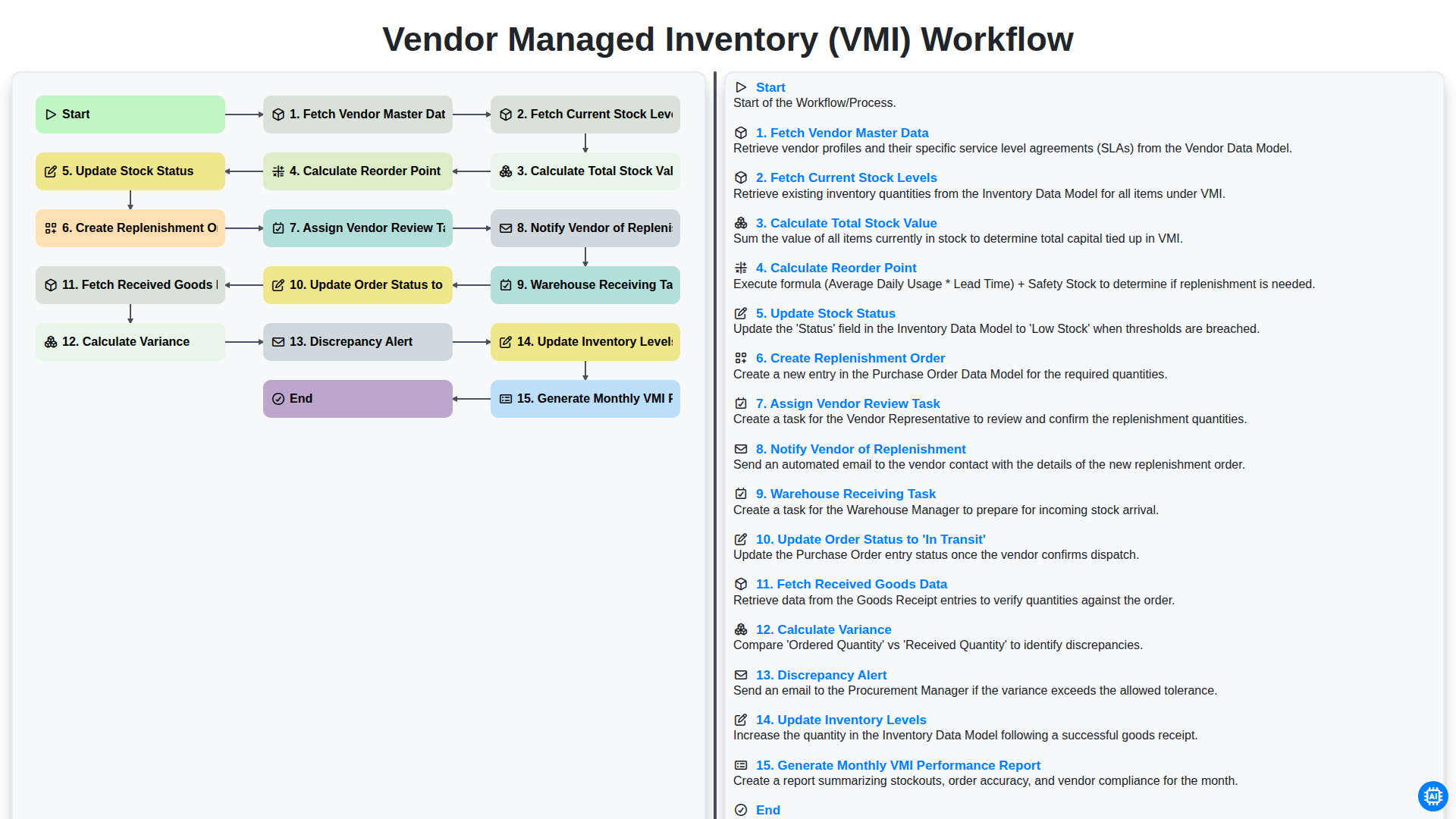
Vendor Managed Inventory (VMI) Workflow
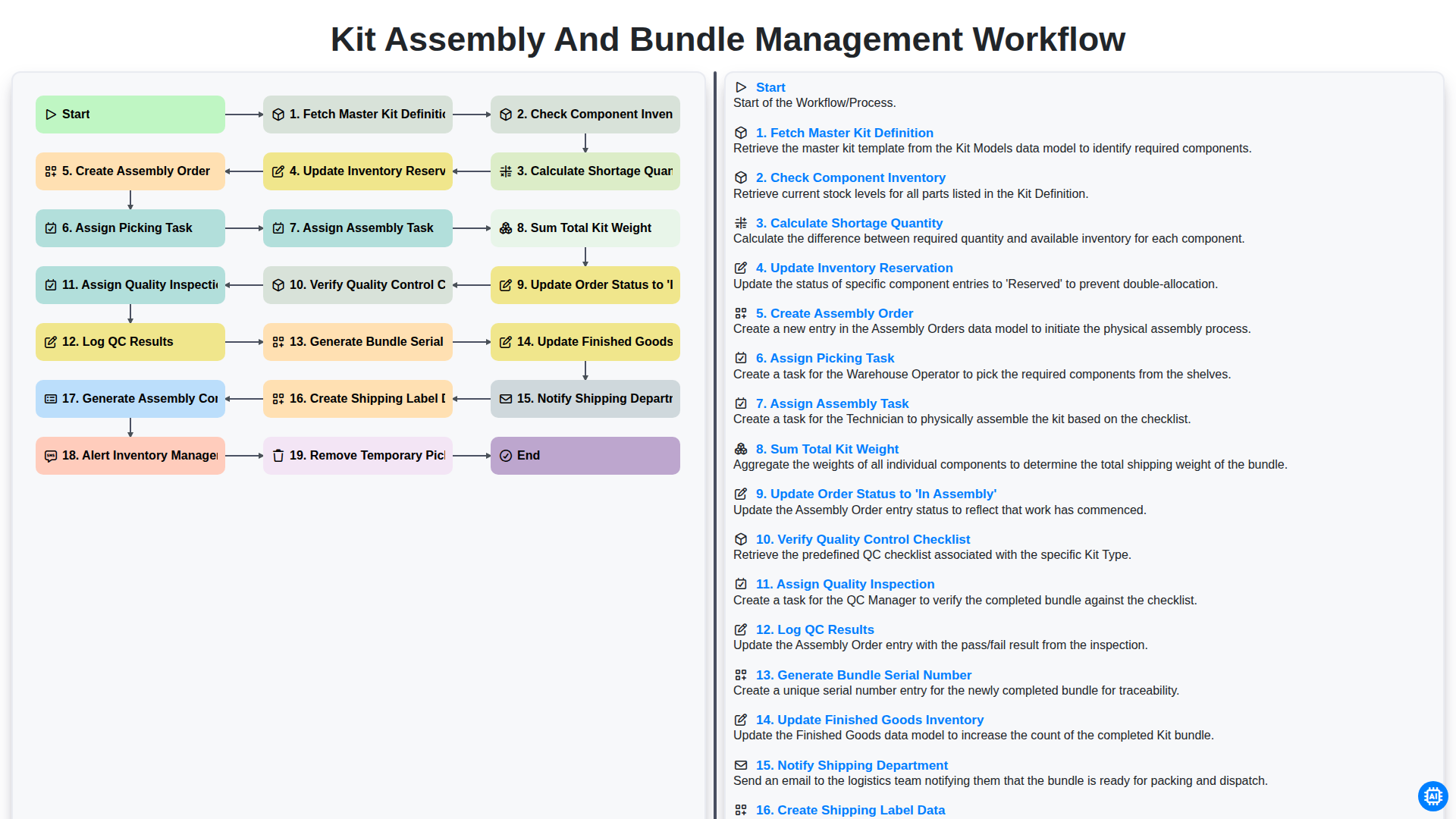
Kit Assembly and Bundle Management Workflow
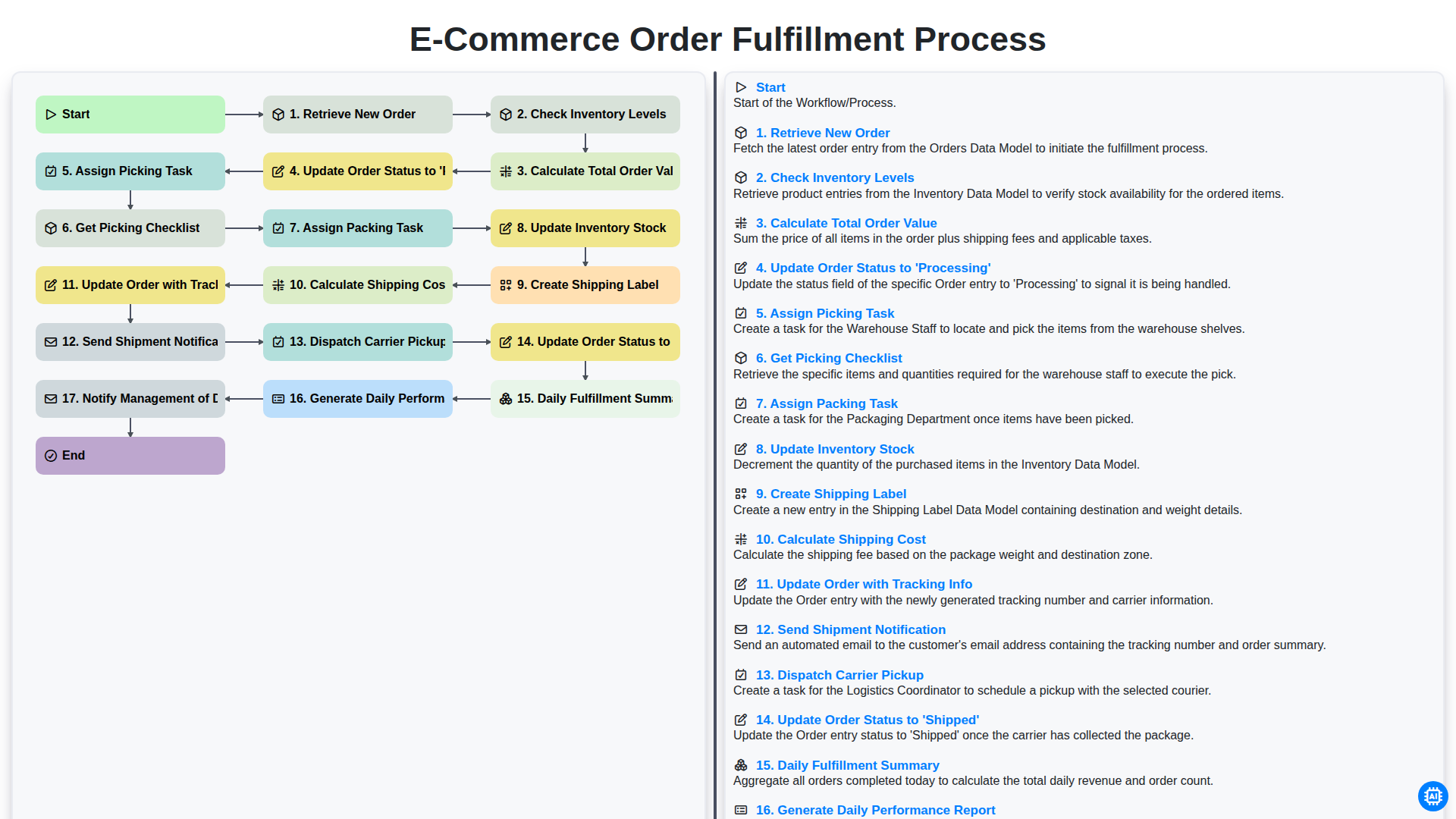
E-commerce Order Fulfillment Process
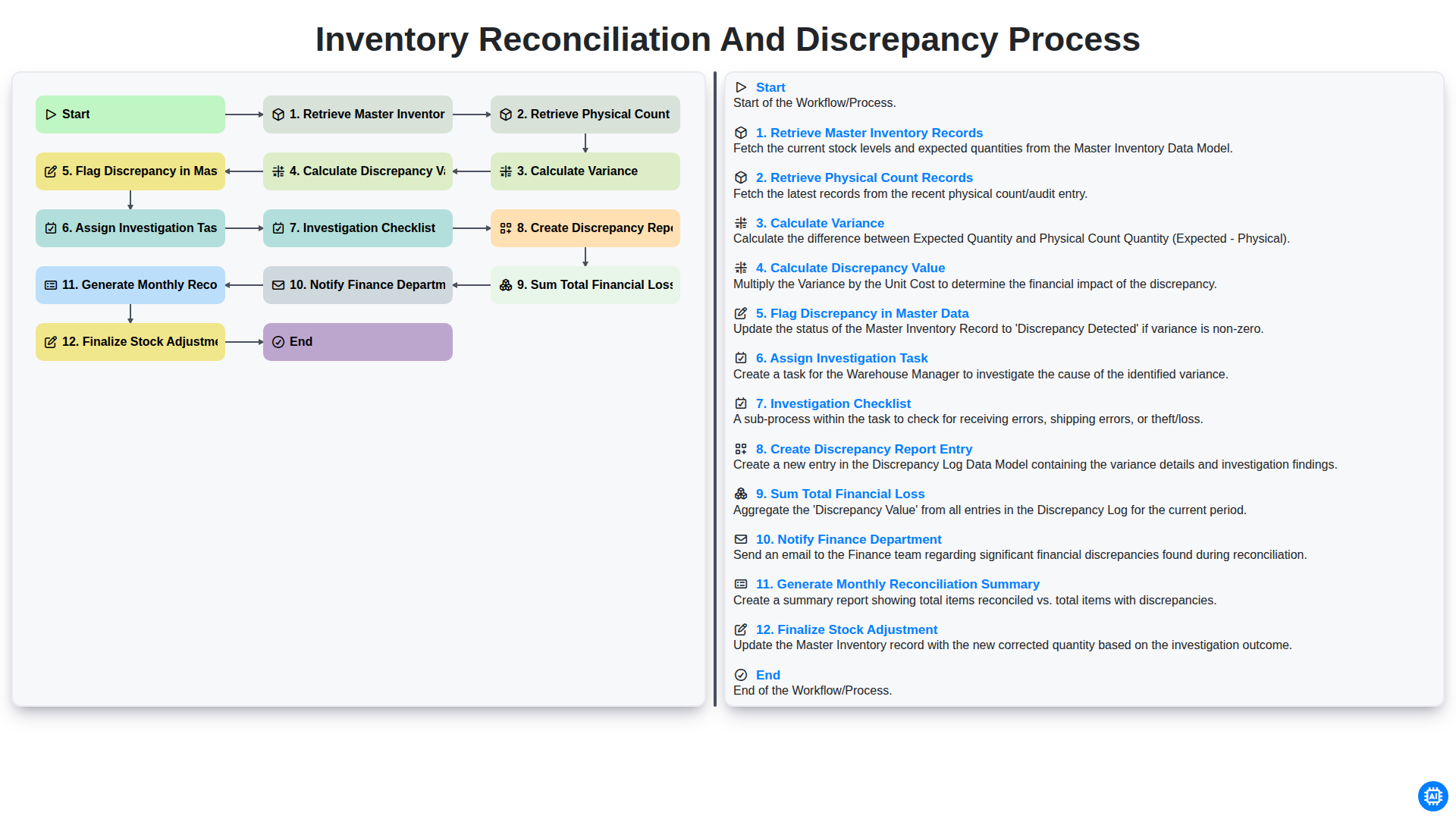
Inventory Reconciliation and Discrepancy Process
Gemeinsam schaffen wir das
Benötigen Sie Hilfe bei Checklisten?
Haben Sie eine Frage? Wir helfen Ihnen gerne. Bitte senden Sie uns Ihre Anfrage, und wir werden Ihnen umgehend antworten.