 ChecklistGuro
 Inventory Movement and Log Tracking Process
Streamline your supply chain with our comprehensive Inventory Movement and Log Tracking Process. Master end-to-end visibility by automating stock transfers, optimizing warehouse workflows, and maintaining foolproof audit trails. Eliminate discrepancies, prevent shrinkage, and ensure real-time accuracy with a structured approach to monitoring every item's journey from receiving to dispatch.
Diese Vorlage wurde 5 Mal installiert.
Start
Start des Workflows/Prozesses.
1. Fetch Current Stock Levels
Retrieve current quantity and location data for the items being moved from the Inventory Data Model.
2. Initialize Movement Log
Create a new entry in the Movement Log Data Model to record the start of the transfer process.
3. Assign Picker/Loader
Create a task for the Warehouse Operator to physically pick the items from the source location.
4. Update Source Inventory Status
Update the status of the items in the source location to 'Reserved/In-Transit'.
5. Calculate Remaining Stock
Subtract the quantity being moved from the initial stock quantity to determine new stock levels.
6. Verification Check
Create a task for the Quality Control agent to verify the physical count against the digital record.
7. Retrieve Destination Bin Details
Get the details of the target storage location to ensure capacity is available.
8. Calculate Total Volume Moved
Sum the total weight or volume of all items included in the current movement batch.
9. Update Destination Inventory
Increase the stock quantity in the destination location data model.
10. Create Completion Certificate
Create a final entry in the Audit Trail data model to mark the movement as successfully closed.
11. Notify Warehouse Manager
Send an email notification to the manager once the movement is completed and stock levels are updated.
12. Generate Daily Movement Report
Create a summary report showing all completed inventory movements for the current shift.
13. Clear Temporary Transit Records
Delete the temporary 'In-Transit' placeholder entries once the destination update is confirmed.
Ende
Ende des Arbeitsablaufs/Prozesses.
Start des Workflows/Prozesses.
Retrieve current quantity and location data for the items being moved from the Inventory Data Model.
Create a new entry in the Movement Log Data Model to record the start of the transfer process.
Create a task for the Warehouse Operator to physically pick the items from the source location.
Update the status of the items in the source location to 'Reserved/In-Transit'.
Subtract the quantity being moved from the initial stock quantity to determine new stock levels.
Create a task for the Quality Control agent to verify the physical count against the digital record.
Get the details of the target storage location to ensure capacity is available.
Sum the total weight or volume of all items included in the current movement batch.
Increase the stock quantity in the destination location data model.
Create a final entry in the Audit Trail data model to mark the movement as successfully closed.
Send an email notification to the manager once the movement is completed and stock levels are updated.
Create a summary report showing all completed inventory movements for the current shift.
Delete the temporary 'In-Transit' placeholder entries once the destination update is confirmed.
Ende des Arbeitsablaufs/Prozesses.
Kommentare
Bisher gibt es keine Kommentare. Seien Sie der Erste, der einen hinzufügt!
Demonstration der Lösung für das Bestandsmanagement
Optimieren Sie Ihre Bestände und steigern Sie die Rentabilität! ChecklistGuro optimiert die Verfolgung, Bestellung und Auslieferung. Reduzieren Sie Abfall, minimieren Sie Lieferengpässe und verbessern Sie die Effizienz. Verwalten Sie alles mit unserer Work OS.
Verwandte Workflow-Vorlagen
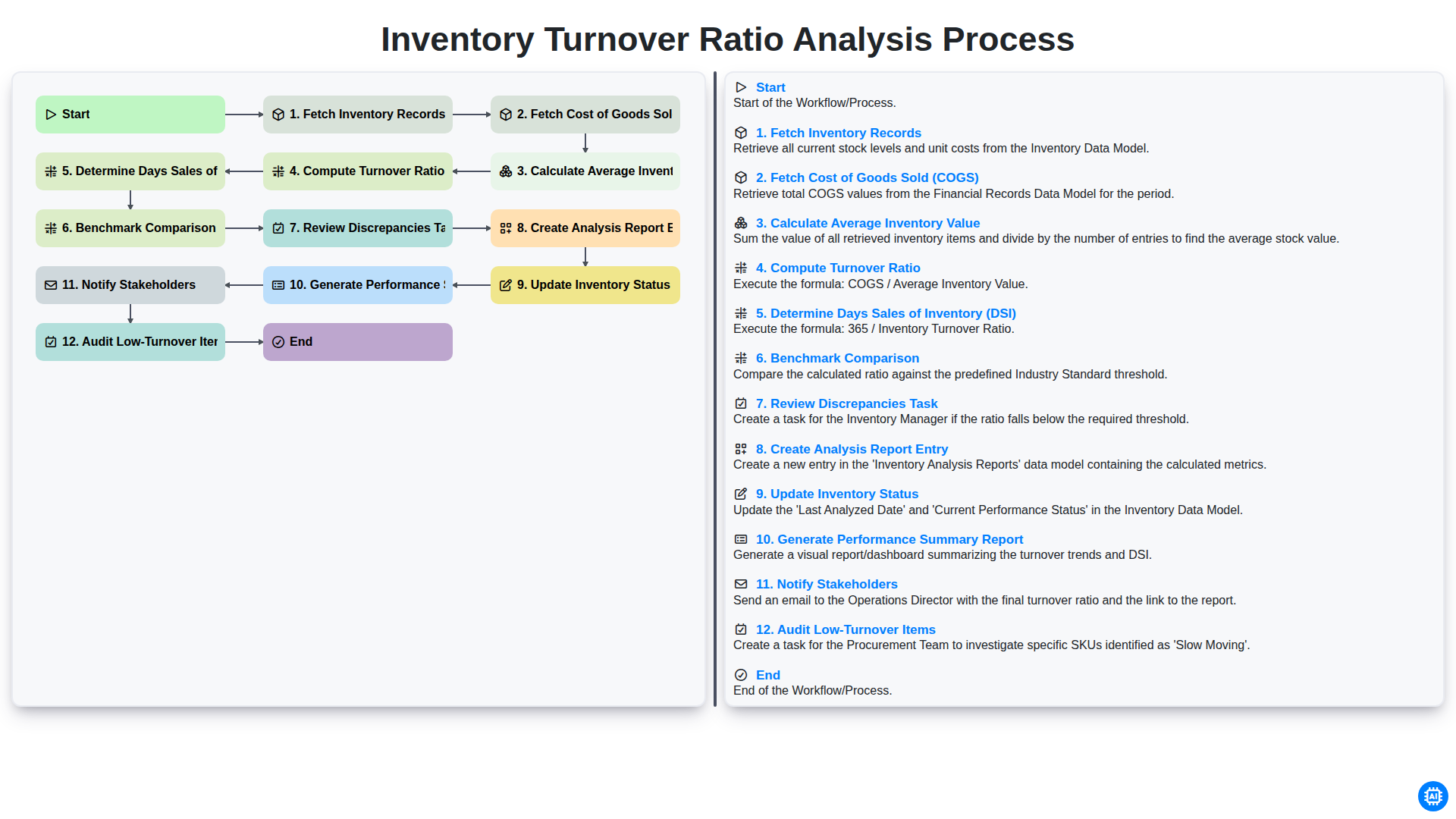
Inventory Turnover Ratio Analysis Process
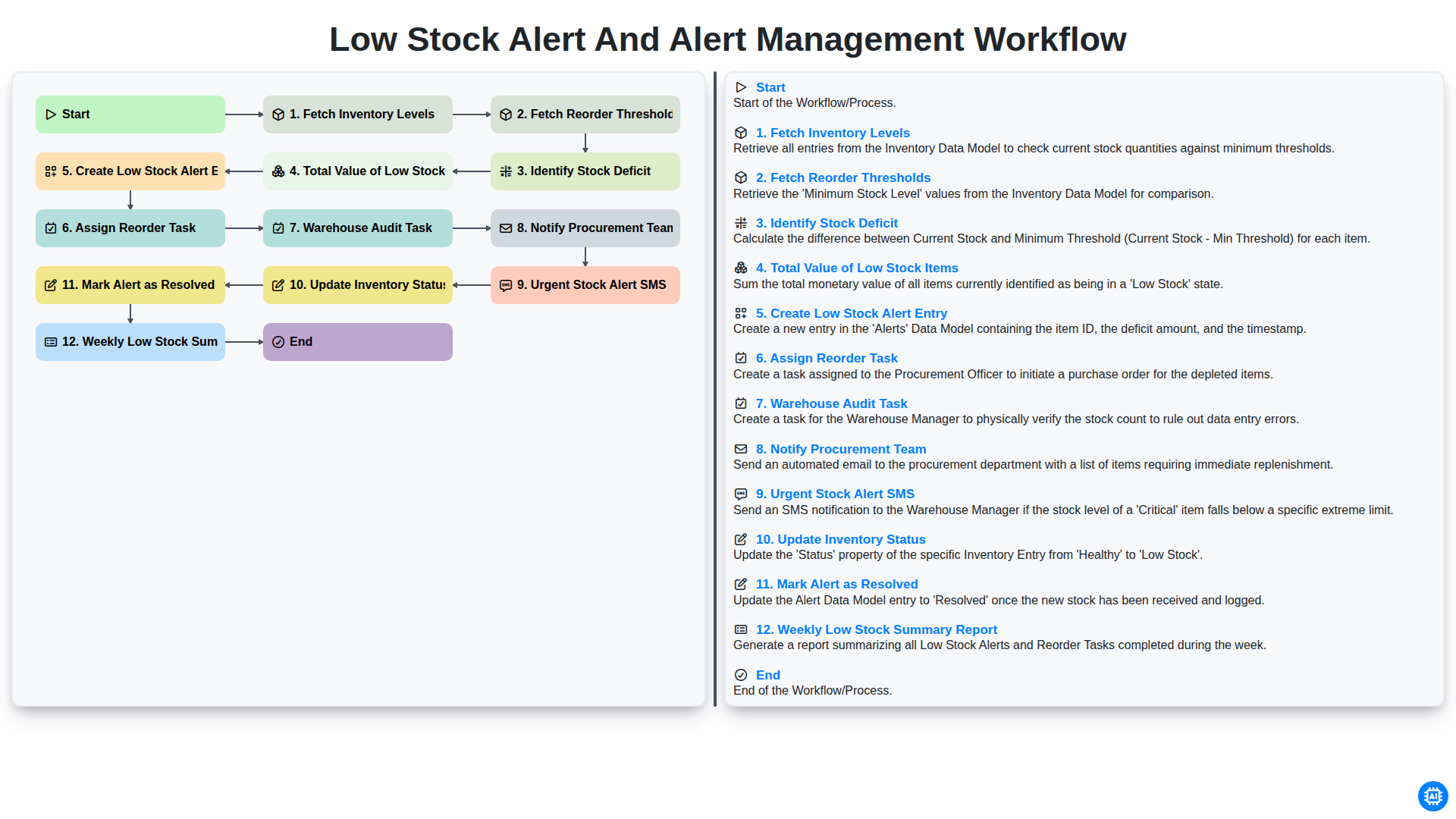
Low Stock Alert and Alert Management Workflow
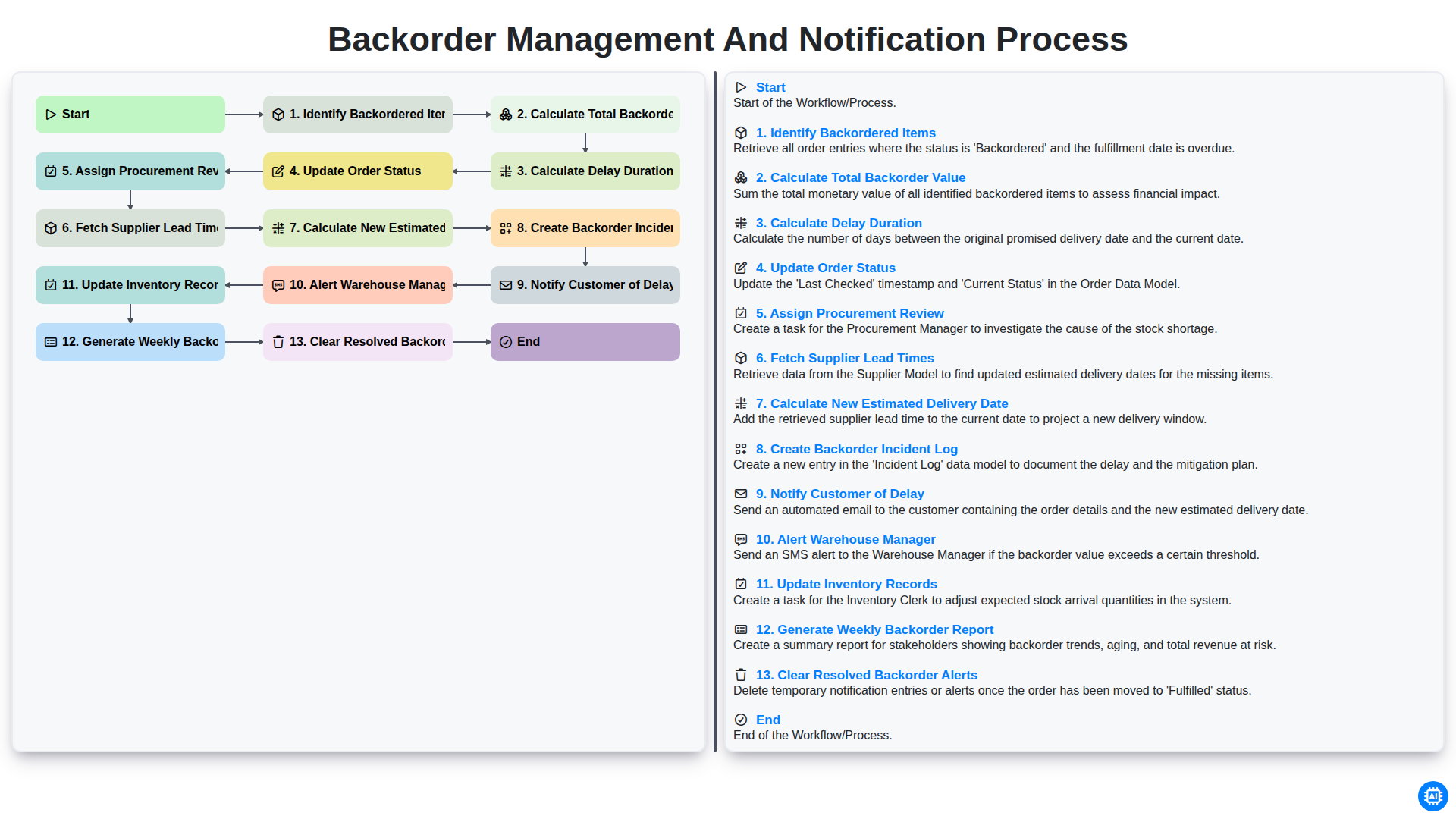
Backorder Management and Notification Process
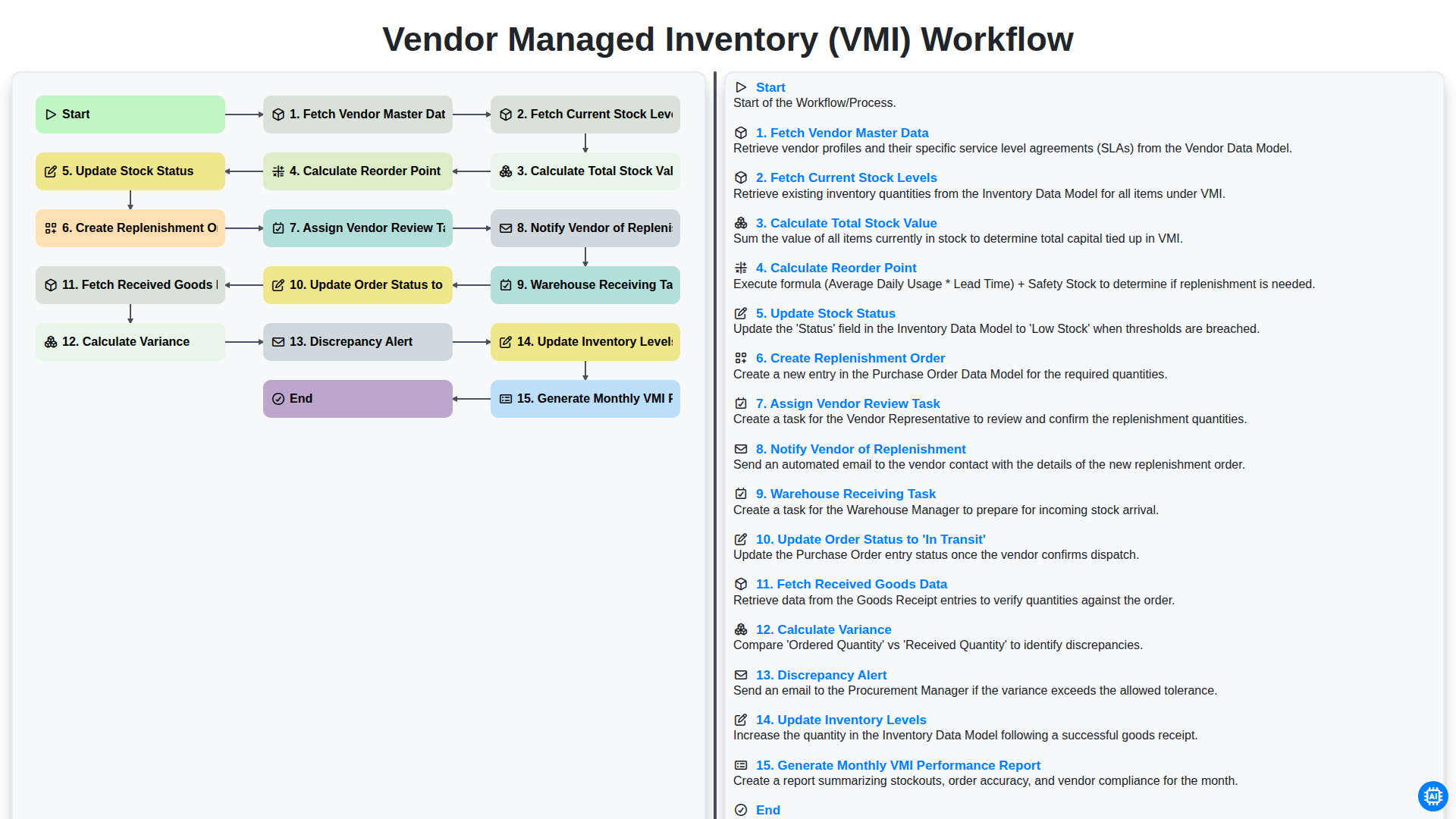
Vendor Managed Inventory (VMI) Workflow
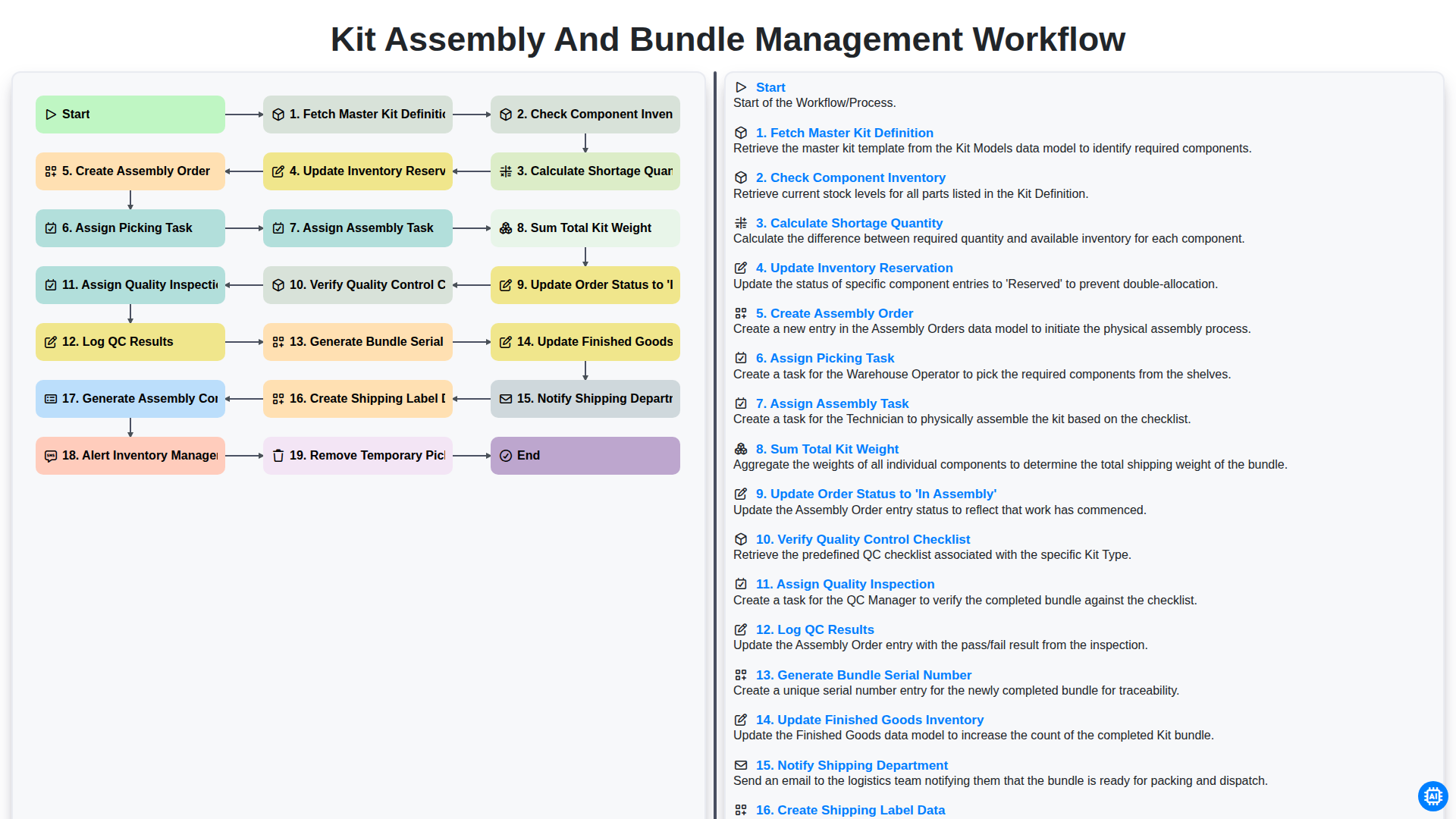
Kit Assembly and Bundle Management Workflow
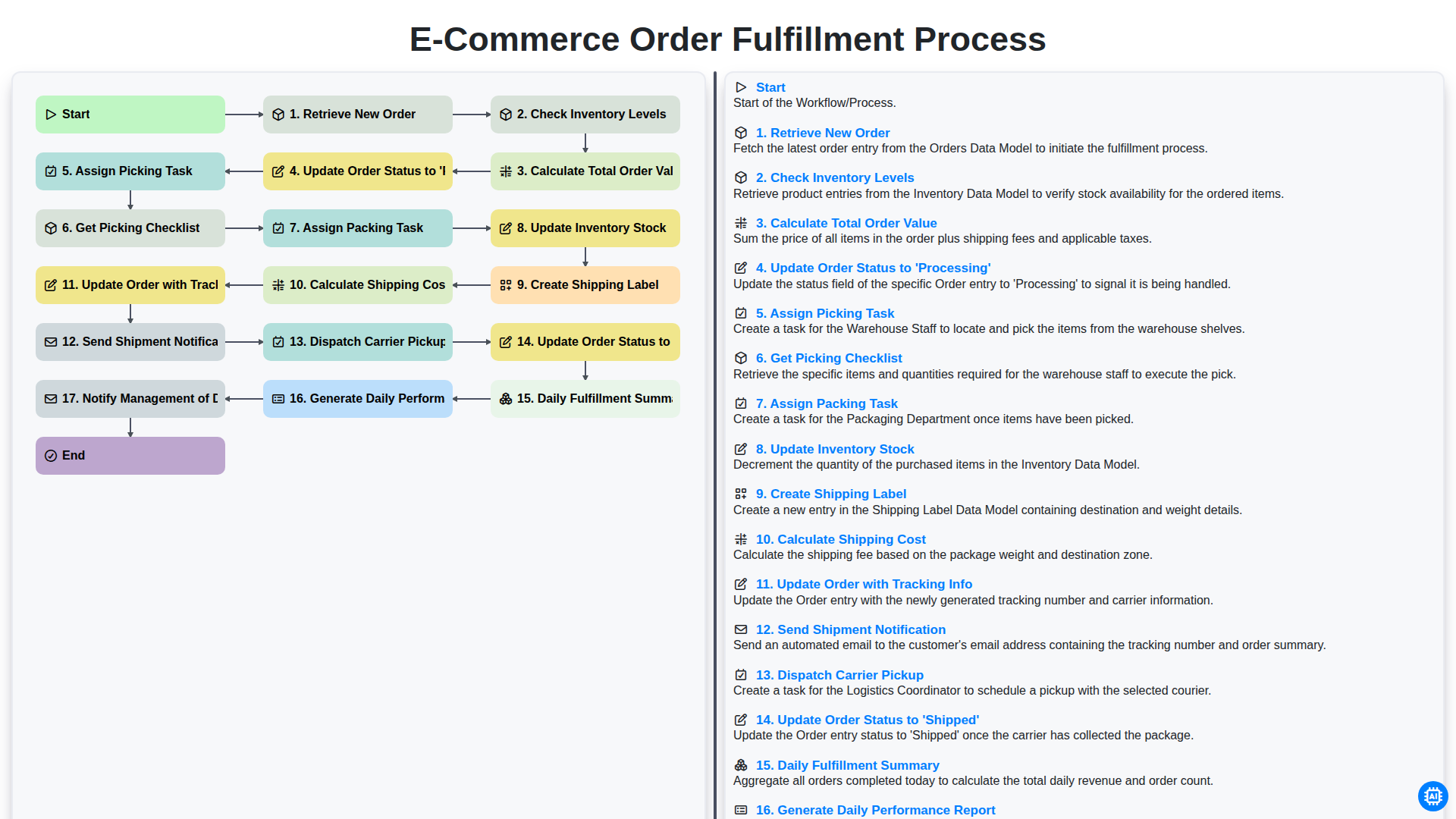
E-commerce Order Fulfillment Process
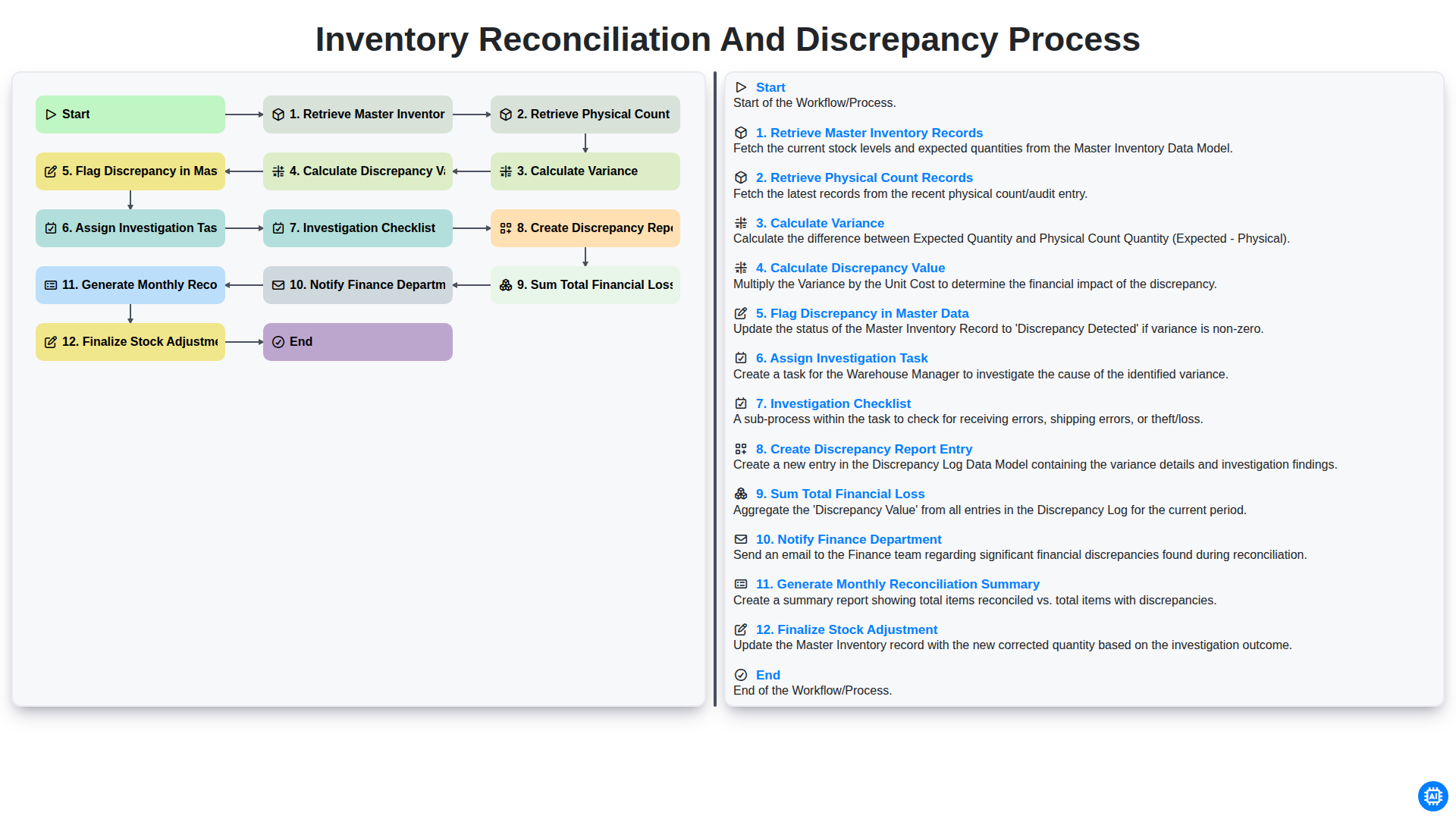
Inventory Reconciliation and Discrepancy Process
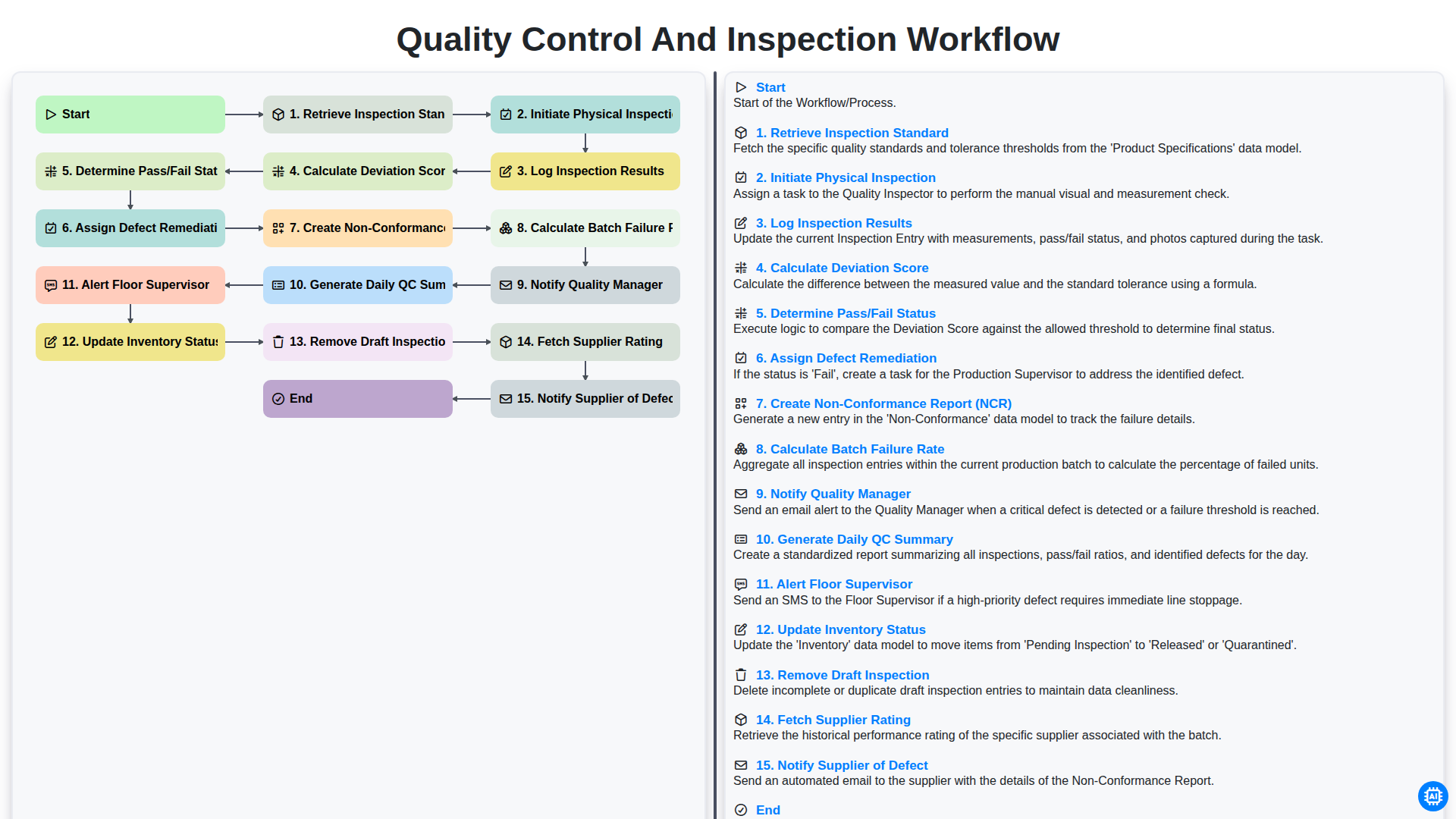
Quality Control and Inspection Workflow
Gemeinsam schaffen wir das
Benötigen Sie Hilfe bei Checklisten?
Haben Sie eine Frage? Wir helfen Ihnen gerne. Bitte senden Sie uns Ihre Anfrage, und wir werden Ihnen umgehend antworten.