 ChecklistGuro
 Returns Management and RMA Processing
Streamline your reverse logistics with our expert Returns Management and RMA Processing workflow. Optimize inventory accuracy, reduce turnaround time, and automate return authorizations to enhance customer satisfaction and reclaim value from returned goods.
Diese Vorlage wurde 2 Mal installiert.
Start
Start des Workflows/Prozesses.
1. Create RMA Record
Initialize a new Return Merchandise Authorization entry in the RMA Data Model when a customer requests a return.
2. Validate Order History
Retrieve original order details from the Orders Data Model to verify the purchase date and eligibility for return.
3. Calculate Return Window Eligibility
Calculate the difference between the current date and the delivery date to determine if the request falls within the 30-day return policy.
4. Update RMA Status to 'Pending Inspection'
Change the status of the RMA entry once the return shipping label has been generated and sent to the customer.
5. Warehouse Inspection Task
Create a task for the Warehouse Team to physically inspect the returned item for damage upon arrival.
6. Retrieve Product Details
Fetch product specifications and SKU information from the Product Data Model to identify the item being returned.
7. Update Item Condition
Update the RMA entry with the findings from the warehouse inspection (e.g., 'Damaged', 'Unopened', or 'Used').
8. Calculate Refund Amount
Calculate the final refund amount by subtracting restocking fees or shipping costs from the original item price.
9. Create Refund Transaction
Create a new entry in the Transactions Data Model to track the outgoing payment to the customer.
10. Calculate Monthly Return Rate
Aggregate all RMA entries for the current month to calculate the total number of returns vs. total sales.
11. Notify Customer of Approval
Send an email to the customer notifying them that their return has been approved and a refund is being processed.
12. Notify Customer of Rejection
Send an email to the customer if the return request is denied due to policy violations.
13. Inventory Restock Task
Create a task for the Inventory Manager to add the item back to 'Sellable Stock' if the inspection passed.
14. Update Inventory Levels
Update the stock quantity in the Product Data Model for the specific SKU being returned.
15. Generate Weekly Returns Report
Create a report summarizing all processed RMAs, total refund costs, and common reasons for return for the weekly management review.
16. Remove Erroneous RMA
Delete a duplicate or incorrectly created RMA entry from the Data Model.
17. Send Shipping Alert
Send an SMS to the customer's phone number when the return package has been successfully scanned by the carrier.
Ende
Ende des Arbeitsablaufs/Prozesses.
Start des Workflows/Prozesses.
Initialize a new Return Merchandise Authorization entry in the RMA Data Model when a customer requests a return.
Retrieve original order details from the Orders Data Model to verify the purchase date and eligibility for return.
Calculate the difference between the current date and the delivery date to determine if the request falls within the 30-day return policy.
Change the status of the RMA entry once the return shipping label has been generated and sent to the customer.
Create a task for the Warehouse Team to physically inspect the returned item for damage upon arrival.
Fetch product specifications and SKU information from the Product Data Model to identify the item being returned.
Update the RMA entry with the findings from the warehouse inspection (e.g., 'Damaged', 'Unopened', or 'Used').
Calculate the final refund amount by subtracting restocking fees or shipping costs from the original item price.
Create a new entry in the Transactions Data Model to track the outgoing payment to the customer.
Aggregate all RMA entries for the current month to calculate the total number of returns vs. total sales.
Send an email to the customer notifying them that their return has been approved and a refund is being processed.
Send an email to the customer if the return request is denied due to policy violations.
Create a task for the Inventory Manager to add the item back to 'Sellable Stock' if the inspection passed.
Update the stock quantity in the Product Data Model for the specific SKU being returned.
Create a report summarizing all processed RMAs, total refund costs, and common reasons for return for the weekly management review.
Delete a duplicate or incorrectly created RMA entry from the Data Model.
Send an SMS to the customer's phone number when the return package has been successfully scanned by the carrier.
Ende des Arbeitsablaufs/Prozesses.
Häufig gestellte Fragen
Kommentare
Bisher gibt es keine Kommentare. Seien Sie der Erste, der einen hinzufügt!
Demonstration der Lösung für das Bestandsmanagement
Optimieren Sie Ihre Bestände und steigern Sie die Rentabilität! ChecklistGuro optimiert die Verfolgung, Bestellung und Auslieferung. Reduzieren Sie Abfall, minimieren Sie Lieferengpässe und verbessern Sie die Effizienz. Verwalten Sie alles mit unserer Work OS.
Verwandte Workflow-Vorlagen
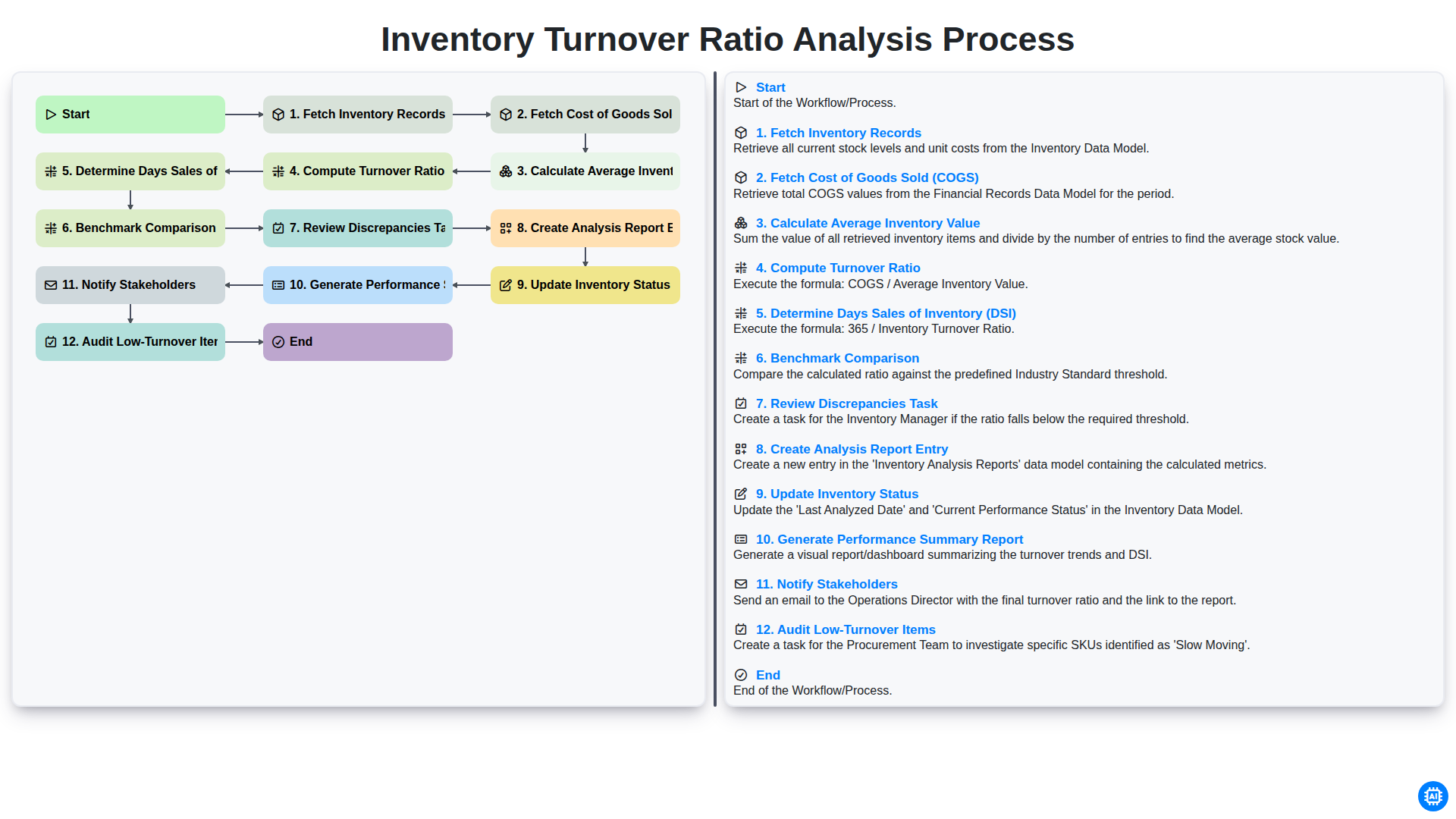
Inventory Turnover Ratio Analysis Process
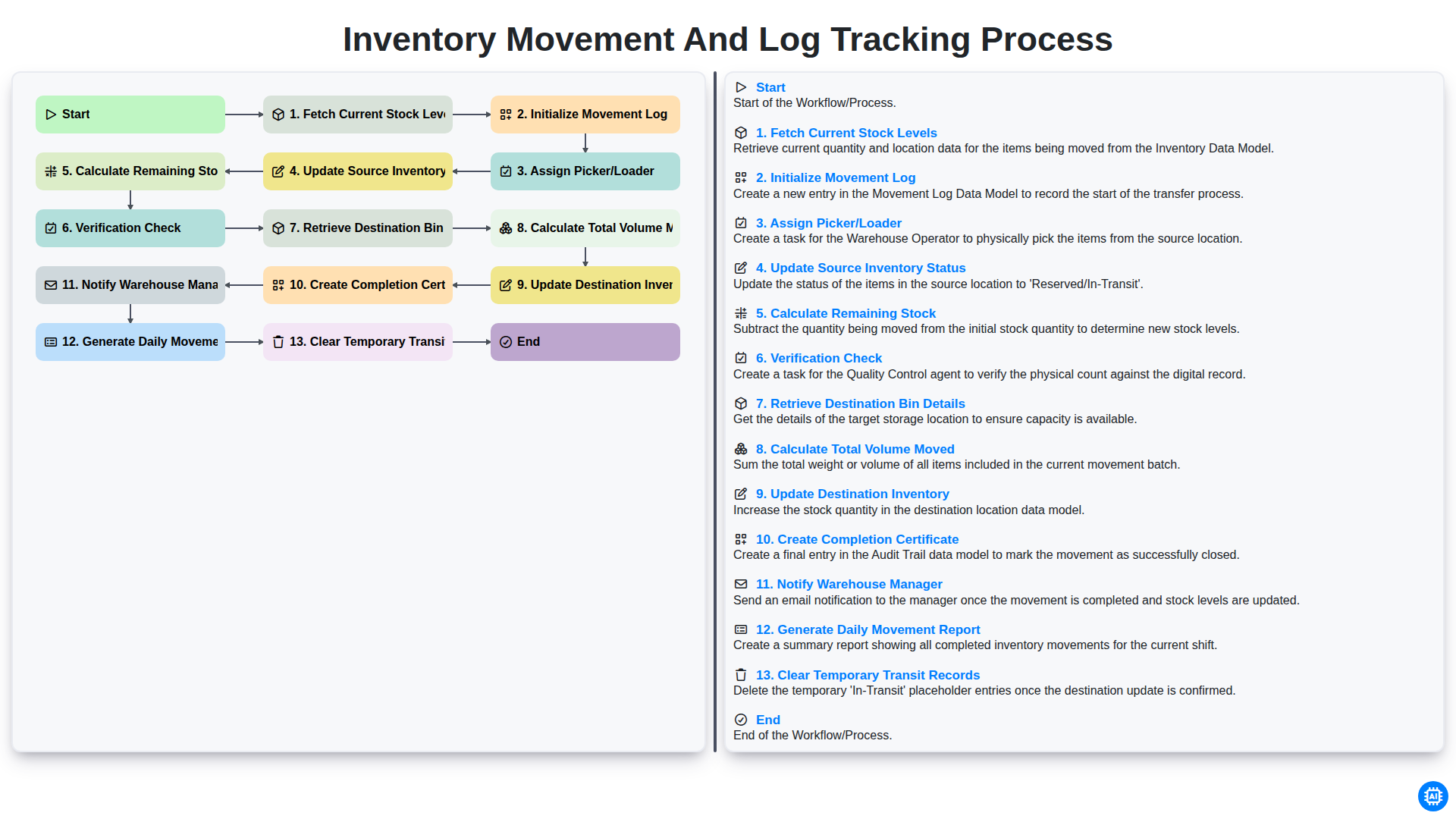
Inventory Movement and Log Tracking Process
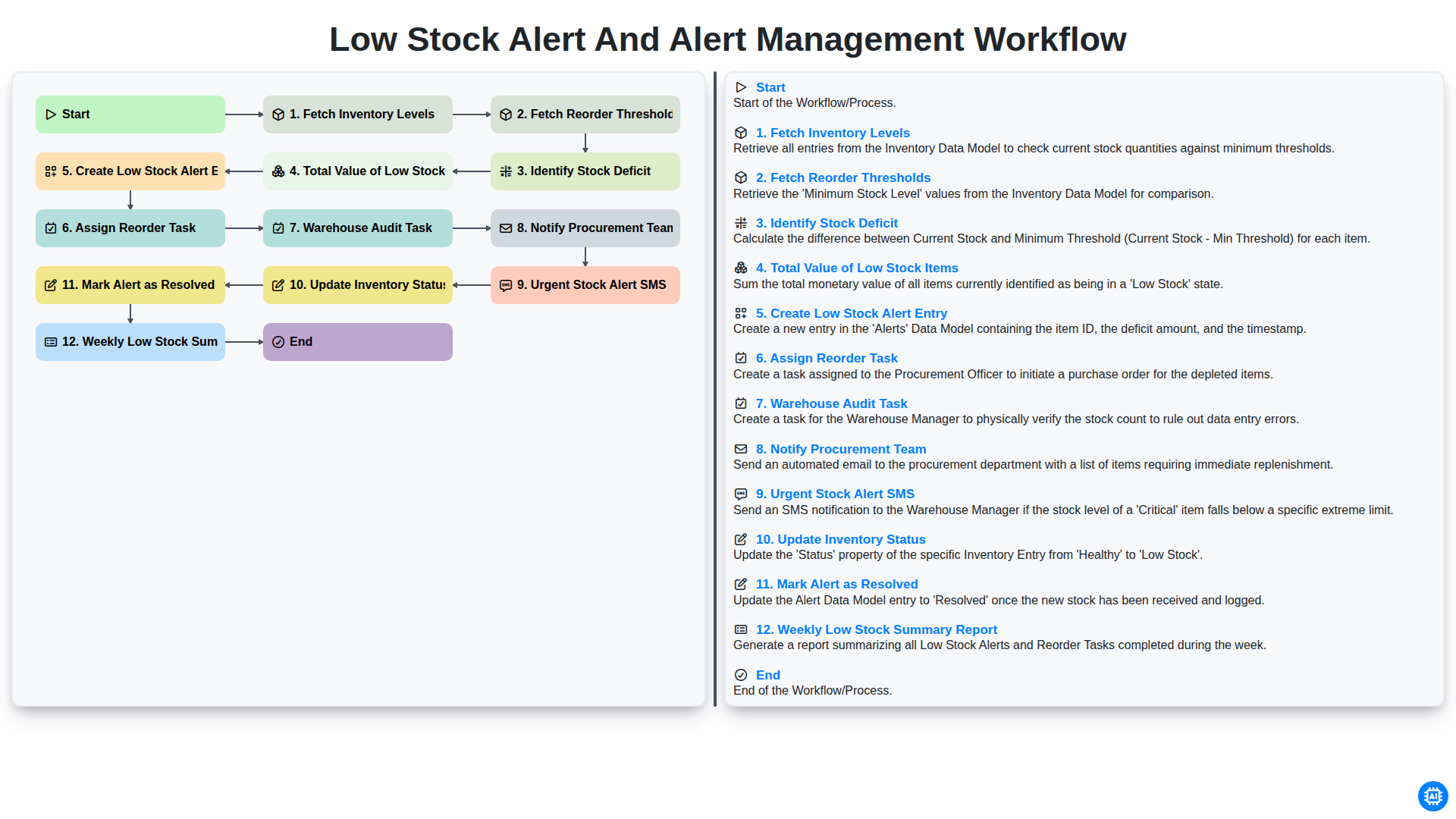
Low Stock Alert and Alert Management Workflow
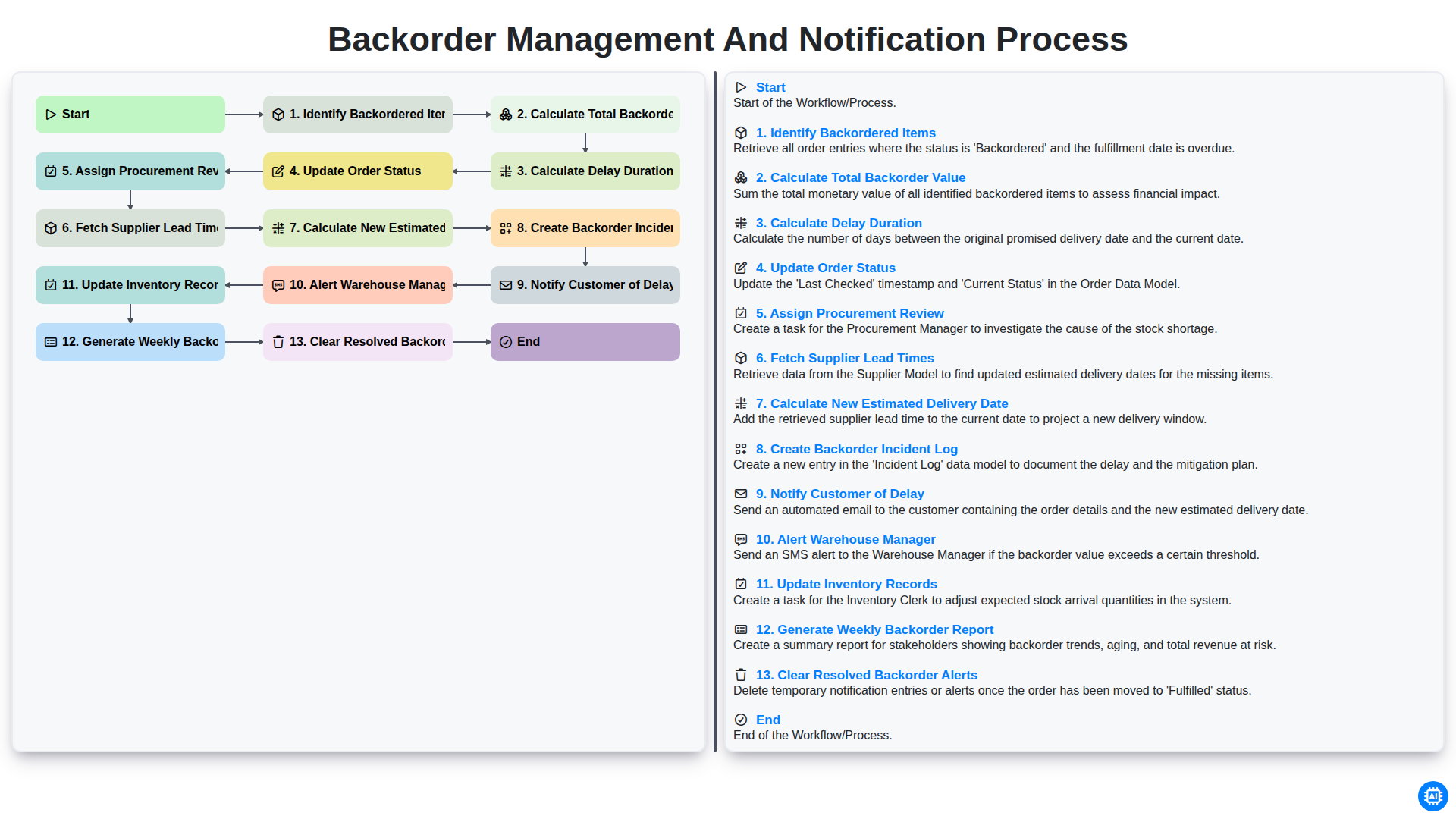
Backorder Management and Notification Process
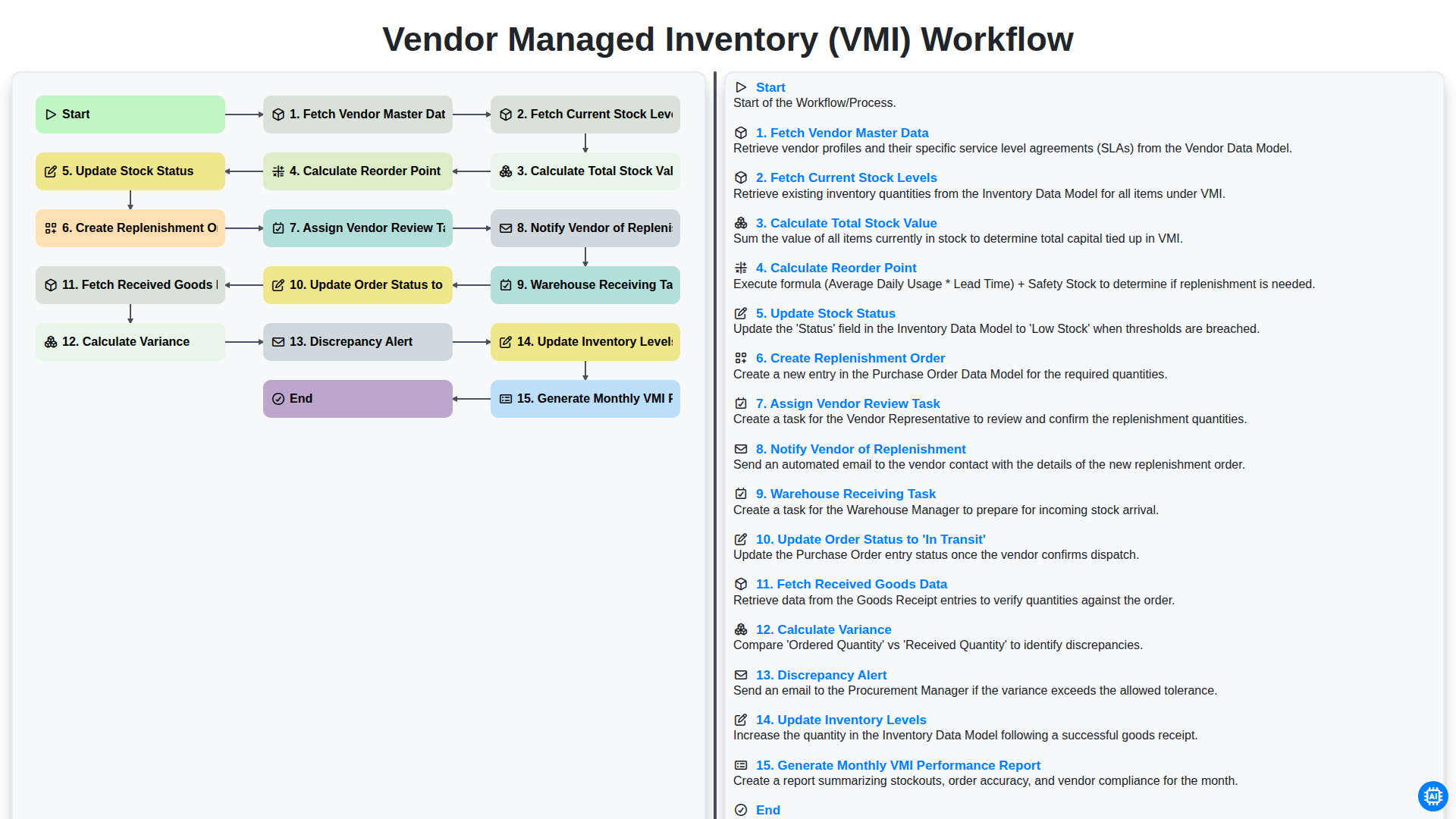
Vendor Managed Inventory (VMI) Workflow
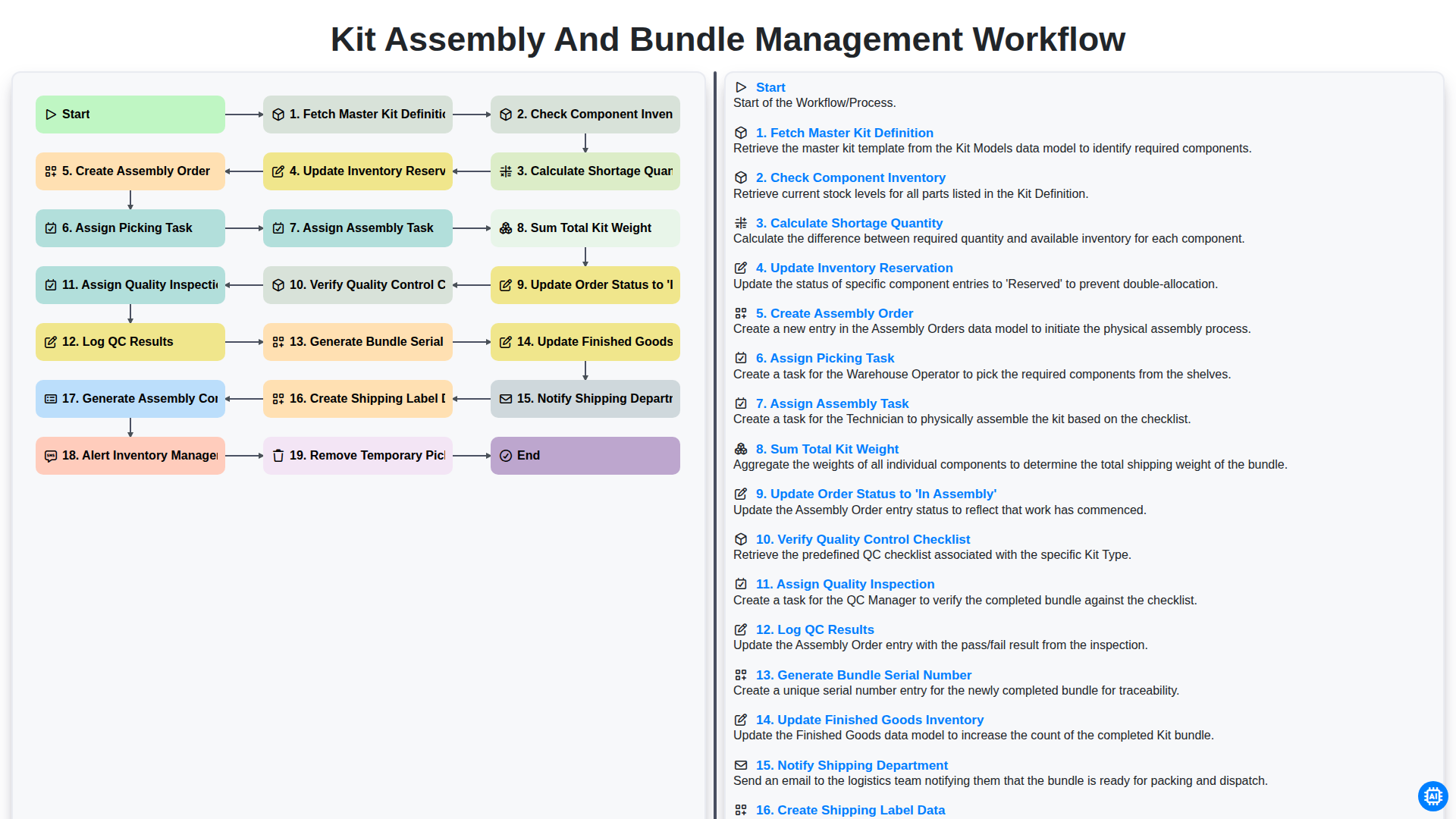
Kit Assembly and Bundle Management Workflow
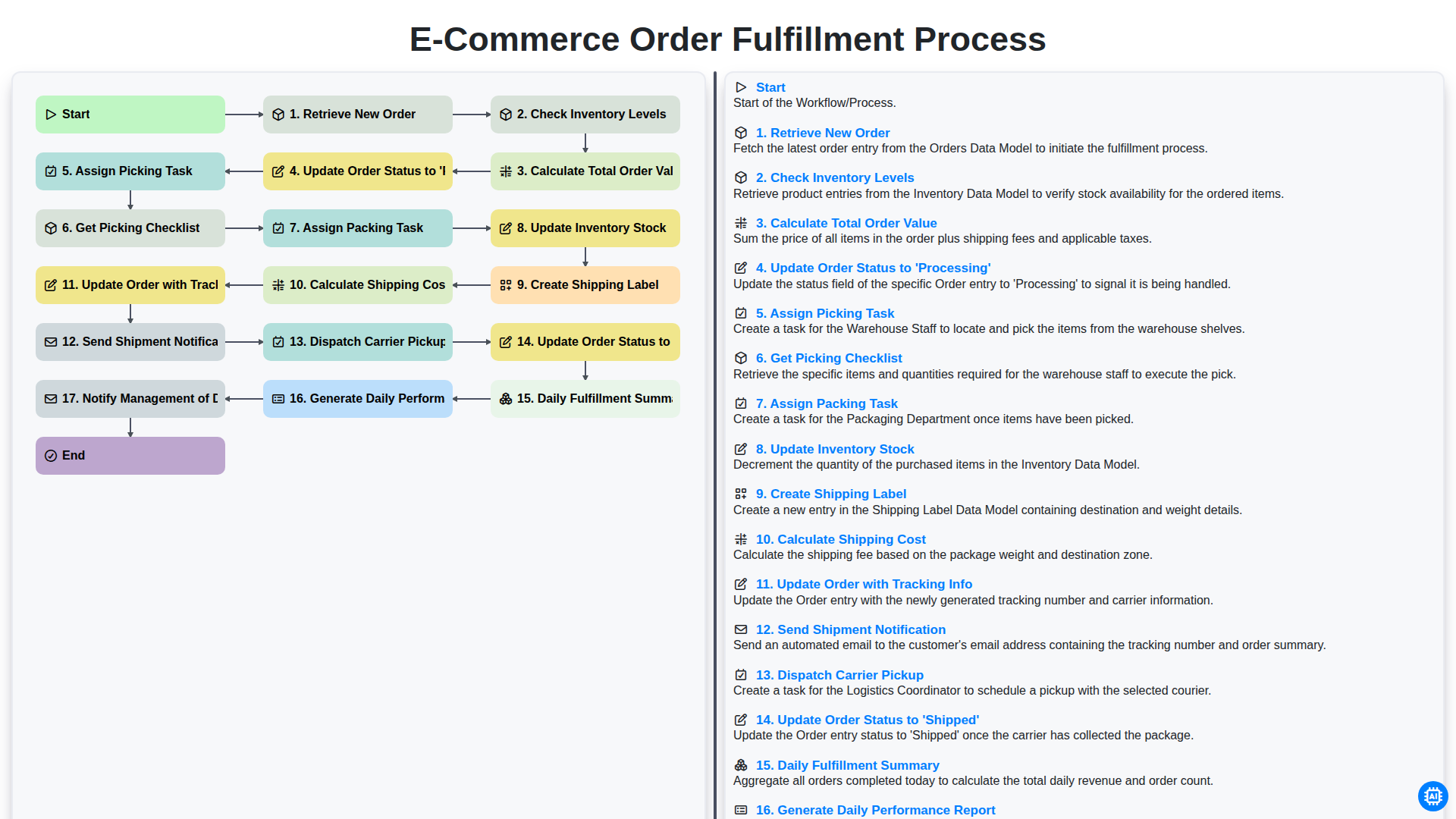
E-commerce Order Fulfillment Process
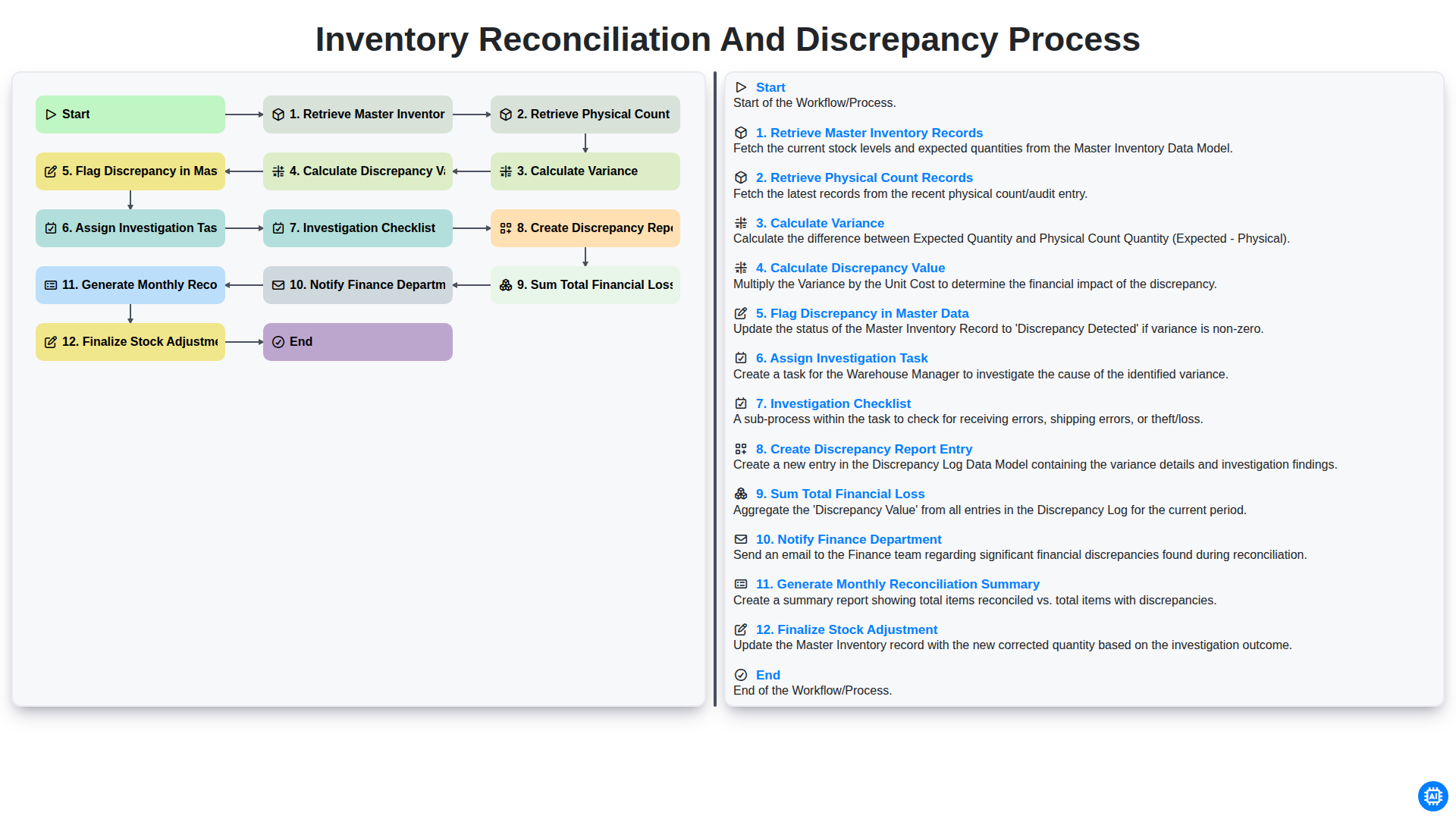
Inventory Reconciliation and Discrepancy Process
Benötigen Sie Hilfe bei Checklisten?
Haben Sie eine Frage? Wir helfen Ihnen gerne. Bitte senden Sie uns Ihre Anfrage, und wir werden Ihnen umgehend antworten.