 ChecklistGuro
 Customer Implementation Workflow
Streamline your client onboarding and ensure flawless execution with our comprehensive Customer Implementation Workflow. Designed for project managers, this step-by-step process optimizes every phase of the deployment lifecycle-from initial kickoff and technical configuration to training and final handoff-minimizing friction, reducing churn, and accelerating time-to-value for every new account.
Diese Vorlage wurde 2 Mal installiert.
Start
Start des Workflows/Prozesses.
1. Retrieve Client Contract Details
Fetch existing client information and contract terms from the Client Data Model.
2. Create Implementation Project
Generate a new entry in the Projects Data Model to track the specific implementation lifecycle.
3. Assign Account Manager
Create a task for the assigned Account Manager to review the client's requirements.
4. Technical Setup Task
Create a task for the Engineering team to configure the client's environment.
5. Update Project Status to 'In Progress'
Update the Implementation Project entry status to reflect that the kickoff has occurred.
6. Fetch Technical Requirements
Retrieve the specific technical configuration data submitted during the sales handoff.
7. Calculate Implementation Timeline
Calculate the expected completion date based on the project start date and estimated complexity.
8. Kickoff Meeting Scheduling
Create a task to schedule and organize the initial kickoff call with the client.
9. Send Welcome Email to Client
Send a formal introduction email to the client contact containing onboarding resources.
10. Create Configuration Checklist
Generate a predefined set of technical checklist entries related to the client's specific module.
11. Calculate Total Resource Allocation
Sum the total estimated hours from all assigned technical tasks to monitor budget.
12. User Training Session
Create a task for the Customer Success Manager to conduct training with the client's end-users.
13. Update Client Onboarding Progress
Update the percentage of completion in the Project Data Model based on finished tasks.
14. Notify Stakeholders of Completion
Send an email to the Sales and Success teams once the implementation is officially closed.
15. Generate Implementation Summary Report
Create a final report summarizing the configuration, timeline, and any issues encountered during implementation.
16. Set Client Status to 'Live'
Update the Client Data Model status from 'Onboarding' to 'Active/Live'.
17. Clean up Temporary Setup Data
Delete temporary staging entries or temporary configuration logs used during the setup phase.
Ende
Ende des Arbeitsablaufs/Prozesses.
Start des Workflows/Prozesses.
Fetch existing client information and contract terms from the Client Data Model.
Generate a new entry in the Projects Data Model to track the specific implementation lifecycle.
Create a task for the assigned Account Manager to review the client's requirements.
Create a task for the Engineering team to configure the client's environment.
Update the Implementation Project entry status to reflect that the kickoff has occurred.
Retrieve the specific technical configuration data submitted during the sales handoff.
Calculate the expected completion date based on the project start date and estimated complexity.
Create a task to schedule and organize the initial kickoff call with the client.
Send a formal introduction email to the client contact containing onboarding resources.
Generate a predefined set of technical checklist entries related to the client's specific module.
Sum the total estimated hours from all assigned technical tasks to monitor budget.
Create a task for the Customer Success Manager to conduct training with the client's end-users.
Update the percentage of completion in the Project Data Model based on finished tasks.
Send an email to the Sales and Success teams once the implementation is officially closed.
Create a final report summarizing the configuration, timeline, and any issues encountered during implementation.
Update the Client Data Model status from 'Onboarding' to 'Active/Live'.
Delete temporary staging entries or temporary configuration logs used during the setup phase.
Ende des Arbeitsablaufs/Prozesses.
Häufig gestellte Fragen
Kommentare
Bisher gibt es keine Kommentare. Seien Sie der Erste, der einen hinzufügt!
Demonstration der Projektmanagement-Lösung
Liefern Sie Projekte pünktlich und innerhalb des Budgets! ChecklistGuro optimiert das Aufgabenmanagement, die Zusammenarbeit und die Fortschrittsverfolgung. Verbessern Sie die Transparenz und steigern Sie die Teamproduktivität. Verwalten Sie alles mit unserer Work OS.
Verwandte Workflow-Vorlagen
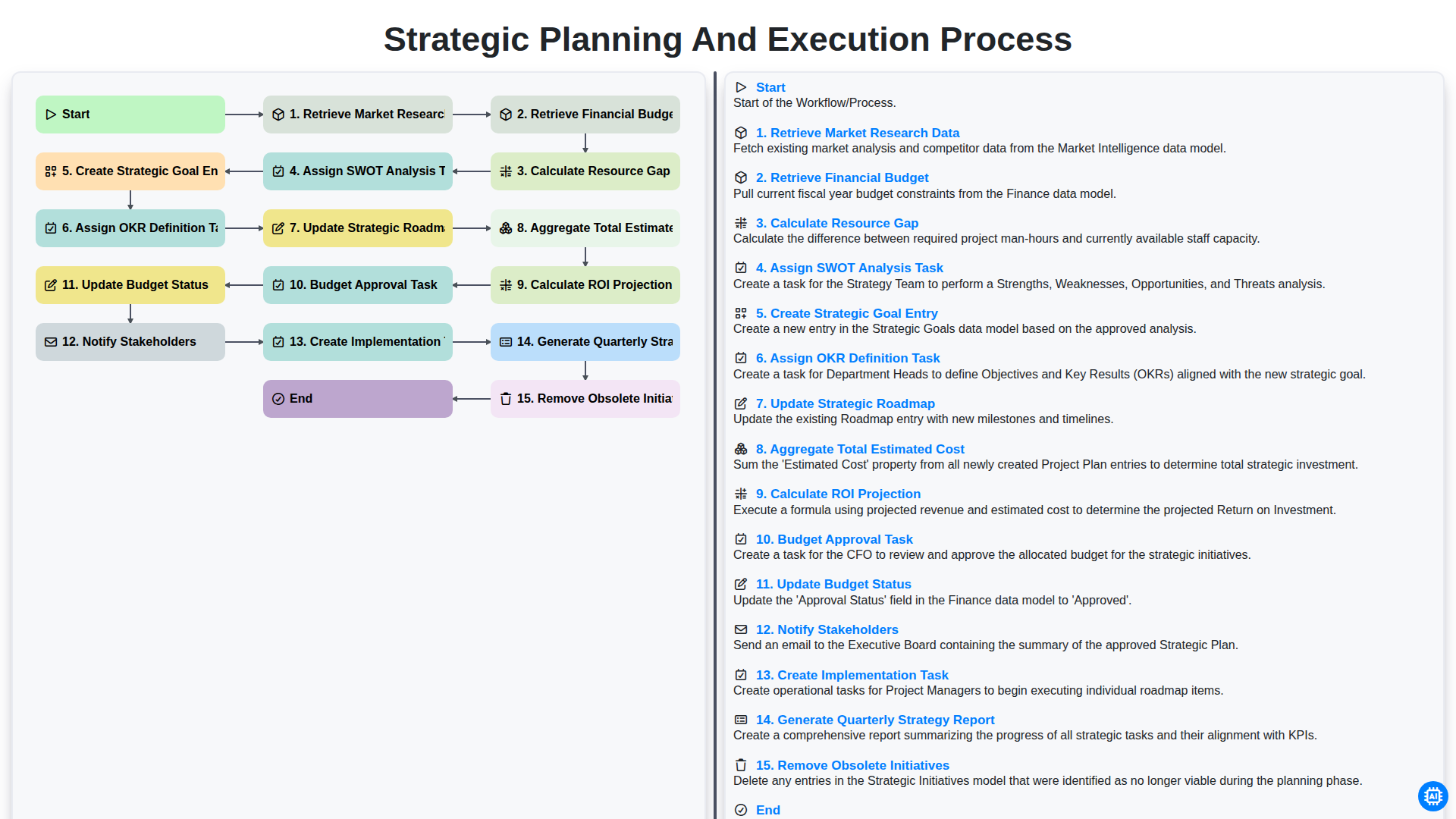
Strategic Planning and Execution Process
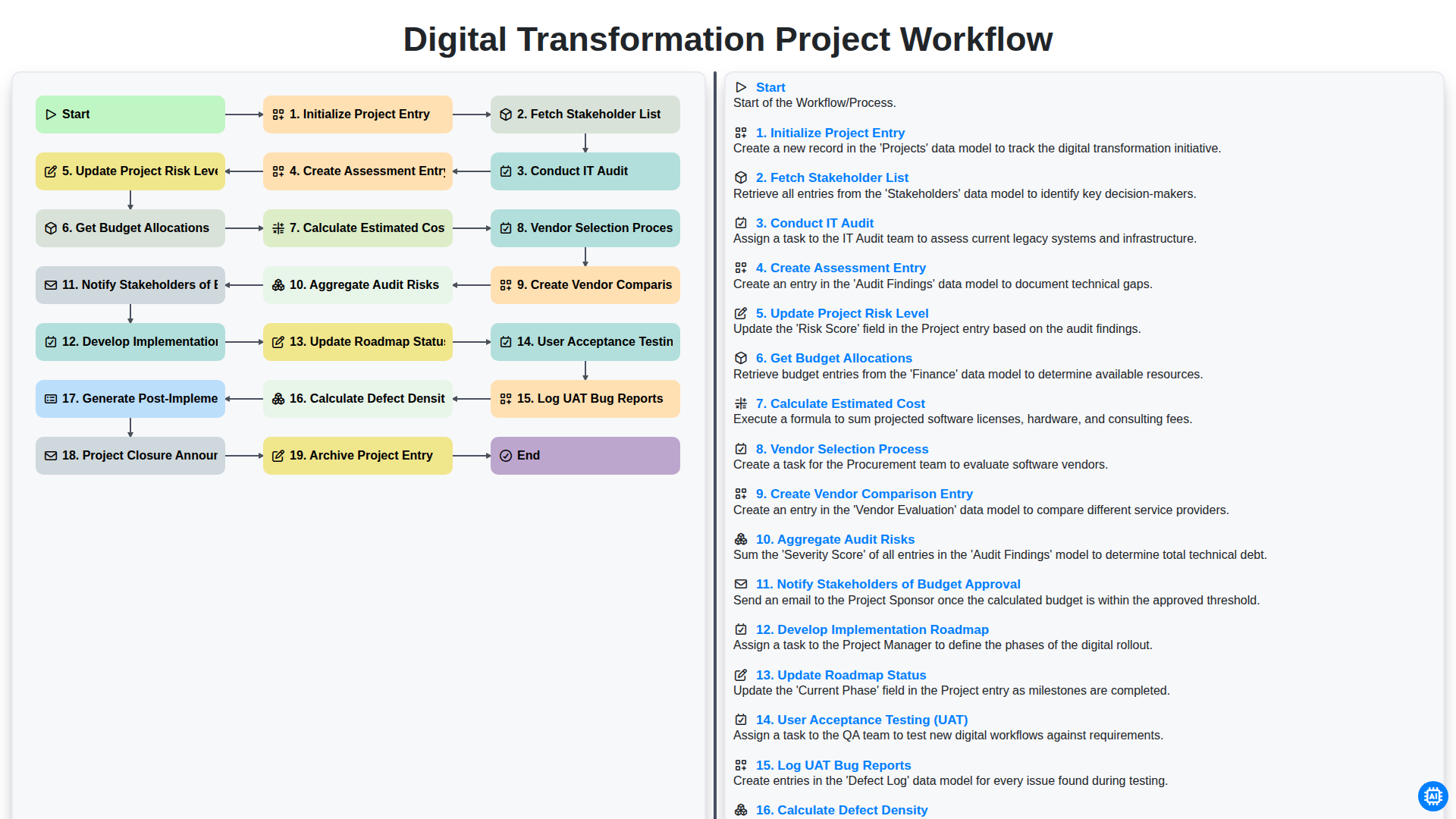
Digital Transformation Project Workflow
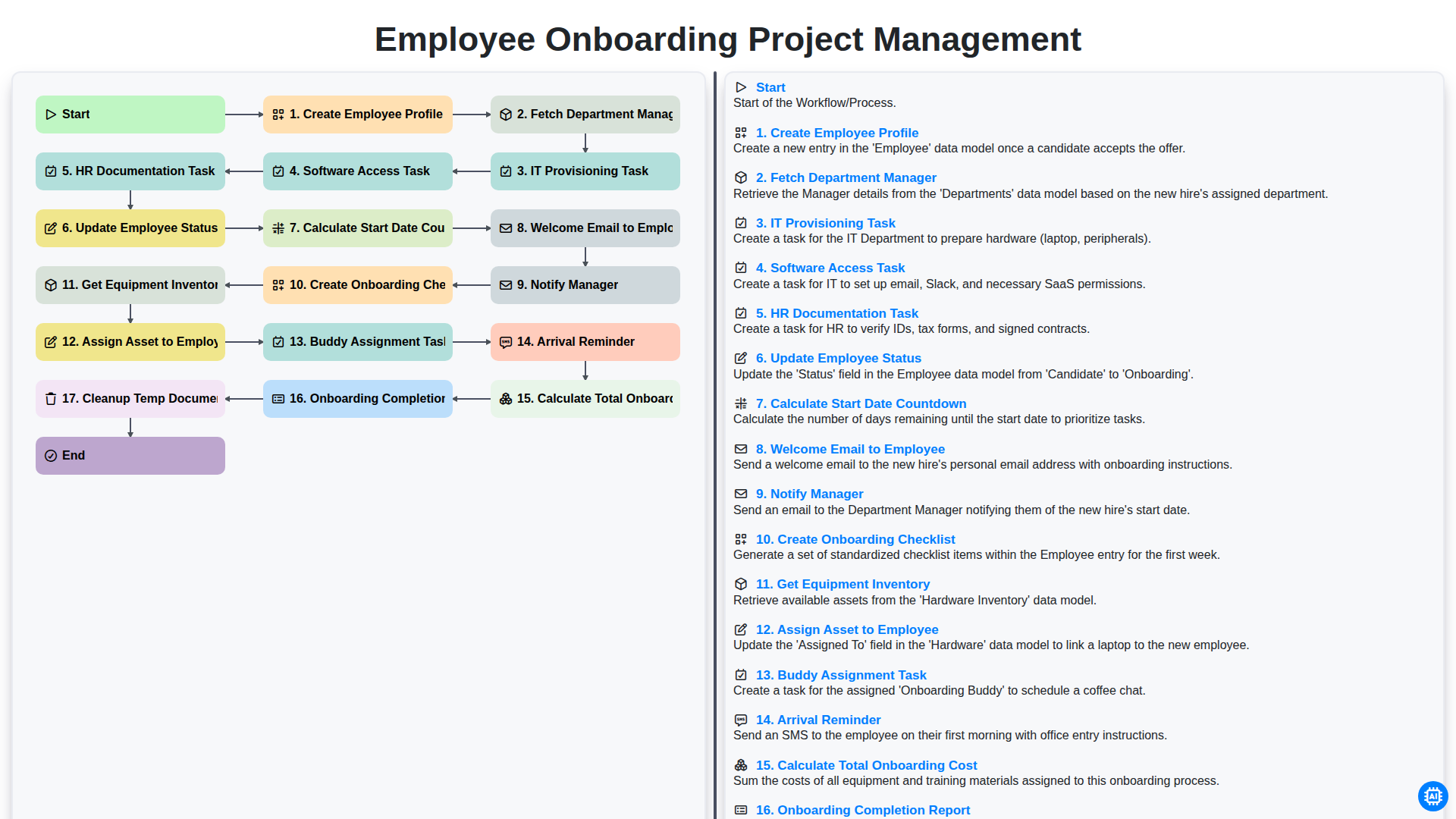
Employee Onboarding Project Management
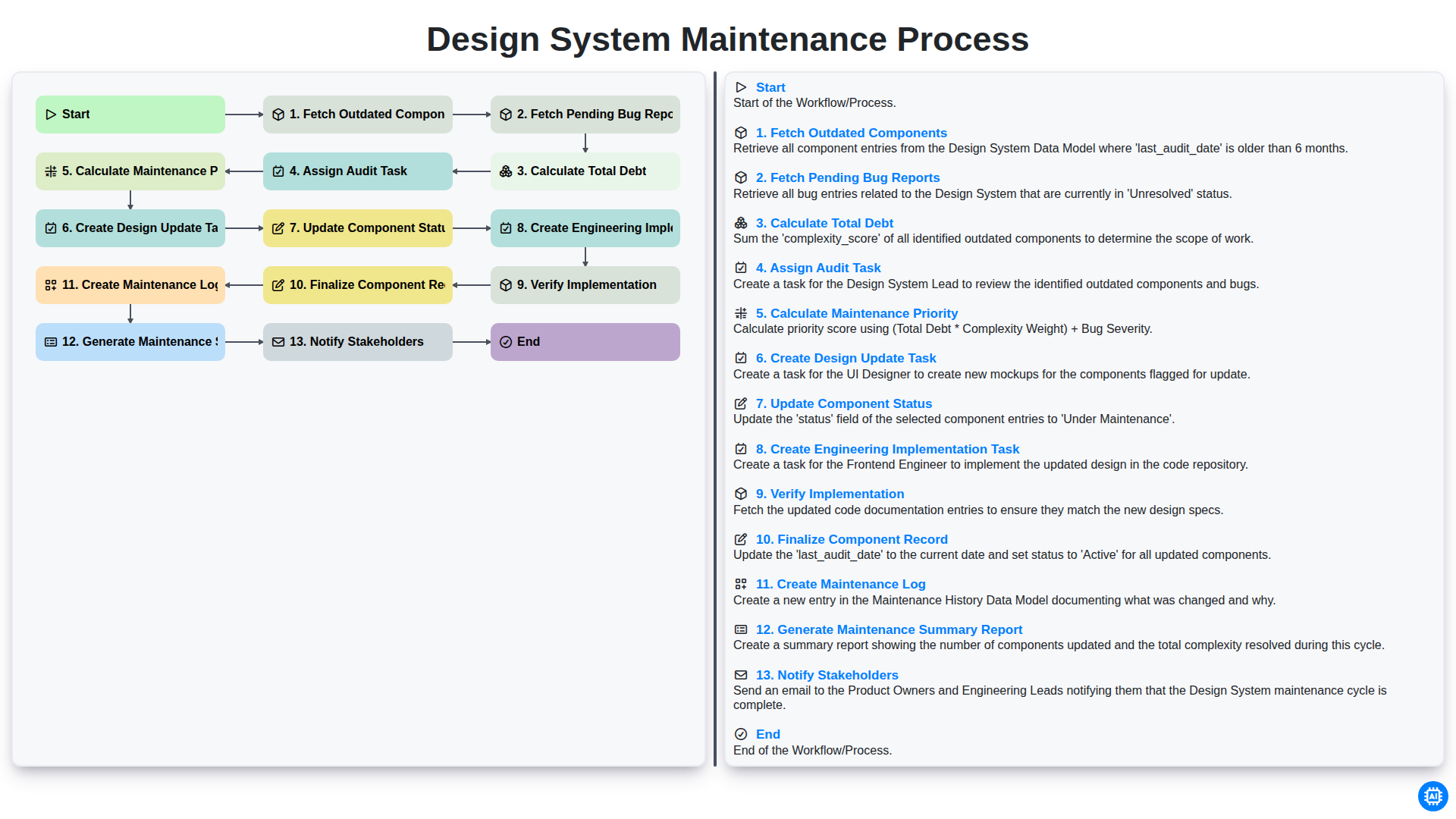
Design System Maintenance Process
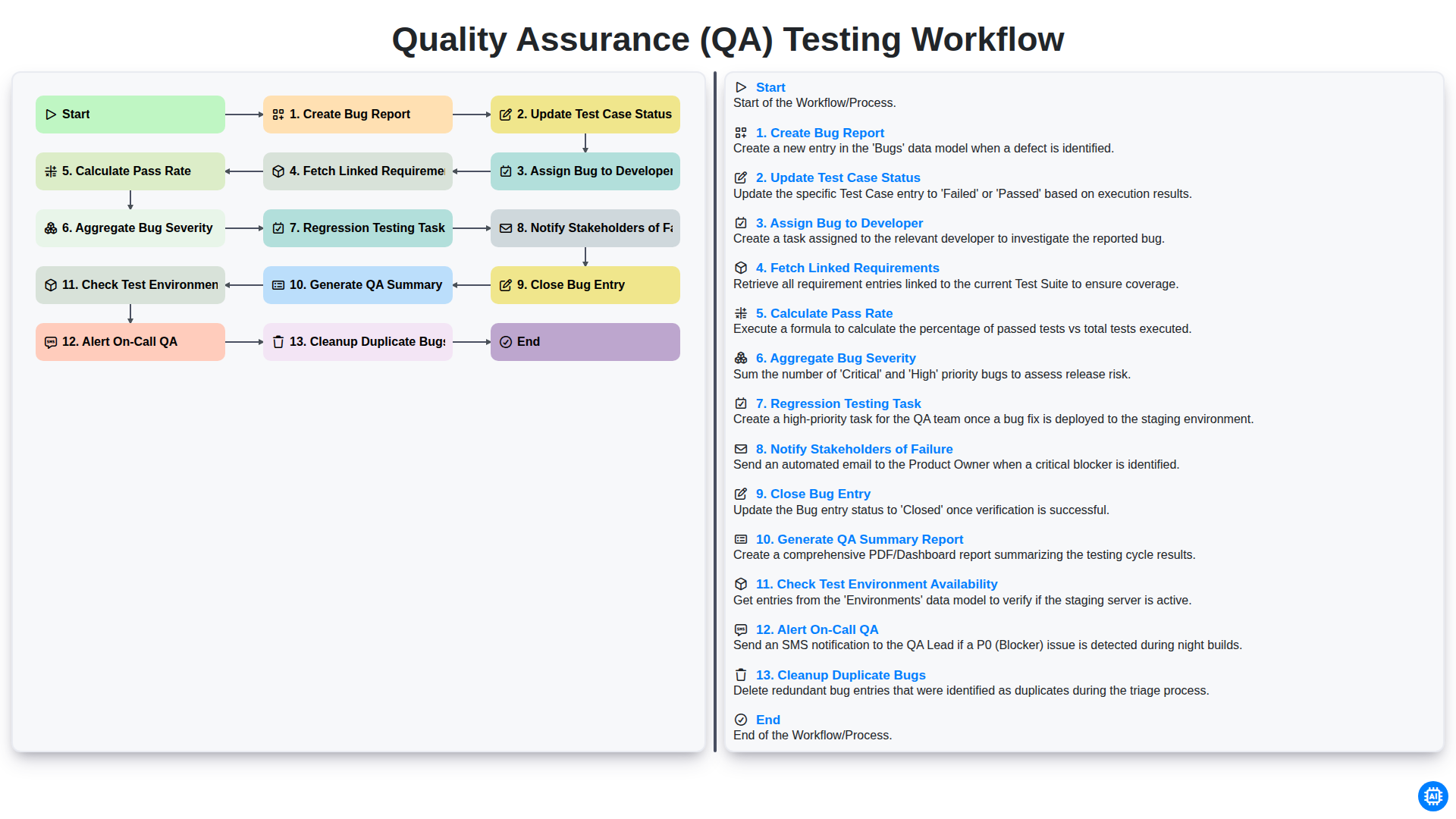
Quality Assurance (QA) Testing Workflow
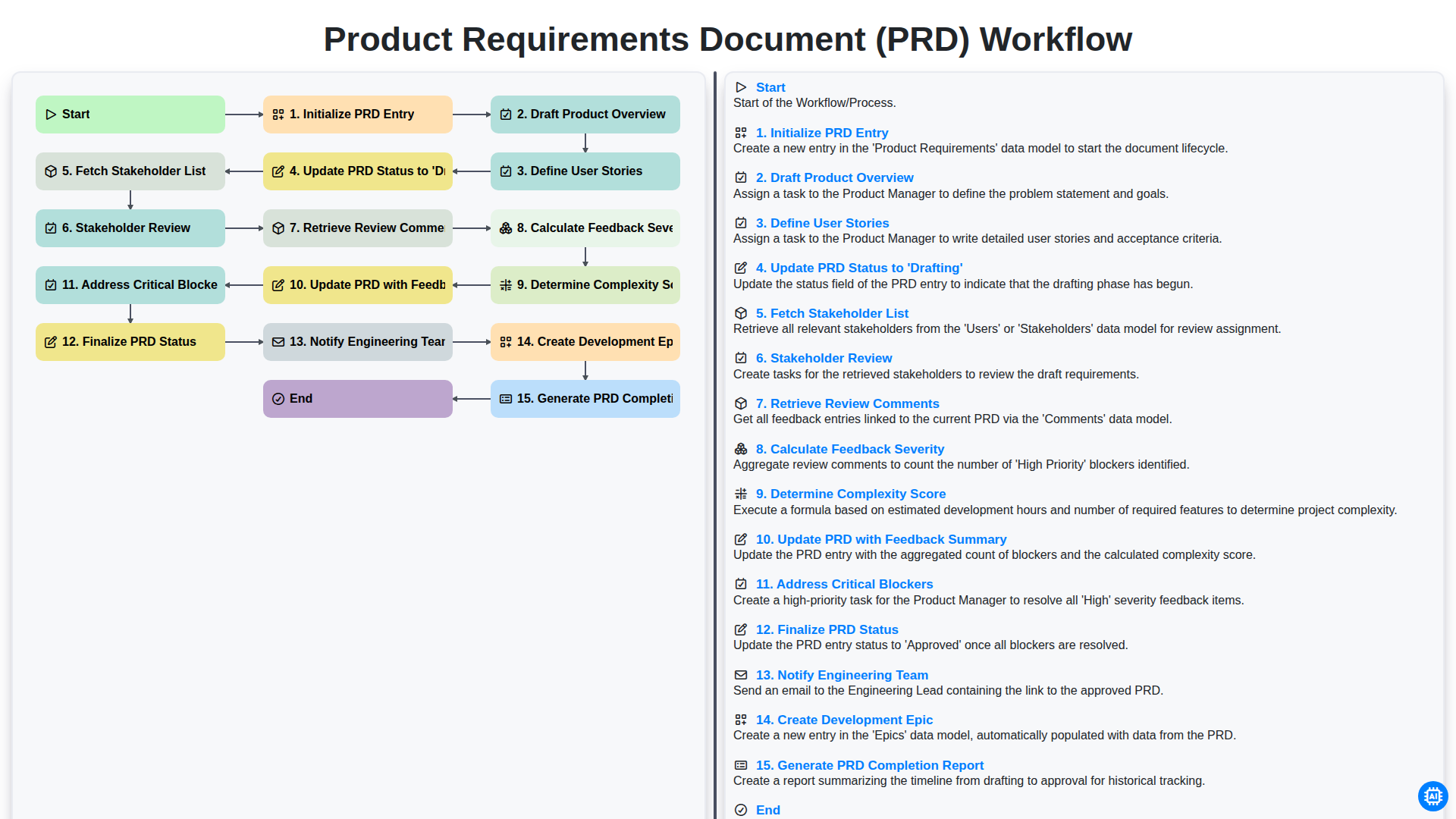
Product Requirements Document (PRD) Workflow
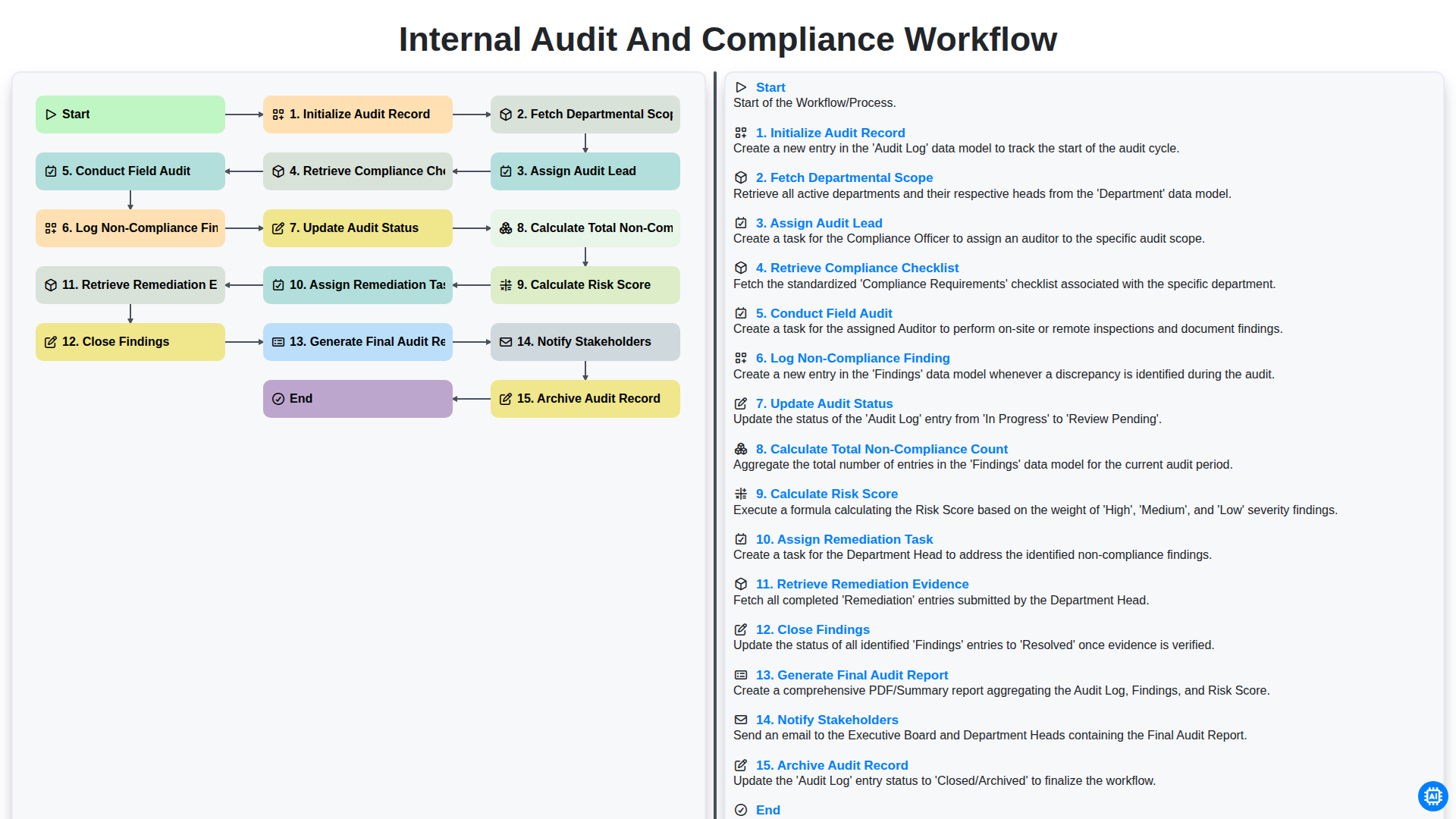
Internal Audit and Compliance Workflow
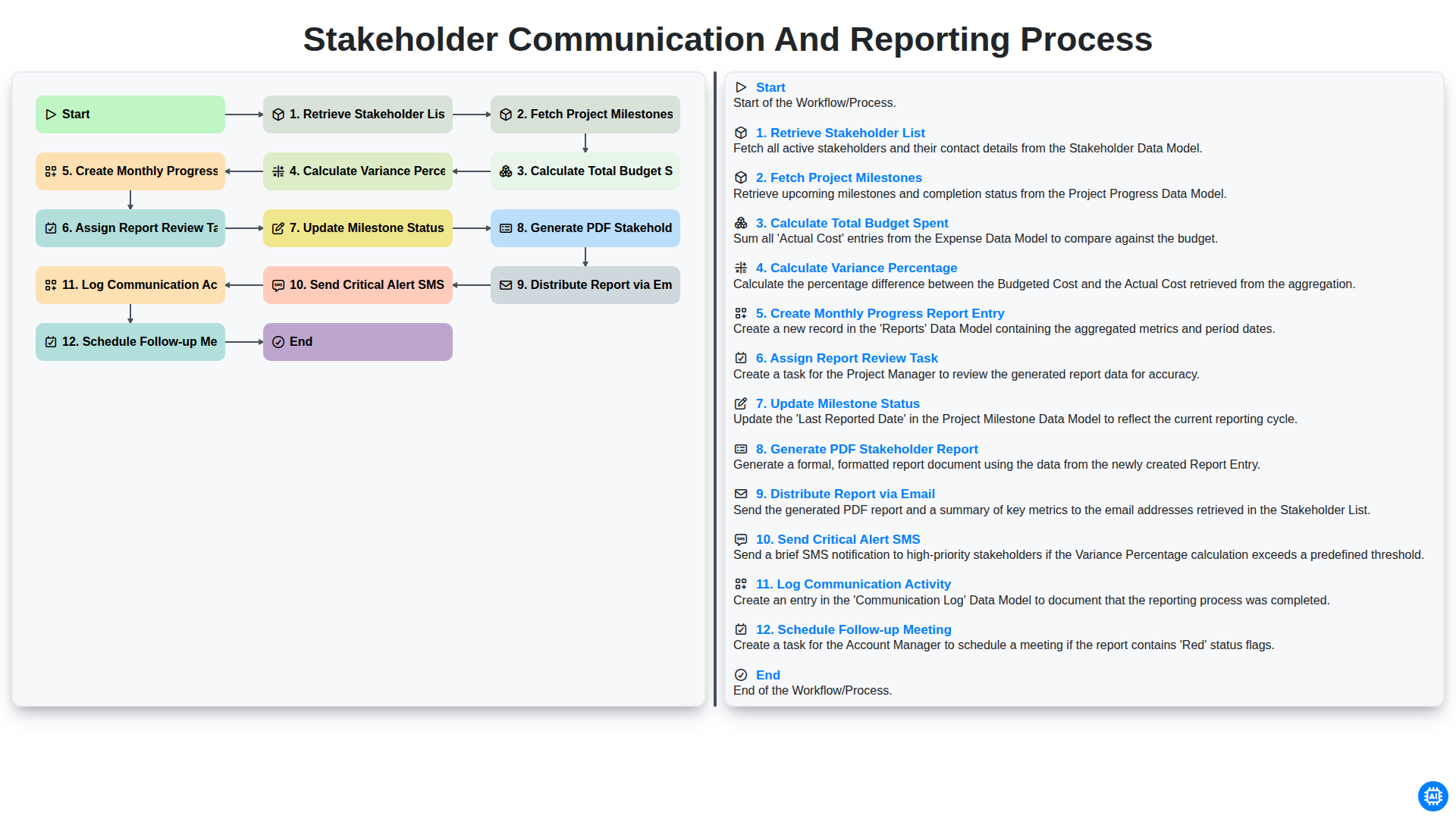
Stakeholder Communication and Reporting Process
Benötigen Sie Hilfe bei Checklisten?
Haben Sie eine Frage? Wir helfen Ihnen gerne. Bitte senden Sie uns Ihre Anfrage, und wir werden Ihnen umgehend antworten.