 ChecklistGuro
 Construction Project Milestone Tracking Process
Master your construction timelines with our Construction Project Milestone Tracking Process. Streamline task management, eliminate delays, and ensure seamless site coordination by monitoring critical project stages, deadlines, and dependencies in real-time. Perfect for project managers looking to boost productivity and maintain total oversight from groundbreaking to handover.
Diese Vorlage wurde 2 Mal installiert.
Start
Start des Workflows/Prozesses.
1. Initialize Project Milestone Record
Create a new entry in the 'Project Milestones' data model to track the start of the construction phase.
2. Assign Site Survey Task
Create a task for the Site Engineer to perform the initial site inspection and measurements.
3. Update Milestone Status to 'In Progress'
Update the status field of the Project Milestone entry to reflect that work has commenced.
4. Retrieve Budget Data
Get the allocated budget value from the 'Project Financials' data model.
5. Retrieve Actual Costs
Get all current expense entries related to the project to compare against the budget.
6. Calculate Total Project Spend
Sum all 'Cost' properties from the 'Project Expenses' data model entries.
7. Calculate Budget Variance
Calculate the difference between the 'Retrieved Budget' and the 'Total Project Spend' (Budget - Total Spend).
8. Permit Verification Task
Create a task for the Compliance Officer to verify all local construction permits are valid.
9. Log Permit Approval
Update the 'Permit Status' field in the Project Milestone entry to 'Verified'.
10. Notify Stakeholders of Milestone Completion
Send an email to the Project Owner and Investors informing them that a specific milestone has been reached.
11. Alert Site Manager of Delay
Send an SMS to the Site Manager if a critical milestone date has passed without completion.
12. Create Inspection Report Entry
Create a new entry in the 'Quality Inspection' data model following a site walkthrough.
13. Calculate Average Inspection Score
Calculate the average value of 'Quality Score' from all inspection entries for the current milestone.
14. Issue Corrective Actions
If inspection scores are low, create tasks for the Subcontractors to fix identified issues.
15. Generate Milestone Progress Report
Generate a visual report summarizing completed tasks, budget spend, and upcoming milestones.
16. Remove Draft Milestone Entries
Delete any duplicate or abandoned draft entries in the Milestone data model created during the planning phase.
Ende
Ende des Arbeitsablaufs/Prozesses.
Start des Workflows/Prozesses.
Create a new entry in the 'Project Milestones' data model to track the start of the construction phase.
Create a task for the Site Engineer to perform the initial site inspection and measurements.
Update the status field of the Project Milestone entry to reflect that work has commenced.
Get the allocated budget value from the 'Project Financials' data model.
Get all current expense entries related to the project to compare against the budget.
Sum all 'Cost' properties from the 'Project Expenses' data model entries.
Calculate the difference between the 'Retrieved Budget' and the 'Total Project Spend' (Budget - Total Spend).
Create a task for the Compliance Officer to verify all local construction permits are valid.
Update the 'Permit Status' field in the Project Milestone entry to 'Verified'.
Send an email to the Project Owner and Investors informing them that a specific milestone has been reached.
Send an SMS to the Site Manager if a critical milestone date has passed without completion.
Create a new entry in the 'Quality Inspection' data model following a site walkthrough.
Calculate the average value of 'Quality Score' from all inspection entries for the current milestone.
If inspection scores are low, create tasks for the Subcontractors to fix identified issues.
Generate a visual report summarizing completed tasks, budget spend, and upcoming milestones.
Delete any duplicate or abandoned draft entries in the Milestone data model created during the planning phase.
Ende des Arbeitsablaufs/Prozesses.
Hat Ihnen diese Workflow-Vorlage geholfen?
Kommentare
Bisher gibt es keine Kommentare. Seien Sie der Erste, der einen hinzufügt!
Demonstration der Aufgabenmanagement-Lösung
Bleiben Sie organisiert und steigern Sie Ihre Produktivität! ChecklistGuro vereinfacht das Aufgabenmanagement, die Priorisierung und die Fortschrittsverfolgung. Erreichen Sie mehr, reduzieren Sie Stress und erreichen Sie Ihre Ziele. Verwalten Sie alles mit unserer Work OS.
Verwandte Workflow-Vorlagen
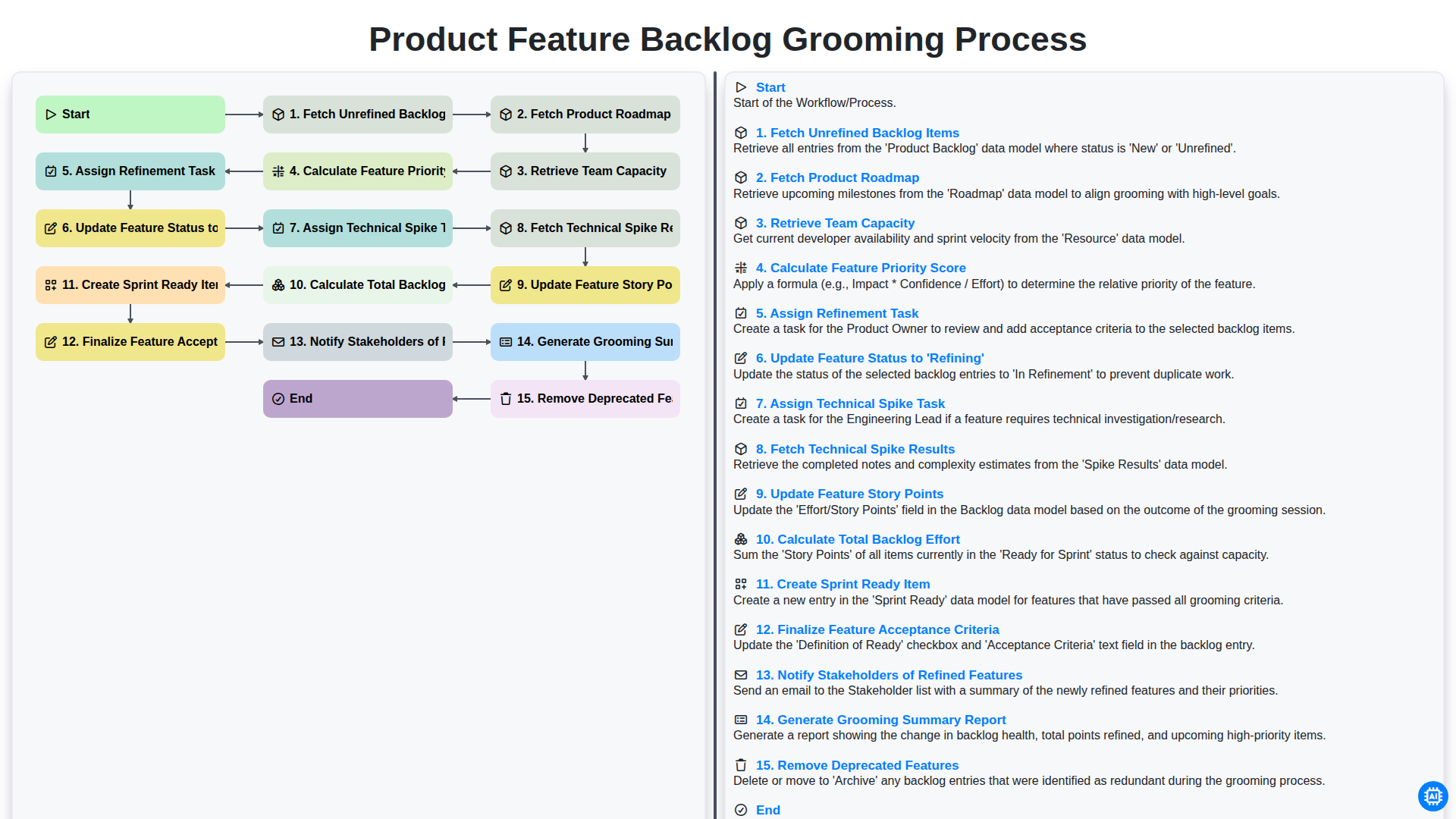
Product Feature Backlog Grooming Process
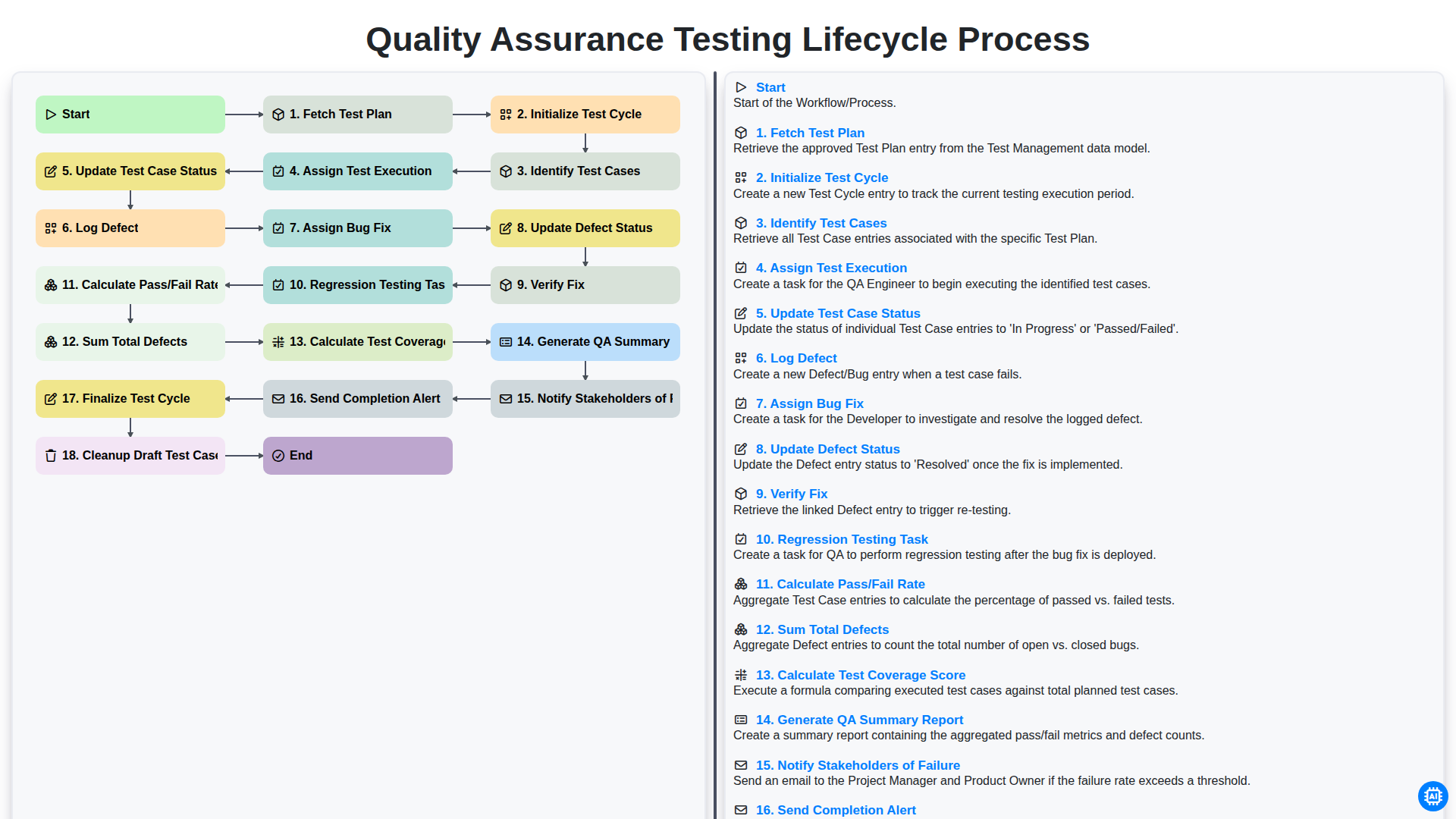
Quality Assurance Testing Lifecycle Process
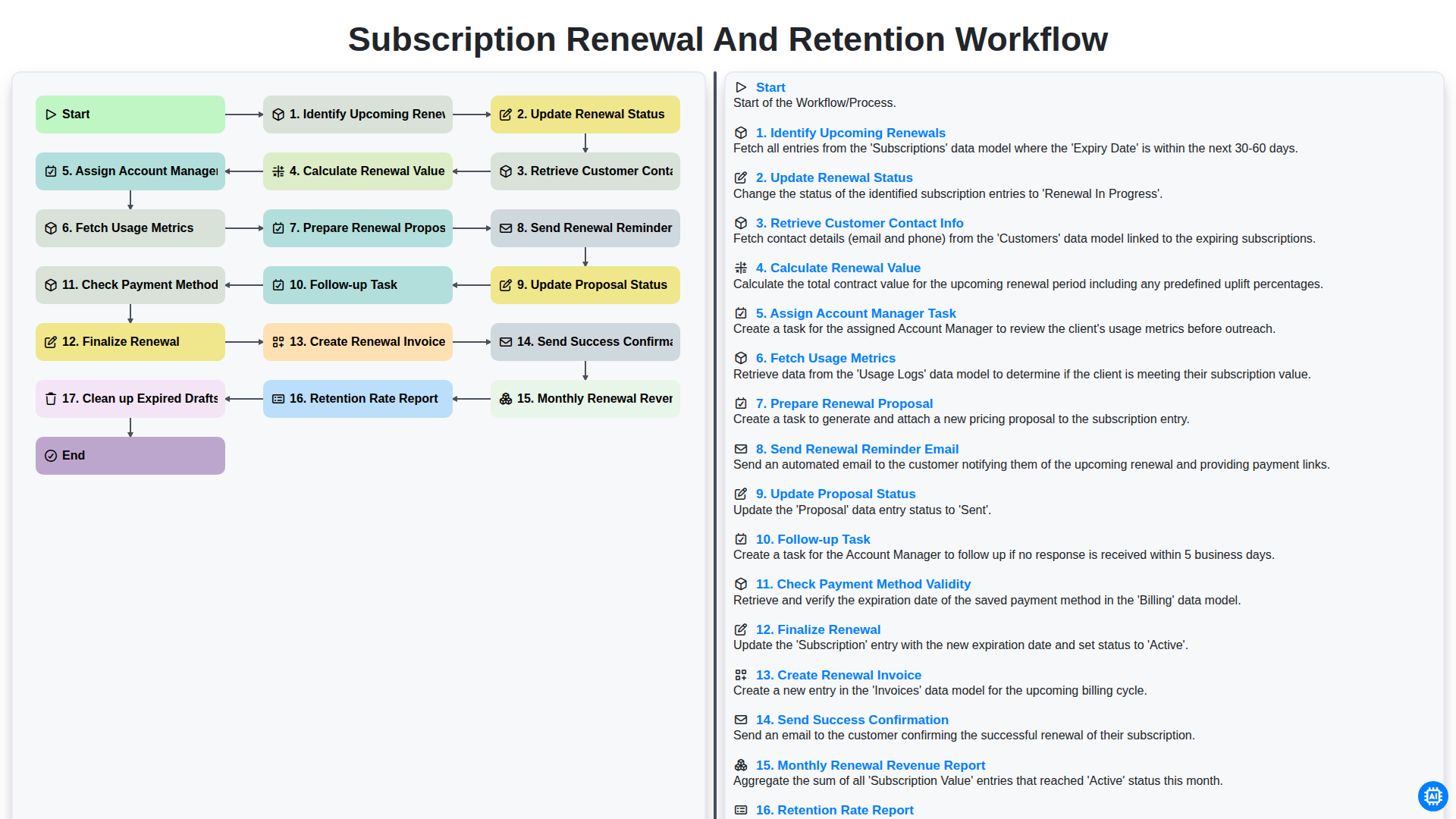
Subscription Renewal and Retention Workflow

B2B Lead Nurturing Process
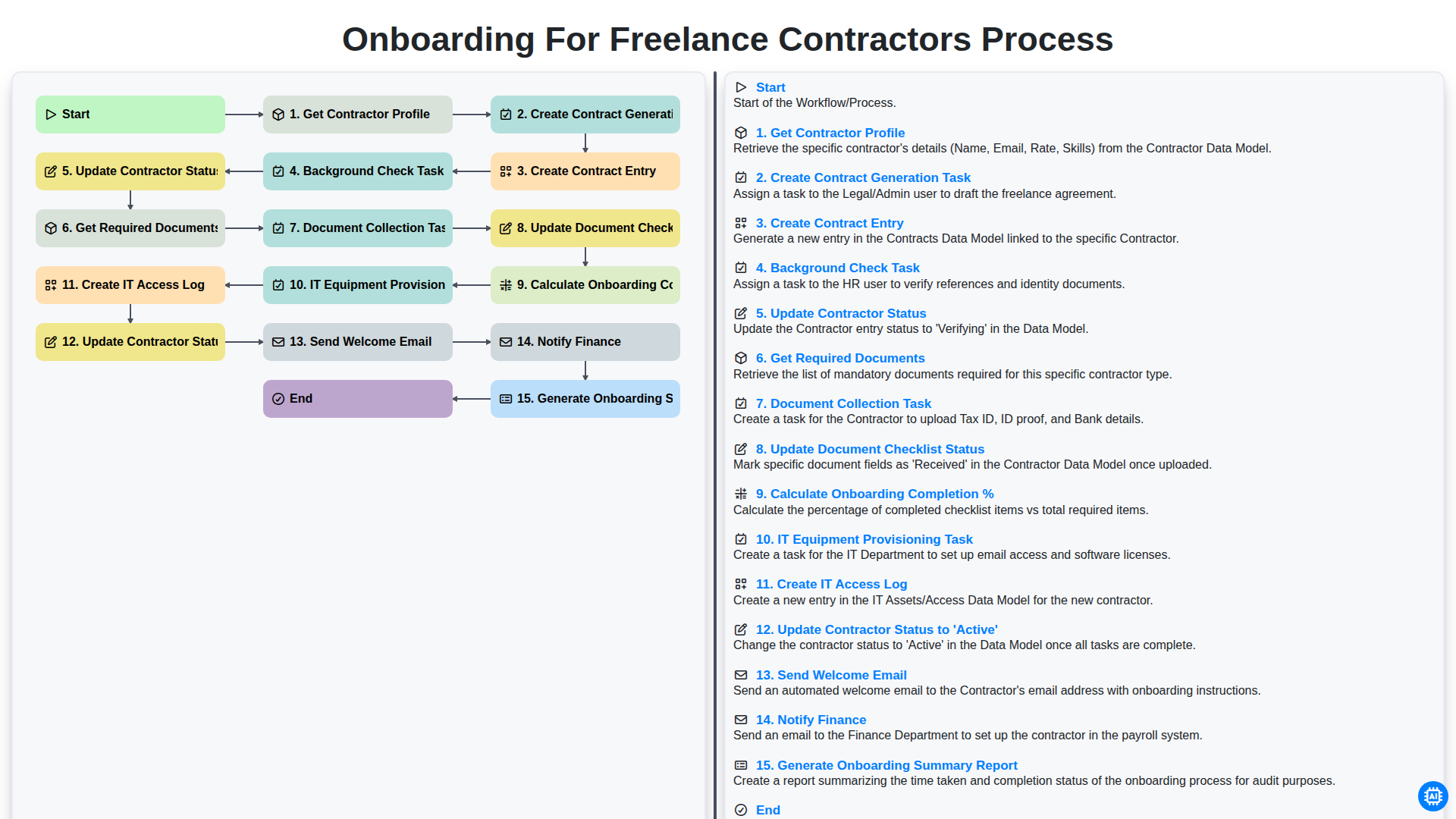
Onboarding for Freelance Contractors Process

Audit and Compliance Monitoring Workflow
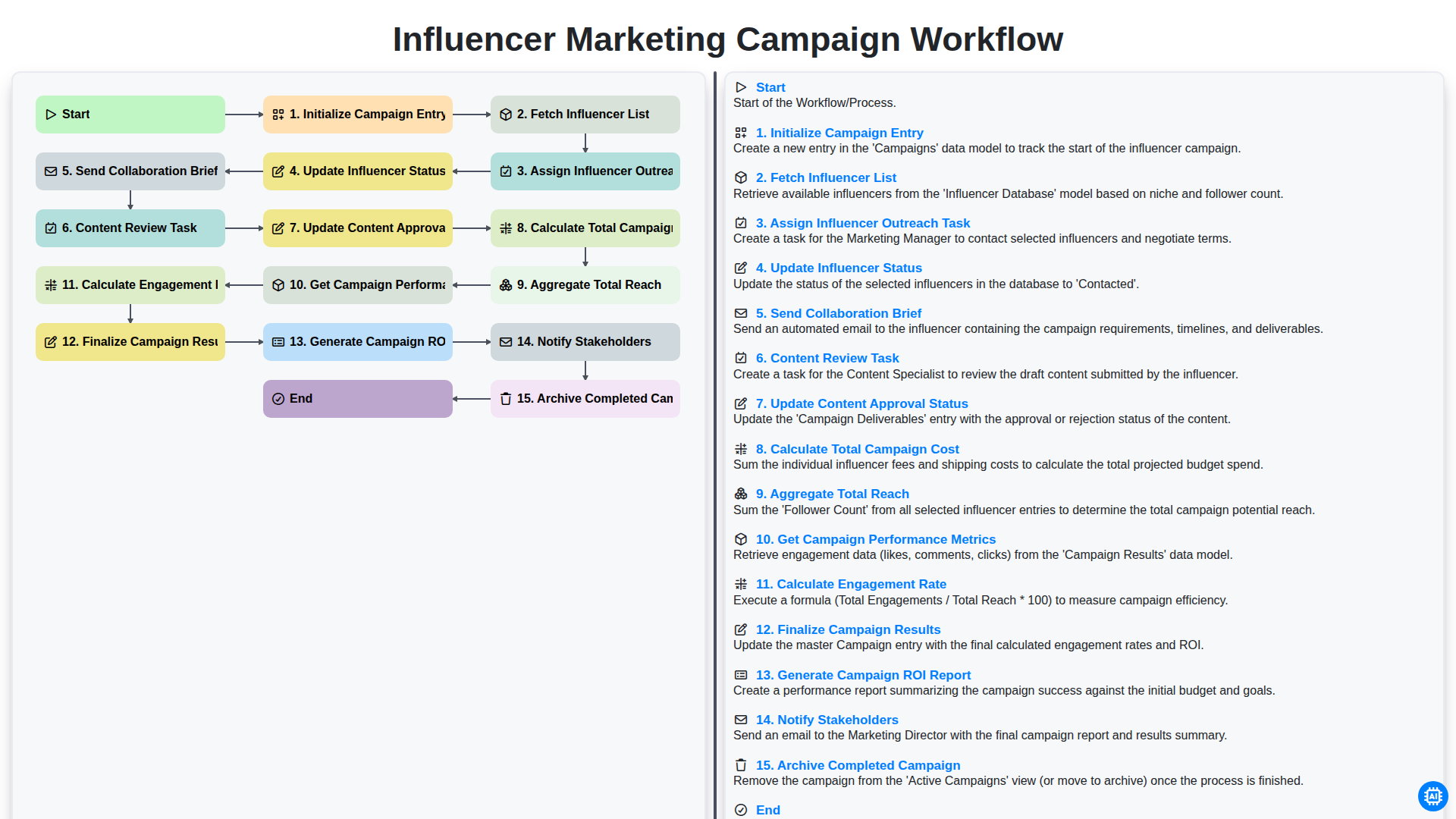
Influencer Marketing Campaign Workflow
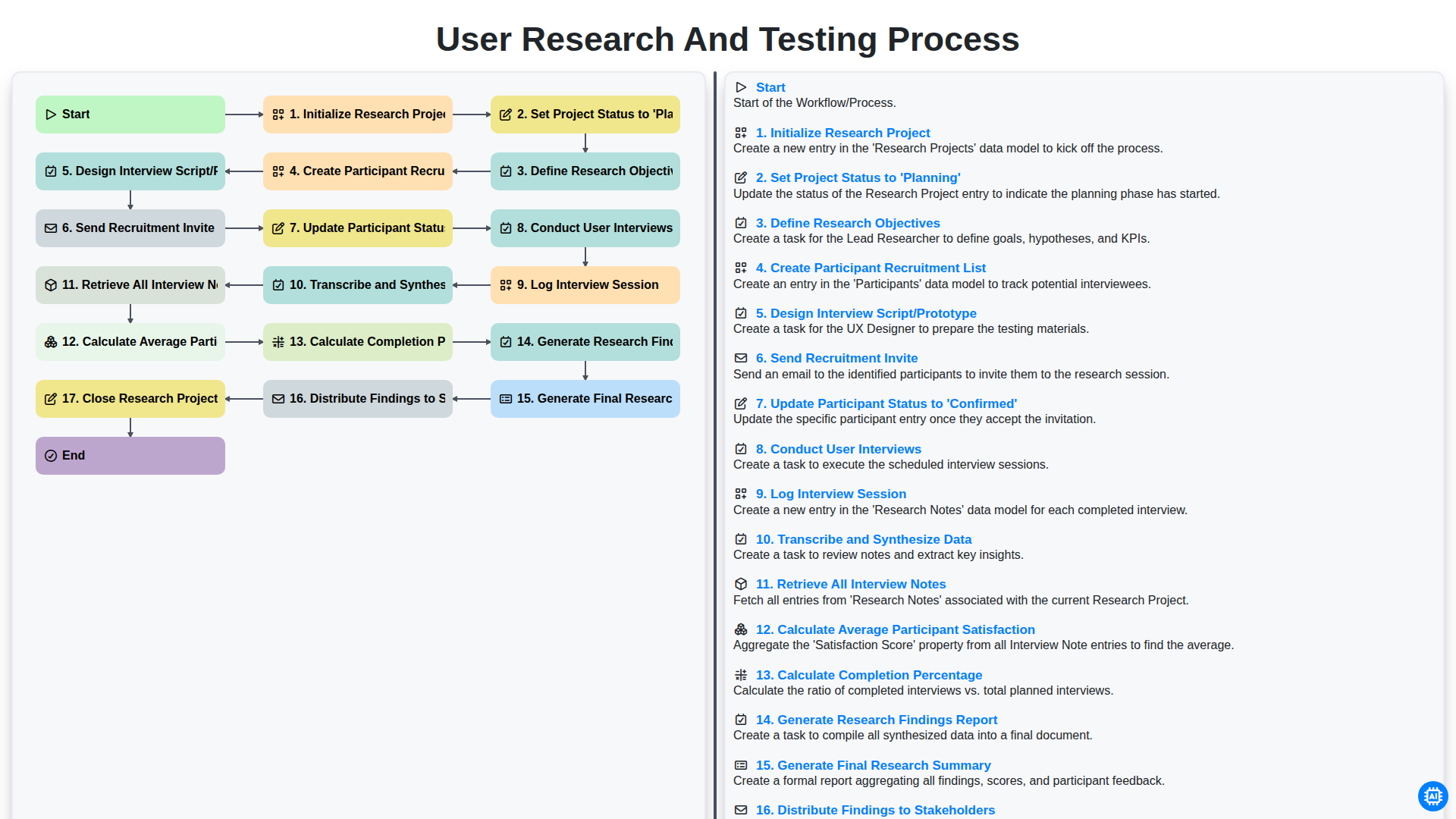
User Research and Testing Process
Gemeinsam schaffen wir das
Benötigen Sie Hilfe bei Checklisten?
Haben Sie eine Frage? Wir helfen Ihnen gerne. Bitte senden Sie uns Ihre Anfrage, und wir werden Ihnen umgehend antworten.