 ChecklistGuro
 Order Fulfillment Lifecycle
Master every stage of your supply chain with our comprehensive Order Fulfillment Lifecycle workflow. Designed specifically for Warehouse Management Systems (WMS), this end-to-end process optimizes everything from order receipt and real-time inventory allocation to seamless picking, packing, and rapid shipping. Eliminate bottlenecks, reduce manual errors, and accelerate throughput with a streamlined, automated journey that ensures every customer order is fulfilled with precision and speed.
Diese Vorlage wurde 5 Mal installiert.
Start
Start des Workflows/Prozesses.
1. Retrieve Order Details
Fetch the specific order entry and associated customer data from the Order Data Model.
2. Check Inventory Levels
Retrieve current stock levels from the Inventory Data Model for all items in the order.
3. Calculate Total Order Value
Calculate the total price by summing line items, including tax and shipping fees.
4. Update Order Status to 'Processing'
Update the status field of the Order entry to reflect that the fulfillment has begun.
5. Assign Picking Task
Create a task for the Warehouse Staff to pick items from the warehouse shelves.
6. Packing Verification Checklist
Assign a task to the Packing Agent including a checklist to verify item accuracy and quality.
7. Sum Total Order Weight
Aggregate the weights of all individual items in the order to determine shipping requirements.
8. Update Inventory Stock
Decrement the quantity available in the Inventory Data Model for the picked items.
9. Label Generation Task
Create a task for the Shipping Clerk to generate and print the shipping label.
10. Calculate Estimated Delivery Date
Calculate the delivery date based on the current date plus the shipping method transit time.
11. Create Shipment Record
Create a new entry in the Shipments Data Model containing tracking number and carrier info.
12. Update Order Status to 'Shipped'
Update the Order entry status to 'Shipped' and attach the tracking number.
13. Notify Customer of Shipment
Send an automated email to the customer's email address with their tracking information.
14. Send SMS Delivery Alert
Send a text message to the customer's phone number notifying them that the order is on the way.
15. Daily Fulfillment Summary
Generate a report summarizing all orders processed, shipped, and completed during the day.
16. Remove Temporary Picking List
Delete the transient picking list entry once the packing task is successfully completed.
Ende
Ende des Arbeitsablaufs/Prozesses.
Start des Workflows/Prozesses.
Fetch the specific order entry and associated customer data from the Order Data Model.
Retrieve current stock levels from the Inventory Data Model for all items in the order.
Calculate the total price by summing line items, including tax and shipping fees.
Update the status field of the Order entry to reflect that the fulfillment has begun.
Create a task for the Warehouse Staff to pick items from the warehouse shelves.
Assign a task to the Packing Agent including a checklist to verify item accuracy and quality.
Aggregate the weights of all individual items in the order to determine shipping requirements.
Decrement the quantity available in the Inventory Data Model for the picked items.
Create a task for the Shipping Clerk to generate and print the shipping label.
Calculate the delivery date based on the current date plus the shipping method transit time.
Create a new entry in the Shipments Data Model containing tracking number and carrier info.
Update the Order entry status to 'Shipped' and attach the tracking number.
Send an automated email to the customer's email address with their tracking information.
Send a text message to the customer's phone number notifying them that the order is on the way.
Generate a report summarizing all orders processed, shipped, and completed during the day.
Delete the transient picking list entry once the packing task is successfully completed.
Ende des Arbeitsablaufs/Prozesses.
Kommentare
Bisher gibt es keine Kommentare. Seien Sie der Erste, der einen hinzufügt!
Demonstration der WMS-Lösung (Lagerverwaltungssystem)
Optimieren Sie Ihre Lagerabläufe und steigern Sie die Effizienz! Das WMS von ChecklistGuro optimiert die Bestandsverwaltung, die Auftragsabwicklung und den Versand. Reduzieren Sie Fehler, verbessern Sie die Genauigkeit und maximieren Sie die Raumnutzung. Verwalten Sie alles mit unserer Work OS.
Verwandte Workflow-Vorlagen

Supply Chain Visibility and Tracking Process

Warehouse Task Management Workflow

Landed Cost Tracking Process

Manifesting and Shipping Documentation Workflow

Label Printing and Barcode Management Process

Warehouse Space Utilization Workflow

Cross-Docking Management Workflow
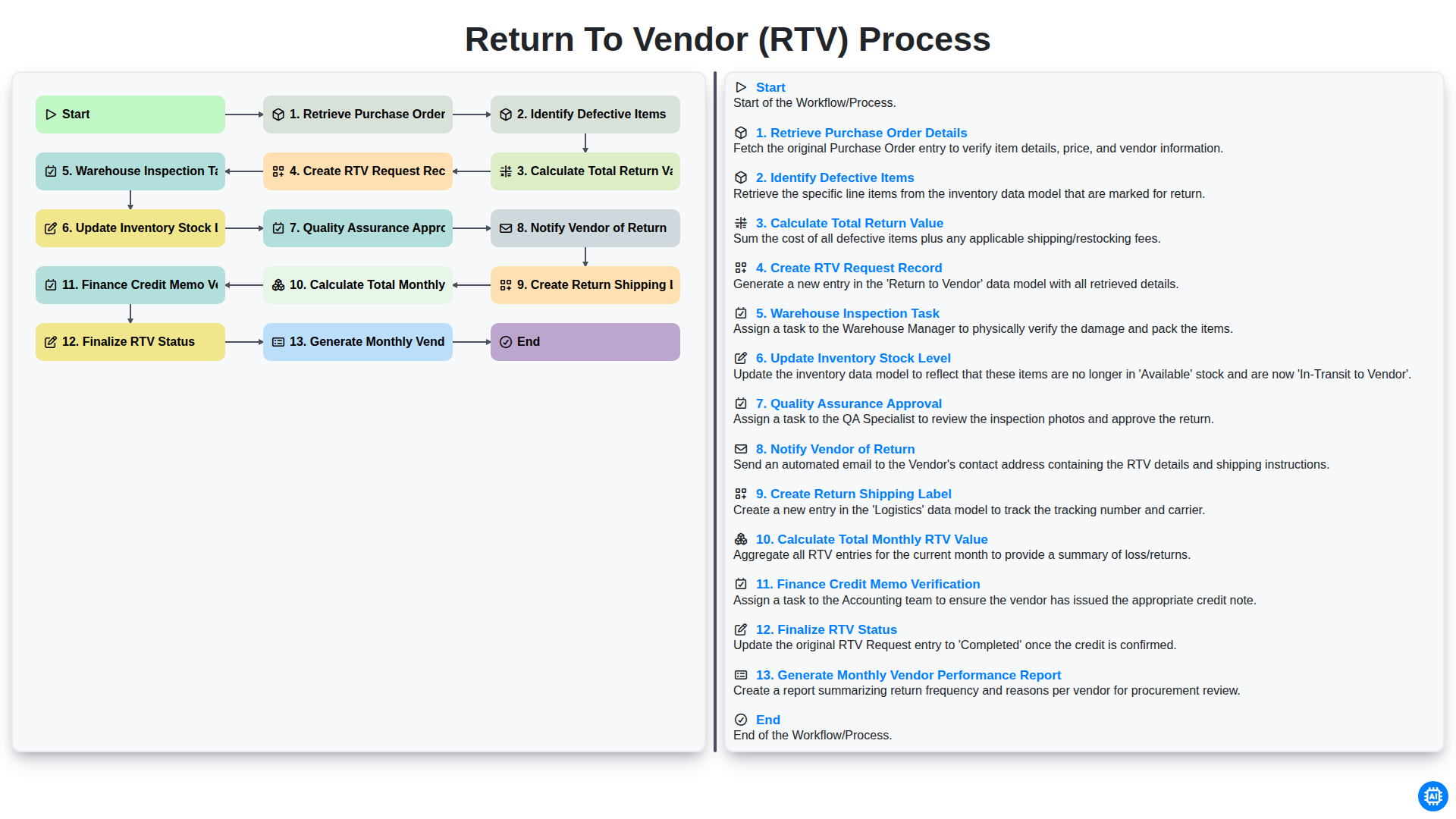
Return to Vendor (RTV) Process
Gemeinsam schaffen wir das
Benötigen Sie Hilfe bei Checklisten?
Haben Sie eine Frage? Wir helfen Ihnen gerne. Bitte senden Sie uns Ihre Anfrage, und wir werden Ihnen umgehend antworten.