 ChecklistGuro
 Online Review Response Plan
**Option 1 (Concise):** Protect your hotel's reputation! Download our free Online Review Response Plan checklist for hospitality businesses & master guest feedback management. Boost bookings & improve your star rating. **Option 2 (Detailed):** Don't let negative reviews hurt your hotel's success! Our comprehensive Online Review Response Plan checklist equips hospitality businesses with a proven strategy for managing online feedback, from TripAdvisor to Google. Improve your online reputation, increase guest loyalty, and drive more bookings - download now! **Option 3 (Benefit-focused):** Turn online reviews into opportunities! Our Online Review Response Plan checklist for hotels & restaurants will help you build trust, enhance your brand, and attract more guests. Get your free guide today!
Esta plantilla se instaló 3 veces.
Review Monitoring & Alerts
Establish systems for actively monitoring online review platforms and receiving timely alerts when new reviews are posted.
Frequency of Review Platform Checks (per day)
Primary Review Platforms to Monitor (Initial Focus)
Specify 'Other' platforms (if selected above)
Alert Method(s) - Which methods will trigger an alert?
Review Types to Trigger Alerts (e.g., 1-star, 5-star)
Describe any existing review monitoring tools in use.
Review Platform Prioritization
Identify which review platforms (e.g., Google, TripAdvisor, Booking.com, Yelp) are most impactful for your business and prioritize response efforts accordingly.
Which review platforms are most impactful for your hospitality business?
If 'Other' was selected above, please specify the platform(s):
Estimate the percentage of total bookings/reservations originating from Google Business Profile:
Estimate the percentage of total bookings/reservations originating from TripAdvisor:
Estimate the percentage of total bookings/reservations originating from Booking.com:
Which platform receives the most reviews per week?
Briefly explain the reasoning behind your platform prioritization. What makes these platforms particularly important for your brand?
Response Team & Roles
Define who is responsible for monitoring, responding to, and escalating reviews within your team. Include contact information and backup personnel.
Primary Review Response Contact Name
Primary Contact Phone Number
Primary Contact Email Address
Primary Contact Role
Secondary Review Response Contact Name
Secondary Contact Phone Number
Secondary Contact Email Address
Secondary Contact Role
Platforms with Response Responsibility
Review Response Guidelines
Create guidelines for tone, brand voice, and legal considerations for responding to reviews. This includes addressing negative, positive, and neutral reviews.
Overall Tone of Voice Guidelines
Standard Greeting for Positive Reviews
Standard Acknowledgment Phrase for Negative Reviews
Guidelines for Addressing Specific Complaints (e.g., cleanliness, noise, service)
Prohibited Phrases or Language (e.g., arguing, defensiveness, blaming)
Maximum Response Time (hours)
Handling Personal Information Requests (e.g., contact information for complaints)
Response Templates (Positive Reviews)
Develop pre-approved templates for responding to positive reviews to ensure consistency and efficiency.
Standard Thank You Template (General)
Template for Reviews Highlighting Specific Service (e.g., Breakfast, Cleanliness)
Template for Reviews Mentioning Staff by Name
Default Level of Enthusiasm (Selection)
Emoji Usage (Scale 1-5)
Offer Inclusion (Selection)
Response Templates (Negative Reviews)
Create templates for addressing negative reviews, focusing on empathy, acknowledgment, and resolution. Include escalation paths for complex issues.
Template 1: Acknowledging & Apologizing (Minor Issue)
Template 1 Example: [Example text apologizing and acknowledging the issue]
Template 2: Acknowledging & Investigating (Serious Issue)
Template 2 Example: [Example text acknowledging, apologizing, and outlining investigation steps]
Desired Resolution Offer (Select One)
Personalized Follow-up Notes (Optional)
Escalation Required? (Review Severity)
Notes for Escalation (If Applicable)
Escalation Procedures
Outline the process for escalating complex or sensitive reviews to management or other relevant departments.
Review Score Threshold for Manager Escalation
Review Type Requiring Manager Involvement
Detailed Description of Issue for Escalation
Reviewer Sentiment requiring Escalation
Date of Review (if critical for context)
Suggested Actions for Manager (e.g., direct contact, refund, investigation)
Department to Notify (if applicable)
Escalated To (Name/Title)
Review Recovery Strategies
Define strategies for addressing and potentially recovering from particularly damaging or unfair reviews. This might include contacting the reviewer directly or seeking platform intervention.
Documented Process for Contacting Reviewer (If Appropriate)
Maximum Time to Initiate Contact (Hours)
Contact Method Preference (If Applicable)
Template for Outreach to Reviewer (Explanation of Discrepancy/Offer of Resolution)
Potential Resolution Options to Offer (Check all that apply)
Specify 'Other' Resolution Option (If Selected)
Internal Escalation Required? (For complex review situations)
Date of Reviewer Contact (If Applicable)
Notes on Reviewer Contact and Outcome (Document all communication)
Legal & Compliance Considerations
Ensure all responses comply with relevant legal guidelines, including truthfulness, accuracy, and privacy regulations. Consult with legal counsel as needed.
Summary of Relevant Privacy Laws (e.g., GDPR, CCPA)
Are you familiar with the platform's Terms of Service regarding review responses?
Outline the process for handling potentially defamatory reviews and seeking legal counsel.
Do responses adhere to truth-in-advertising guidelines?
Describe procedures for handling reviews containing personal information (PII) of guests or staff.
Are responses checked for compliance with non-disparagement clauses in contracts (if applicable)?
Training & Education
Provide training to all team members involved in review response, covering guidelines, platform best practices, and handling difficult situations.
Review of Brand Voice & Tone Guidelines
Platforms Covered in Training (Select All That Apply)
Role-Playing Scenarios (Negative Review Response)
Number of Training Sessions Completed (per Team Member)
Preferred Training Format
Last Training Completion Date (per Team Member)
Training Documentation (e.g., presentation slides)
Regular Review & Updates
Schedule regular reviews of the Online Review Response Plan to ensure it remains effective and aligns with business needs and platform updates.
Last Plan Review Date
Frequency of Plan Review (Months)
Summary of Changes Made During Last Review
Areas of the Plan Reviewed
Notes and Recommendations for Future Updates
Overall Assessment of Plan Effectiveness (Scale of 1-5, 1=Needs Improvement, 5=Excellent)
Next Scheduled Review Date
Preguntas frecuentes
¿Puedo personalizar esta plantilla después de instalarla?
Por supuesto. Una vez instalado, puede agregar, eliminar o reorganizar tareas, añadir campos personalizados y ajustar los plazos para que se adapten a su flujo de trabajo específico.
¿Puedo añadir imágenes o fotos a los elementos de esta lista de verificación?
Sí. Nuestra plataforma le permite adjuntar fotos, firmas y notas a cualquier elemento de la lista de verificación, lo que facilita la verificación y proporciona pruebas de que se ha completado la tarea.
¿Puedo crear una lista de verificación personalizada desde cero en lugar de utilizar una plantilla?
Sí. Puede utilizar nuestra función para diseñar un flujo de trabajo único y adaptado exactamente a sus necesidades operativas.
¿Puedo establecer dependencias entre las tareas?
Sí, puede configurar lógica condicional y dependencias para asegurarse de que su equipo siga la secuencia correcta de operaciones.
¿Puedo asignar elementos específicos de una lista de verificación a diferentes miembros del equipo?
Sí. Puede asignar tareas específicas a empleados concretos, lo que garantiza una clara distribución de responsabilidades en todo su equipo.
¿Puedo usar estas listas de verificación en dispositivos móviles mientras estoy en el lugar de trabajo?
Sí. Nuestra plataforma es totalmente adaptable, lo que permite a tu equipo completar, actualizar y subir fotos a las listas de verificación directamente desde cualquier teléfono inteligente o tableta.
¿Cómo puedo notificar a mi jefe cuando se completa una lista de verificación?
Puede configurar notificaciones automatizadas (a través de correo electrónico, notificaciones push o alertas dentro de la aplicación) para que se activen cada vez que se complete una lista de verificación o si algún elemento no supera la inspección.
¿Pueden varias personas trabajar en la misma lista de verificación al mismo tiempo?
Sí, la plataforma es compatible con actualizaciones en tiempo real, lo que permite que varios usuarios colaboren en una única lista de verificación activa.
¿Dónde se almacenan los datos de las listas de verificación completadas?
Todas las listas de verificación completadas se almacenan de forma segura en el panel de control de su Work OS, lo que crea un registro de auditoría permanente y fácilmente consultable de sus operaciones.
¿Puedo generar informes a partir de los resultados de mi lista de verificación?
Sí. Puede realizar un seguimiento de las tasas de finalización, identificar problemas recurrentes y supervisar el rendimiento del equipo a través de nuestras herramientas de informes y análisis integradas.
¿Cómo puedo utilizar estas listas de verificación para fines de cumplimiento normativo o auditoría?
Dado que nuestras listas de verificación registran la fecha y hora, las fotos y las firmas digitales, sirven como un sólido registro digital para el cumplimiento de las normativas y las auditorías internas.
¿Puedo exportar los datos de mi lista de verificación una vez que la he completado para utilizarlos en otras herramientas?
Sí. Puede exportar sus datos en varios formatos (CSV, Excel, etc.) para integrar los datos operativos con el resto de sus programas empresariales.
¿Le resultó útil esta plantilla de lista de verificación?
Comentarios
Aún no hay comentarios. ¡Sé el primero en añadir uno!
Demostración de la Solución de Gestión de Hostelería
Gestionar un hotel, restaurante u otro negocio de hostelería es exigente. La plataforma Work OS de ChecklistGuro simplifica la gestión, desde las reservas y los servicios al cliente hasta el inventario y la programación del personal. ¡Mejore la eficiencia, mejore la experiencia del cliente y aumente la rentabilidad! Descubra cómo ChecklistGuro puede transformar sus operaciones de hostelería.
Plantillas de listas de verificación relacionadas
Restaurant Staff Shift Handover & Communication Protocol 2026
Hotel Concierge Service Standards & Guest Requests Log 2026
Restaurant Health Inspection Readiness & Compliance Checklist 2026
Hotel Facilities Management & Preventative Maintenance Schedule 2026
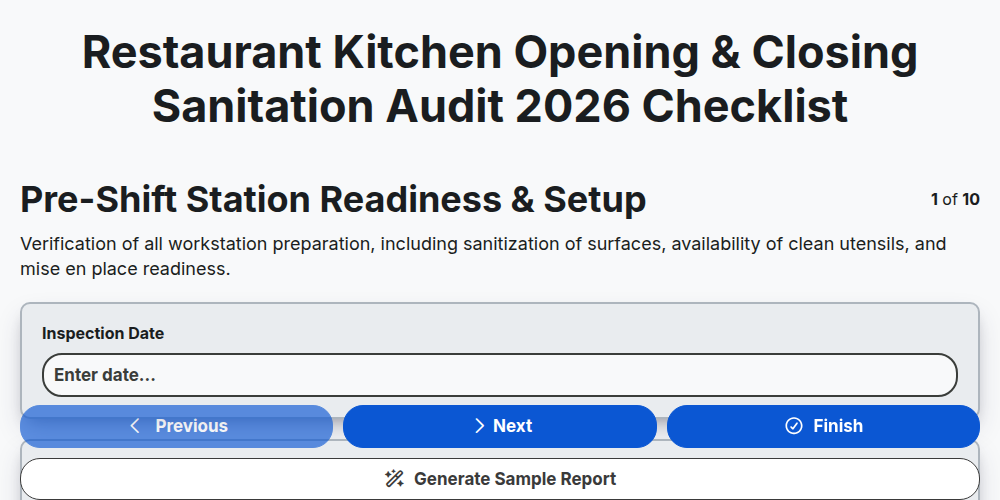
Restaurant Kitchen Opening & Closing Sanitation Audit 2026
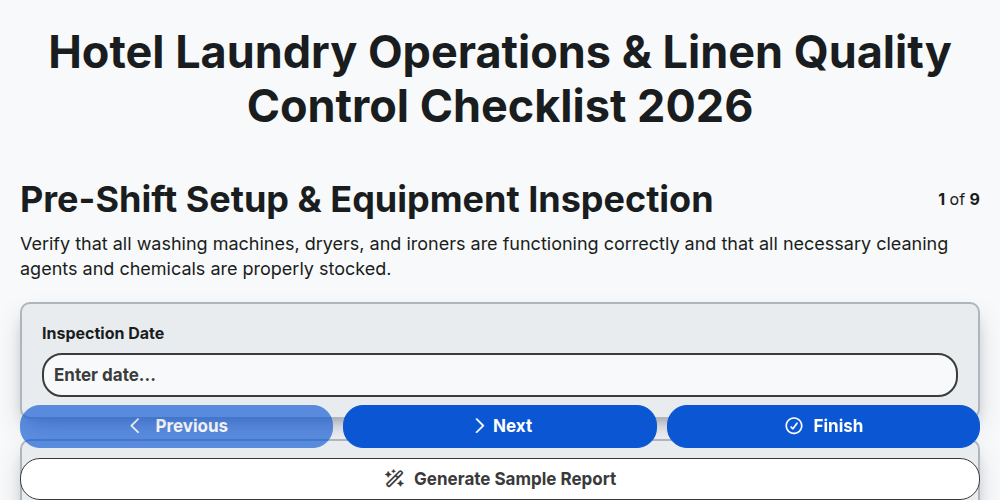
Hotel Laundry Operations & Linen Quality Control Checklist 2026
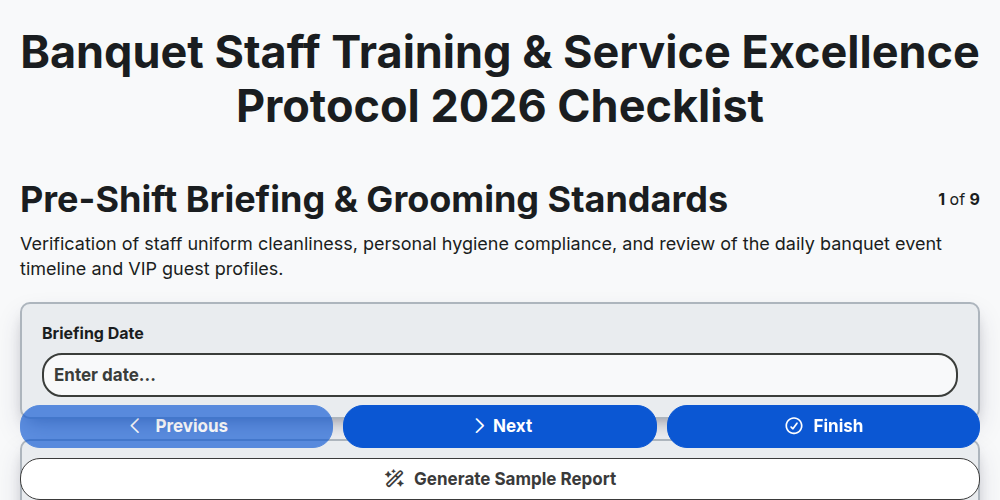
Banquet Staff Training & Service Excellence Protocol 2026
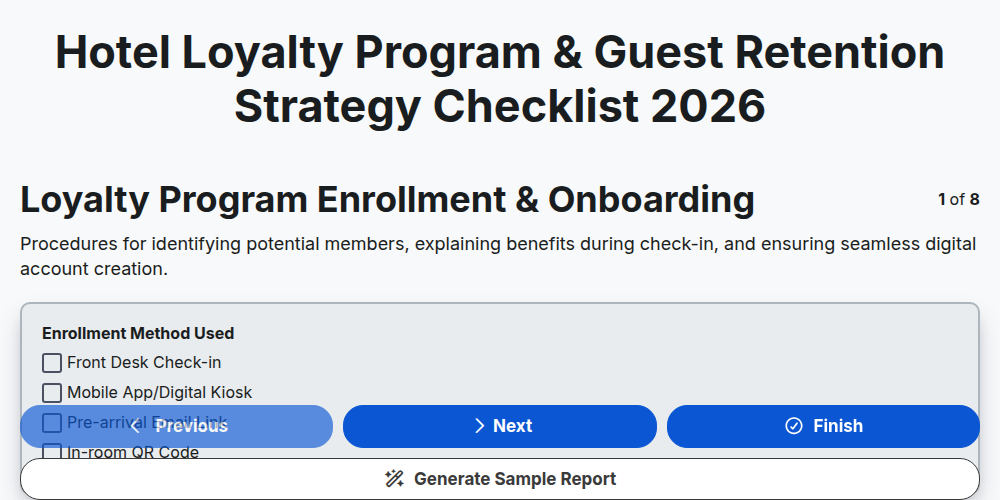
Hotel Loyalty Program & Guest Retention Strategy Checklist 2026
¿Necesita ayuda con las listas de verificación?
¿Tienes alguna pregunta? Estamos aquí para ayudarte. Envía tu consulta y te responderemos a la brevedad.