 ChecklistGuro
 Debt Management and Tracking Workflow
Streamline your receivables and optimize cash flow with our Debt Management and Tracking Workflow. Automate payment reminders, monitor outstanding balances in real-time, and reduce overdue accounts with a structured, end-to-end accounting process designed to eliminate manual errors and accelerate collections.
Esta plantilla se instaló 4 veces.
Inicio
Inicio del flujo de trabajo/proceso.
1. Fetch Overdue Debts
Retrieve all entries from the Debts data model where the due date is passed and status is 'unpaid'.
2. Calculate Total Outstanding Balance
Sum the 'amount_due' property of all retrieved overdue debt entries.
3. Update Debt Status to 'In Dispute'
Update the status of a specific debt entry when a dispute is flagged.
4. Assign Collection Agent
Create a task for the assigned accounts receivable officer to follow up on the overdue debt.
5. Calculate Late Fee
Calculate the penalty amount by applying a percentage (e.g., 5%) to the original debt amount.
6. Create Payment Plan Entry
Generate a new entry in the Payment Plans data model linked to the existing debt.
7. Send Overdue Notice
Send an automated email to the debtor with the details of the outstanding balance and late fees.
8. Send Payment Reminder SMS
Send a short text message reminder to the debtor's registered phone number.
9. Update Debt Record with Late Fee
Update the 'total_amount_due' in the debt entry to include the newly calculated late fee.
10. Create a task for the finance ...
Create a task for the finance team to verify if the payment has reached the bank account.
11. Mark Debt as Settled
Update the debt entry status to 'Paid' once the payment is verified.
12. Remove Erroneous Entries
Delete duplicate or incorrect debt entries identified during the audit process.
13. Generate Monthly Aging Report
Create a report summarizing total debts, overdue amounts, and collection efficiency for the month.
Fin
Fin del flujo de trabajo/proceso.
Inicio del flujo de trabajo/proceso.
Retrieve all entries from the Debts data model where the due date is passed and status is 'unpaid'.
Sum the 'amount_due' property of all retrieved overdue debt entries.
Update the status of a specific debt entry when a dispute is flagged.
Create a task for the assigned accounts receivable officer to follow up on the overdue debt.
Calculate the penalty amount by applying a percentage (e.g., 5%) to the original debt amount.
Generate a new entry in the Payment Plans data model linked to the existing debt.
Send an automated email to the debtor with the details of the outstanding balance and late fees.
Send a short text message reminder to the debtor's registered phone number.
Update the 'total_amount_due' in the debt entry to include the newly calculated late fee.
Create a task for the finance team to verify if the payment has reached the bank account.
Update the debt entry status to 'Paid' once the payment is verified.
Delete duplicate or incorrect debt entries identified during the audit process.
Create a report summarizing total debts, overdue amounts, and collection efficiency for the month.
Fin del flujo de trabajo/proceso.
¿Le resultó útil esta plantilla de flujo de trabajo?
Comentarios
Aún no hay comentarios. ¡Sé el primero en añadir uno!
Demostración de la solución de gestión contable
Supere las limitaciones de los programas informáticos rígidos y estandarizados. Utilice un entorno de contabilidad totalmente programable, diseñado para adaptarse a sus flujos de trabajo únicos, jerarquías complejas y la lógica empresarial en constante evolución.
Plantillas de flujo de trabajo relacionadas
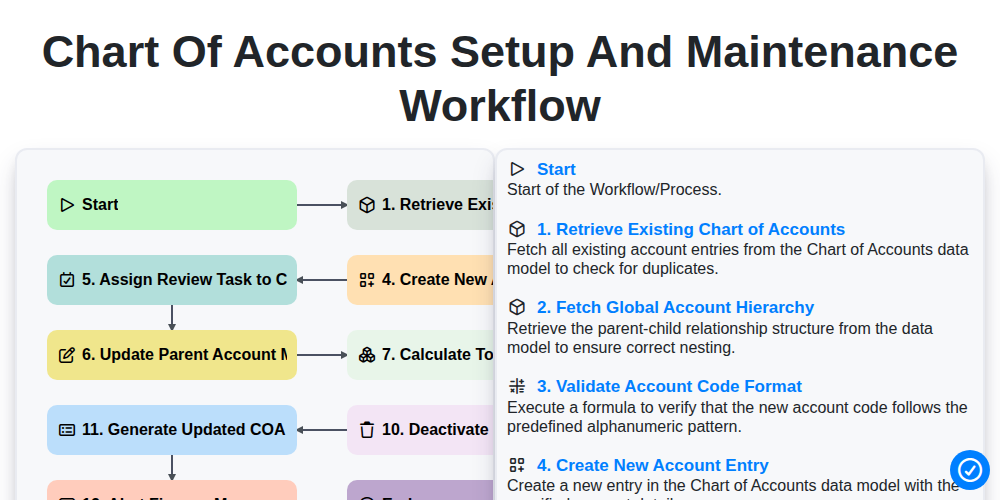
Chart of Accounts Setup and Maintenance Workflow
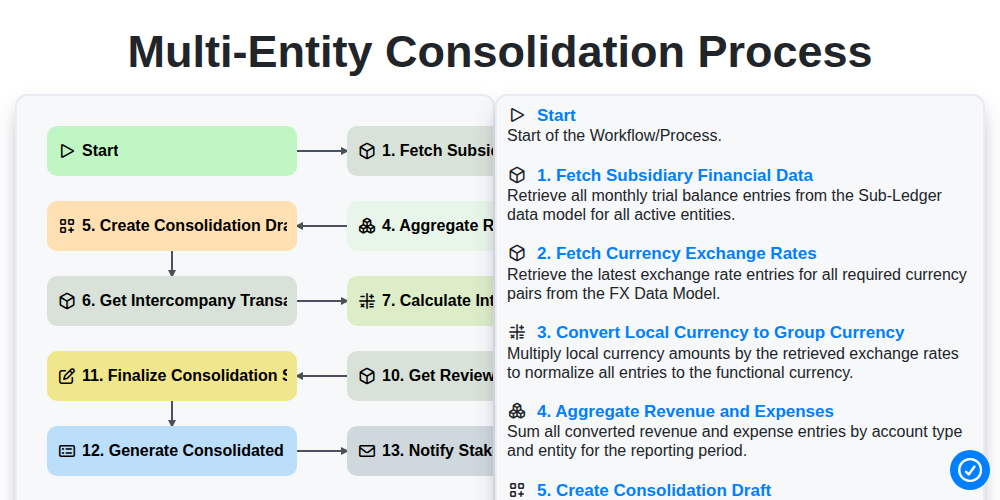
Multi-Entity Consolidation Process
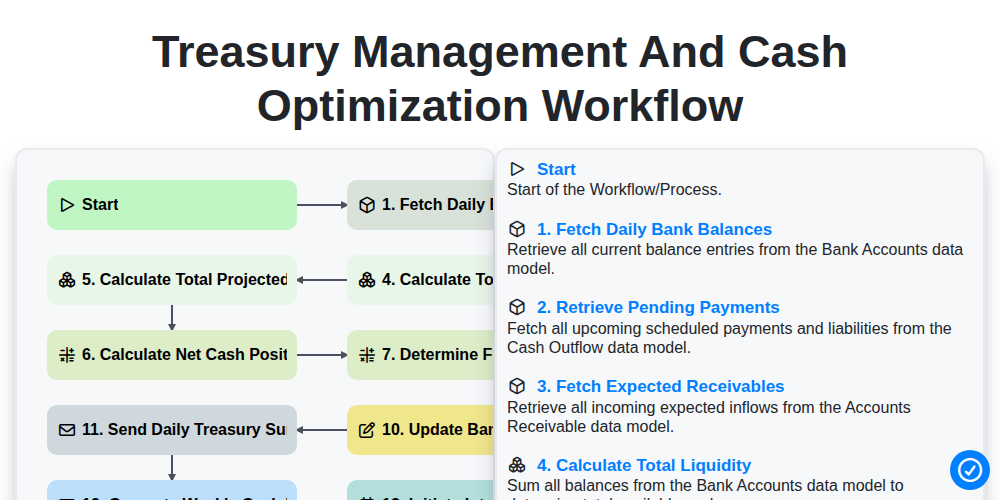
Treasury Management and Cash Optimization Workflow
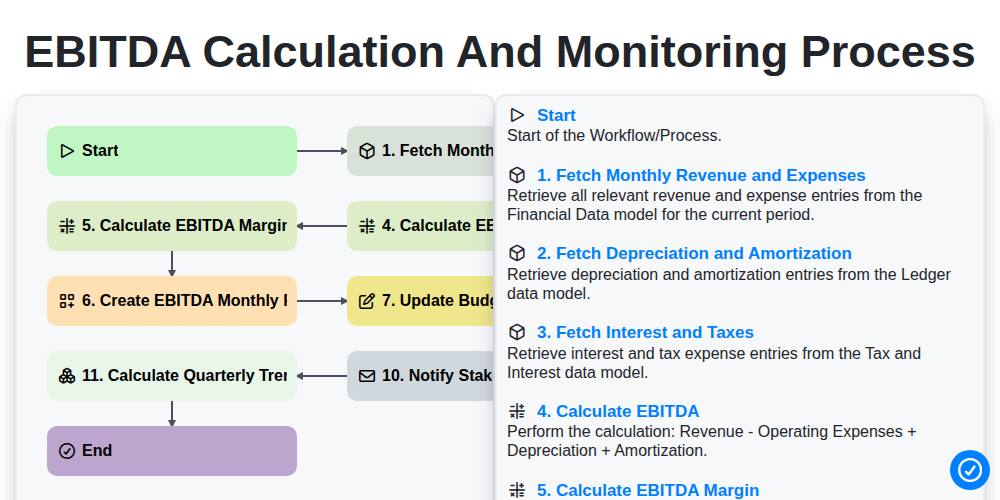
EBITDA Calculation and Monitoring Process
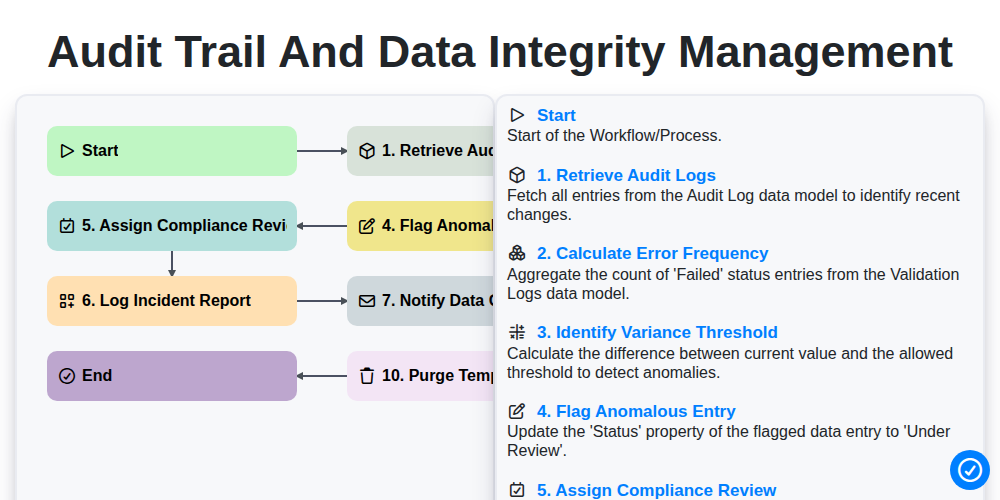
Audit Trail and Data Integrity Management
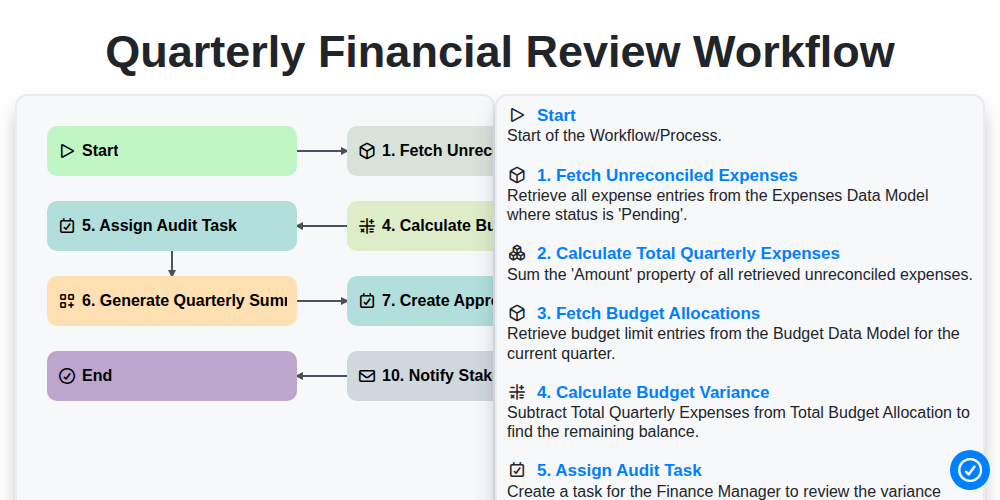
Quarterly Financial Review Workflow
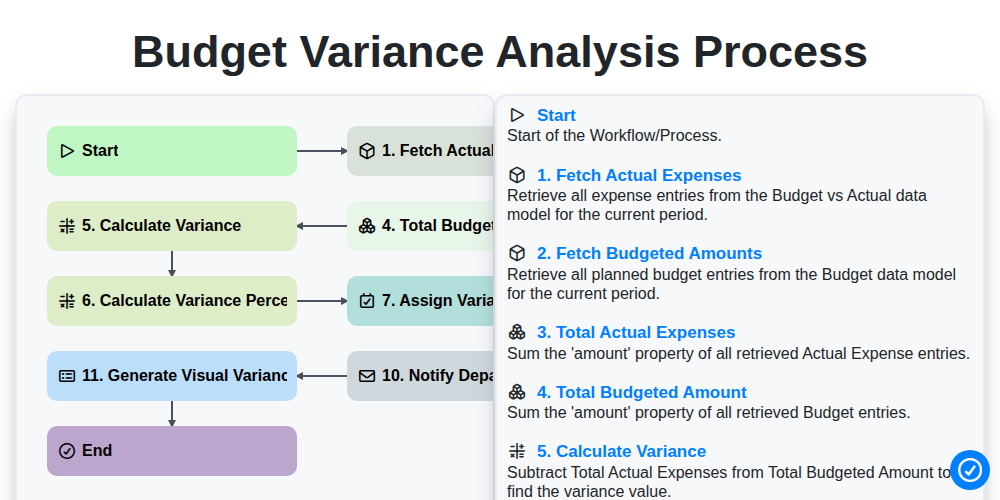
Budget Variance Analysis Process
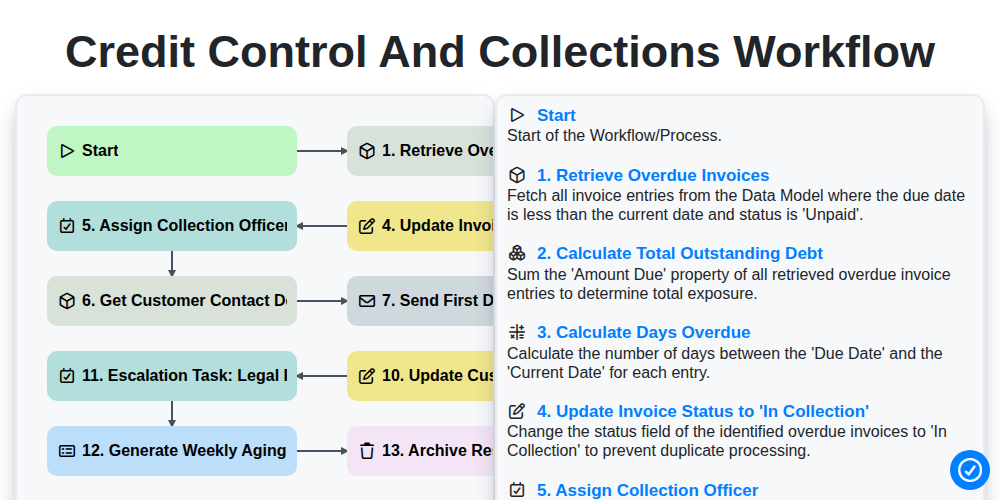
Credit Control and Collections Workflow
Podemos hacerlo juntos
¿Necesita ayuda con las listas de verificación?
¿Tienes alguna pregunta? Estamos aquí para ayudarte. Envía tu consulta y te responderemos a la brevedad.