 ChecklistGuro
 Workshop Technician Time Tracking Workflow
Optimize shop productivity and eliminate billing errors with our Workshop Technician Time Tracking Workflow. Streamline labor cost allocation, monitor real-time mechanic efficiency, and ensure every minute of repair work is accurately captured for precise customer invoicing and seamless auto repair shop management.
Esta plantilla se instaló 5 veces.
Inicio
Inicio del flujo de trabajo/proceso.
1. Fetch Active Technician Shift
Retrieve the current active time entry for the logged-in technician.
2. Get Workshop Job Details
Retrieve the specific Job/Work Order entry linked to the technician's current task.
3. Update Clock-In Timestamp
Update the 'Start Time' field in the Technician Time Entry record.
4. Create Time Log Entry
Create a new record in the Time Tracking data model when a task starts.
5. Calculate Duration
Calculate the difference between the 'End Time' and 'Start Time' to determine total hours worked.
6. Update Job Progress
Update the 'Hours Spent' field in the associated Work Order data model.
7. Sum Daily Technician Hours
Sum all completed time entries for the technician for the current date to check against shift limits.
8. Create Supervisor Review Task
Create a task for the Workshop Manager to approve overtime entries.
9. Mark Time Entry as Verified
Update the status of the time entry to 'Verified' after supervisor approval.
10. Notify Technician of Discrepancy
Send an email to the technician if the logged hours exceed the scheduled shift duration.
11. Alert Manager of Overtime
Send an SMS to the Workshop Lead when a technician hits a threshold of 10+ hours in a single day.
12. Generate Weekly Labor Cost Report
Generate a report aggregating all time entries to calculate total labor costs for the week.
13. Remove Duplicate Entry
Delete a time entry if it is identified as a duplicate error during the validation step.
14. Create Maintenance Task
Create a task for tool maintenance if the time entry includes 'Tool Usage' logs that exceed usage limits.
15. Update Technician Payroll Status
Update the technician's payroll record to include the newly verified hours.
Fin
Fin del flujo de trabajo/proceso.
Inicio del flujo de trabajo/proceso.
Retrieve the current active time entry for the logged-in technician.
Retrieve the specific Job/Work Order entry linked to the technician's current task.
Update the 'Start Time' field in the Technician Time Entry record.
Create a new record in the Time Tracking data model when a task starts.
Calculate the difference between the 'End Time' and 'Start Time' to determine total hours worked.
Update the 'Hours Spent' field in the associated Work Order data model.
Sum all completed time entries for the technician for the current date to check against shift limits.
Create a task for the Workshop Manager to approve overtime entries.
Update the status of the time entry to 'Verified' after supervisor approval.
Send an email to the technician if the logged hours exceed the scheduled shift duration.
Send an SMS to the Workshop Lead when a technician hits a threshold of 10+ hours in a single day.
Generate a report aggregating all time entries to calculate total labor costs for the week.
Delete a time entry if it is identified as a duplicate error during the validation step.
Create a task for tool maintenance if the time entry includes 'Tool Usage' logs that exceed usage limits.
Update the technician's payroll record to include the newly verified hours.
Fin del flujo de trabajo/proceso.
¿Le resultó útil esta plantilla de flujo de trabajo?
Comentarios
Aún no hay comentarios. ¡Sé el primero en añadir uno!
Demostración de la Solución de Gestión de Talleres de Reparación de Automóviles
¡Mejore su taller de reparación de automóviles y aumente las ganancias! ChecklistGuro simplifica el seguimiento de trabajos, la gestión del inventario y la comunicación con los clientes. Mejore la eficiencia, reduzca los errores y aumente la satisfacción del cliente. Administre todo con nuestro Work OS.
Plantillas de flujo de trabajo relacionadas

End-of-Day Shop Reporting and Reconciliation Workflow

Automotive Workshop Staff Scheduling Process

Seasonal Vehicle Inspection Workflow

Pre-Paid Service Plan Management Process

Customer Feedback and Review Management Workflow

Automotive Workshop Equipment Maintenance Schedule

Shop Supplies and Consumables Inventory Process
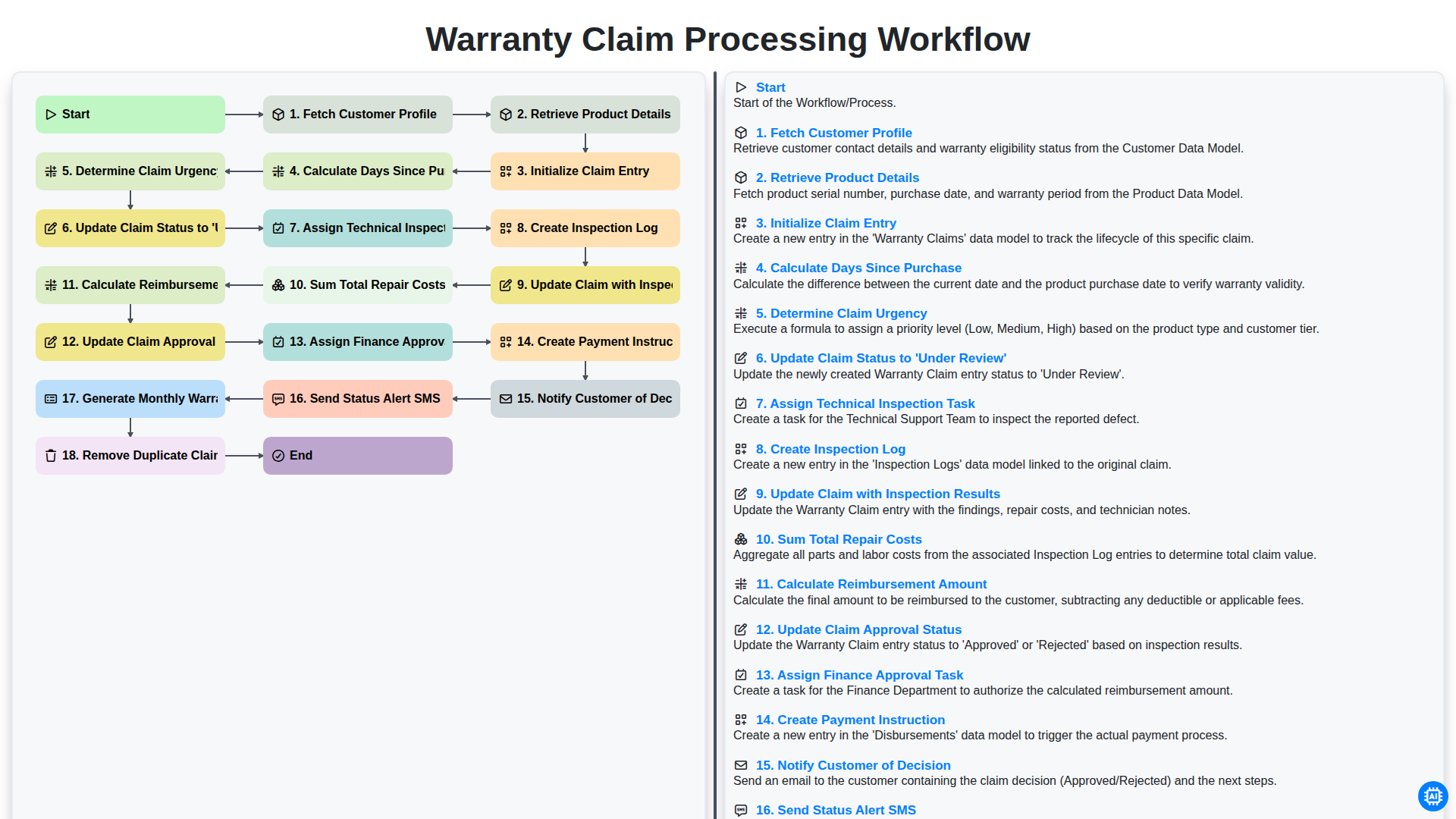
Warranty Claim Processing Workflow
Podemos hacerlo juntos
¿Necesita ayuda con las listas de verificación?
¿Tienes alguna pregunta? Estamos aquí para ayudarte. Envía tu consulta y te responderemos a la brevedad.