 ChecklistGuro
 Hotel Cleaning Schedule and Sanitation Management Process
Streamline your housekeeping operations with our comprehensive Hotel Cleaning Schedule and Sanitation Management Process. Designed specifically for the hospitality industry, this step-by-step workflow ensures consistent room inspections, optimized staff task allocation, and rigorous hygiene standards. Master your housekeeping checklist, reduce turnover time, and guarantee a spotless, guest-ready environment every single time. Perfect for hotel managers looking to elevate sanitation protocols and ensure top-tier guest satisfaction.
Esta plantilla se instaló 5 veces.
Inicio
Inicio del flujo de trabajo/proceso.
1. Fetch Room Status
Retrieve all room entries from the Room Data Model to identify which rooms are 'Dirty' or 'In-Progress'.
2. Assign Cleaning Shift
Create a task for the Housekeeping Supervisor to assign specific rooms to cleaning staff for the current shift.
3. Update Room Status to 'Cleaning In Progress'
Update the status field in the Room Data Model once a cleaner starts working on a specific room.
4. Sanitation Checklist
A granular list of steps including: Disinfect high-touch surfaces, Change linens, Vacuum floors, and Restock amenities.
5. Fetch Cleaning Supply Levels
Check the Inventory Data Model to see if cleaning chemicals and linens are sufficiently stocked.
6. Calculate Cleaning Duration
Subtract 'Start Time' from 'End Time' to calculate the total time spent cleaning the room.
7. Update Room Status to 'Inspected'
Update the Room Data Model once the Supervisor has verified the cleaning quality.
8. Log Sanitation Incident
Create a new entry in the Incident Log Data Model if a deep cleaning issue or damage is discovered.
9. Calculate Daily Cleaning Completion Rate
Aggregate the total number of 'Cleaned' rooms against 'Total' rooms to get a percentage of completion.
10. Trigger Maintenance Task
Create a task for the Maintenance Team if a room inspection reveals broken furniture or plumbing issues.
11. Notify Front Desk of Clean Room
Send an email to the Front Desk team notifying them that a specific room is now 'Ready for Check-in'.
12. Update Room Status to 'Ready'
Final update to the Room Data Model marking the room as vacant and clean.
13. Summarize Daily Chemical Usage
Sum the quantities of disinfectants used across all cleaning tasks to manage supply replenishment.
14. Generate Daily Sanitation Compliance Report
Create a daily report summarizing completed tasks, inspection failures, and average cleaning time for management review.
15. Urgent Supply Alert
Send an SMS to the Procurement Manager if the aggregate inventory level falls below a critical threshold.
Fin
Fin del flujo de trabajo/proceso.
Inicio del flujo de trabajo/proceso.
Retrieve all room entries from the Room Data Model to identify which rooms are 'Dirty' or 'In-Progress'.
Create a task for the Housekeeping Supervisor to assign specific rooms to cleaning staff for the current shift.
Update the status field in the Room Data Model once a cleaner starts working on a specific room.
A granular list of steps including: Disinfect high-touch surfaces, Change linens, Vacuum floors, and Restock amenities.
Check the Inventory Data Model to see if cleaning chemicals and linens are sufficiently stocked.
Subtract 'Start Time' from 'End Time' to calculate the total time spent cleaning the room.
Update the Room Data Model once the Supervisor has verified the cleaning quality.
Create a new entry in the Incident Log Data Model if a deep cleaning issue or damage is discovered.
Aggregate the total number of 'Cleaned' rooms against 'Total' rooms to get a percentage of completion.
Create a task for the Maintenance Team if a room inspection reveals broken furniture or plumbing issues.
Send an email to the Front Desk team notifying them that a specific room is now 'Ready for Check-in'.
Final update to the Room Data Model marking the room as vacant and clean.
Sum the quantities of disinfectants used across all cleaning tasks to manage supply replenishment.
Create a daily report summarizing completed tasks, inspection failures, and average cleaning time for management review.
Send an SMS to the Procurement Manager if the aggregate inventory level falls below a critical threshold.
Fin del flujo de trabajo/proceso.
Preguntas frecuentes
¿Le resultó útil esta plantilla de flujo de trabajo?
Comentarios
Aún no hay comentarios. ¡Sé el primero en añadir uno!
Demostración de la Solución de Gestión de Hostelería
Gestionar un hotel, restaurante u otro negocio de hostelería es exigente. La plataforma Work OS de ChecklistGuro simplifica la gestión, desde las reservas y los servicios al cliente hasta el inventario y la programación del personal. ¡Mejore la eficiencia, mejore la experiencia del cliente y aumente la rentabilidad! Descubra cómo ChecklistGuro puede transformar sus operaciones de hostelería.
Plantillas de flujo de trabajo relacionadas

Hotel Departmental Communication and Task Management Workflow
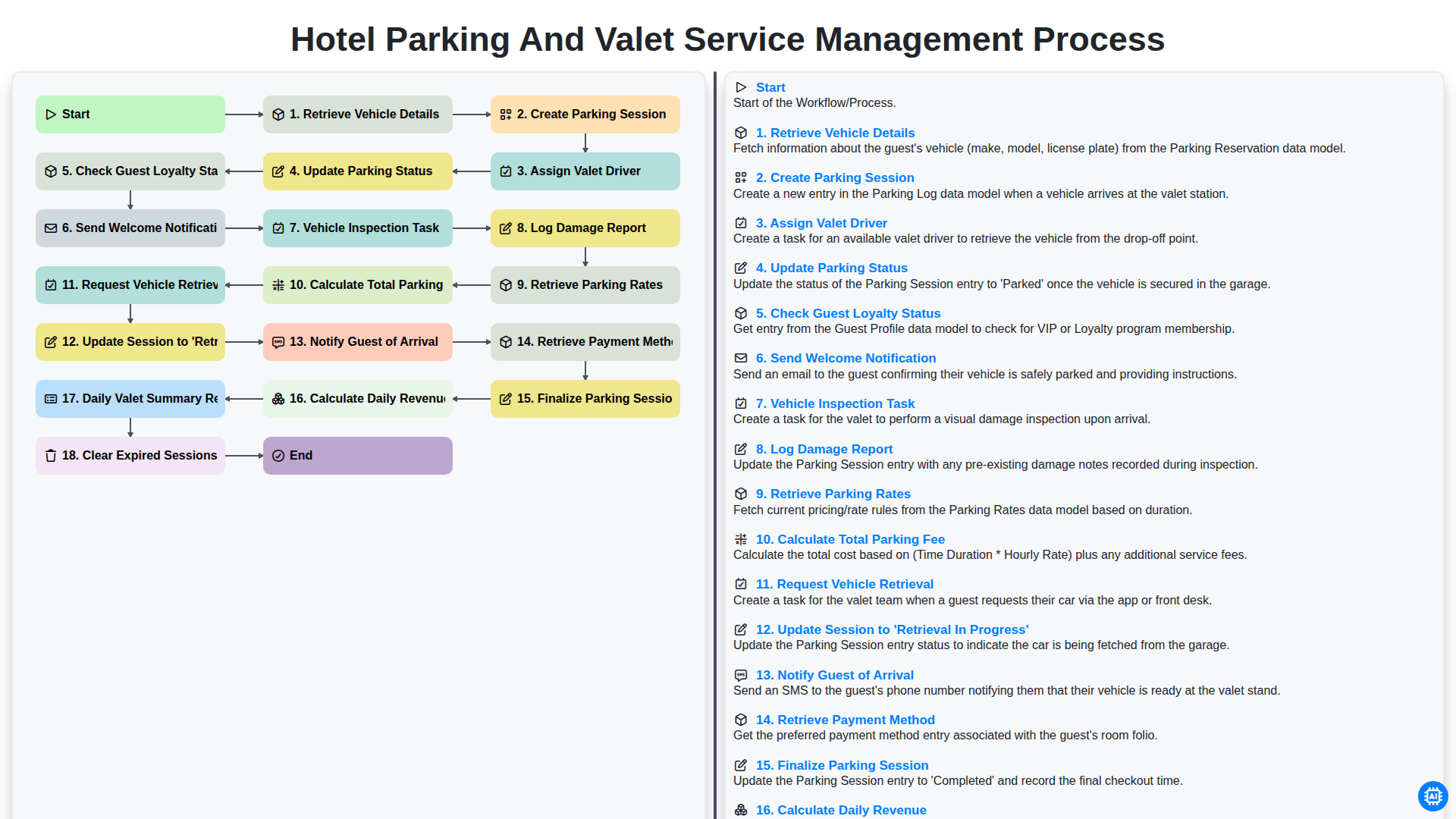
Hotel Parking and Valet Service Management Process
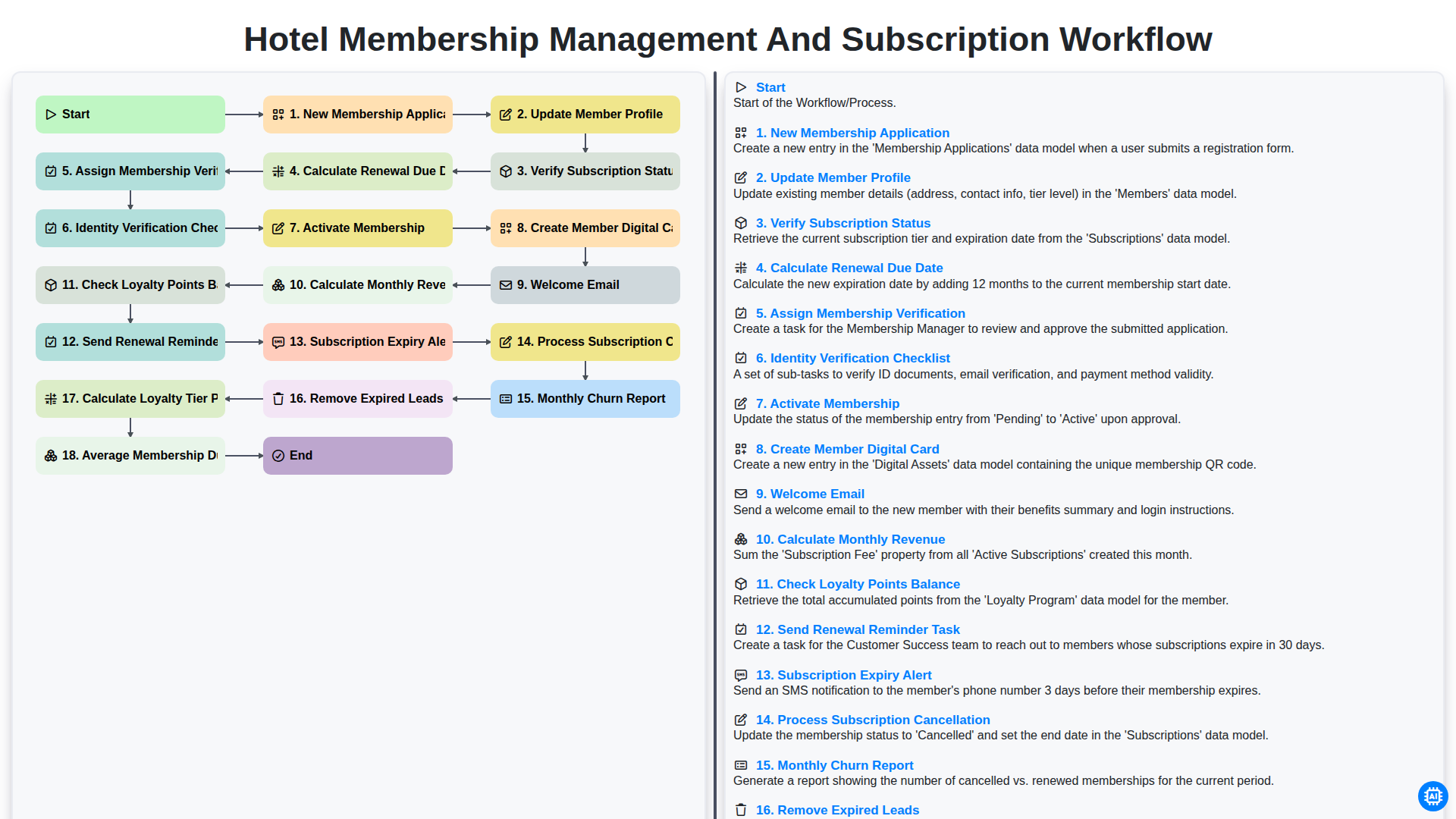
Hotel Membership Management and Subscription Workflow

Hotel VIP Guest Arrival and Personalized Service Process

Hotel Staff Onboarding and Training Management Workflow

Hotel Group Booking and Room Block Management Workflow
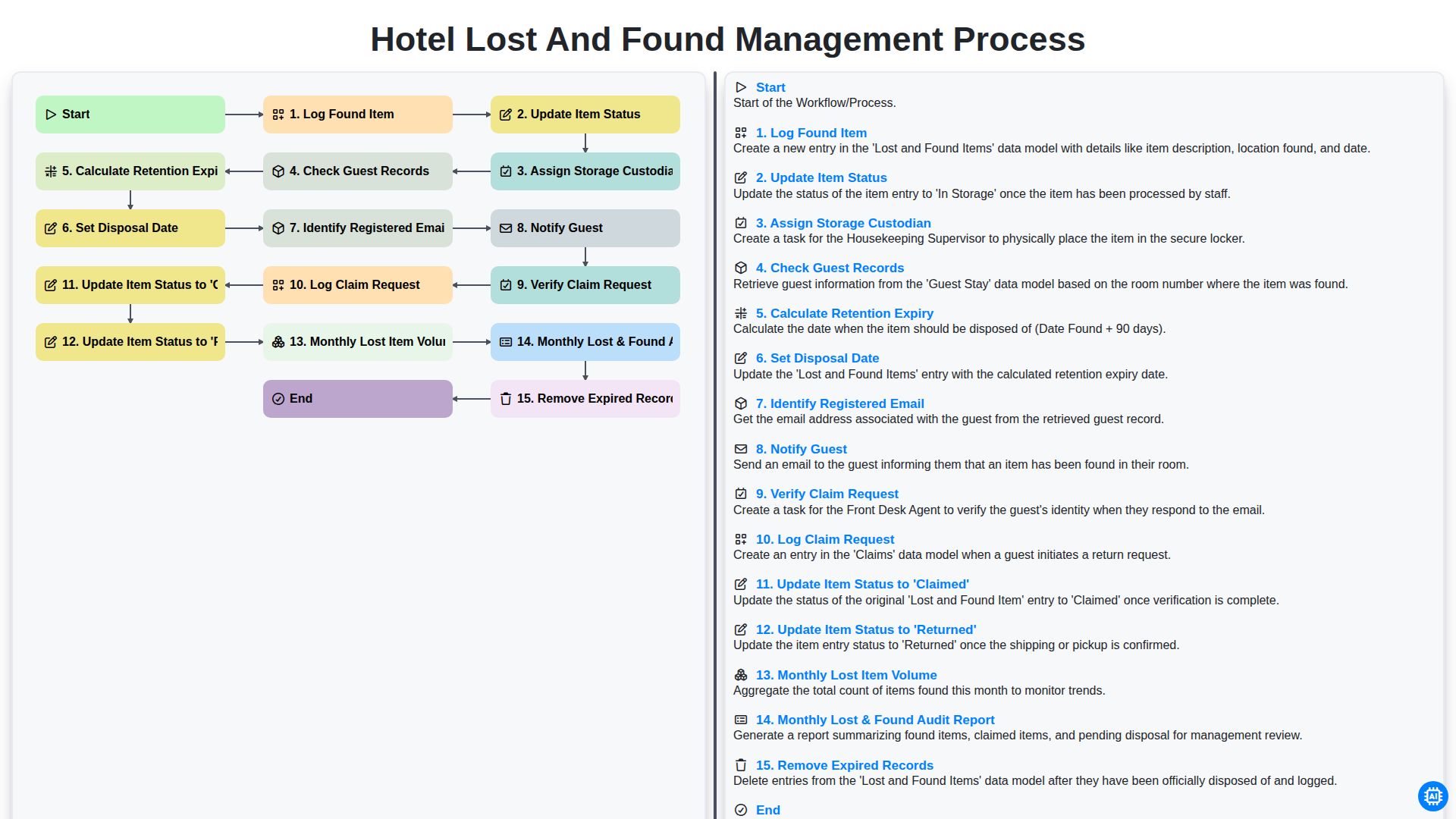
Hotel Lost and Found Management Process
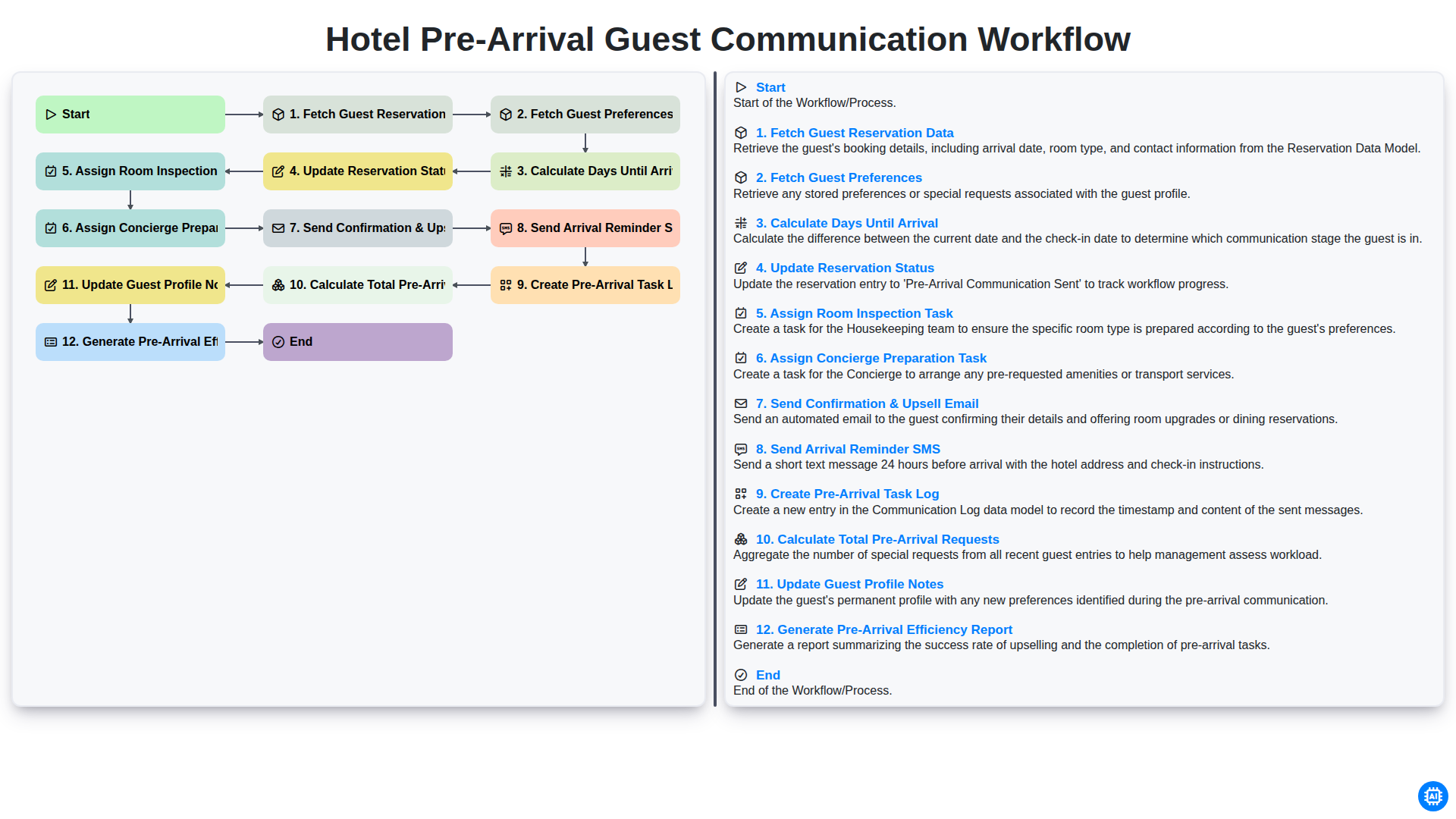
Hotel Pre-Arrival Guest Communication Workflow
Podemos hacerlo juntos
¿Necesita ayuda con las listas de verificación?
¿Tienes alguna pregunta? Estamos aquí para ayudarte. Envía tu consulta y te responderemos a la brevedad.