 ChecklistGuro
 Hotel Membership Management and Subscription Workflow
Streamline your guest loyalty program with our Hotel Membership Management and Subscription Workflow. Automate seamless member onboarding, personalized subscription renewals, and real-time tier tracking to boost retention, enhance guest engagement, and drive recurring revenue through a frictionless, automated hospitality experience.
Esta plantilla se instaló 5 veces.
Inicio
Inicio del flujo de trabajo/proceso.
1. New Membership Application
Create a new entry in the 'Membership Applications' data model when a user submits a registration form.
2. Update Member Profile
Update existing member details (address, contact info, tier level) in the 'Members' data model.
3. Verify Subscription Status
Retrieve the current subscription tier and expiration date from the 'Subscriptions' data model.
4. Calculate Renewal Due Date
Calculate the new expiration date by adding 12 months to the current membership start date.
5. Assign Membership Verification
Create a task for the Membership Manager to review and approve the submitted application.
6. Identity Verification Checklist
A set of sub-tasks to verify ID documents, email verification, and payment method validity.
7. Activate Membership
Update the status of the membership entry from 'Pending' to 'Active' upon approval.
8. Create Member Digital Card
Create a new entry in the 'Digital Assets' data model containing the unique membership QR code.
9. Welcome Email
Send a welcome email to the new member with their benefits summary and login instructions.
10. Calculate Monthly Revenue
Sum the 'Subscription Fee' property from all 'Active Subscriptions' created this month.
11. Check Loyalty Points Balance
Retrieve the total accumulated points from the 'Loyalty Program' data model for the member.
12. Send Renewal Reminder Task
Create a task for the Customer Success team to reach out to members whose subscriptions expire in 30 days.
13. Subscription Expiry Alert
Send an SMS notification to the member's phone number 3 days before their membership expires.
14. Process Subscription Cancellation
Update the membership status to 'Cancelled' and set the end date in the 'Subscriptions' data model.
15. Monthly Churn Report
Generate a report showing the number of cancelled vs. renewed memberships for the current period.
16. Remove Expired Leads
Delete incomplete membership applications that have been inactive for more than 90 days.
17. Calculate Loyalty Tier Progress
Calculate the percentage of points required to move from 'Silver' to 'Gold' tier based on current points.
18. Average Membership Duration
Calculate the average number of days between 'Join Date' and 'Cancellation Date' for churned members.
Fin
Fin del flujo de trabajo/proceso.
Inicio del flujo de trabajo/proceso.
Create a new entry in the 'Membership Applications' data model when a user submits a registration form.
Update existing member details (address, contact info, tier level) in the 'Members' data model.
Retrieve the current subscription tier and expiration date from the 'Subscriptions' data model.
Calculate the new expiration date by adding 12 months to the current membership start date.
Create a task for the Membership Manager to review and approve the submitted application.
A set of sub-tasks to verify ID documents, email verification, and payment method validity.
Update the status of the membership entry from 'Pending' to 'Active' upon approval.
Create a new entry in the 'Digital Assets' data model containing the unique membership QR code.
Send a welcome email to the new member with their benefits summary and login instructions.
Sum the 'Subscription Fee' property from all 'Active Subscriptions' created this month.
Retrieve the total accumulated points from the 'Loyalty Program' data model for the member.
Create a task for the Customer Success team to reach out to members whose subscriptions expire in 30 days.
Send an SMS notification to the member's phone number 3 days before their membership expires.
Update the membership status to 'Cancelled' and set the end date in the 'Subscriptions' data model.
Generate a report showing the number of cancelled vs. renewed memberships for the current period.
Delete incomplete membership applications that have been inactive for more than 90 days.
Calculate the percentage of points required to move from 'Silver' to 'Gold' tier based on current points.
Calculate the average number of days between 'Join Date' and 'Cancellation Date' for churned members.
Fin del flujo de trabajo/proceso.
Preguntas frecuentes
¿Le resultó útil esta plantilla de flujo de trabajo?
Comentarios
Aún no hay comentarios. ¡Sé el primero en añadir uno!
Demostración de la Solución de Gestión de Hostelería
Gestionar un hotel, restaurante u otro negocio de hostelería es exigente. La plataforma Work OS de ChecklistGuro simplifica la gestión, desde las reservas y los servicios al cliente hasta el inventario y la programación del personal. ¡Mejore la eficiencia, mejore la experiencia del cliente y aumente la rentabilidad! Descubra cómo ChecklistGuro puede transformar sus operaciones de hostelería.
Plantillas de flujo de trabajo relacionadas

Hotel Departmental Communication and Task Management Workflow
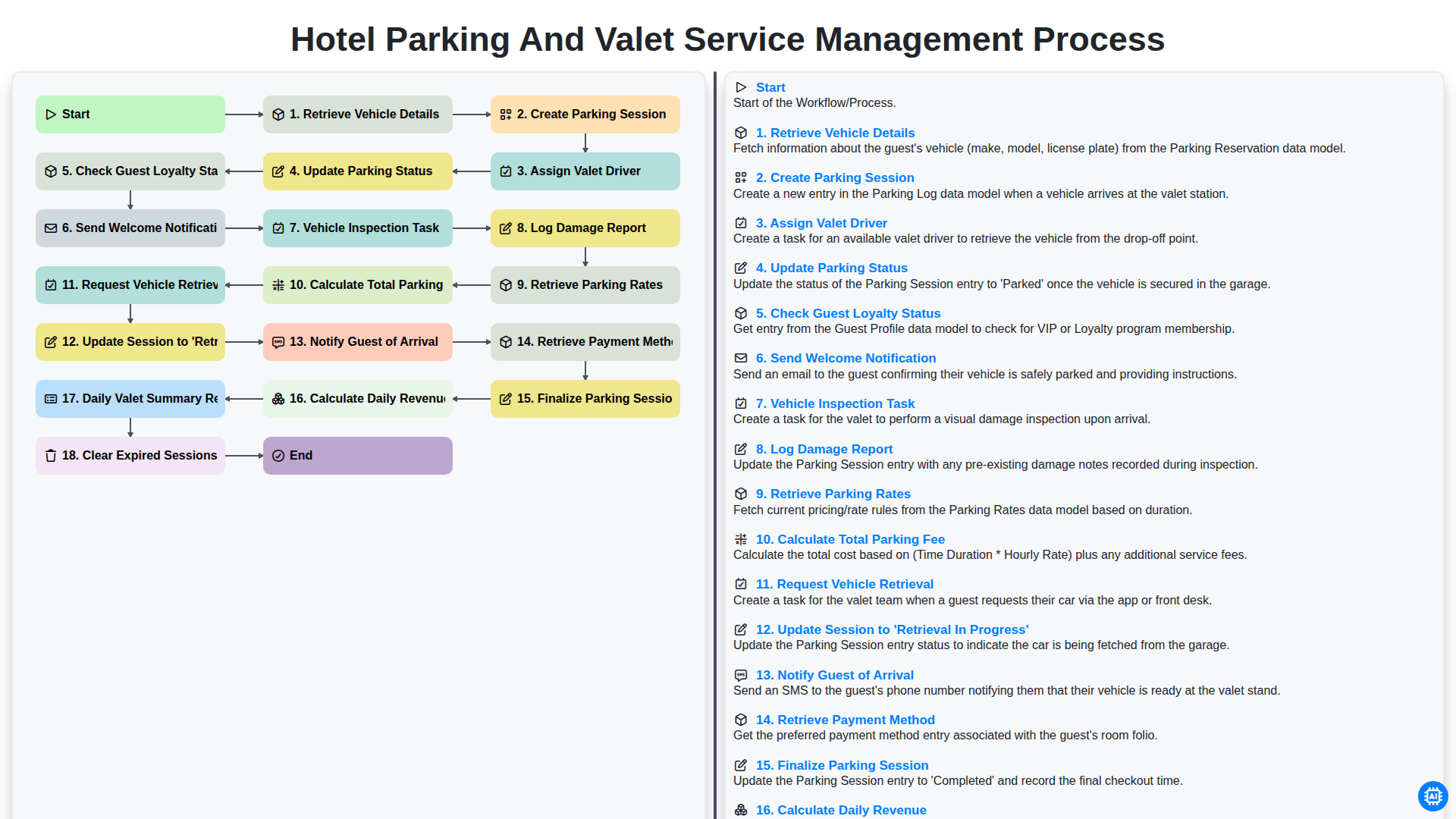
Hotel Parking and Valet Service Management Process

Hotel VIP Guest Arrival and Personalized Service Process

Hotel Staff Onboarding and Training Management Workflow
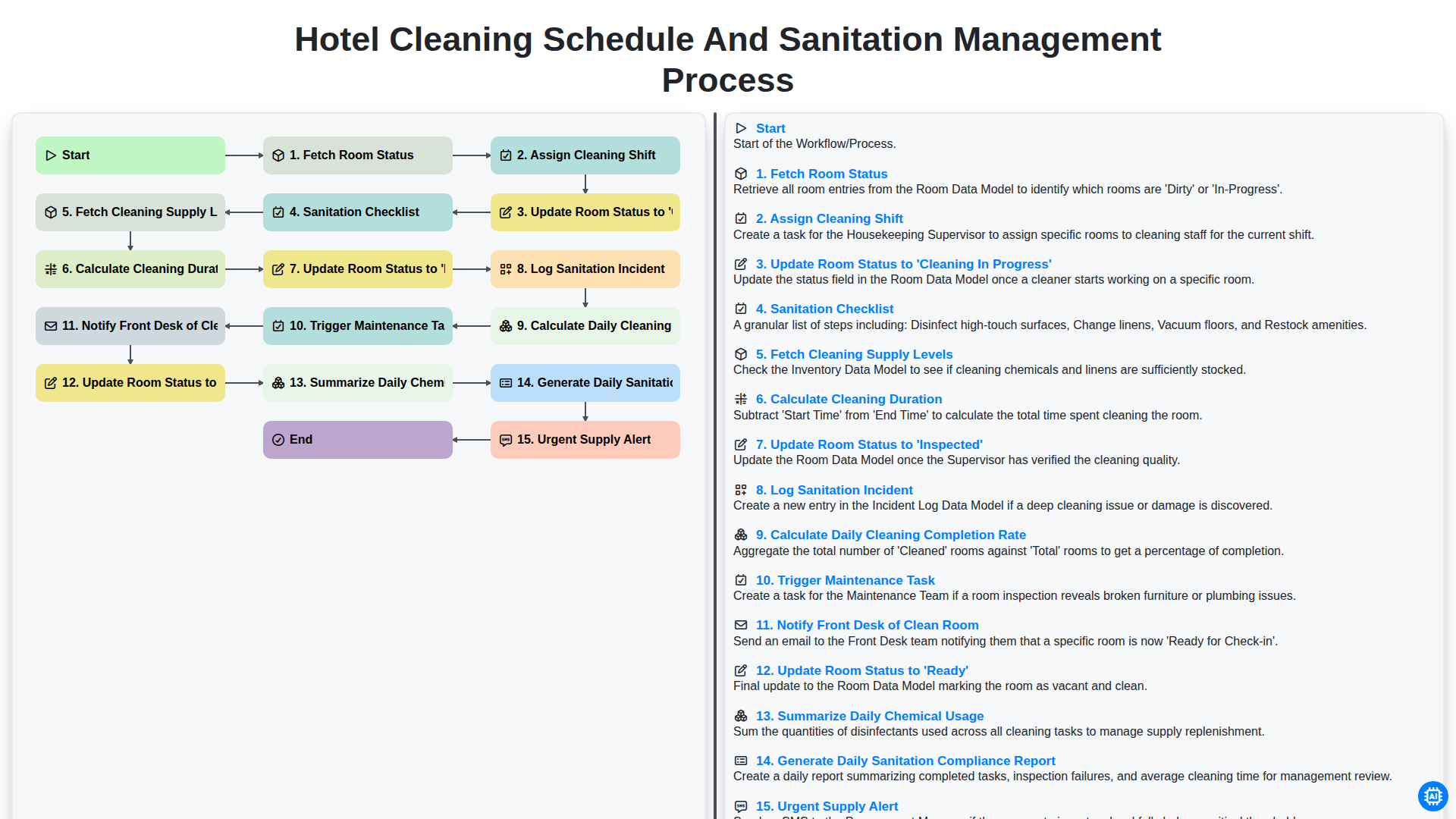
Hotel Cleaning Schedule and Sanitation Management Process

Hotel Group Booking and Room Block Management Workflow
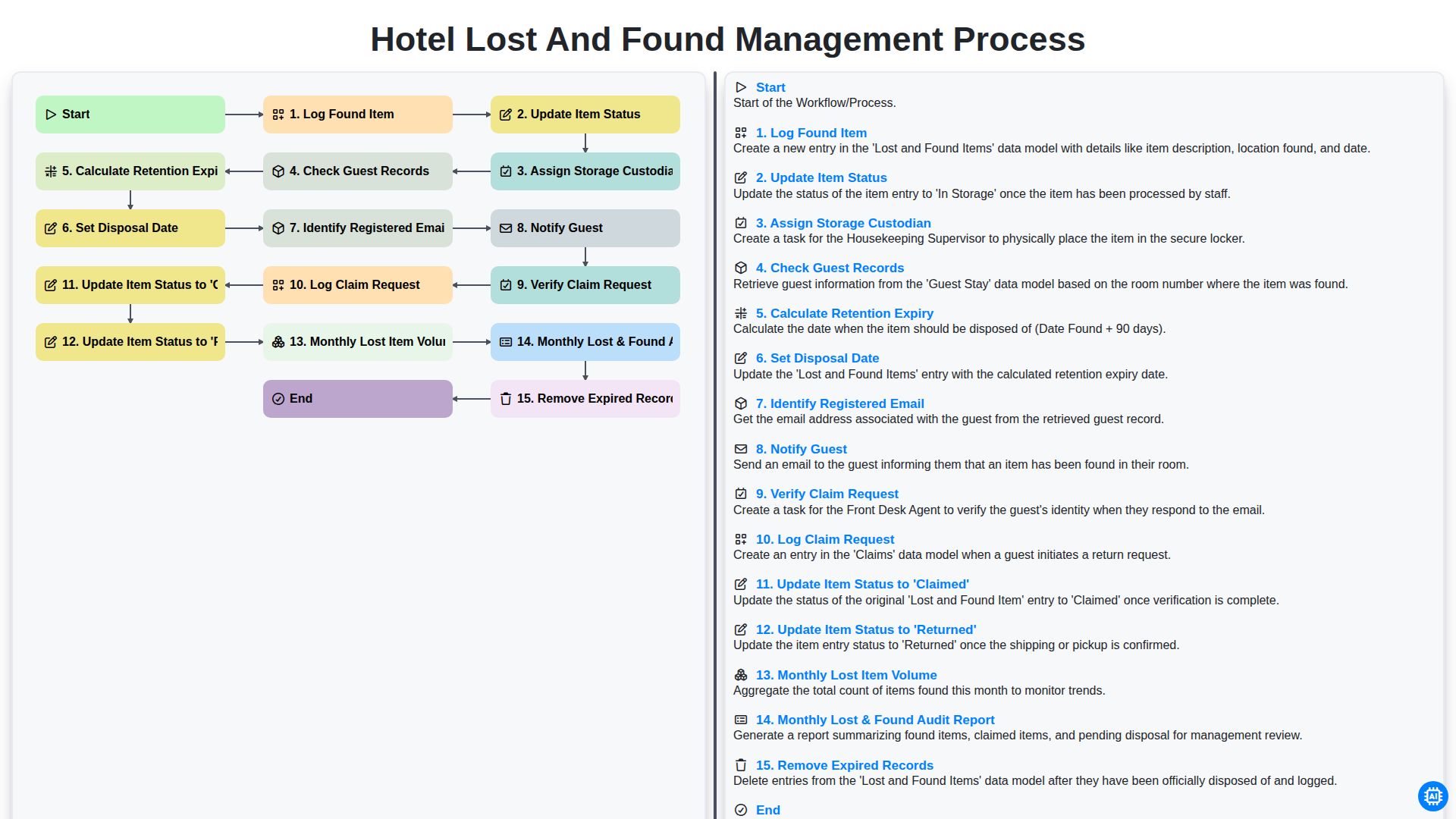
Hotel Lost and Found Management Process
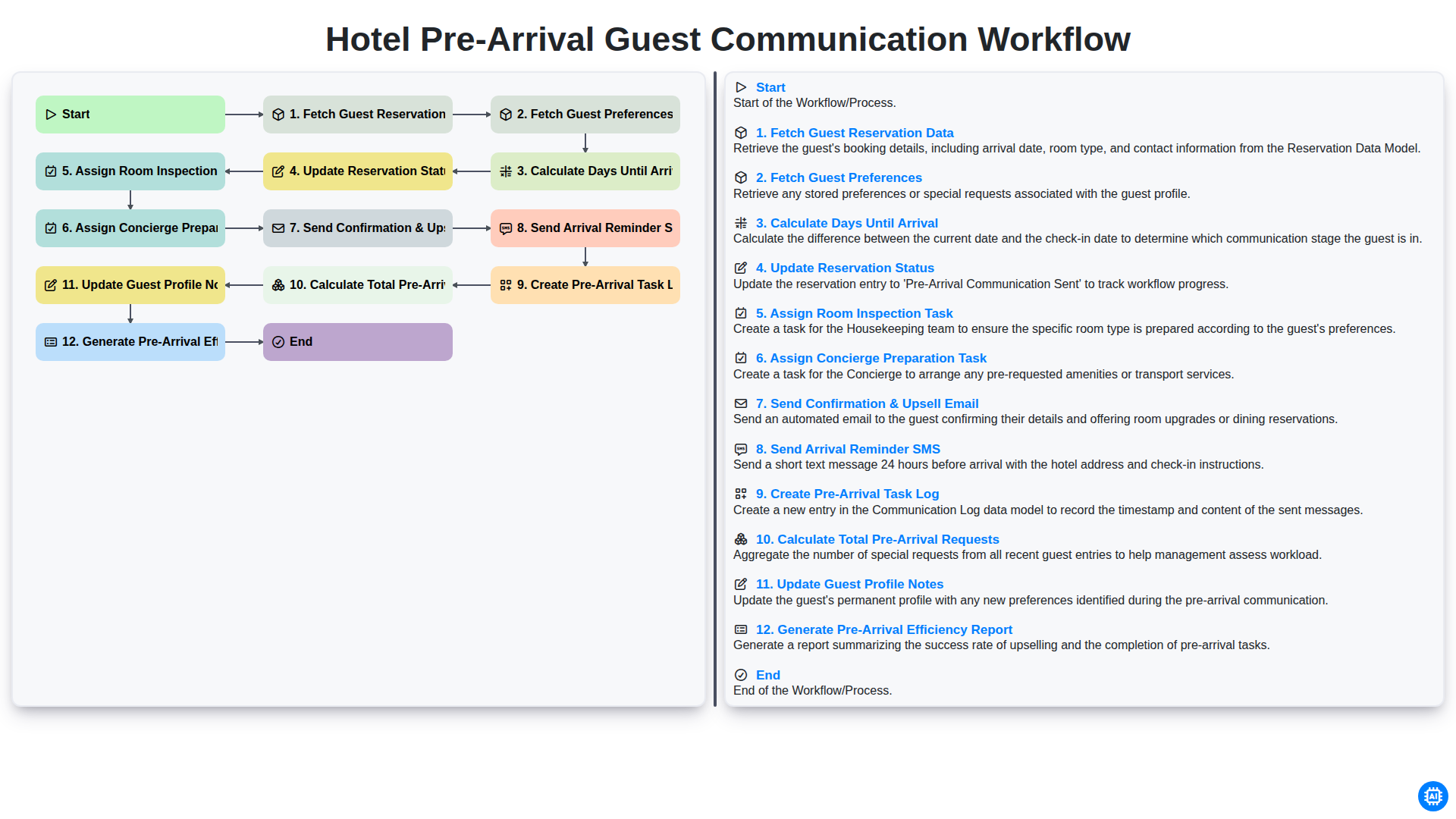
Hotel Pre-Arrival Guest Communication Workflow
Podemos hacerlo juntos
¿Necesita ayuda con las listas de verificación?
¿Tienes alguna pregunta? Estamos aquí para ayudarte. Envía tu consulta y te responderemos a la brevedad.