 ChecklistGuro
 Residential Lease Agreement Generation
Streamline your property management with our automated Residential Lease Agreement Generation workflow. Designed specifically for real estate professionals, this process eliminates manual errors and legal inconsistencies by instantly creating customized, legally-compliant lease contracts tailored to every tenant and property. Accelerate your leasing cycle, protect your assets, and ensure a seamless onboarding experience for new residents with just a few clicks.
Esta plantilla se instaló 3 veces.
Inicio
Inicio del flujo de trabajo/proceso.
1. Get Tenant Application Data
Retrieve all submitted information from the Tenant Application data model.
2. Get Property Details
Retrieve specific details regarding the property (address, rent amount, deposit) from the Property data model.
3. Get Landlord Information
Retrieve contact details and legal name of the property owner/landlord.
4. Calculate Total Move-in Cost
Sum the first month's rent, security deposit, and any applicable admin fees.
5. Create Lease Draft
Generate a new entry in the Lease Agreement data model using the aggregated data.
6. Legal Review Task
Assign a task to the Legal Department to review the generated lease terms for compliance.
7. Document Verification Task
Assign a task to the Leasing Agent to verify tenant identity and background check results.
8. Update Lease Status to 'Reviewing'
Change the status of the Lease Agreement entry to 'Under Review'.
9. Signature Collection Task
Assign a task to the Tenant to sign the lease agreement electronically.
10. Update Lease Status to 'Pending Signature'
Update the Lease Agreement entry status once the draft is approved and sent.
11. Send Lease to Tenant
Send an email to the tenant containing the lease link and instructions for signing.
12. Update Lease Status to 'Signed'
Update the Lease Agreement entry status once all digital signatures are captured.
13. Create Security Deposit Invoice
Create a new entry in the Invoices data model for the security deposit amount.
14. Notify Landlord of Execution
Send an email to the Landlord notifying them that the lease has been fully executed.
15. Update Lease Status to 'Active'
Finalize the lease status to 'Active' and set the commencement date.
16. Generate Monthly Leasing Report
Create a summary report of all newly executed leases for the current month.
Fin
Fin del flujo de trabajo/proceso.
Inicio del flujo de trabajo/proceso.
Retrieve all submitted information from the Tenant Application data model.
Retrieve specific details regarding the property (address, rent amount, deposit) from the Property data model.
Retrieve contact details and legal name of the property owner/landlord.
Sum the first month's rent, security deposit, and any applicable admin fees.
Generate a new entry in the Lease Agreement data model using the aggregated data.
Assign a task to the Legal Department to review the generated lease terms for compliance.
Assign a task to the Leasing Agent to verify tenant identity and background check results.
Change the status of the Lease Agreement entry to 'Under Review'.
Assign a task to the Tenant to sign the lease agreement electronically.
Update the Lease Agreement entry status once the draft is approved and sent.
Send an email to the tenant containing the lease link and instructions for signing.
Update the Lease Agreement entry status once all digital signatures are captured.
Create a new entry in the Invoices data model for the security deposit amount.
Send an email to the Landlord notifying them that the lease has been fully executed.
Finalize the lease status to 'Active' and set the commencement date.
Create a summary report of all newly executed leases for the current month.
Fin del flujo de trabajo/proceso.
¿Le resultó útil esta plantilla de flujo de trabajo?
Comentarios
Aún no hay comentarios. ¡Sé el primero en añadir uno!
Demostración de la Solución de Gestión Inmobiliaria
¡Simplifique sus operaciones inmobiliarias! ChecklistGuro optimiza la gestión de propiedades, las renovaciones de contratos de arrendamiento y las solicitudes de mantenimiento. Mejore la satisfacción de los inquilinos y maximice el retorno de la inversión (ROI). Administre todo con nuestro Work OS.
Plantillas de flujo de trabajo relacionadas
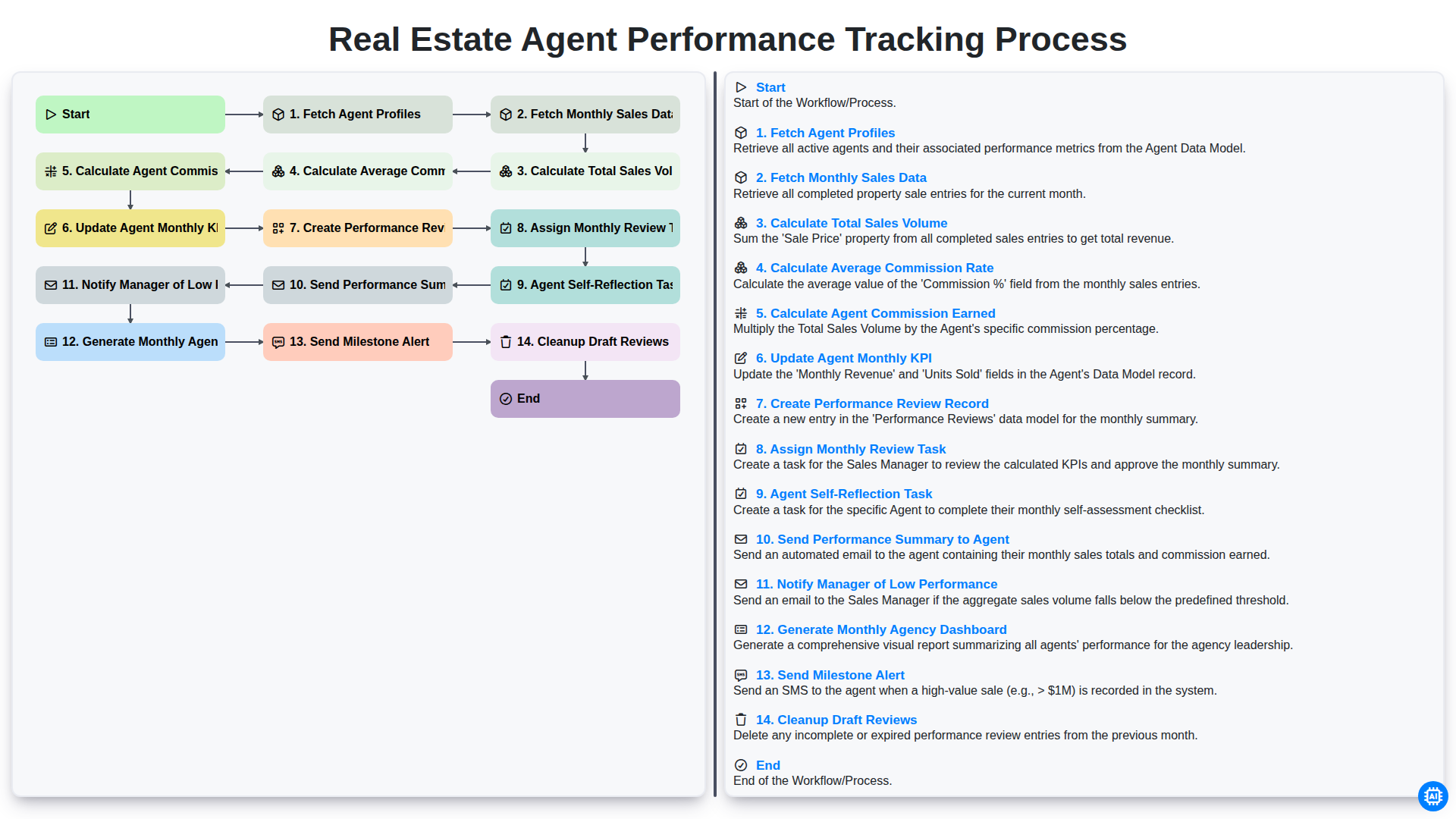
Real Estate Agent Performance Tracking Process
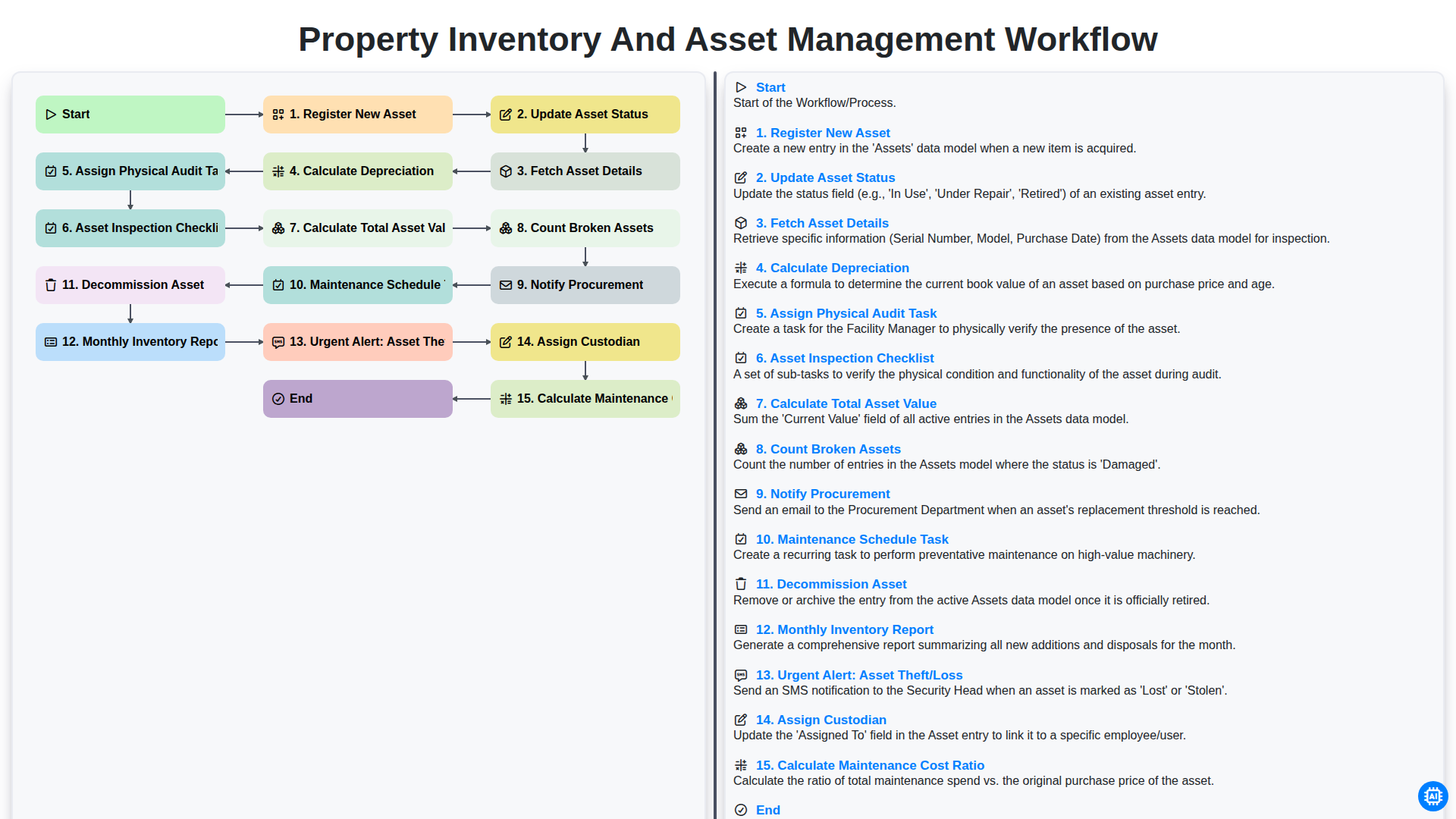
Property Inventory and Asset Management Workflow
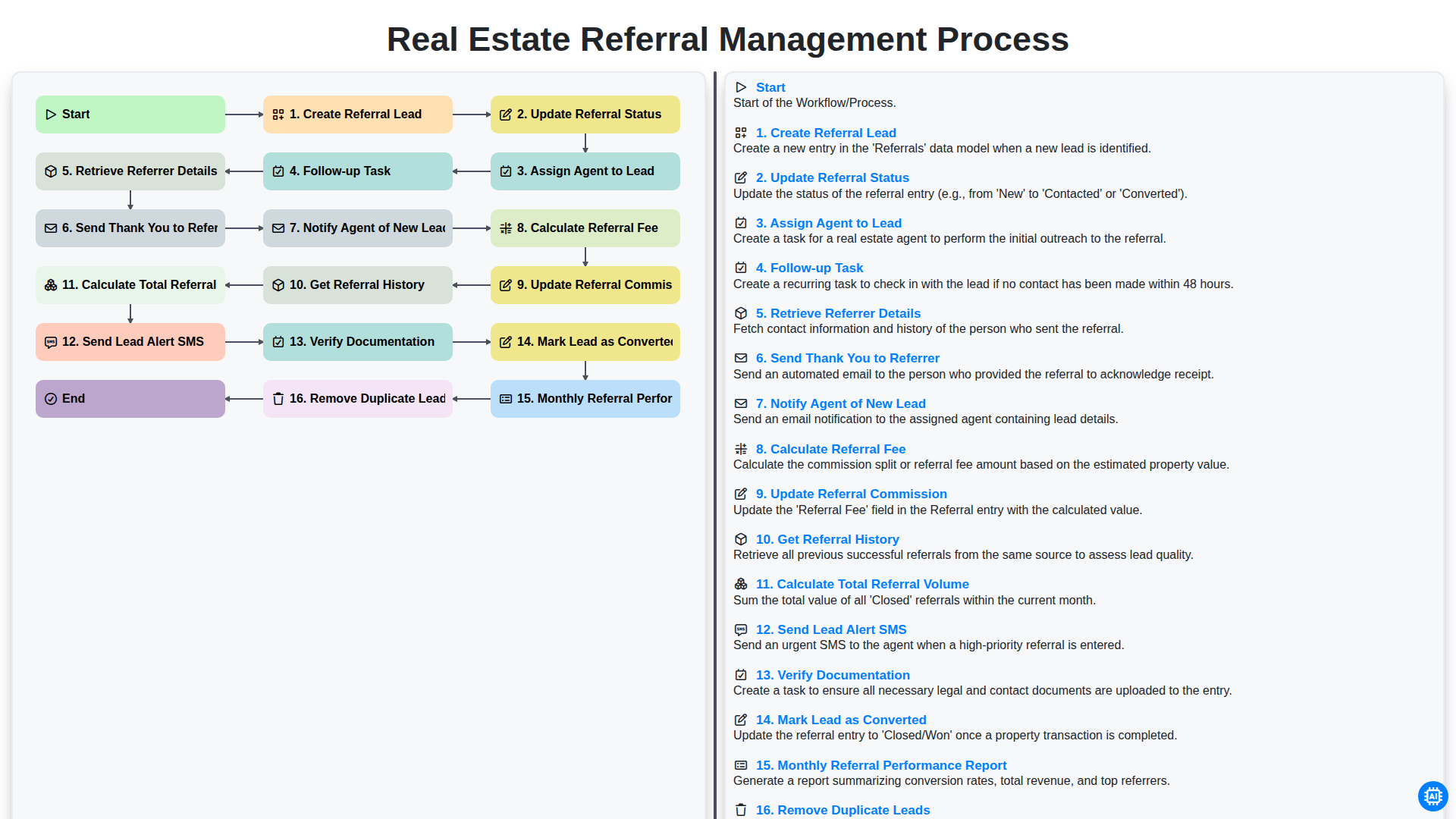
Real Estate Referral Management Process
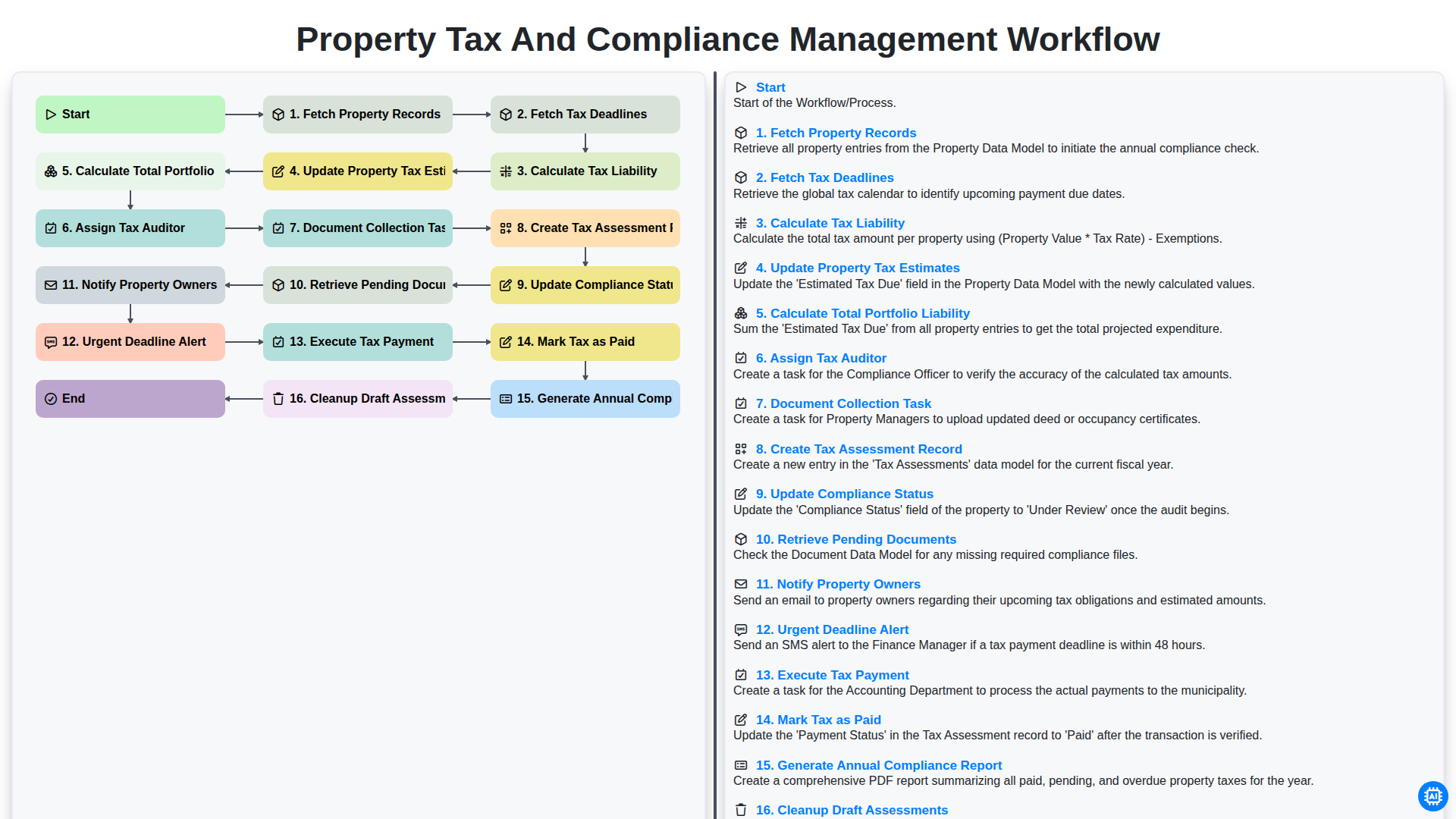
Property Tax and Compliance Management Workflow
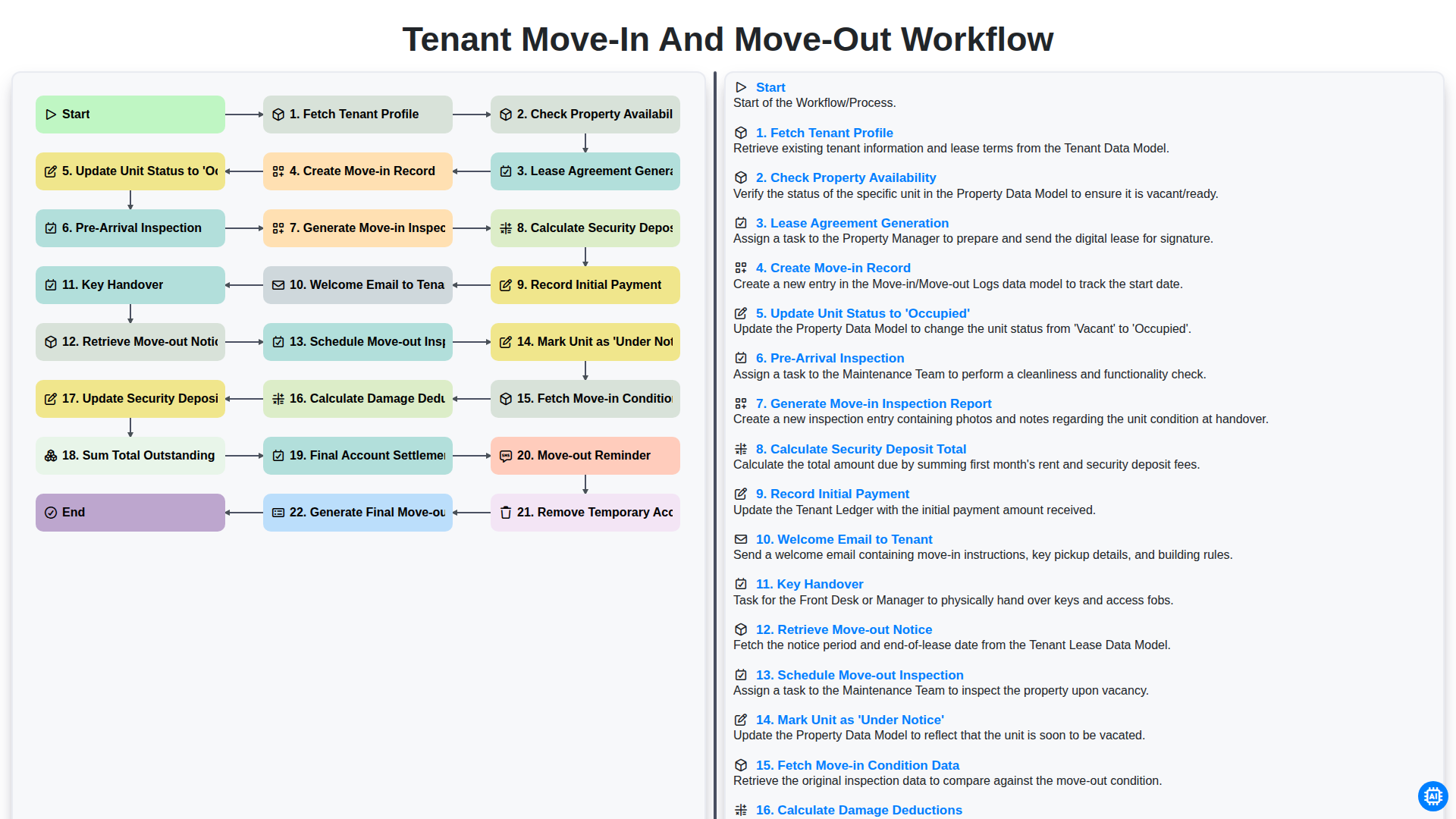
Tenant Move-in and Move-out Workflow
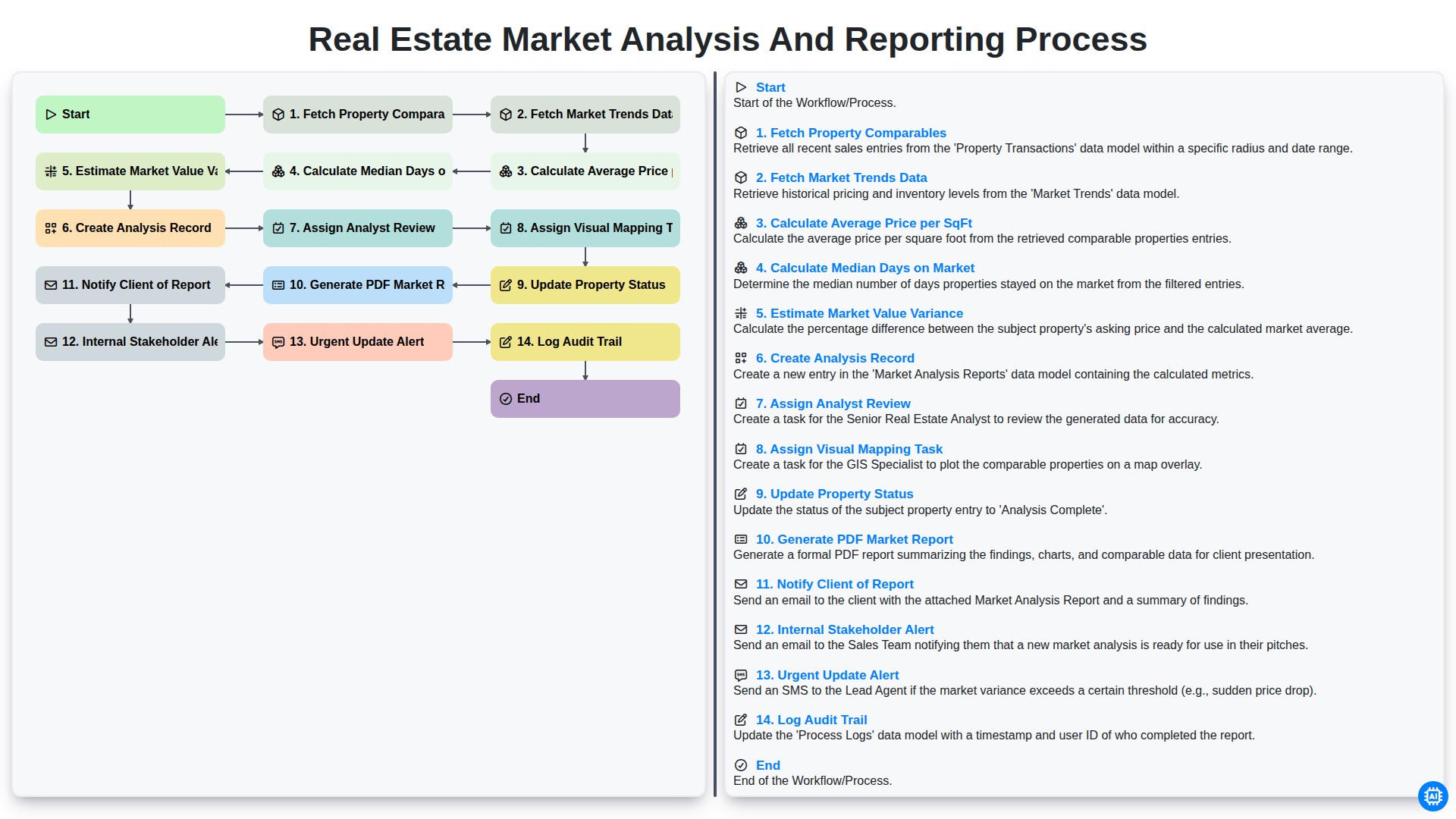
Real Estate Market Analysis and Reporting Process
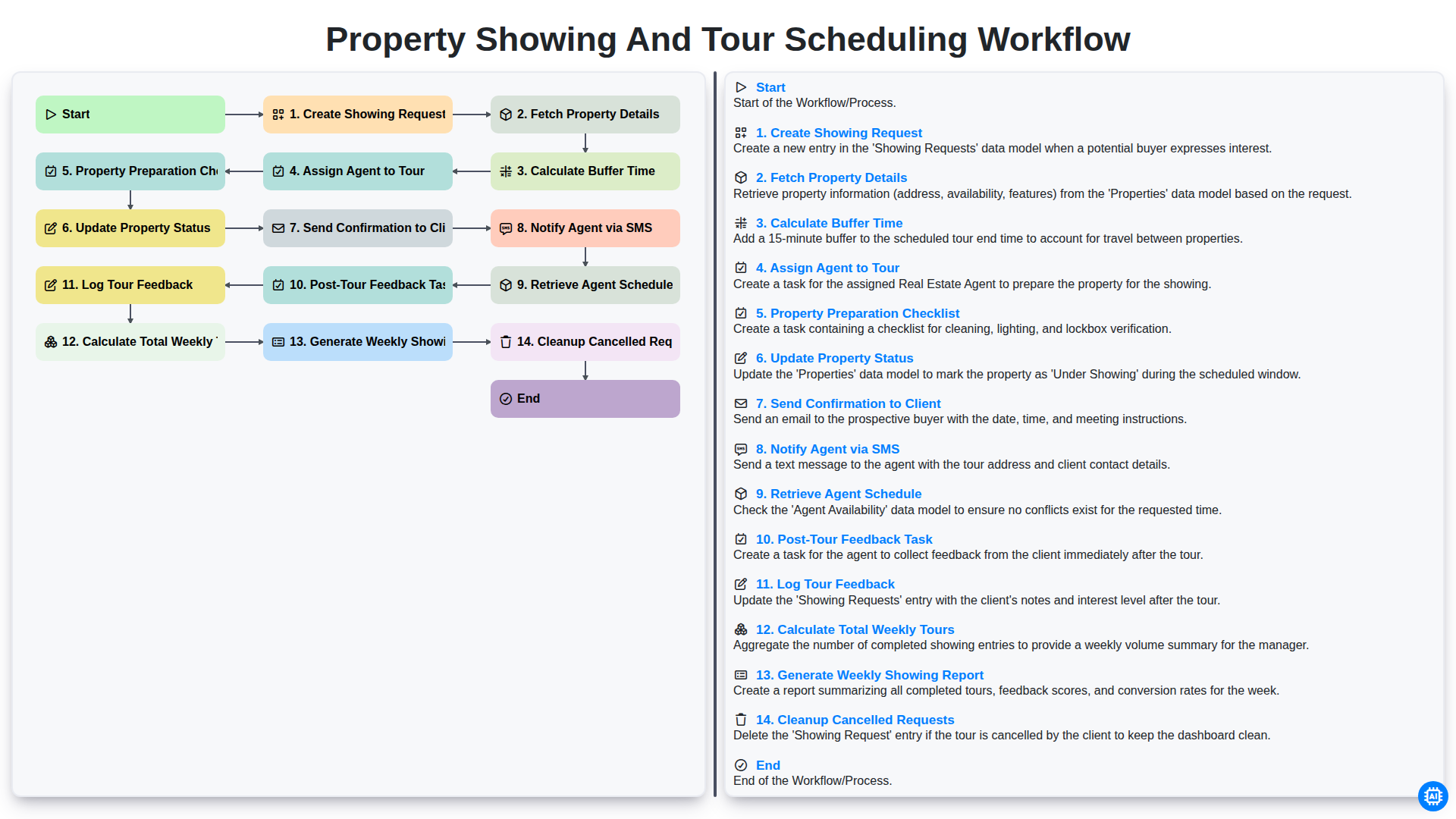
Property Showing and Tour Scheduling Workflow
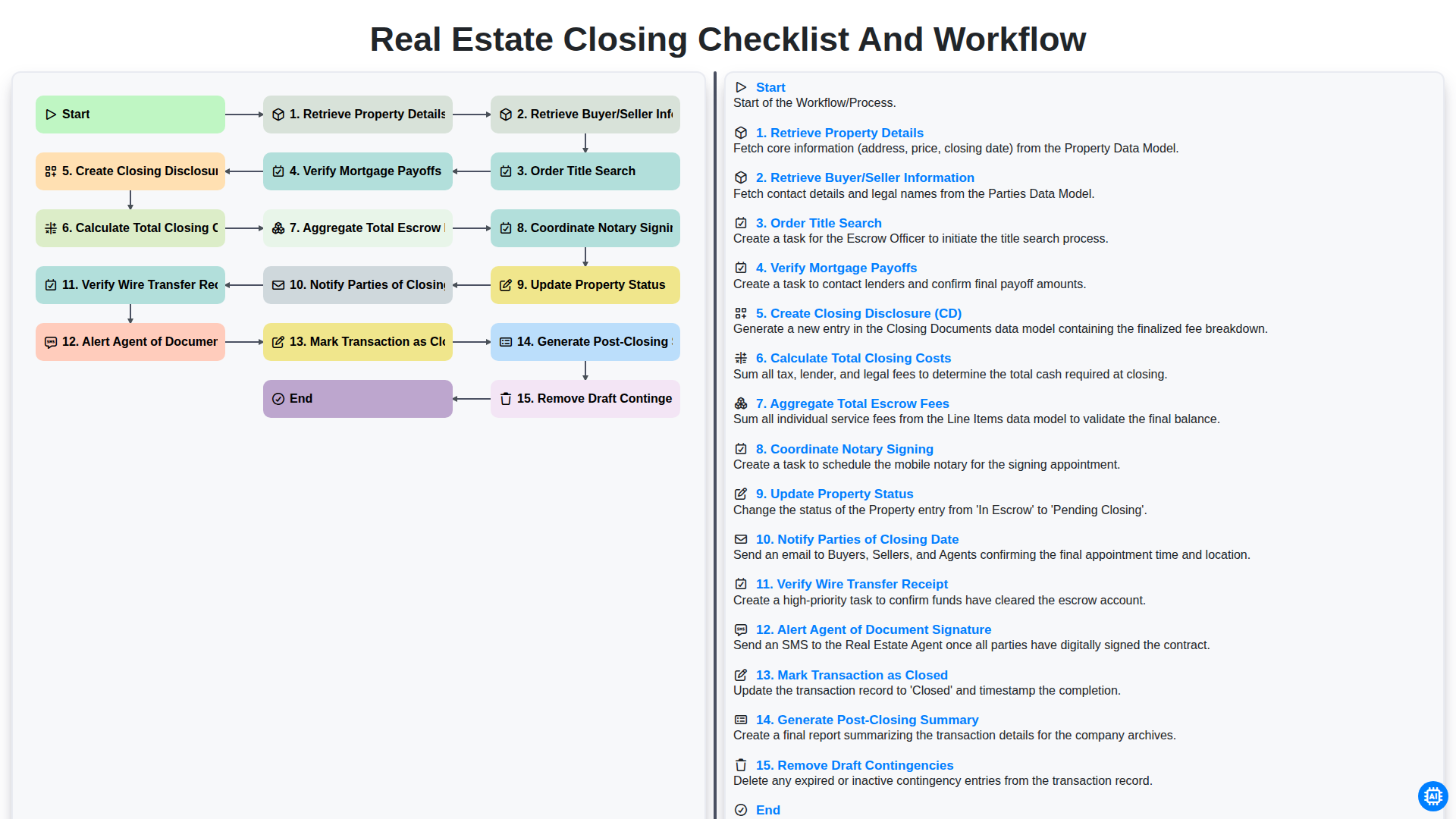
Real Estate Closing Checklist and Workflow
Podemos hacerlo juntos
¿Necesita ayuda con las listas de verificación?
¿Tienes alguna pregunta? Estamos aquí para ayudarte. Envía tu consulta y te responderemos a la brevedad.