 ChecklistGuro
 Automotive Parts Inventory Control
Streamline your garage or dealership operations with our Automotive Parts Inventory Control workflow. Eliminate stockouts, reduce overhead, and master your supply chain with real-time tracking, automated reordering, and precision auditing designed specifically for the fast-paced automotive aftermarket. Optimize every bin and bolt for maximum profitability.
Diese Vorlage wurde 4 Mal installiert.
Start
Start des Workflows/Prozesses.
1. Retrieve Current Stock Levels
Fetch all existing entries from the Parts Inventory Data Model to check current quantities.
2. Check Reorder Thresholds
Retrieve the minimum stock level settings for each part ID to identify items needing replenishment.
3. Calculate Stock Deficit
Subtract current stock quantity from the reorder threshold to determine the number of units needed.
4. Update Part Status to 'Low Stock'
Update the status field in the Parts Data Model for items that have fallen below the threshold.
5. Create Procurement Task
Generate a new task for the Purchasing Manager to initiate a purchase order for low-stock parts.
6. Create Purchase Order Entry
Generate a new entry in the Purchase Orders Data Model containing the required part quantities and estimated costs.
7. Sum Total Procurement Cost
Aggregate the cost values from all new Purchase Order entries to calculate total upcoming expenditure.
8. Notify Vendor
Send an automated email to the supplier with the details of the new purchase order.
9. Assign Receiving Task
Create a task for the Warehouse Clerk to inspect parts upon their physical arrival.
10. Update Inventory on Receipt
Update the 'Quantity on Hand' in the Parts Data Model once the clerk confirms the shipment arrival.
11. Log Inventory Discrepancy
Create an entry in the Discrepancy Log if the received quantity does not match the purchase order quantity.
12. Create Audit Task
Schedule a periodic cycle count task for high-value parts to ensure data accuracy.
13. Generate Monthly Inventory Valuation Report
Create a summary report showing the total value of all stock on hand and total shrinkage recorded.
14. Remove Obsolete Part Records
Delete entries from the Parts Data Model for parts that are officially discontinued and no longer stocked.
15. Urgent Stock Alert
Send an SMS to the Warehouse Supervisor if a critical 'Class A' part reaches zero stock.
Ende
Ende des Arbeitsablaufs/Prozesses.
Start des Workflows/Prozesses.
Fetch all existing entries from the Parts Inventory Data Model to check current quantities.
Retrieve the minimum stock level settings for each part ID to identify items needing replenishment.
Subtract current stock quantity from the reorder threshold to determine the number of units needed.
Update the status field in the Parts Data Model for items that have fallen below the threshold.
Generate a new task for the Purchasing Manager to initiate a purchase order for low-stock parts.
Generate a new entry in the Purchase Orders Data Model containing the required part quantities and estimated costs.
Aggregate the cost values from all new Purchase Order entries to calculate total upcoming expenditure.
Send an automated email to the supplier with the details of the new purchase order.
Create a task for the Warehouse Clerk to inspect parts upon their physical arrival.
Update the 'Quantity on Hand' in the Parts Data Model once the clerk confirms the shipment arrival.
Create an entry in the Discrepancy Log if the received quantity does not match the purchase order quantity.
Schedule a periodic cycle count task for high-value parts to ensure data accuracy.
Create a summary report showing the total value of all stock on hand and total shrinkage recorded.
Delete entries from the Parts Data Model for parts that are officially discontinued and no longer stocked.
Send an SMS to the Warehouse Supervisor if a critical 'Class A' part reaches zero stock.
Ende des Arbeitsablaufs/Prozesses.
Kommentare
Bisher gibt es keine Kommentare. Seien Sie der Erste, der einen hinzufügt!
Demonstration der Lösung für das Management der Automobilproduktion
Optimieren Sie Ihre Automobilproduktion! ChecklistGuro digitalisiert Arbeitsabläufe, von der Teileprüfung bis zum Endtest. Reduzieren Sie Fehler, steigern Sie die Effizienz und stellen Sie die Qualitätskonformität sicher. Erzielen Sie Ergebnisse mit unserer Work OS.
Verwandte Workflow-Vorlagen
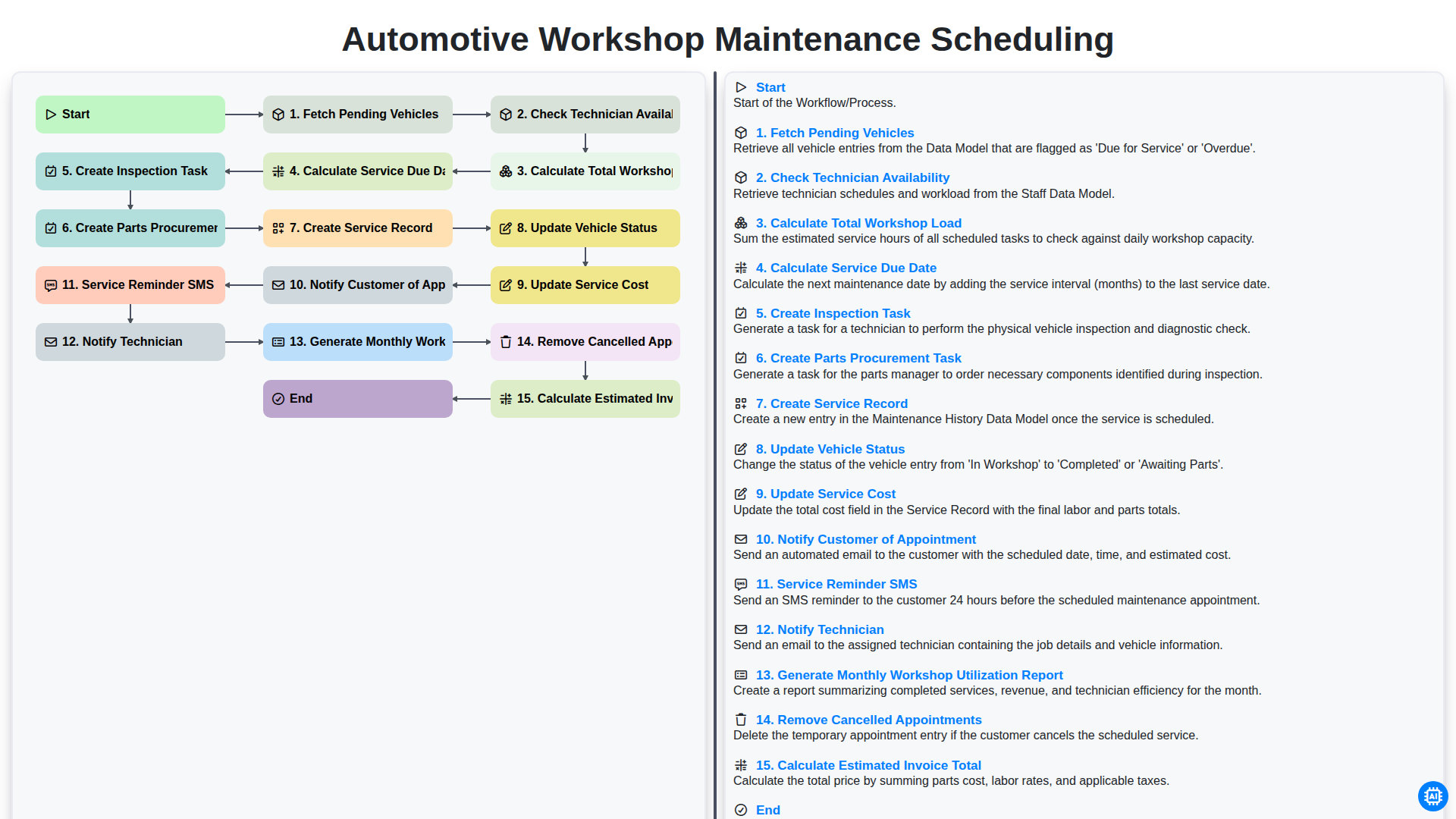
Automotive Workshop Maintenance Scheduling

Automotive Service Appointment Management

Automotive Vehicle Delivery and Handover Process

Automotive Customer Feedback and Survey Process

Automotive Vehicle Trade-In Evaluation Process

Automotive Digital Marketing Lead Workflow
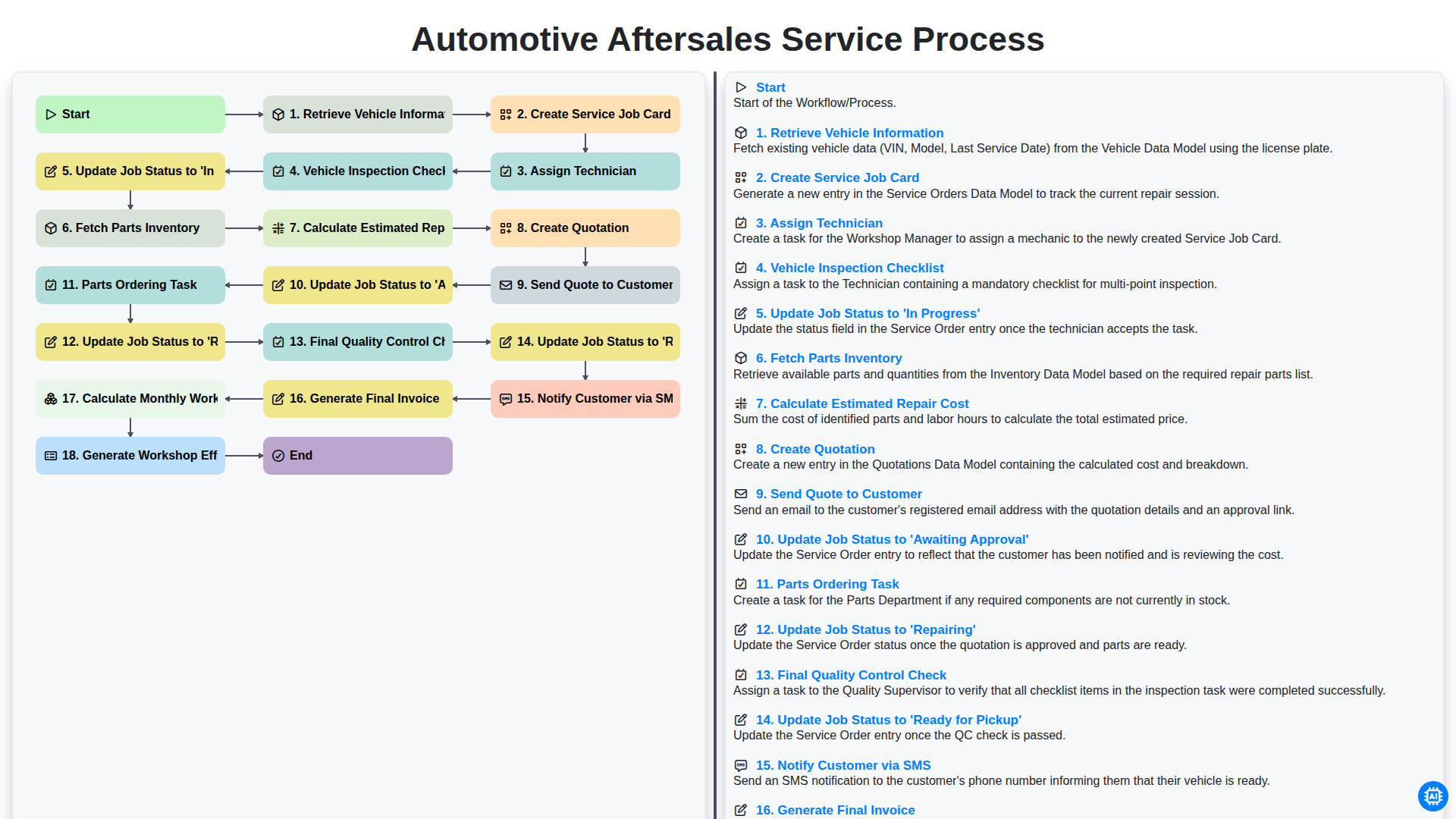
Automotive Aftersales Service Process
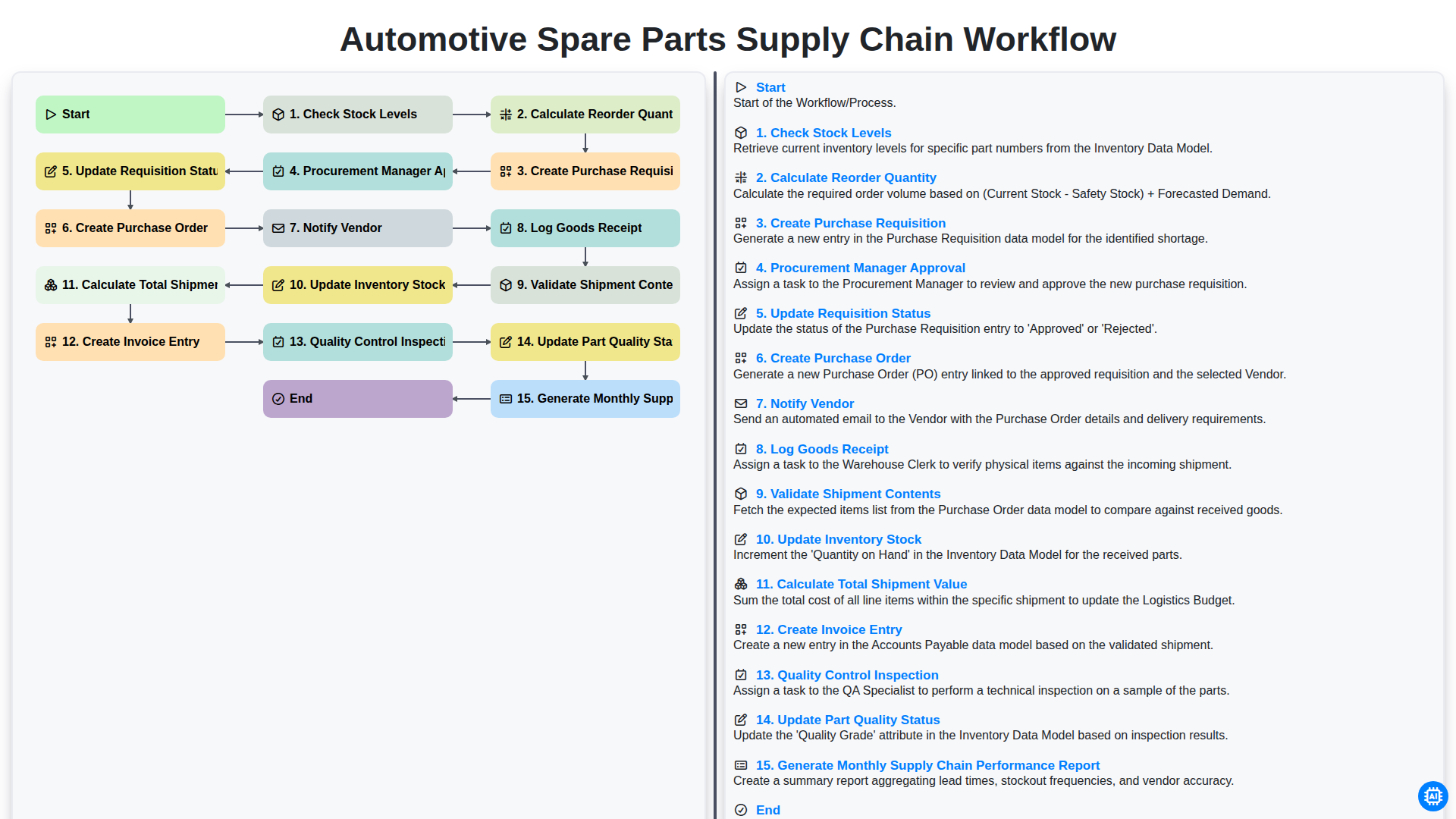
Automotive Spare Parts Supply Chain Workflow
Gemeinsam schaffen wir das
Benötigen Sie Hilfe bei Checklisten?
Haben Sie eine Frage? Wir helfen Ihnen gerne. Bitte senden Sie uns Ihre Anfrage, und wir werden Ihnen umgehend antworten.