 ChecklistGuro
 Automotive Repair Order Management
Streamline your shop's productivity with our Automotive Repair Order Management workflow. Automate the entire lifecycle of a service job-from initial vehicle intake and digital inspection to parts procurement, technician assignment, and seamless invoicing. Eliminate paperwork bottlenecks, reduce human error, and boost customer transparency with real-time status updates and organized digital documentation designed to accelerate turnaround times and maximize shop profitability.
Diese Vorlage wurde 4 Mal installiert.
Start
Start des Workflows/Prozesses.
1. Create Repair Order
Initialize a new Repair Order entry in the Data Model with customer and vehicle details.
2. Fetch Vehicle History
Retrieve previous repair entries from the Data Model linked to the specific VIN or License Plate.
3. Assign Technician
Create a task for the Service Manager to assign a specific mechanic to the Repair Order.
4. Add Parts to Order
Create new entries in the Parts Data Model linked to the active Repair Order.
5. Check Parts Inventory
Retrieve current stock levels from the Parts Data Model to verify availability.
6. Calculate Total Parts Cost
Sum the unit price and quantity of all parts entries linked to the Repair Order.
7. Perform Vehicle Inspection
Create a task for the Technician to complete the multi-point inspection checklist.
8. Update Labor Hours
Update the Repair Order entry with the actual hours worked by the technician.
9. Calculate Total Labor Cost
Multiply the updated labor hours by the predefined hourly shop rate.
10. Calculate Grand Total
Add Total Parts Cost + Total Labor Cost + Tax to determine the final amount due.
11. Calculate Total Order Value
Aggregate all line item entries (parts and labor) to provide a summary total for the invoice.
12. Service Advisor Approval
Create a task for the Service Advisor to review the final costs before notifying the customer.
13. Send Estimate to Customer
Send an automated email to the customer's email address containing the calculated repair estimate.
14. Notify Customer of Completion
Send an SMS to the customer's phone number stating that their vehicle is ready for pickup.
15. Set Order Status to 'Closed'
Update the Repair Order entry status to 'Closed' once payment is confirmed.
16. Generate Invoice
Create a final Invoice entry in the Billing Data Model linked to the closed Repair Order.
17. Daily Revenue Report
Generate a daily summary report showing all closed Repair Orders and total revenue earned.
18. Remove Erroneous Parts Entry
Delete a part entry from the Repair Order if it was added by mistake during the inspection phase.
Ende
Ende des Arbeitsablaufs/Prozesses.
Start des Workflows/Prozesses.
Initialize a new Repair Order entry in the Data Model with customer and vehicle details.
Retrieve previous repair entries from the Data Model linked to the specific VIN or License Plate.
Create a task for the Service Manager to assign a specific mechanic to the Repair Order.
Create new entries in the Parts Data Model linked to the active Repair Order.
Retrieve current stock levels from the Parts Data Model to verify availability.
Sum the unit price and quantity of all parts entries linked to the Repair Order.
Create a task for the Technician to complete the multi-point inspection checklist.
Update the Repair Order entry with the actual hours worked by the technician.
Multiply the updated labor hours by the predefined hourly shop rate.
Add Total Parts Cost + Total Labor Cost + Tax to determine the final amount due.
Aggregate all line item entries (parts and labor) to provide a summary total for the invoice.
Create a task for the Service Advisor to review the final costs before notifying the customer.
Send an automated email to the customer's email address containing the calculated repair estimate.
Send an SMS to the customer's phone number stating that their vehicle is ready for pickup.
Update the Repair Order entry status to 'Closed' once payment is confirmed.
Create a final Invoice entry in the Billing Data Model linked to the closed Repair Order.
Generate a daily summary report showing all closed Repair Orders and total revenue earned.
Delete a part entry from the Repair Order if it was added by mistake during the inspection phase.
Ende des Arbeitsablaufs/Prozesses.
Kommentare
Bisher gibt es keine Kommentare. Seien Sie der Erste, der einen hinzufügt!
Demonstration der Lösung für das Management der Automobilproduktion
Optimieren Sie Ihre Automobilproduktion! ChecklistGuro digitalisiert Arbeitsabläufe, von der Teileprüfung bis zum Endtest. Reduzieren Sie Fehler, steigern Sie die Effizienz und stellen Sie die Qualitätskonformität sicher. Erzielen Sie Ergebnisse mit unserer Work OS.
Verwandte Workflow-Vorlagen
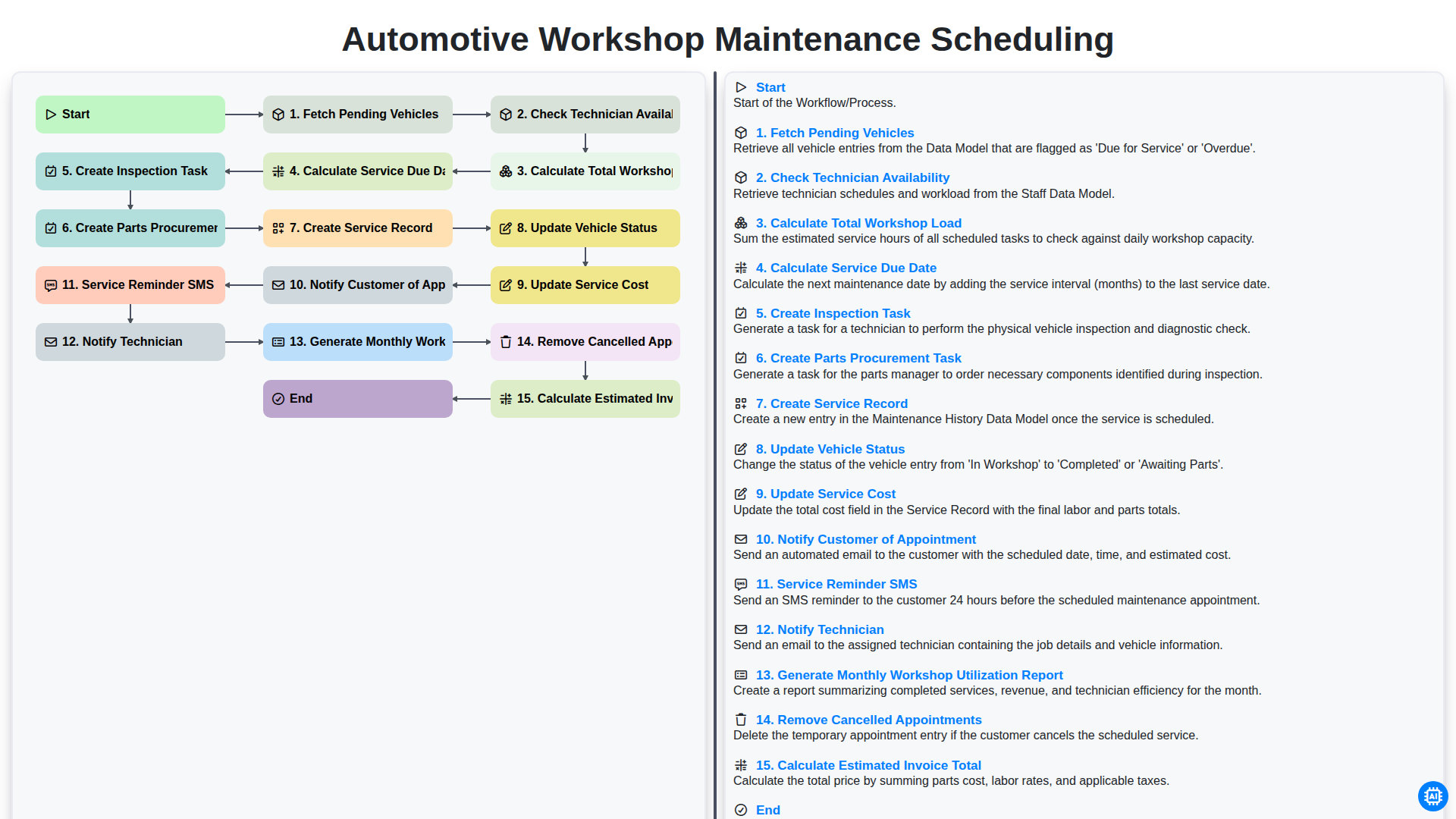
Automotive Workshop Maintenance Scheduling

Automotive Service Appointment Management

Automotive Vehicle Delivery and Handover Process

Automotive Customer Feedback and Survey Process

Automotive Vehicle Trade-In Evaluation Process

Automotive Digital Marketing Lead Workflow
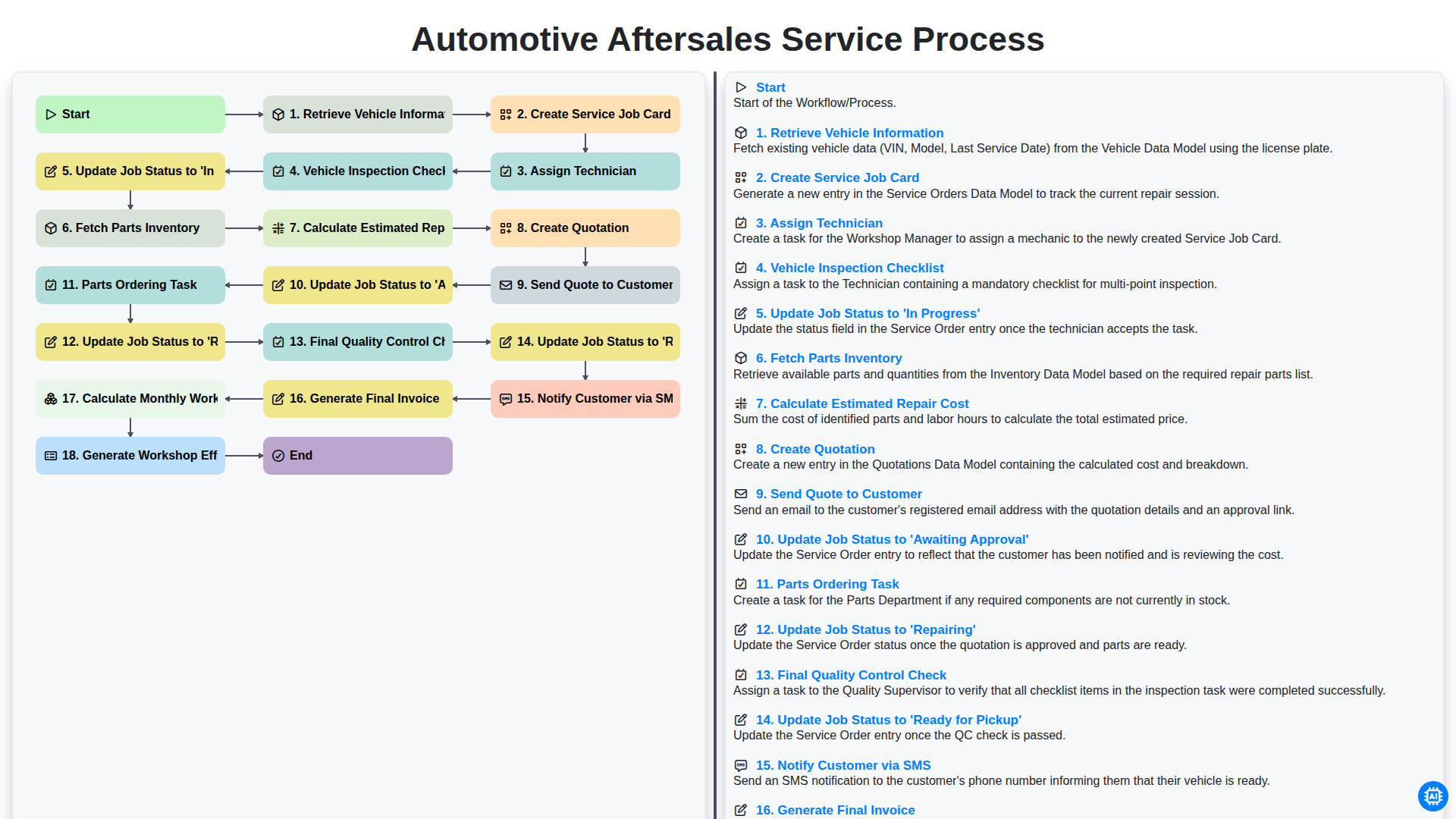
Automotive Aftersales Service Process
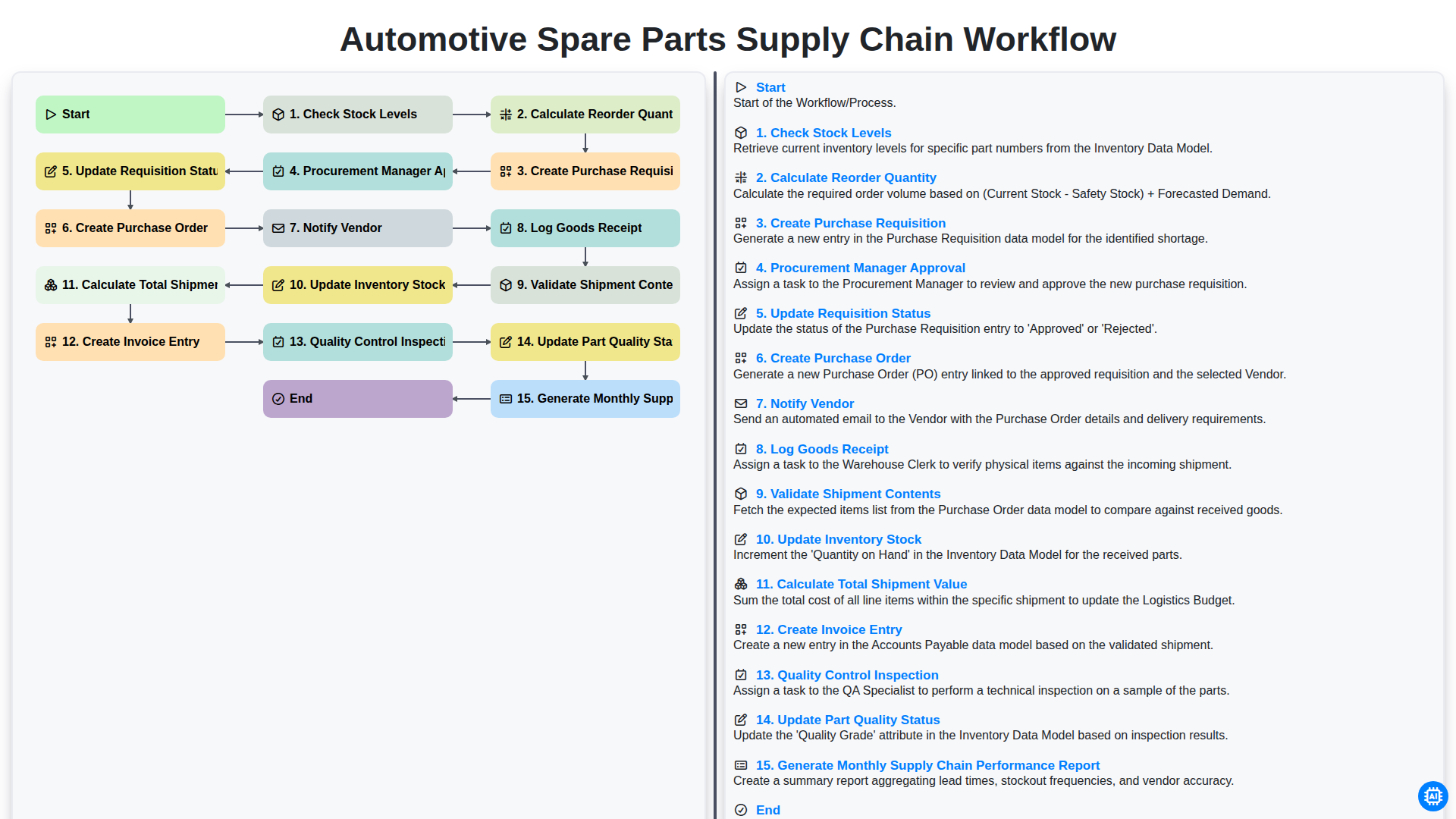
Automotive Spare Parts Supply Chain Workflow
Gemeinsam schaffen wir das
Benötigen Sie Hilfe bei Checklisten?
Haben Sie eine Frage? Wir helfen Ihnen gerne. Bitte senden Sie uns Ihre Anfrage, und wir werden Ihnen umgehend antworten.