 ChecklistGuro
 Decommissioning and Asset Disposal Workflow
Streamline your end-of-life asset management with our comprehensive Decommissioning and Asset Disposal Workflow. Designed specifically for Facility Management professionals, this automated process ensures regulatory compliance, environmental safety, and seamless resource recovery. From initial decommissioning steps to secure data destruction and eco-friendly disposal, optimize your facility's lifecycle management, minimize operational risks, and ensure a transparent, auditable paper trail for every retired asset.
Diese Vorlage wurde 4 Mal installiert.
Start
Start des Workflows/Prozesses.
1. Identify Assets to Decommission
Retrieve all hardware and software assets marked for retirement from the Asset Data Model.
2. Update Asset Status to 'Decommissioning'
Update the status field of the identified assets to reflect they are currently in the disposal process.
3. Perform Data Sanitization
Assign a task to the IT Security Officer to ensure all sensitive data is wiped from the hardware.
4. Verify Data Destruction Logs
Retrieve logs and certificates of destruction associated with the specific asset IDs.
5. Calculate Remaining Book Value
Calculate the current depreciation value of the assets to determine financial write-off amounts.
6. Total Disposal Cost Summation
Sum all costs related to logistics, recycling fees, and labor for the decommission batch.
7. Physical Asset Removal
Create a task for the Facilities Team to physically remove the assets from the server room/office.
8. Create Disposal Certificate
Generate a new entry in the Disposal Logs data model to record the final fate of the assets.
9. Notify Finance Department
Send an email to the Finance team with the summary of assets removed and their final book value.
10. Update Asset Inventory Record
Update the original Asset Data Model to change the status from 'Decommissioning' to 'Disposed'.
11. Remove Temporary Disposal Records
Delete the temporary staging entries used during the transition phase of the workflow.
12. Monthly Asset Disposal Report
Generate a comprehensive report summarizing all assets decommissioned during this period for audit purposes.
Ende
Ende des Arbeitsablaufs/Prozesses.
Start des Workflows/Prozesses.
Retrieve all hardware and software assets marked for retirement from the Asset Data Model.
Update the status field of the identified assets to reflect they are currently in the disposal process.
Assign a task to the IT Security Officer to ensure all sensitive data is wiped from the hardware.
Retrieve logs and certificates of destruction associated with the specific asset IDs.
Calculate the current depreciation value of the assets to determine financial write-off amounts.
Sum all costs related to logistics, recycling fees, and labor for the decommission batch.
Create a task for the Facilities Team to physically remove the assets from the server room/office.
Generate a new entry in the Disposal Logs data model to record the final fate of the assets.
Send an email to the Finance team with the summary of assets removed and their final book value.
Update the original Asset Data Model to change the status from 'Decommissioning' to 'Disposed'.
Delete the temporary staging entries used during the transition phase of the workflow.
Generate a comprehensive report summarizing all assets decommissioned during this period for audit purposes.
Ende des Arbeitsablaufs/Prozesses.
Kommentare
Bisher gibt es keine Kommentare. Seien Sie der Erste, der einen hinzufügt!
Demo der Facility-Management-Lösung
Sorgen Sie dafür, dass Ihre Anlagen reibungslos laufen! ChecklistGuro optimiert Wartung, Inspektionen und das Management von Dienstleistern. Reduzieren Sie Ausfallzeiten, steigern Sie die Effizienz und verbessern Sie die Sicherheit. Verwalten Sie alles mit unserem Work OS.
Verwandte Workflow-Vorlagen

Move Management and Relocation Workflow

Nachhaltigkeitsberichterstattung und ESG-Berichtsprozess

Certificate of Insurance (COI) Tracking Process

Building Automation System (BAS) Monitoring Process

Annual Budgeting and Cost Control Process

Water Management and Leak Detection Process

Waste Management and Recycling Workflow
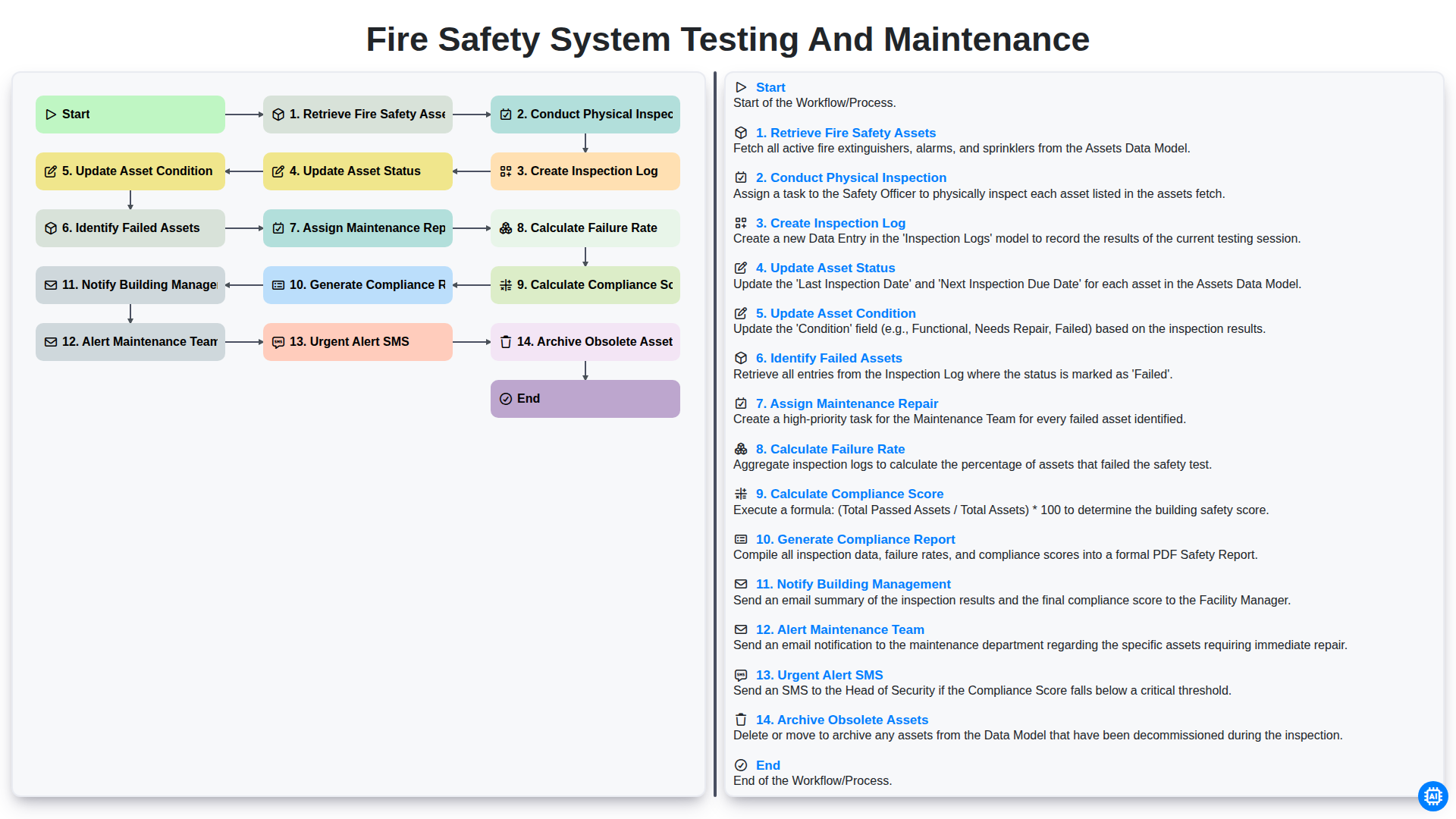
Fire Safety System Testing and Maintenance
Gemeinsam schaffen wir das
Benötigen Sie Hilfe bei Checklisten?
Haben Sie eine Frage? Wir helfen Ihnen gerne. Bitte senden Sie uns Ihre Anfrage, und wir werden Ihnen umgehend antworten.