 ChecklistGuro
 Nachhaltigkeitsberichterstattung und ESG-Berichtsprozess
Optimieren Sie die Erfassung und Auswertung Ihrer Umweltauswirkungen mit unserem Workflow für Nachhaltigkeits- und ESG-Berichte. Dieser speziell für das Facility Management entwickelte, automatisierte Prozess vereinfacht die Datenerfassung, überwacht den Energieverbrauch und gewährleistet die Einhaltung globaler ESG-Standards. Verbessern Sie Ihre Berichterstattung über den CO₂-Fußabdruck, automatisieren Sie die Nachverfolgung von Prüfungen und wandeln Sie komplexe Facility-Daten in aussagekräftige Erkenntnisse für eine nachhaltige Entwicklung um, um langfristige Unternehmensverantwortung und betriebliche Effizienz zu fördern.
Diese Vorlage wurde 2 Mal installiert.
Start
Start des Workflows/Prozesses.
1. Jährliche Umweltdaten abrufen
Rufen Sie die Rohdaten zu Energieverbrauch, Wasserverbrauch und Abfallmengen aus dem Umweltdatenmodell für das laufende Geschäftsjahr ab.
2. Gesamt-CO₂-Fußabdruck berechnen
Addieren Sie die CO2e-Werte aller ermittelten Einträge für Energie und Brennstoffe, um die gesamten Emissionen der Bereiche 1 und 2 zu berechnen.
3. Entwurf für den ESG-Bericht erstellen
Erstellen Sie einen neuen Eintrag im Datenmodell „ESG-Berichte“, der die berechneten Emissionen und die zugehörigen Zeitrauminformationen enthält.
4. Datenüberprüfungsaufgabe zuweisen
Erstellen Sie eine Aufgabe für den Nachhaltigkeitsbeauftragten, damit dieser die Richtigkeit der zusammengefassten Daten zur CO₂-Bilanz überprüft.
5. Emissionsintensität berechnen
Dividieren Sie den gesamten CO₂-Fußabdruck durch den Gesamtumsatz (aus dem Finanzdatenmodell), um das Verhältnis der CO₂-Intensität zu ermitteln.
6. Abruf der Compliance-Anforderungen
Rufen Sie die aktuellste Liste der einzuhaltenden Vorschriften und die geltenden Berichtstandards aus dem Datenmodell „Regulierungsrahmen“ ab.
7. Aufgabe für die Compliance-Prüfung erstellen
Erstellen Sie eine Aufgabe für das Rechtsreferat, um sicherzustellen, dass der Bericht die geltenden regulatorischen Anforderungen erfüllt.
8. Aktualisieren Sie den Status des Berichts auf „In Bearbeitung“.
Aktualisieren Sie das Statusfeld des ESG-Berichts, um anzuzeigen, dass der Verifizierungsprozess begonnen hat.
9. Zusammenfassenden Bericht für die Geschäftsleitung erstellen
Erstellen Sie einen formalen PDF-/Visuellen Bericht, der die Ergebnisse, zusammengefassten Daten und den Compliance-Status für die relevanten Interessengruppen darstellt.
10. Informieren Sie die Interessengruppen über die Verfügbarkeit des Entwurfs.
Senden Sie eine E-Mail an den Verwaltungsrat und den Ausschuss für Nachhaltigkeit, um ihnen mitzuteilen, dass der Entwurf des Berichts zur Überprüfung bereitsteht.
11. Den ESG-Bericht fertigstellen.
Aktualisieren Sie den Status des Eintreags im ESG-Bericht auf „Veröffentlicht“ und fügen Sie einen Zeitstempel für den Zeitpunkt der Fertigstellung hinzu.
12. Archiveintrag erstellen
Erstellen Sie einen Eintrag im Datenmodell „Historische Archive“, um den endgültigen Bericht zu speichern und ihn für Vergleiche über verschiedene Jahre zu verwenden.
13. Alarmierungs- und Einsatzleiter
Senden Sie eine SMS an den Betriebsleiter, falls die Summe der Emissionen den vordefinierten Grenzwert (Zielabweichung) überschreitet.
14. Doppelte Dateneinträge entfernen
Löschen Sie alle doppelten oder fehlerhaften Dateneinträge, die während der Überprüfung festgestellt wurden.
Ende
Ende des Arbeitsablaufs/Prozesses.
Start des Workflows/Prozesses.
Rufen Sie die Rohdaten zu Energieverbrauch, Wasserverbrauch und Abfallmengen aus dem Umweltdatenmodell für das laufende Geschäftsjahr ab.
Addieren Sie die CO2e-Werte aller ermittelten Einträge für Energie und Brennstoffe, um die gesamten Emissionen der Bereiche 1 und 2 zu berechnen.
Erstellen Sie einen neuen Eintrag im Datenmodell „ESG-Berichte“, der die berechneten Emissionen und die zugehörigen Zeitrauminformationen enthält.
Erstellen Sie eine Aufgabe für den Nachhaltigkeitsbeauftragten, damit dieser die Richtigkeit der zusammengefassten Daten zur CO₂-Bilanz überprüft.
Dividieren Sie den gesamten CO₂-Fußabdruck durch den Gesamtumsatz (aus dem Finanzdatenmodell), um das Verhältnis der CO₂-Intensität zu ermitteln.
Rufen Sie die aktuellste Liste der einzuhaltenden Vorschriften und die geltenden Berichtstandards aus dem Datenmodell „Regulierungsrahmen“ ab.
Erstellen Sie eine Aufgabe für das Rechtsreferat, um sicherzustellen, dass der Bericht die geltenden regulatorischen Anforderungen erfüllt.
Aktualisieren Sie das Statusfeld des ESG-Berichts, um anzuzeigen, dass der Verifizierungsprozess begonnen hat.
Erstellen Sie einen formalen PDF-/Visuellen Bericht, der die Ergebnisse, zusammengefassten Daten und den Compliance-Status für die relevanten Interessengruppen darstellt.
Senden Sie eine E-Mail an den Verwaltungsrat und den Ausschuss für Nachhaltigkeit, um ihnen mitzuteilen, dass der Entwurf des Berichts zur Überprüfung bereitsteht.
Aktualisieren Sie den Status des Eintreags im ESG-Bericht auf „Veröffentlicht“ und fügen Sie einen Zeitstempel für den Zeitpunkt der Fertigstellung hinzu.
Erstellen Sie einen Eintrag im Datenmodell „Historische Archive“, um den endgültigen Bericht zu speichern und ihn für Vergleiche über verschiedene Jahre zu verwenden.
Senden Sie eine SMS an den Betriebsleiter, falls die Summe der Emissionen den vordefinierten Grenzwert (Zielabweichung) überschreitet.
Löschen Sie alle doppelten oder fehlerhaften Dateneinträge, die während der Überprüfung festgestellt wurden.
Ende des Arbeitsablaufs/Prozesses.
Kommentare
Bisher gibt es keine Kommentare. Seien Sie der Erste, der einen hinzufügt!
Demo der Facility-Management-Lösung
Sorgen Sie dafür, dass Ihre Anlagen reibungslos laufen! ChecklistGuro optimiert Wartung, Inspektionen und das Management von Dienstleistern. Reduzieren Sie Ausfallzeiten, steigern Sie die Effizienz und verbessern Sie die Sicherheit. Verwalten Sie alles mit unserem Work OS.
Verwandte Workflow-Vorlagen

Move Management and Relocation Workflow

Certificate of Insurance (COI) Tracking Process

Building Automation System (BAS) Monitoring Process

Decommissioning and Asset Disposal Workflow

Annual Budgeting and Cost Control Process

Water Management and Leak Detection Process

Waste Management and Recycling Workflow
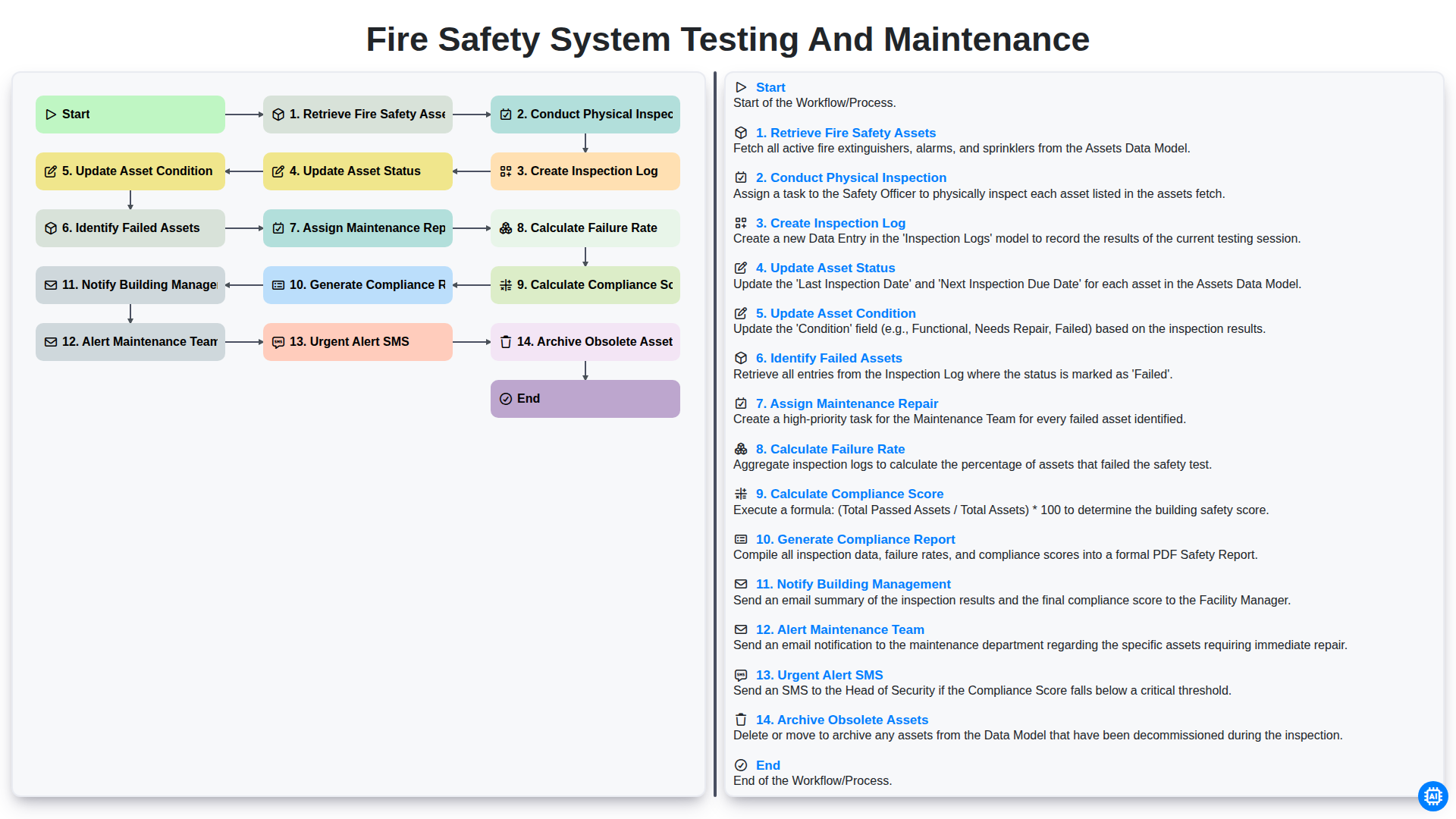
Fire Safety System Testing and Maintenance
Gemeinsam schaffen wir das
Benötigen Sie Hilfe bei Checklisten?
Haben Sie eine Frage? Wir helfen Ihnen gerne. Bitte senden Sie uns Ihre Anfrage, und wir werden Ihnen umgehend antworten.