 ChecklistGuro
 Dead Stock Identification and Disposal Process
Optimize your warehouse efficiency with our Dead Stock Identification and Disposal Process. Learn how to proactively detect obsolete inventory, minimize carrying costs, and implement strategic liquidation workflows to reclaim valuable space and boost your bottom line.
Diese Vorlage wurde 5 Mal installiert.
Start
Start des Workflows/Prozesses.
1. Fetch Inventory Records
Retrieve all stock entries from the Inventory Data Model to begin the audit.
2. Calculate Days in Stock
Calculate the age of each inventory item by subtracting the 'Last Sale Date' from the 'Current Date'.
3. Sum Total Value of Aged Stock
Aggregate the 'Unit Cost' of all items identified as dead stock to determine the total financial impact.
4. Flag Items as 'Under Review'
Update the status of identified items in the Inventory Data Model to 'Review Pending'.
5. Assign Stock Audit Task
Create a task for the Warehouse Manager to physically verify the existence and condition of the flagged items.
6. Fetch Audit Results
Retrieve the completed audit logs and condition notes entered by the Warehouse Manager.
7. Determine Disposal Category
Use logic to categorize items into 'Liquidate', 'Donate', or 'Destroy' based on condition and age.
8. Create Disposal Order
Generate a new entry in the Disposal Orders Data Model for all items marked for removal.
9. Notify Finance Department
Send an email to the Finance Team with the aggregated total value of stock to be written off.
10. Execute Disposal Execution
Create a task for the Logistics Team to physically remove items from the warehouse.
11. Update Inventory Quantity
Reduce the 'On Hand' quantity in the Inventory Data Model for all disposed items.
12. Remove Obsolete SKUs
Delete entries from the Inventory Data Model for items that are completely destroyed and have no future value.
13. Generate Monthly Dead Stock Report
Create a summary report showing the total value recovered and total loss incurred during the process.
14. Send Completion Summary
Send a final email to Stakeholders confirming the successful completion of the disposal cycle.
Ende
Ende des Arbeitsablaufs/Prozesses.
Start des Workflows/Prozesses.
Retrieve all stock entries from the Inventory Data Model to begin the audit.
Calculate the age of each inventory item by subtracting the 'Last Sale Date' from the 'Current Date'.
Aggregate the 'Unit Cost' of all items identified as dead stock to determine the total financial impact.
Update the status of identified items in the Inventory Data Model to 'Review Pending'.
Create a task for the Warehouse Manager to physically verify the existence and condition of the flagged items.
Retrieve the completed audit logs and condition notes entered by the Warehouse Manager.
Use logic to categorize items into 'Liquidate', 'Donate', or 'Destroy' based on condition and age.
Generate a new entry in the Disposal Orders Data Model for all items marked for removal.
Send an email to the Finance Team with the aggregated total value of stock to be written off.
Create a task for the Logistics Team to physically remove items from the warehouse.
Reduce the 'On Hand' quantity in the Inventory Data Model for all disposed items.
Delete entries from the Inventory Data Model for items that are completely destroyed and have no future value.
Create a summary report showing the total value recovered and total loss incurred during the process.
Send a final email to Stakeholders confirming the successful completion of the disposal cycle.
Ende des Arbeitsablaufs/Prozesses.
Kommentare
Bisher gibt es keine Kommentare. Seien Sie der Erste, der einen hinzufügt!
Demonstration der Lösung für das Bestandsmanagement
Optimieren Sie Ihre Bestände und steigern Sie die Rentabilität! ChecklistGuro optimiert die Verfolgung, Bestellung und Auslieferung. Reduzieren Sie Abfall, minimieren Sie Lieferengpässe und verbessern Sie die Effizienz. Verwalten Sie alles mit unserer Work OS.
Verwandte Workflow-Vorlagen
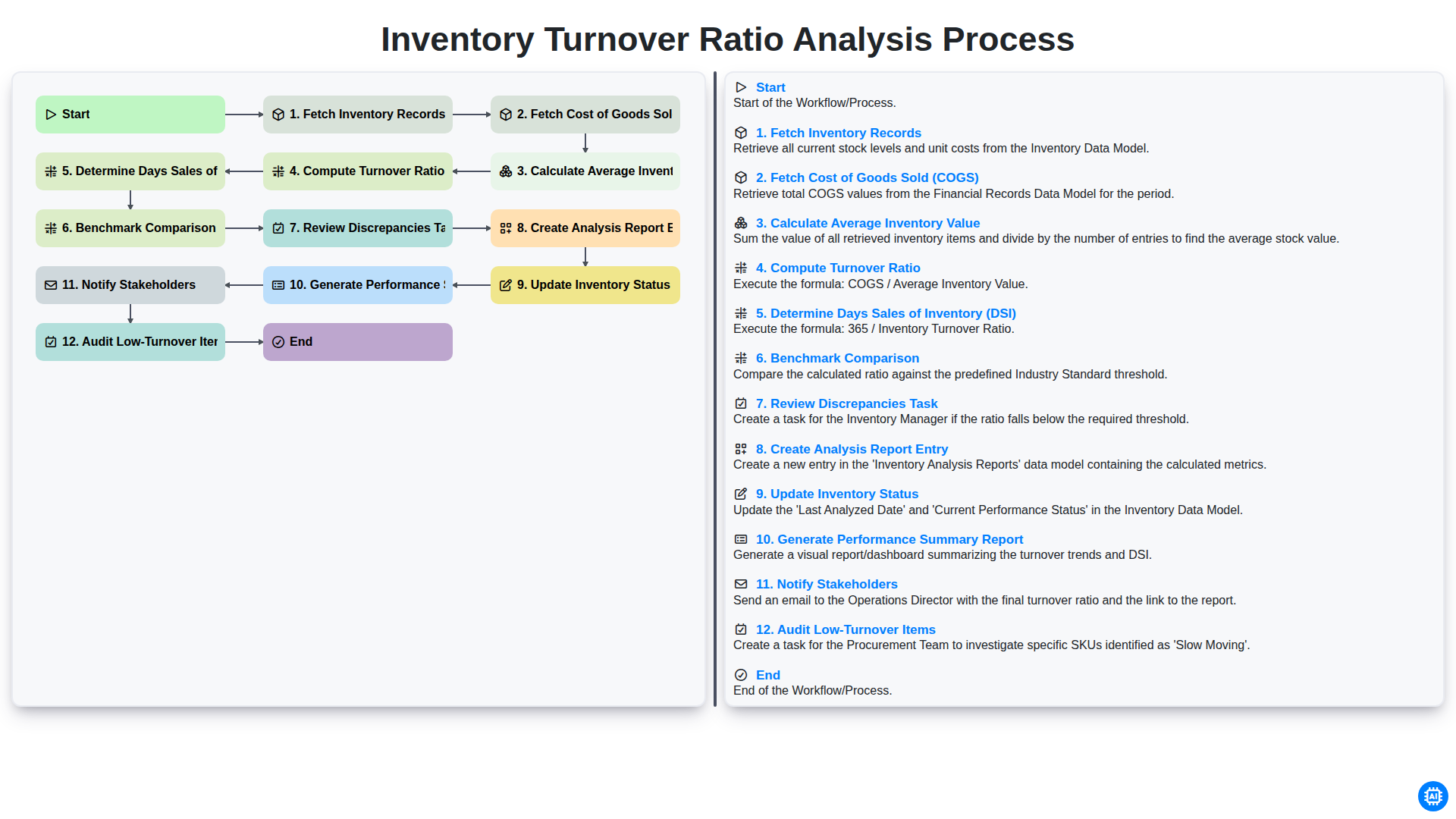
Inventory Turnover Ratio Analysis Process
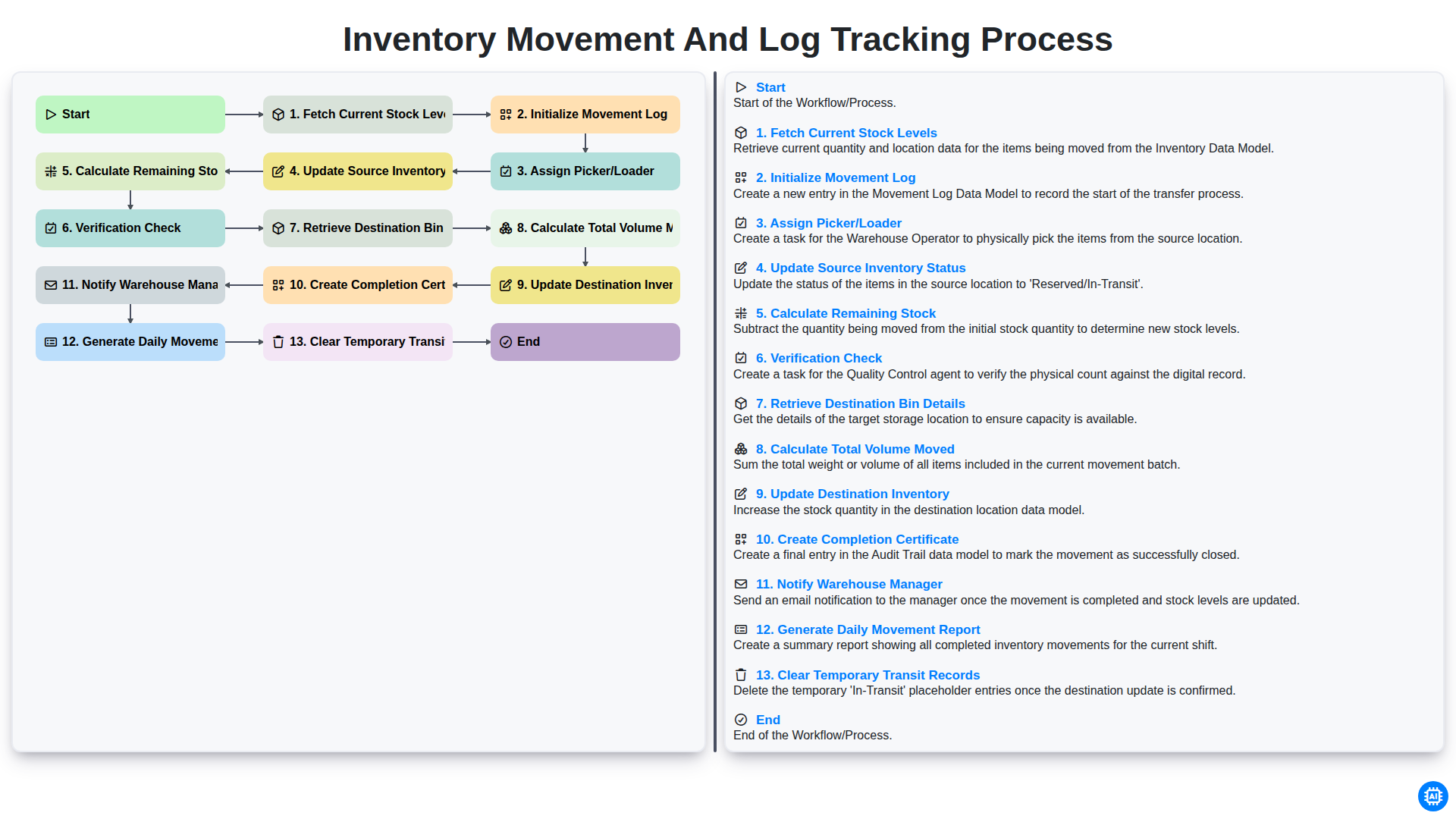
Inventory Movement and Log Tracking Process
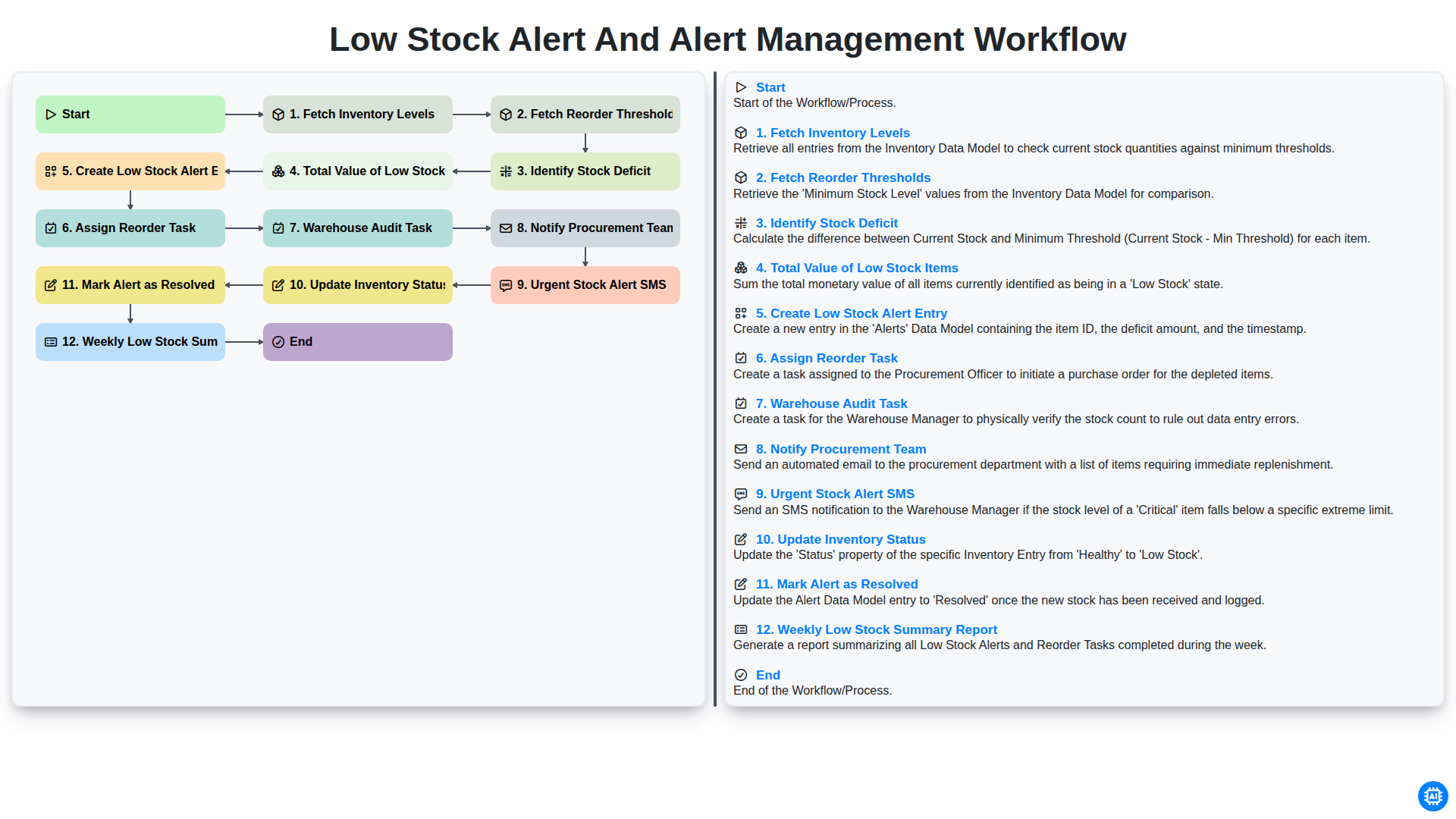
Low Stock Alert and Alert Management Workflow
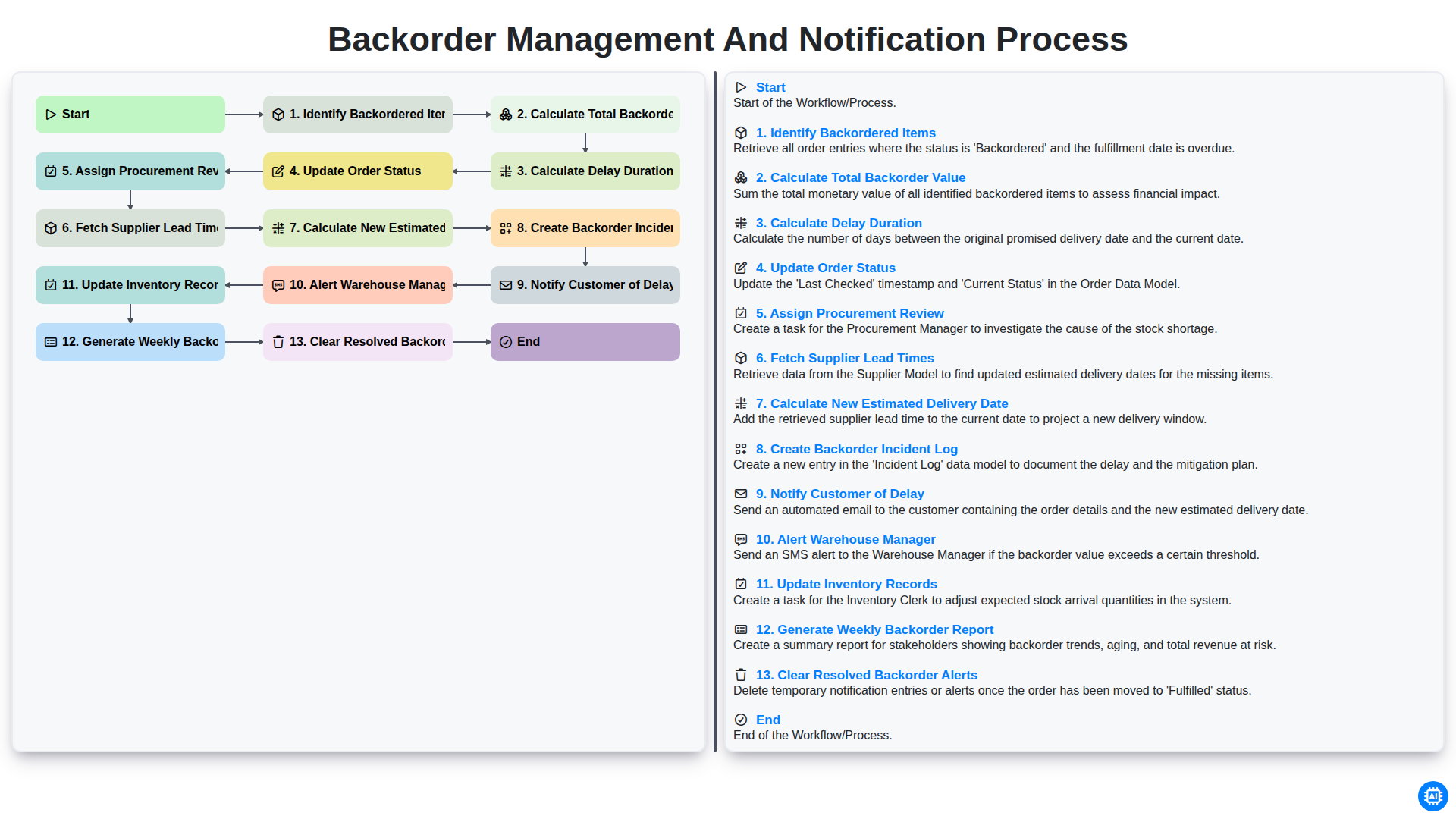
Backorder Management and Notification Process
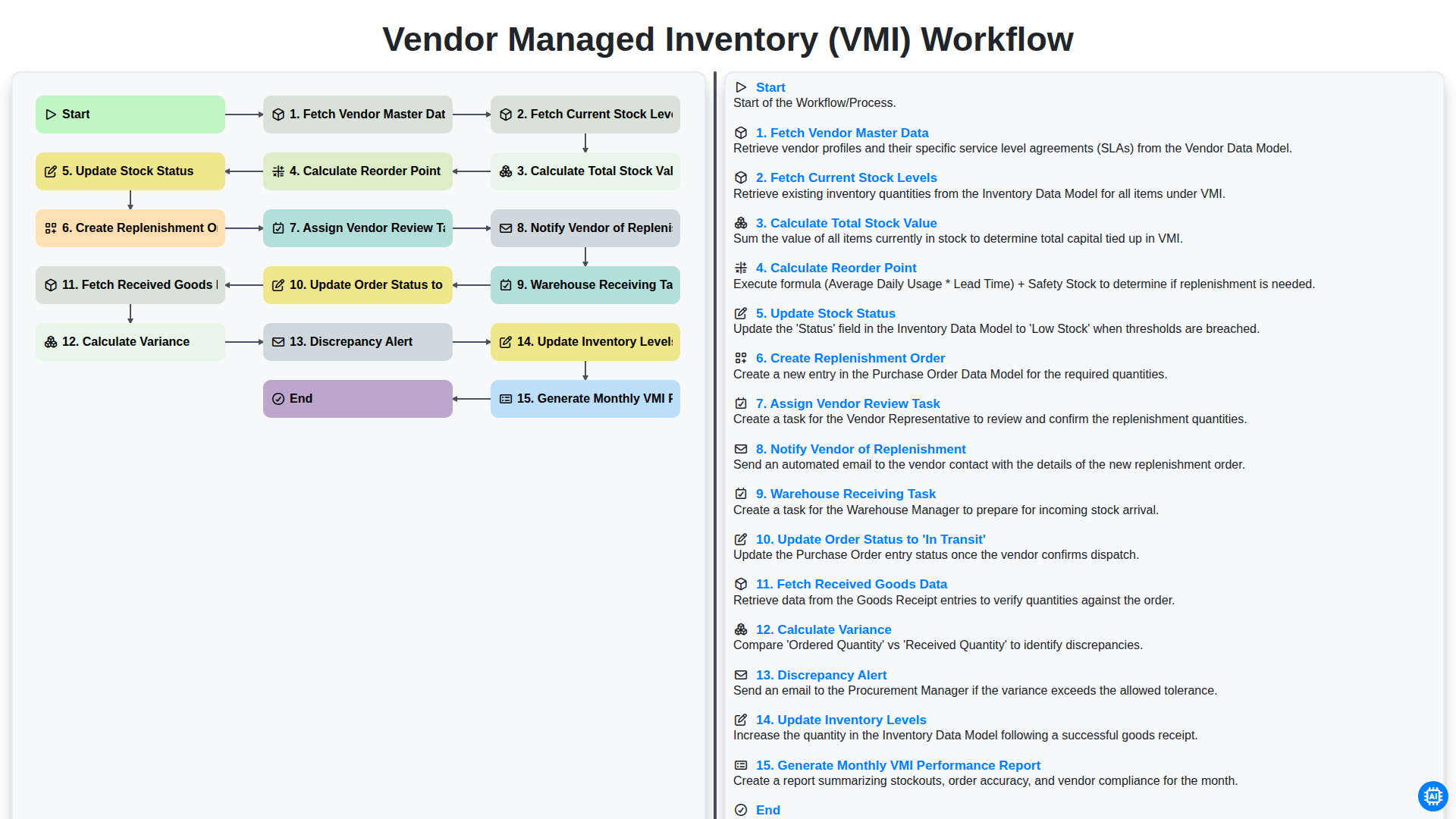
Vendor Managed Inventory (VMI) Workflow
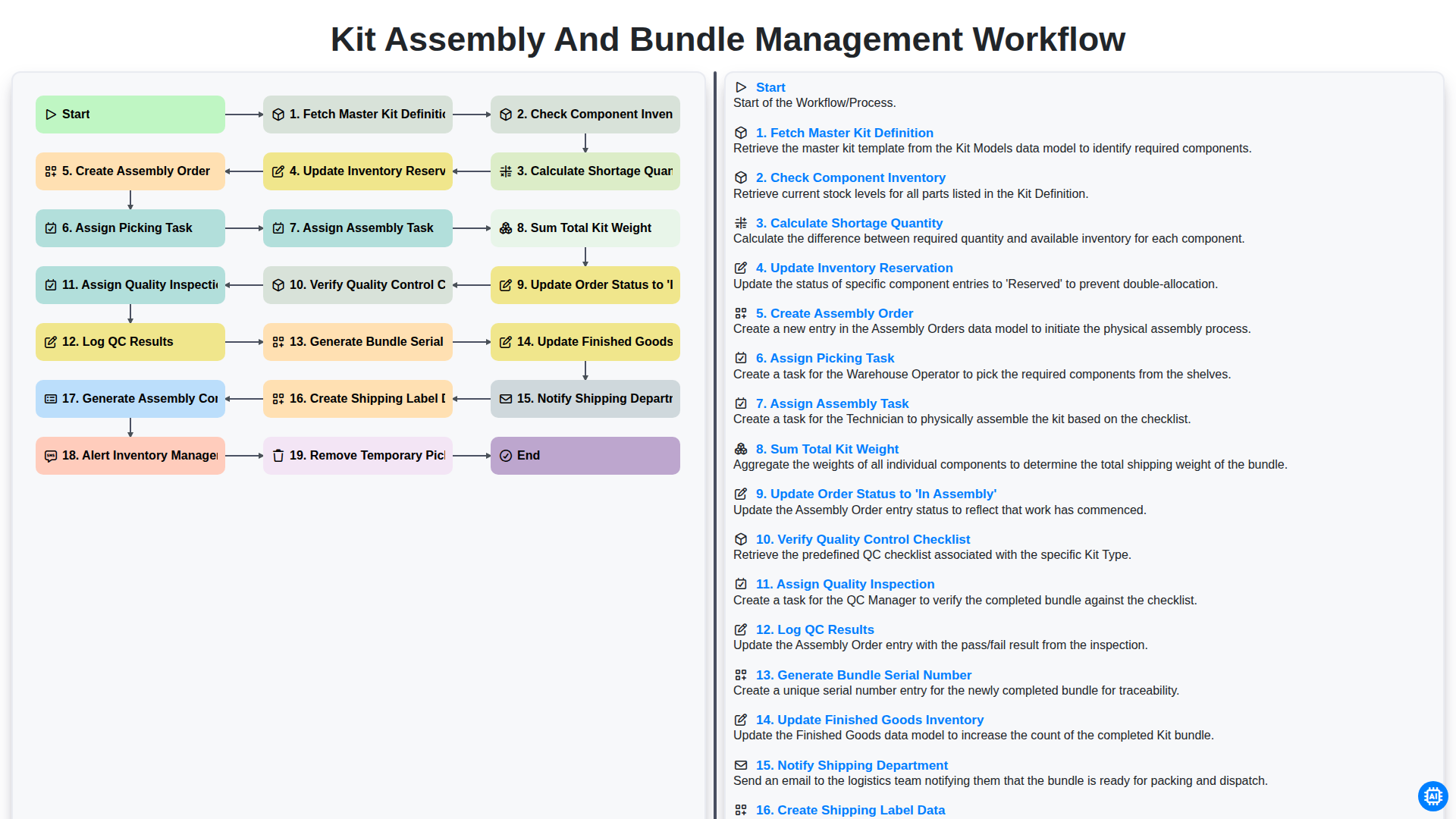
Kit Assembly and Bundle Management Workflow
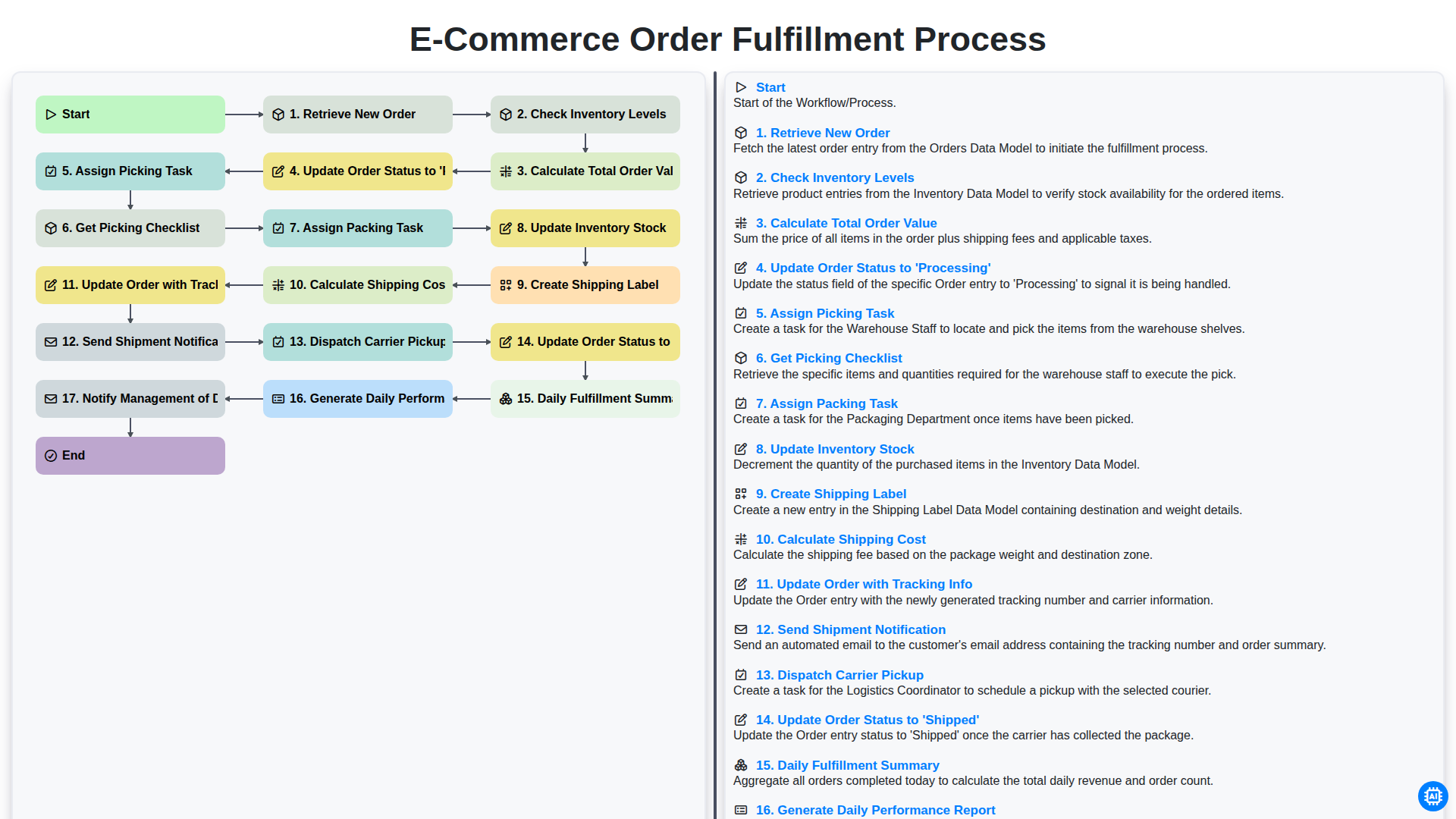
E-commerce Order Fulfillment Process
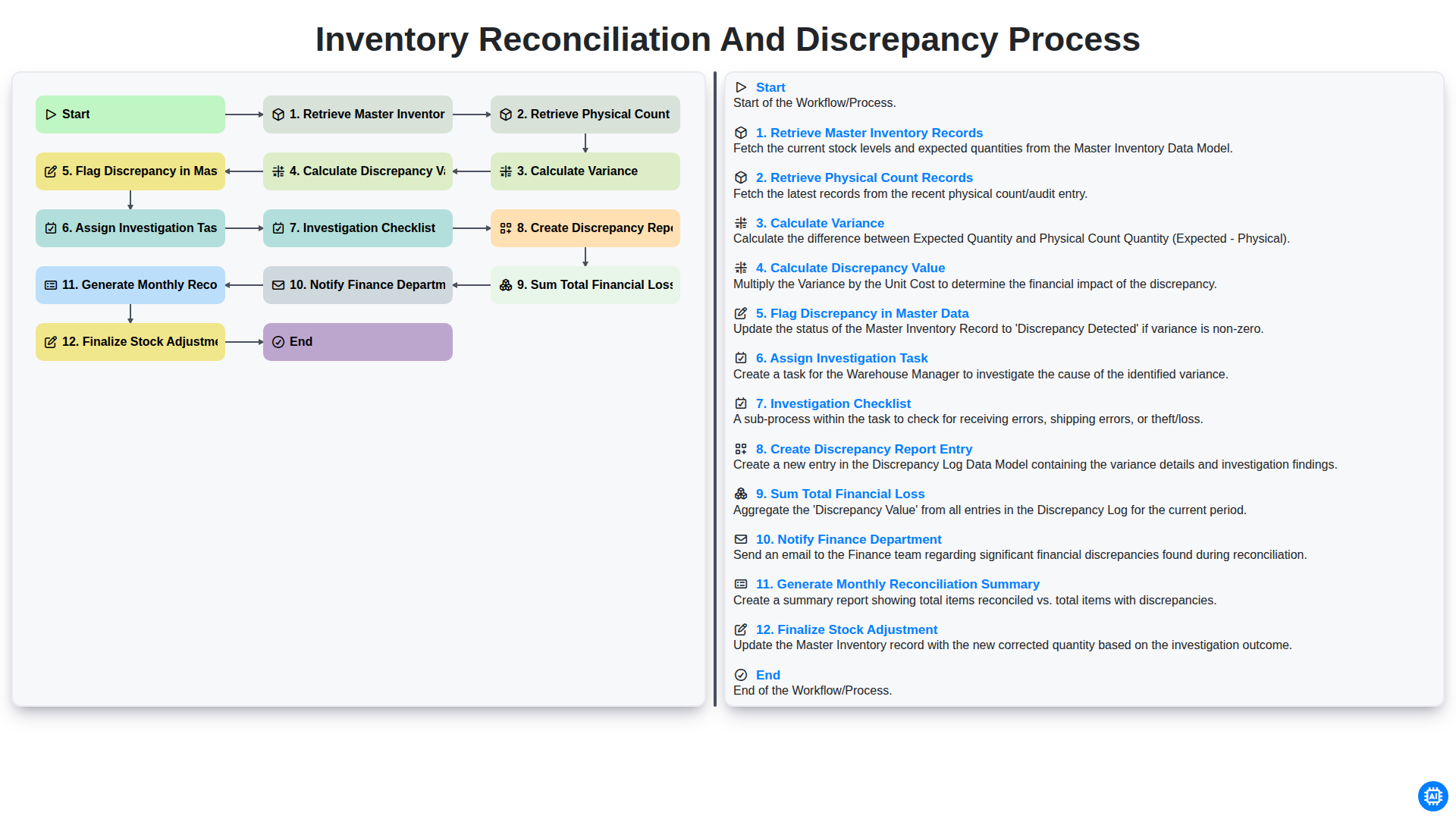
Inventory Reconciliation and Discrepancy Process
Gemeinsam schaffen wir das
Benötigen Sie Hilfe bei Checklisten?
Haben Sie eine Frage? Wir helfen Ihnen gerne. Bitte senden Sie uns Ihre Anfrage, und wir werden Ihnen umgehend antworten.