 ChecklistGuro
 SKU Management and Organization Workflow
Streamline your stock control with our expert SKU Management and Organization Workflow. Master the art of precise product labeling, systematic categorization, and optimized warehouse placement to eliminate errors, reduce shrinkage, and boost picking efficiency. Perfect for scaling your inventory operations and ensuring seamless traceability across your entire supply chain.
Diese Vorlage wurde 1 Mal installiert.
Start
Start des Workflows/Prozesses.
1. Fetch Existing SKU Data
Retrieve existing product entries from the SKU Data Model to check for duplicates or existing attributes.
2. Create New SKU Entry
Generate a new record in the SKU Data Model with initial properties like Name, Category, and Base Cost.
3. Calculate Retail Price
Execute a formula to determine the Selling Price based on Base Cost and a predefined markup percentage.
4. Assign Inventory Audit Task
Create a task for the Warehouse Manager to verify physical stock availability for the new SKU.
5. Update SKU Status to 'Pending Review'
Update the status field of the SKU entry to reflect that it is awaiting categorization approval.
6. Product Categorization Task
Create a task for the Merchandising Team to assign the correct tax codes and department tags.
7. Fetch Category Attributes
Retrieve specific attribute requirements (e.g., size, color, material) based on the selected Category.
8. Finalize SKU Details
Update the SKU entry with the completed attributes and final approved pricing.
9. Calculate Total Category Value
Sum the total inventory value of all SKUs within the same category to assess stock density.
10. Notify Procurement Team
Send an email to the procurement department notifying them that a new SKU is ready for ordering.
11. Quality Control Check
Create a task for the QA specialist to review the product images and documentation uploaded to the entry.
12. Set SKU Status to 'Active'
Update the SKU status to 'Active', making it visible in the storefront/catalog.
13. Generate New SKU Summary Report
Create a report summarizing the new SKU creation activity for the current week.
14. Remove Obsolete SKU Draft
Delete the SKU entry if the creation process was abandoned or the product is discontinued before launch.
15. Alert Warehouse Staff
Send an SMS to the warehouse floor lead regarding the arrival of physical goods for the newly created SKU.
Ende
Ende des Arbeitsablaufs/Prozesses.
Start des Workflows/Prozesses.
Retrieve existing product entries from the SKU Data Model to check for duplicates or existing attributes.
Generate a new record in the SKU Data Model with initial properties like Name, Category, and Base Cost.
Execute a formula to determine the Selling Price based on Base Cost and a predefined markup percentage.
Create a task for the Warehouse Manager to verify physical stock availability for the new SKU.
Update the status field of the SKU entry to reflect that it is awaiting categorization approval.
Create a task for the Merchandising Team to assign the correct tax codes and department tags.
Retrieve specific attribute requirements (e.g., size, color, material) based on the selected Category.
Update the SKU entry with the completed attributes and final approved pricing.
Sum the total inventory value of all SKUs within the same category to assess stock density.
Send an email to the procurement department notifying them that a new SKU is ready for ordering.
Create a task for the QA specialist to review the product images and documentation uploaded to the entry.
Update the SKU status to 'Active', making it visible in the storefront/catalog.
Create a report summarizing the new SKU creation activity for the current week.
Delete the SKU entry if the creation process was abandoned or the product is discontinued before launch.
Send an SMS to the warehouse floor lead regarding the arrival of physical goods for the newly created SKU.
Ende des Arbeitsablaufs/Prozesses.
Kommentare
Bisher gibt es keine Kommentare. Seien Sie der Erste, der einen hinzufügt!
Demonstration der Lösung für das Bestandsmanagement
Optimieren Sie Ihre Bestände und steigern Sie die Rentabilität! ChecklistGuro optimiert die Verfolgung, Bestellung und Auslieferung. Reduzieren Sie Abfall, minimieren Sie Lieferengpässe und verbessern Sie die Effizienz. Verwalten Sie alles mit unserer Work OS.
Verwandte Workflow-Vorlagen
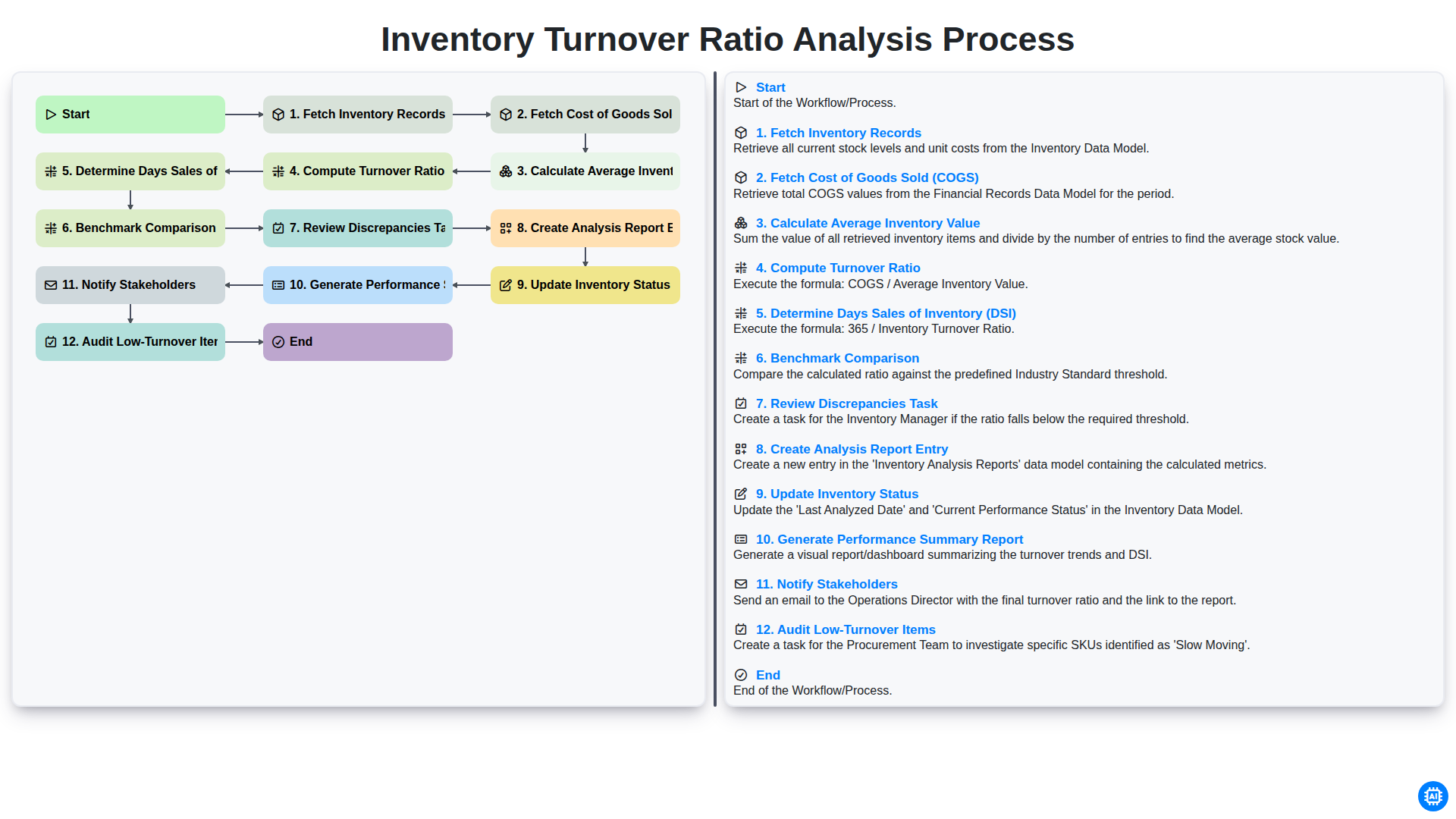
Inventory Turnover Ratio Analysis Process
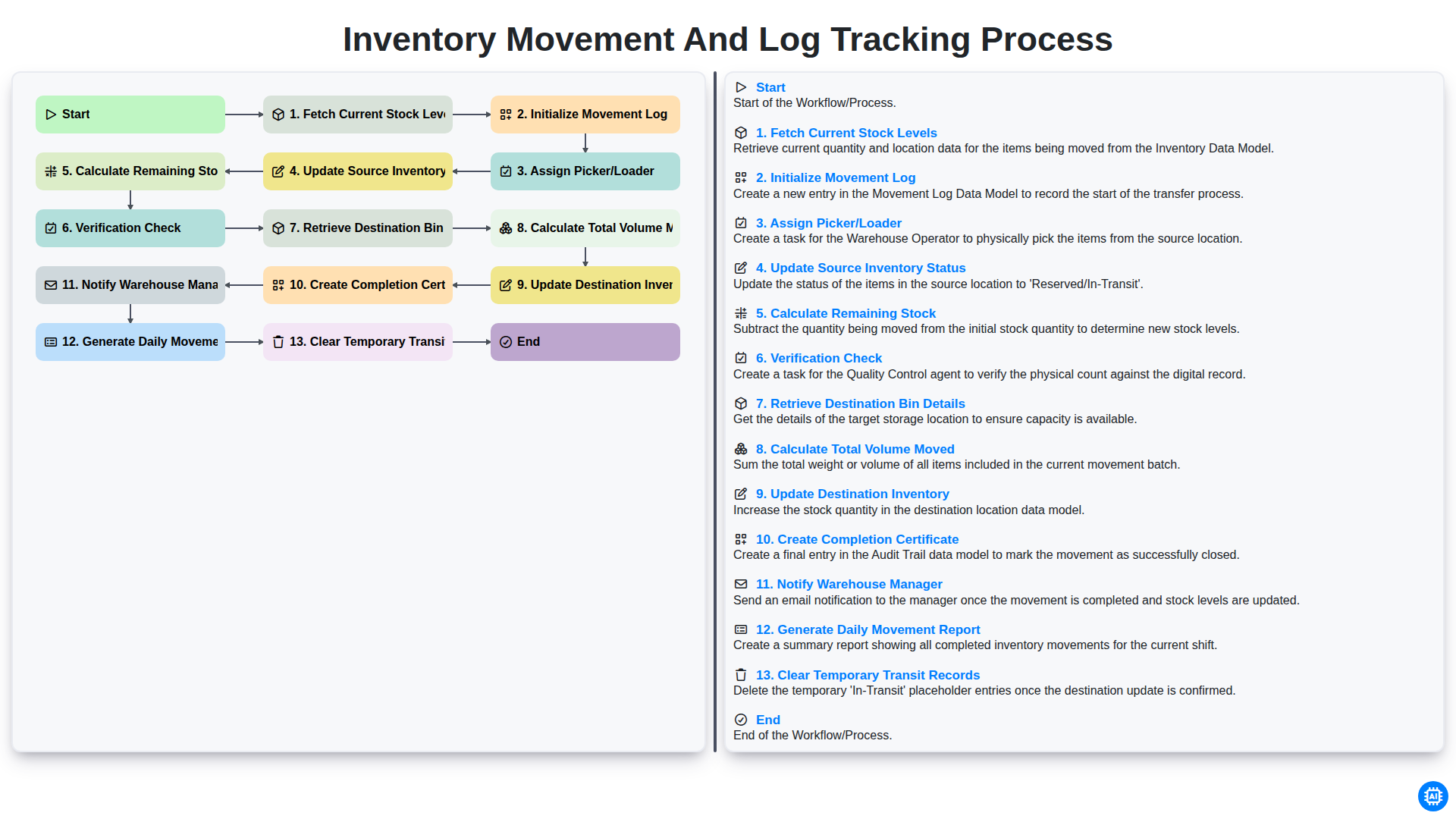
Inventory Movement and Log Tracking Process
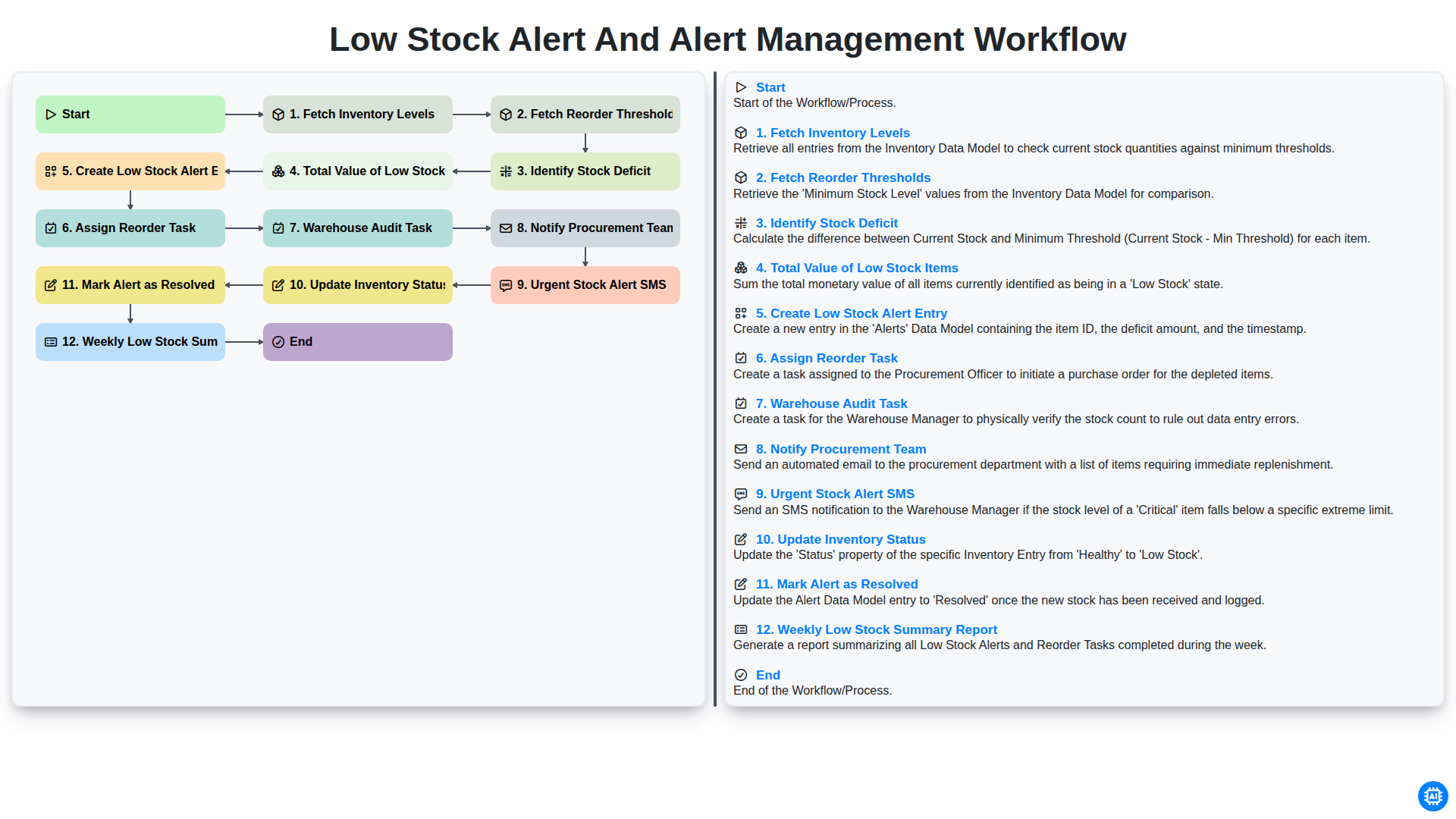
Low Stock Alert and Alert Management Workflow
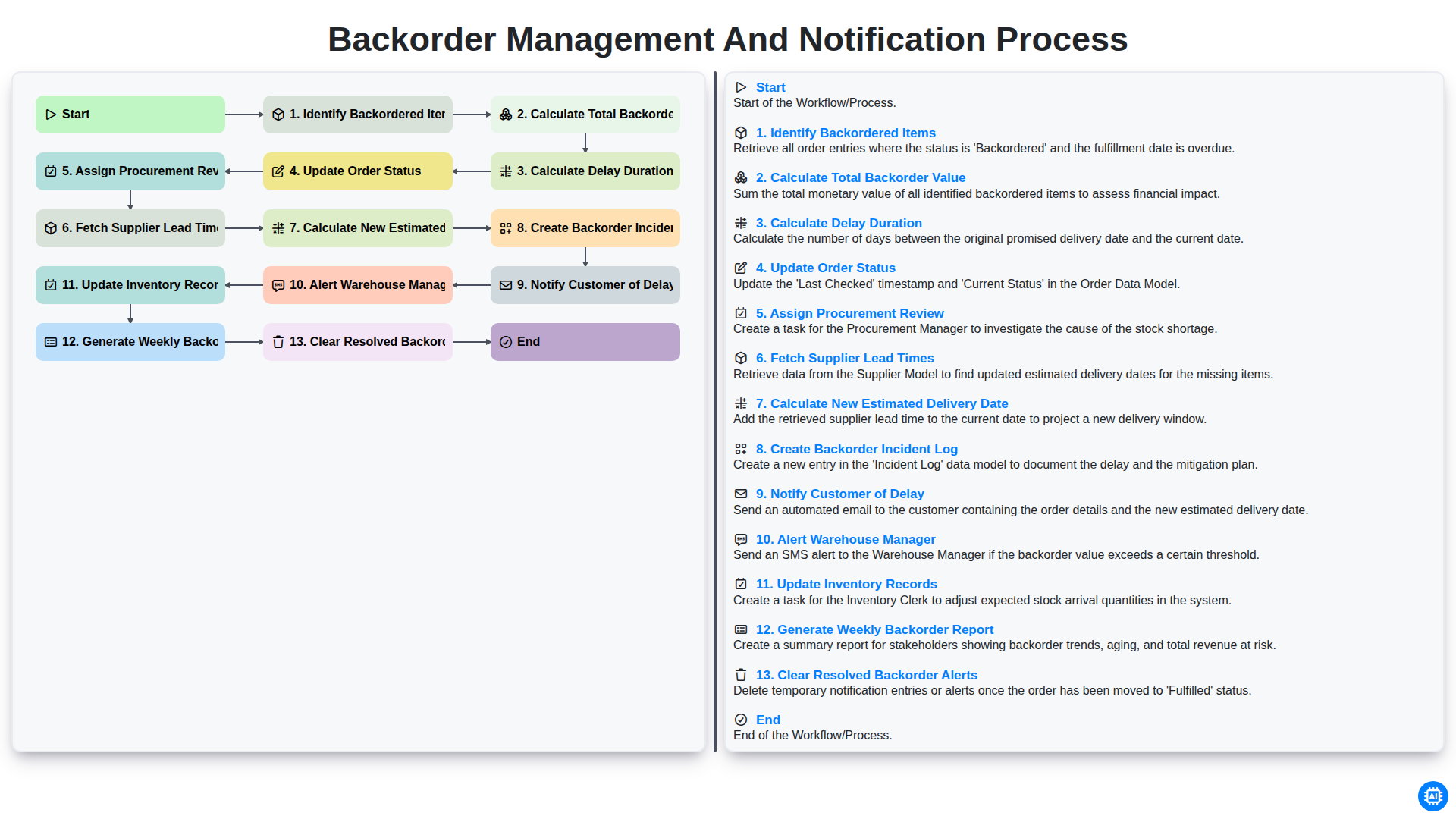
Backorder Management and Notification Process
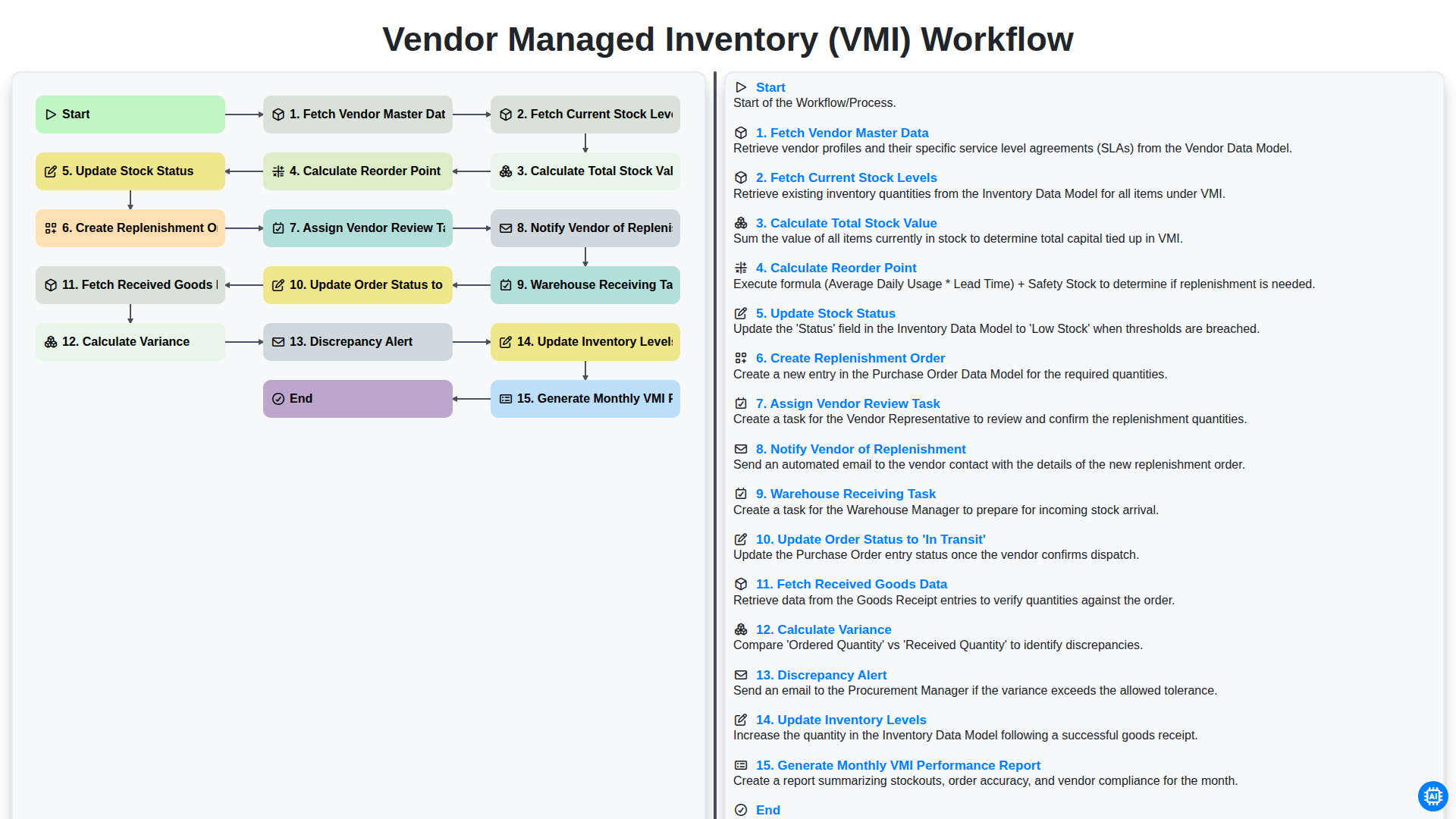
Vendor Managed Inventory (VMI) Workflow
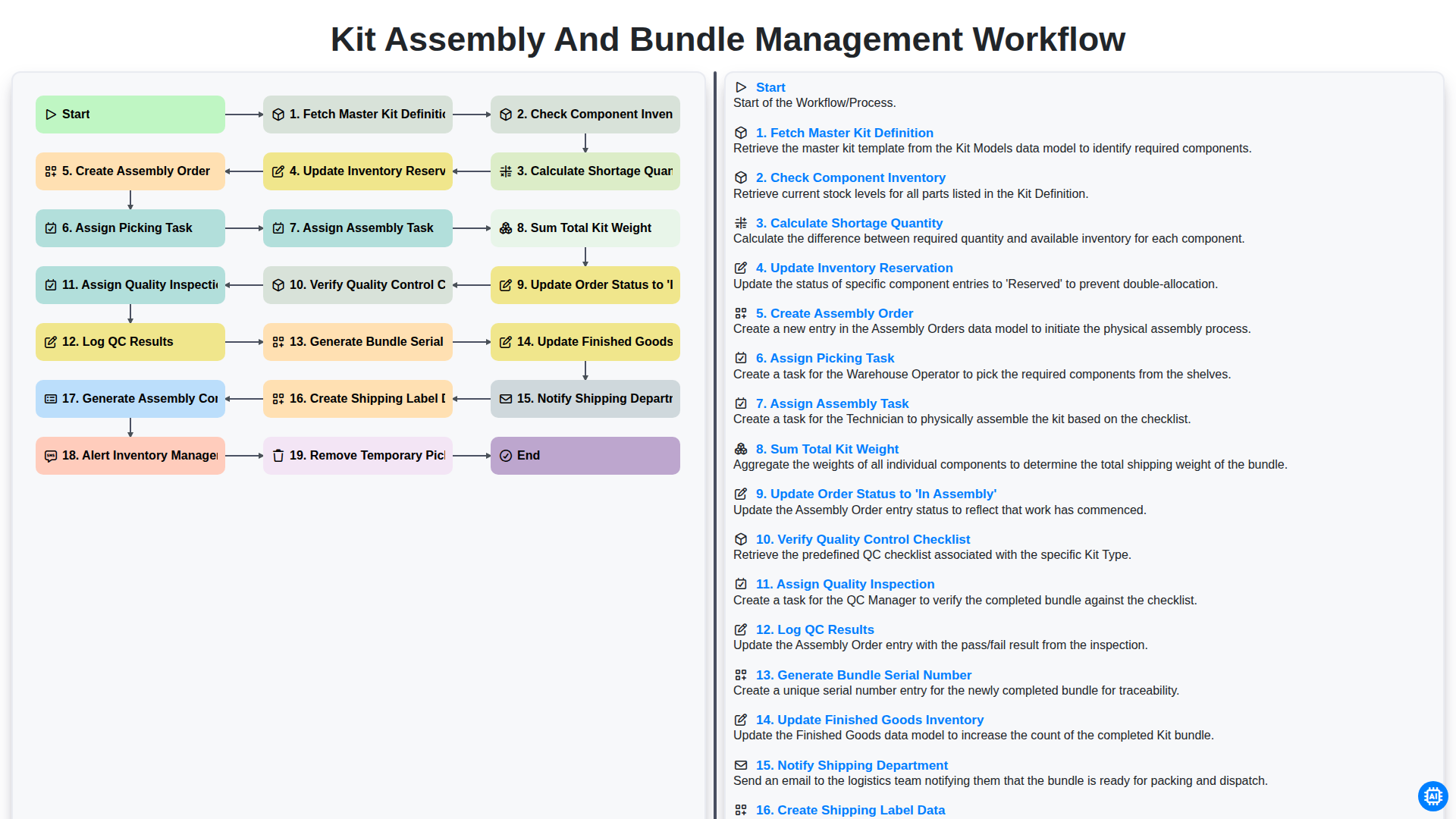
Kit Assembly and Bundle Management Workflow
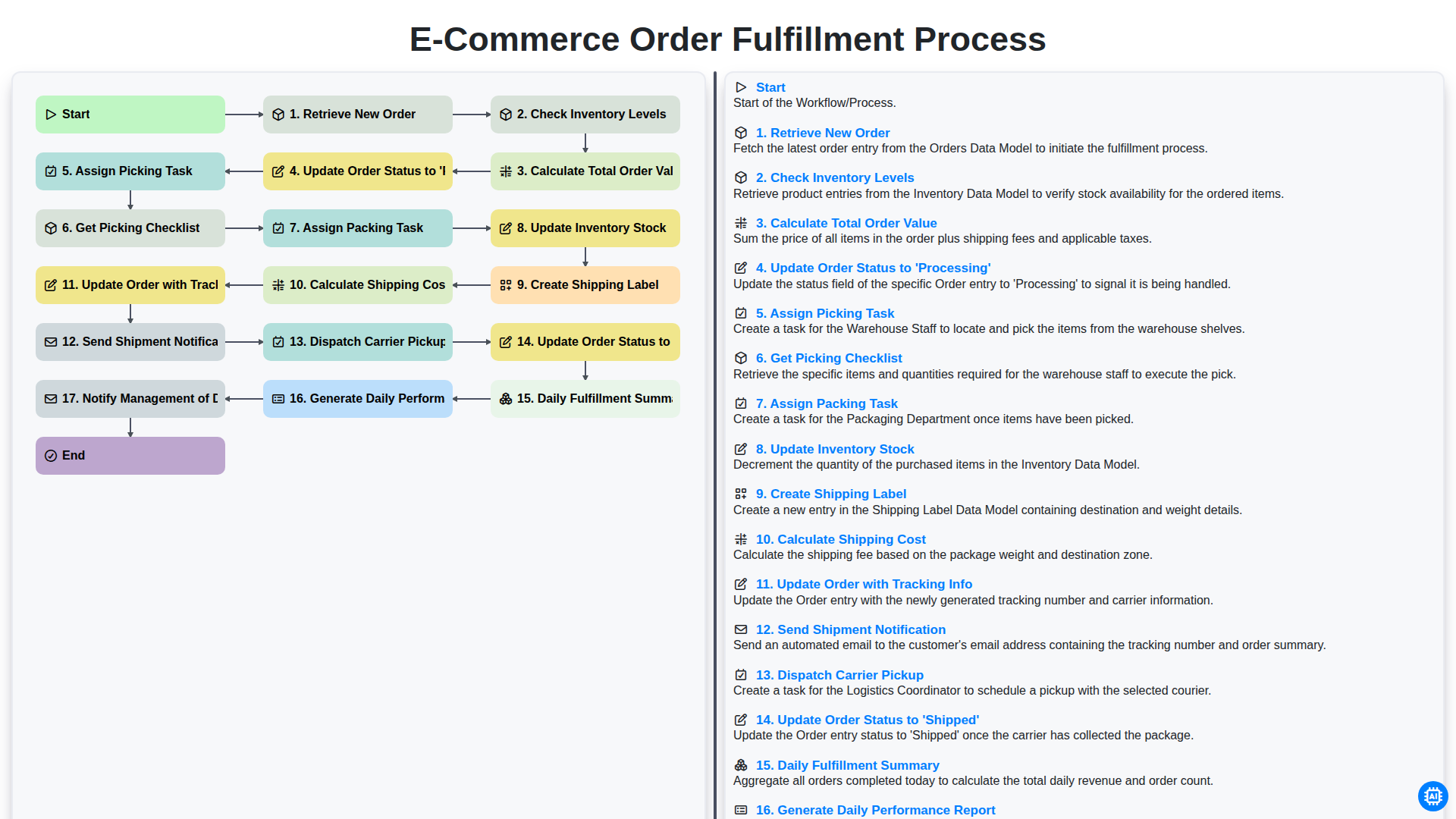
E-commerce Order Fulfillment Process
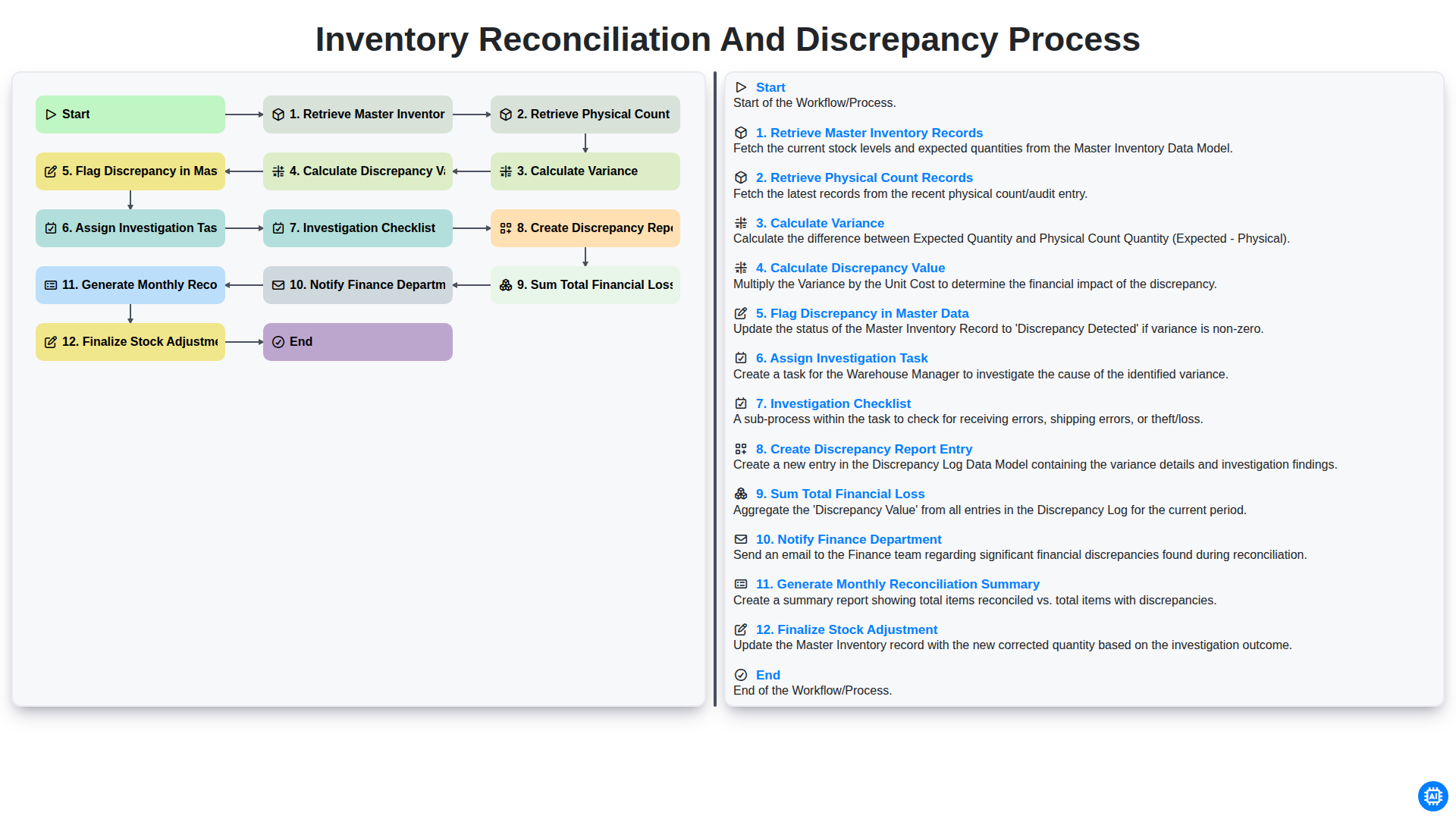
Inventory Reconciliation and Discrepancy Process
Gemeinsam schaffen wir das
Benötigen Sie Hilfe bei Checklisten?
Haben Sie eine Frage? Wir helfen Ihnen gerne. Bitte senden Sie uns Ihre Anfrage, und wir werden Ihnen umgehend antworten.