 ChecklistGuro
 Supplier Lead Time Tracking Workflow
Optimize your supply chain with our Supplier Lead Time Tracking Workflow. Eliminate stockouts and reduce buffer inventory by monitoring vendor delivery performance, automating delay alerts, and streamlining procurement schedules. The ultimate automated process for precision-driven inventory management and proactive replenishment.
Diese Vorlage wurde 1 Mal installiert.
Start
Start des Workflows/Prozesses.
1. Fetch Supplier Master Data
Retrieve supplier contact details and baseline lead time agreements from the Supplier Data Model.
2. Get Recent Delivery Records
Retrieve the last 5 completed delivery entries for the specific supplier to establish historical context.
3. Calculate Historical Average Lead Time
Calculate the mean duration between 'Order Date' and 'Arrival Date' from retrieved delivery records.
4. Calculate Variance Margin
Aggregate the difference between 'Contracted Lead Time' and 'Actual Lead Time' to identify delays.
5. Create Audit Task: Late Delivery Investigation
Assign a task to the Procurement Officer to investigate if recent delays are due to logistics or production issues.
6. Create Lead Time Deviation Entry
Generate a new record in the 'Lead Time Deviation Log' to document the identified discrepancy.
7. Update Supplier Risk Score
Update the 'Risk Rating' field in the Supplier Master Data based on the calculated variance.
8. Notify Supplier of Performance Deviation
Send an automated email to the supplier's account manager detailing the recent lead time delays.
9. Create Supplier Feedback Task
Create a task for the Supplier to submit a corrective action plan (CAP) via the platform.
10. Update Contractual Lead Time Baseline
If the deviation is permanent, update the 'Standard Lead Time' field in the Supplier Data Model.
11. Generate Monthly Supplier Performance Report
Generate a summary report containing aggregated lead time metrics for all suppliers for the current month.
12. Alert Procurement Manager
Send an internal email alert to the Manager if a supplier's risk score exceeds a predefined threshold.
Ende
Ende des Arbeitsablaufs/Prozesses.
Start des Workflows/Prozesses.
Retrieve supplier contact details and baseline lead time agreements from the Supplier Data Model.
Retrieve the last 5 completed delivery entries for the specific supplier to establish historical context.
Calculate the mean duration between 'Order Date' and 'Arrival Date' from retrieved delivery records.
Aggregate the difference between 'Contracted Lead Time' and 'Actual Lead Time' to identify delays.
Assign a task to the Procurement Officer to investigate if recent delays are due to logistics or production issues.
Generate a new record in the 'Lead Time Deviation Log' to document the identified discrepancy.
Update the 'Risk Rating' field in the Supplier Master Data based on the calculated variance.
Send an automated email to the supplier's account manager detailing the recent lead time delays.
Create a task for the Supplier to submit a corrective action plan (CAP) via the platform.
If the deviation is permanent, update the 'Standard Lead Time' field in the Supplier Data Model.
Generate a summary report containing aggregated lead time metrics for all suppliers for the current month.
Send an internal email alert to the Manager if a supplier's risk score exceeds a predefined threshold.
Ende des Arbeitsablaufs/Prozesses.
Kommentare
Bisher gibt es keine Kommentare. Seien Sie der Erste, der einen hinzufügt!
Demonstration der Lösung für das Bestandsmanagement
Optimieren Sie Ihre Bestände und steigern Sie die Rentabilität! ChecklistGuro optimiert die Verfolgung, Bestellung und Auslieferung. Reduzieren Sie Abfall, minimieren Sie Lieferengpässe und verbessern Sie die Effizienz. Verwalten Sie alles mit unserer Work OS.
Verwandte Workflow-Vorlagen
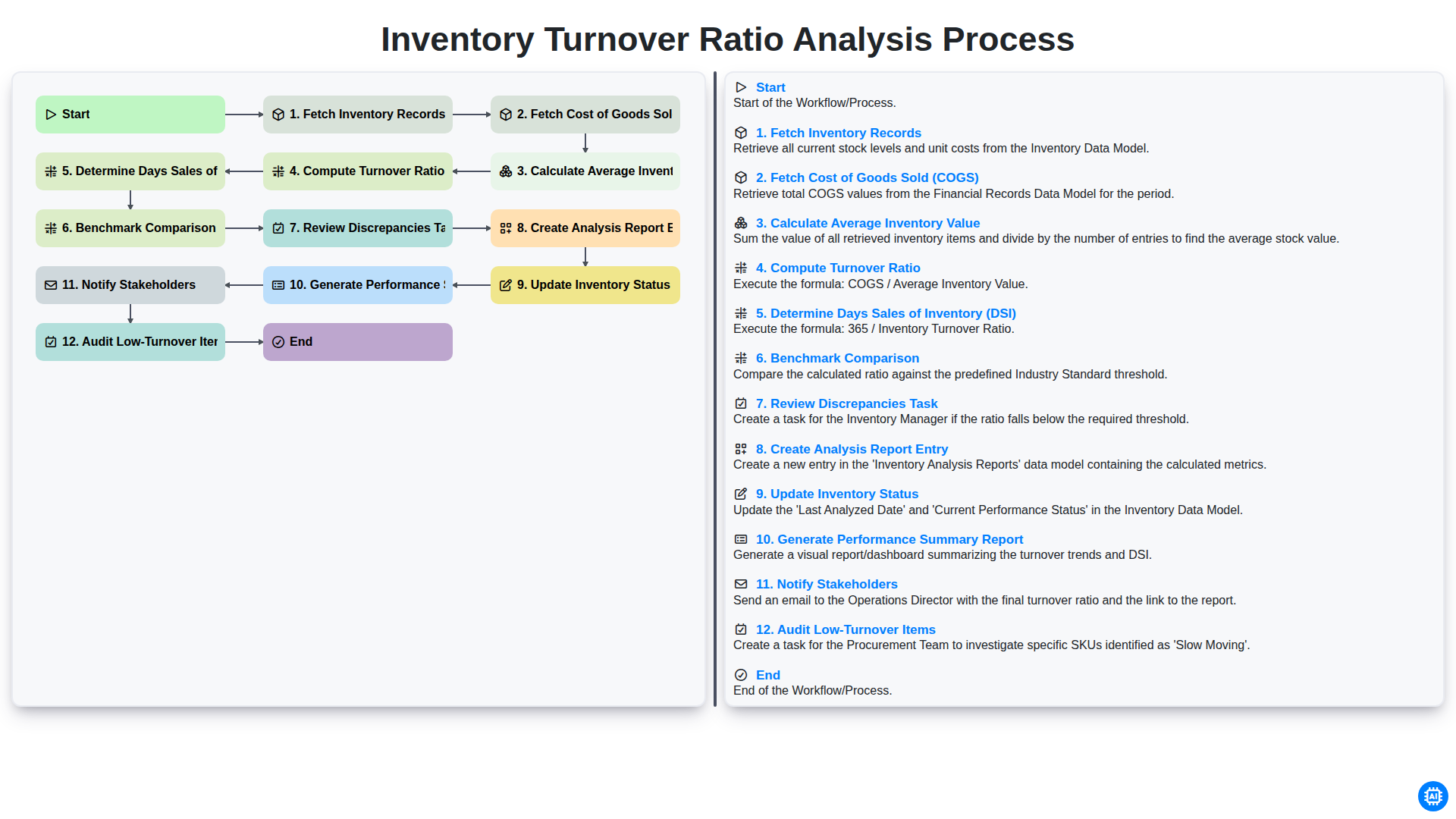
Inventory Turnover Ratio Analysis Process
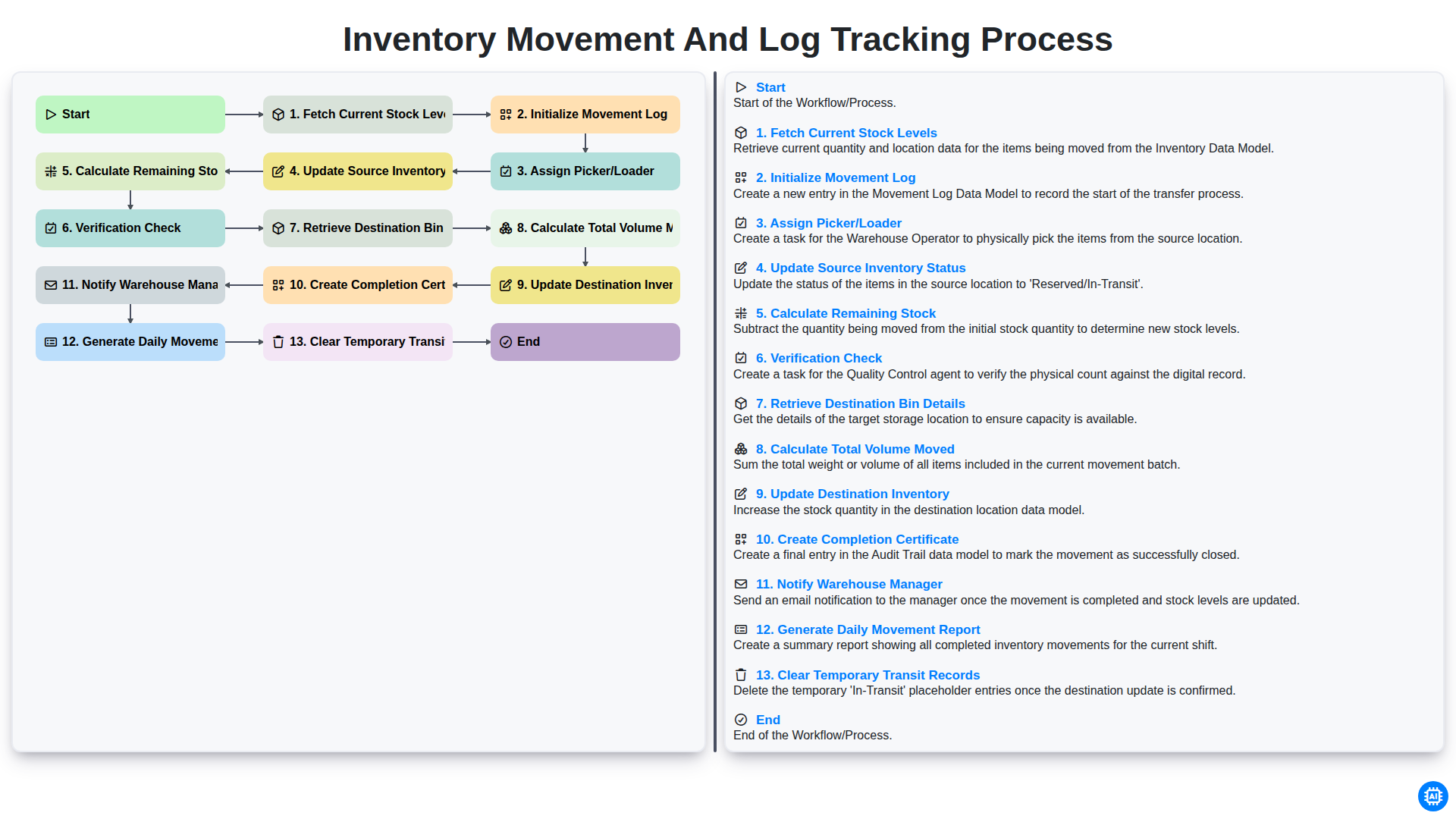
Inventory Movement and Log Tracking Process
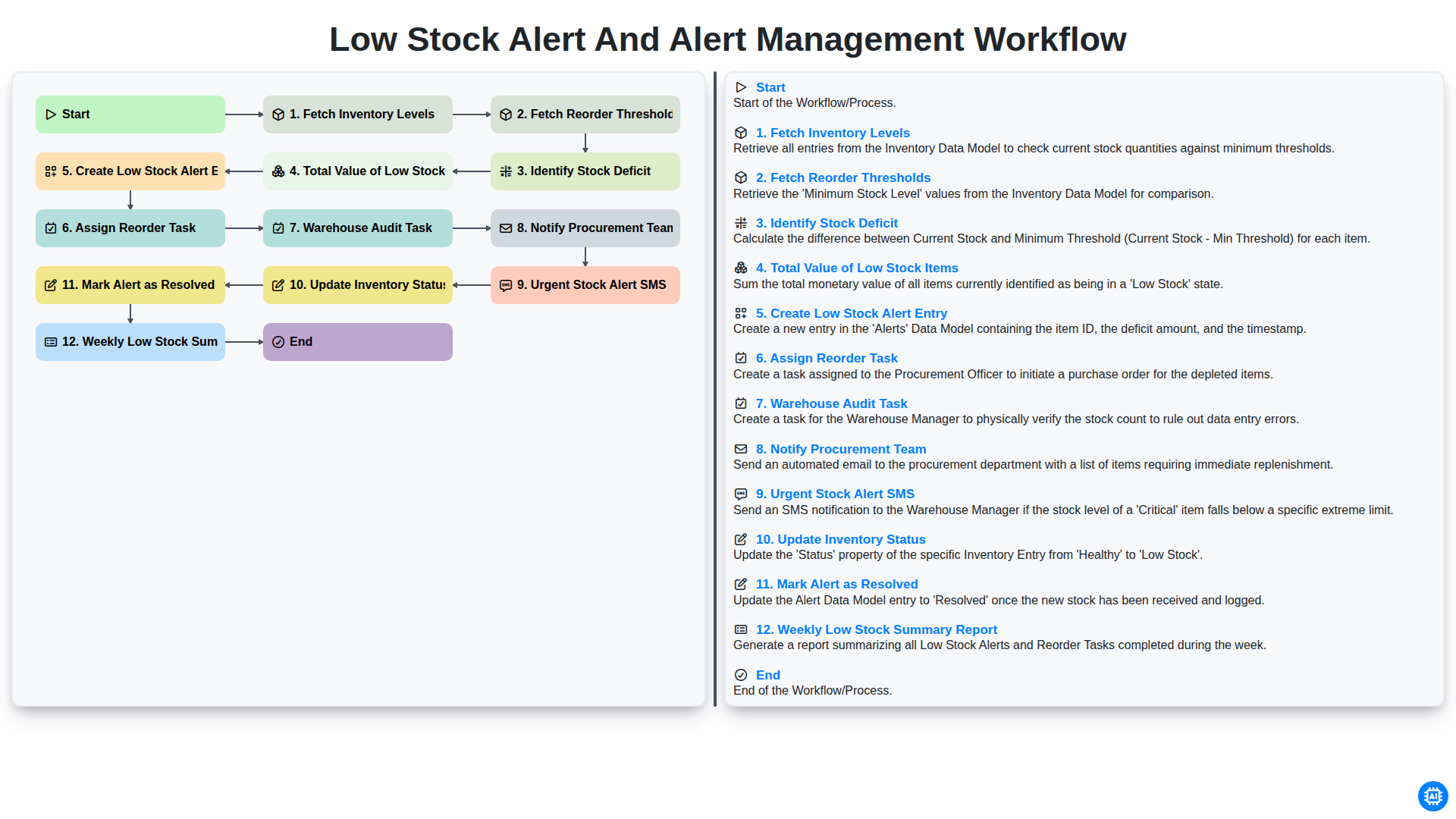
Low Stock Alert and Alert Management Workflow
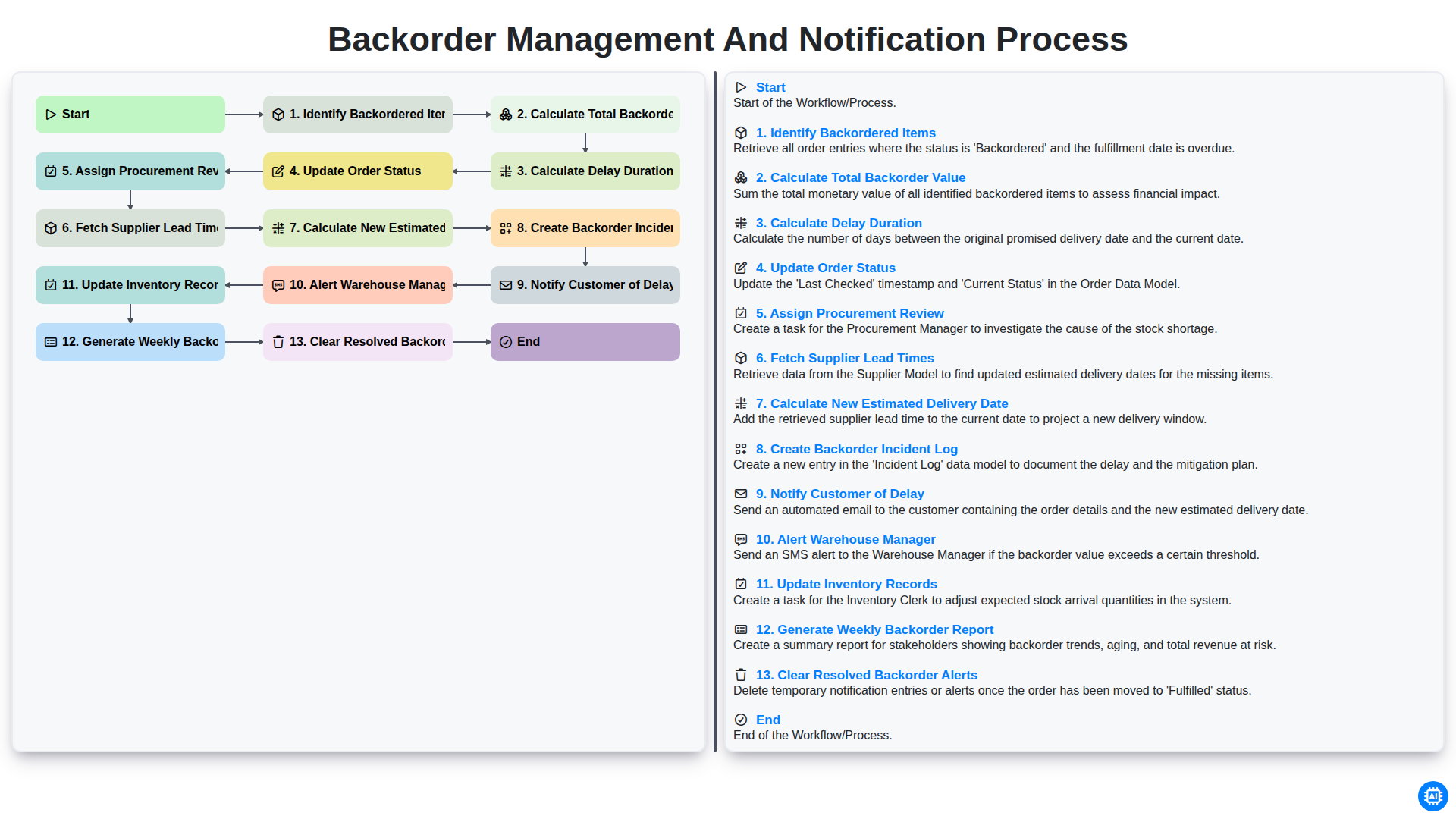
Backorder Management and Notification Process
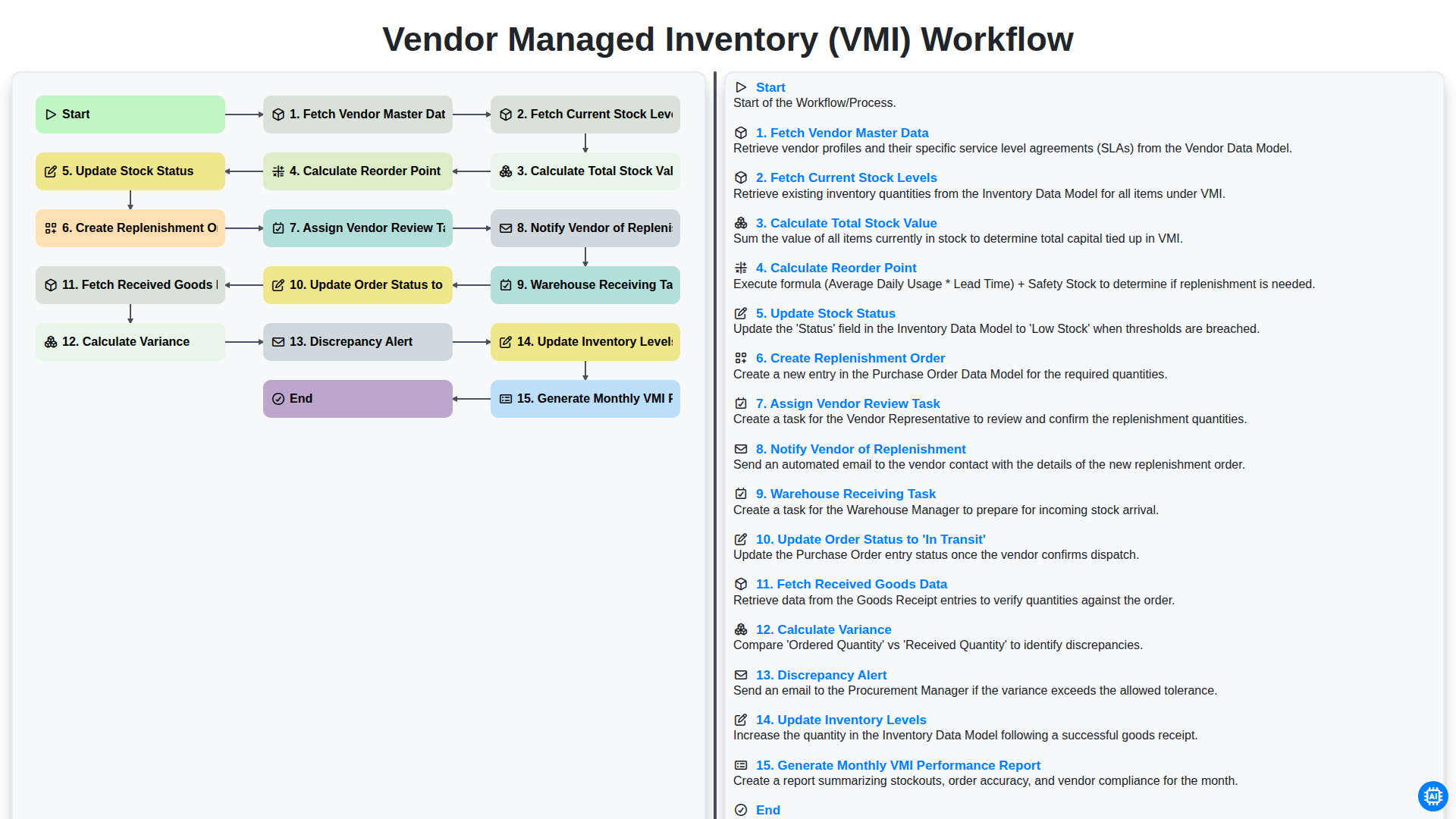
Vendor Managed Inventory (VMI) Workflow
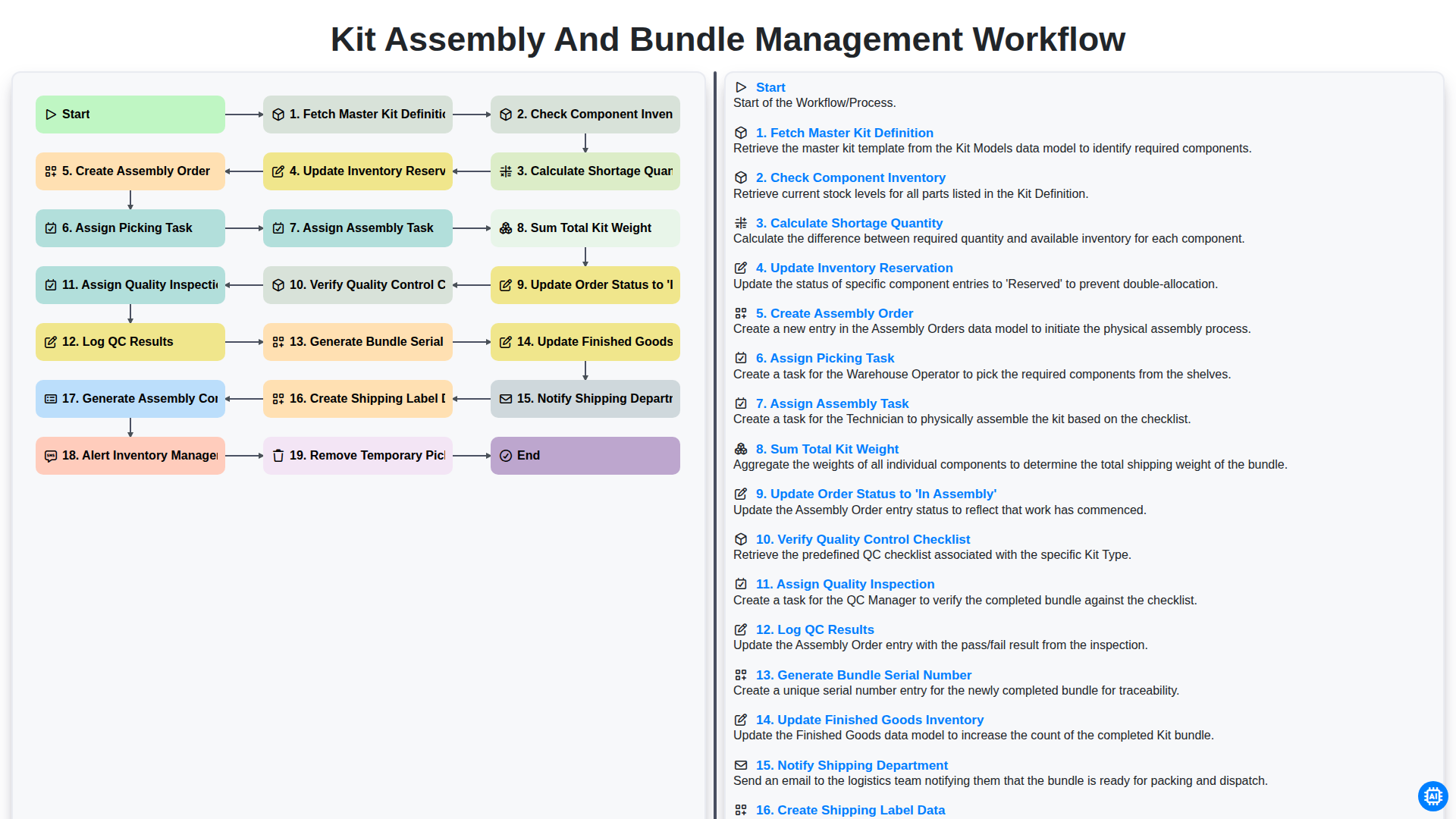
Kit Assembly and Bundle Management Workflow
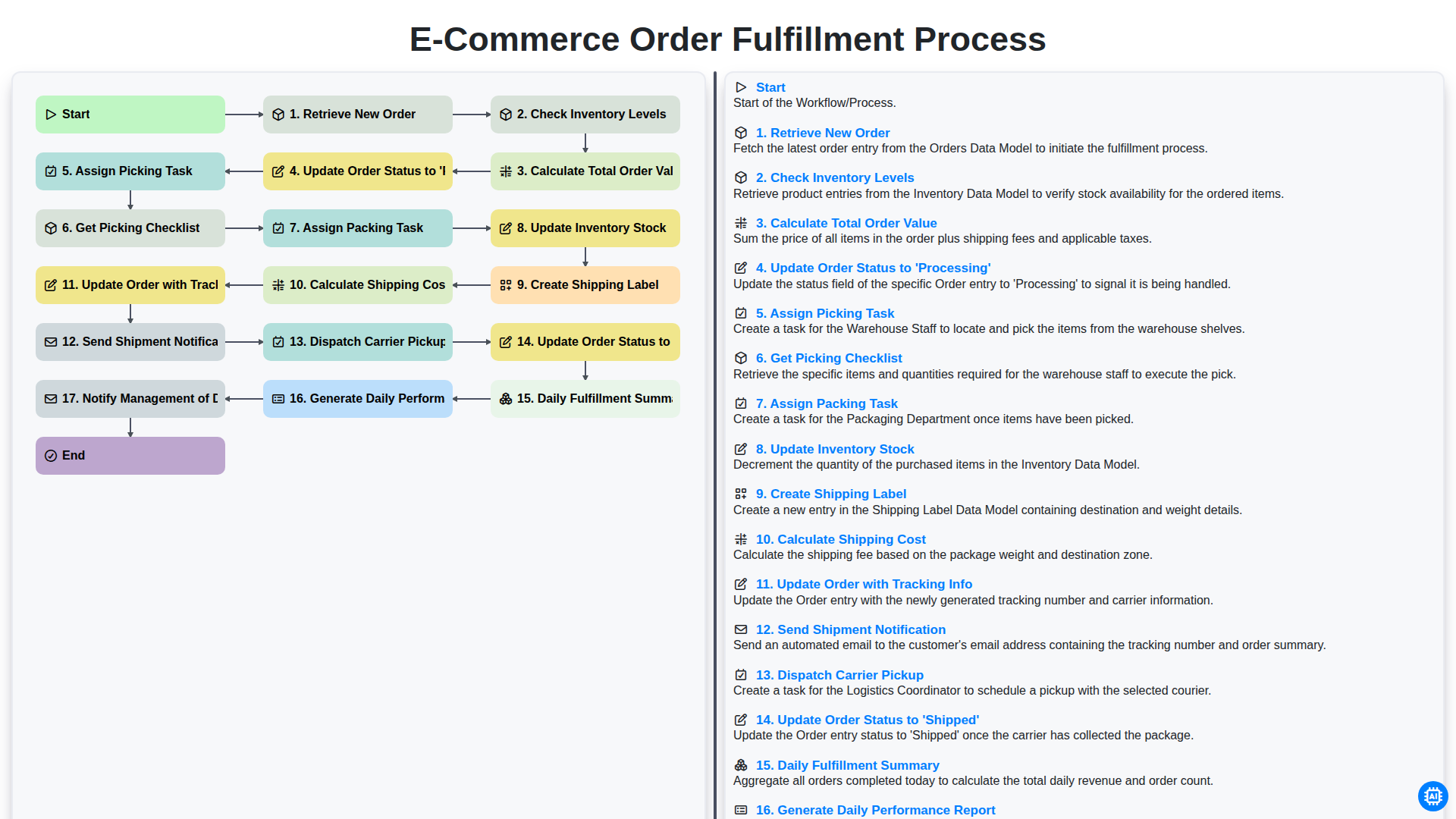
E-commerce Order Fulfillment Process
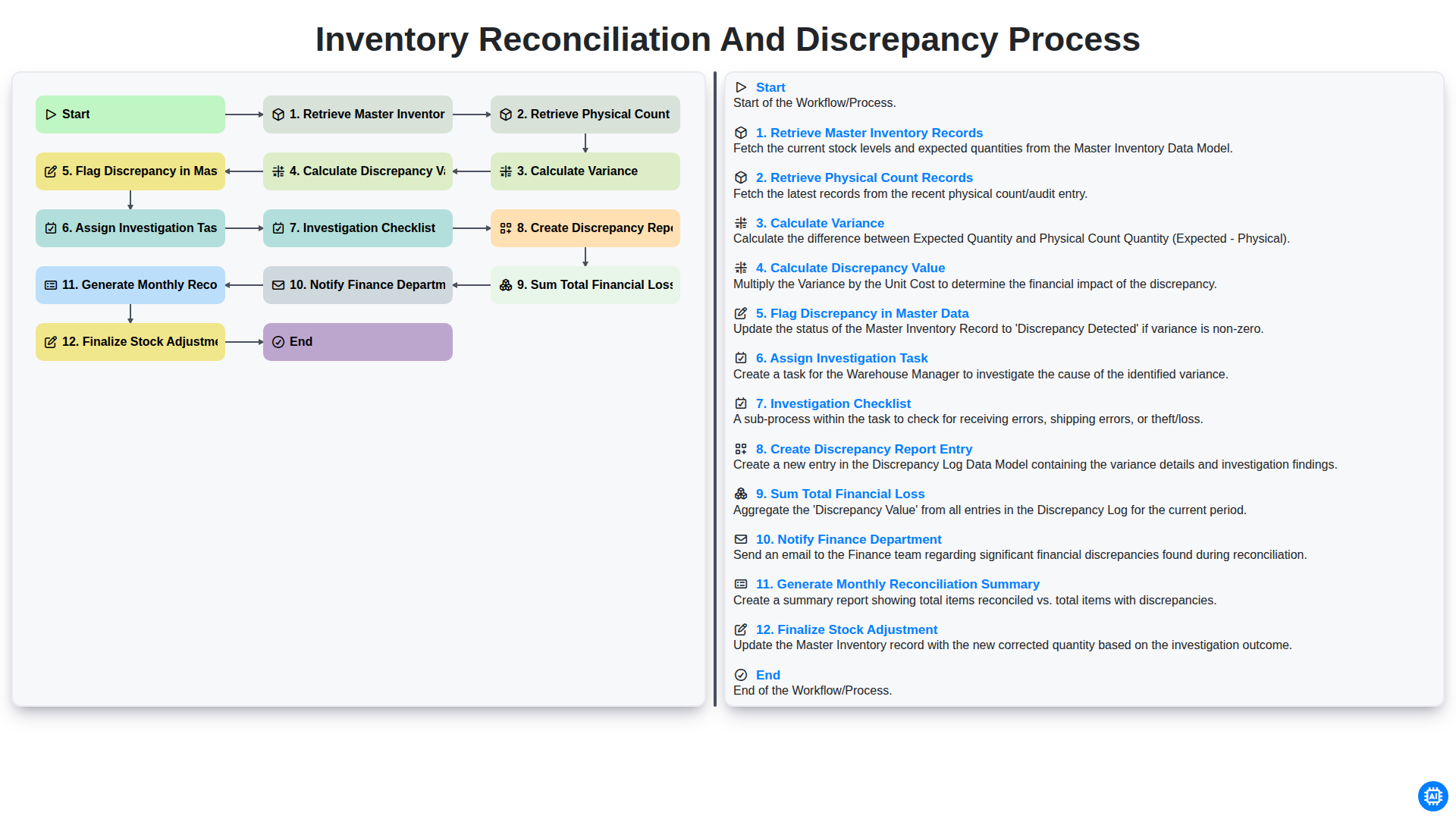
Inventory Reconciliation and Discrepancy Process
Gemeinsam schaffen wir das
Benötigen Sie Hilfe bei Checklisten?
Haben Sie eine Frage? Wir helfen Ihnen gerne. Bitte senden Sie uns Ihre Anfrage, und wir werden Ihnen umgehend antworten.