 ChecklistGuro
 Mine Equipment Maintenance Scheduling
Optimize your mining operations and minimize costly downtime with our expert Mine Equipment Maintenance Scheduling workflow. Masterfully streamline preventative maintenance cycles, automate service alerts, and strategically manage heavy machinery lifecycles to boost operational reliability and maximize asset productivity in any mining environment.
Diese Vorlage wurde 1 Mal installiert.
Start
Start des Workflows/Prozesses.
1. Retrieve Asset Inventory
Fetch all active mining equipment entries from the Equipment Data Model to identify machines due for maintenance.
2. Check Maintenance Logs
Retrieve the last recorded maintenance date and service history for the selected equipment.
3. Calculate Running Hours
Calculate the total operational hours since the last service by comparing current meter readings to the last recorded reading.
4. Calculate Maintenance Urgency Score
Execute a formula based on (Current Hours - Threshold Hours) to determine the priority level of the maintenance task.
5. Update Equipment Status
Update the status of the selected equipment to 'Scheduled for Maintenance' in the Equipment Data Model.
6. Create Maintenance Work Order
Create a new entry in the Work Order Data Model containing the scheduled date, equipment ID, and required parts.
7. Assign Technician Task
Create a task for the assigned Maintenance Technician containing the work order details and checklist.
8. Check Parts Availability
Retrieve entries from the Spare Parts Data Model to ensure required components are in stock.
9. Calculate Total Estimated Cost
Sum the estimated costs of all parts and labor hours required for this specific maintenance event.
10. Reserve Spare Parts
Update the quantity of specific parts in the Inventory Data Model to 'Reserved' status for this work order.
11. Notify Workshop Manager
Send an email to the Workshop Manager notifying them of the new scheduled maintenance and resource requirements.
12. Alert Technician
Send an SMS to the assigned technician with the work order number and start time.
13. Create Post-Maintenance Inspection Task
Create a follow-up task for a Supervisor to verify the maintenance was completed according to standards.
14. Update Maintenance Log
Update the historical maintenance record entry with the completion date and findings.
15. Generate Monthly Maintenance Summary
Create a report aggregating all completed maintenance tasks for the current period for management review.
Ende
Ende des Arbeitsablaufs/Prozesses.
Start des Workflows/Prozesses.
Fetch all active mining equipment entries from the Equipment Data Model to identify machines due for maintenance.
Retrieve the last recorded maintenance date and service history for the selected equipment.
Calculate the total operational hours since the last service by comparing current meter readings to the last recorded reading.
Execute a formula based on (Current Hours - Threshold Hours) to determine the priority level of the maintenance task.
Update the status of the selected equipment to 'Scheduled for Maintenance' in the Equipment Data Model.
Create a new entry in the Work Order Data Model containing the scheduled date, equipment ID, and required parts.
Create a task for the assigned Maintenance Technician containing the work order details and checklist.
Retrieve entries from the Spare Parts Data Model to ensure required components are in stock.
Sum the estimated costs of all parts and labor hours required for this specific maintenance event.
Update the quantity of specific parts in the Inventory Data Model to 'Reserved' status for this work order.
Send an email to the Workshop Manager notifying them of the new scheduled maintenance and resource requirements.
Send an SMS to the assigned technician with the work order number and start time.
Create a follow-up task for a Supervisor to verify the maintenance was completed according to standards.
Update the historical maintenance record entry with the completion date and findings.
Create a report aggregating all completed maintenance tasks for the current period for management review.
Ende des Arbeitsablaufs/Prozesses.
Hat Ihnen diese Workflow-Vorlage geholfen?
Kommentare
Bisher gibt es keine Kommentare. Seien Sie der Erste, der einen hinzufügt!
Demonstration der Lösung für das Bergbau-Management
Maximieren Sie die Effizienz und Sicherheit im Bergbau! ChecklistGuro optimiert die Aufgabenverwaltung, die Geräteverfolgung und die Compliance-Berichterstattung. Optimieren Sie Arbeitsabläufe, reduzieren Sie Risiken und steigern Sie die Produktivität. Verwalten Sie alles mit unserer Work OS.
Verwandte Workflow-Vorlagen
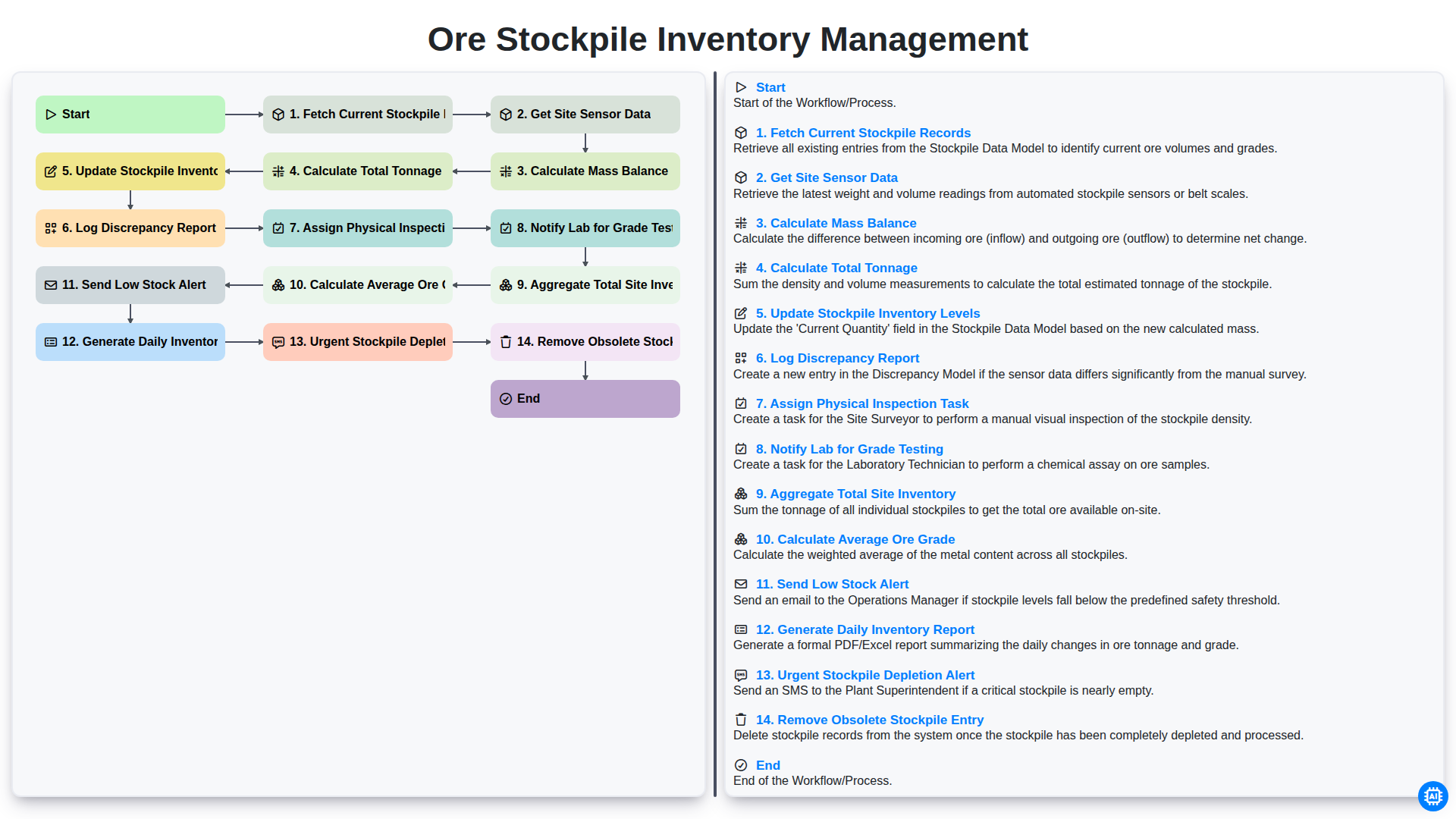
Ore Stockpile Inventory Management
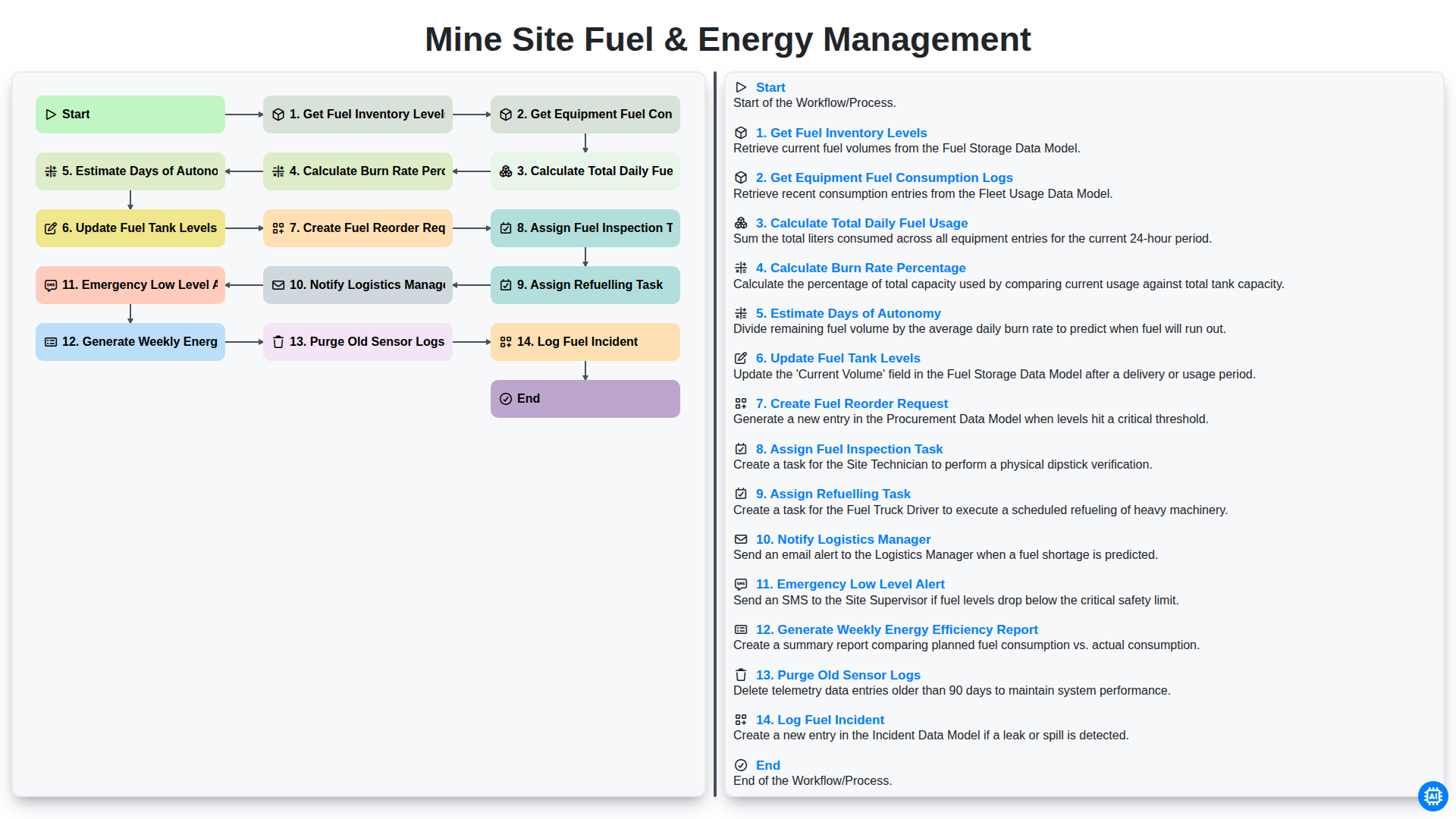
Mine Site Fuel & Energy Management
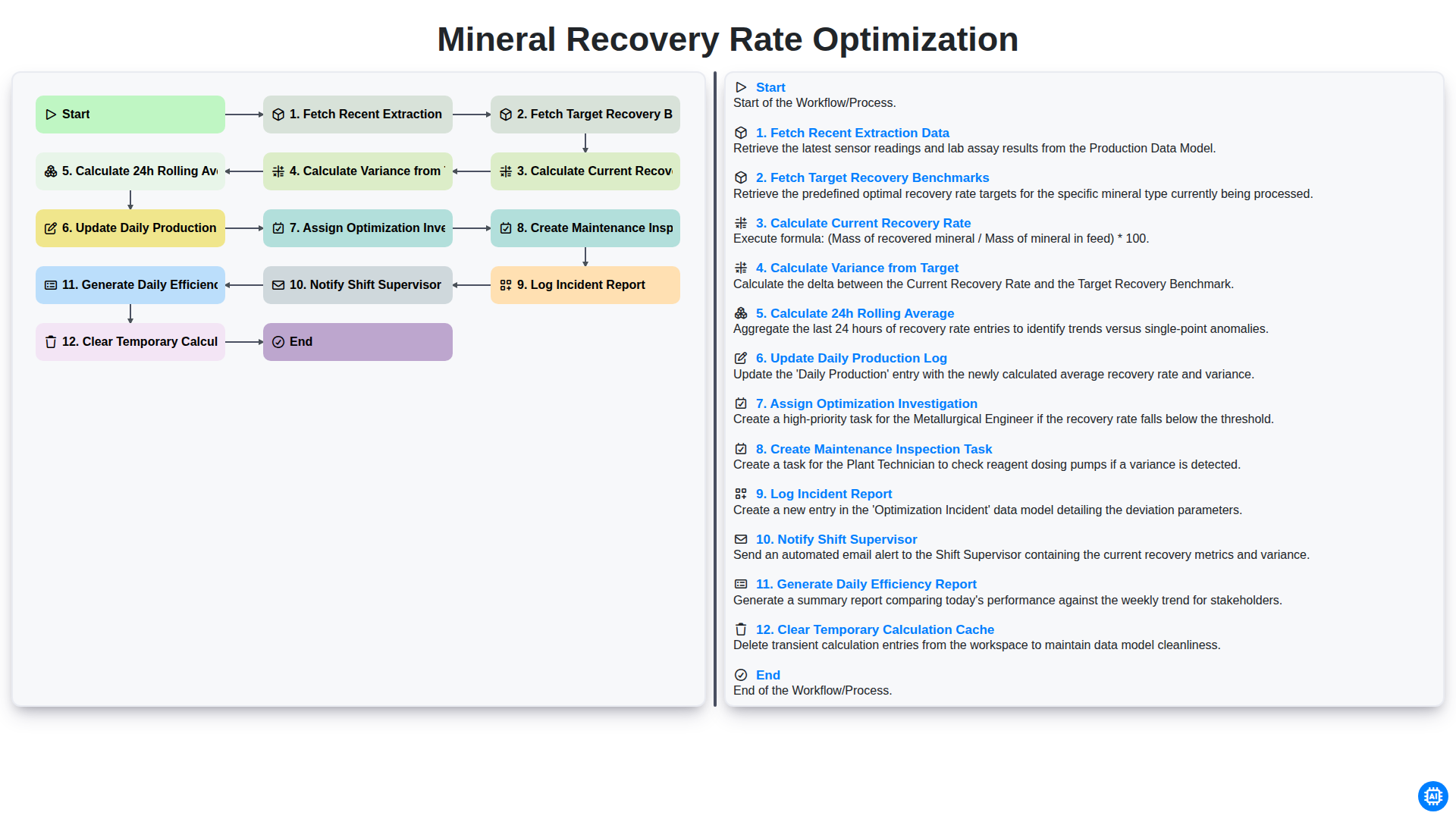
Mineral Recovery Rate Optimization
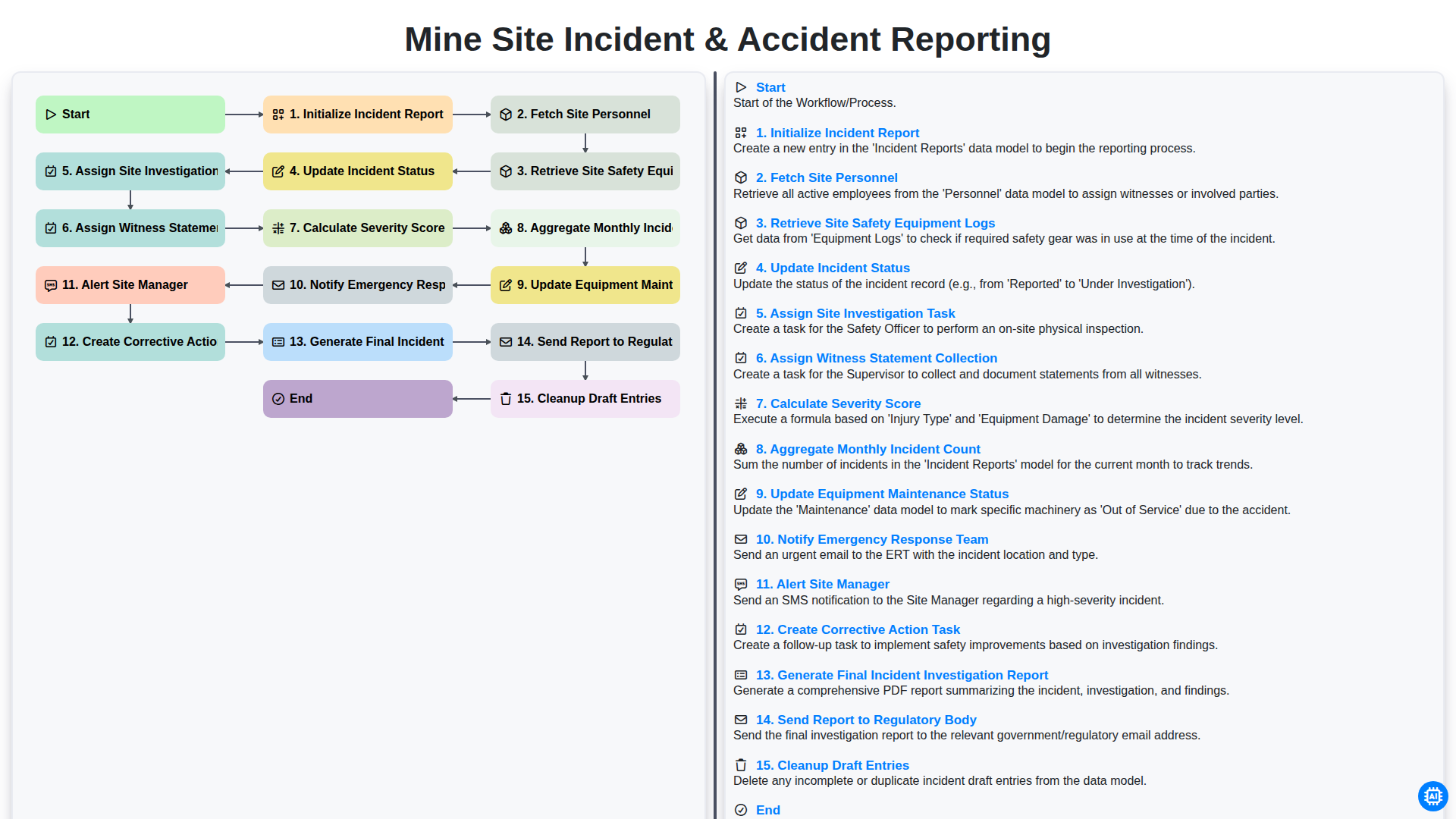
Mine Site Incident & Accident Reporting
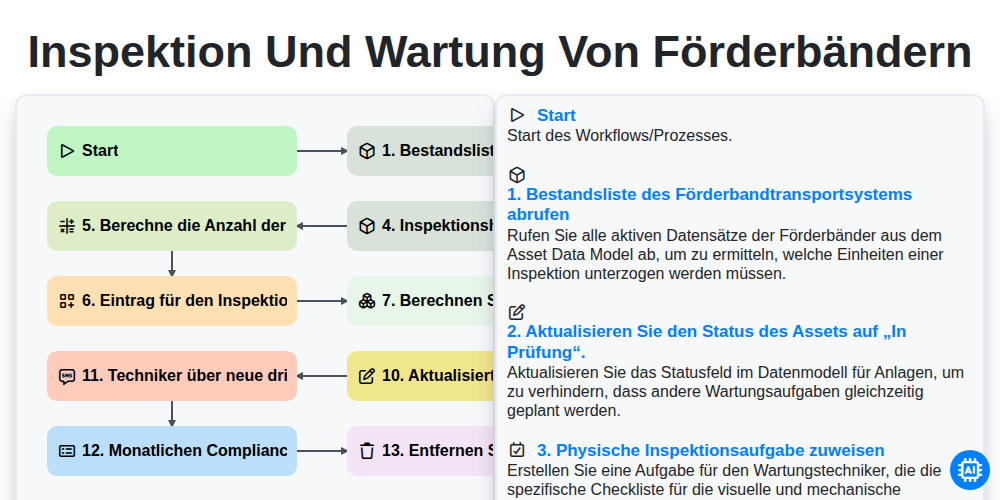
Inspektion und Wartung von Förderbändern
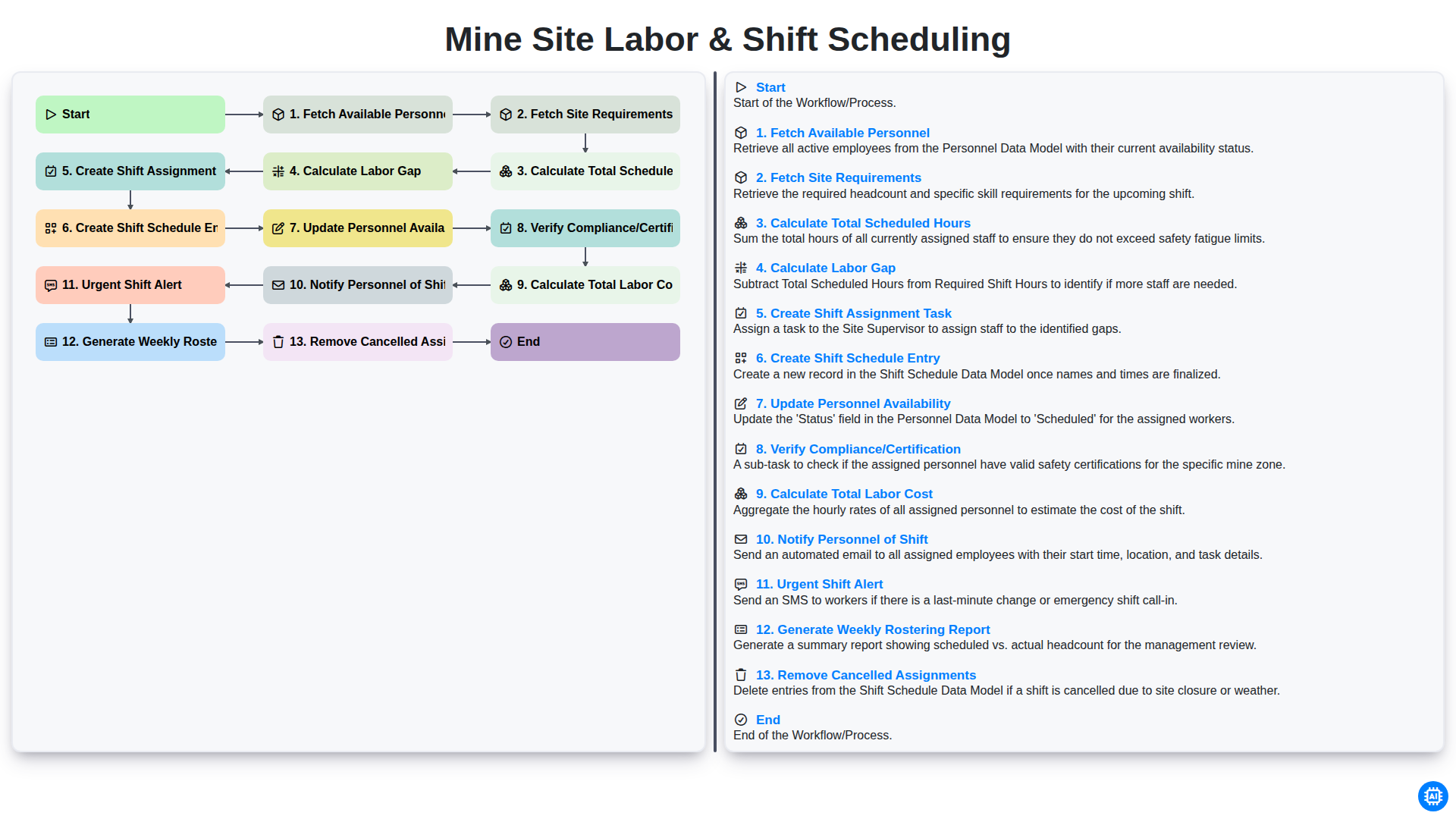
Mine Site Labor & Shift Scheduling
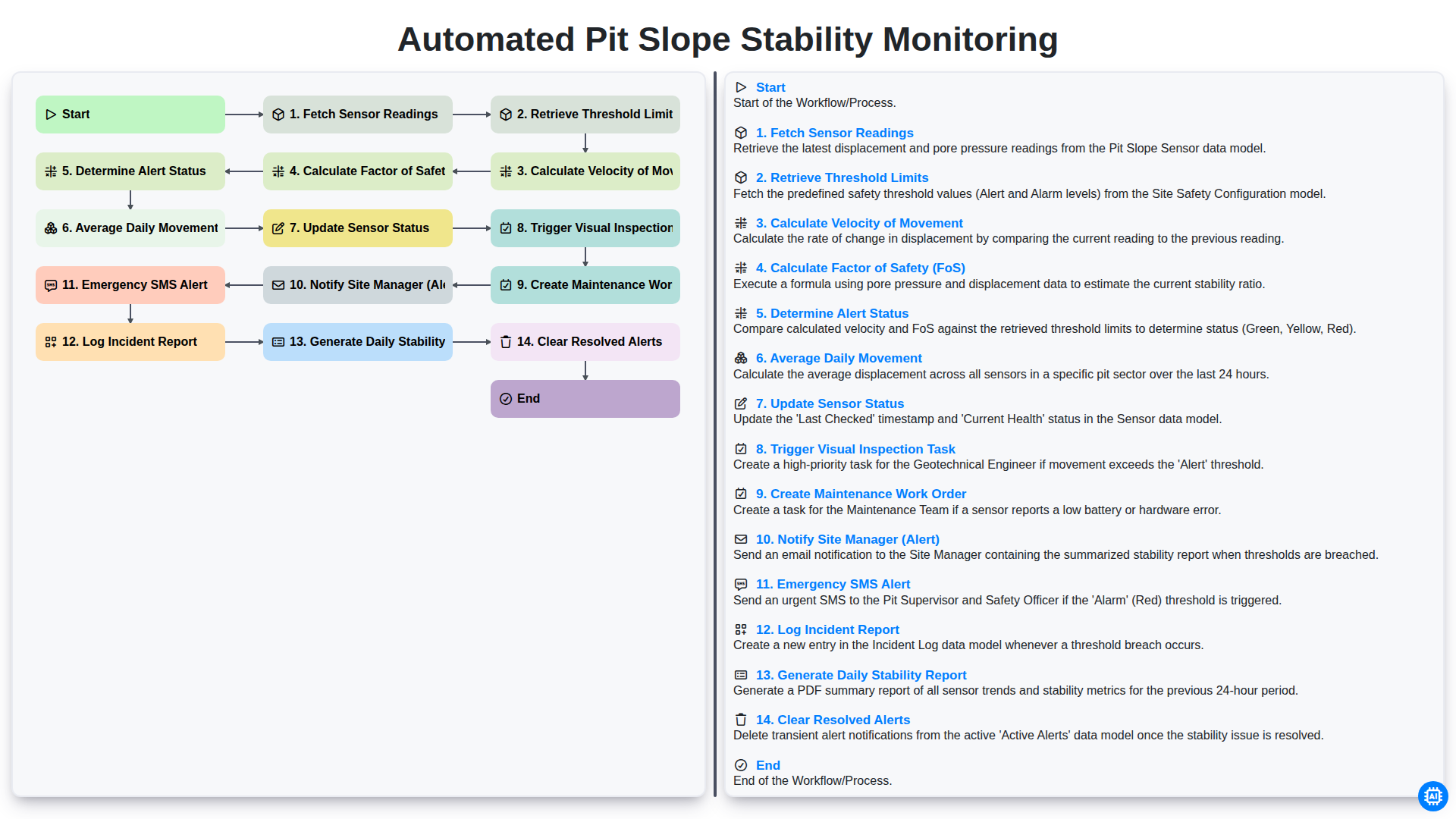
Automated Pit Slope Stability Monitoring
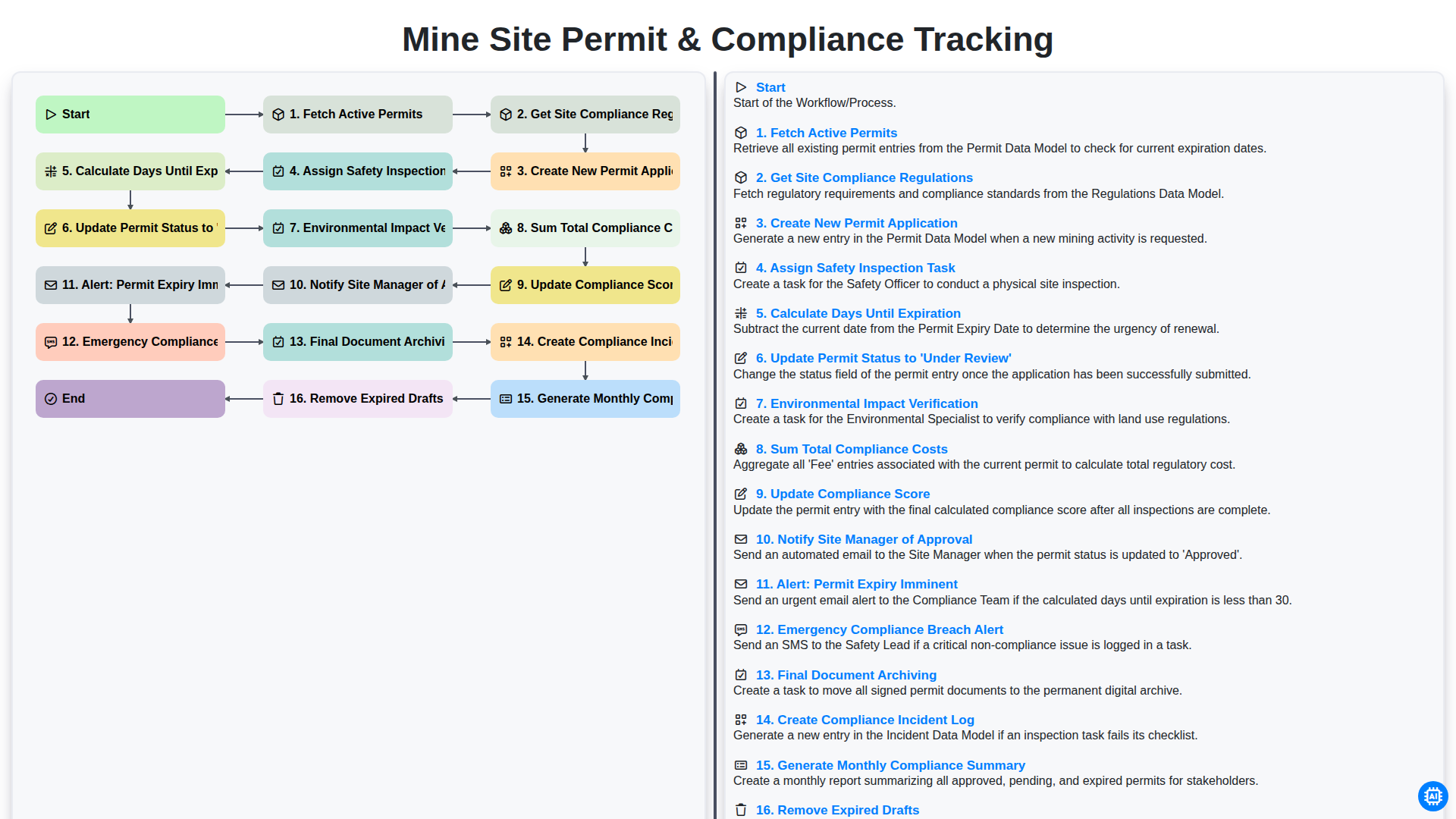
Mine Site Permit & Compliance Tracking
Gemeinsam schaffen wir das
Benötigen Sie Hilfe bei Checklisten?
Haben Sie eine Frage? Wir helfen Ihnen gerne. Bitte senden Sie uns Ihre Anfrage, und wir werden Ihnen umgehend antworten.