 ChecklistGuro
 Ore Stockpile Inventory Management
Optimize your mining operations with our Ore Stockpile Inventory Management workflow. Streamline real-time tracking, automate ore grade monitoring, and enhance stockpile reconciliation to prevent-loss, reduce operational bottlenecks, and ensure precise-resource planning for maximum mining profitability.
Diese Vorlage wurde 2 Mal installiert.
Start
Start des Workflows/Prozesses.
1. Fetch Current Stockpile Records
Retrieve all existing entries from the Stockpile Data Model to identify current ore volumes and grades.
2. Get Site Sensor Data
Retrieve the latest weight and volume readings from automated stockpile sensors or belt scales.
3. Calculate Mass Balance
Calculate the difference between incoming ore (inflow) and outgoing ore (outflow) to determine net change.
4. Calculate Total Tonnage
Sum the density and volume measurements to calculate the total estimated tonnage of the stockpile.
5. Update Stockpile Inventory Levels
Update the 'Current Quantity' field in the Stockpile Data Model based on the new calculated mass.
6. Log Discrepancy Report
Create a new entry in the Discrepancy Model if the sensor data differs significantly from the manual survey.
7. Assign Physical Inspection Task
Create a task for the Site Surveyor to perform a manual visual inspection of the stockpile density.
8. Notify Lab for Grade Testing
Create a task for the Laboratory Technician to perform a chemical assay on ore samples.
9. Aggregate Total Site Inventory
Sum the tonnage of all individual stockpiles to get the total ore available on-site.
10. Calculate Average Ore Grade
Calculate the weighted average of the metal content across all stockpiles.
11. Send Low Stock Alert
Send an email to the Operations Manager if stockpile levels fall below the predefined safety threshold.
12. Generate Daily Inventory Report
Generate a formal PDF/Excel report summarizing the daily changes in ore tonnage and grade.
13. Urgent Stockpile Depletion Alert
Send an SMS to the Plant Superintendent if a critical stockpile is nearly empty.
14. Remove Obsolete Stockpile Entry
Delete stockpile records from the system once the stockpile has been completely depleted and processed.
Ende
Ende des Arbeitsablaufs/Prozesses.
Start des Workflows/Prozesses.
Retrieve all existing entries from the Stockpile Data Model to identify current ore volumes and grades.
Retrieve the latest weight and volume readings from automated stockpile sensors or belt scales.
Calculate the difference between incoming ore (inflow) and outgoing ore (outflow) to determine net change.
Sum the density and volume measurements to calculate the total estimated tonnage of the stockpile.
Update the 'Current Quantity' field in the Stockpile Data Model based on the new calculated mass.
Create a new entry in the Discrepancy Model if the sensor data differs significantly from the manual survey.
Create a task for the Site Surveyor to perform a manual visual inspection of the stockpile density.
Create a task for the Laboratory Technician to perform a chemical assay on ore samples.
Sum the tonnage of all individual stockpiles to get the total ore available on-site.
Calculate the weighted average of the metal content across all stockpiles.
Send an email to the Operations Manager if stockpile levels fall below the predefined safety threshold.
Generate a formal PDF/Excel report summarizing the daily changes in ore tonnage and grade.
Send an SMS to the Plant Superintendent if a critical stockpile is nearly empty.
Delete stockpile records from the system once the stockpile has been completely depleted and processed.
Ende des Arbeitsablaufs/Prozesses.
Hat Ihnen diese Workflow-Vorlage geholfen?
Kommentare
Bisher gibt es keine Kommentare. Seien Sie der Erste, der einen hinzufügt!
Demonstration der Lösung für das Bergbau-Management
Maximieren Sie die Effizienz und Sicherheit im Bergbau! ChecklistGuro optimiert die Aufgabenverwaltung, die Geräteverfolgung und die Compliance-Berichterstattung. Optimieren Sie Arbeitsabläufe, reduzieren Sie Risiken und steigern Sie die Produktivität. Verwalten Sie alles mit unserer Work OS.
Verwandte Workflow-Vorlagen
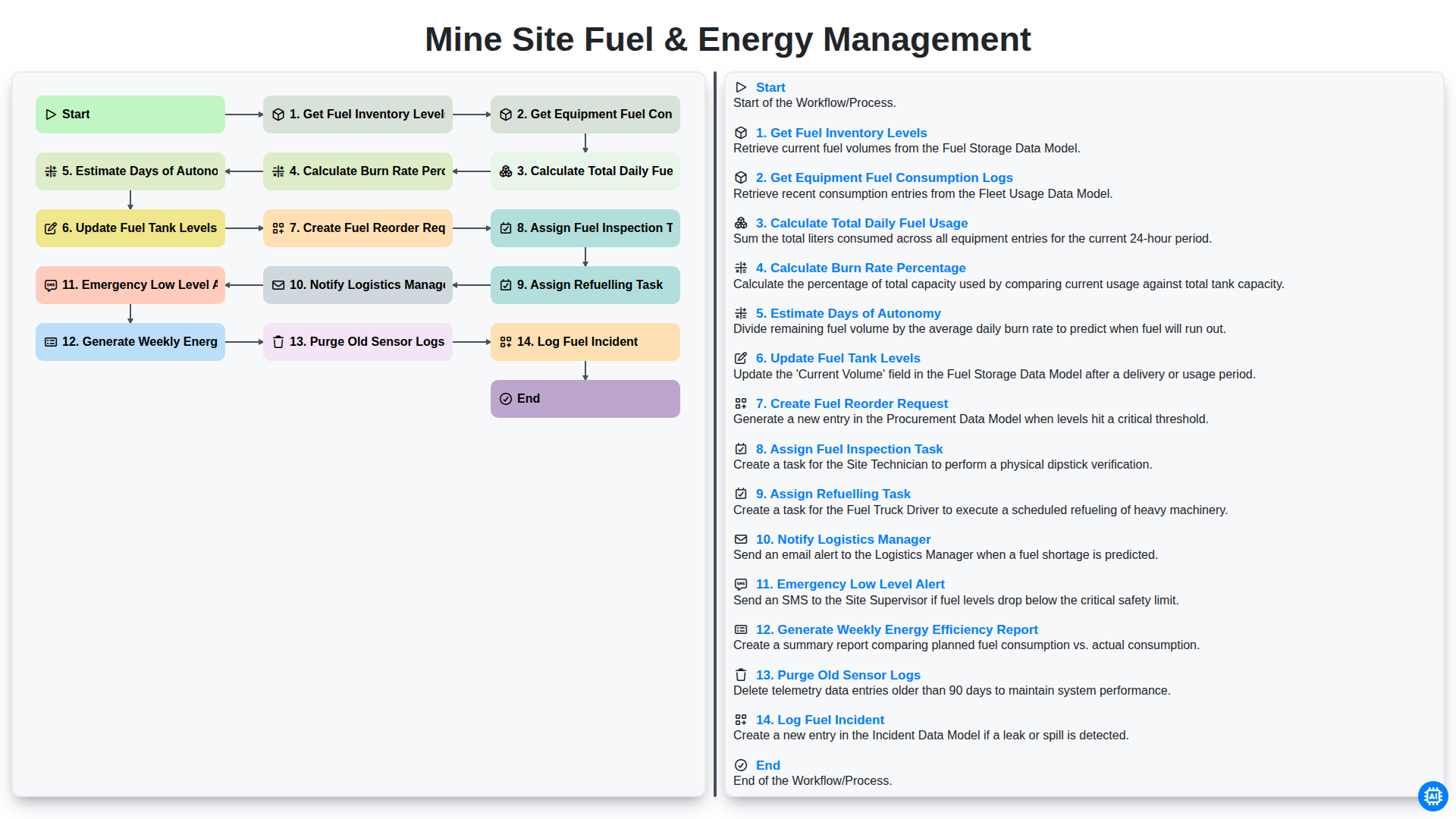
Mine Site Fuel & Energy Management
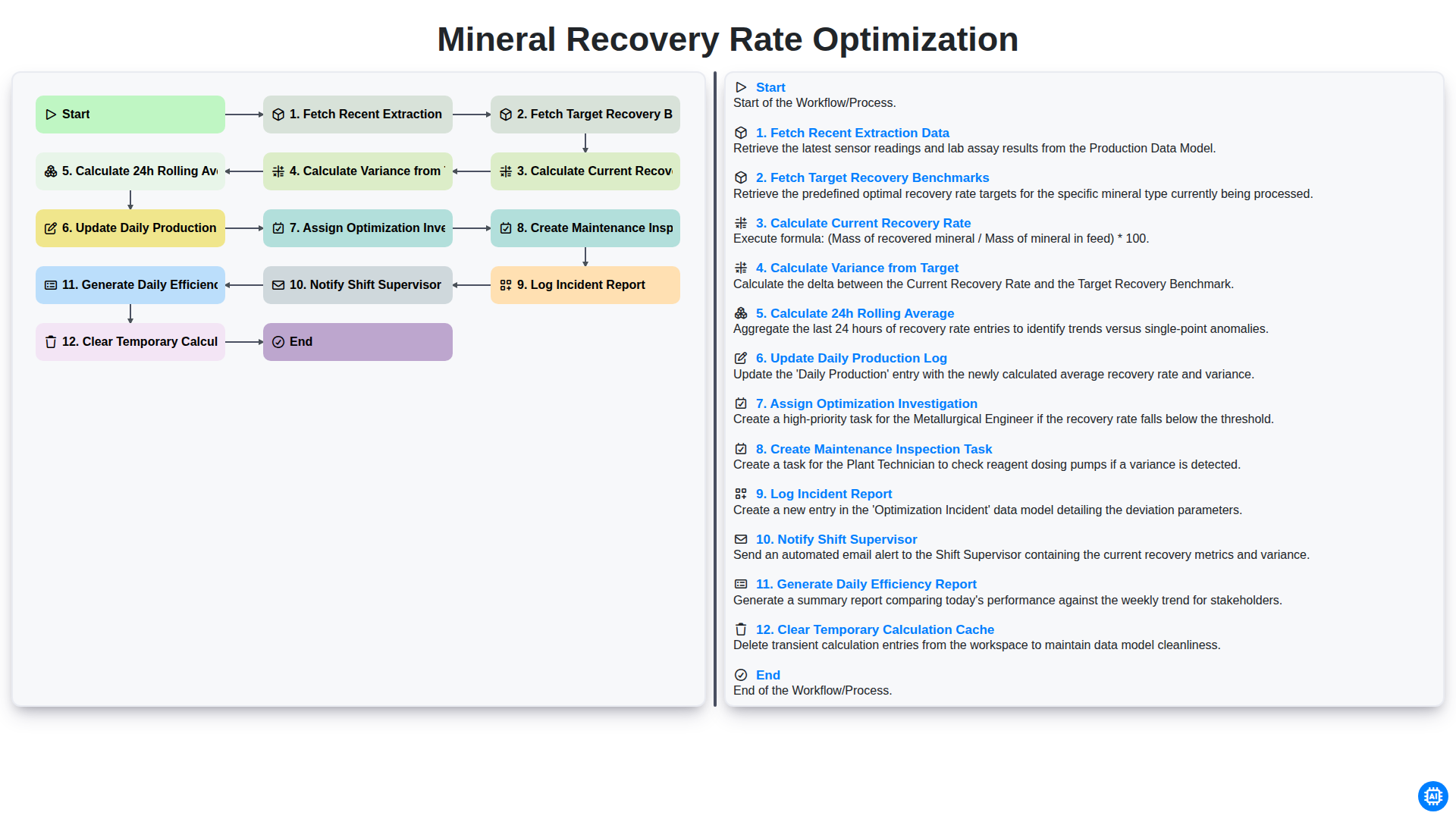
Mineral Recovery Rate Optimization
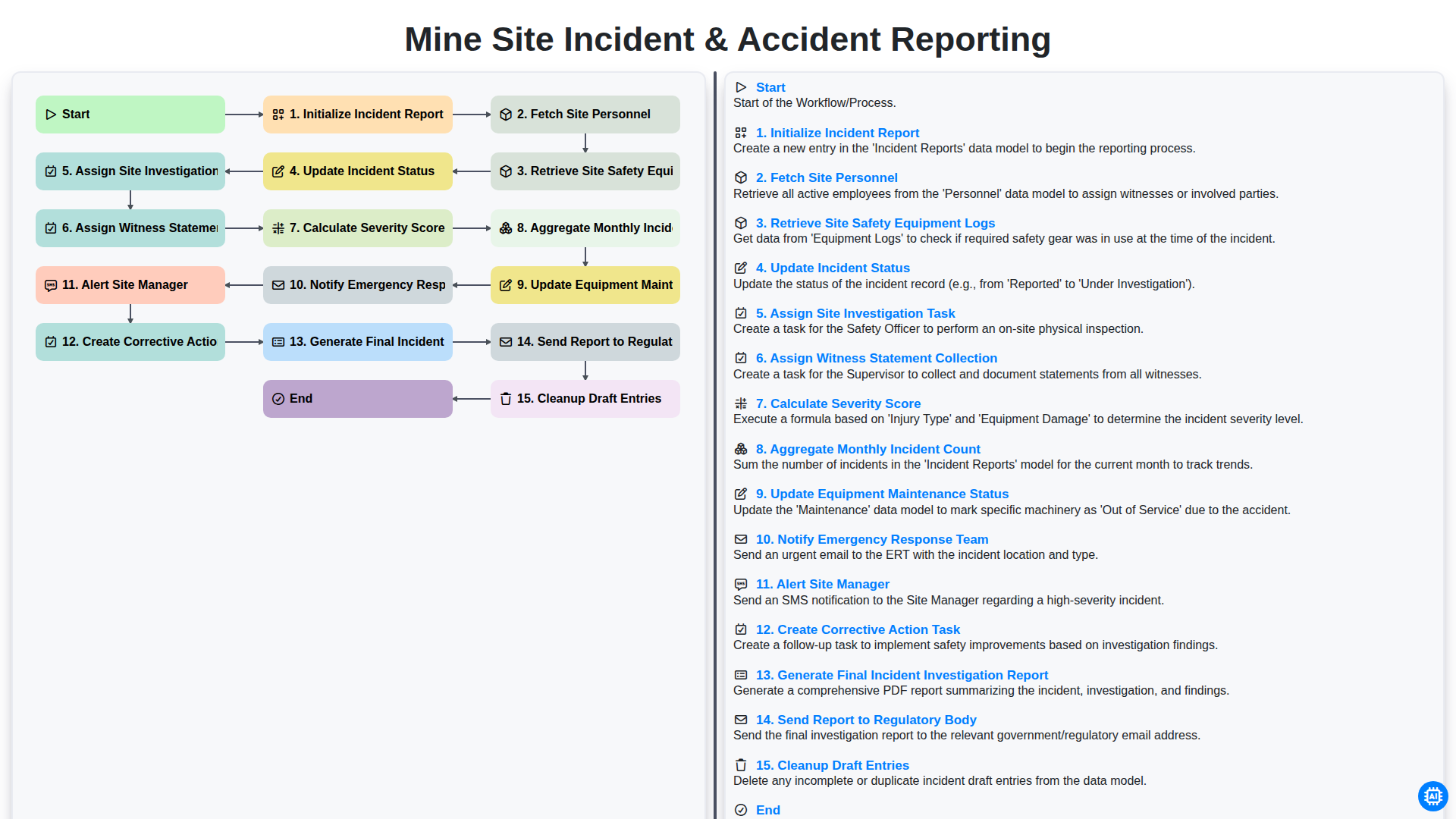
Mine Site Incident & Accident Reporting
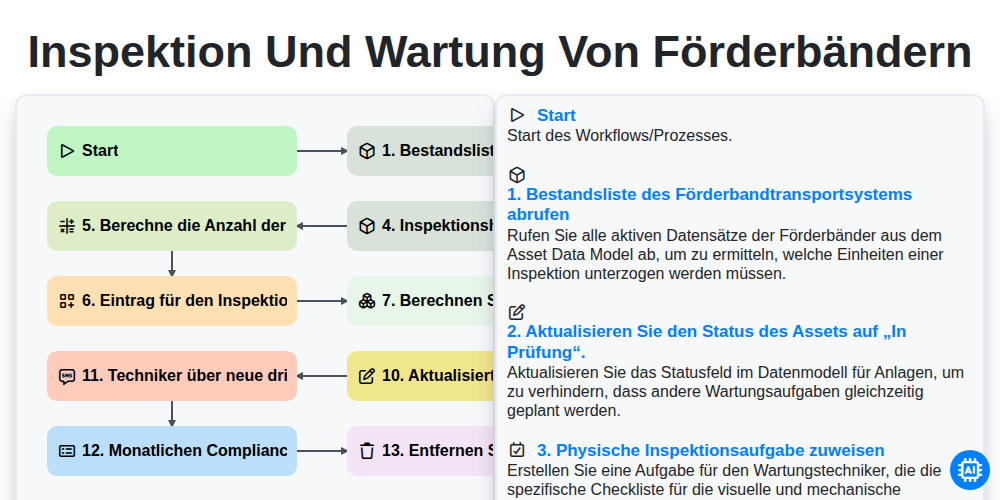
Inspektion und Wartung von Förderbändern
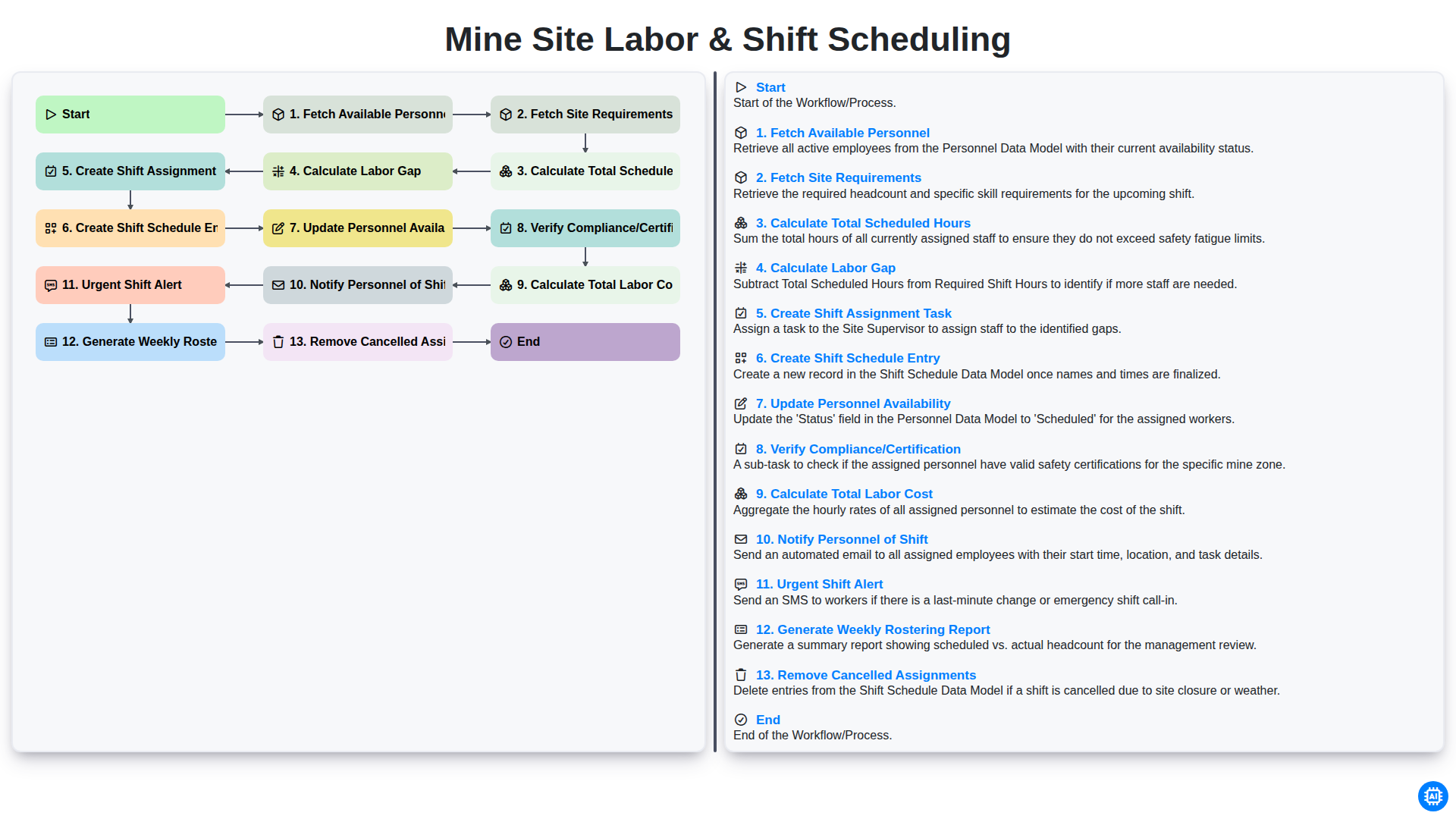
Mine Site Labor & Shift Scheduling
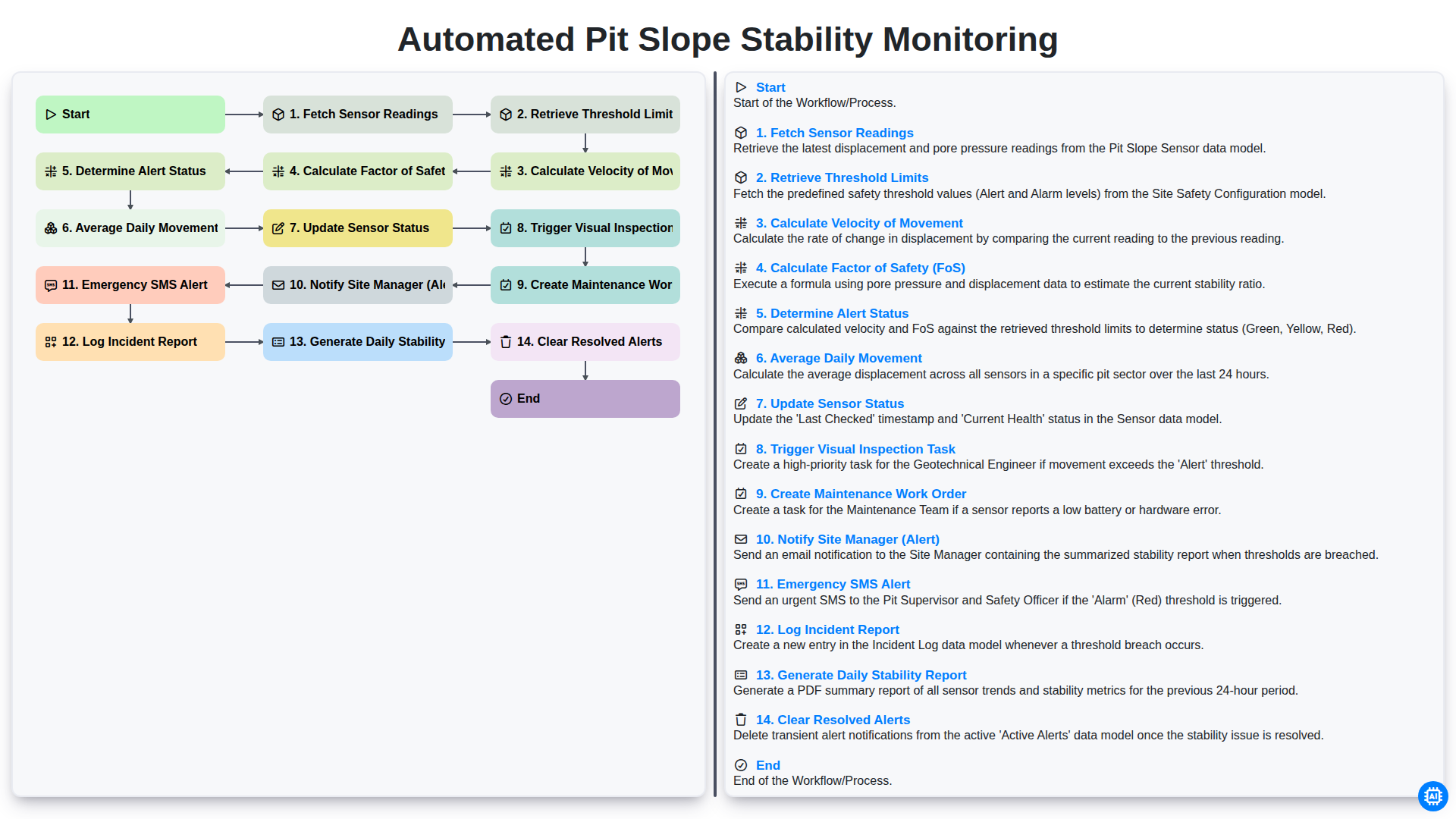
Automated Pit Slope Stability Monitoring
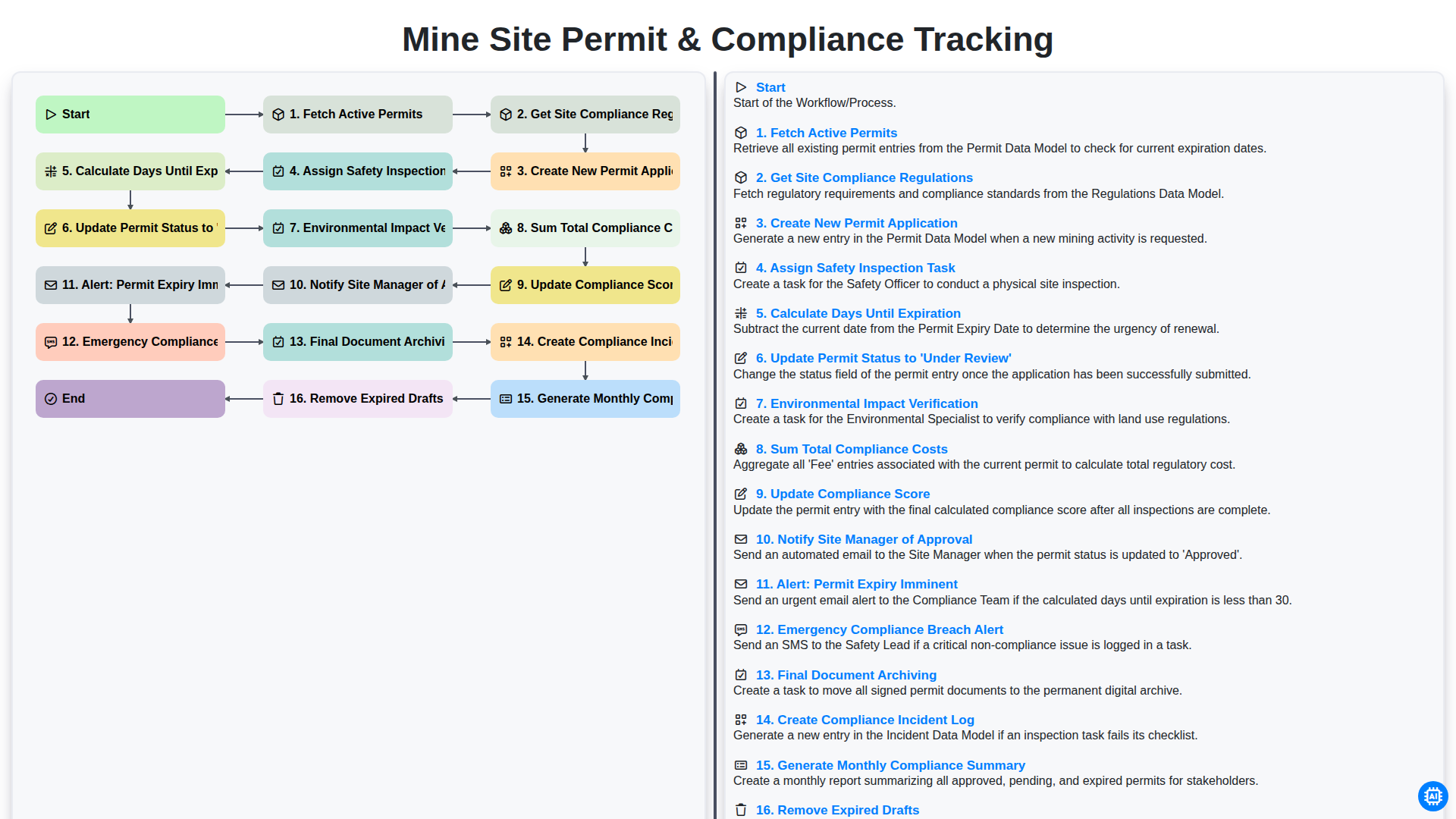
Mine Site Permit & Compliance Tracking
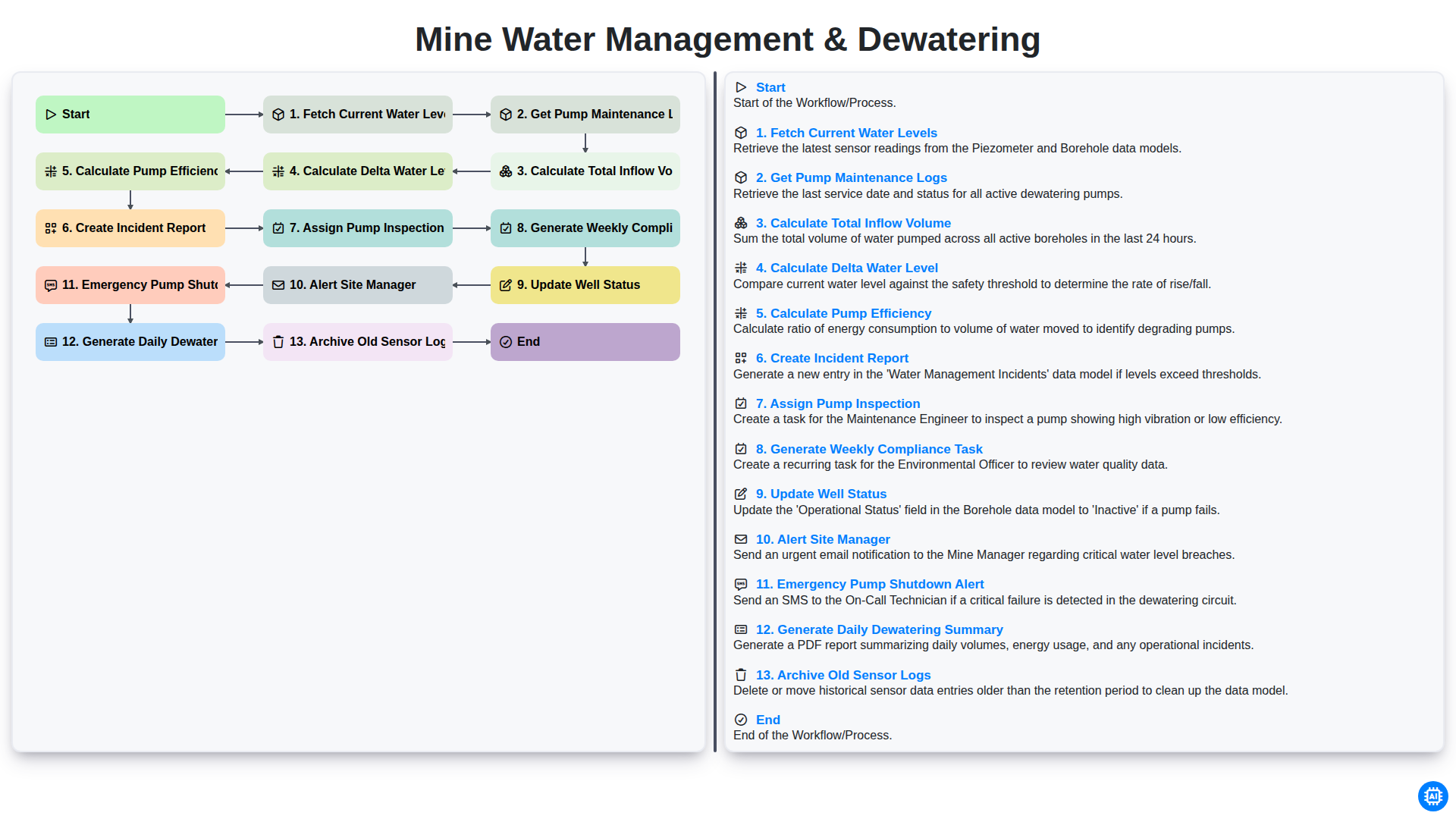
Mine Water Management & Dewatering
Gemeinsam schaffen wir das
Benötigen Sie Hilfe bei Checklisten?
Haben Sie eine Frage? Wir helfen Ihnen gerne. Bitte senden Sie uns Ihre Anfrage, und wir werden Ihnen umgehend antworten.