 ChecklistGuro
 Public Transit Route Optimization Process
Streamline your transit network with our Public Transit Route Optimization Process. Discover how to leverage data-driven workflows to reduce travel times, minimize operational costs, and enhance passenger satisfaction through intelligent route planning and real-time resource allocation.
Diese Vorlage wurde 1 Mal installiert.
Start
Start des Workflows/Prozesses.
1. Retrieve Current Transit Routes
Fetch all active route entries from the Transit Routes data model to analyze current coverage.
2. Fetch Passenger Demand Data
Retrieve historical passenger count and heat map data from the Demand Data model.
3. Retrieve Fleet Availability
Get data on available buses, trains, and drivers from the Fleet Resource model.
4. Calculate Route Efficiency Score
Execute a formula comparing Passenger Demand vs. Current Vehicle Frequency to identify gaps.
5. Calculate Cost-Per-Passenger
Calculate the operational cost of existing routes divided by the total passenger volume.
6. Aggregate Total Daily Ridership
Sum the total number of passengers across all selected routes to determine high-impact zones.
7. Calculate Average Delay Time
Calculate the average latency/delay across all routes to identify bottleneck segments.
8. Assign Route Audit Task
Create a task for Urban Planners to physically inspect high-congestion segments identified in analysis.
9. Create Proposed Route Adjustment
Generate a new entry in the 'Proposed Changes' data model containing the optimized route coordinates.
10. Update Route Status
Update the status of existing routes to 'Under Review' in the Transit Routes model.
11. Create Feasibility Study Task
Assign a task to the Engineering team to assess the infrastructure requirements for new stops.
12. Fetch Budget Constraints
Retrieve the remaining quarterly budget from the Financials data model.
13. Budget Impact Projection
Calculate the projected cost of the new proposed routes against the available budget.
14. Generate Optimization Summary Report
Create a comprehensive report summarizing the findings, efficiency gains, and cost implications.
15. Notify Stakeholders of Proposed Changes
Send an email to City Council and Transit Authorities with the generated Optimization Report.
16. Finalize Route Optimization Plan
Update the 'Optimization Plan' entry status to 'Approved' once all task checklists are complete.
17. Schedule Driver Re-training
Create tasks for Operations Managers to update driver schedules based on new route timings.
18. Alert Maintenance Crews
Send SMS alerts to depot managers regarding necessary vehicle re-allocations.
Ende
Ende des Arbeitsablaufs/Prozesses.
Start des Workflows/Prozesses.
Fetch all active route entries from the Transit Routes data model to analyze current coverage.
Retrieve historical passenger count and heat map data from the Demand Data model.
Get data on available buses, trains, and drivers from the Fleet Resource model.
Execute a formula comparing Passenger Demand vs. Current Vehicle Frequency to identify gaps.
Calculate the operational cost of existing routes divided by the total passenger volume.
Sum the total number of passengers across all selected routes to determine high-impact zones.
Calculate the average latency/delay across all routes to identify bottleneck segments.
Create a task for Urban Planners to physically inspect high-congestion segments identified in analysis.
Generate a new entry in the 'Proposed Changes' data model containing the optimized route coordinates.
Update the status of existing routes to 'Under Review' in the Transit Routes model.
Assign a task to the Engineering team to assess the infrastructure requirements for new stops.
Retrieve the remaining quarterly budget from the Financials data model.
Calculate the projected cost of the new proposed routes against the available budget.
Create a comprehensive report summarizing the findings, efficiency gains, and cost implications.
Send an email to City Council and Transit Authorities with the generated Optimization Report.
Update the 'Optimization Plan' entry status to 'Approved' once all task checklists are complete.
Create tasks for Operations Managers to update driver schedules based on new route timings.
Send SMS alerts to depot managers regarding necessary vehicle re-allocations.
Ende des Arbeitsablaufs/Prozesses.
Hat Ihnen diese Workflow-Vorlage geholfen?
Kommentare
Bisher gibt es keine Kommentare. Seien Sie der Erste, der einen hinzufügt!
Demonstration der Lösung für das Management des öffentlichen Nahverkehrs
Optimieren Sie den Betrieb des öffentlichen Nahverkehrs und verbessern Sie das Fahrgasterlebnis! ChecklistGuro optimiert die Routenplanung, die Fahrzeugwartung und die Meldung von Vorfällen. Verbessern Sie die Effizienz, Sicherheit und Zuverlässigkeit. Verwalten Sie alles mit unserer Work OS.
Verwandte Workflow-Vorlagen

Bus Stop Infrastructure Maintenance Workflow

Contactless Payment Processing and Settlement Workflow

Public Transport Resource Allocation and Dispatching

Transit Subscription and Pass Management Process

Automated Bus Inspection and Safety Audit Workflow

Real-Time Traffic Congestion Impact Analysis
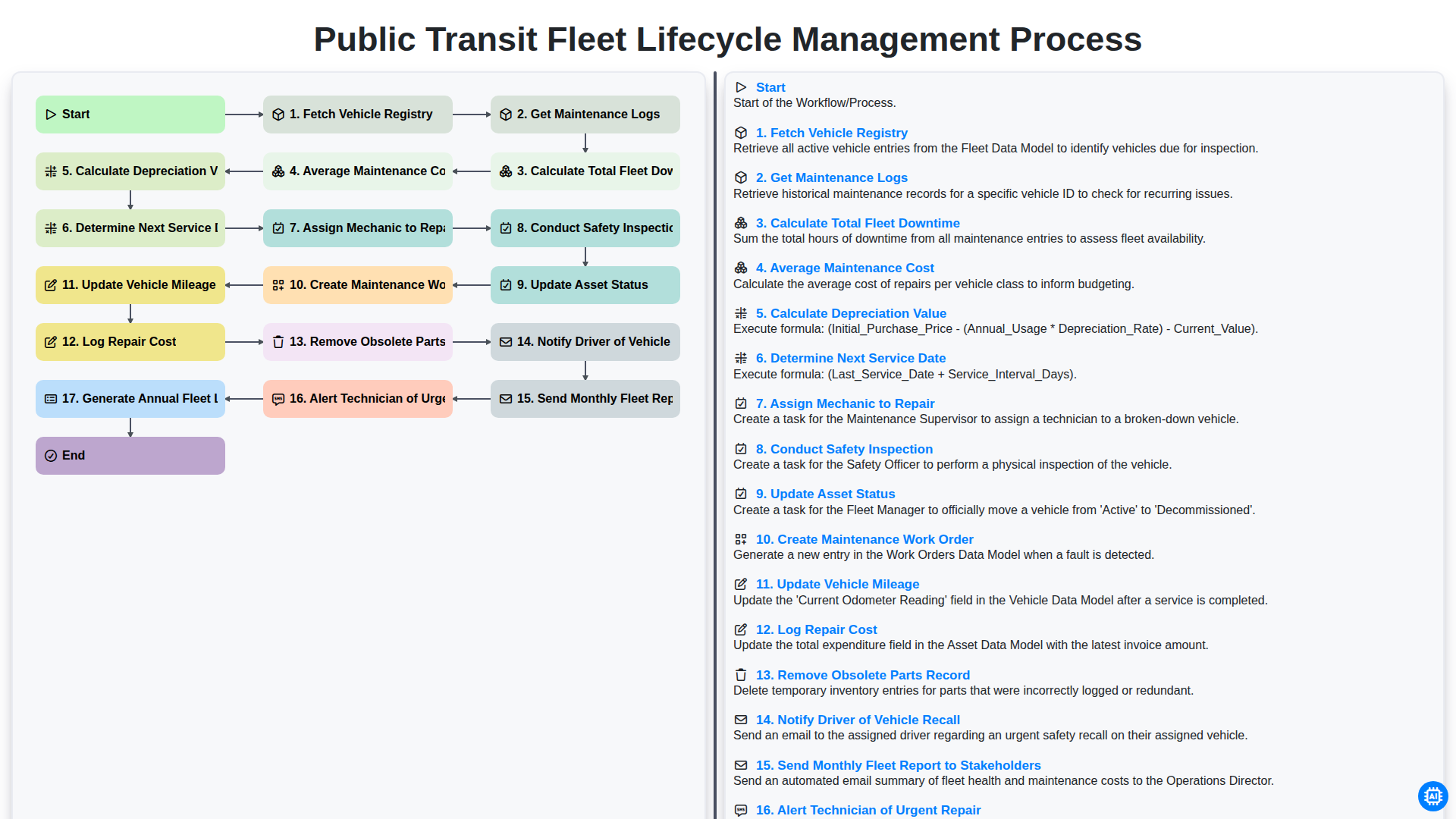
Public Transit Fleet Lifecycle Management Process
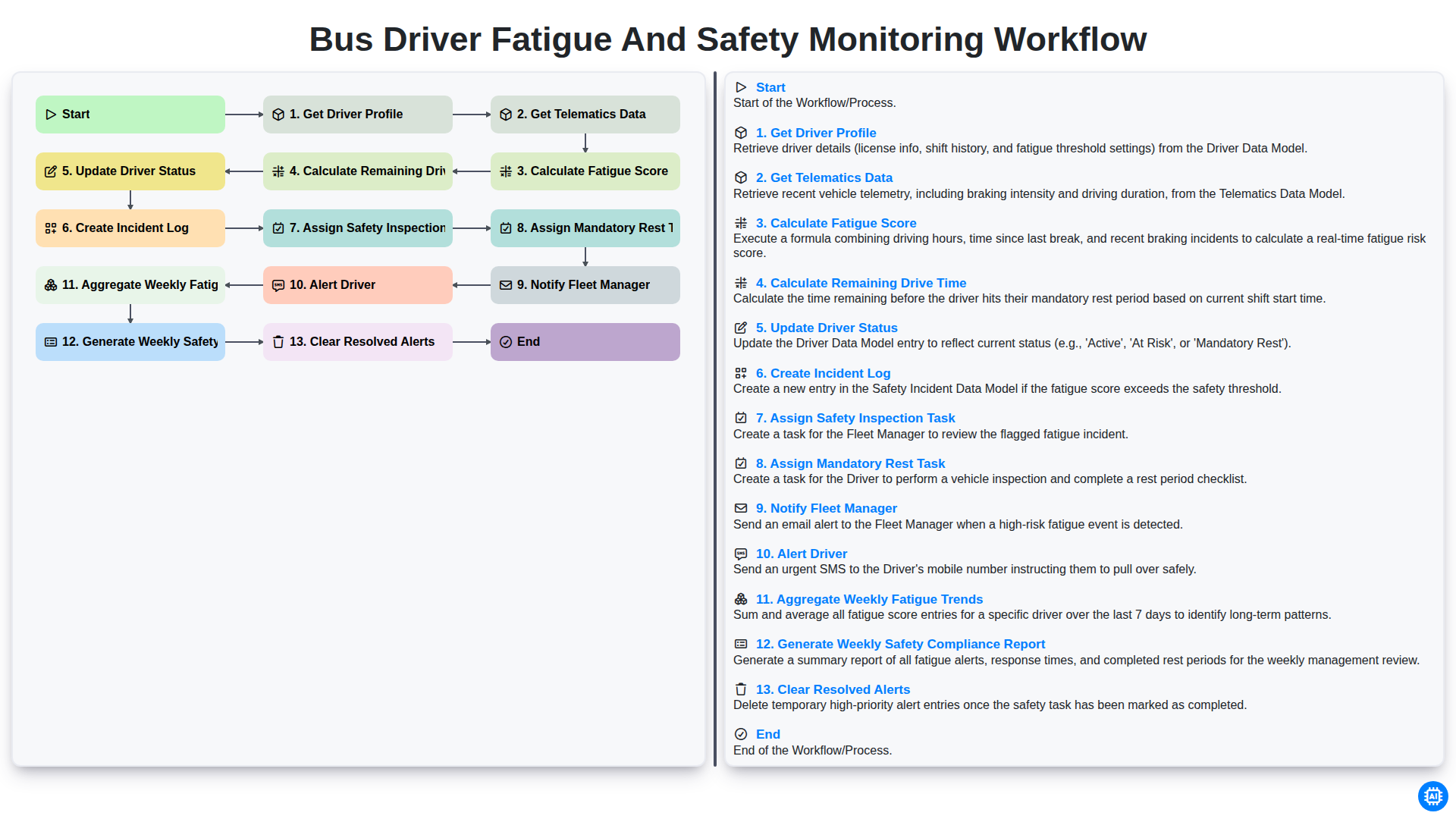
Bus Driver Fatigue and Safety Monitoring Workflow
Gemeinsam schaffen wir das
Benötigen Sie Hilfe bei Checklisten?
Haben Sie eine Frage? Wir helfen Ihnen gerne. Bitte senden Sie uns Ihre Anfrage, und wir werden Ihnen umgehend antworten.