 ChecklistGuro
 Transit Driver Shift Scheduling and Dispatch Workflow
Optimize your fleet operations with our Transit Driver Shift Scheduling and Dispatch Workflow. Streamline driver assignments, automate real-time dispatching, and ensure seamless route coverage to boost efficiency, reduce downtime, and enhance public transport reliability.
Diese Vorlage wurde 2 Mal installiert.
Start
Start des Workflows/Prozesses.
1. Fetch Available Drivers
Retrieve all driver entries where status is 'Available' and shift start time is within the next 24 hours.
2. Get Unassigned Vehicles
Retrieve all vehicle entries that are currently marked as 'Ready' and not assigned to an active shift.
3. Check Driver Hours
Get the total driving hours recorded for the selected drivers in the last 7 days to ensure compliance.
4. Calculate Total Fleet Capacity
Sum the total weight/volume capacity of all available vehicles to ensure it meets the daily demand.
5. Calculate Shift Overlap
Calculate the time difference between the end of the previous shift and the start of the new shift to identify gaps.
6. Create Shift Assignment
Create a new entry in the 'Shifts' data model linking a specific Driver, Vehicle, and Route.
7. Update Driver Status
Change the status of the selected Driver entry from 'Available' to 'On Duty'.
8. Update Vehicle Status
Change the status of the assigned Vehicle entry to 'In Use'.
9. Assign Pre-Trip Inspection
Create a task for the assigned Driver to complete the vehicle safety checklist before departure.
10. Dispatch Notification Task
Create a task for the Dispatcher to confirm all route waypoints have been loaded into the driver's mobile app.
11. Send Shift Schedule to Driver
Send an email to the driver's registered email address containing shift details, route, and vehicle info.
12. Send Urgent Dispatch Alert
Send an SMS to the driver's phone number notifying them of an immediate departure or route change.
13. Log Shift Completion
Update the Shift entry with the actual end time and total kilometers driven.
14. Remove Cancelled Shift
Delete the shift entry if the driver or vehicle becomes unavailable due to an emergency.
15. Generate Daily Dispatch Summary
Create a report aggregating all completed, ongoing, and cancelled shifts for the day's management review.
Ende
Ende des Arbeitsablaufs/Prozesses.
Start des Workflows/Prozesses.
Retrieve all driver entries where status is 'Available' and shift start time is within the next 24 hours.
Retrieve all vehicle entries that are currently marked as 'Ready' and not assigned to an active shift.
Get the total driving hours recorded for the selected drivers in the last 7 days to ensure compliance.
Sum the total weight/volume capacity of all available vehicles to ensure it meets the daily demand.
Calculate the time difference between the end of the previous shift and the start of the new shift to identify gaps.
Create a new entry in the 'Shifts' data model linking a specific Driver, Vehicle, and Route.
Change the status of the selected Driver entry from 'Available' to 'On Duty'.
Change the status of the assigned Vehicle entry to 'In Use'.
Create a task for the assigned Driver to complete the vehicle safety checklist before departure.
Create a task for the Dispatcher to confirm all route waypoints have been loaded into the driver's mobile app.
Send an email to the driver's registered email address containing shift details, route, and vehicle info.
Send an SMS to the driver's phone number notifying them of an immediate departure or route change.
Update the Shift entry with the actual end time and total kilometers driven.
Delete the shift entry if the driver or vehicle becomes unavailable due to an emergency.
Create a report aggregating all completed, ongoing, and cancelled shifts for the day's management review.
Ende des Arbeitsablaufs/Prozesses.
Kommentare
Bisher gibt es keine Kommentare. Seien Sie der Erste, der einen hinzufügt!
Demonstration der Lösung für das Management des öffentlichen Nahverkehrs
Optimieren Sie den Betrieb des öffentlichen Nahverkehrs und verbessern Sie das Fahrgasterlebnis! ChecklistGuro optimiert die Routenplanung, die Fahrzeugwartung und die Meldung von Vorfällen. Verbessern Sie die Effizienz, Sicherheit und Zuverlässigkeit. Verwalten Sie alles mit unserer Work OS.
Verwandte Workflow-Vorlagen

Bus Stop Infrastructure Maintenance Workflow

Contactless Payment Processing and Settlement Workflow

Public Transport Resource Allocation and Dispatching

Transit Subscription and Pass Management Process

Automated Bus Inspection and Safety Audit Workflow

Real-Time Traffic Congestion Impact Analysis
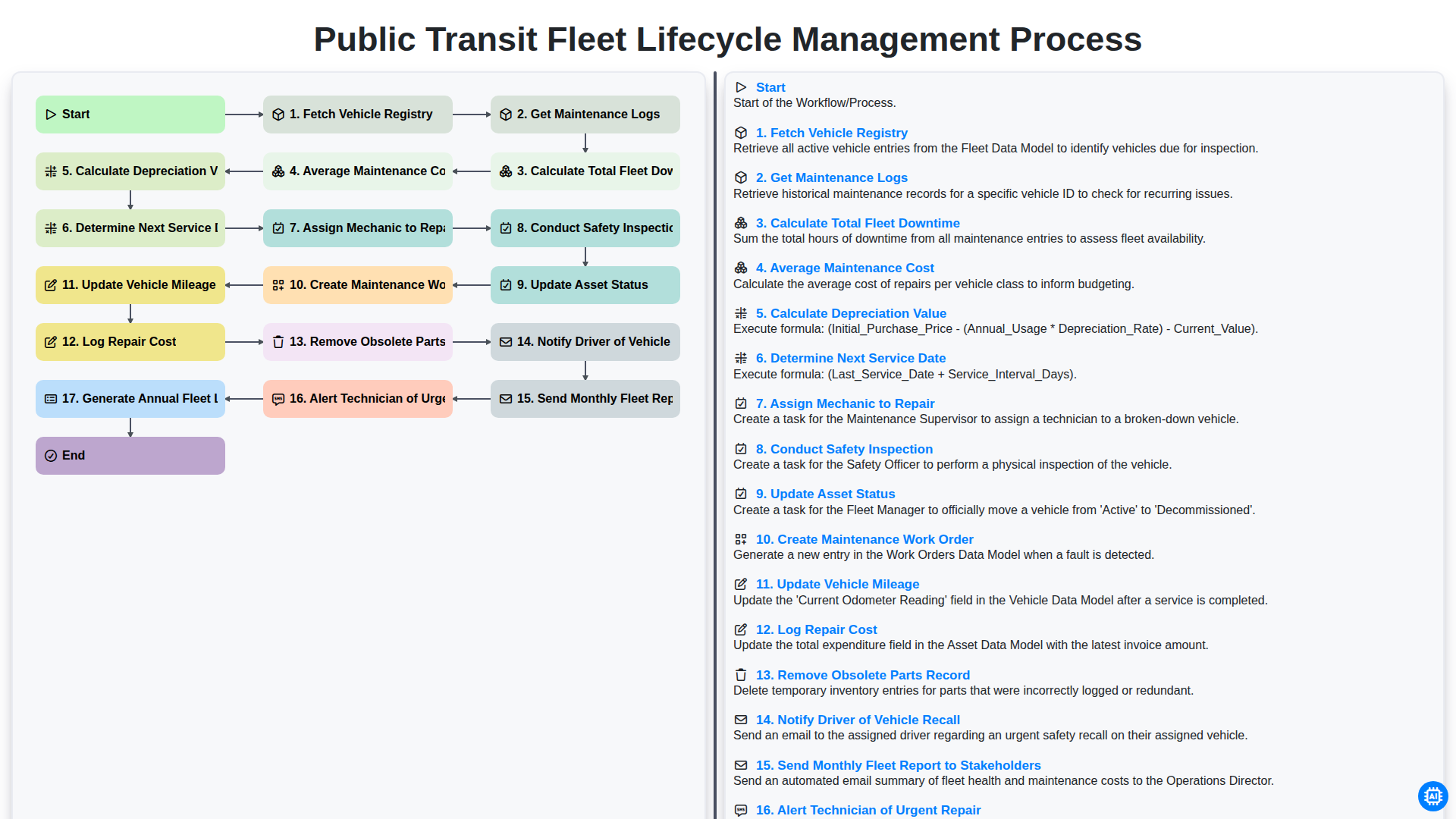
Public Transit Fleet Lifecycle Management Process
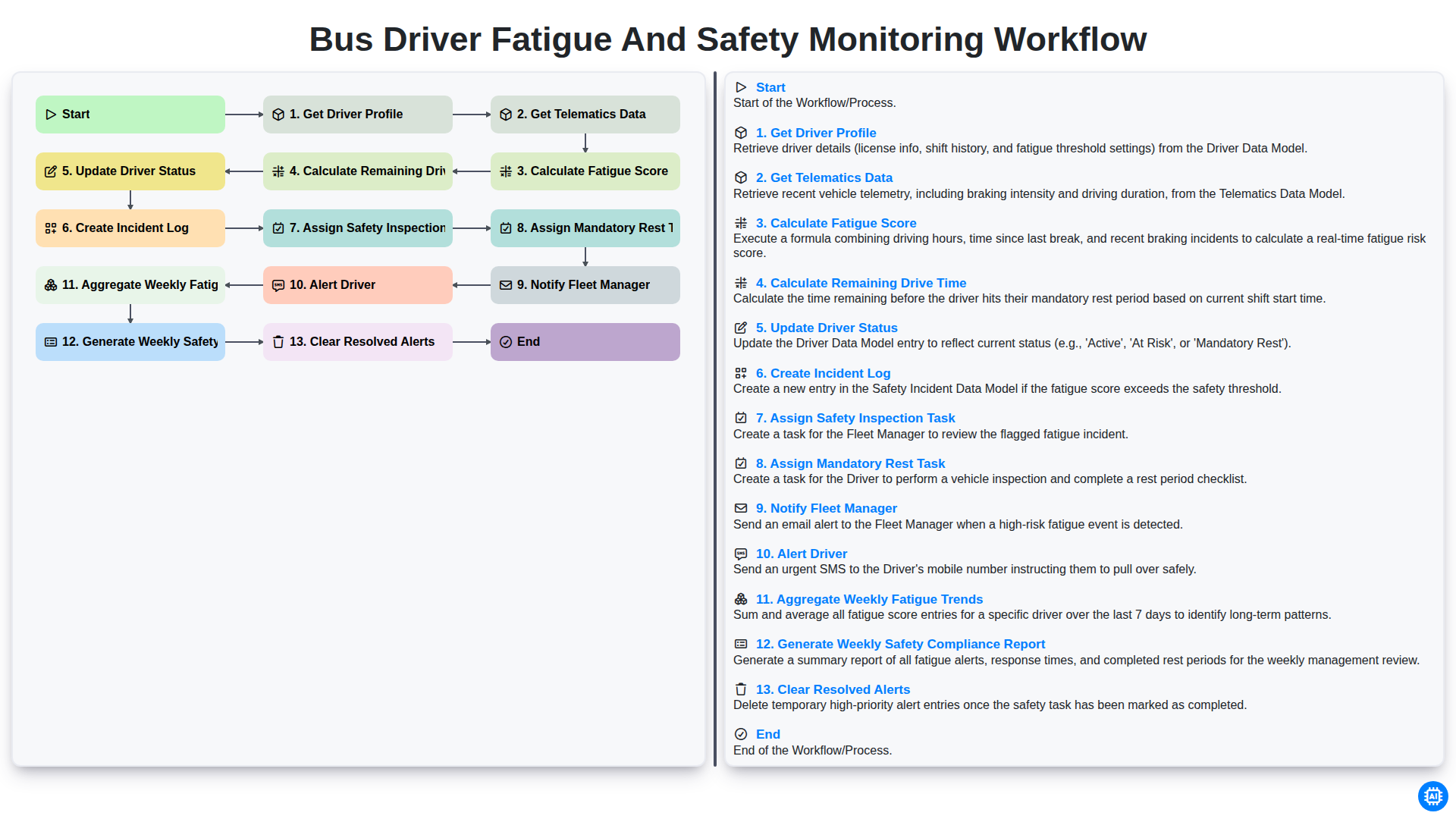
Bus Driver Fatigue and Safety Monitoring Workflow
Gemeinsam schaffen wir das
Benötigen Sie Hilfe bei Checklisten?
Haben Sie eine Frage? Wir helfen Ihnen gerne. Bitte senden Sie uns Ihre Anfrage, und wir werden Ihnen umgehend antworten.