 ChecklistGuro
 Museum Exhibit Support Checklist
Ensure flawless museum experiences! This checklist guides support staff through exhibit troubleshooting, visitor assistance, and technical issue resolution - minimizing disruptions and maximizing engagement.
Esta plantilla se instaló 2 veces.
Pre-Installation & Planning
Tasks related to exhibit planning, design approvals, and resource allocation.
Exhibit Budget Allocation
Exhibit Design Approval Deadline
Curator Approval Status
Exhibit Narrative and Concept Summary
Exhibit Design Renderings
Accessibility Compliance Requirements
Space Allocation Confirmation Date
Equipment Setup & Configuration
Steps to install and configure all exhibit hardware (displays, lighting, audio, interactive elements).
Display Resolution (Width)
Display Resolution (Height)
Display Connection Type
Audio Output Method
Installation Completion Date
Installation Start Time
Specific Cable Connections Notes
Software & Content Integration
Processes for integrating software applications and content (videos, images, interactive simulations).
Content Description Notes
Content Manifest File
Content Delivery Method
File Size (MB)
Content Update Date
Content Formats Integrated
Software Version Notes
Testing & Quality Assurance
Checks to ensure exhibit functionality, interactivity, and content accuracy.
Display Brightness (Lumens)
Audio Volume (dB)
Image Quality
Interactive Functionality
Content Verification
Testing Completion Date
Any Additional Notes or Issues Found?
Visitor Safety & Accessibility
Verification of safety measures, accessibility features, and emergency protocols.
Emergency Lighting Functionality
Clear Path of Egress
Minimum Clear Width (inches)
Ramp Slope Compliance
Audio Description Available
Visual Cues for Navigation
Emergency Exit Location Verified
Documentation & Training
Creation of documentation for maintenance and training for museum staff.
Exhibit System Architecture Overview
Software Installation & Configuration Guide
Maintenance Schedule Template
Number of Staff Trained
Training Delivery Method
Last Documentation Update Date
Documentation Reviewer Signature
Ongoing Maintenance & Monitoring
Scheduled tasks and checks to ensure exhibit longevity and optimal performance.
Last Full System Check Date
Display Brightness Level (0-100)
Audio Volume Level (0-100)
System Errors Observed (Select all that apply)
Last Content Update Time
Maintenance Notes & Observations
Overall Exhibit Condition
Incident Reporting & Resolution
Procedure for reporting and resolving exhibit-related issues.
Date of Incident
Time of Incident
Severity Level
Detailed Description of Incident
Affected Exhibit
Systems/Components Impacted
Supporting Documentation (Photos, Videos)
Troubleshooting Steps Taken
¿Le resultó útil esta plantilla de lista de verificación?
Comentarios
Aún no hay comentarios. ¡Sé el primero en añadir uno!
Demostración de la Solución de Gestión de Soporte
¿Tiene dificultades para mantenerse al día con las solicitudes de soporte? ChecklistGuro proporciona un sistema centralizado para gestionar tickets, realizar un seguimiento del progreso y garantizar la satisfacción del cliente. Mejore la eficiencia y reduzca los tiempos de resolución.
Plantillas de listas de verificación relacionadas
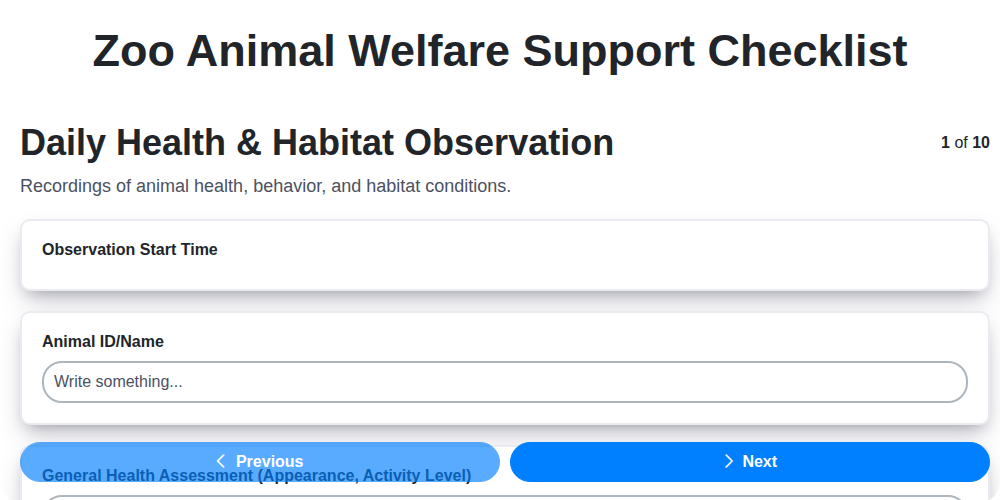
Zoo Animal Welfare Support Checklist
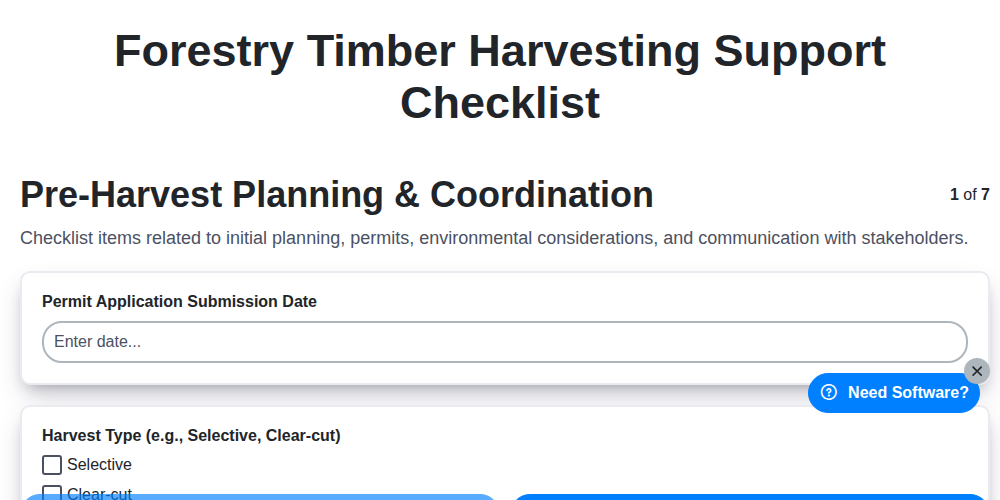
Forestry Timber Harvesting Support Checklist
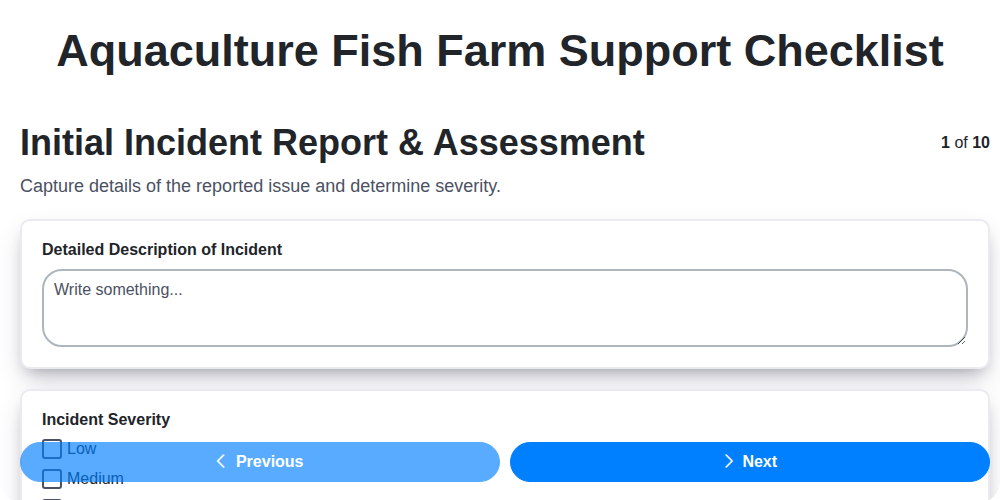
Aquaculture Fish Farm Support Checklist
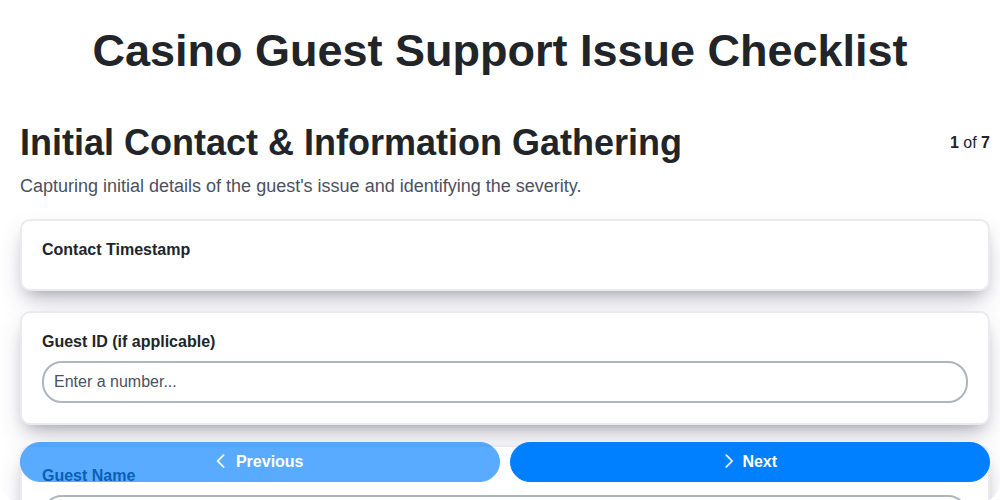
Casino Guest Support Issue Checklist

Religious Organization Parishioner Support Checklist
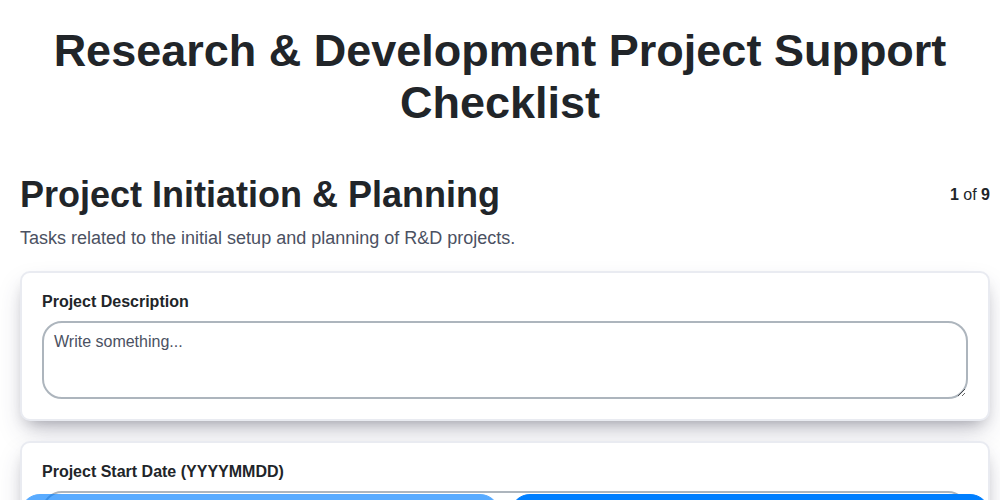
Research & Development Project Support Checklist
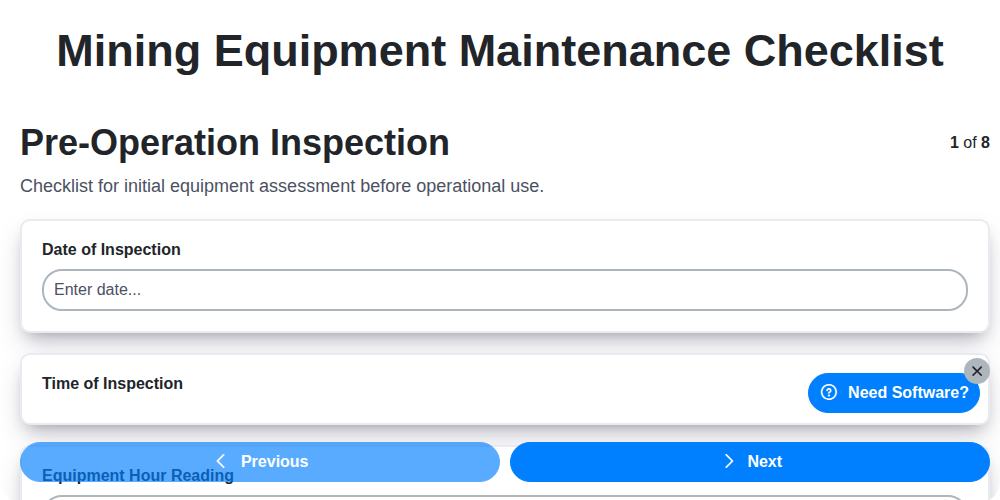
Mining Equipment Maintenance Checklist
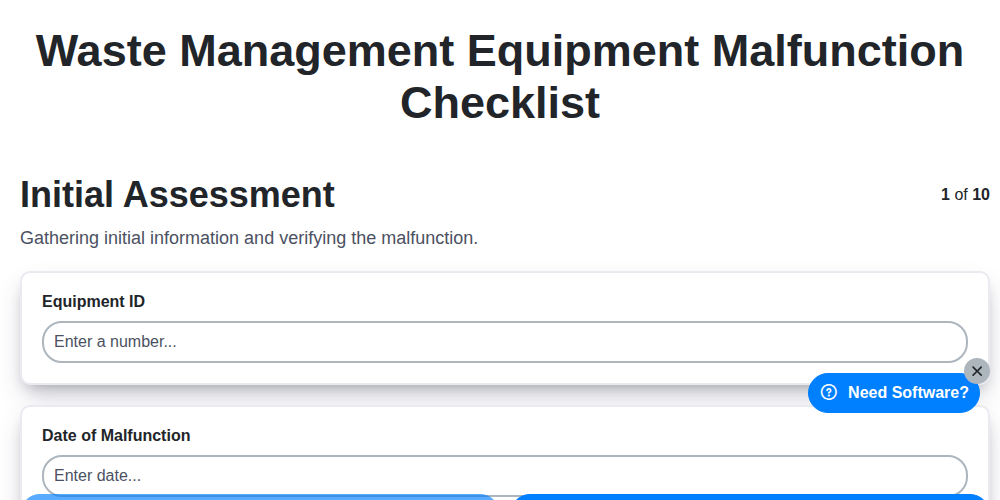
Waste Management Equipment Malfunction Checklist
Podemos hacerlo juntos
¿Necesita ayuda con las listas de verificación?
¿Tienes alguna pregunta? Estamos aquí para ayudarte. Envía tu consulta y te responderemos a la brevedad.