 ChecklistGuro
 Invoice Processing and Approval Automation
Eliminate manual data entry and bottlenecks with our Invoice Processing and Approval Automation workflow. Streamline your accounting management by accelerating payment cycles, reducing human error, and ensuring seamless, real-time audit trails through automated digital approvals.
Esta plantilla se instaló 4 veces.
Inicio
Inicio del flujo de trabajo/proceso.
1. Fetch Pending Invoices
Retrieve all invoice entries from the Data Model where status is 'Pending Approval'.
2. Calculate Total Invoice Value
Sum the 'Total Amount' field of all retrieved pending invoice entries to check budget thresholds.
3. Calculate Tax Amount
Calculate the tax portion of the invoice using the formula (Subtotal * Tax_Rate).
4. Update Invoice Status to 'Reviewing'
Change the status of the selected invoice entry to 'In Review' to prevent duplicate processing.
5. Assign Approval Task to Manager
Create a task for the Department Manager to review the invoice details and attachments.
6. Check Vendor Details
Fetch vendor information from the Vendor Data Model based on the ID in the invoice entry.
7. Verify Budget Compliance
Compare the Invoice Total against the Department Budget Limit.
8. Create Discrepancy Task
Create a task for the Accounts Payable clerk if the calculated tax does not match the invoice tax.
9. Notify Finance Team
Send an email notification to the Finance Group with the summary of the invoice for approval.
10. Finalize Invoice Approval
Update the invoice entry status to 'Approved' once the manager completes the task.
11. Create Payment Instruction
Create a new entry in the 'Payments' Data Model to schedule the disbursement.
12. Send Confirmation to Vendor
Send an automated email to the Vendor's email address confirming that the invoice has been approved for payment.
13. Remove Duplicate Drafts
Delete any draft entries in the Invoice Data Model that were created by mistake during the process.
14. Generate Monthly Processing Report
Generate a report summarizing all processed invoices, total amounts, and processing time for the month.
Fin
Fin del flujo de trabajo/proceso.
Inicio del flujo de trabajo/proceso.
Retrieve all invoice entries from the Data Model where status is 'Pending Approval'.
Sum the 'Total Amount' field of all retrieved pending invoice entries to check budget thresholds.
Calculate the tax portion of the invoice using the formula (Subtotal * Tax_Rate).
Change the status of the selected invoice entry to 'In Review' to prevent duplicate processing.
Create a task for the Department Manager to review the invoice details and attachments.
Fetch vendor information from the Vendor Data Model based on the ID in the invoice entry.
Compare the Invoice Total against the Department Budget Limit.
Create a task for the Accounts Payable clerk if the calculated tax does not match the invoice tax.
Send an email notification to the Finance Group with the summary of the invoice for approval.
Update the invoice entry status to 'Approved' once the manager completes the task.
Create a new entry in the 'Payments' Data Model to schedule the disbursement.
Send an automated email to the Vendor's email address confirming that the invoice has been approved for payment.
Delete any draft entries in the Invoice Data Model that were created by mistake during the process.
Generate a report summarizing all processed invoices, total amounts, and processing time for the month.
Fin del flujo de trabajo/proceso.
¿Le resultó útil esta plantilla de flujo de trabajo?
Comentarios
Aún no hay comentarios. ¡Sé el primero en añadir uno!
Demostración de la solución de gestión contable
Supere las limitaciones de los programas informáticos rígidos y estandarizados. Utilice un entorno de contabilidad totalmente programable, diseñado para adaptarse a sus flujos de trabajo únicos, jerarquías complejas y la lógica empresarial en constante evolución.
Plantillas de flujo de trabajo relacionadas
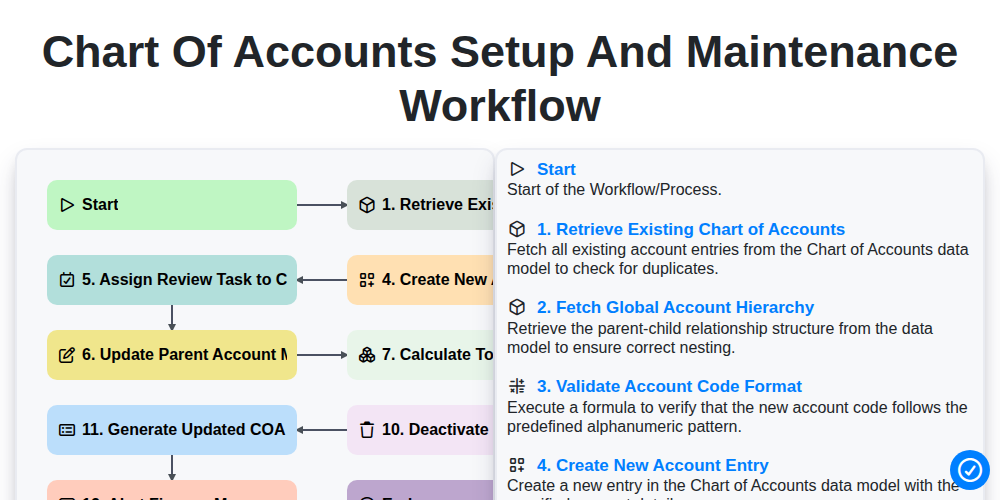
Chart of Accounts Setup and Maintenance Workflow
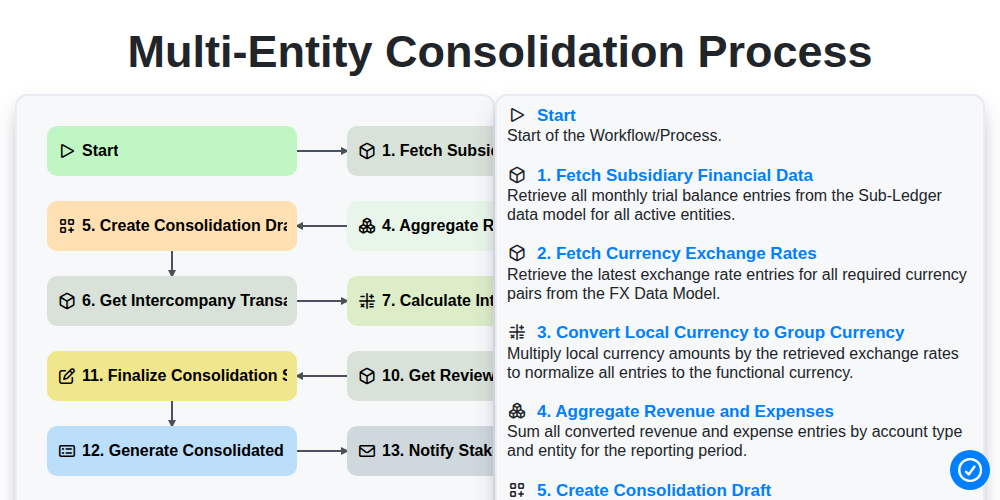
Multi-Entity Consolidation Process
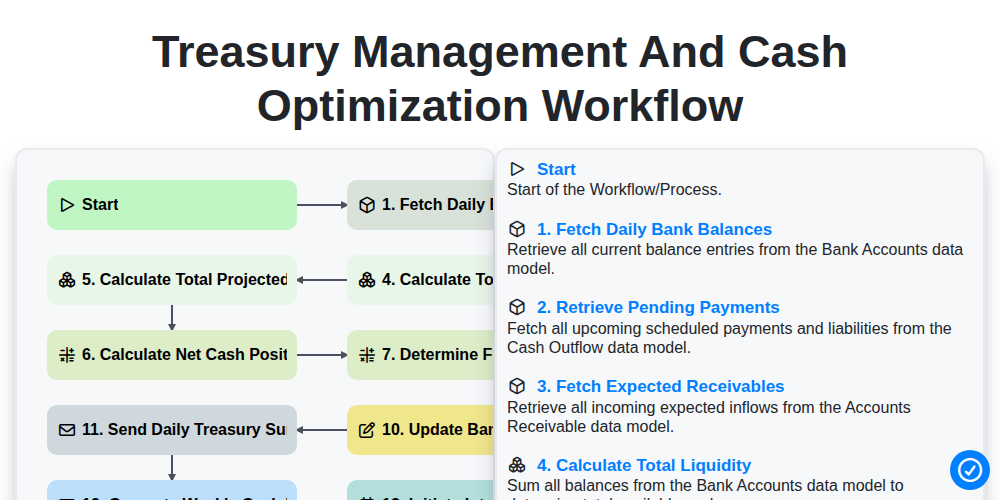
Treasury Management and Cash Optimization Workflow
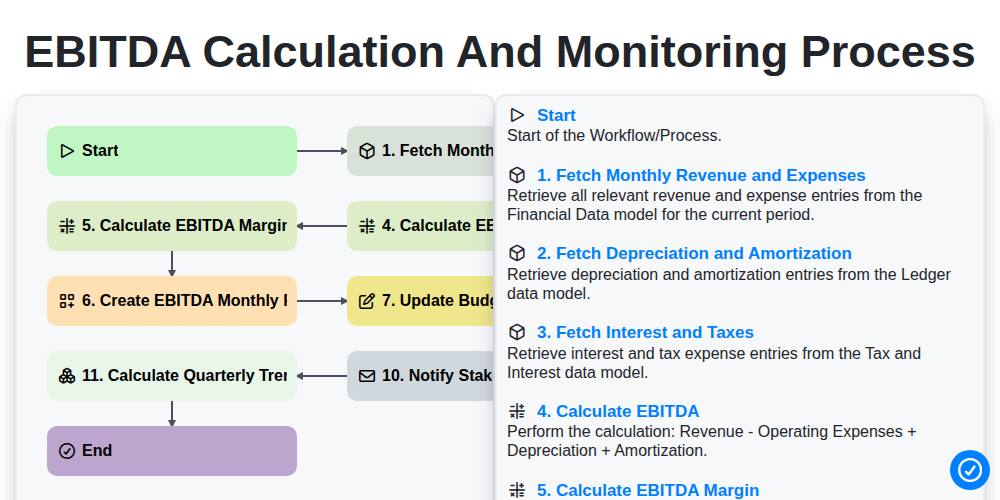
EBITDA Calculation and Monitoring Process
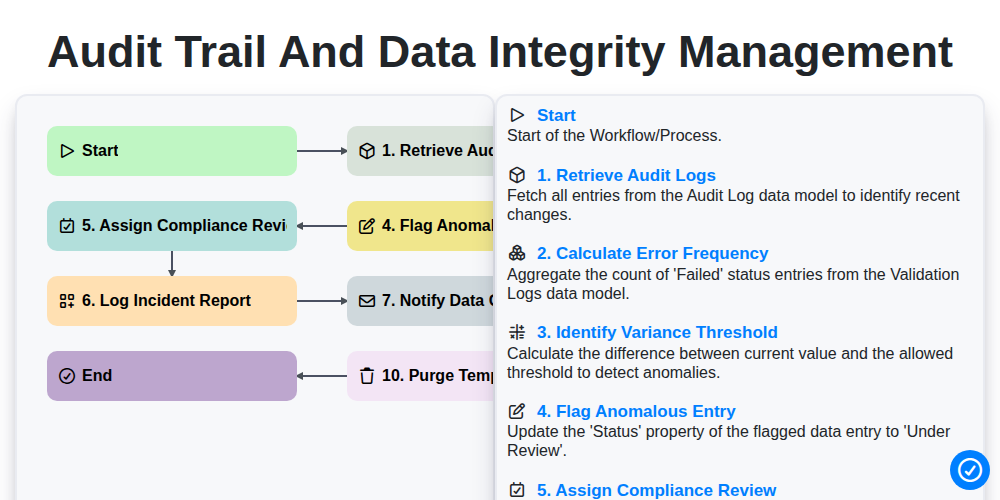
Audit Trail and Data Integrity Management
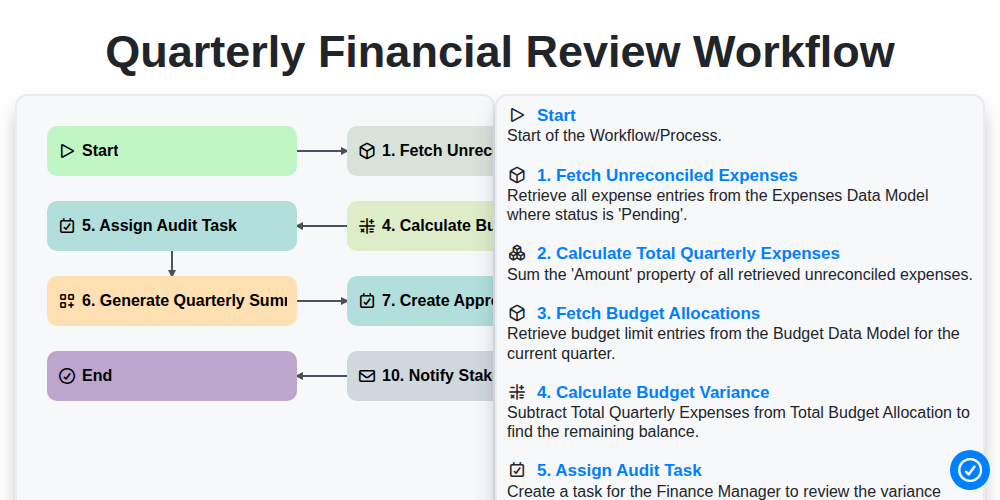
Quarterly Financial Review Workflow
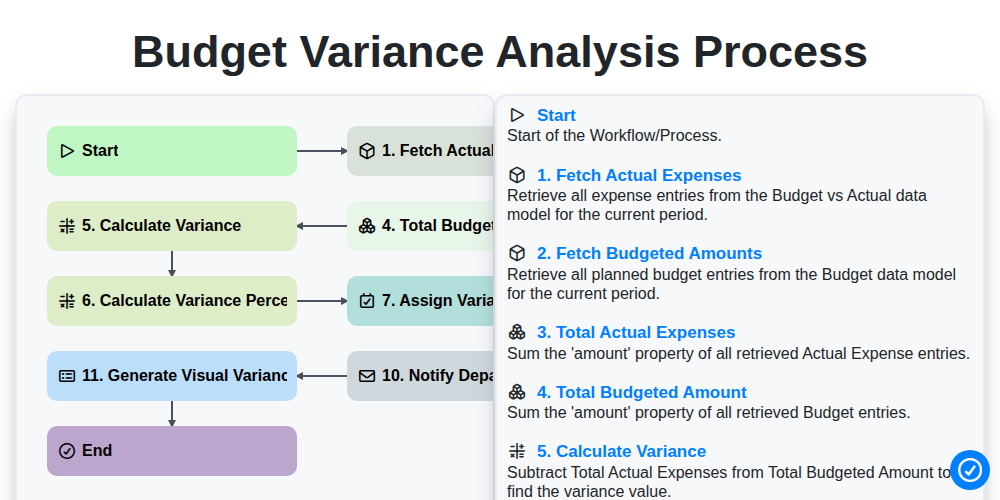
Budget Variance Analysis Process
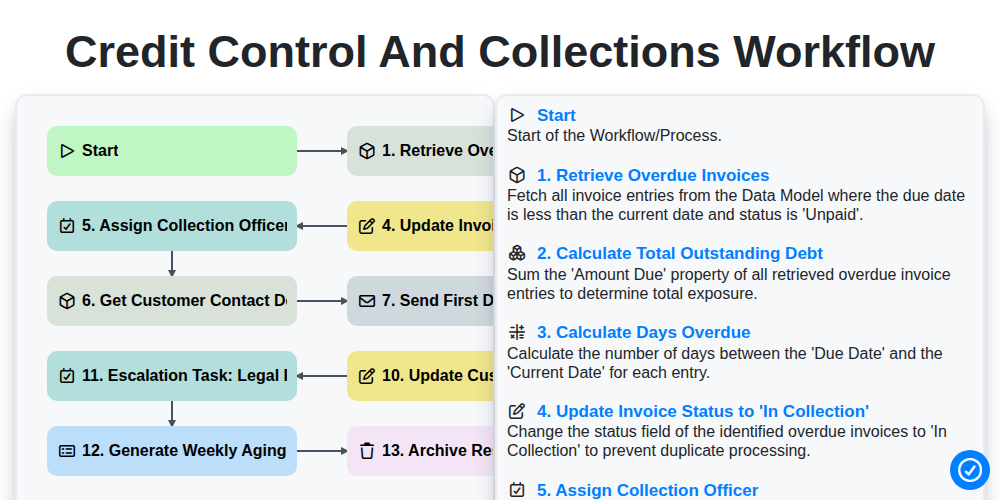
Credit Control and Collections Workflow
Podemos hacerlo juntos
¿Necesita ayuda con las listas de verificación?
¿Tienes alguna pregunta? Estamos aquí para ayudarte. Envía tu consulta y te responderemos a la brevedad.