 ChecklistGuro
 Invoice Processing and Approval Automation
Eliminate manual data entry and bottlenecks with our Invoice Processing and Approval Automation workflow. Streamline your accounting management by accelerating payment cycles, reducing human error, and ensuring seamless, real-time audit trails through automated digital approvals.
This Template was installed 4 times.
Start
Start of the Workflow/Process.
1. Fetch Pending Invoices
Retrieve all invoice entries from the Data Model where status is 'Pending Approval'.
2. Calculate Total Invoice Value
Sum the 'Total Amount' field of all retrieved pending invoice entries to check budget thresholds.
3. Calculate Tax Amount
Calculate the tax portion of the invoice using the formula (Subtotal * Tax_Rate).
4. Update Invoice Status to 'Reviewing'
Change the status of the selected invoice entry to 'In Review' to prevent duplicate processing.
5. Assign Approval Task to Manager
Create a task for the Department Manager to review the invoice details and attachments.
6. Check Vendor Details
Fetch vendor information from the Vendor Data Model based on the ID in the invoice entry.
7. Verify Budget Compliance
Compare the Invoice Total against the Department Budget Limit.
8. Create Discrepancy Task
Create a task for the Accounts Payable clerk if the calculated tax does not match the invoice tax.
9. Notify Finance Team
Send an email notification to the Finance Group with the summary of the invoice for approval.
10. Finalize Invoice Approval
Update the invoice entry status to 'Approved' once the manager completes the task.
11. Create Payment Instruction
Create a new entry in the 'Payments' Data Model to schedule the disbursement.
12. Send Confirmation to Vendor
Send an automated email to the Vendor's email address confirming that the invoice has been approved for payment.
13. Remove Duplicate Drafts
Delete any draft entries in the Invoice Data Model that were created by mistake during the process.
14. Generate Monthly Processing Report
Generate a report summarizing all processed invoices, total amounts, and processing time for the month.
End
End of the Workflow/Process.
Start of the Workflow/Process.
Retrieve all invoice entries from the Data Model where status is 'Pending Approval'.
Sum the 'Total Amount' field of all retrieved pending invoice entries to check budget thresholds.
Calculate the tax portion of the invoice using the formula (Subtotal * Tax_Rate).
Change the status of the selected invoice entry to 'In Review' to prevent duplicate processing.
Create a task for the Department Manager to review the invoice details and attachments.
Fetch vendor information from the Vendor Data Model based on the ID in the invoice entry.
Compare the Invoice Total against the Department Budget Limit.
Create a task for the Accounts Payable clerk if the calculated tax does not match the invoice tax.
Send an email notification to the Finance Group with the summary of the invoice for approval.
Update the invoice entry status to 'Approved' once the manager completes the task.
Create a new entry in the 'Payments' Data Model to schedule the disbursement.
Send an automated email to the Vendor's email address confirming that the invoice has been approved for payment.
Delete any draft entries in the Invoice Data Model that were created by mistake during the process.
Generate a report summarizing all processed invoices, total amounts, and processing time for the month.
End of the Workflow/Process.
Comments
There are no comments yet. Be the first to add one!
Accounting Management Solution Demo
Move beyond rigid, one-size-fits-all software. Leverage a fully programmable accounting environment designed to adapt to your unique workflows, complex hierarchies, and evolving business logic.
Related Workflow Templates
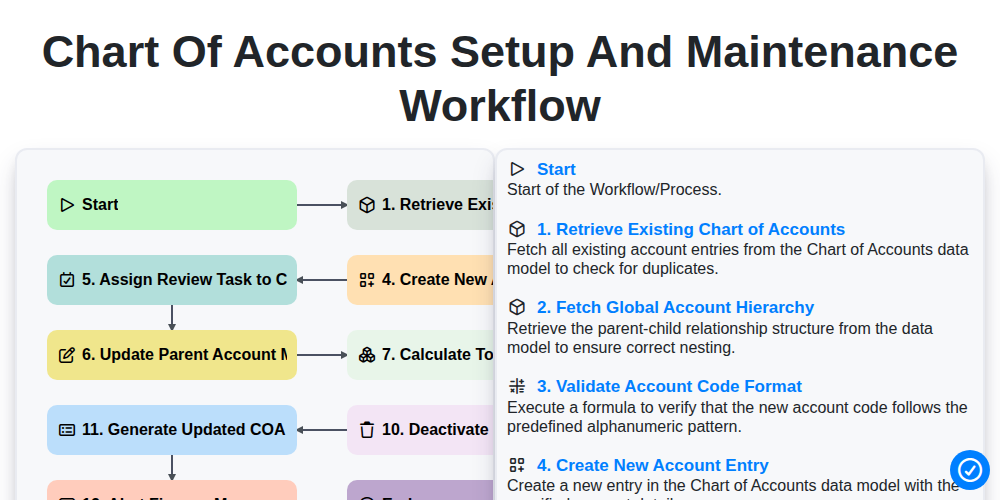
Chart of Accounts Setup and Maintenance Workflow
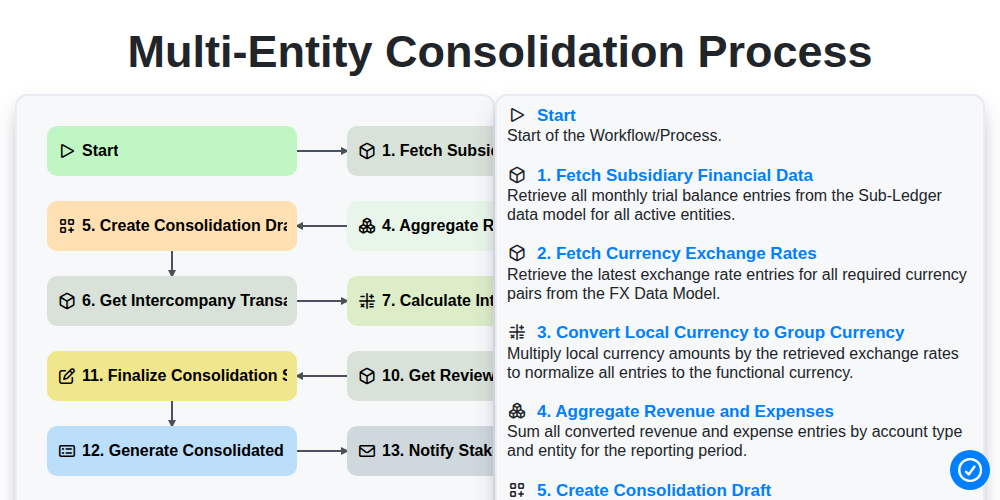
Multi-Entity Consolidation Process
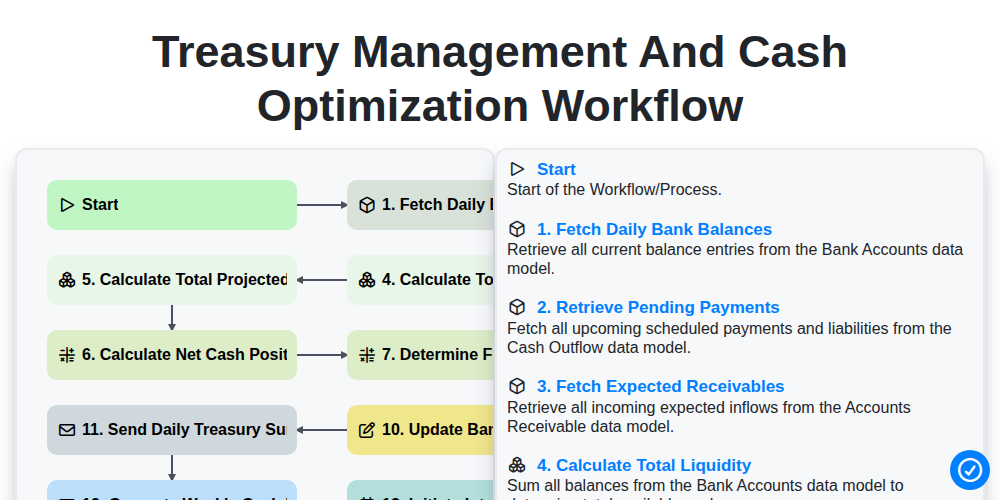
Treasury Management and Cash Optimization Workflow
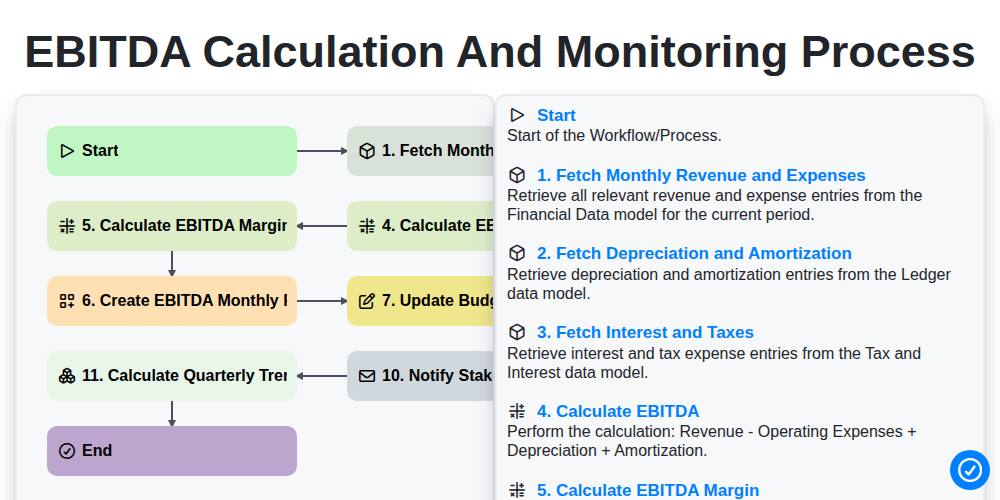
EBITDA Calculation and Monitoring Process
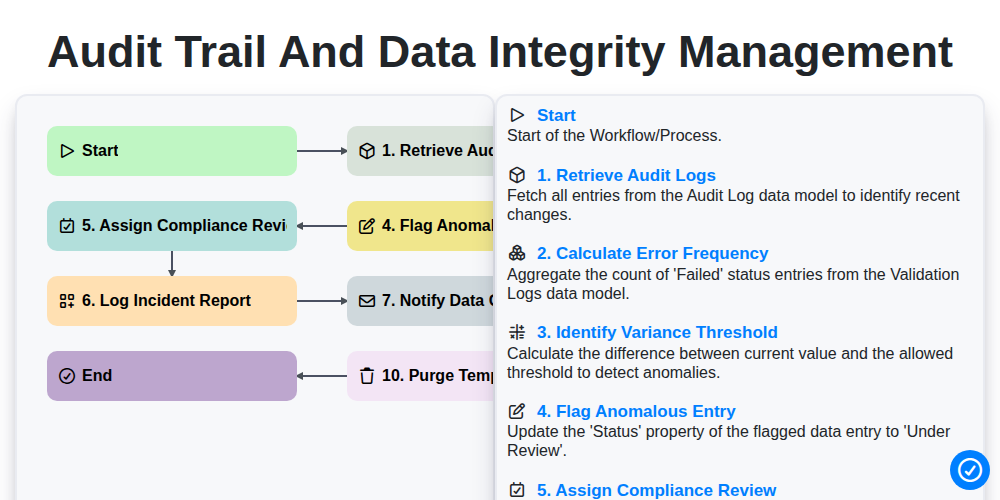
Audit Trail and Data Integrity Management
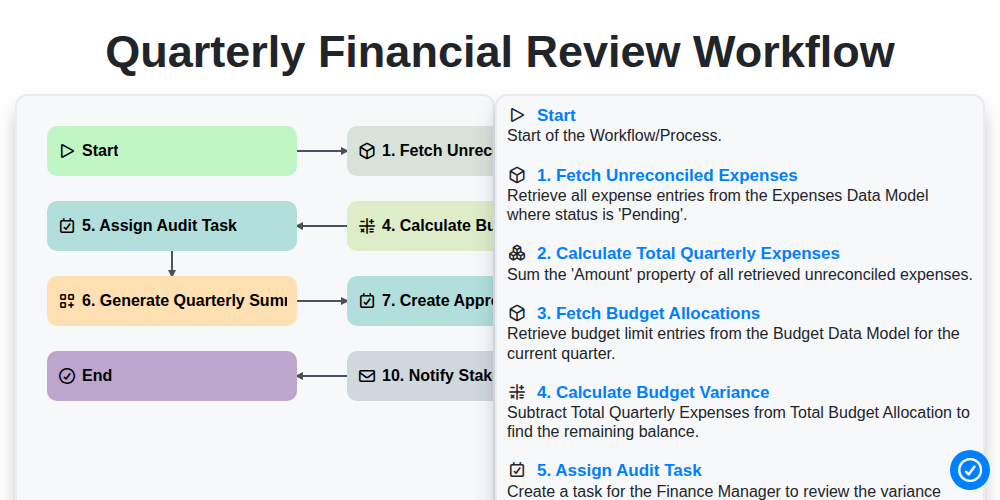
Quarterly Financial Review Workflow
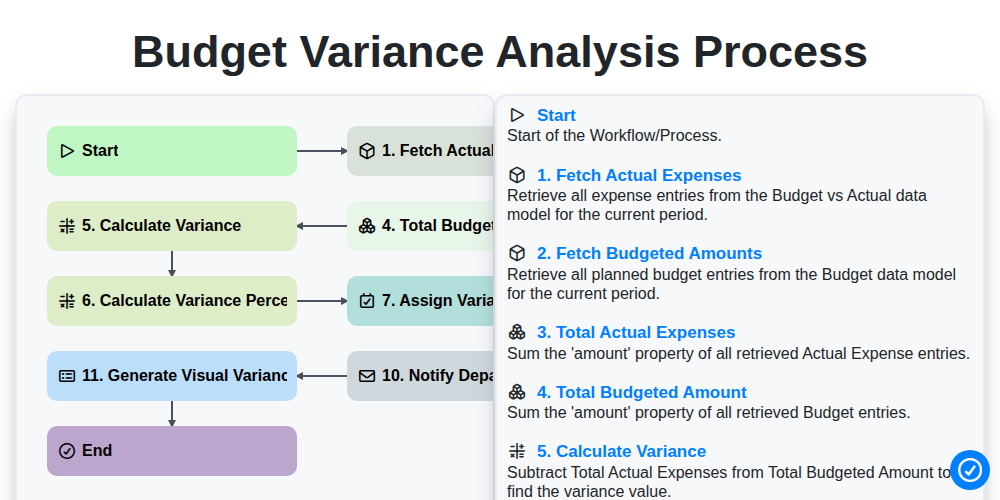
Budget Variance Analysis Process
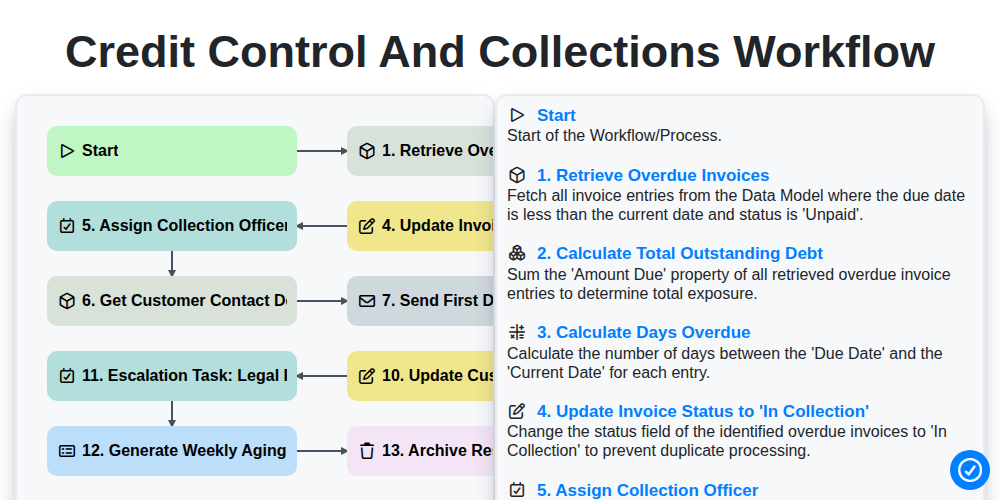
Credit Control and Collections Workflow
We can do it Together
Need help with
Accounting Management?
Have a question? We're here to help. Please submit your inquiry, and we'll respond promptly.