 ChecklistGuro
 Product Launch Management Workflow
Streamline your go-to-market strategy with our comprehensive Product Launch Management Workflow. Designed specifically for project managers, this end-to-end framework optimizes every stage of the launch lifecycle-from initial product development and cross-functional coordination to marketing execution and post-launch evaluation. Eliminate bottlenecks, align your stakeholders, and ensure a seamless, high-impact release with a structured process built for success.
Esta plantilla se instaló 1 veces.
Inicio
Inicio del flujo de trabajo/proceso.
1. Initialize Product Launch Record
Create a new entry in the 'Product Launches' data model to initiate the lifecycle.
2. Define Product Requirements
Assign a task to the Product Manager to document core features and specifications.
3. Create Market Research Task List
Create a linked entry in the 'Research' data model containing specific competitive analysis items.
4. Retrieve Budget Allocation
Fetch the total allocated budget from the 'Marketing Budgets' data model.
5. Check Resource Availability
Get entries from the 'Team Members' data model to identify available designers and developers.
6. Calculate Remaining Launch Budget
Subtract total estimated costs from the retrieved Budget Allocation.
7. Design Brand Assets
Create a task for the Creative Team to develop logos, banners, and social media assets.
8. Update Product Milestone Status
Update the 'Launch Roadmap' entry to reflect that the 'Design Phase' is complete.
9. Sum Total Development Costs
Aggregate the 'Cost' property from all 'Development Tasks' associated with this launch.
10. Update Launch Timeline
Update the 'Estimated Launch Date' in the Product Launch record based on new development estimates.
11. Execute QA Testing
Create a task for the QA Team to run end-to-end testing on the product.
12. Fetch Bug Reports
Retrieve all 'Bug' entries from the 'Issue Tracker' data model associated with this product version.
13. Calculate Bug Severity Average
Calculate the average severity score of all open bugs to determine launch readiness.
14. Flag Critical Launch Blockers
Update the Product Launch entry to 'At Risk' status if critical bugs are found.
15. Notify Stakeholders of Launch Date
Send an email to the Executive Team with the finalized launch date and budget summary.
16. Prepare Marketing Campaign
Create a task for the Marketing Lead to finalize ad copy and channel scheduling.
17. Generate Launch Checklist
Create a new entry in the 'Checklists' data model populated with final pre-launch steps.
18. Alert Operations Team
Send an SMS to the Operations Lead to ensure server capacity is ready for the traffic spike.
19. Generate Launch Readiness Report
Create a comprehensive report summarizing budget, bugs, and task completion status for final sign-off.
20. Set Status to 'Live'
Update the Product Launch record status to 'Launched'.
21. Archive Temporary Research Notes
Delete temporary, non-permanent research entries to keep the data model clean post-launch.
Fin
Fin del flujo de trabajo/proceso.
Inicio del flujo de trabajo/proceso.
Create a new entry in the 'Product Launches' data model to initiate the lifecycle.
Assign a task to the Product Manager to document core features and specifications.
Create a linked entry in the 'Research' data model containing specific competitive analysis items.
Fetch the total allocated budget from the 'Marketing Budgets' data model.
Get entries from the 'Team Members' data model to identify available designers and developers.
Subtract total estimated costs from the retrieved Budget Allocation.
Create a task for the Creative Team to develop logos, banners, and social media assets.
Update the 'Launch Roadmap' entry to reflect that the 'Design Phase' is complete.
Aggregate the 'Cost' property from all 'Development Tasks' associated with this launch.
Update the 'Estimated Launch Date' in the Product Launch record based on new development estimates.
Create a task for the QA Team to run end-to-end testing on the product.
Retrieve all 'Bug' entries from the 'Issue Tracker' data model associated with this product version.
Calculate the average severity score of all open bugs to determine launch readiness.
Update the Product Launch entry to 'At Risk' status if critical bugs are found.
Send an email to the Executive Team with the finalized launch date and budget summary.
Create a task for the Marketing Lead to finalize ad copy and channel scheduling.
Create a new entry in the 'Checklists' data model populated with final pre-launch steps.
Send an SMS to the Operations Lead to ensure server capacity is ready for the traffic spike.
Create a comprehensive report summarizing budget, bugs, and task completion status for final sign-off.
Update the Product Launch record status to 'Launched'.
Delete temporary, non-permanent research entries to keep the data model clean post-launch.
Fin del flujo de trabajo/proceso.
¿Le resultó útil esta plantilla de flujo de trabajo?
Comentarios
Aún no hay comentarios. ¡Sé el primero en añadir uno!
Demostración de la Solución de Gestión de Proyectos
¡Entregue proyectos a tiempo y dentro del presupuesto! ChecklistGuro optimiza la gestión de tareas, la colaboración y el seguimiento del progreso. Mejore la visibilidad y aumente la productividad del equipo. Administre todo con nuestro Work OS.
Plantillas de flujo de trabajo relacionadas

Strategic Planning and Execution Process

Digital Transformation Project Workflow

Employee Onboarding Project Management

Customer Implementation Workflow

Design System Maintenance Process

Quality Assurance (QA) Testing Workflow
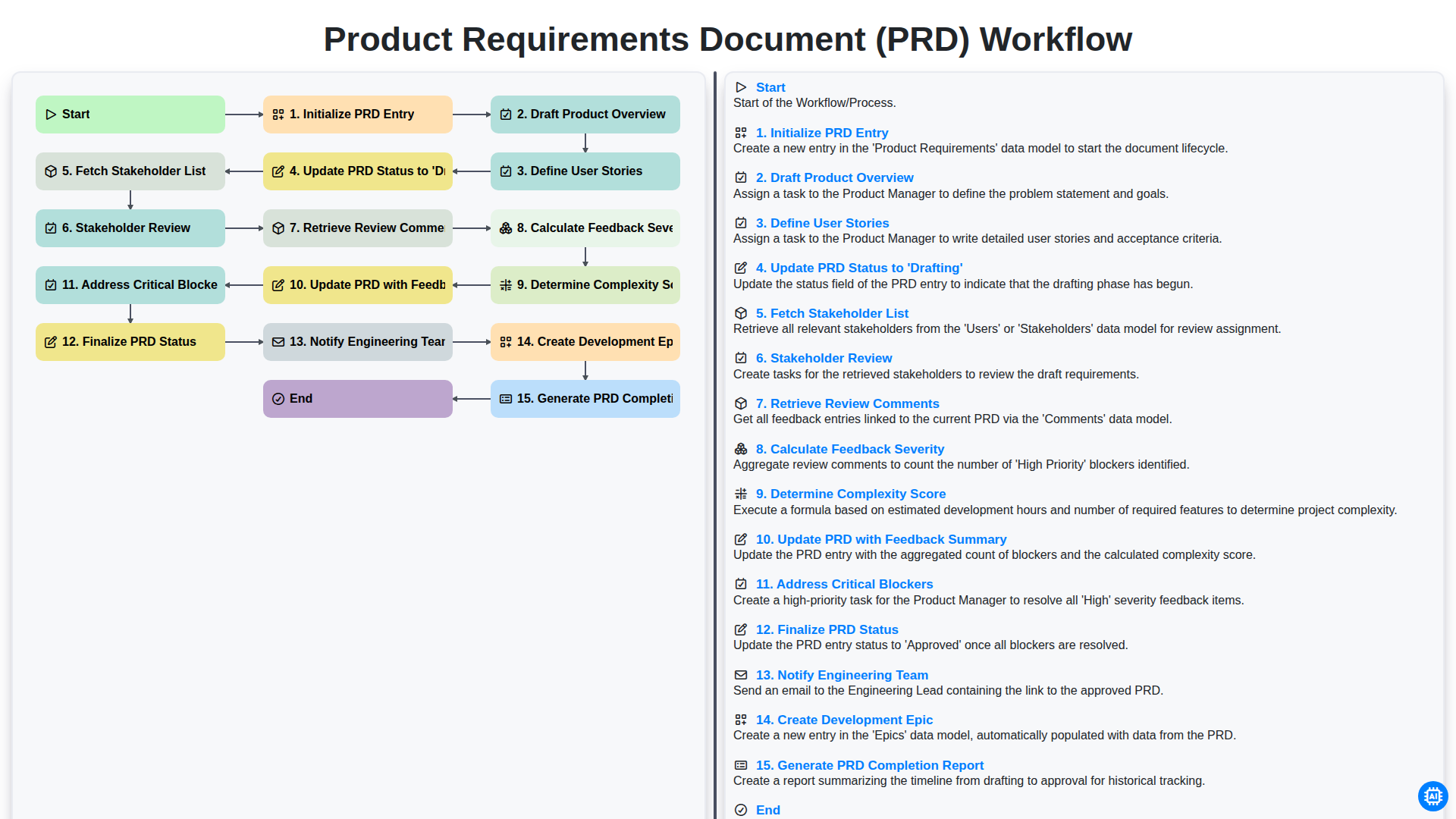
Product Requirements Document (PRD) Workflow

Internal Audit and Compliance Workflow
Podemos hacerlo juntos
¿Necesita ayuda con las listas de verificación?
¿Tienes alguna pregunta? Estamos aquí para ayudarte. Envía tu consulta y te responderemos a la brevedad.