 ChecklistGuro
 Risk Assessment and Mitigation Workflow
Master your project uncertainties with our Risk Assessment and Mitigation Workflow. Streamline identification, analysis, and response strategies to proactively neutralize threats, safeguard resources, and ensure seamless project delivery through structured, repeatable, and scalable risk management processes.
Esta plantilla se instaló 5 veces.
Inicio
Inicio del flujo de trabajo/proceso.
1. Fetch Asset Inventory
Retrieve all active assets from the Asset Data Model to identify what is at risk.
2. Retrieve Historical Risk Logs
Get previous risk assessment entries to compare current threats with historical data.
3. Initialize Risk Assessment Record
Create a new entry in the Risk Assessment Data Model to track the current assessment lifecycle.
4. Perform Threat Identification
Assign a task to the Security Analyst to identify potential internal and external threats.
5. Conduct Impact Analysis
Assign a task to the Department Head to evaluate the potential consequences of identified threats.
6. Update Risk Score
Update the specific Risk Assessment entry with the calculated severity and probability scores.
7. Calculate Risk Magnitude
Execute formula (Probability * Impact) to determine the total risk score.
8. Aggregate Total Exposure Value
Sum the financial value of all assets identified in the high-risk category.
9. Define Mitigation Plan
Assign a task to the Risk Manager to outline specific actions to reduce or transfer the risk.
10. Create Mitigation Action Item
Create a new entry in the Mitigation Plan Data Model linked to the parent Risk Assessment.
11. Update Risk Status
Change the status of the Risk Assessment entry from 'In Progress' to 'Mitigation Required'.
12. Notify Stakeholders of High Risk
Send an email alert to the Executive Board if the calculated Risk Magnitude exceeds the threshold.
13. Assign Mitigation Task
Create a task for the relevant Resource Owner to implement the approved mitigation strategy.
14. Verify Mitigation Completion
Retrieve the completed Mitigation Action Items to verify all steps were executed.
15. Finalize Risk Assessment
Update the original Risk Assessment entry to 'Closed' and mark it as 'Mitigated'.
16. Generate Quarterly Risk Summary
Create a comprehensive report summarizing all assessed risks, their magnitudes, and mitigation status.
17. Emergency Critical Risk Alert
Send an SMS to the Incident Response Team if a 'Critical' level risk is detected.
18. Remove Duplicate Risk Entries
Delete redundant or duplicate risk assessments identified during the aggregation process.
Fin
Fin del flujo de trabajo/proceso.
Inicio del flujo de trabajo/proceso.
Retrieve all active assets from the Asset Data Model to identify what is at risk.
Get previous risk assessment entries to compare current threats with historical data.
Create a new entry in the Risk Assessment Data Model to track the current assessment lifecycle.
Assign a task to the Security Analyst to identify potential internal and external threats.
Assign a task to the Department Head to evaluate the potential consequences of identified threats.
Update the specific Risk Assessment entry with the calculated severity and probability scores.
Execute formula (Probability * Impact) to determine the total risk score.
Sum the financial value of all assets identified in the high-risk category.
Assign a task to the Risk Manager to outline specific actions to reduce or transfer the risk.
Create a new entry in the Mitigation Plan Data Model linked to the parent Risk Assessment.
Change the status of the Risk Assessment entry from 'In Progress' to 'Mitigation Required'.
Send an email alert to the Executive Board if the calculated Risk Magnitude exceeds the threshold.
Create a task for the relevant Resource Owner to implement the approved mitigation strategy.
Retrieve the completed Mitigation Action Items to verify all steps were executed.
Update the original Risk Assessment entry to 'Closed' and mark it as 'Mitigated'.
Create a comprehensive report summarizing all assessed risks, their magnitudes, and mitigation status.
Send an SMS to the Incident Response Team if a 'Critical' level risk is detected.
Delete redundant or duplicate risk assessments identified during the aggregation process.
Fin del flujo de trabajo/proceso.
¿Le resultó útil esta plantilla de flujo de trabajo?
Comentarios
Aún no hay comentarios. ¡Sé el primero en añadir uno!
Demostración de la Solución de Gestión de Proyectos
¡Entregue proyectos a tiempo y dentro del presupuesto! ChecklistGuro optimiza la gestión de tareas, la colaboración y el seguimiento del progreso. Mejore la visibilidad y aumente la productividad del equipo. Administre todo con nuestro Work OS.
Plantillas de flujo de trabajo relacionadas
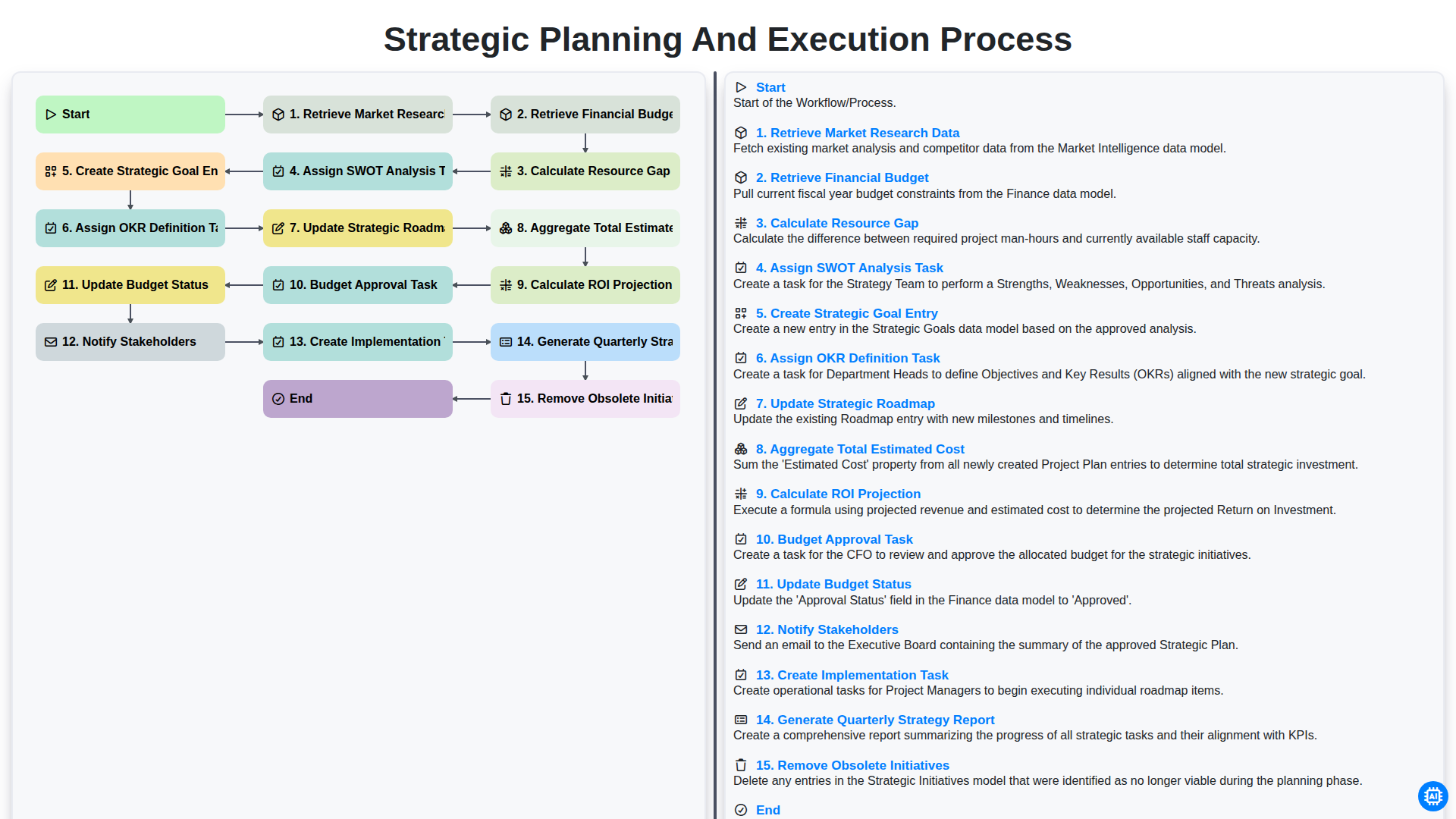
Strategic Planning and Execution Process
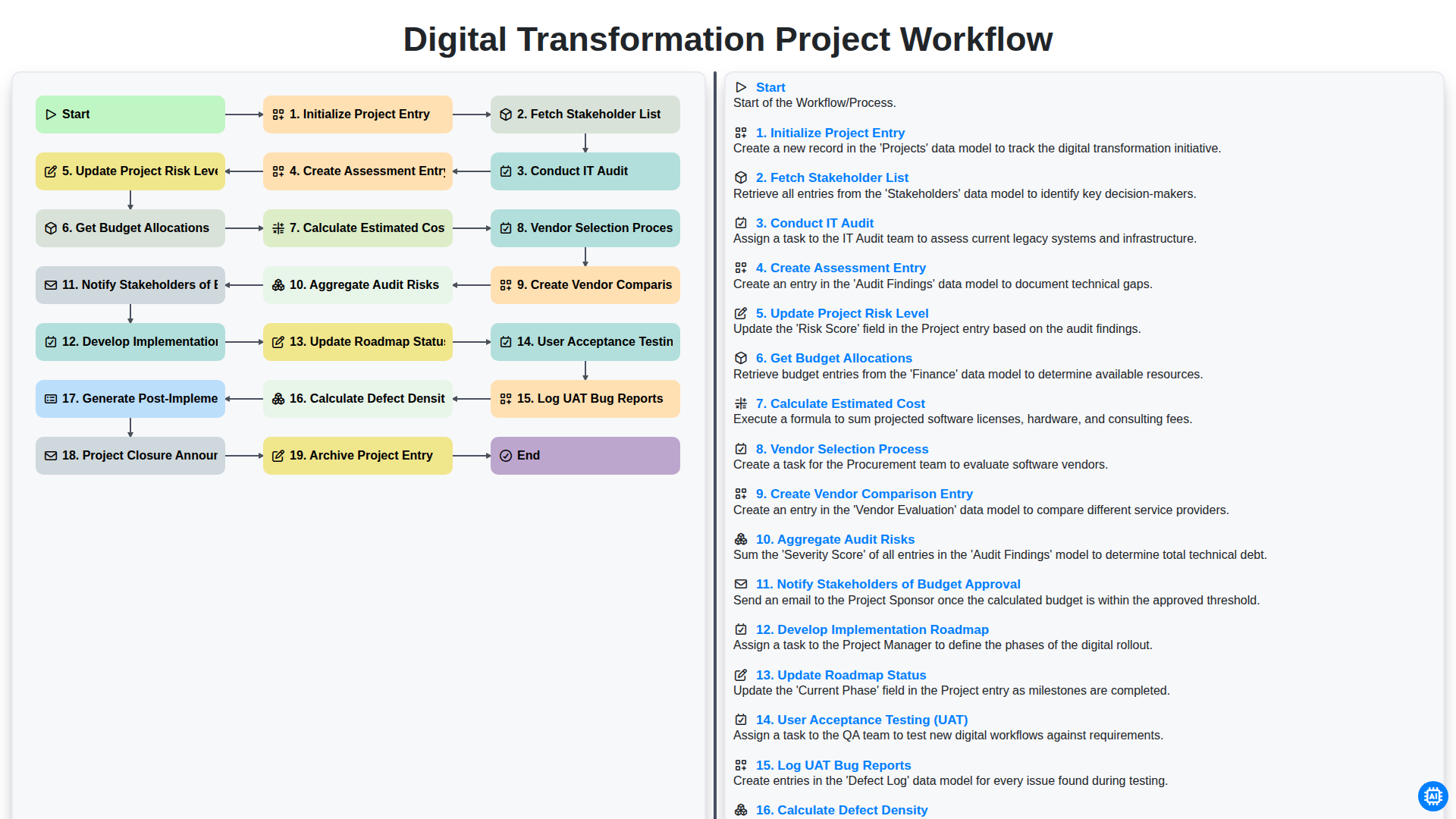
Digital Transformation Project Workflow
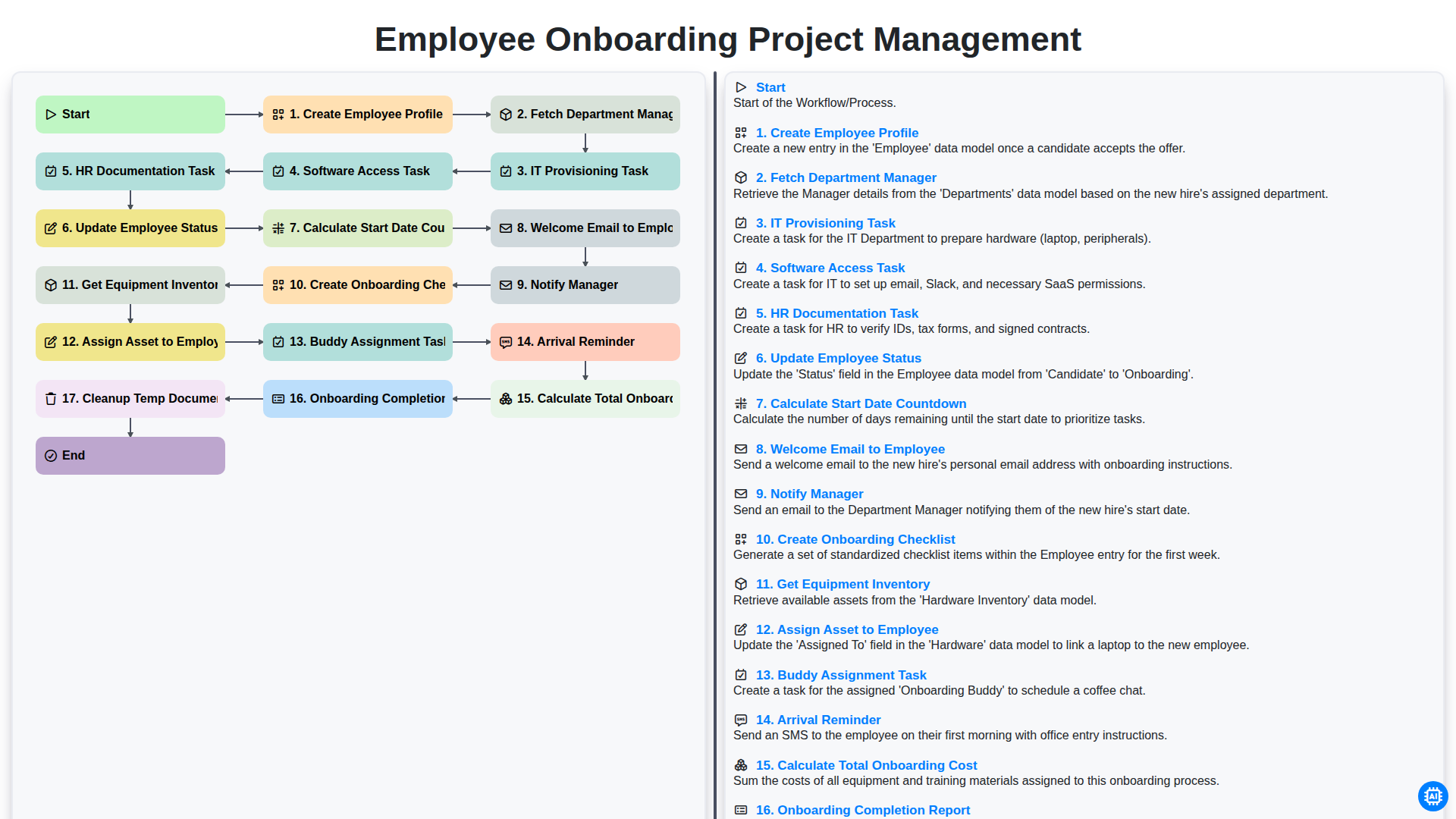
Employee Onboarding Project Management
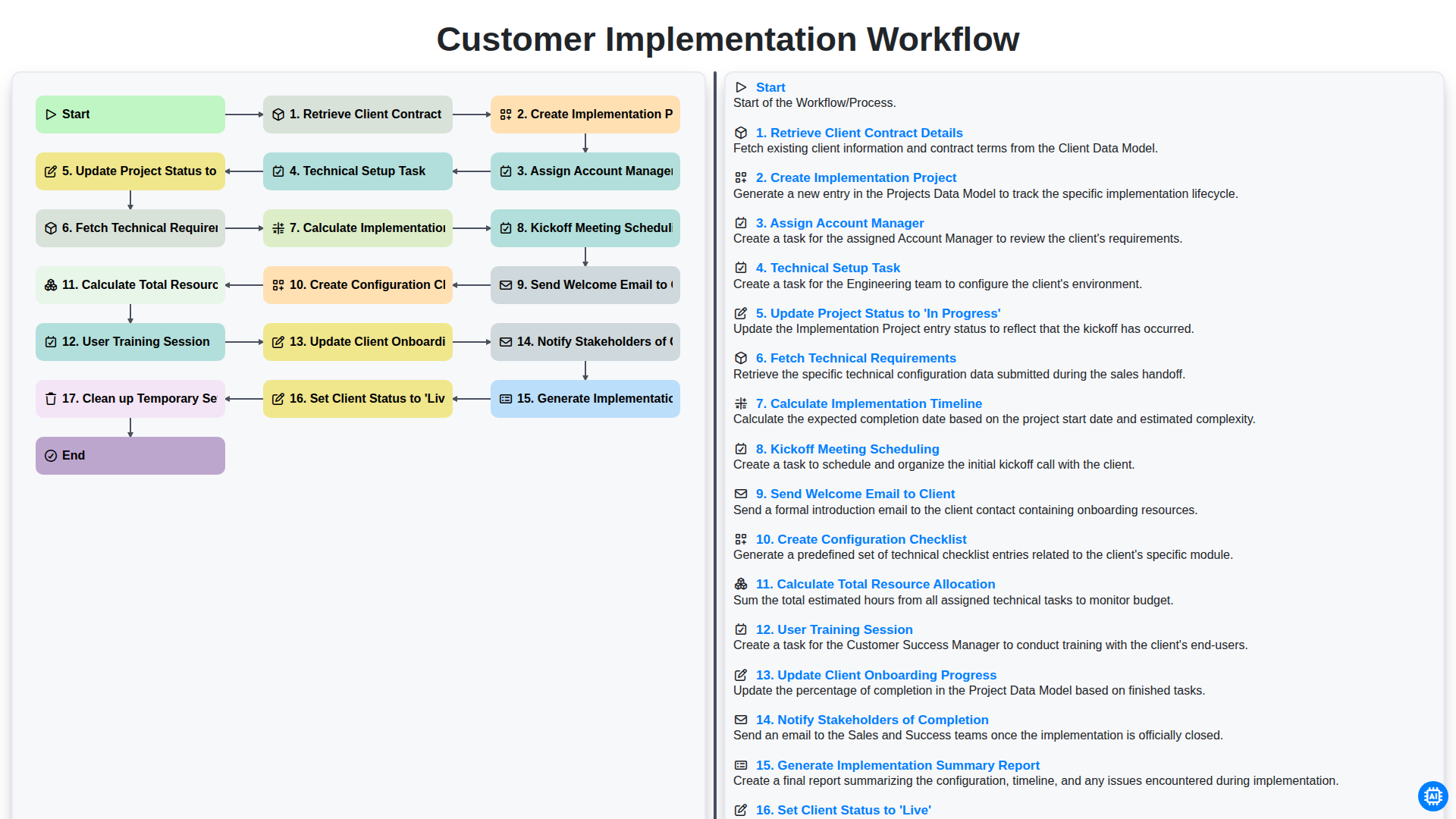
Customer Implementation Workflow
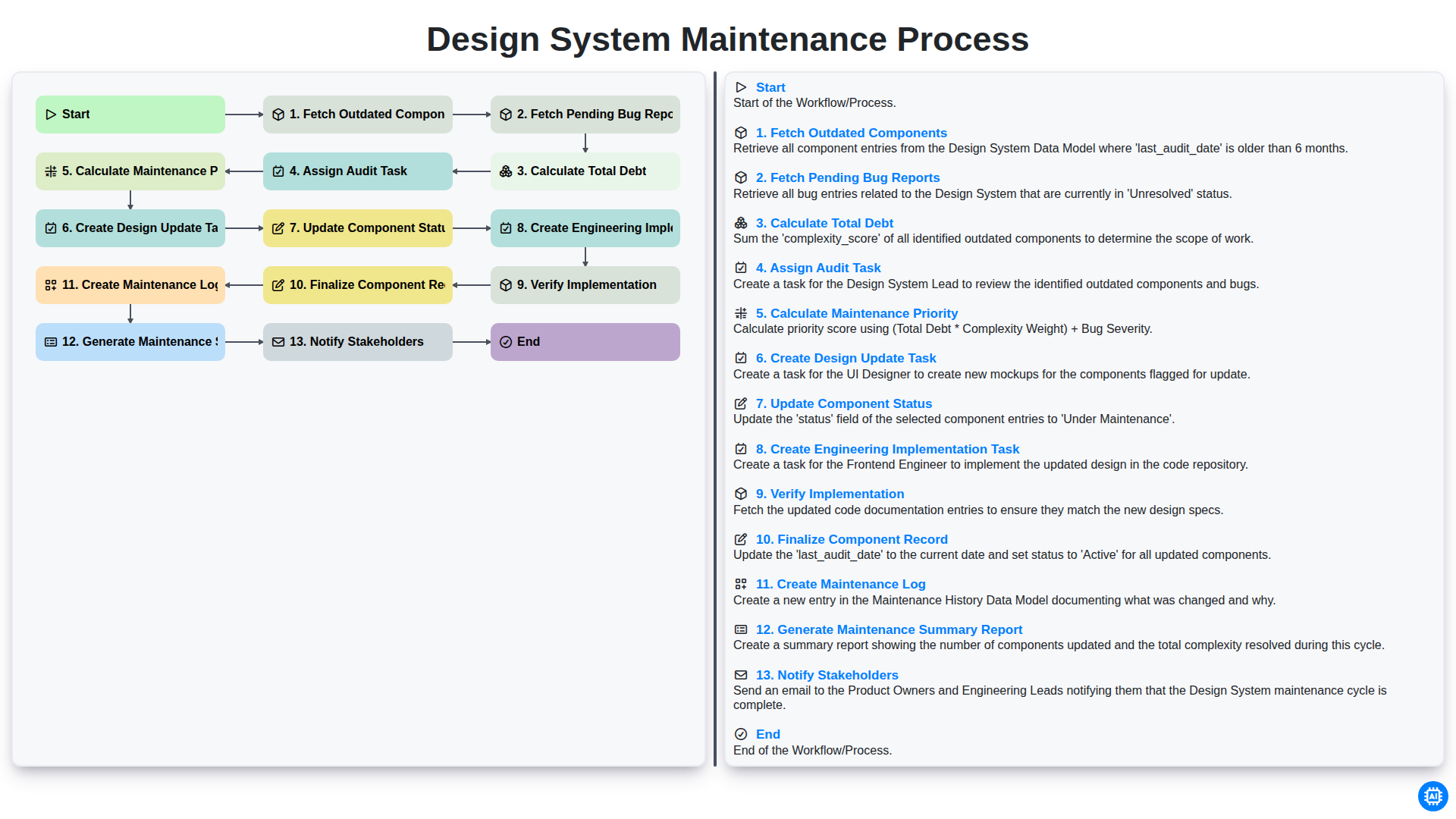
Design System Maintenance Process
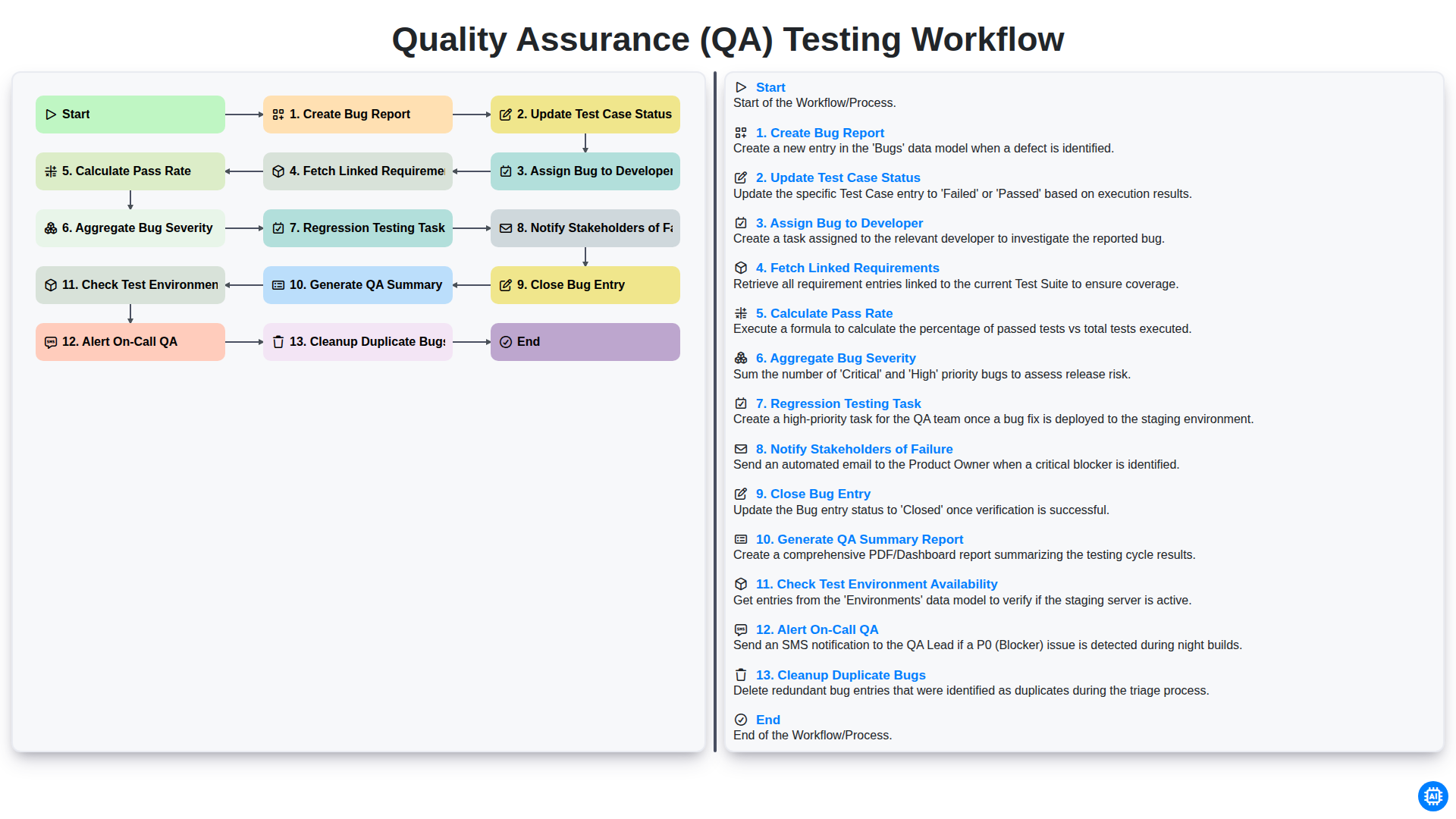
Quality Assurance (QA) Testing Workflow
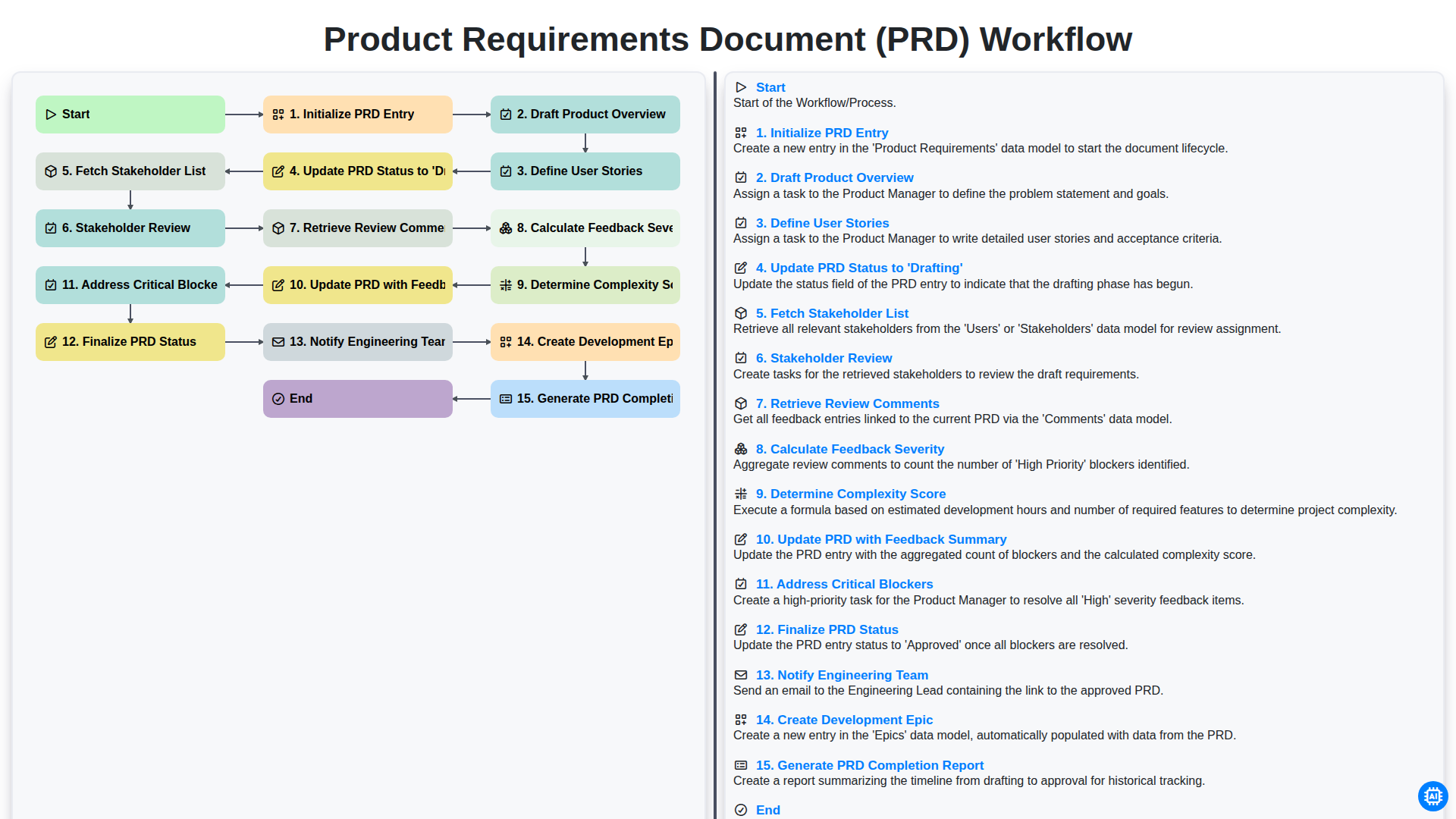
Product Requirements Document (PRD) Workflow
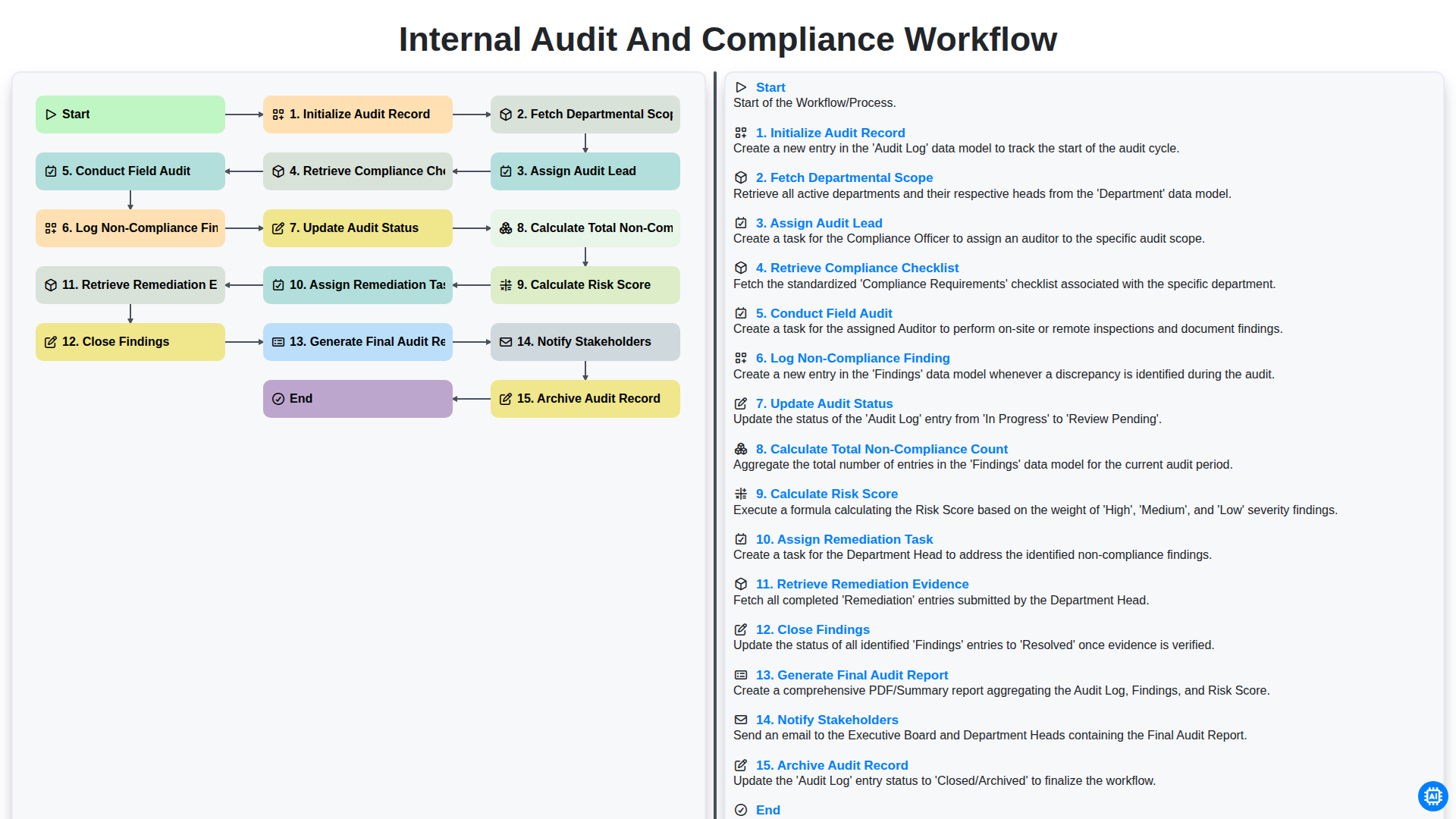
Internal Audit and Compliance Workflow
Podemos hacerlo juntos
¿Necesita ayuda con las listas de verificación?
¿Tienes alguna pregunta? Estamos aquí para ayudarte. Envía tu consulta y te responderemos a la brevedad.