 ChecklistGuro
 Stakeholder Communication and Reporting Process
Master the art of transparency with our Stakeholder Communication and Reporting Process. Streamline project updates, automate status reports, and ensure seamless alignment between project teams and key decision-makers. Optimize engagement, mitigate risks, and build lasting trust through a structured, scalable communication workflow designed for high-impact project management.
Esta plantilla se instaló 5 veces.
Inicio
Inicio del flujo de trabajo/proceso.
1. Retrieve Stakeholder List
Fetch all active stakeholders and their contact details from the Stakeholder Data Model.
2. Fetch Project Milestones
Retrieve upcoming milestones and completion status from the Project Progress Data Model.
3. Calculate Total Budget Spent
Sum all 'Actual Cost' entries from the Expense Data Model to compare against the budget.
4. Calculate Variance Percentage
Calculate the percentage difference between the Budgeted Cost and the Actual Cost retrieved from the aggregation.
5. Create Monthly Progress Report Entry
Create a new record in the 'Reports' Data Model containing the aggregated metrics and period dates.
6. Assign Report Review Task
Create a task for the Project Manager to review the generated report data for accuracy.
7. Update Milestone Status
Update the 'Last Reported Date' in the Project Milestone Data Model to reflect the current reporting cycle.
8. Generate PDF Stakeholder Report
Generate a formal, formatted report document using the data from the newly created Report Entry.
9. Distribute Report via Email
Send the generated PDF report and a summary of key metrics to the email addresses retrieved in the Stakeholder List.
10. Send Critical Alert SMS
Send a brief SMS notification to high-priority stakeholders if the Variance Percentage calculation exceeds a predefined threshold.
11. Log Communication Activity
Create an entry in the 'Communication Log' Data Model to document that the reporting process was completed.
12. Schedule Follow-up Meeting
Create a task for the Account Manager to schedule a meeting if the report contains 'Red' status flags.
Fin
Fin del flujo de trabajo/proceso.
Inicio del flujo de trabajo/proceso.
Fetch all active stakeholders and their contact details from the Stakeholder Data Model.
Retrieve upcoming milestones and completion status from the Project Progress Data Model.
Sum all 'Actual Cost' entries from the Expense Data Model to compare against the budget.
Calculate the percentage difference between the Budgeted Cost and the Actual Cost retrieved from the aggregation.
Create a new record in the 'Reports' Data Model containing the aggregated metrics and period dates.
Create a task for the Project Manager to review the generated report data for accuracy.
Update the 'Last Reported Date' in the Project Milestone Data Model to reflect the current reporting cycle.
Generate a formal, formatted report document using the data from the newly created Report Entry.
Send the generated PDF report and a summary of key metrics to the email addresses retrieved in the Stakeholder List.
Send a brief SMS notification to high-priority stakeholders if the Variance Percentage calculation exceeds a predefined threshold.
Create an entry in the 'Communication Log' Data Model to document that the reporting process was completed.
Create a task for the Account Manager to schedule a meeting if the report contains 'Red' status flags.
Fin del flujo de trabajo/proceso.
¿Le resultó útil esta plantilla de flujo de trabajo?
Comentarios
Aún no hay comentarios. ¡Sé el primero en añadir uno!
Demostración de la Solución de Gestión de Proyectos
¡Entregue proyectos a tiempo y dentro del presupuesto! ChecklistGuro optimiza la gestión de tareas, la colaboración y el seguimiento del progreso. Mejore la visibilidad y aumente la productividad del equipo. Administre todo con nuestro Work OS.
Plantillas de flujo de trabajo relacionadas

Strategic Planning and Execution Process

Digital Transformation Project Workflow

Employee Onboarding Project Management

Customer Implementation Workflow

Design System Maintenance Process

Quality Assurance (QA) Testing Workflow
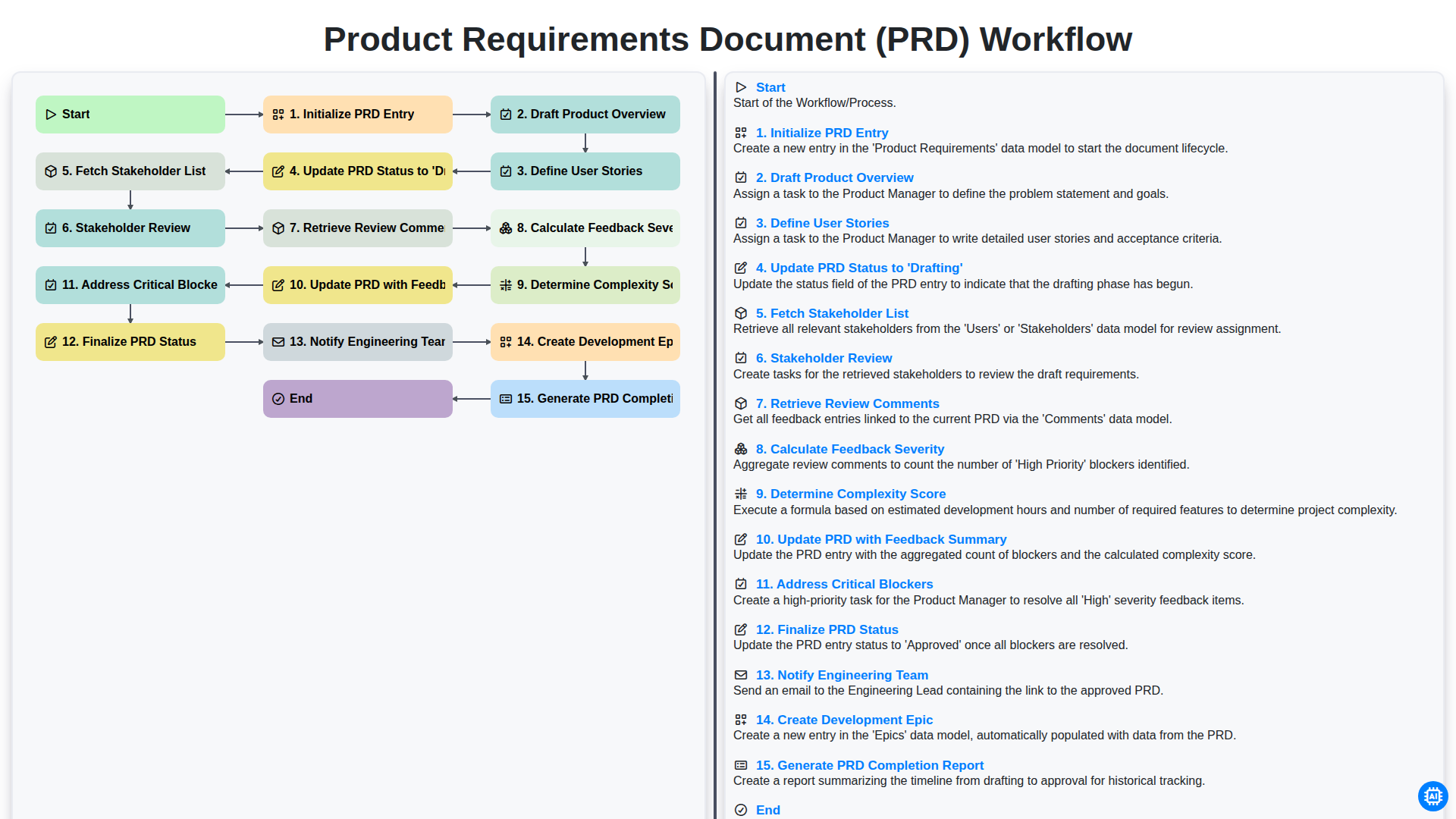
Product Requirements Document (PRD) Workflow

Internal Audit and Compliance Workflow
Podemos hacerlo juntos
¿Necesita ayuda con las listas de verificación?
¿Tienes alguna pregunta? Estamos aquí para ayudarte. Envía tu consulta y te responderemos a la brevedad.