 ChecklistGuro
 Emergency Incident Management and Response Workflow
Streamline crisis response and ensure passenger safety with our Emergency Incident Management and Response Workflow. Designed specifically for public transport authorities, this automated process optimizes real-time communication, rapid incident detection, and coordinated emergency deployment to minimize transit disruptions and enhance operational resilience during critical events.
Esta plantilla se instaló 5 veces.
Inicio
Inicio del flujo de trabajo/proceso.
1. Log Incident
Create a new entry in the 'Incidents' data model to record the initial details of the emergency.
2. Update Incident Severity
Update the priority level of the incident entry based on the initial assessment.
3. Retrieve Emergency Contacts
Get entries from the 'Personnel' data model to identify responders assigned to the specific incident type.
4. Assign Incident Commander
Create a task for a senior manager to oversee the response operations.
5. Dispatch Response Team
Create a task for the field team to mobilize to the incident location.
6. Send Emergency Alert
Send an automated SMS alert to all stakeholders and responders with the incident location.
7. Notify Stakeholders
Send a detailed email to the executive leadership team regarding the incident start and scale.
8. Calculate Response Time
Calculate the duration between 'Incident Log Time' and 'First Responder Arrival Time'.
9. Summarize Resource Impact
Aggregate data from 'Damage Assessment' entries to sum the total estimated cost of the incident.
10. Check Equipment Availability
Get entries from the 'Inventory' data model to ensure necessary emergency supplies are in stock.
11. Conduct Situation Update
Create a task for periodic situational reporting.
12. Update Incident Status
Update the 'Incident' entry status to 'Active', 'Contained', or 'Resolved'.
13. Generate Post-Incident Report
Create a comprehensive report summarizing the timeline, actions taken, and total impact for post-mortem analysis.
14. Create Post-Incident Review Entry
Create a new entry in the 'Lessons Learned' data model to document findings from the incident.
15. Clear Temporary Incident Logs
Delete transient, non-essential temporary data entries used during the high-intensity response phase.
Fin
Fin del flujo de trabajo/proceso.
Inicio del flujo de trabajo/proceso.
Create a new entry in the 'Incidents' data model to record the initial details of the emergency.
Update the priority level of the incident entry based on the initial assessment.
Get entries from the 'Personnel' data model to identify responders assigned to the specific incident type.
Create a task for a senior manager to oversee the response operations.
Create a task for the field team to mobilize to the incident location.
Send an automated SMS alert to all stakeholders and responders with the incident location.
Send a detailed email to the executive leadership team regarding the incident start and scale.
Calculate the duration between 'Incident Log Time' and 'First Responder Arrival Time'.
Aggregate data from 'Damage Assessment' entries to sum the total estimated cost of the incident.
Get entries from the 'Inventory' data model to ensure necessary emergency supplies are in stock.
Create a task for periodic situational reporting.
Update the 'Incident' entry status to 'Active', 'Contained', or 'Resolved'.
Create a comprehensive report summarizing the timeline, actions taken, and total impact for post-mortem analysis.
Create a new entry in the 'Lessons Learned' data model to document findings from the incident.
Delete transient, non-essential temporary data entries used during the high-intensity response phase.
Fin del flujo de trabajo/proceso.
¿Le resultó útil esta plantilla de flujo de trabajo?
Comentarios
Aún no hay comentarios. ¡Sé el primero en añadir uno!
Demostración de la Solución de Gestión del Transporte Público
¡Optimice las operaciones del transporte público y mejore la experiencia de los pasajeros! ChecklistGuro optimiza la planificación de rutas, el mantenimiento de vehículos y la elaboración de informes de incidentes. Mejore la eficiencia, la seguridad y la fiabilidad. Administre todo con nuestro Work OS.
Plantillas de flujo de trabajo relacionadas

Bus Stop Infrastructure Maintenance Workflow

Contactless Payment Processing and Settlement Workflow

Public Transport Resource Allocation and Dispatching

Transit Subscription and Pass Management Process

Automated Bus Inspection and Safety Audit Workflow

Real-Time Traffic Congestion Impact Analysis
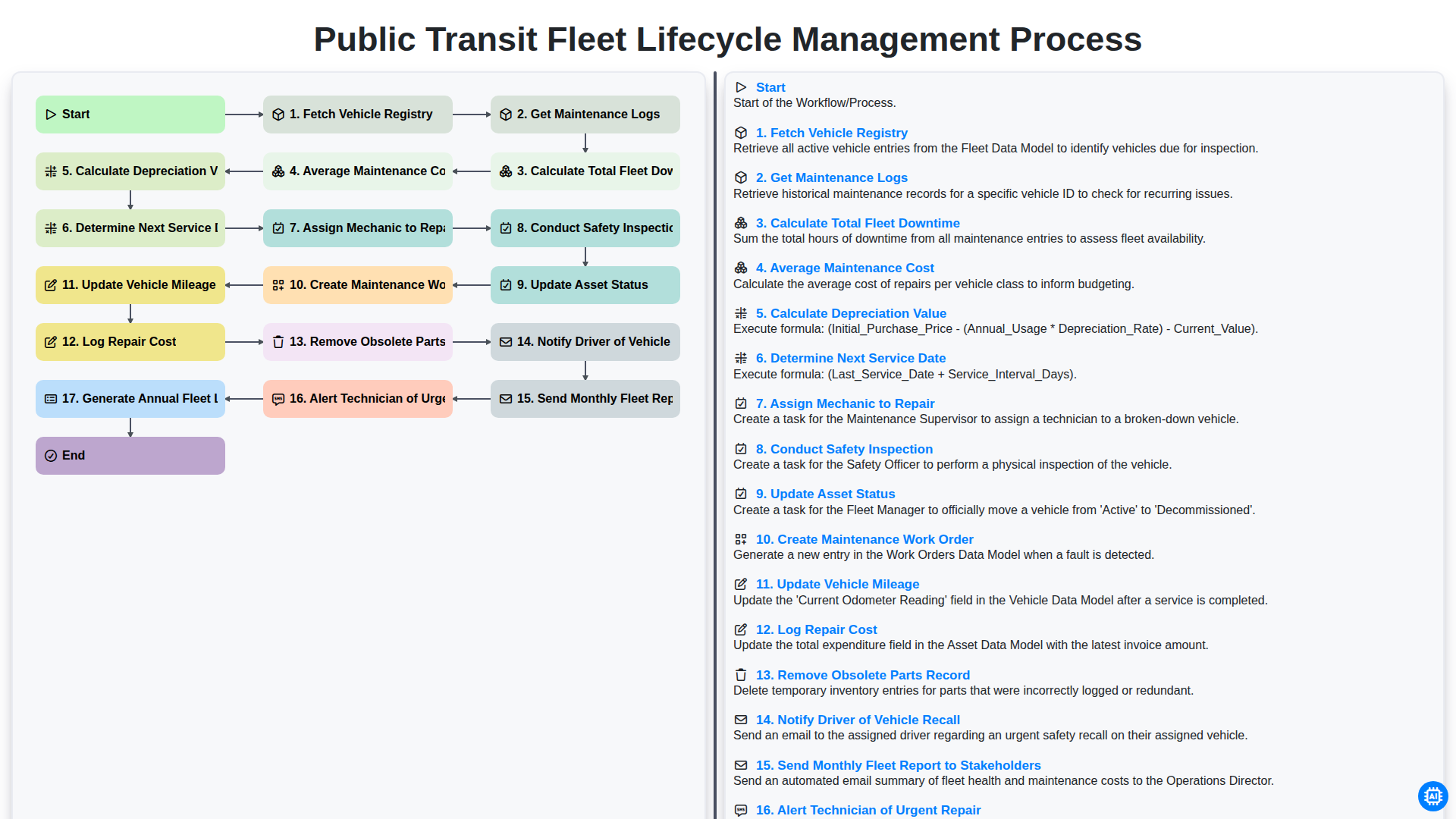
Public Transit Fleet Lifecycle Management Process
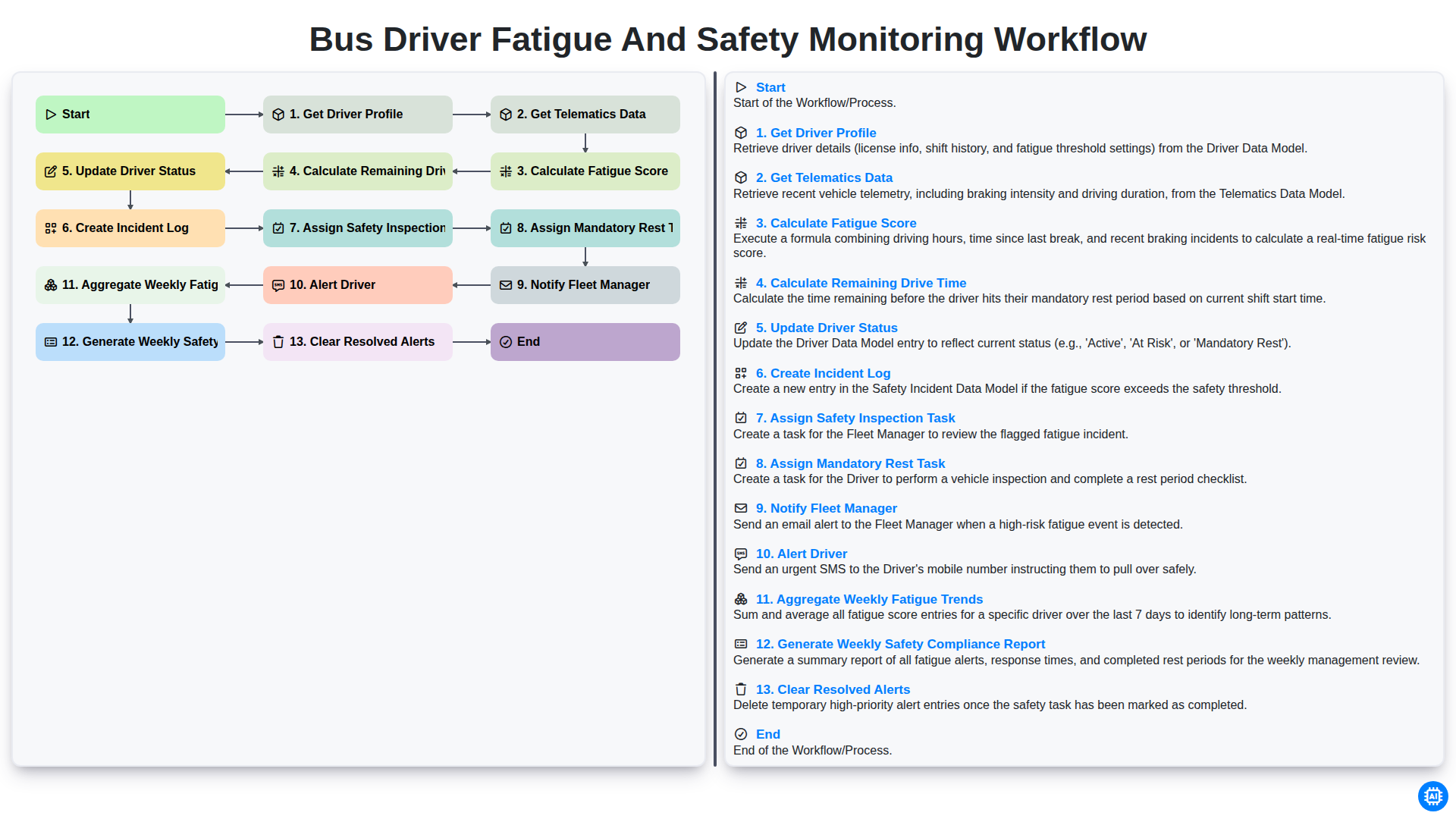
Bus Driver Fatigue and Safety Monitoring Workflow
Podemos hacerlo juntos
¿Necesita ayuda con las listas de verificación?
¿Tienes alguna pregunta? Estamos aquí para ayudarte. Envía tu consulta y te responderemos a la brevedad.