 ChecklistGuro
 Quality Assurance Testing Lifecycle Process
Streamline your software delivery with our comprehensive Quality Assurance Testing Lifecycle Process. Master every stage of the testing workflow-from requirement analysis and test planning to execution and defect tracking-to ensure bug-free deployments and peak product performance. Perfect for optimizing task management and continuous integration pipelines.
Esta plantilla se instaló 5 veces.
Inicio
Inicio del flujo de trabajo/proceso.
1. Fetch Test Plan
Retrieve the approved Test Plan entry from the Test Management data model.
2. Initialize Test Cycle
Create a new Test Cycle entry to track the current testing execution period.
3. Identify Test Cases
Retrieve all Test Case entries associated with the specific Test Plan.
4. Assign Test Execution
Create a task for the QA Engineer to begin executing the identified test cases.
5. Update Test Case Status
Update the status of individual Test Case entries to 'In Progress' or 'Passed/Failed'.
6. Log Defect
Create a new Defect/Bug entry when a test case fails.
7. Assign Bug Fix
Create a task for the Developer to investigate and resolve the logged defect.
8. Update Defect Status
Update the Defect entry status to 'Resolved' once the fix is implemented.
9. Verify Fix
Retrieve the linked Defect entry to trigger re-testing.
10. Regression Testing Task
Create a task for QA to perform regression testing after the bug fix is deployed.
11. Calculate Pass/Fail Rate
Aggregate Test Case entries to calculate the percentage of passed vs. failed tests.
12. Sum Total Defects
Aggregate Defect entries to count the total number of open vs. closed bugs.
13. Calculate Test Coverage Score
Execute a formula comparing executed test cases against total planned test cases.
14. Generate QA Summary Report
Create a summary report containing the aggregated pass/fail metrics and defect counts.
15. Notify Stakeholders of Failure
Send an email to the Project Manager and Product Owner if the failure rate exceeds a threshold.
16. Send Completion Alert
Send an email to the Release Manager when the Test Cycle is marked as 'Completed'.
17. Finalize Test Cycle
Update the Test Cycle entry status to 'Closed' or 'Finished'.
18. Cleanup Draft Test Cases
Delete any temporary or draft Test Case entries that were not part of the official execution.
Fin
Fin del flujo de trabajo/proceso.
Inicio del flujo de trabajo/proceso.
Retrieve the approved Test Plan entry from the Test Management data model.
Create a new Test Cycle entry to track the current testing execution period.
Retrieve all Test Case entries associated with the specific Test Plan.
Create a task for the QA Engineer to begin executing the identified test cases.
Update the status of individual Test Case entries to 'In Progress' or 'Passed/Failed'.
Create a new Defect/Bug entry when a test case fails.
Create a task for the Developer to investigate and resolve the logged defect.
Update the Defect entry status to 'Resolved' once the fix is implemented.
Retrieve the linked Defect entry to trigger re-testing.
Create a task for QA to perform regression testing after the bug fix is deployed.
Aggregate Test Case entries to calculate the percentage of passed vs. failed tests.
Aggregate Defect entries to count the total number of open vs. closed bugs.
Execute a formula comparing executed test cases against total planned test cases.
Create a summary report containing the aggregated pass/fail metrics and defect counts.
Send an email to the Project Manager and Product Owner if the failure rate exceeds a threshold.
Send an email to the Release Manager when the Test Cycle is marked as 'Completed'.
Update the Test Cycle entry status to 'Closed' or 'Finished'.
Delete any temporary or draft Test Case entries that were not part of the official execution.
Fin del flujo de trabajo/proceso.
¿Le resultó útil esta plantilla de flujo de trabajo?
Comentarios
Aún no hay comentarios. ¡Sé el primero en añadir uno!
Demostración de la Solución de Gestión de Tareas
¡Organícese y aumente la productividad! ChecklistGuro simplifica la gestión de tareas, la priorización y el seguimiento del progreso. Logre más, estrese menos y alcance sus objetivos. Administre todo con nuestro Work OS.
Plantillas de flujo de trabajo relacionadas
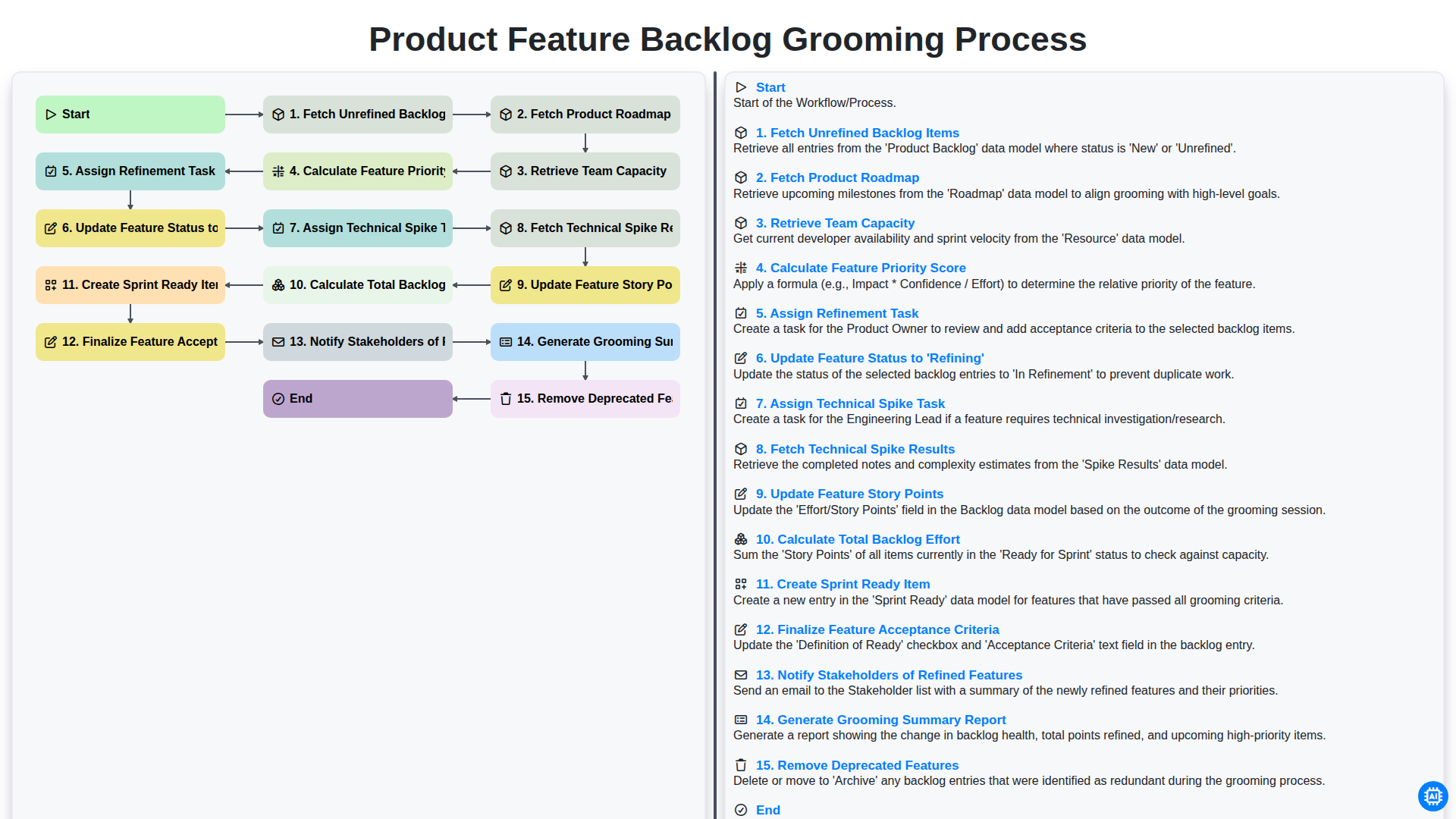
Product Feature Backlog Grooming Process
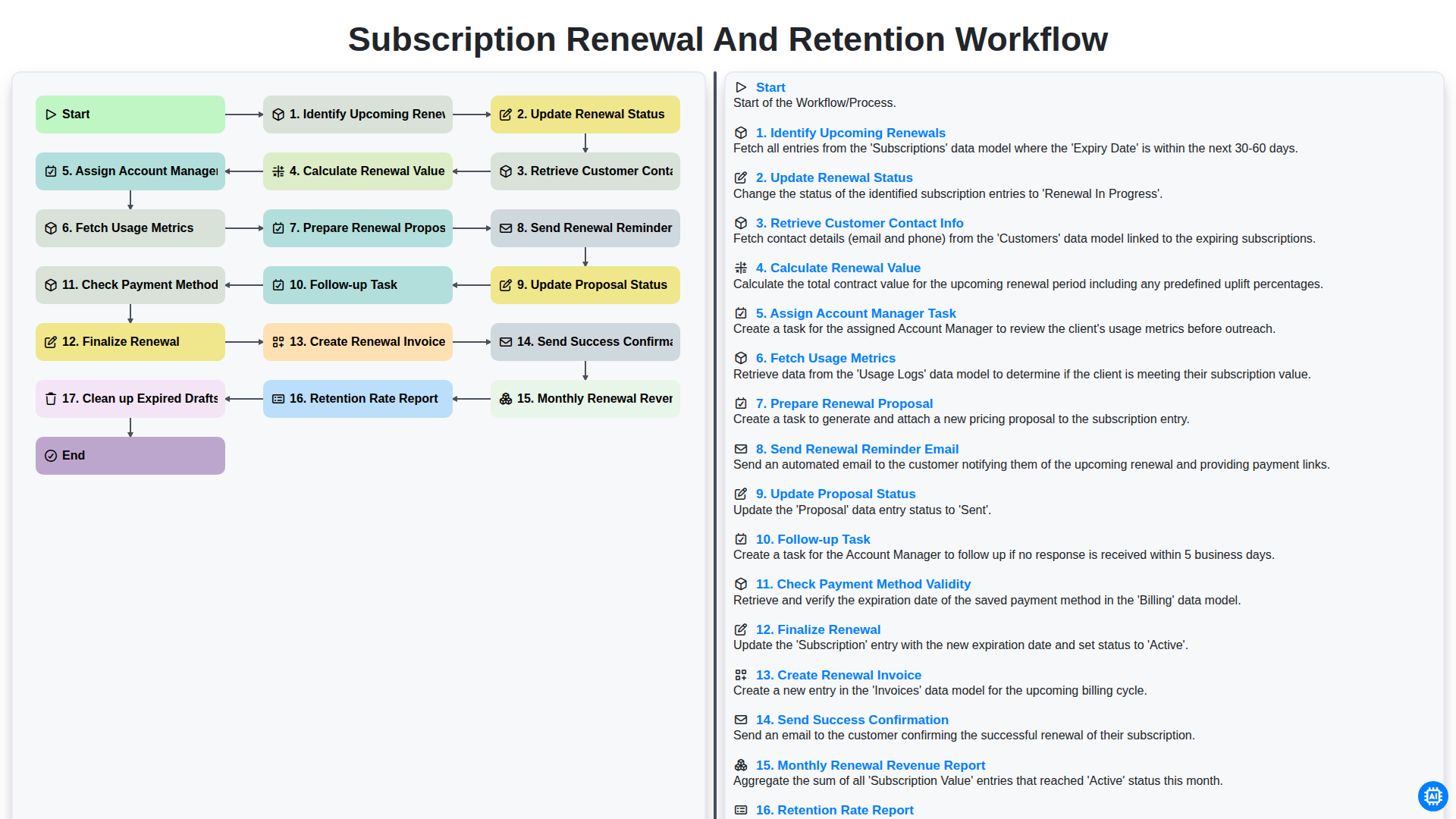
Subscription Renewal and Retention Workflow

B2B Lead Nurturing Process
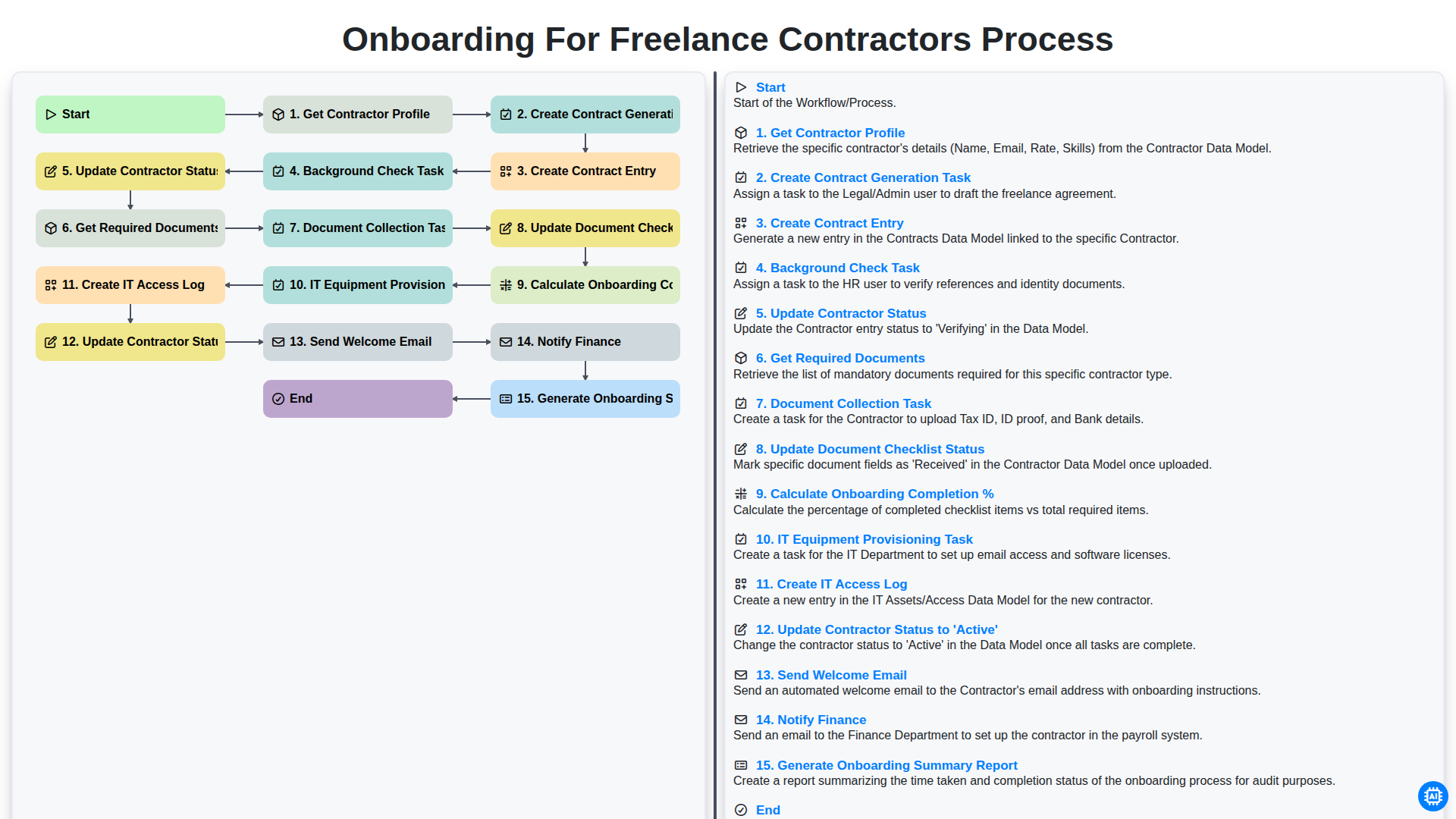
Onboarding for Freelance Contractors Process

Audit and Compliance Monitoring Workflow
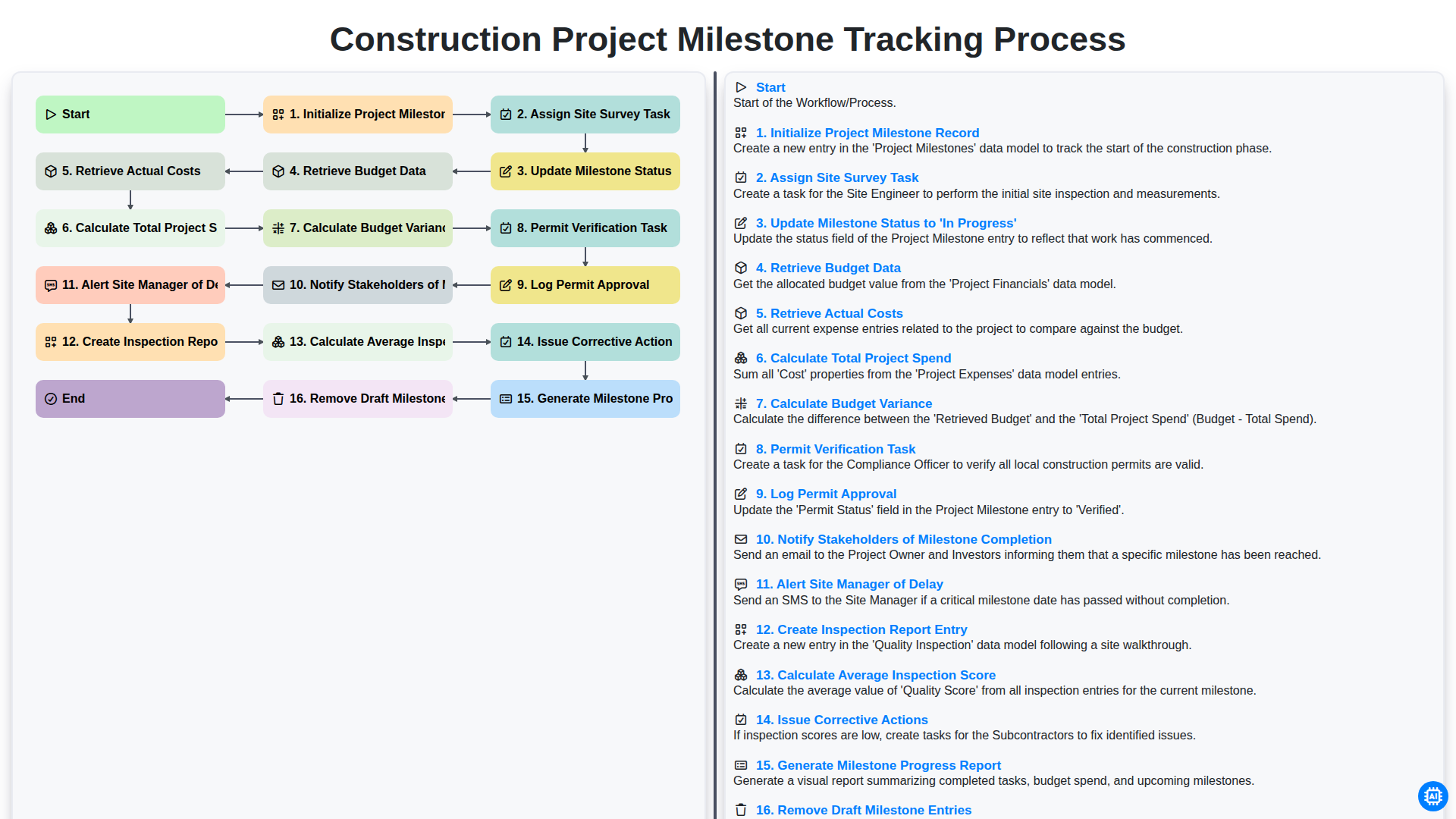
Construction Project Milestone Tracking Process
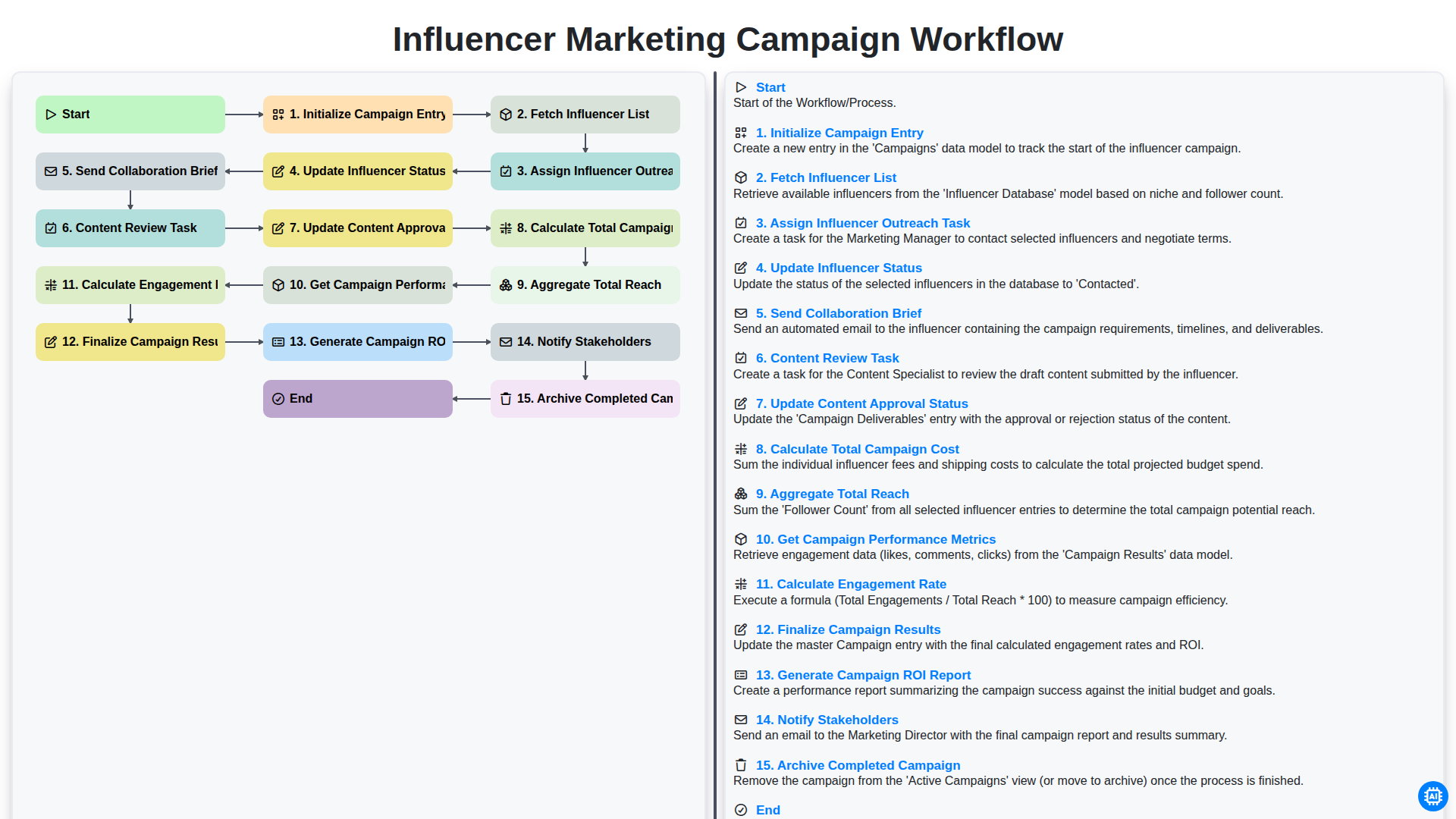
Influencer Marketing Campaign Workflow
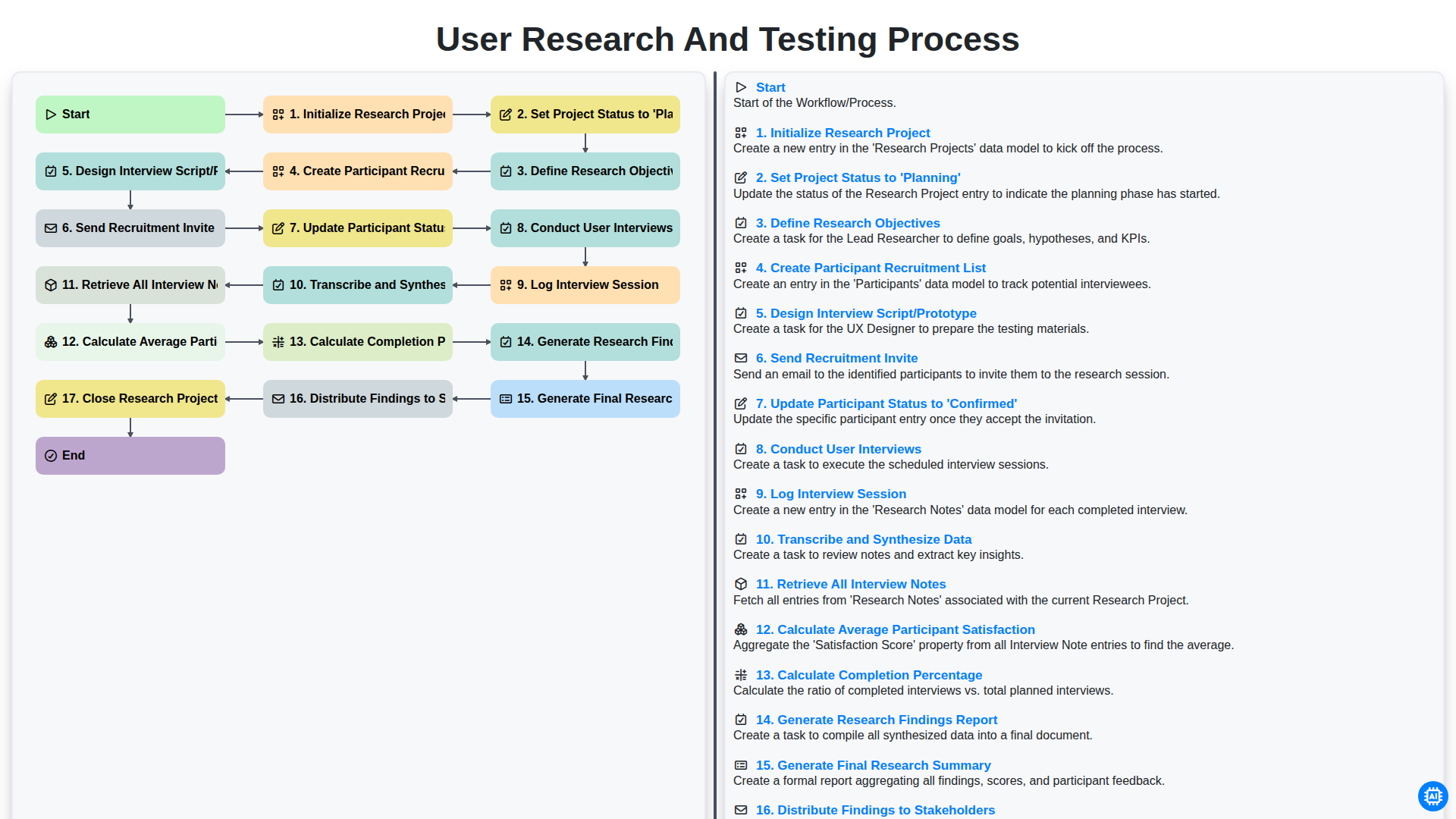
User Research and Testing Process
Podemos hacerlo juntos
¿Necesita ayuda con las listas de verificación?
¿Tienes alguna pregunta? Estamos aquí para ayudarte. Envía tu consulta y te responderemos a la brevedad.