 ChecklistGuro
 Prozess zur Vorabprüfung von Fahrzeugen vor der Auslieferung
Optimieren Sie Ihre Geschäftsabläufe mit unserem umfassenden Prozess zur Vorabprüfung von Fahrzeugen (PDI). Dieser von Experten geleitete Arbeitsablauf stellt sicher, dass jedes Fahrzeug strenge Sicherheits-, mechanische und ästhetische Standards erfüllt, bevor es an den Kunden übergeben wird. Dadurch werden Fehler nach dem Verkauf reduziert und die Kundenzufriedenheit gesteigert. Ideal für Servicemanager und Autohäuser, die eine standardisierte Qualitätskontrolle einführen und die Effizienz der Werkstatt optimieren möchten.
Diese Vorlage wurde 3 Mal installiert.
Start
Start des Workflows/Prozesses.
1. Fahrzeugdaten abrufen
Rufen Sie die Fahrzeug-Identifikationsnummer (FIN), das Modell und die Kundeninformationen aus dem zentralen Fahrzeugdatenmodell ab.
2. Techniker zuweisen
Erstellen Sie eine Aufgabe für den Leiter der Serviceabteilung, damit dieser einen Techniker für die Durchführung der Inspektion einsetzt.
3. Äußere Inspektion des Fahrzeugs
Erstellen Sie eine Aufgabe für den Techniker, damit dieser die Oberfläche auf Lackschäden, Dellen oder Kratzer überprüft.
4. Überprüfung der mechanischen Systeme
Erstellen Sie eine Aufgabe, um den Zustand der Motorflüssigkeiten, die Batterieleistung und die Funktionstüchtigkeit der Bremsen zu überprüfen.
5. Überprüfung der Innenausstattung und der Elektronik
Erstellen Sie eine Aufgabe, um das Infotainmentsystem, die Klimaanlage, die Beleuchtung und die Sitzeinstellungen zu testen.
6. Inspektionsstatus aktualisieren
Aktualisieren Sie den Status des Fahrzeugs im Fahrzeugdatenmodell auf „In Prüfung“.
7. Protokollierung von Fehlererkennungen
Erstellen Sie einen neuen Eintrag im Datenmodell „Fehler/Probleme“, falls während der Inspektion Fehler oder Probleme festgestellt werden.
8. Gefundene Fehler abrufen
Rufen Sie alle Einträge aus dem Datenmodell „Fehler“ ab, die der aktuellen Fahrgestellnummer (VIN) zugeordnet sind.
9. Gesamtkosten für die Reparatur berechnen
Fassen Sie die Werte der Eigenschaft „Geschätzte Kosten“ aller abgerufenen Fehlerdatensätze zusammen, um die Gesamtsumme der Reparaturkosten zu erhalten.
10. Berechnen Sie die endgültige PDI-Punktzahl.
Berechnen Sie einen prozentualen Wert auf der Grundlage von (Anzahl der bestandenen Elemente / Gesamtzahl der Elemente) * 100.
11. Fahrzeugqualitätsbewertung aktualisieren
Aktualisieren Sie den berechneten PDI-Wert im Fahrzeugdatenmodell.
12. Endgültigen Status der Abschlusskontrolle festlegen
Aktualisieren Sie den Status des Fahrzeugs auf „Bestanden“ oder „Nicht bestanden“, je nachdem, ob kritische Mängel vorliegen.
13. Detaillierte Reinigungsaufgabe
Wenn die Inspektion erfolgreich abgeschlossen wurde, erstellen Sie eine Aufgabe für das Valet-Team, damit dieses eine abschließende Reinigung durchführt.
14. Verkaufsberater benachrichtigen
Senden Sie eine E-Mail an den zuständigen Verkaufsberater und teilen Sie ihm mit, dass das Fahrzeug zur Auslieferung bereit ist.
15. Aufmerksamer Kunde
Senden Sie dem Kunden eine SMS, um ihn darüber zu informieren, dass die Fahrzeuguntersuchung abgeschlossen ist.
16. PDI-Zertifikat erstellen
Erstellen Sie einen PDF-Bericht, der alle geprüften Elemente, Fehler und die Endergebnisse für die Kundenakte zusammenfasst.
17. Aktualisieren Sie den Status der Lieferbereitschaft.
Aktualisieren Sie das Kontrollkästchen „Bereit für die Auslieferung“ im Fahrzeugdatenmodell auf „Wahr“.
Ende
Ende des Arbeitsablaufs/Prozesses.
Start des Workflows/Prozesses.
Rufen Sie die Fahrzeug-Identifikationsnummer (FIN), das Modell und die Kundeninformationen aus dem zentralen Fahrzeugdatenmodell ab.
Erstellen Sie eine Aufgabe für den Leiter der Serviceabteilung, damit dieser einen Techniker für die Durchführung der Inspektion einsetzt.
Erstellen Sie eine Aufgabe für den Techniker, damit dieser die Oberfläche auf Lackschäden, Dellen oder Kratzer überprüft.
Erstellen Sie eine Aufgabe, um den Zustand der Motorflüssigkeiten, die Batterieleistung und die Funktionstüchtigkeit der Bremsen zu überprüfen.
Erstellen Sie eine Aufgabe, um das Infotainmentsystem, die Klimaanlage, die Beleuchtung und die Sitzeinstellungen zu testen.
Aktualisieren Sie den Status des Fahrzeugs im Fahrzeugdatenmodell auf „In Prüfung“.
Erstellen Sie einen neuen Eintrag im Datenmodell „Fehler/Probleme“, falls während der Inspektion Fehler oder Probleme festgestellt werden.
Rufen Sie alle Einträge aus dem Datenmodell „Fehler“ ab, die der aktuellen Fahrgestellnummer (VIN) zugeordnet sind.
Fassen Sie die Werte der Eigenschaft „Geschätzte Kosten“ aller abgerufenen Fehlerdatensätze zusammen, um die Gesamtsumme der Reparaturkosten zu erhalten.
Berechnen Sie einen prozentualen Wert auf der Grundlage von (Anzahl der bestandenen Elemente / Gesamtzahl der Elemente) * 100.
Aktualisieren Sie den berechneten PDI-Wert im Fahrzeugdatenmodell.
Aktualisieren Sie den Status des Fahrzeugs auf „Bestanden“ oder „Nicht bestanden“, je nachdem, ob kritische Mängel vorliegen.
Wenn die Inspektion erfolgreich abgeschlossen wurde, erstellen Sie eine Aufgabe für das Valet-Team, damit dieses eine abschließende Reinigung durchführt.
Senden Sie eine E-Mail an den zuständigen Verkaufsberater und teilen Sie ihm mit, dass das Fahrzeug zur Auslieferung bereit ist.
Senden Sie dem Kunden eine SMS, um ihn darüber zu informieren, dass die Fahrzeuguntersuchung abgeschlossen ist.
Erstellen Sie einen PDF-Bericht, der alle geprüften Elemente, Fehler und die Endergebnisse für die Kundenakte zusammenfasst.
Aktualisieren Sie das Kontrollkästchen „Bereit für die Auslieferung“ im Fahrzeugdatenmodell auf „Wahr“.
Ende des Arbeitsablaufs/Prozesses.
Kommentare
Bisher gibt es keine Kommentare. Seien Sie der Erste, der einen hinzufügt!
Demonstration der Lösung für das Management der Automobilproduktion
Optimieren Sie Ihre Automobilproduktion! ChecklistGuro digitalisiert Arbeitsabläufe, von der Teileprüfung bis zum Endtest. Reduzieren Sie Fehler, steigern Sie die Effizienz und stellen Sie die Qualitätskonformität sicher. Erzielen Sie Ergebnisse mit unserer Work OS.
Verwandte Workflow-Vorlagen
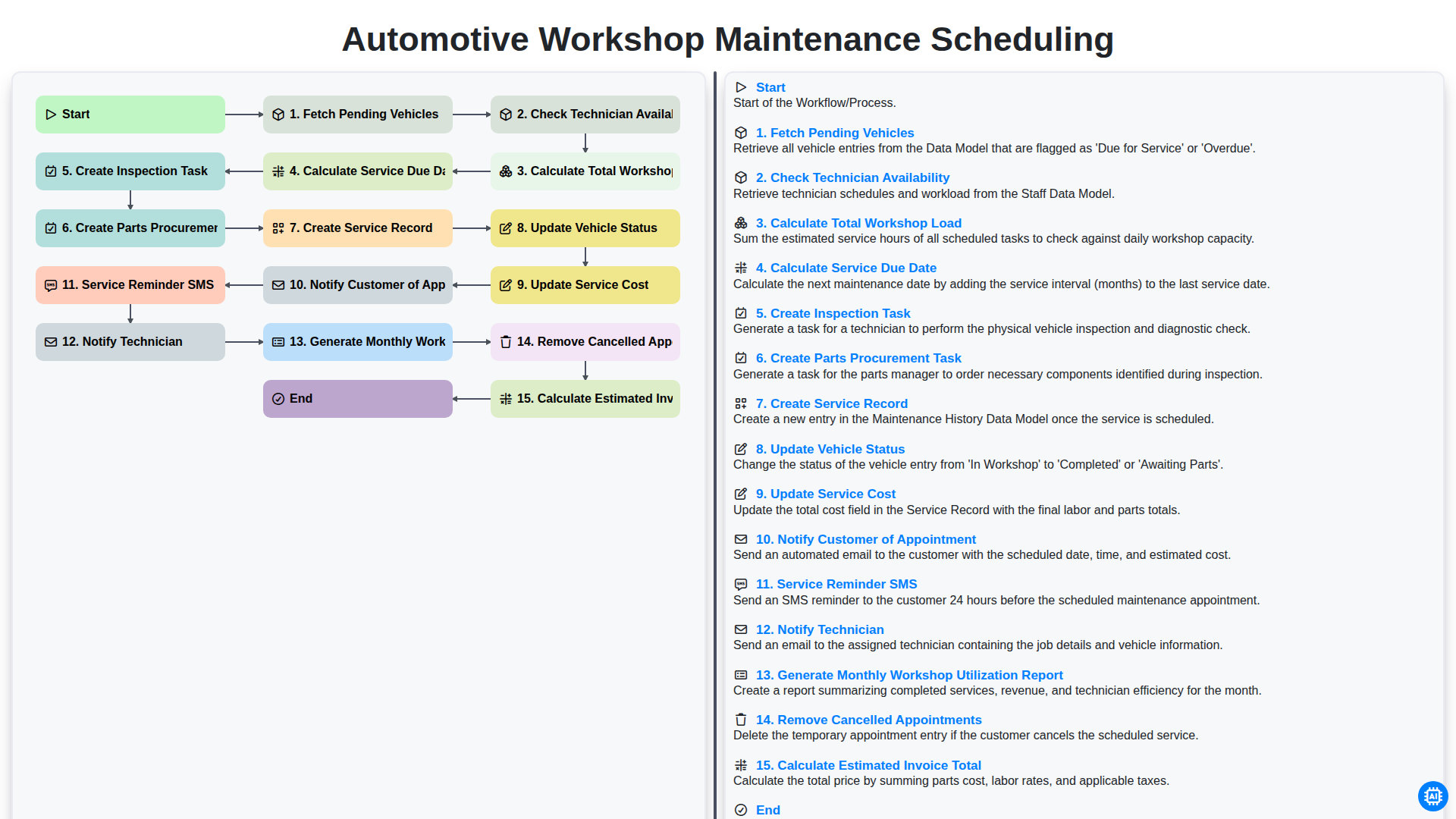
Automotive Workshop Maintenance Scheduling

Automotive Service Appointment Management

Automotive Vehicle Delivery and Handover Process

Automotive Customer Feedback and Survey Process

Automotive Vehicle Trade-In Evaluation Process

Automotive Digital Marketing Lead Workflow
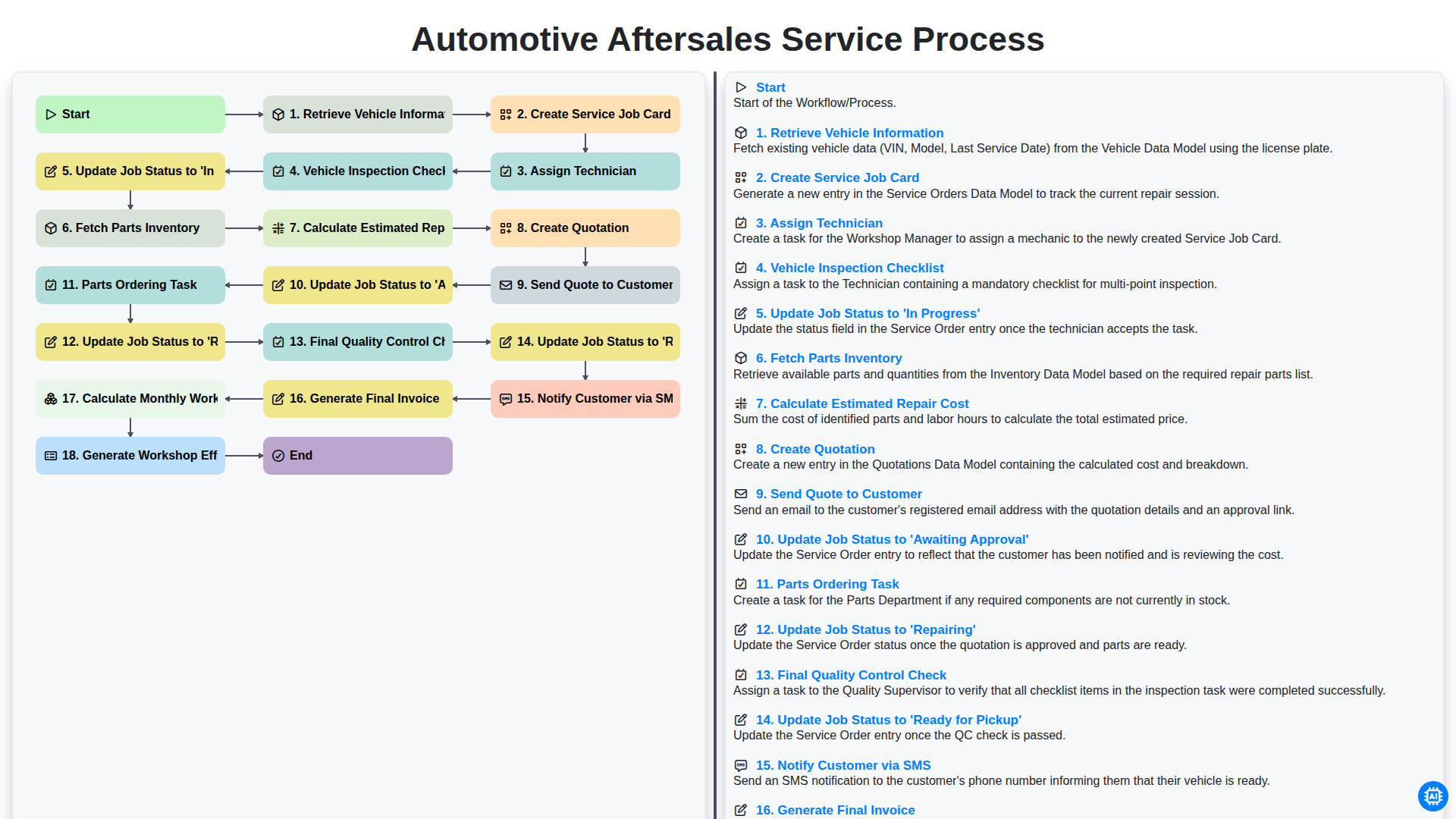
Automotive Aftersales Service Process
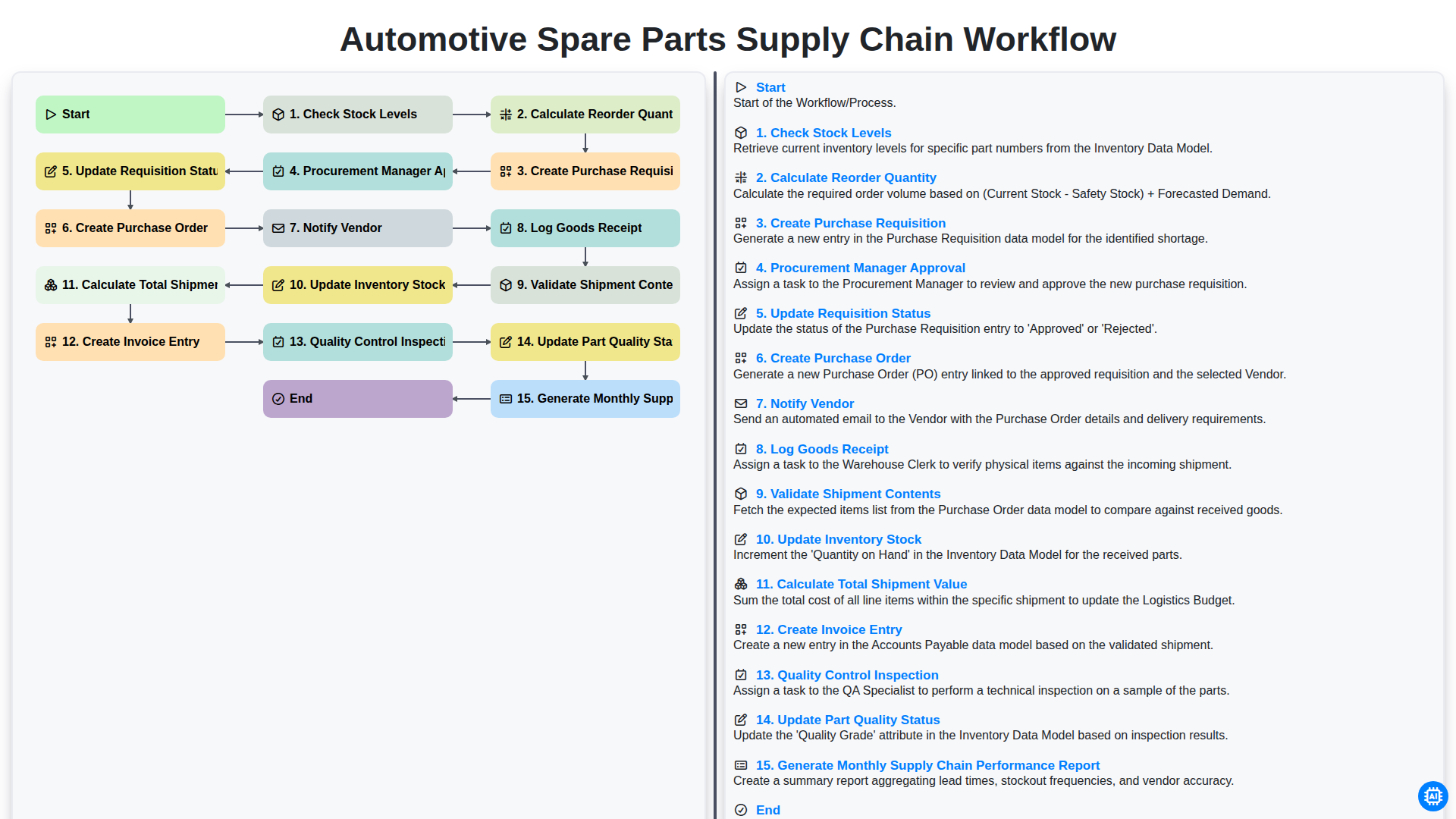
Automotive Spare Parts Supply Chain Workflow
Gemeinsam schaffen wir das
Benötigen Sie Hilfe bei Checklisten?
Haben Sie eine Frage? Wir helfen Ihnen gerne. Bitte senden Sie uns Ihre Anfrage, und wir werden Ihnen umgehend antworten.