 ChecklistGuro
 Vehicle Pre-Delivery Inspection (PDI) Process
Streamline your dealership operations with our comprehensive Vehicle Pre-Delivery Inspection (PDI) Process. This expert-led workflow ensures every vehicle meets rigorous safety, mechanical, and aesthetic standards before reaching the customer, reducing post-sale errors and boosting customer satisfaction. Perfect for automotive service managers and dealerships looking to standardize quality control and optimize workshop efficiency.
This Template was installed 4 times.
Start
Start of the Workflow/Process.
1. Fetch Vehicle Details
Retrieve vehicle VIN, model, and customer information from the Vehicle Master Data Model.
2. Assign Technician
Create a task for the Service Department Lead to assign a technician to the inspection.
3. External Body Inspection
Create a task for the technician to check for paint defects, dents, or scratches.
4. Mechanical Systems Check
Create a task to verify engine fluids, battery health, and brake functionality.
5. Interior & Electronics Check
Create a task to test infotainment, AC, lighting, and seat adjustments.
6. Update Inspection Status
Update the vehicle's status in the Vehicle Data Model to 'In Inspection'.
7. Log Defect Discovery
Create a new entry in the 'Defects/Issues' data model if any issues are found during inspection.
8. Retrieve Found Defects
Get all entries from the 'Defects' data model associated with the current VIN.
9. Calculate Total Repair Cost
Aggregate the 'Estimated Cost' property of all retrieved defect entries to get a total repair sum.
10. Calculate Final PDI Score
Calculate a percentage score based on (Passed_Items / Total_Items) * 100.
11. Update Vehicle Quality Score
Update the calculated PDI score into the Vehicle Data Model.
12. Set Final Inspection Status
Update vehicle status to 'Passed' or 'Failed' based on the presence of critical defects.
13. Detail Cleaning Task
If inspection passed, create a task for the Valet Team to perform a final cleaning.
14. Notify Sales Consultant
Send an email to the assigned Sales Consultant informing them the vehicle is ready for delivery.
15. Alert Customer
Send an SMS to the customer notifying them that their vehicle inspection is complete.
16. Generate PDI Certificate
Create a PDF report summarizing all checked items, defects, and the final score for the customer folder.
17. Update Delivery Readiness
Update the 'Ready for Delivery' checkbox in the Vehicle Data Model to True.
End
End of the Workflow/Process.
Start of the Workflow/Process.
Retrieve vehicle VIN, model, and customer information from the Vehicle Master Data Model.
Create a task for the Service Department Lead to assign a technician to the inspection.
Create a task for the technician to check for paint defects, dents, or scratches.
Create a task to verify engine fluids, battery health, and brake functionality.
Create a task to test infotainment, AC, lighting, and seat adjustments.
Update the vehicle's status in the Vehicle Data Model to 'In Inspection'.
Create a new entry in the 'Defects/Issues' data model if any issues are found during inspection.
Get all entries from the 'Defects' data model associated with the current VIN.
Aggregate the 'Estimated Cost' property of all retrieved defect entries to get a total repair sum.
Calculate a percentage score based on (Passed_Items / Total_Items) * 100.
Update the calculated PDI score into the Vehicle Data Model.
Update vehicle status to 'Passed' or 'Failed' based on the presence of critical defects.
If inspection passed, create a task for the Valet Team to perform a final cleaning.
Send an email to the assigned Sales Consultant informing them the vehicle is ready for delivery.
Send an SMS to the customer notifying them that their vehicle inspection is complete.
Create a PDF report summarizing all checked items, defects, and the final score for the customer folder.
Update the 'Ready for Delivery' checkbox in the Vehicle Data Model to True.
End of the Workflow/Process.
Frequently Asked Questions
Comments
There are no comments yet. Be the first to add one!
Automotive Manufacturing Management Solution Demo
Optimize your automotive production! ChecklistGuro digitizes workflows, from parts inspection to final testing. Reduce errors, boost efficiency & ensure quality compliance. Drive results with our Work OS.
Related Workflow Templates
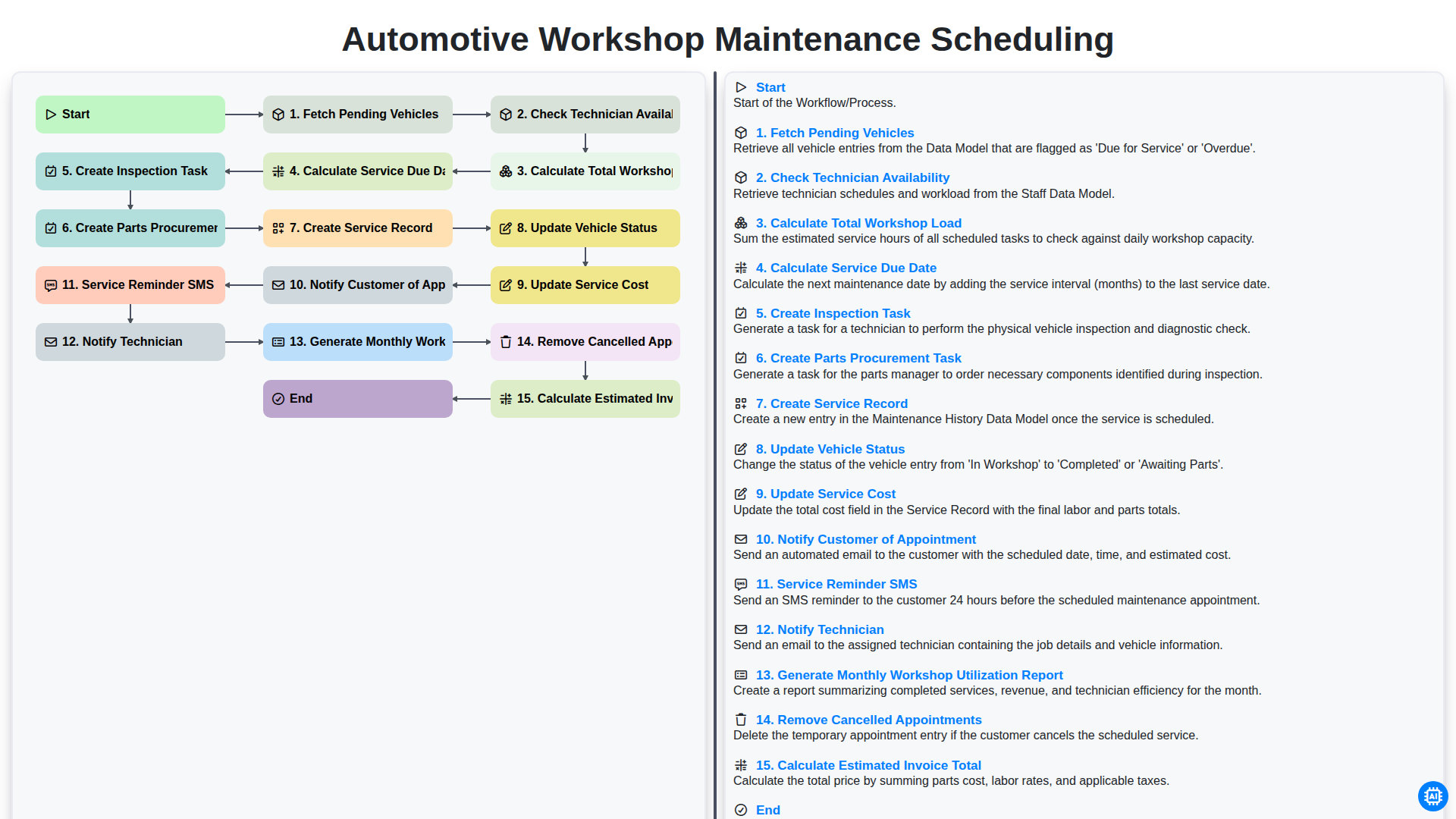
Automotive Workshop Maintenance Scheduling

Automotive Service Appointment Management

Automotive Vehicle Delivery and Handover Process

Automotive Customer Feedback and Survey Process

Automotive Vehicle Trade-In Evaluation Process

Automotive Digital Marketing Lead Workflow
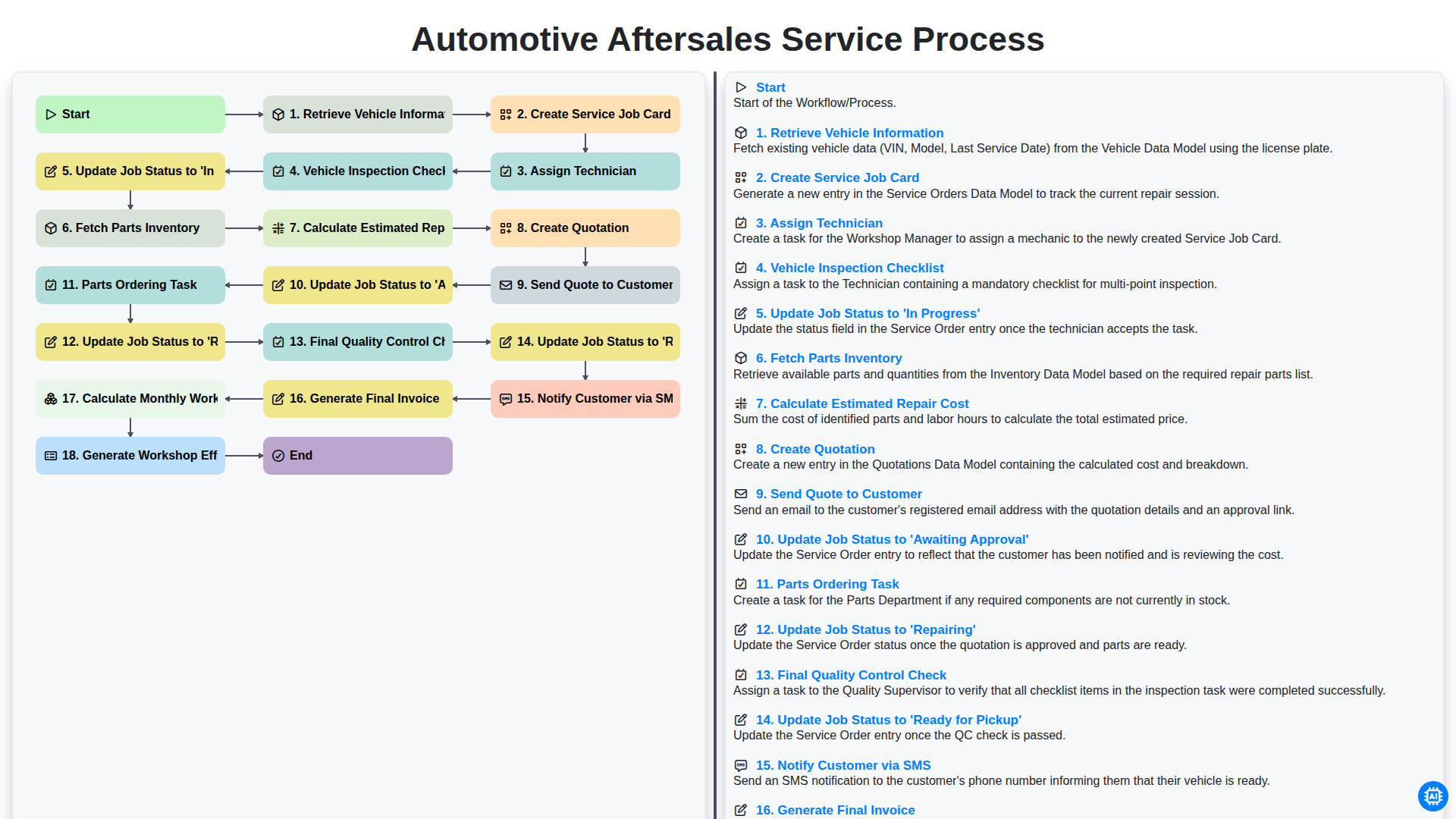
Automotive Aftersales Service Process
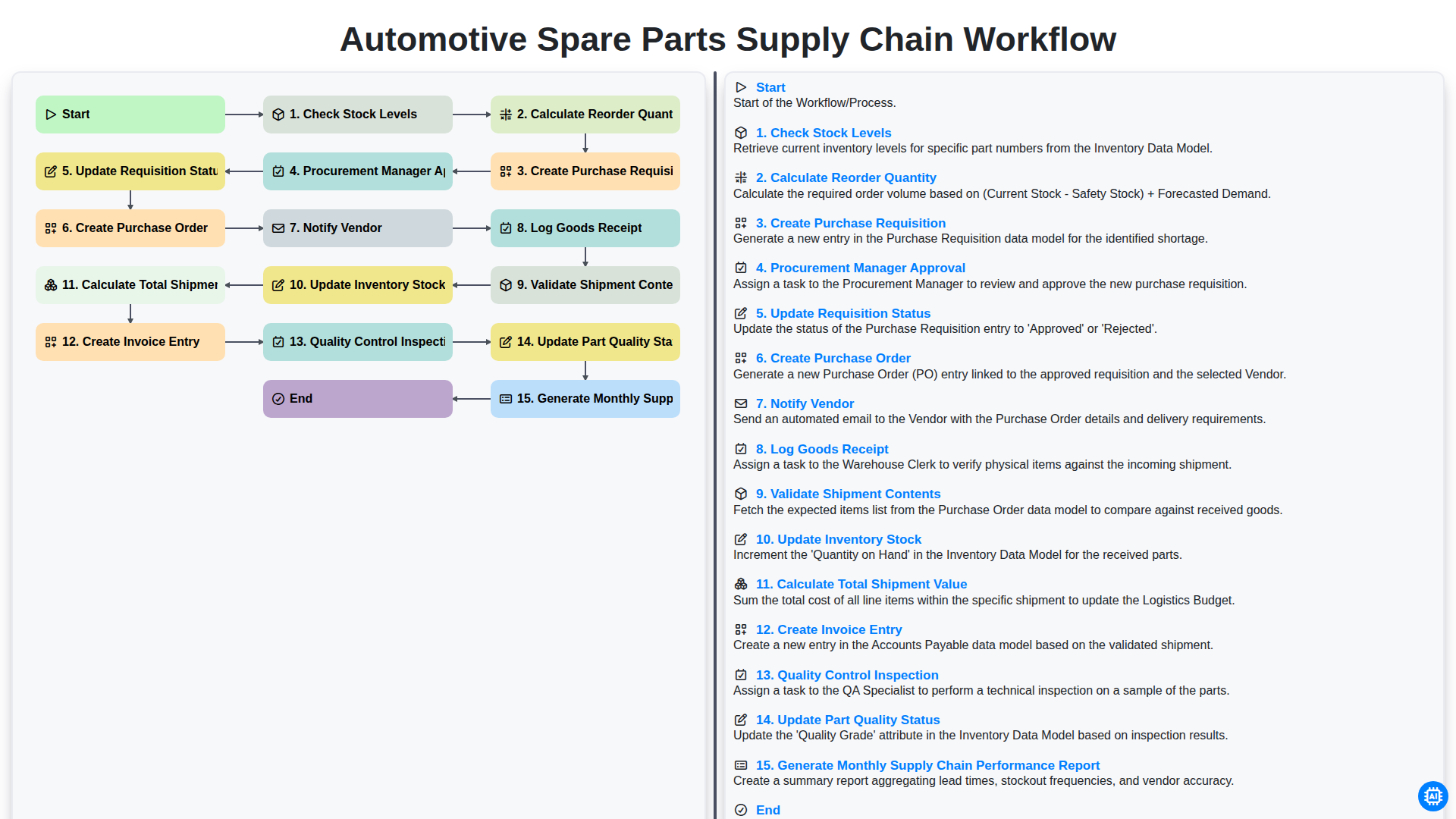
Automotive Spare Parts Supply Chain Workflow
Need help with
Automotive?
Have a question? We're here to help. Please submit your inquiry, and we'll respond promptly.