 ChecklistGuro
 Asset Inspection and Audit Workflow
Streamline your maintenance operations with our automated Asset Inspection and Audit Workflow. Designed for proactive maintenance management, this process ensures regulatory compliance, reduces equipment downtime, and optimizes asset lifecycles through structured inspection checklists, real-time auditing, and seamless issue tracking. Transform your reactive repairs into a high-performance preventive maintenance strategy.
Diese Vorlage wurde 3 Mal installiert.
Start
Start des Workflows/Prozesses.
1. Fetch Asset Inventory
Retrieve all active assets from the Asset Data Model to begin the audit scope.
2. Assign Auditor
Create a task for the Warehouse Manager to assign a specific inspector to the audit cycle.
3. Get Asset Details
Retrieve specific metadata (serial numbers, location, last inspection date) for the selected assets.
4. Physical Inspection Task
Create a task for the Field Technician to perform the physical walkthrough and condition check.
5. Update Asset Condition
Update the 'Last Inspection Status' and 'Current Condition' fields in the Asset Data Model based on findings.
6. Calculate Depreciation
Execute a formula to calculate the current value of the asset based on age and usage metrics.
7. Log Discrepancy
If an asset is missing or damaged, create a new entry in the 'Audit Discrepancy' data model.
8. Summarize Audit Findings
Aggregate the total number of 'Passed' vs 'Failed' assets to calculate the overall audit success rate.
9. Calculate Total Asset Value
Sum the total monetary value of all assets inspected during this audit cycle.
10. Maintenance Trigger
If an asset is marked as 'Damaged', create a maintenance task for the repair team.
11. Notify Stakeholders
Send an email summary of the audit results to the Operations Director.
12. Generate Audit Compliance Report
Generate a formal PDF/Report document containing all findings, discrepancies, and signatures.
13. Finalize Audit Record
Update the Audit Session entry to 'Completed' status.
14. Alert Security
Send an SMS alert if a high-value asset is flagged as 'Missing' during the audit.
15. Remove Retired Assets
Delete entries from the active inventory if they are confirmed as 'Disposed' during the audit.
Ende
Ende des Arbeitsablaufs/Prozesses.
Start des Workflows/Prozesses.
Retrieve all active assets from the Asset Data Model to begin the audit scope.
Create a task for the Warehouse Manager to assign a specific inspector to the audit cycle.
Retrieve specific metadata (serial numbers, location, last inspection date) for the selected assets.
Create a task for the Field Technician to perform the physical walkthrough and condition check.
Update the 'Last Inspection Status' and 'Current Condition' fields in the Asset Data Model based on findings.
Execute a formula to calculate the current value of the asset based on age and usage metrics.
If an asset is missing or damaged, create a new entry in the 'Audit Discrepancy' data model.
Aggregate the total number of 'Passed' vs 'Failed' assets to calculate the overall audit success rate.
Sum the total monetary value of all assets inspected during this audit cycle.
If an asset is marked as 'Damaged', create a maintenance task for the repair team.
Send an email summary of the audit results to the Operations Director.
Generate a formal PDF/Report document containing all findings, discrepancies, and signatures.
Update the Audit Session entry to 'Completed' status.
Send an SMS alert if a high-value asset is flagged as 'Missing' during the audit.
Delete entries from the active inventory if they are confirmed as 'Disposed' during the audit.
Ende des Arbeitsablaufs/Prozesses.
Kommentare
Bisher gibt es keine Kommentare. Seien Sie der Erste, der einen hinzufügt!
Demo der Wartungsmanagementlösung
Maximieren Sie die Betriebsdauer Ihrer Anlagen und reduzieren Sie Kosten! ChecklistGuro optimiert die Wartungsplanung, die Arbeitsauftragsverwaltung und die Anlagenverfolgung. Verhindern Sie Ausfälle, optimieren Sie die Leistung und verlängern Sie die Lebensdauer Ihrer Geräte. Verwalten Sie all das mit unserem Work OS.
Verwandte Workflow-Vorlagen
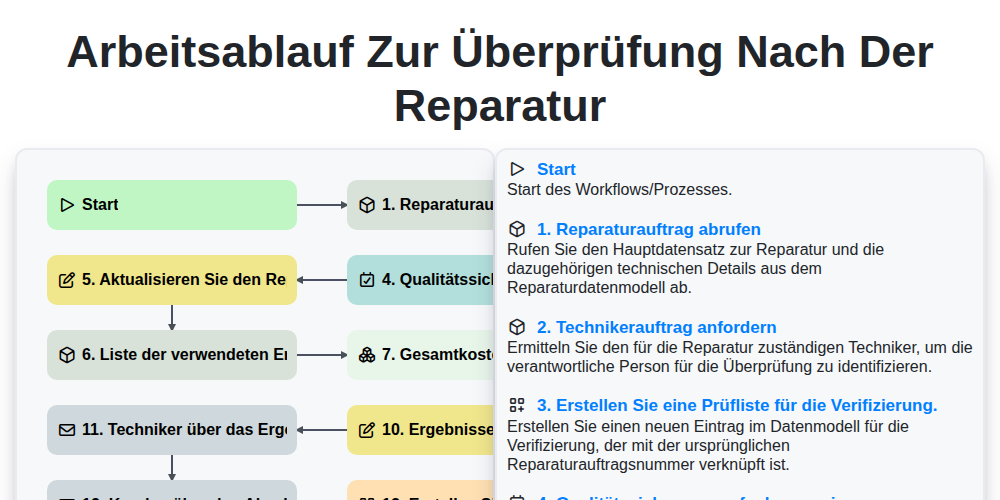
Arbeitsablauf zur Überprüfung nach der Reparatur

Maintenance Training and Certification Process

Predictive Failure Analysis Workflow

Mobile Maintenance Work Order Process

MRO Inventory Control Workflow

Maintenance KPI Reporting Process

Annual Maintenance Budgeting Workflow

Maintenance Backlog Management Process
Gemeinsam schaffen wir das
Benötigen Sie Hilfe bei Checklisten?
Haben Sie eine Frage? Wir helfen Ihnen gerne. Bitte senden Sie uns Ihre Anfrage, und wir werden Ihnen umgehend antworten.