 ChecklistGuro
 Creative Design Approval Workflow
Streamline your creative pipeline and eliminate feedback bottlenecks with our Creative Design Approval Workflow. This optimized project management process ensures seamless collaboration between designers and stakeholders, accelerating review cycles, reducing revision loops, and ensuring every masterpiece meets brand standards on time, every time.
Diese Vorlage wurde 1 Mal installiert.
Start
Start des Workflows/Prozesses.
1. Create Design Request
Create a new entry in the 'Design Requests' data model to initiate the workflow.
2. Assign Designer
Create a task for the assigned Graphic Designer to start working on the brief.
3. Update Request Status to 'In Progress'
Update the status field of the Design Request entry to reflect that work has begun.
4. Internal Quality Review
Create a task for the Art Director to review the initial design draft.
5. Fetch Brand Guidelines
Retrieve specific entries from the Brand Assets data model to ensure compliance.
6. Calculate Revision Count
Execute a formula to determine the total number of revisions requested so far.
7. Client Review Task
Create a task for the Client/Stakeholder to review the design and provide feedback.
8. Get Client Feedback
Retrieve all feedback entries linked to the current design request.
9. Aggregate Feedback Severity
Aggregate feedback entries to calculate the average 'Urgency' or 'Severity' score.
10. Update Design Status to 'Revision Needed'
Update the Design Request entry status based on client feedback results.
11. Notify Designer of Feedback
Send an email to the designer containing the summary of new client comments.
12. Final Polish Task
Create a task for the designer to implement the requested changes.
13. Final Approval Task
Create a task for the Project Manager to perform the final sign-off.
14. Set Request to 'Approved'
Update the Design Request entry status to 'Approved' upon final sign-off.
15. Generate Final Asset Record
Create a new entry in the 'Finished Assets' data model for archival purposes.
16. Send Approval Notification
Send an email to the requester notifying them that their design is ready.
17. Archive Request
Update the original Design Request entry to 'Completed' status.
Ende
Ende des Arbeitsablaufs/Prozesses.
Start des Workflows/Prozesses.
Create a new entry in the 'Design Requests' data model to initiate the workflow.
Create a task for the assigned Graphic Designer to start working on the brief.
Update the status field of the Design Request entry to reflect that work has begun.
Create a task for the Art Director to review the initial design draft.
Retrieve specific entries from the Brand Assets data model to ensure compliance.
Execute a formula to determine the total number of revisions requested so far.
Create a task for the Client/Stakeholder to review the design and provide feedback.
Retrieve all feedback entries linked to the current design request.
Aggregate feedback entries to calculate the average 'Urgency' or 'Severity' score.
Update the Design Request entry status based on client feedback results.
Send an email to the designer containing the summary of new client comments.
Create a task for the designer to implement the requested changes.
Create a task for the Project Manager to perform the final sign-off.
Update the Design Request entry status to 'Approved' upon final sign-off.
Create a new entry in the 'Finished Assets' data model for archival purposes.
Send an email to the requester notifying them that their design is ready.
Update the original Design Request entry to 'Completed' status.
Ende des Arbeitsablaufs/Prozesses.
Häufig gestellte Fragen
Kommentare
Bisher gibt es keine Kommentare. Seien Sie der Erste, der einen hinzufügt!
Demonstration der Projektmanagement-Lösung
Liefern Sie Projekte pünktlich und innerhalb des Budgets! ChecklistGuro optimiert das Aufgabenmanagement, die Zusammenarbeit und die Fortschrittsverfolgung. Verbessern Sie die Transparenz und steigern Sie die Teamproduktivität. Verwalten Sie alles mit unserer Work OS.
Verwandte Workflow-Vorlagen

Strategic Planning and Execution Process

Digital Transformation Project Workflow

Employee Onboarding Project Management

Customer Implementation Workflow

Design System Maintenance Process

Quality Assurance (QA) Testing Workflow
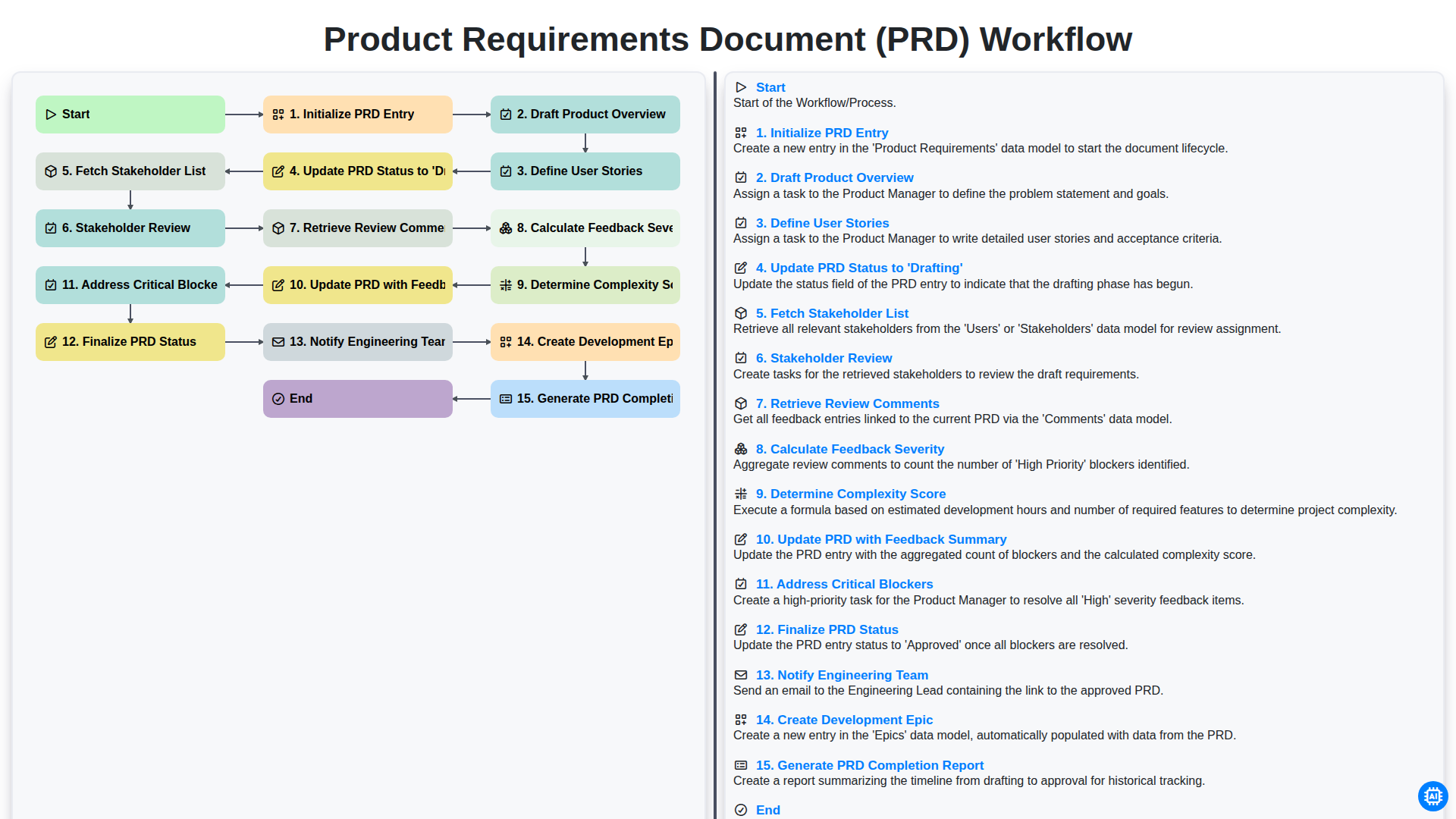
Product Requirements Document (PRD) Workflow

Internal Audit and Compliance Workflow
Benötigen Sie Hilfe bei Checklisten?
Haben Sie eine Frage? Wir helfen Ihnen gerne. Bitte senden Sie uns Ihre Anfrage, und wir werden Ihnen umgehend antworten.