 ChecklistGuro
 Lista de verificación para pruebas de rendimiento Checklist
¡Asegure que sus proyectos de construcción se mantengan a tiempo y dentro del presupuesto! Descargue nuestra lista de verificación gratuita para pruebas de rendimiento de software y sistemas de construcción. Identifique cuellos de botella, optimice el rendimiento y evite retrasos costosos. ¡Comience hoy mismo!
Esta plantilla se instaló 2 veces.
Entorno y Configuración
Asegurar que el entorno de pruebas refleje fielmente el entorno de producción y esté configurado correctamente para pruebas de rendimiento.
Tipo de entorno
Número de Servidores de Aplicaciones
Número de servidores de base de datos
Configuración detallada del entorno (SO, versiones, etc.)
Configuración del Balanceador de Carga
Dependencias ambientales específicas (p. ej., APIs o servicios externos)
Fecha de configuración del entorno
Configuración del entorno (si aplica)
Datos de prueba
Verificación del volumen, la distribución y la relevancia de los datos de prueba en relación con los datos de producción.
Número de proyectos a simular
Número medio de usuarios por proyecto
Número total de empleados/usuarios en los datos de prueba
Enfoque de Generación de Datos
Patrón de Distribución de Datos
Archivo de datos de muestra (si corresponde)
Descripción detallada de las reglas de generación de datos
Fecha más temprana para el inicio del proyecto
Fecha límite para la finalización del proyecto
Modelado de la carga de trabajo
Definir y configurar cargas de trabajo de usuario y sistema realistas que imiten las condiciones de producción.
Usuarios concurrentes estimados
Usuarios Concurrentes Máximos (p. ej., durante un cambio de turno)
Perfil de carga de trabajo principal (p. ej., fase de diseño, fase de construcción, fase de mantenimiento)
Tareas típicas de usuario a simular (Seleccione todas las que correspondan).
Número de Proyectos/Modelos BIM a Simular
Descripción del flujo de trabajo típico para pruebas.
Tasa de transacción (p. ej., Informes generados por minuto)
Tiempo de aumento de carga de usuarios (minutos)
Ejecución y Monitoreo de Pruebas
Controlar la ejecución de las pruebas y supervisar los indicadores clave de rendimiento (KPI).
Número de usuarios virtuales
Tiempo de Arranque (segundos)
Duración de la prueba (minutos)
Tipo de Escenario de Prueba
Objetivos Específicos de la Prueba
Tiempo Promedio de Respuesta Objetivo (segundos)
Métricas a monitorear
Fecha de inicio de la prueba
Hora de inicio de la prueba
Análisis y presentación de resultados
Analizar los resultados de las pruebas para identificar cuellos de botella y generar informes claros y con recomendaciones concretas.
Tiempo Medio de Respuesta (ms)
Tiempo de respuesta en el percentil 95 (ms)
Rendimiento (Transacciones/Segundo)
Utilización de la CPU (%)
Utilización de memoria (%)
Estado general del resultado de la prueba
Resumen de Hallazgos Clave
Recomendaciones de mejora
Informe de Pruebas de Rendimiento (PDF)
Pruebas de escalabilidad
Evaluando la capacidad del sistema para manejar crecientes cargas de trabajo y concurrencia de usuarios.
Usuarios concurrentes objetivo
Aumento de Usuarios Concurrentes (Porcentaje)
Objetivo de Transacciones por Segundo (TPS)
Escalado de la configuración de hardware (p. ej., añadir servidores, aumentar la RAM)
Tamaño del grupo de conexiones a la base de datos
Verificación de la estrategia de almacenamiento en caché
Descripción de la Escala del Escenario de Pruebas
Pruebas de estrés
Impulsar el sistema más allá de sus límites esperados para identificar puntos de fallo y problemas de estabilidad.
Usuarios Concurrentes Máximos
Tasa de Transacciones (Transacciones/Segundo)
Volumen de datos (GB)
Método de Verificación de Manejo de Errores
Comportamiento Observado del Sistema Bajo Estrés
Tiempo Máximo de Respuesta Aceptable (Segundos)
Recurso agotado.
Descripción detallada del modo de fallo
Número de Ejecuciones de Prueba de Estrés
Pruebas de Resistencia
Evaluación del rendimiento y la estabilidad del sistema a lo largo de un período prolongado.
Duración de la prueba (horas)
Número promedio de usuarios concurrentes
¿Monitoreo de recursos del servidor habilitado?
Umbral de utilización de memoria (%)
Umbral de utilización de la CPU (%)
Errores/Advertencias del sistema observados (si los hay)
¿Estabilidad del sistema durante la prueba?
Comportamiento inesperado observado durante la prueba de resistencia (si lo hubiera).
Rendimiento de la base de datos
Centrándonos en el rendimiento de la base de datos subyacente y su interacción con la aplicación.
Tiempo Medio de Respuesta a las Consultas (ms)
Utilización de la CPU de la base de datos (%)
Utilización de memoria de la base de datos (%)
Estrategia de indexación de bases de datos
Identificar las consultas más lentas (top 5)
Tamaño del grupo de conexiones a la base de datos
Nivel de Aislamiento de Transacción de Base de Datos
Rendimiento de la red
Evaluación de la latencia de la red y las limitaciones de ancho de banda que afectan el rendimiento del sistema.
Latencia Promedio de la Red (ms)
Ancho de banda disponible (Mbps)
Porcentaje de pérdida de paquetes (%)
Topología de red
Protocolo de red utilizado
Describe cualquier congestión o inestabilidad de la red que haya observado.
Adjunte archivos de rastreo de red (p. ej., capturas de Wireshark).
Jitter (ms)
¿Le resultó útil esta plantilla de lista de verificación?
Comentarios
Aún no hay comentarios. ¡Sé el primero en añadir uno!
Demostración de la solución de gestión de la construcción
¡Construye de forma más inteligente, no más ardua! ChecklistGuro optimiza los proyectos de construcción, desde la planificación hasta la finalización. Gestiona tareas, inspecciones, protocolos de seguridad y mucho más, todo en un solo lugar. Reduce los retrasos, mejora la comunicación y entrega proyectos a tiempo y dentro del presupuesto.
Plantillas de listas de verificación relacionadas
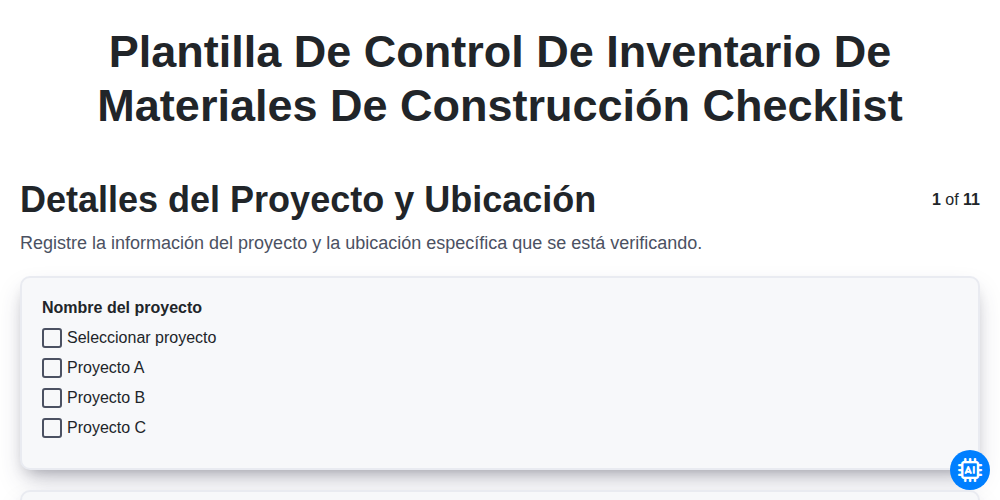
Plantilla de Control de Inventario de Materiales de Construcción

Lista de verificación para el control de inventario de materiales de construcción
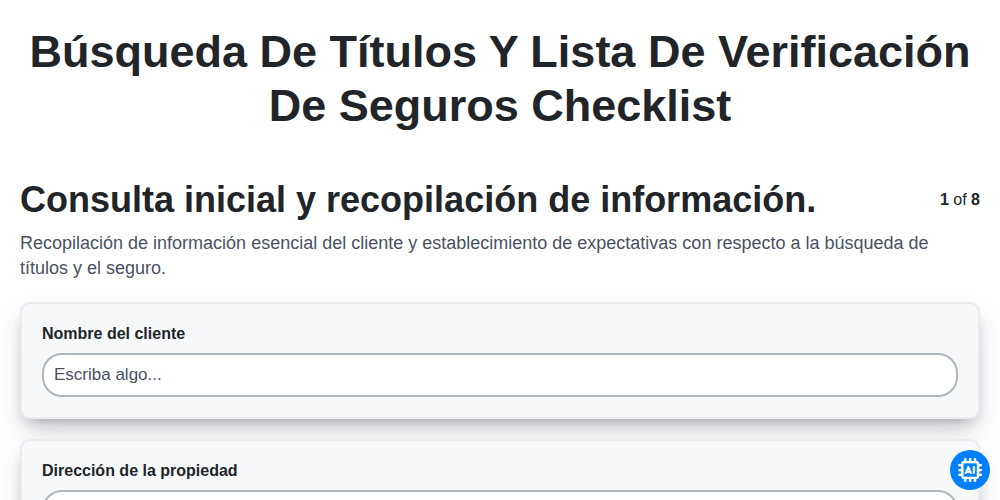
Búsqueda de Títulos y Lista de Verificación de Seguros
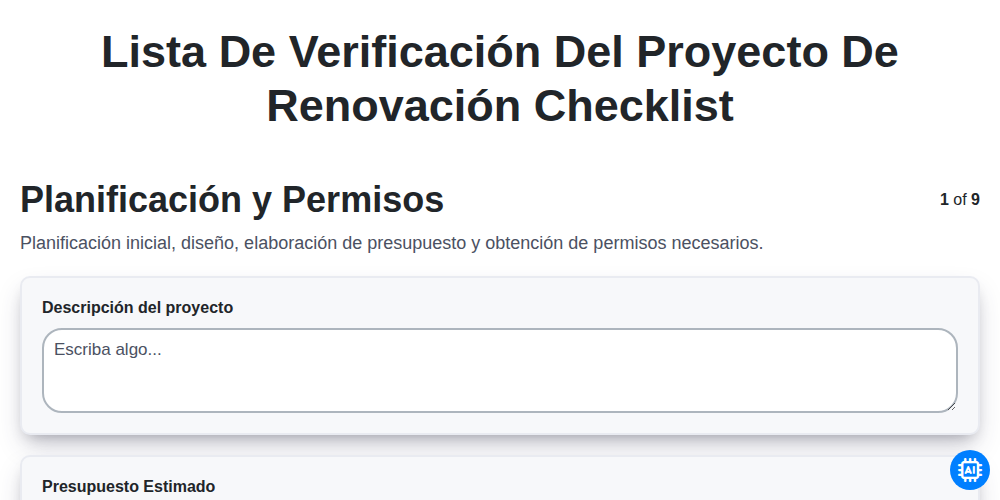
Lista de verificación del proyecto de renovación
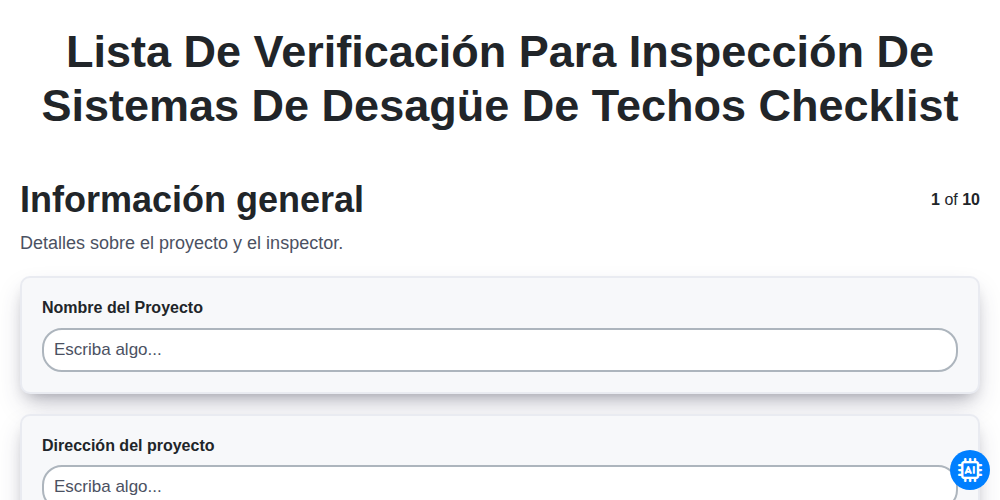
Lista de verificación para inspección de sistemas de desagüe de techos

Lista de verificación para pintura de interiores

Lista de verificación de documentación de garantía
Lista de verificación de manuales de operación y mantenimiento (O&M)
Podemos hacerlo juntos
¿Necesita ayuda con las listas de verificación?
¿Tienes alguna pregunta? Estamos aquí para ayudarte. Envía tu consulta y te responderemos a la brevedad.