 ChecklistGuro
 Proceso de inspección previa a la entrega del vehículo (PDI)
Optimice las operaciones de su concesionario con nuestro completo proceso de inspección previa a la entrega del vehículo (PDI). Este proceso, dirigido por expertos, garantiza que cada vehículo cumpla con los rigurosos estándares de seguridad, mecánicos y estéticos antes de que llegue al cliente, lo que reduce los errores posteriores a la venta y aumenta la satisfacción del cliente. Es ideal para los gerentes de servicio automotriz y los concesionarios que buscan estandarizar el control de calidad y optimizar la eficiencia del taller.
Esta plantilla se instaló 3 veces.
Inicio
Inicio del flujo de trabajo/proceso.
1. Obtener información del vehículo
Recupere el número de identificación del vehículo (VIN), el modelo y la información del cliente del modelo de datos maestro de vehículos.
2. Asignar técnico
Cree una tarea para que el responsable del departamento de servicio asigne un técnico para que realice la inspección.
3. Inspección externa del cuerpo
Cree una tarea para que el técnico revise si hay imperfecciones en la pintura, abolladuras o arañazos.
4. Revisión de los sistemas mecánicos
Cree una tarea para verificar los niveles de los fluidos del motor, el estado de la batería y el funcionamiento de los frenos.
5. Revisión del interior y los componentes electrónicos
Cree una tarea para probar el sistema de infoentretenimiento, el aire acondicionado, la iluminación y los ajustes de los asientos.
6. Actualizar el estado de la inspección
Actualice el estado del vehículo en el modelo de datos del vehículo y cámbielo a «En inspección».
7. Detección de errores en los registros
Cree una nueva entrada en el modelo de datos «Defectos/Problemas» si se detecta algún problema durante la inspección.
8. Recuperar los defectos detectados.
Obtenga todas las entradas del modelo de datos «Defectos» asociadas al VIN actual.
9. Calcular el costo total de la reparación.
Sumar el valor de la propiedad «Coste estimado» de todos los registros de defectos recuperados para obtener el coste total de reparación.
10. Calcular la puntuación final del PDI
Calcule un porcentaje en función de la siguiente fórmula: (Número de elementos aprobados / Número total de elementos) * 100.
11. Actualizar la puntuación de calidad del vehículo
Actualice la puntuación PDI calculada en el modelo de datos del vehículo.
12. Establecer el estado de la inspección final.
Actualice el estado del vehículo a «Aprobado» o «Rechazado» según la presencia de defectos críticos.
13. Tarea de limpieza detallada
Si la inspección es satisfactoria, cree una tarea para que el equipo de limpieza realice una limpieza final.
14. Notificar al asesor de ventas
Envíe un correo electrónico al asesor de ventas asignado para informarle de que el vehículo está listo para su entrega.
15. Cliente en alerta
Envíe un mensaje de texto al cliente para informarle de que la inspección de su vehículo ha finalizado.
16. Generar certificado PDI.
Cree un informe en formato PDF que resuma todos los elementos revisados, los defectos encontrados y la puntuación final para la carpeta del cliente.
17. Actualizar el estado de preparación para la entrega.
Actualice el cuadro de verificación «Listo para la entrega» en el modelo de datos del vehículo a «Verdadero».
Fin
Fin del flujo de trabajo/proceso.
Inicio del flujo de trabajo/proceso.
Recupere el número de identificación del vehículo (VIN), el modelo y la información del cliente del modelo de datos maestro de vehículos.
Cree una tarea para que el responsable del departamento de servicio asigne un técnico para que realice la inspección.
Cree una tarea para que el técnico revise si hay imperfecciones en la pintura, abolladuras o arañazos.
Cree una tarea para verificar los niveles de los fluidos del motor, el estado de la batería y el funcionamiento de los frenos.
Cree una tarea para probar el sistema de infoentretenimiento, el aire acondicionado, la iluminación y los ajustes de los asientos.
Actualice el estado del vehículo en el modelo de datos del vehículo y cámbielo a «En inspección».
Cree una nueva entrada en el modelo de datos «Defectos/Problemas» si se detecta algún problema durante la inspección.
Obtenga todas las entradas del modelo de datos «Defectos» asociadas al VIN actual.
Sumar el valor de la propiedad «Coste estimado» de todos los registros de defectos recuperados para obtener el coste total de reparación.
Calcule un porcentaje en función de la siguiente fórmula: (Número de elementos aprobados / Número total de elementos) * 100.
Actualice la puntuación PDI calculada en el modelo de datos del vehículo.
Actualice el estado del vehículo a «Aprobado» o «Rechazado» según la presencia de defectos críticos.
Si la inspección es satisfactoria, cree una tarea para que el equipo de limpieza realice una limpieza final.
Envíe un correo electrónico al asesor de ventas asignado para informarle de que el vehículo está listo para su entrega.
Envíe un mensaje de texto al cliente para informarle de que la inspección de su vehículo ha finalizado.
Cree un informe en formato PDF que resuma todos los elementos revisados, los defectos encontrados y la puntuación final para la carpeta del cliente.
Actualice el cuadro de verificación «Listo para la entrega» en el modelo de datos del vehículo a «Verdadero».
Fin del flujo de trabajo/proceso.
¿Le resultó útil esta plantilla de flujo de trabajo?
Comentarios
Aún no hay comentarios. ¡Sé el primero en añadir uno!
Demostración de la Solución de Gestión de la Fabricación Automotriz
¡Optimice su producción automotriz! ChecklistGuro digitaliza los flujos de trabajo, desde la inspección de piezas hasta las pruebas finales. Reduzca los errores, aumente la eficiencia y garantice el cumplimiento de la calidad. Obtenga resultados con nuestro Work OS.
Plantillas de flujo de trabajo relacionadas
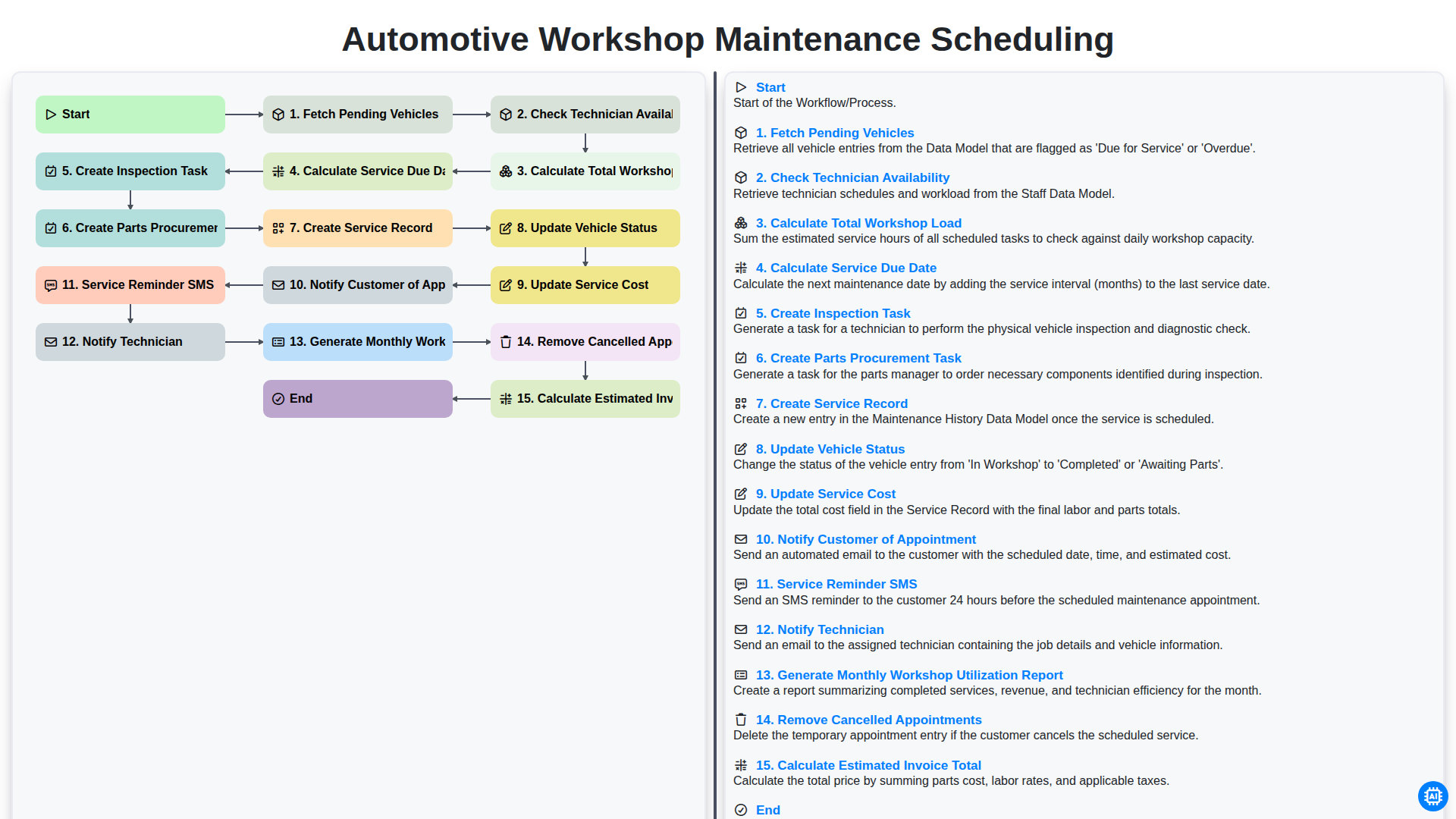
Automotive Workshop Maintenance Scheduling

Automotive Service Appointment Management

Automotive Vehicle Delivery and Handover Process

Automotive Customer Feedback and Survey Process

Automotive Vehicle Trade-In Evaluation Process

Automotive Digital Marketing Lead Workflow
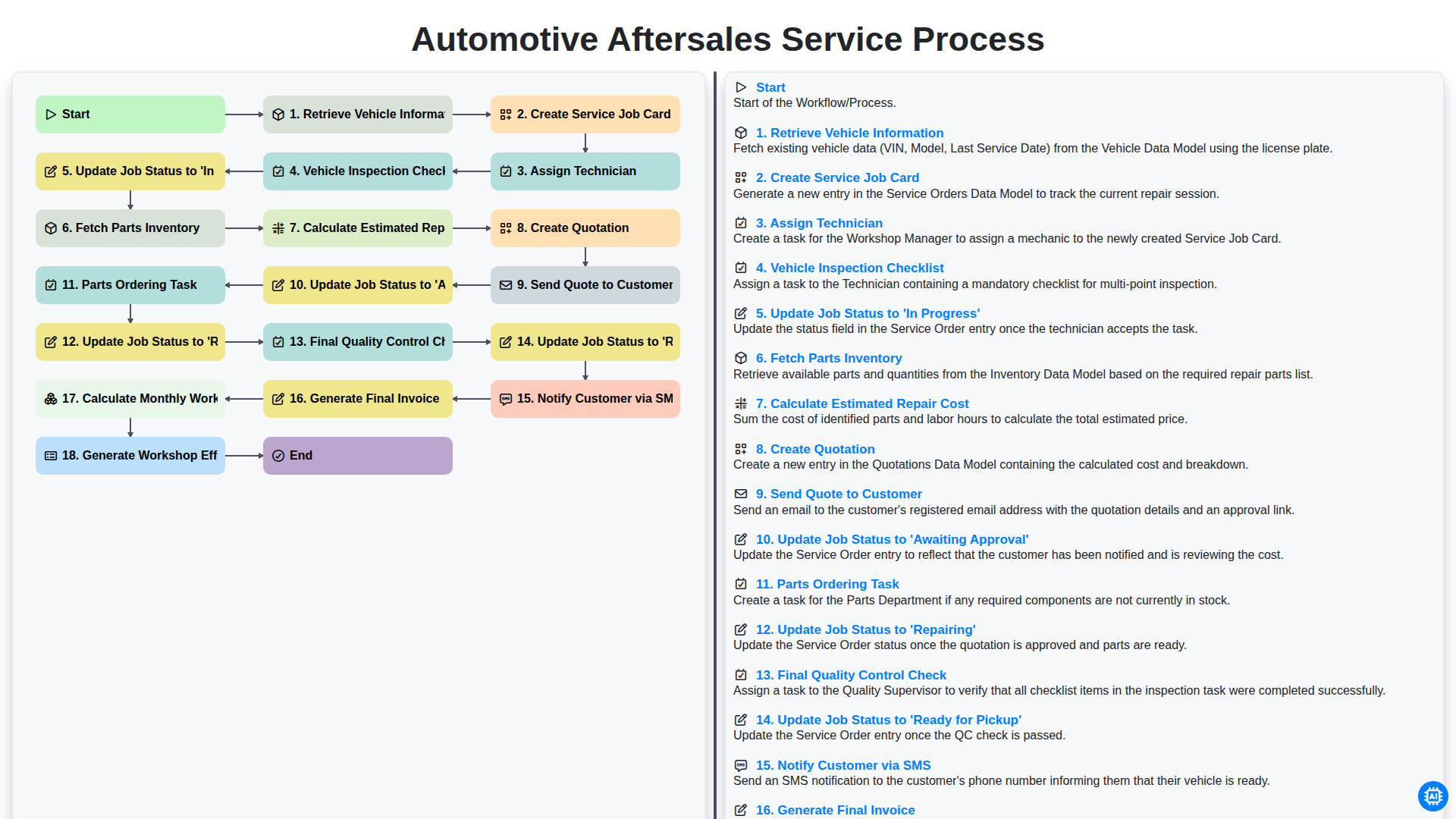
Automotive Aftersales Service Process
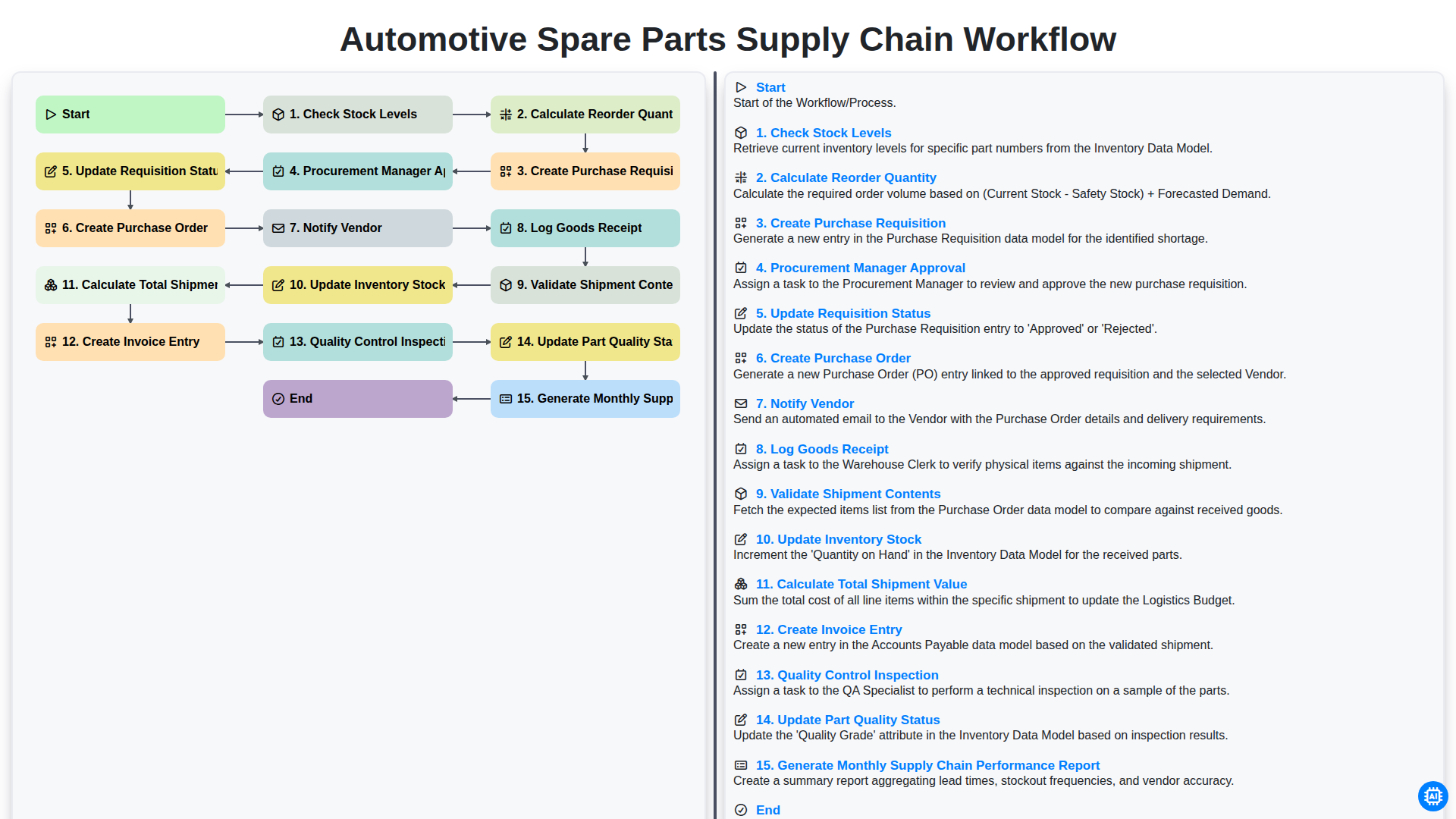
Automotive Spare Parts Supply Chain Workflow
Podemos hacerlo juntos
¿Necesita ayuda con las listas de verificación?
¿Tienes alguna pregunta? Estamos aquí para ayudarte. Envía tu consulta y te responderemos a la brevedad.