 ChecklistGuro
 Construction Risk Management and Mitigation Workflow
Streamline your project success with our comprehensive Construction Risk Management and Mitigation Workflow. Designed for contractors and project managers, this step-by-step guide provides a proactive framework to identify, assess, and neutralize site hazards, financial uncertainties, and operational delays. Master the art of preemptive problem-solving, enhance site safety, and protect your bottom line by implementing a structured process for continuous risk monitoring and mitigation throughout the entire construction lifecycle.
Esta plantilla se instaló 4 veces.
Inicio
Inicio del flujo de trabajo/proceso.
1. Retrieve Active Construction Projects
Fetch all current project entries to identify which sites are subject to upcoming risk assessments.
2. Identify High-Risk Hazards
Retrieve all identified hazards from the Hazard Log data model that have not yet been mitigated.
3. Create Risk Assessment Record
Generate a new Risk Assessment entry in the Risk Management data model when a new hazard is detected.
4. Calculate Risk Score
Calculate the Risk Priority Number (RPN) by multiplying Probability x Severity x Detectability.
5. Update Risk Severity Status
Update the Risk entry with the newly calculated risk score and criticality level.
6. Sum Total Risk Exposure Value
Aggregate the financial impact values of all 'High' priority risks to determine total potential loss.
7. Assign Mitigation Task to Site Manager
Create a task for the assigned Site Manager to develop a mitigation plan for high-score risks.
8. Create Safety Inspection Task
Generate a recurring inspection task for the Safety Officer to verify site compliance.
9. Notify Stakeholders of High Risk
Send an automated email alert to Project Directors when a risk score exceeds the established threshold.
10. Urgent Site Alert
Send an SMS notification to the On-site Supervisor if a critical/imminent danger risk is identified.
11. Log Mitigation Action
Create a new entry in the Mitigation Log to document the steps taken to reduce the risk.
12. Close Risk Entry
Update the Risk entry status to 'Mitigated' or 'Closed' once all mitigation tasks are completed.
13. Generate Weekly Risk Compliance Report
Generate a summary report of all active risks, mitigation progress, and outstanding tasks for the weekly safety meeting.
14. Remove False Positive Risks
Delete risk entries that were identified in error during the assessment process.
Fin
Fin del flujo de trabajo/proceso.
Inicio del flujo de trabajo/proceso.
Fetch all current project entries to identify which sites are subject to upcoming risk assessments.
Retrieve all identified hazards from the Hazard Log data model that have not yet been mitigated.
Generate a new Risk Assessment entry in the Risk Management data model when a new hazard is detected.
Calculate the Risk Priority Number (RPN) by multiplying Probability x Severity x Detectability.
Update the Risk entry with the newly calculated risk score and criticality level.
Aggregate the financial impact values of all 'High' priority risks to determine total potential loss.
Create a task for the assigned Site Manager to develop a mitigation plan for high-score risks.
Generate a recurring inspection task for the Safety Officer to verify site compliance.
Send an automated email alert to Project Directors when a risk score exceeds the established threshold.
Send an SMS notification to the On-site Supervisor if a critical/imminent danger risk is identified.
Create a new entry in the Mitigation Log to document the steps taken to reduce the risk.
Update the Risk entry status to 'Mitigated' or 'Closed' once all mitigation tasks are completed.
Generate a summary report of all active risks, mitigation progress, and outstanding tasks for the weekly safety meeting.
Delete risk entries that were identified in error during the assessment process.
Fin del flujo de trabajo/proceso.
¿Le resultó útil esta plantilla de flujo de trabajo?
Comentarios
Aún no hay comentarios. ¡Sé el primero en añadir uno!
Demostración de la solución de gestión de la construcción
¡Construye de forma más inteligente, no más ardua! ChecklistGuro optimiza los proyectos de construcción, desde la planificación hasta la finalización. Gestiona tareas, inspecciones, protocolos de seguridad y mucho más, todo en un solo lugar. Reduce los retrasos, mejora la comunicación y entrega proyectos a tiempo y dentro del presupuesto.
Plantillas de flujo de trabajo relacionadas

Construction Post-Project Review and Lessons Learned Process

Construction Project Handover and Commissioning Workflow

Construction Waste Management and Sustainability Process

Subcontractor Compliance and Insurance Tracking

Construction Documentation and Record Keeping Workflow

Construction Labor Management and Tracking

Construction Supply Chain Management Process
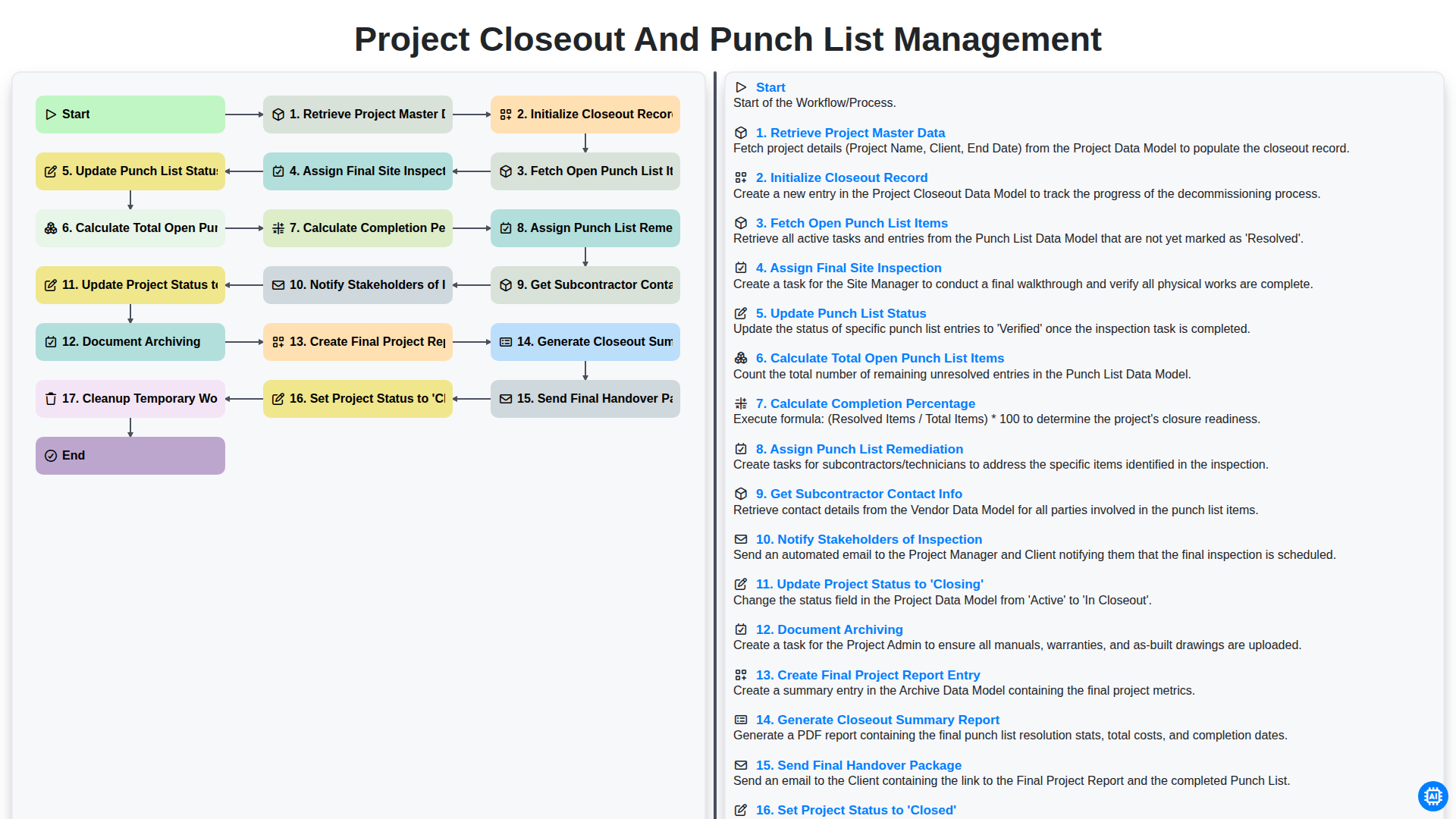
Project Closeout and Punch List Management
Podemos hacerlo juntos
¿Necesita ayuda con las listas de verificación?
¿Tienes alguna pregunta? Estamos aquí para ayudarte. Envía tu consulta y te responderemos a la brevedad.