 ChecklistGuro
 Post-Event Evaluation and ROI Analysis Workflow
Master the art of measuring success with our Post-Event Evaluation and ROI Analysis Workflow. Streamline your debriefing process, automate attendee feedback collection, and transform raw event data into actionable insights. This comprehensive framework helps event planners calculate precise ROI, identify key performance drivers, and optimize future event strategies for maximum impact and stakeholder satisfaction.
Esta plantilla se instaló 2 veces.
Inicio
Inicio del flujo de trabajo/proceso.
1. Retrieve Event Data
Fetch all data entries related to the completed event, including budget, attendance, and lead counts.
2. Retrieve Expense Entries
Fetch all individual cost entries (vendor fees, catering, marketing, etc.) associated with the event.
3. Update Event Status
Change the event status from 'Completed' to 'Under Evaluation'.
4. Assign Feedback Collection
Create a task for the Marketing Manager to send out attendee satisfaction surveys.
5. Retrieve Survey Responses
Fetch all new survey responses/entries submitted by attendees.
6. Calculate Total Expenditure
Sum all numeric values from the Expense Entries to determine the total event cost.
7. Calculate Average Satisfaction Score
Calculate the average of the 'Satisfaction Rating' field from the Survey Responses entries.
8. Calculate Cost Per Attendee
Divide Total Expenditure by the total number of attendees retrieved from the Event Data.
9. Calculate ROI Percentage
Formula: ((Total Revenue Generated - Total Cost) / Total Cost) * 100.
10. Update Event ROI Metrics
Write the calculated ROI and Cost Per Attendee back into the original Event Data entry.
11. Final Report Compilation
Create a task for the Project Lead to review the calculated metrics and write qualitative insights.
12. Generate Post-Event ROI Report
Generate a formal report aggregating all financial, attendance, and satisfaction data for stakeholders.
13. Notify Stakeholders
Send an email to the Executive Team containing the summary of the ROI and the link to the full report.
14. Create Post-Event Archive Entry
Create a new entry in the 'Historical Event Archives' data model containing all final metrics.
15. Close Event Record
Update the event status to 'Archived' and mark the evaluation process as 'Complete'.
Fin
Fin del flujo de trabajo/proceso.
Inicio del flujo de trabajo/proceso.
Fetch all data entries related to the completed event, including budget, attendance, and lead counts.
Fetch all individual cost entries (vendor fees, catering, marketing, etc.) associated with the event.
Change the event status from 'Completed' to 'Under Evaluation'.
Create a task for the Marketing Manager to send out attendee satisfaction surveys.
Fetch all new survey responses/entries submitted by attendees.
Sum all numeric values from the Expense Entries to determine the total event cost.
Calculate the average of the 'Satisfaction Rating' field from the Survey Responses entries.
Divide Total Expenditure by the total number of attendees retrieved from the Event Data.
Formula: ((Total Revenue Generated - Total Cost) / Total Cost) * 100.
Write the calculated ROI and Cost Per Attendee back into the original Event Data entry.
Create a task for the Project Lead to review the calculated metrics and write qualitative insights.
Generate a formal report aggregating all financial, attendance, and satisfaction data for stakeholders.
Send an email to the Executive Team containing the summary of the ROI and the link to the full report.
Create a new entry in the 'Historical Event Archives' data model containing all final metrics.
Update the event status to 'Archived' and mark the evaluation process as 'Complete'.
Fin del flujo de trabajo/proceso.
¿Le resultó útil esta plantilla de flujo de trabajo?
Comentarios
Aún no hay comentarios. ¡Sé el primero en añadir uno!
Demostración de la Solución de Gestión de la Planificación de Eventos
¡Planifique eventos impecables con facilidad! ChecklistGuro optimiza la planificación de eventos, desde la gestión de proveedores hasta el seguimiento del presupuesto y la comunicación con los invitados. Manténgase organizado, reduzca el estrés y ofrezca experiencias inolvidables. Administre todo con nuestro Work OS.
Plantillas de flujo de trabajo relacionadas
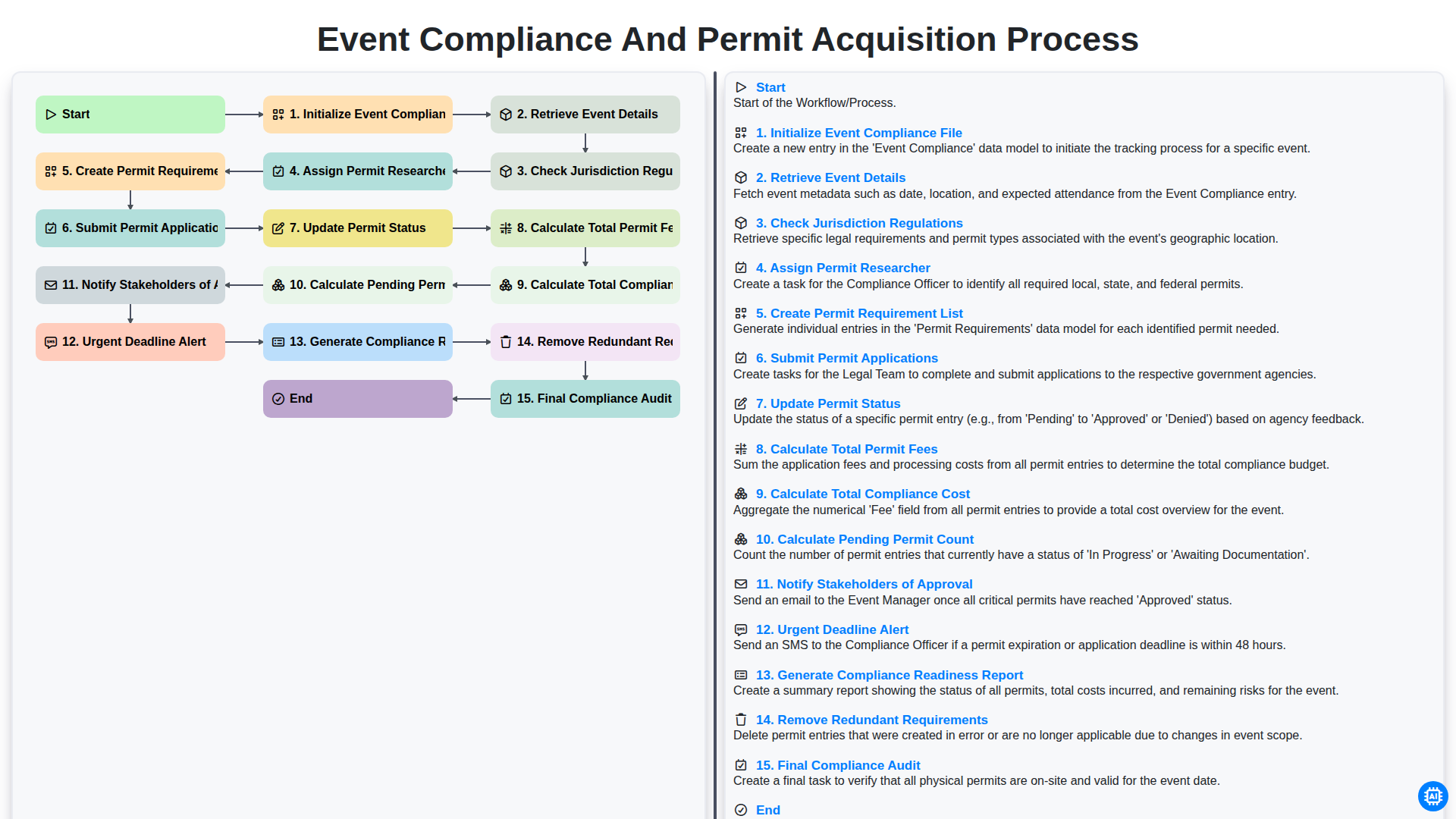
Event Compliance and Permit Acquisition Process
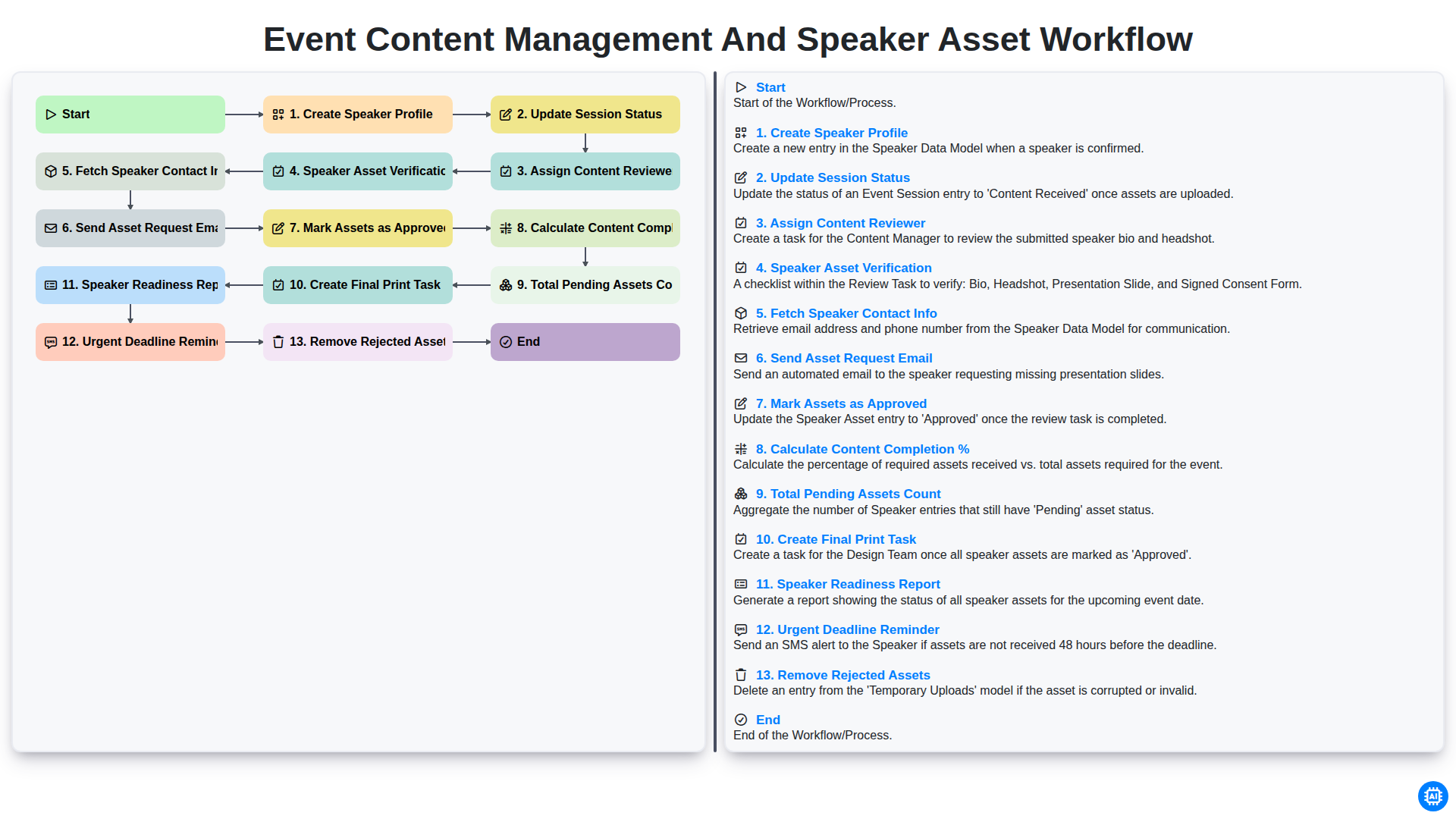
Event Content Management and Speaker Asset Workflow
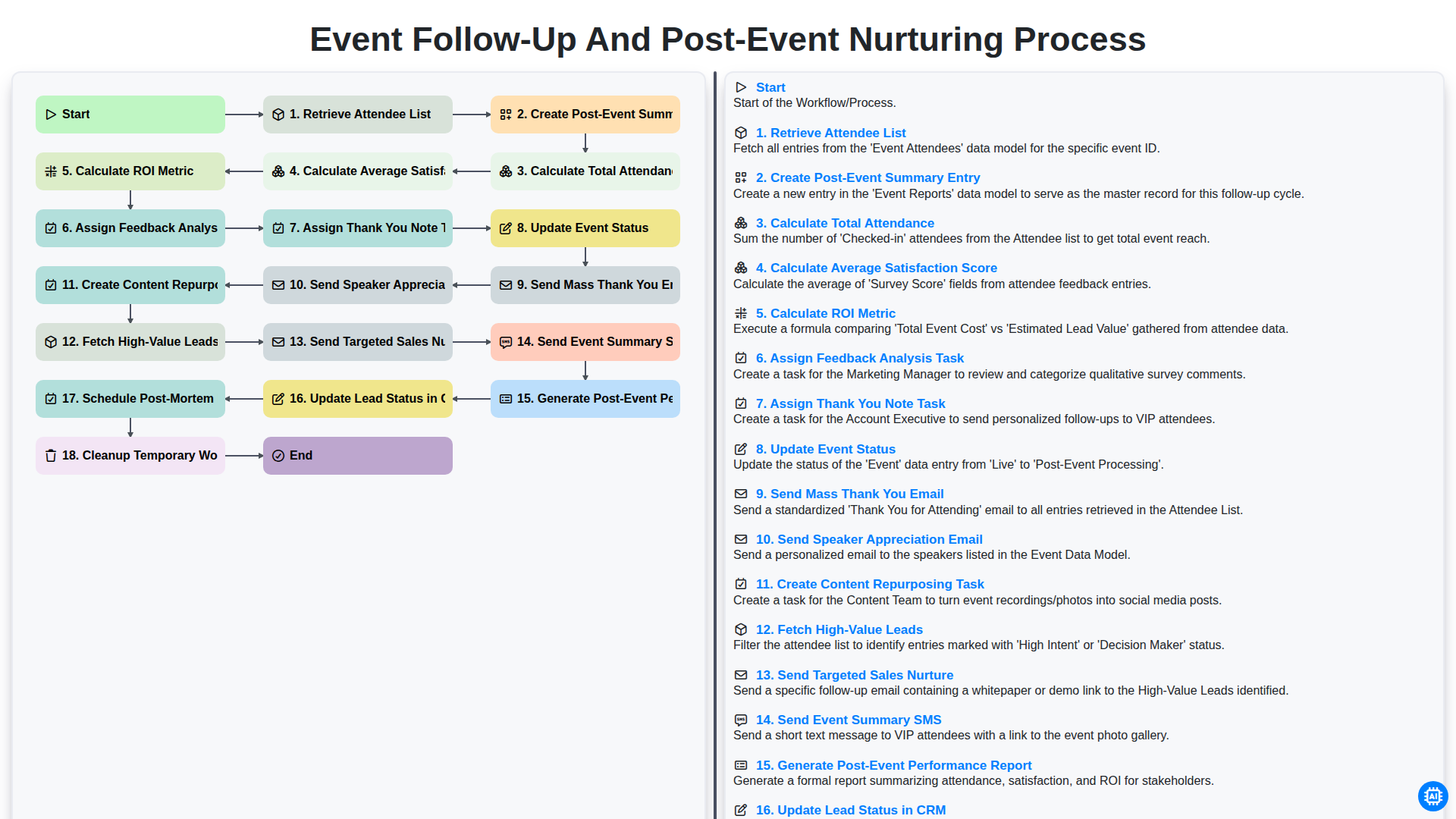
Event Follow-up and Post-Event Nurturing Process
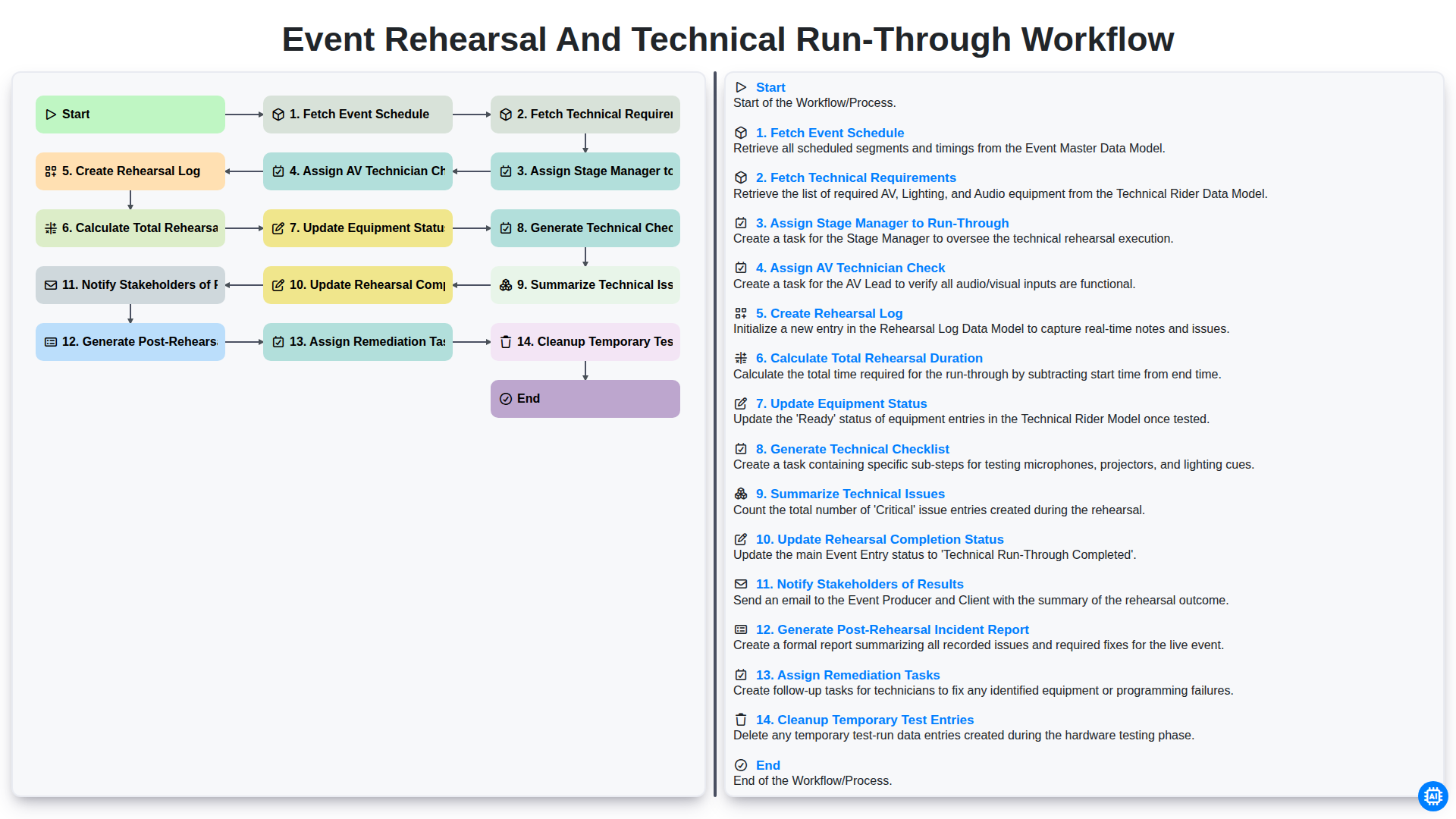
Event Rehearsal and Technical Run-Through Workflow
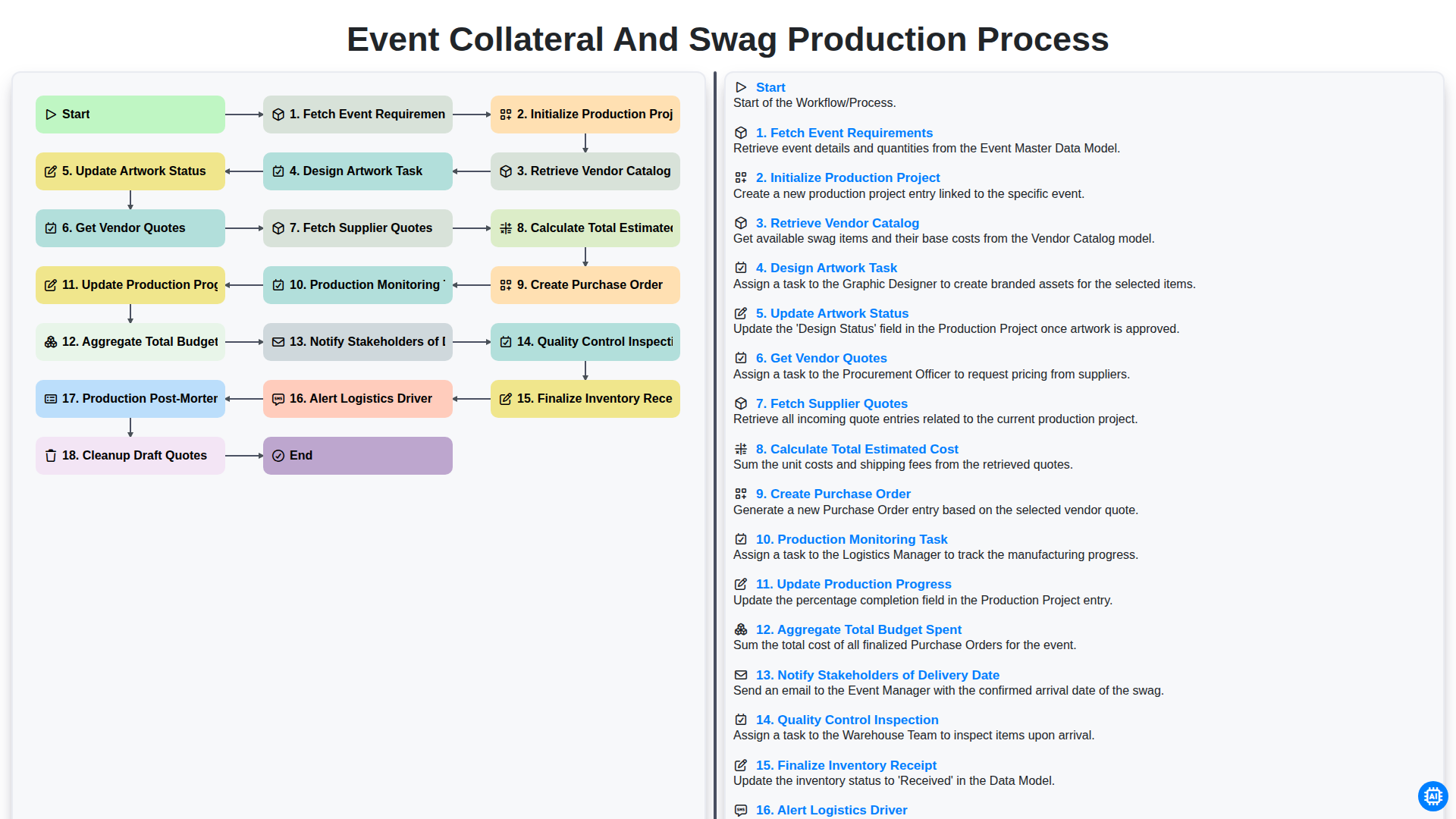
Event Collateral and Swag Production Process
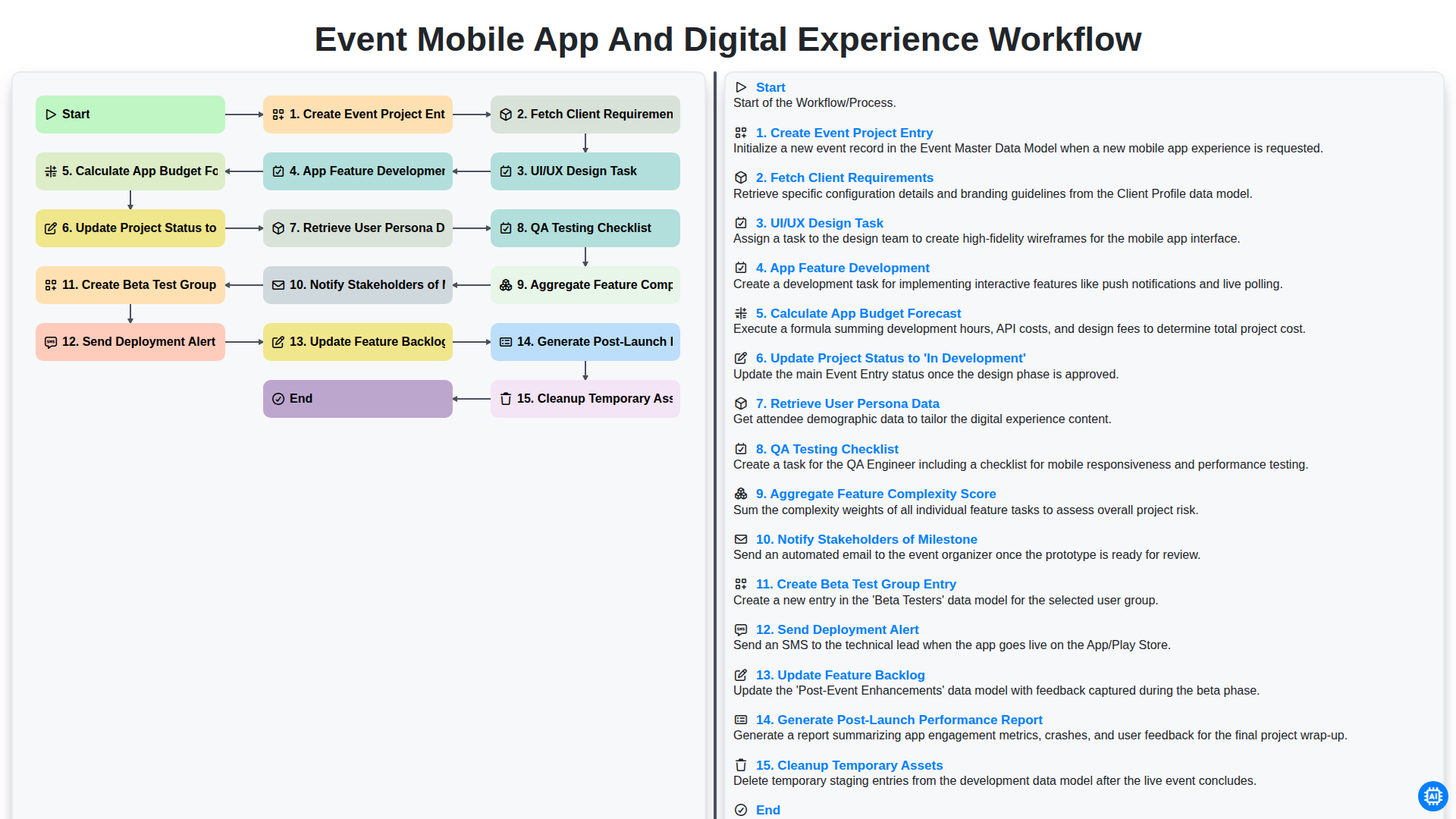
Event Mobile App and Digital Experience Workflow
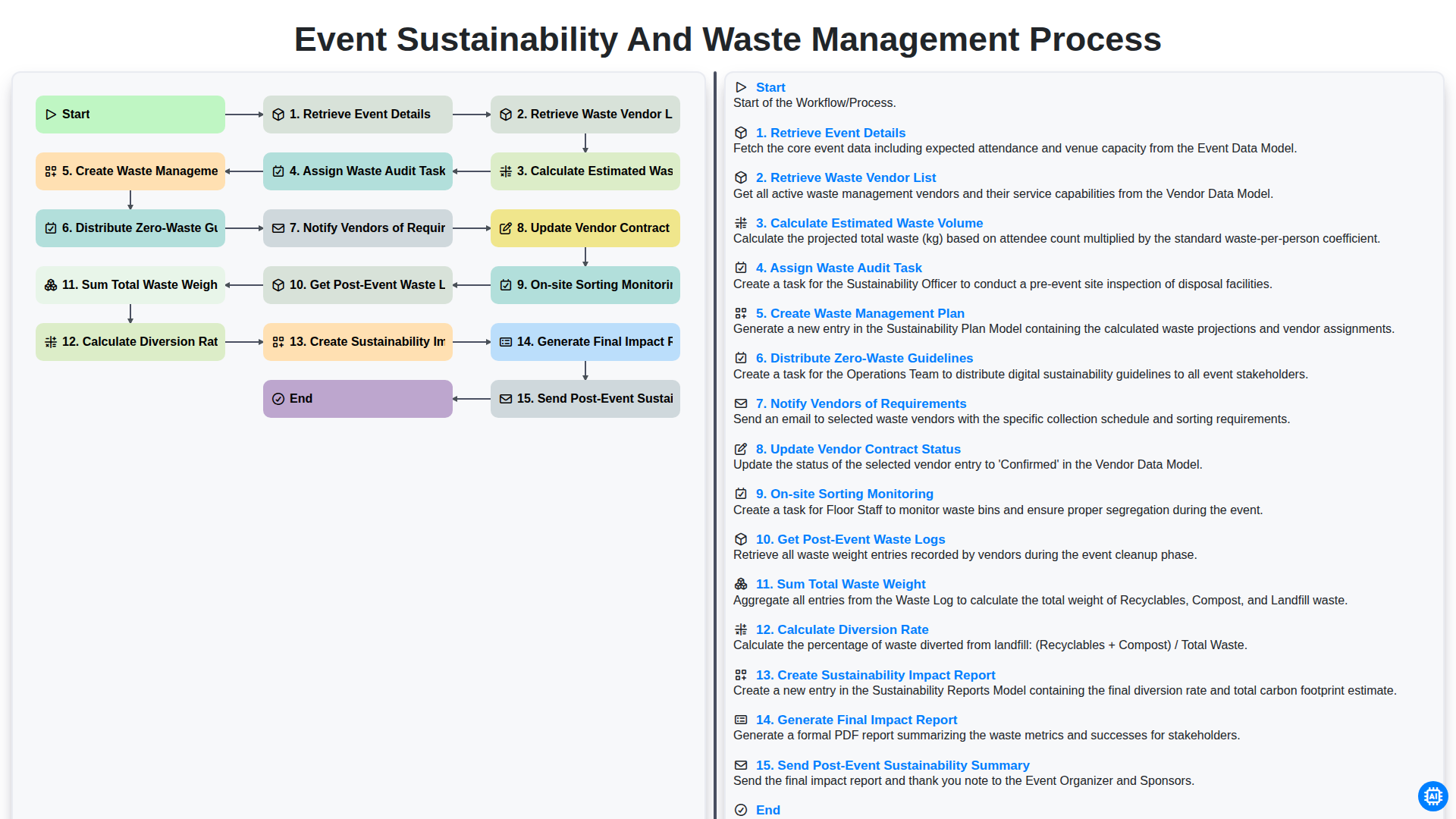
Event Sustainability and Waste Management Process
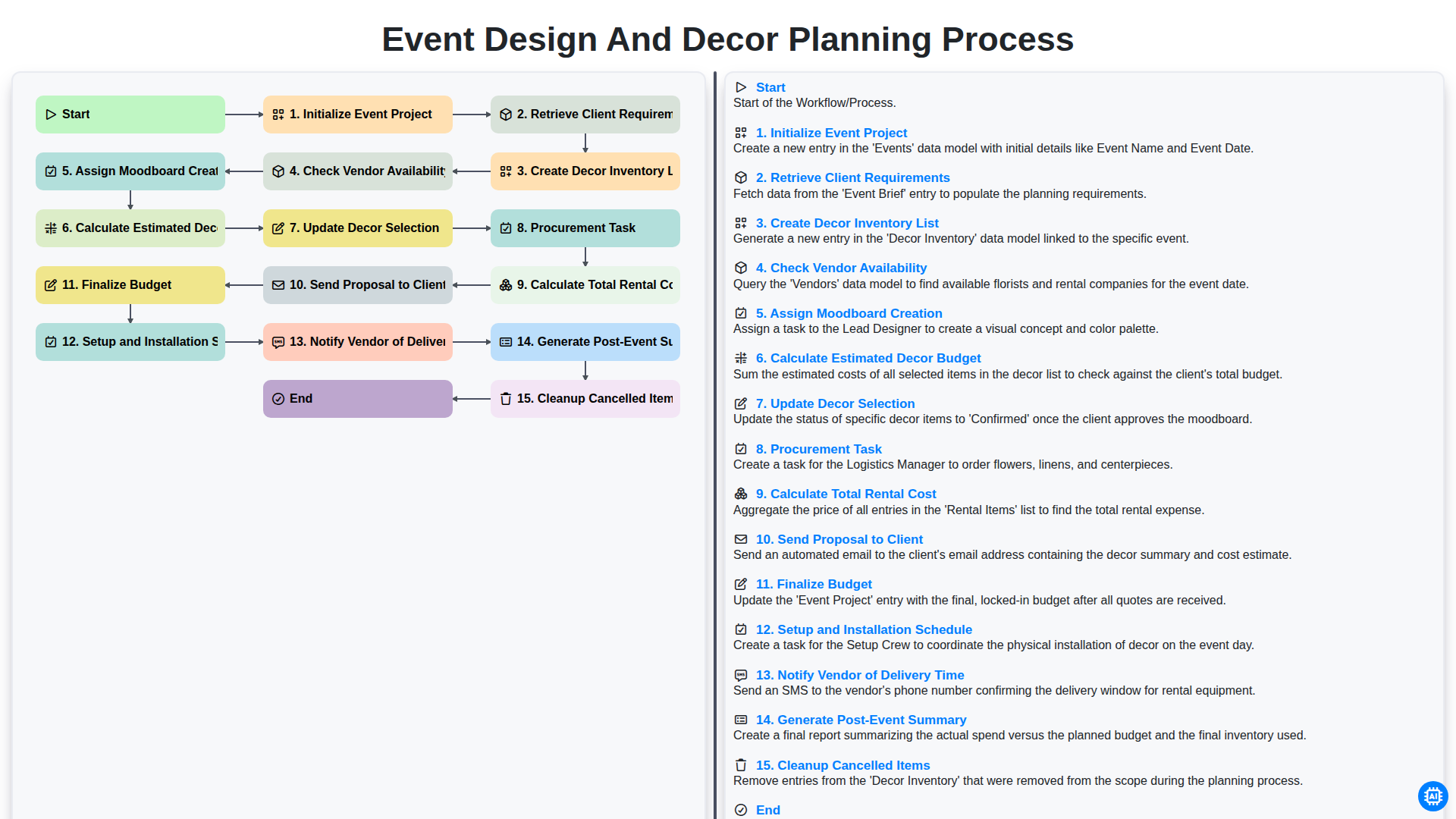
Event Design and Decor Planning Process
Podemos hacerlo juntos
¿Necesita ayuda con las listas de verificación?
¿Tienes alguna pregunta? Estamos aquí para ayudarte. Envía tu consulta y te responderemos a la brevedad.